Overview
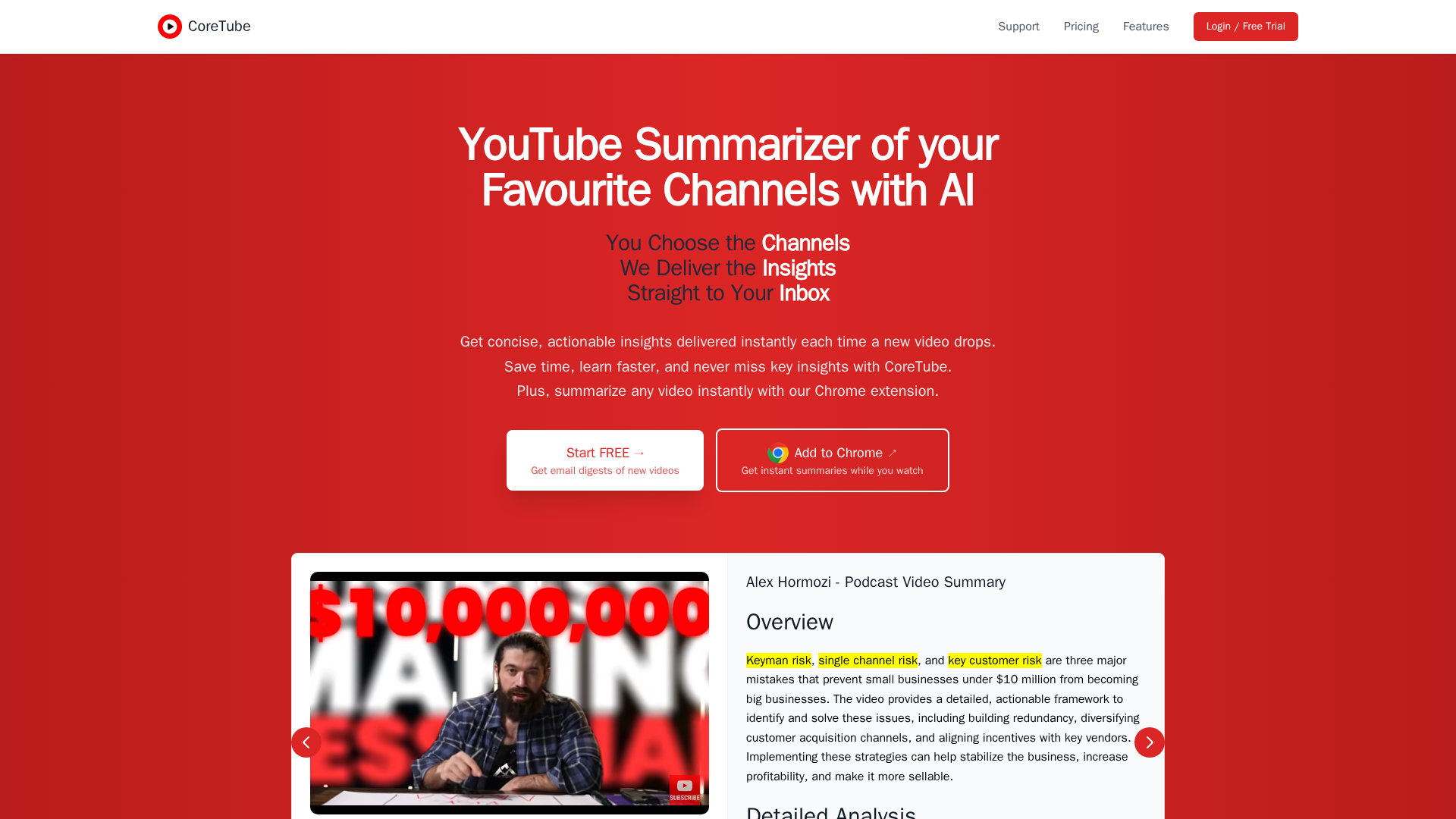
CoreTube is an AI-powered service that automatically generates concise, actionable summaries of YouTube videos from the channels you follow. It provides instant in-browser summaries via a Chrome extension while you watch, and can deliver periodic email digests or per-video email summaries so you can stay updated without watching every full video. Users connect with Google Sign-In, select which subscribed channels to monitor, and configure per-channel delivery and minimum-duration filters (to skip Shorts). Summaries include high-level insights, recommended actions, and timestamps to jump to important moments in videos. The product emphasizes time-saving, practical takeaways, and per-channel customization to scale across many subscriptions.
Key Features
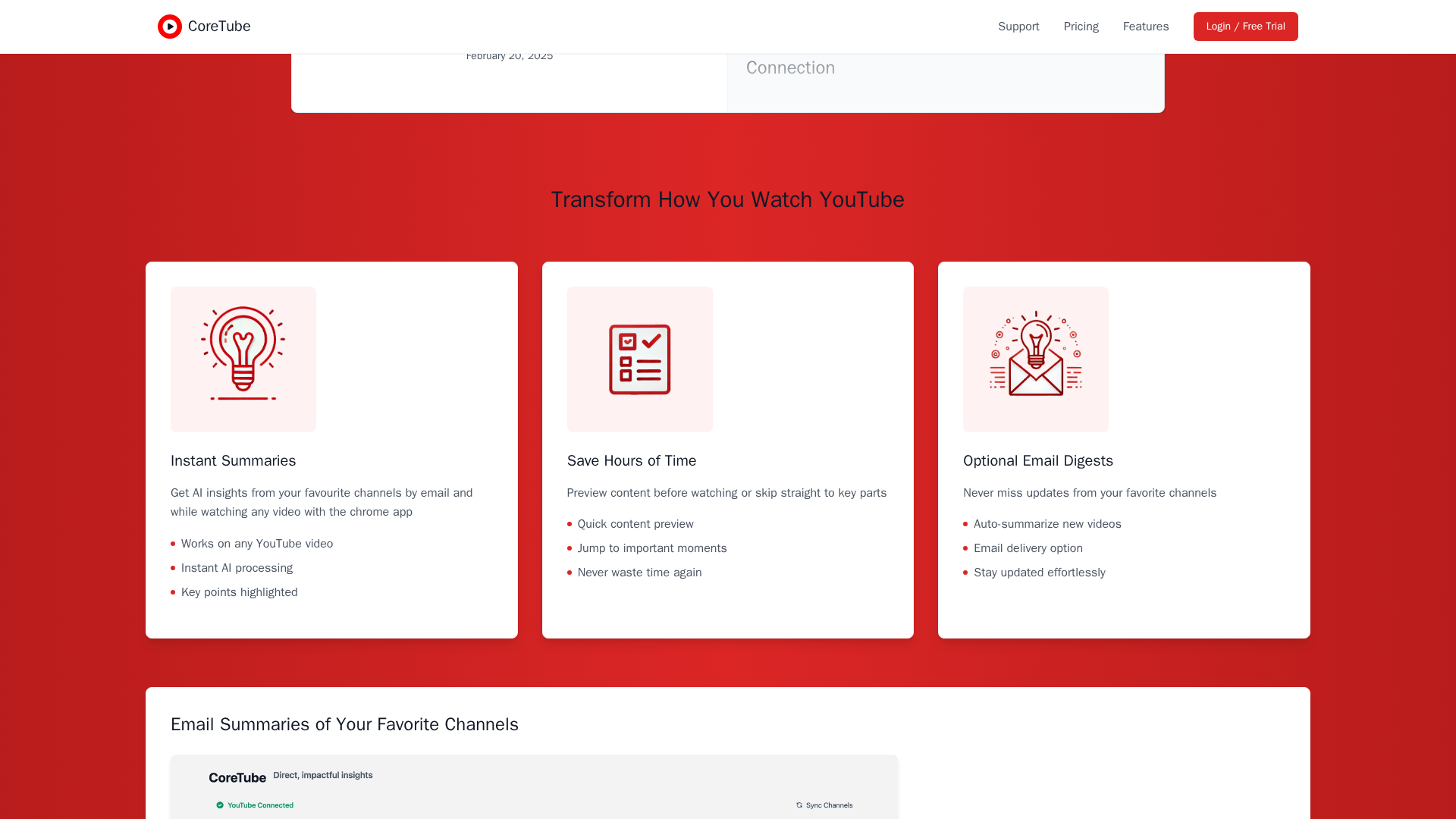
Instant Summaries (Chrome extension)
Generate quick AI summaries while watching YouTube videos; highlights key points and jump-to timestamps.
Email Summaries & Digests
Automatic per-video emails or periodic digests with summaries from selected channels delivered to your inbox.
Per-channel Auto-Summarize & Preferences
Connect your YouTube account, choose channels to monitor, enable auto-summarize, and set delivery rules per channel.
Scalable Channel Tracking
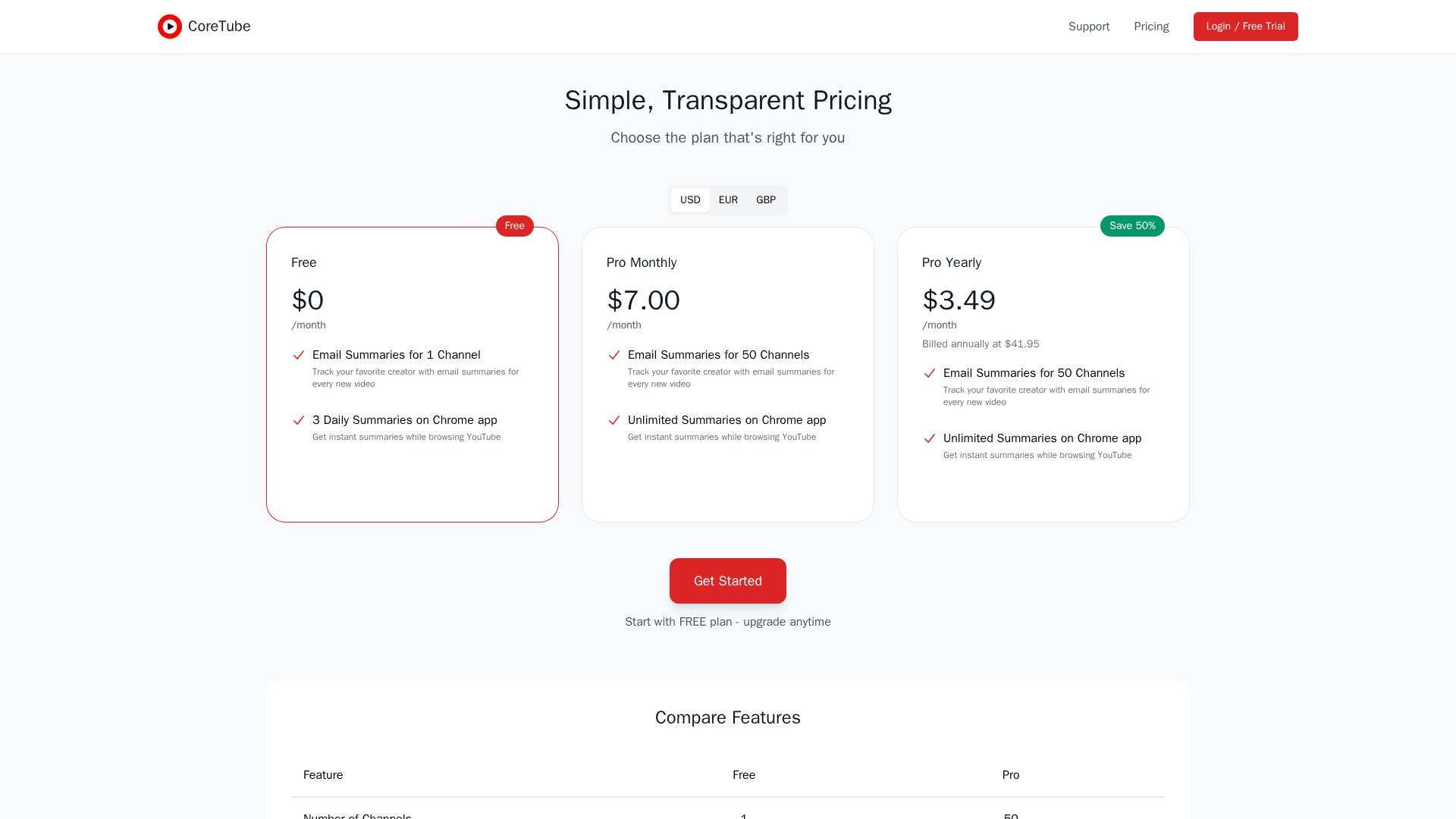
Free plan tracks 1 channel; Pro plans support up to 50 channels (add more channels based on plan limits).
Short/Minimum Duration Filter
Option to skip short videos (Shorts) by setting a minimum video duration threshold for summarization.
Account Authentication & Data Controls
Google Sign-In for authentication; users can request data deletion and adjust email preferences.
Who Can Use This Tool?
- Knowledge Workers:Stay current by receiving quick summaries of industry YouTube content without watching full videos.
- Entrepreneurs:Monitor business and strategy channels to extract actionable insights and opportunities quickly.
- Lifelong Learners:Digest educational and research videos through email digests to learn efficiently.
- Content Consumers:Scan favorite creators’ new videos with per-channel summaries and jump-to timestamps.
Pricing Plans
Email summaries for one channel with three daily Chrome app summaries.
- ✓Email Summaries for 1 Channel
- ✓Track your favorite creator with email summaries for every new video
- ✓3 Daily Summaries on Chrome app
- ✓Get instant summaries while browsing YouTube
Email summaries for up to 50 channels with unlimited Chrome app summaries.
- ✓Email Summaries for 50 Channels
- ✓Track your favorite creator with email summaries for every new video
- ✓Unlimited Summaries on Chrome app
- ✓Get instant summaries while browsing YouTube
Yearly billed plan: email summaries for up to 50 channels with unlimited Chrome app summaries.
- ✓Email Summaries for 50 Channels
- ✓Track your favorite creator with email summaries for every new video
- ✓Unlimited Summaries on Chrome app
- ✓Get instant summaries while browsing YouTube
Pros & Cons
✓ Pros
- ✓Saves significant time by delivering concise, actionable video summaries
- ✓Instant in-browser summaries via Chrome extension while watching YouTube
- ✓Per-channel auto-summarize and per-channel delivery preferences
- ✓Email digests and per-video email summaries for inbox-style consumption
- ✓Privacy-focused language: limited data retention and clear deletion rights
✗ Cons
- ✗Limited public reviews or third-party validation found online
- ✗No obvious mobile app (mobile support not mentioned)
- ✗Some data (e.g., certain numeric facts) may be missing if not present in source videos
- ✗Email delivery relies on a third-party (ShareGrid) for sending, which may be a privacy point for some users
Related Articles (2)

AI-powered YouTube summaries delivered via email and a Chrome extension for instant insights.
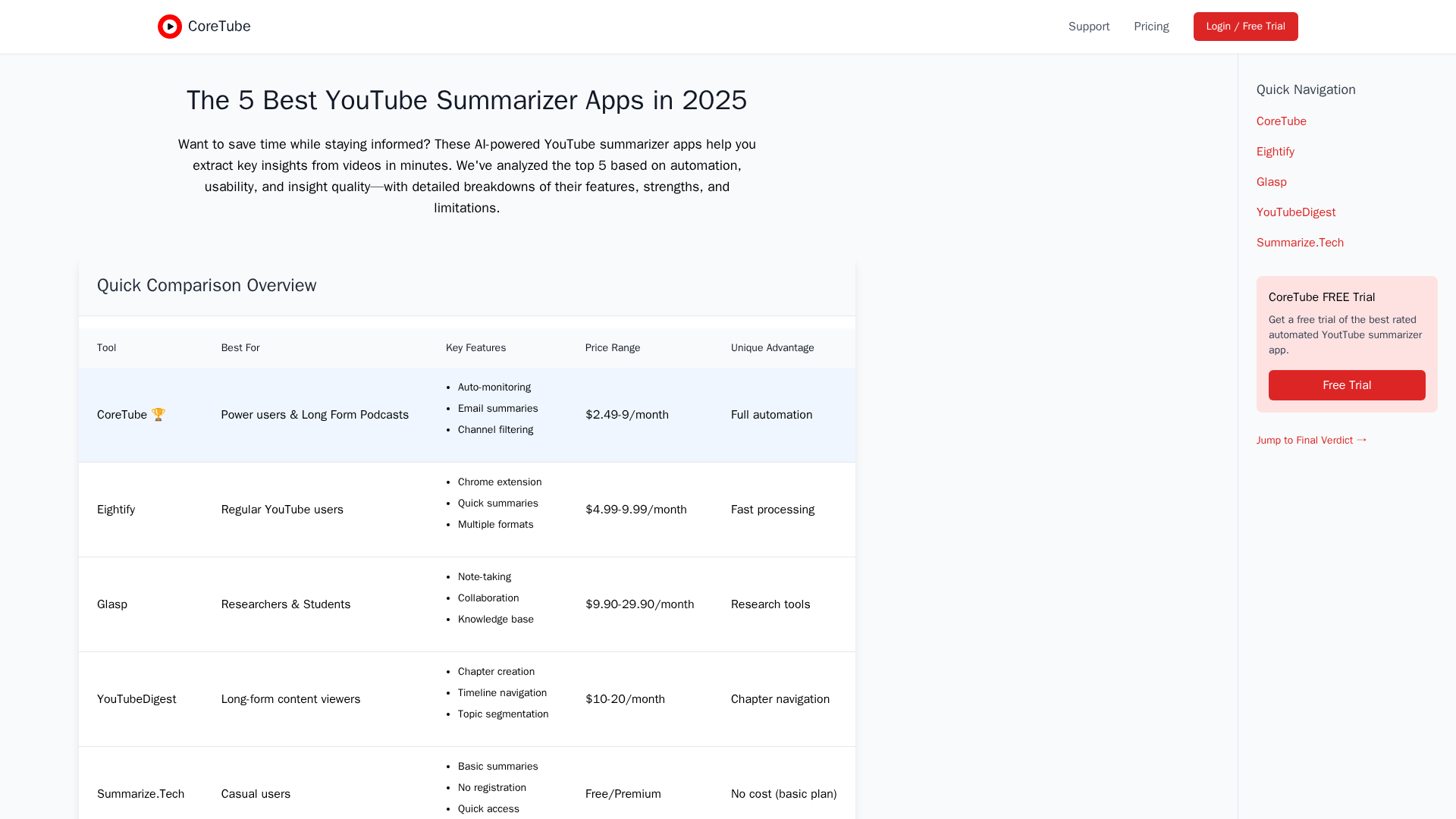
A side-by-side comparison of the top 5 YouTube summarizers for 2025, focusing on automation, speed, and best-use cases.