Overview
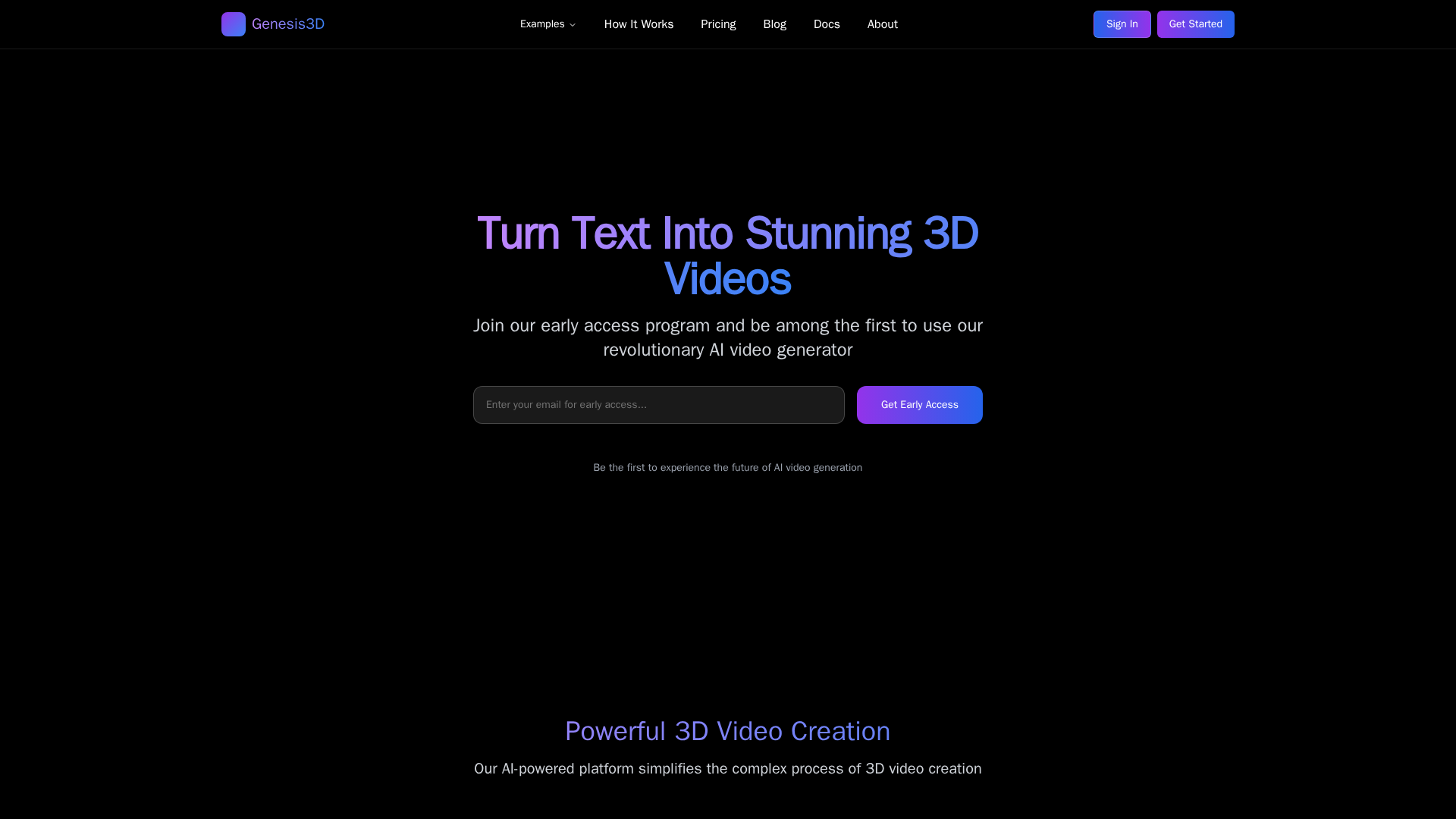
Genesis 3D AI is a web-based platform that helps creators produce high-quality 3D videos quickly without deep 3D expertise. The platform emphasizes template-driven and AI-assisted scene generation, providing a library of ready-to-use 3D assets, scene prompts, and a drag-and-drop editor so users can customize lighting, camera angles, textures, and motion presets. Real-time previews, voiceover and text overlay support, and export options for multiple formats enable rapid iteration and distribution across marketing, education, and social channels. The site highlights use cases such as product demos, explainers, tutorials and promotional social content, positioning the tool for content creators and marketing teams that need fast, scalable 3D video production.
Key Features
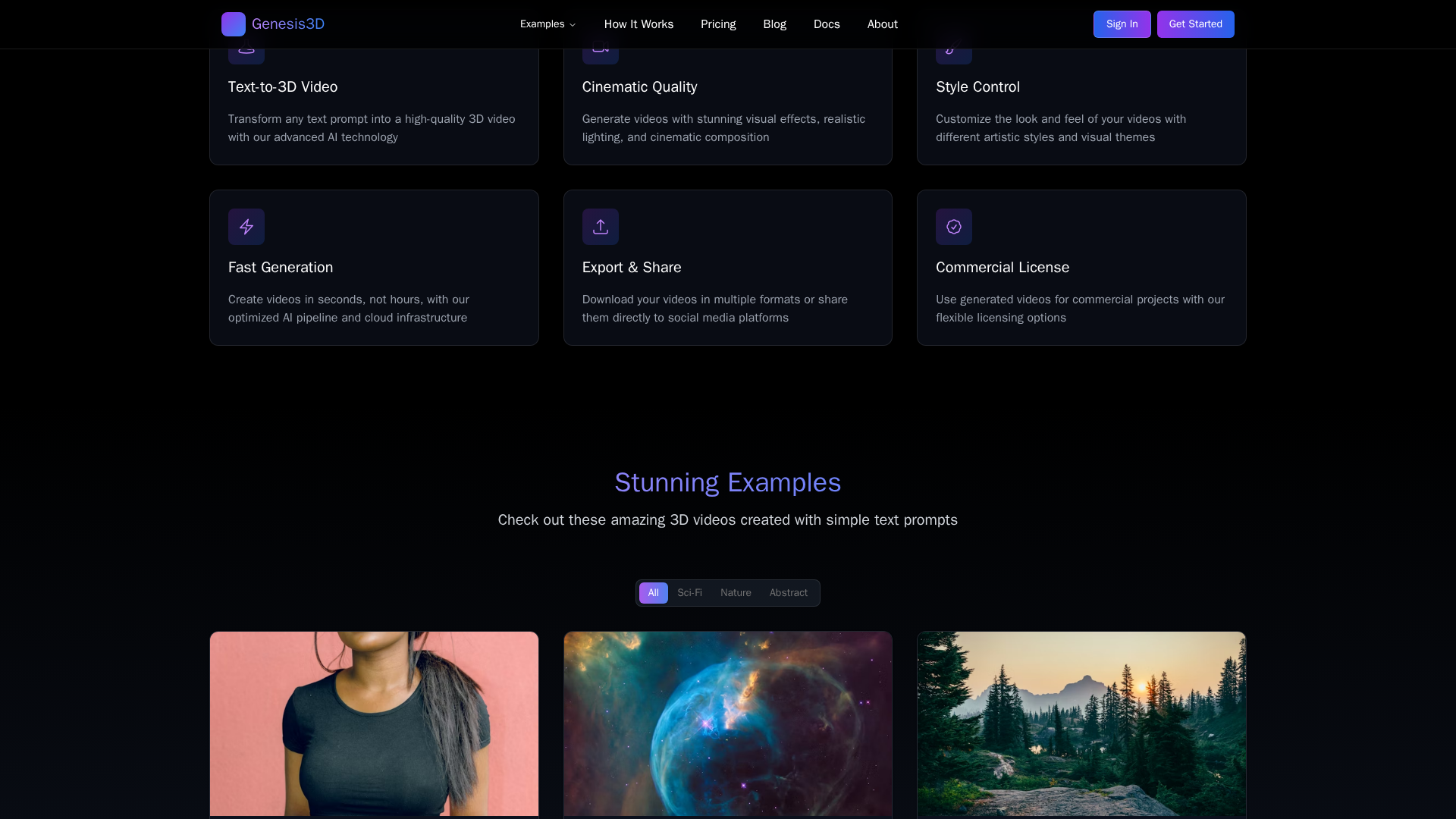
AI-Assisted Scene Generation
Generate scene layouts and animations from text prompts or presets to accelerate concept creation.
Asset Library & Templates
Ready-to-use 3D assets and templates for product demos, social videos, and explainers.
Drag-and-Drop Editor
Visual editor enabling non-technical users to arrange scenes, adjust timing, and compose shots.
Real-Time Previews
Immediate visual feedback to iterate quickly on lighting, camera angles, motion, and textures.
Camera/Lighting/Texture Controls
Fine-tune lighting, camera angles, and material textures to polish final renders.
Voiceover & Text Overlays
Add narration, captions, or text overlays to enhance storytelling and accessibility.

Who Can Use This Tool?
- Content Creators:Produce short-form 3D videos and social content quickly without advanced 3D skills
- Marketers:Create product demos and promotional videos for campaigns and social distribution
- Educators/Trainers:Build explainer videos and tutorials with 3D visuals to improve learner engagement
Pricing Plans
Pricing information is not available yet.
Pros & Cons
✓ Pros
- ✓Fast, template-driven workflow for creating 3D videos without advanced 3D skills.
- ✓AI-assisted scene generation and prompts speed up concept-to-video iteration.
- ✓Drag-and-drop editor with real-time preview simplifies editing and iteration.
- ✓Library of ready-to-use 3D assets, presets for lighting, cameras, textures, and motion.
- ✓Exports in multiple formats and supports voiceovers/text overlays for storytelling.
✗ Cons
- ✗Many key pages (pricing, docs, features, about, terms) returned 404, limiting transparency and trust.
- ✗No accessible pricing details or plan comparisons on the site.
- ✗No discoverable third-party reviews, community presence, or adoption metrics to verify market traction.
- ✗Potential limitations implied: browser performance constraints and render-quality variability (not fully documented).
Related Articles (4)
Discover how to create stunning AI-powered 3D videos quickly with Genesis3D AI.
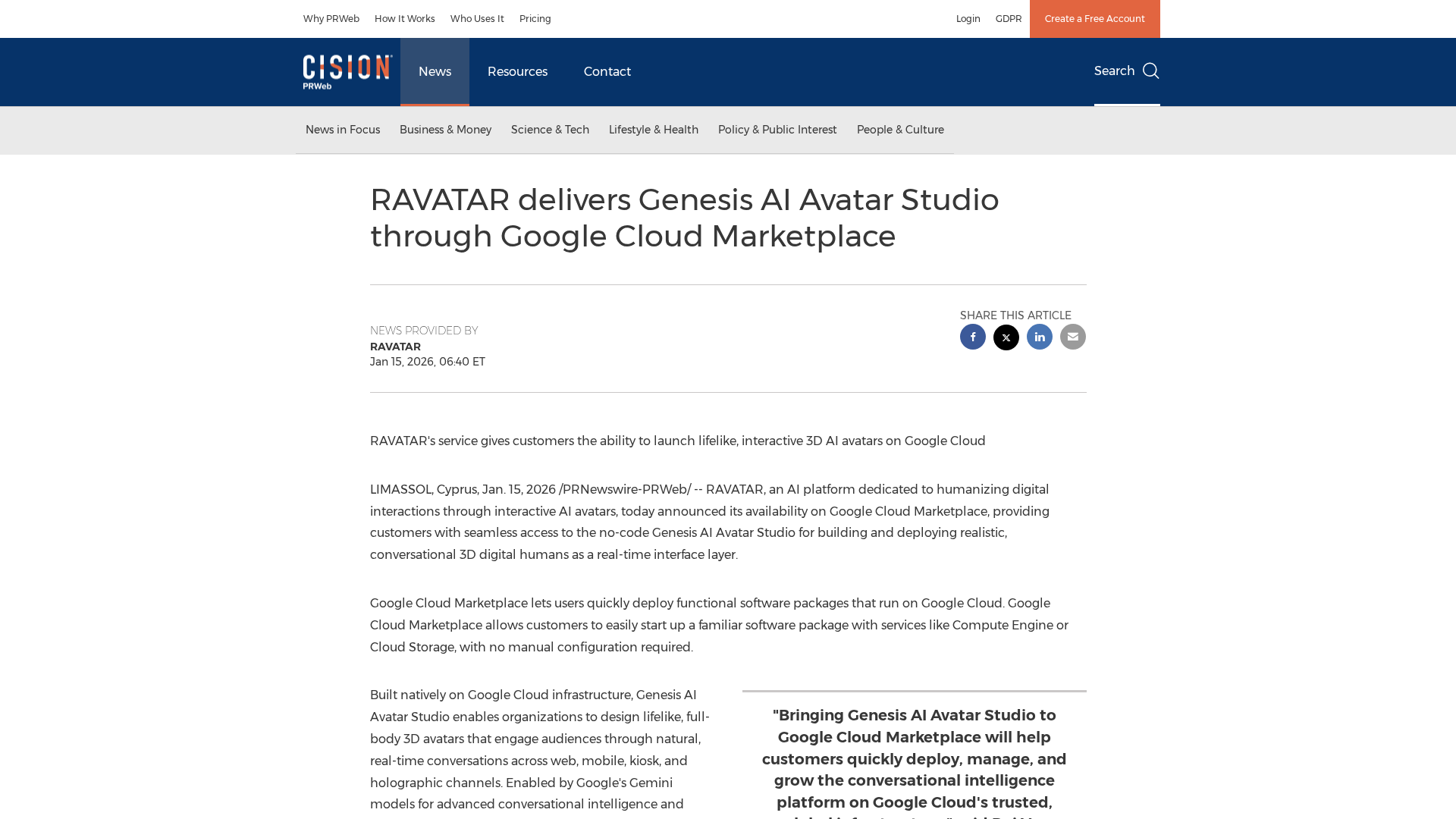
RAVATAR debuts Genesis AI Avatar Studio on Google Cloud Marketplace, a no-code platform to build and deploy lifelike 3D AI avatars at scale.
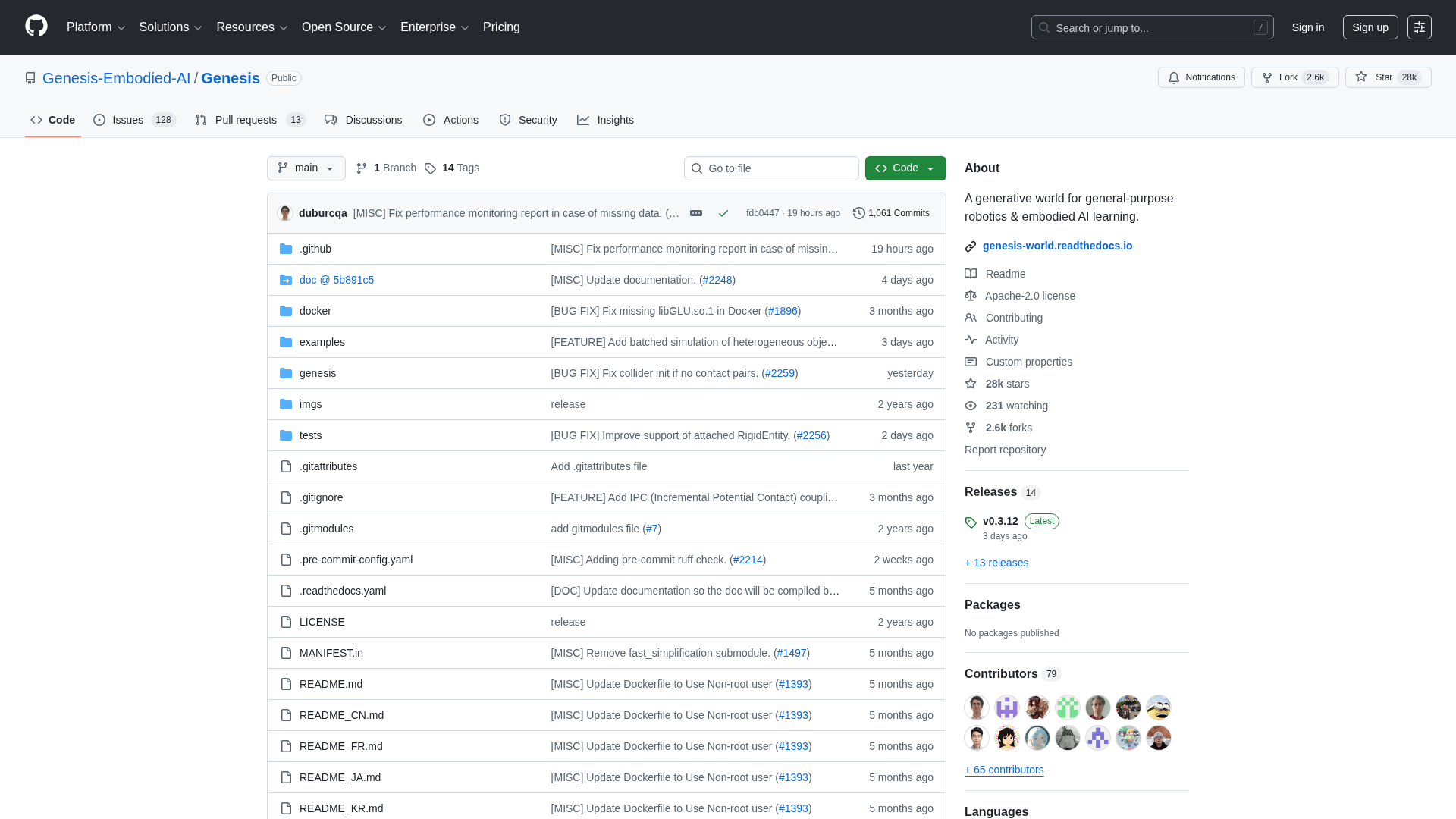
A fast, open-source physics engine and generative platform for robotics and embodied AI research.
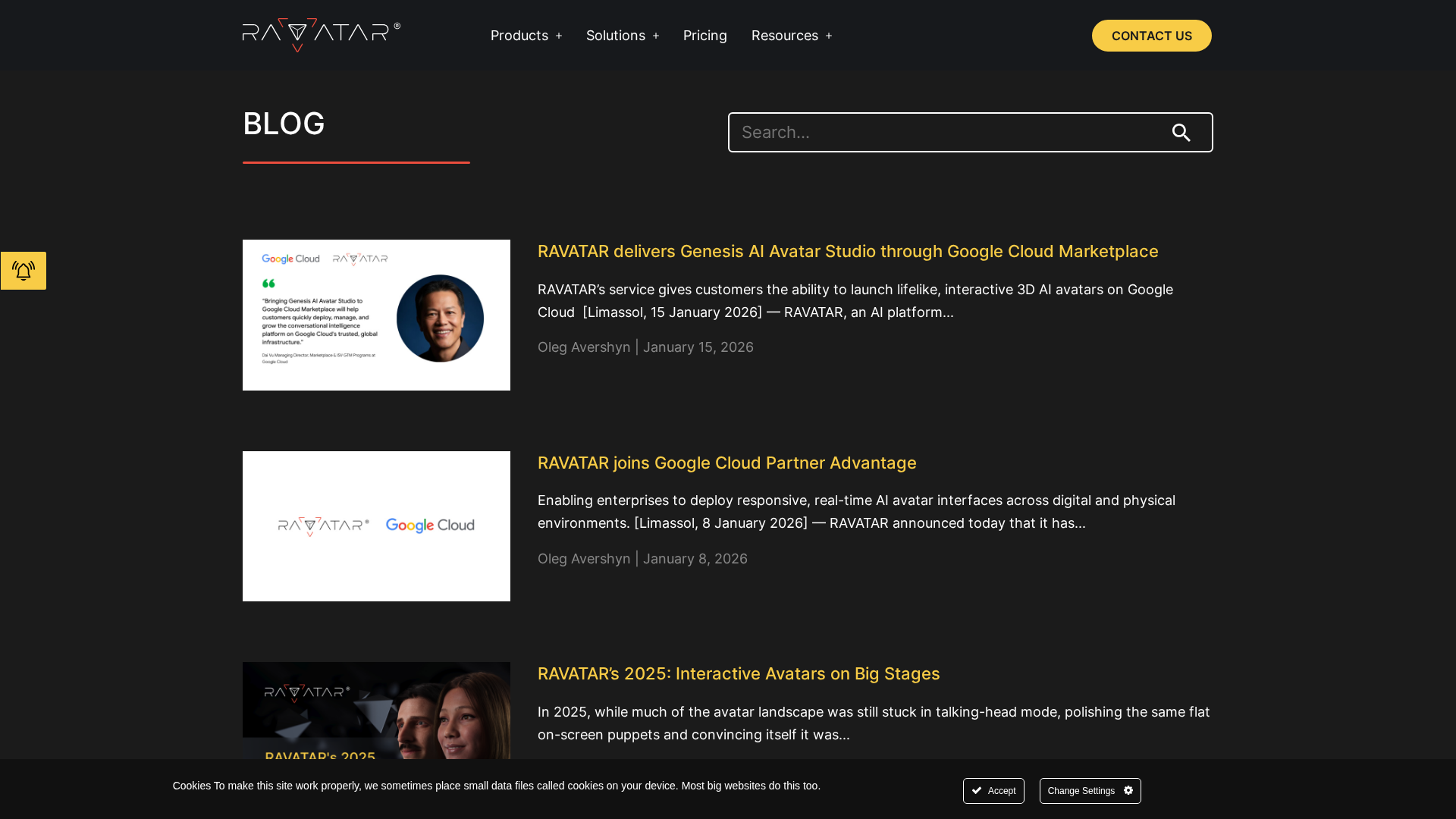
RAVATAR’s blog highlights real-time 3D AI avatars and holographic digital humans across industries, enabled by cloud partnerships and open protocols.