
Overview
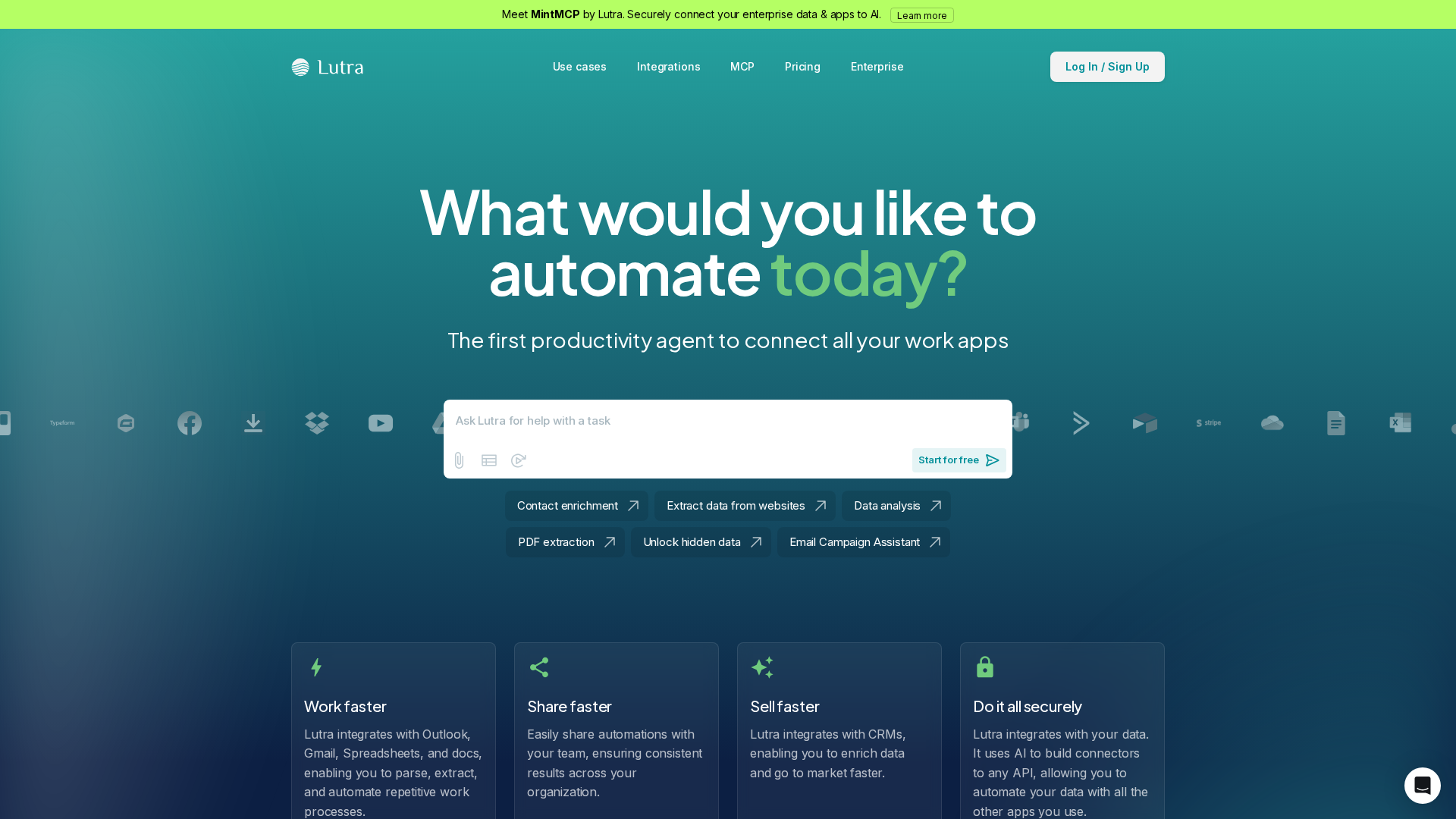
Lutra converts natural-language instructions into runnable automation Playbooks and API connectors. Core capabilities include: natural-language→code generation for Playbooks and agents; modular Playbooks that can be saved, scheduled, reused, and shared; AI-assisted connector creation to interact with virtually any API; a broad integrations ecosystem (Google Workspace, Outlook, Slack, HubSpot, Airtable, GitHub, Stripe, Xero, LinkedIn, and more); data-processing features such as structured data extraction, classification, drafting, and enrichment (e.g., CRM enrichment); and multiple automation types including email & calendar automation, document processing, CRM updates, web research, spreadsheet syncs, and scheduled automations. Security and compliance are emphasized (SOC 2 referenced in help content, end-to-end encryption in transit and at rest, minimal data retention practices, and enterprise security/customization options). Pricing is a flat subscription base plus usage-based credits for AI-intensive actions; the site references a free individual tier and Professional and Custom/Enterprise tiers but does not publish per-credit prices on the public pricing page (it points to Help Center docs for credit details). Primary support/documentation is hosted in the Help Center (help.lutra.ai). Notable use-cases include CRM automation (real-time Google Sheets sync), data enrichment, document extraction to Sheets/Docs, email triage and scheduling, and web research feeding CRMs or spreadsheets. Known information gaps include exact per-credit pricing and allocations, free-tier limits (monthly credits/actions), and detailed enterprise deployment/SSO/on-prem/VPC options — the site and Help Center recommend contacting sales or [email protected] for those specifics.
Key Features
Natural-language → code
Converts English instructions into runnable code (Playbooks/agents) rather than only chat responses.
Playbooks
Modular workflows that can be saved, scheduled, reused, and shared across an organization.
Connectors
AI-assisted ability to build connectors quickly to interact with virtually any API (MintMCP / MCP referenced as model/context layer).
Integrations ecosystem
Broad integrations including Google Workspace (Gmail, Docs, Sheets, Drive, Calendar), Outlook, Slack, HubSpot, Airtable, GitHub, Stripe, Xero, LinkedIn, Keepa, AppFolio, and others.
Data processing
Extract structured data from documents, classify content, draft text, and perform data enrichment (for example, CRM enrichment).
Automation types
Supports email & calendar automation, document processing, CRM updates, web research, spreadsheets syncs, and scheduled automations.

Who Can Use This Tool?
- Developers:Build integrations, connectors, and automations via Playbooks and API access using natural-language instructions.
- Product teams:Create repeatable automations and workflows to integrate product data and tooling across services.
- Enterprises:Deploy enterprise-grade automations with organizational controls, security requirements, and custom credit bundles.
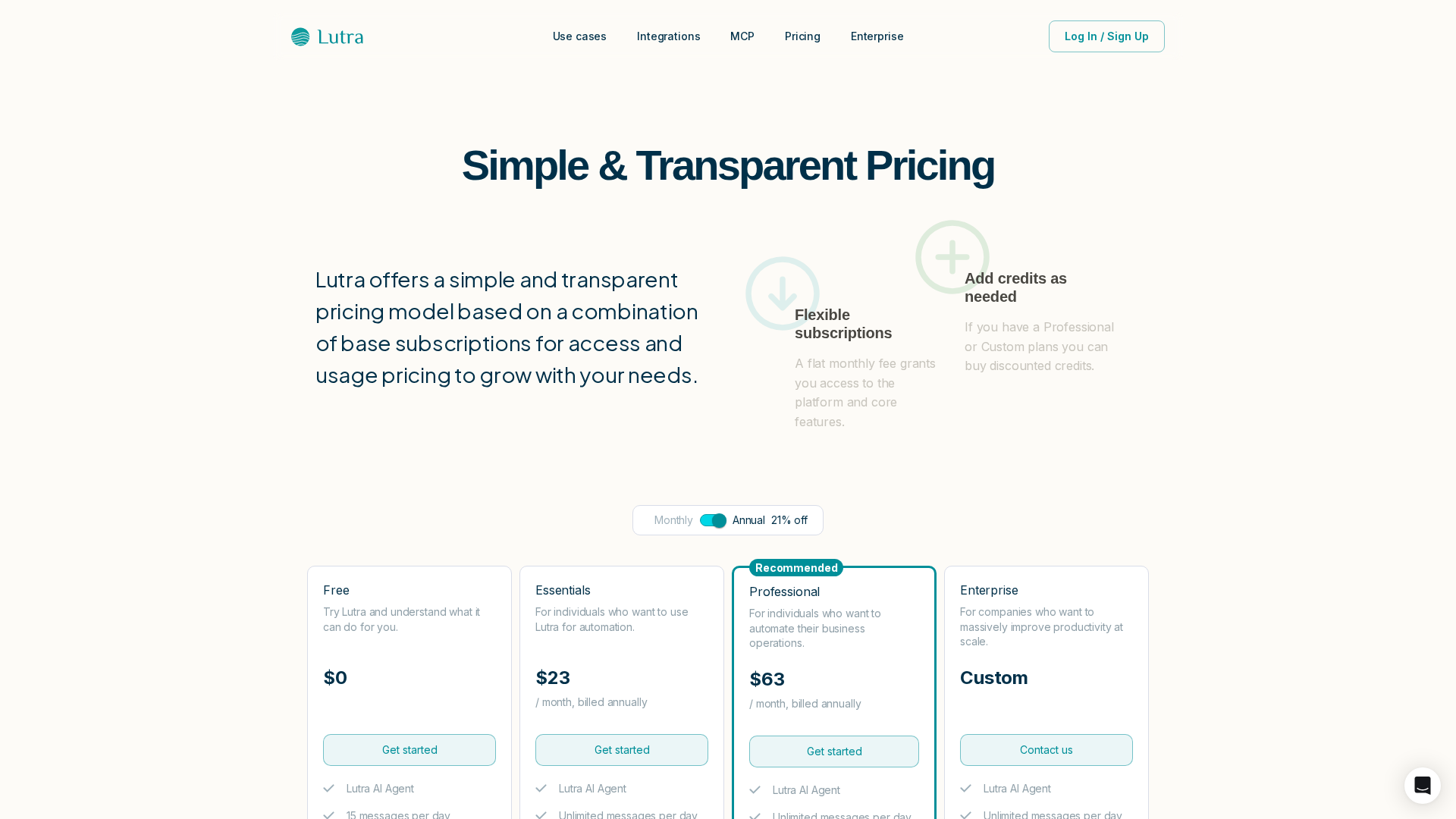
Pricing Plans
Free individual tier with limited access and credits; advertised as a trial/beginner option.
- ✓Access to basic Playbooks and connectors
- ✓Limited/no-cost baseline usage with credit limits (details in Help Center)
- ✓Sign-up via site login
Paid subscription tier with higher usage and access to discounted credits for AI-intensive actions.
- ✓Base subscription with included features
- ✓Usage via consumption credits for AI actions
- ✓Higher credit allowances and discounted credit pricing relative to free tier (per site wording)
Custom enterprise plans offering organizational controls, advanced security, and custom pricing/credit allocations.
- ✓Enterprise-grade security and organizational controls
- ✓Custom credit bundles and pricing
- ✓Dedicated sales/contact for deployment, SSO, retention policies
Pros & Cons
✓ Pros
- ✓Converts natural-language instructions into executable Playbooks and connectors (developer-focused automation).
- ✓Modular Playbooks that can be scheduled, reused, and shared across teams.
- ✓Wide integrations ecosystem covering major productivity and business apps.
- ✓Emphasis on security and enterprise controls (SOC 2 referenced; encryption in transit and at rest).
- ✓Help Center with documentation, use-case guides, and support contact options.
✗ Cons
- ✗Exact per-credit pricing and per-credit values are not published on the pricing page (page shows "Loading prices…").
- ✗Free-tier limits (monthly credits or actions) are not clearly listed on the public pricing page.
- ✗Detailed enterprise deployment options (on-prem / VPC / SSO specifics) are not published; sales/dev contact required for details.
Compare with Alternatives
| Feature | Lutra | Sola (Sola AI) | Lyzr |
|---|---|---|---|
| Pricing | N/A | N/A | $99/month |
| Rating | 8.2/10 | 8.0/10 | 8.2/10 |
| NL Fidelity | High NL-to-code fidelity | Good NL guidance for no-code flows | High-fidelity NL for agent orchestration |
| Playbook Authoring | Yes | Yes | Yes |
| Connector Ecosystem | Yes | Yes | Partial |
| Orchestration & Agents | Partial | Yes | Yes |
| Developer APIs | Yes | Yes | Yes |
| Security & Compliance | Yes | Partial | Yes |
| Observability Testing | Partial | Yes | Yes |
Related Articles (4)
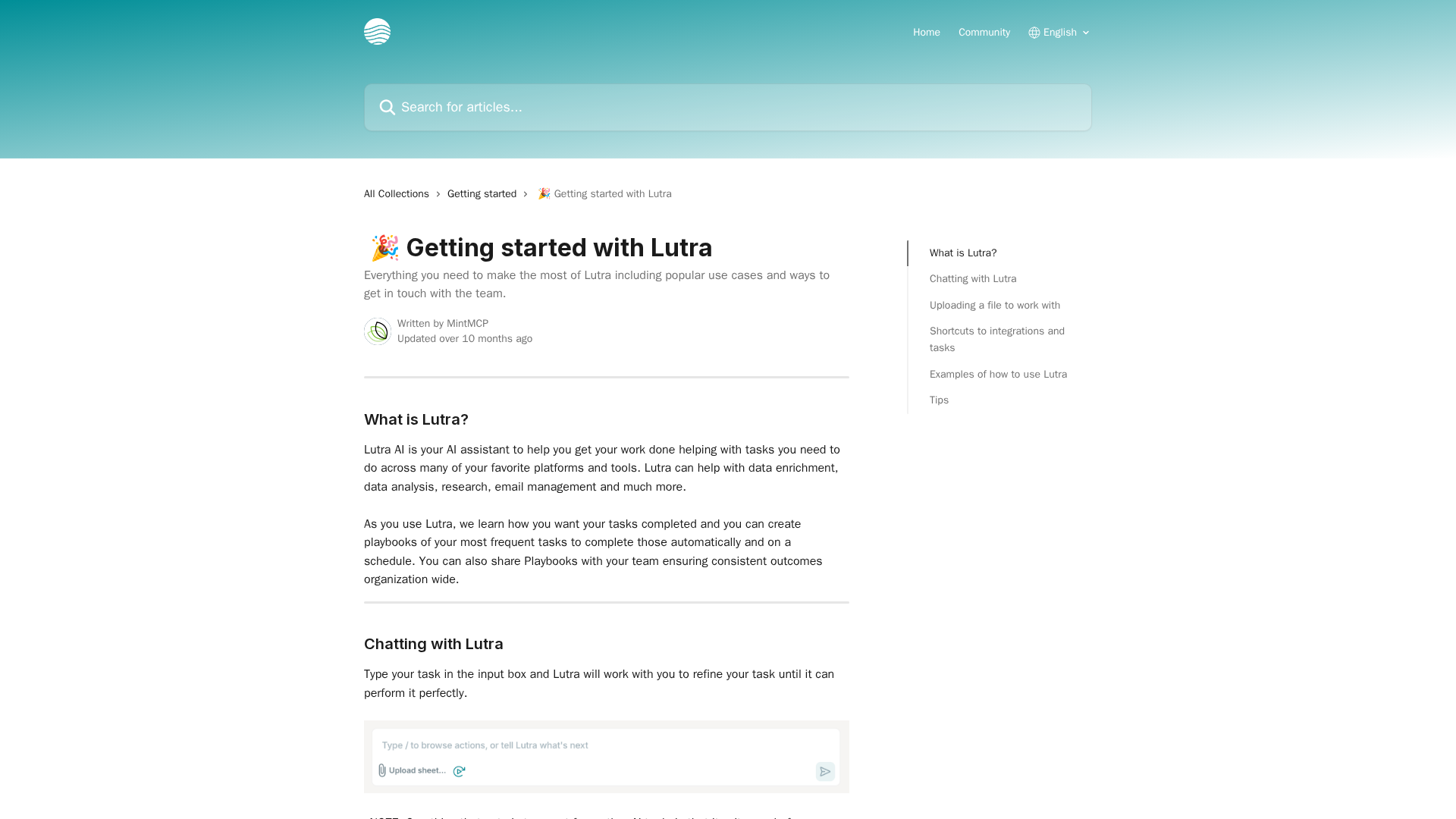
A beginner-friendly guide to using Lutra to automate tasks, manage data, and connect with your favorite tools.
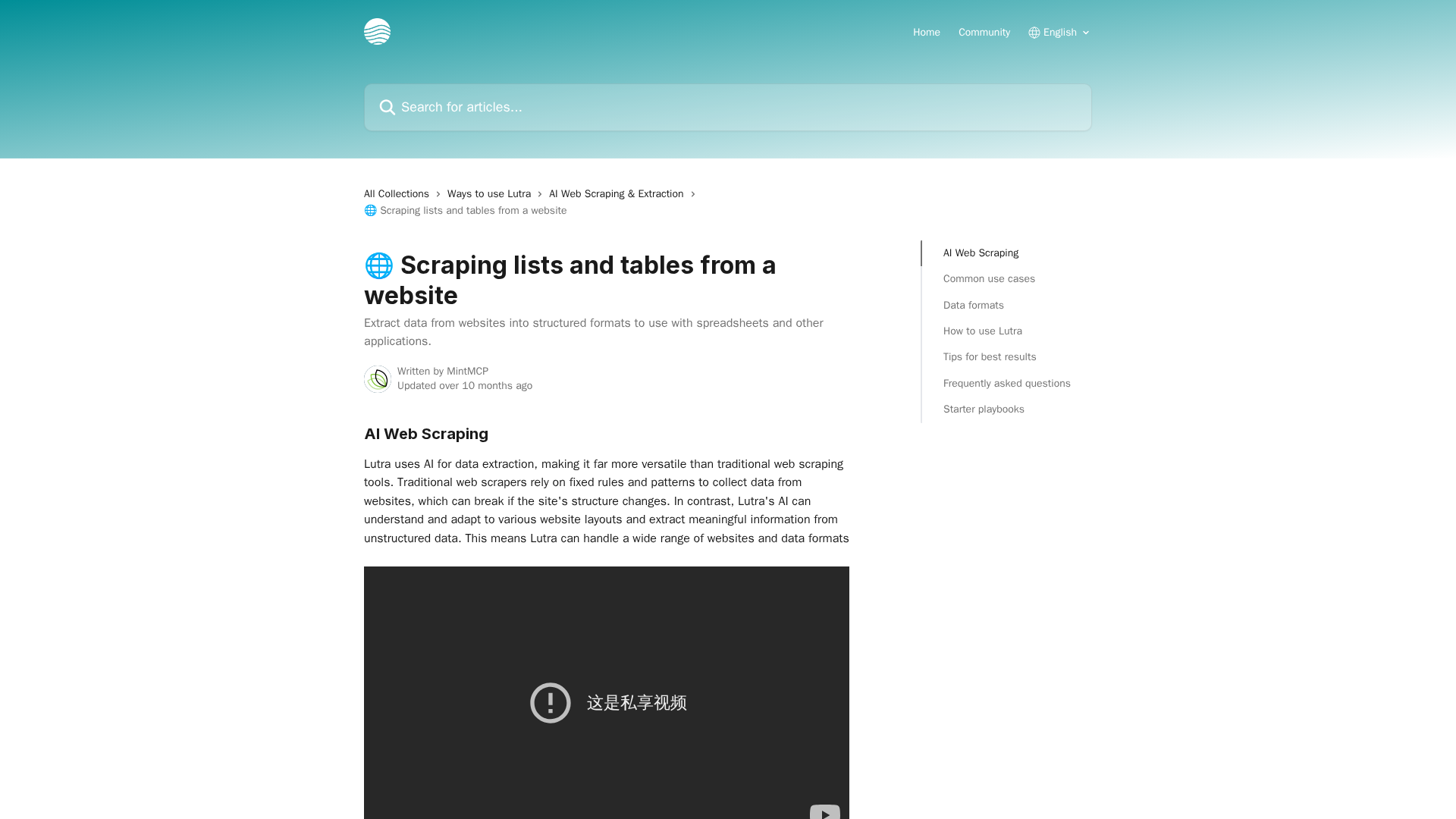
AI-driven guide to scraping lists and tables with Lutra, with outputs to Sheets, JSON, and automated Playbooks.
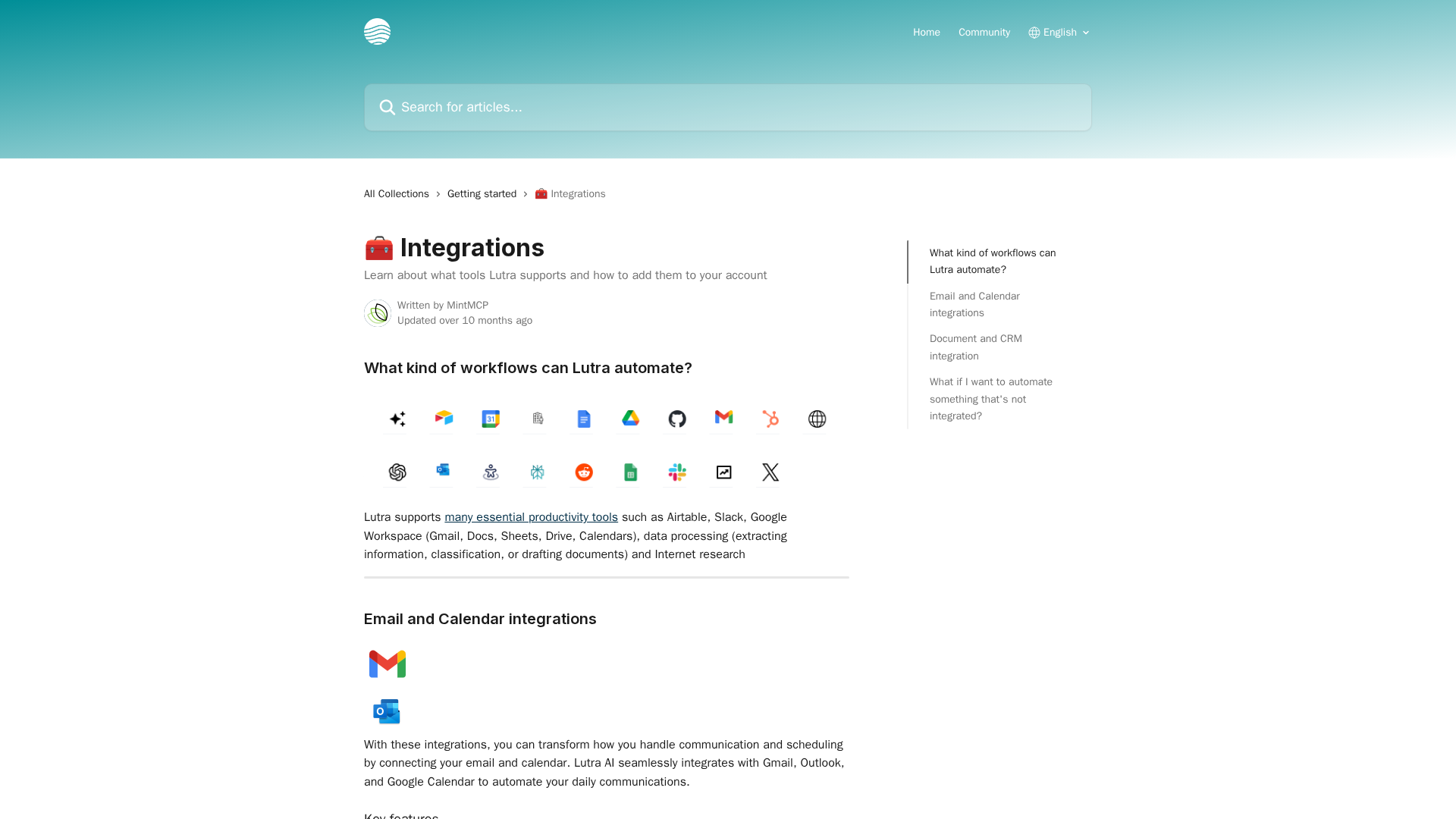
Explore Lutra's integrations for email, calendar, documents, and CRM to automate workflows.
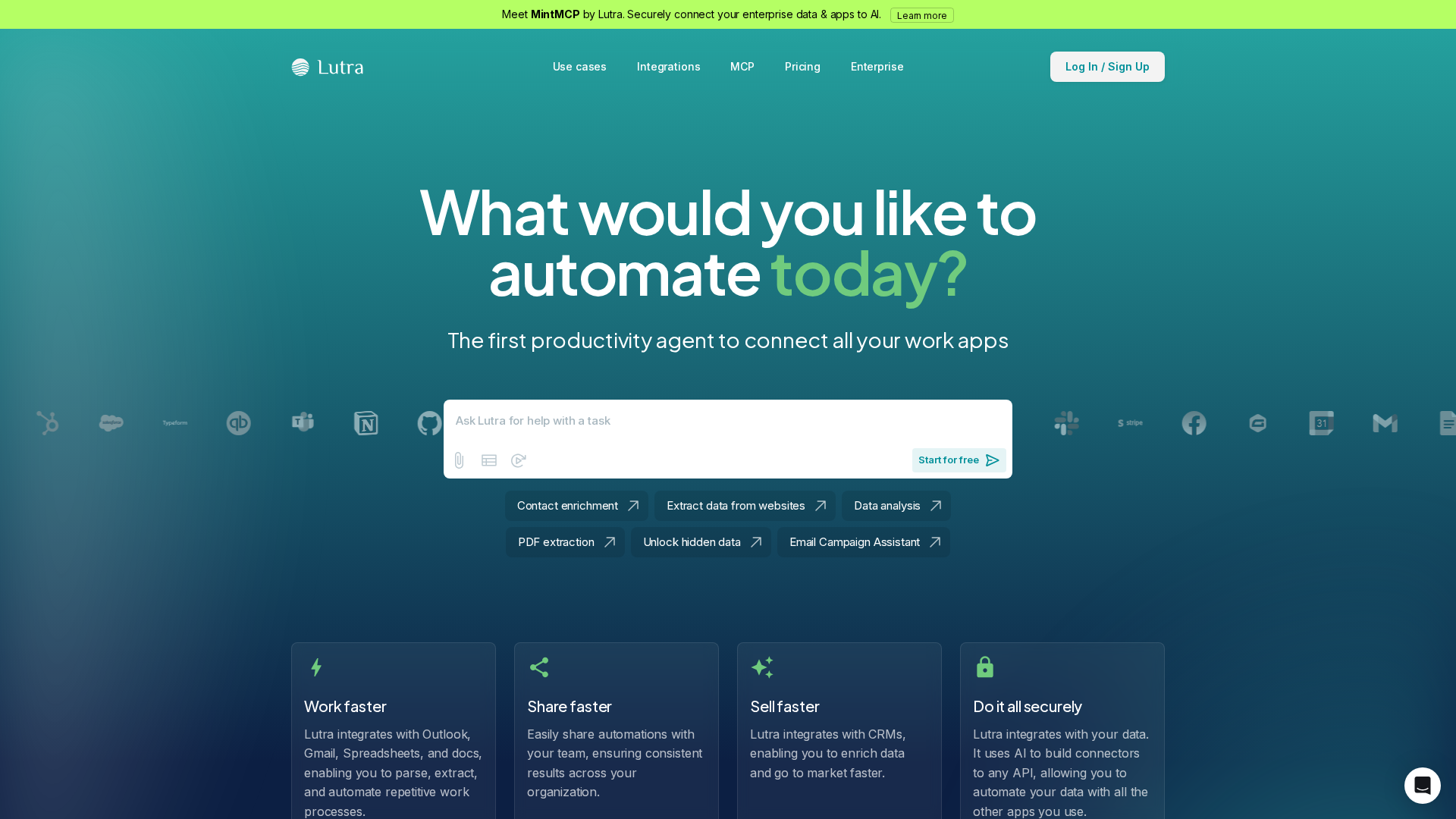
AI-powered automation across apps with secure connectors, playbooks, and customizable integrations.
