Overview
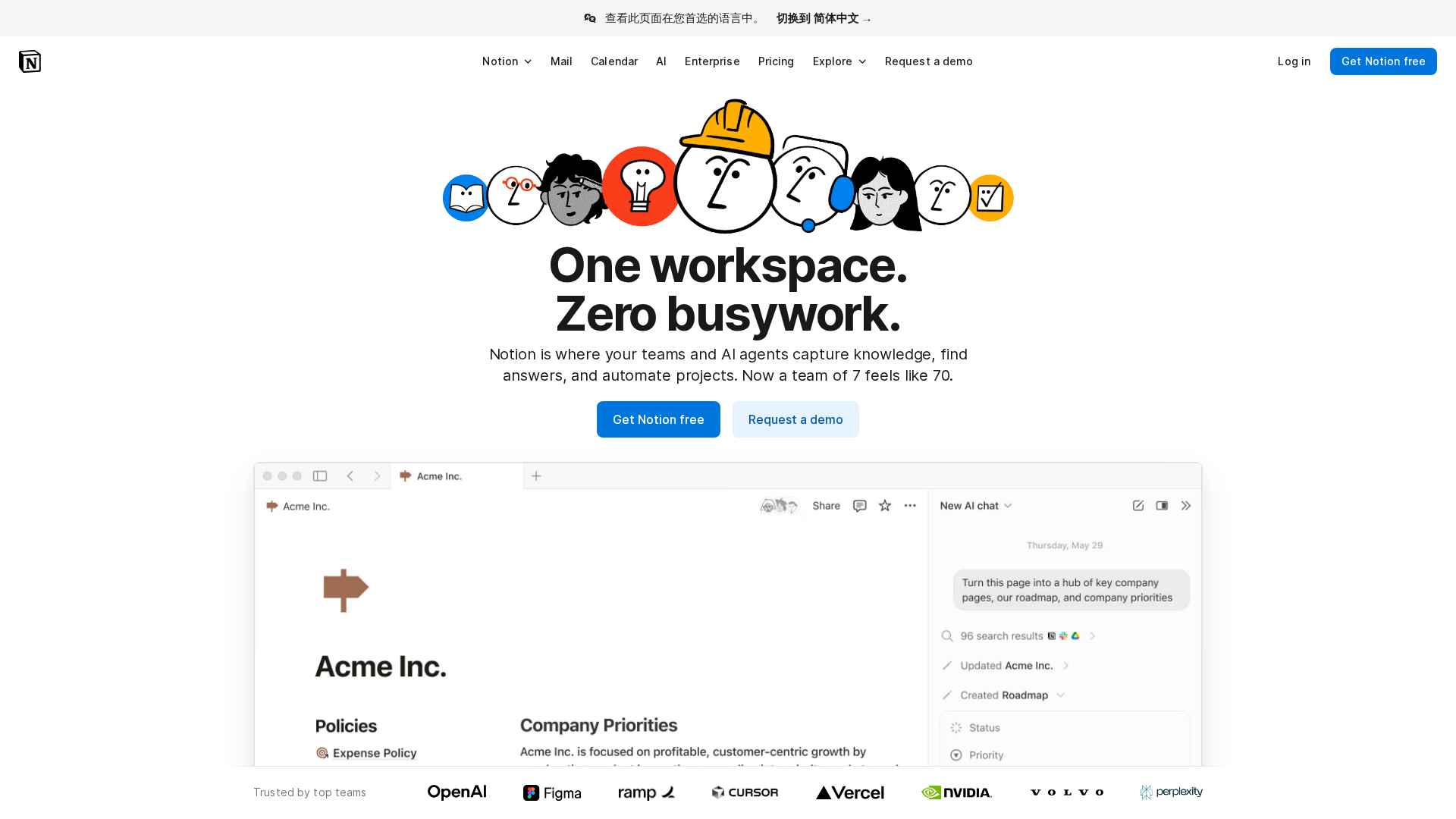
Summary compiled from Notion product pages and help docs. Notion positions itself as a single, flexible, block-based workspace that replaces multiple point tools by combining documents, knowledge bases, databases, automation, and an integrated AI assistant (Notion AI / Notion Agent). Core capabilities emphasized on the site include workspace-wide search, AI-powered content generation and summarization, automation through agents and integrations, and the ability to consolidate workflows into a single platform. Notion markets enterprise-grade security and compliance (SOC 2 Type II, ISO 27001 mentioned), TLS encryption in transit, contractual limitations on AI training from customer data, and enterprise controls such as SSO, SCIM, audit logs, and governance features. Notion AI (product AI page) is embedded throughout the product to generate content, summarize, translate, fill databases, and search across Notion and connected apps. Notion Agent is described as an assignable assistant/automation that can own tasks and surface answers; Custom Agents are expected to extend agent capabilities. The AI product pages reference integrations with third-party LLMs and research-mode features for deeper sourcing; they also call out data-handling practices including contractual protections with subprocessors, stated non-use of customer content for model training (with stronger contractual guarantees for Enterprise customers), and different retention policies (30-day retention referenced for non-Enterprise in the collected notes). Pricing is tiered (Free, Plus, Business, Enterprise) with seat-based billing and options for monthly and annual billing; guests and paid seats are treated differently for billing. Notion AI is included with Business and Enterprise plans; limited trial usage is noted for other customers. The collector reported encountering validation/truncation issues while extracting long feature lists from the pricing page and summarized tier differences rather than providing a raw, itemized, untruncated list. Support resources include an extensive help center covering setup, Notion AI, databases, pages/blocks, members vs guests, Notion Agent, and billing. Market signals referenced include G2/Capterra reviews (praise for flexibility and consolidation of workflows; common criticisms include learning curve, governance needs, and performance concerns at large scale), Product Hunt, Reddit and Hacker News discussions. Sources used: Notion homepage, Notion AI/product AI page, pricing pages, help center, about page, and third-party review sites (G2, Capterra). The collector noted a specific extraction limitation on the pricing page where long per-plan feature lists exceeded extractor validation limits; they offered follow-ups to re-run extraction in smaller chunks or provide CSV/JSON/Notion page exports if full untruncated lists are required.
Key Features
Unified workspace
Combines docs, knowledge bases, databases, and pages/blocks into a single, block-based workspace to replace multiple tools.
Notion AI / Notion Agent
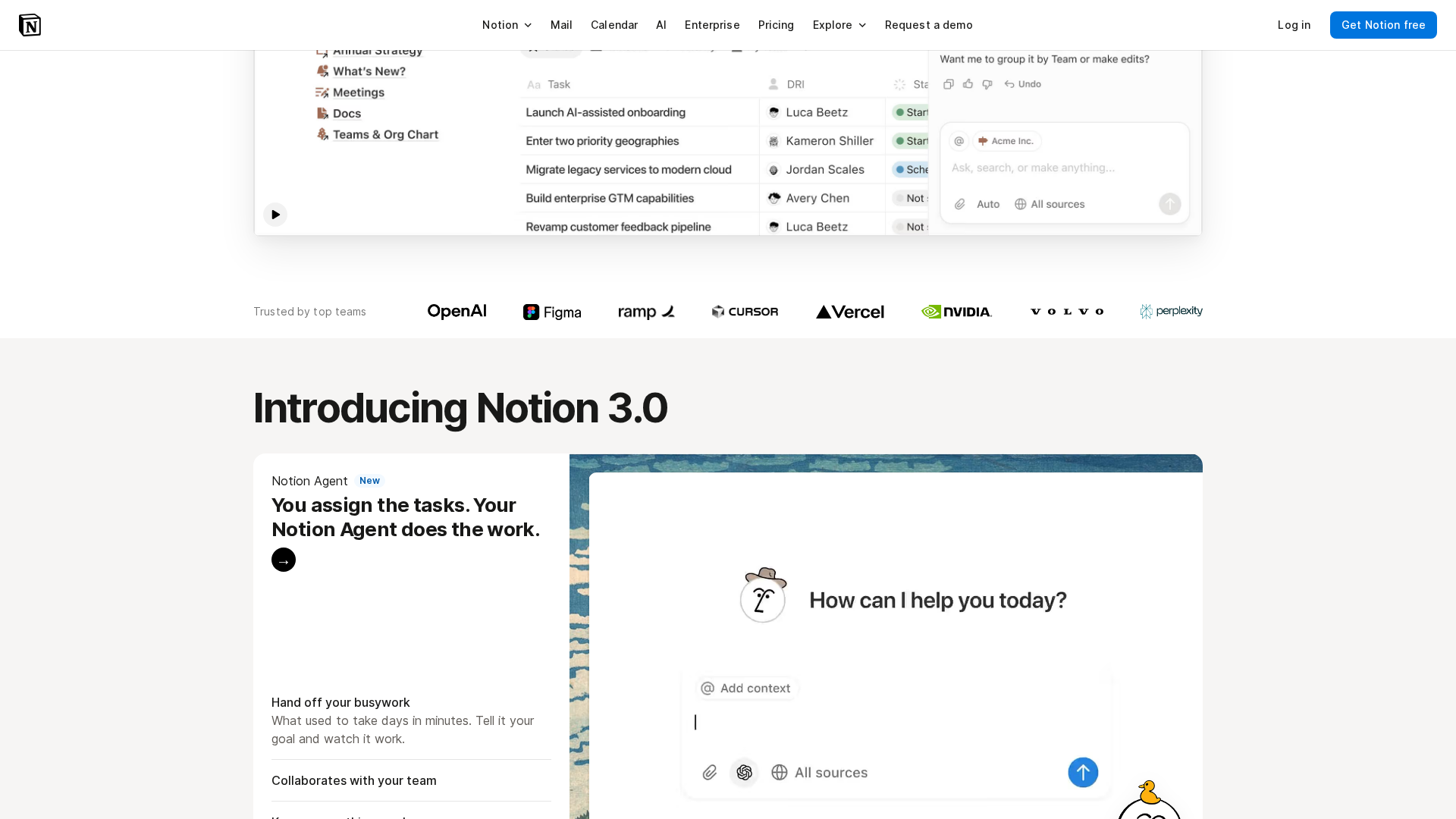
Embedded AI assistant for content generation, summarization, translation, database filling, and an assignable Agent that can own tasks and surface answers.
Workspace-wide search & integrations
Search across Notion content and connected apps; integrations with external LLMs and other services are referenced.
Automation & agents
Supports automation through assignable agents and integrations to reduce manual busywork and speed team collaboration.
Enterprise security & controls
Enterprise features include SSO, SCIM, audit logs, organization governance, SIEM/DLP integrations, and dedicated customer success for large customers.
Privacy / AI data protections
Contractual limitations on using customer data to train AI, encryption in transit, retention policies, and stronger contractual protections for Enterprise.
Who Can Use This Tool?
- teams:Consolidate docs, databases, and collaboration in one workspace with AI and automation for faster teamwork.
- individuals:Personal note-taking, knowledge management, and lightweight databases with a free tier available.
- enterprises:Large organizations needing SSO, SCIM, audit logs, and contractual AI/data protections with negotiated pricing.
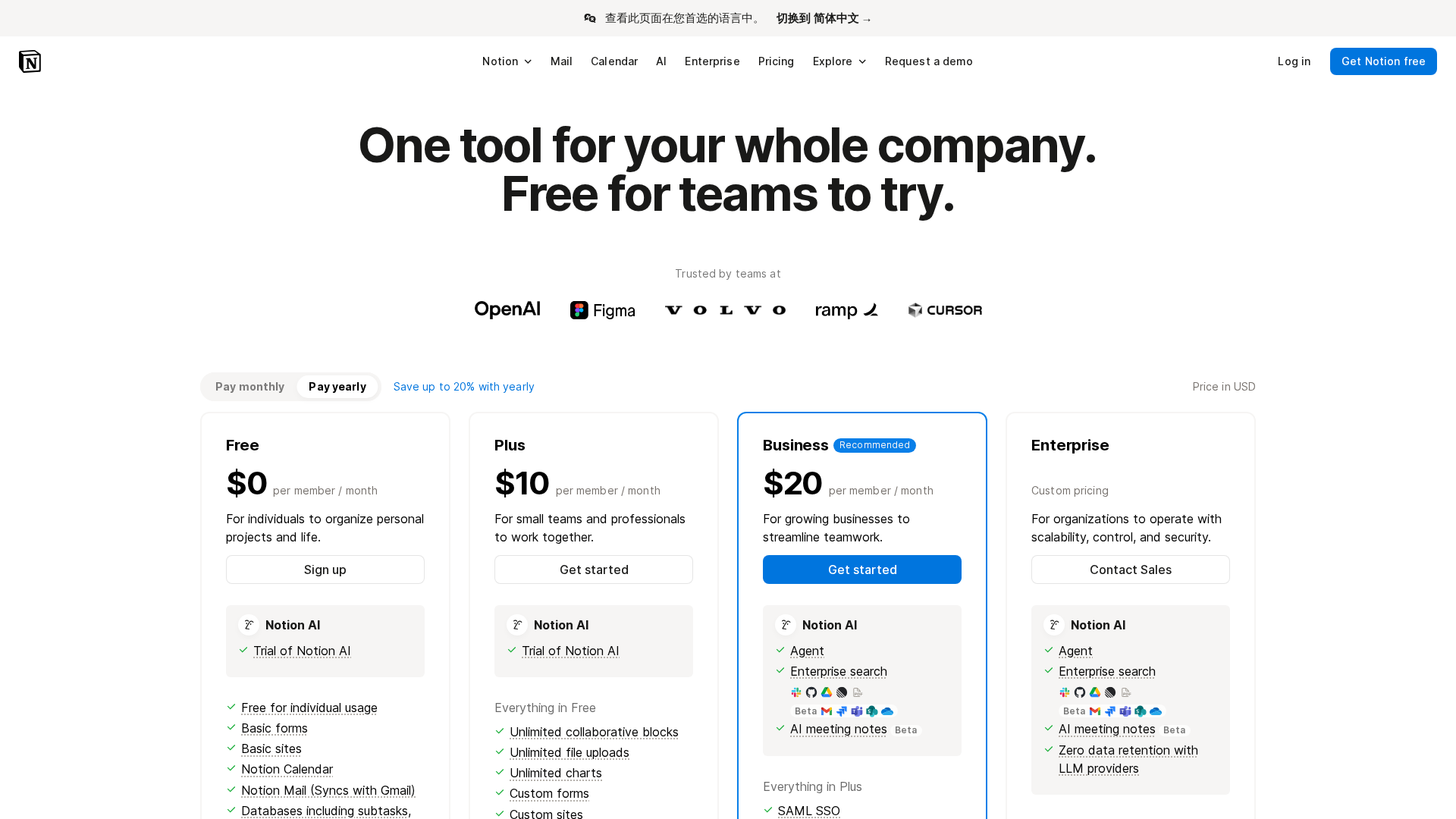
Pricing Plans
Entry-level plan with core workspace features at no cost; limited access to some advanced features and AI trial usage for some customers.
- ✓Free-tier workspace with basic pages and blocks
- ✓Limited storage / file upload limits depending on policy
- ✓Guests supported with restricted access
- ✓Basic sharing and collaboration
Paid individual/team plan with expanded capabilities compared with Free; typically targeted at small teams and power users.
- ✓Full editor and expanded limits vs Free
- ✓Per-seat billing for paid members
- ✓Monthly and annual billing options
- ✓Access to additional collaboration features
Team-focused tier including Notion AI access; seat-based billing and additional controls for team management.
- ✓Includes Notion AI access
- ✓Seat-based billing and guest restrictions
- ✓Enhanced collaboration and admin controls vs Plus
- ✓Monthly/annual billing with prorations for seat changes
Custom/negotiated pricing for large organizations with advanced security, governance, and dedicated support; includes Notion AI.
- ✓Includes Notion AI and stronger contractual AI protections
- ✓Single sign-on (SSO) and SCIM provisioning
- ✓Audit logs, organization governance, SIEM/DLP integrations
- ✓Dedicated customer success and custom contract/negotiated pricing
Pros & Cons
✓ Pros
- ✓Unified, flexible block-based workspace that can replace multiple point tools
- ✓Rich capabilities: docs, databases, search, automation, and embedded AI
- ✓Enterprise-grade security and governance features available
- ✓Active community and wide adoption (social proof referenced on site)
✗ Cons
- ✗Learning curve for new users and teams
- ✗Potential performance or scalability friction in very large workspaces
- ✗Governance needs increase as teams scale (administration complexity)
- ✗Extractor validation limits encountered when pulling long per-plan feature lists (data extraction limitation)
Compare with Alternatives
| Feature | Notion | Airtable AI | Fibery AI |
|---|---|---|---|
| Pricing | N/A | $20/month | N/A |
| Rating | 9.0/10 | 8.0/10 | 8.2/10 |
| Workspace Unification | Yes | Partial | Yes |
| Relational Modeling | Partial | Yes | Yes |
| Agent Automation | Yes | Yes | Yes |
| Custom UX | Partial | Yes | Yes |
| Semantic Search | Partial | Partial | Yes |
| AI Composition | Block based AI content composer | AI native app composition | Auto generated workspace composition |
| Integrations & API | Yes | Yes | Partial |
| Enterprise Governance | Yes | Yes | Partial |
Related Articles (7)
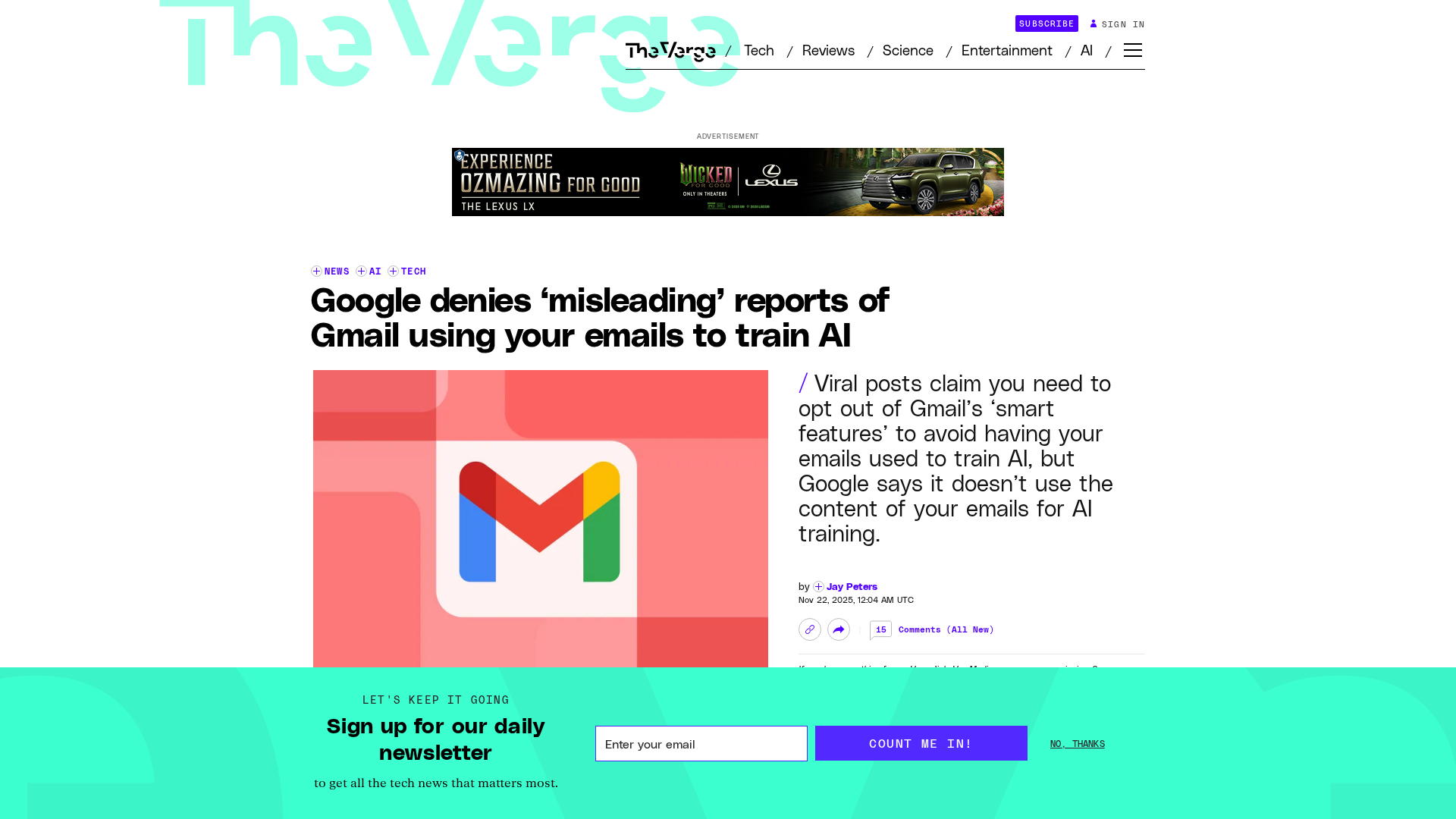
Google says Gmail data isn’t used to train AI and explains opt-out and smart-feature controls.
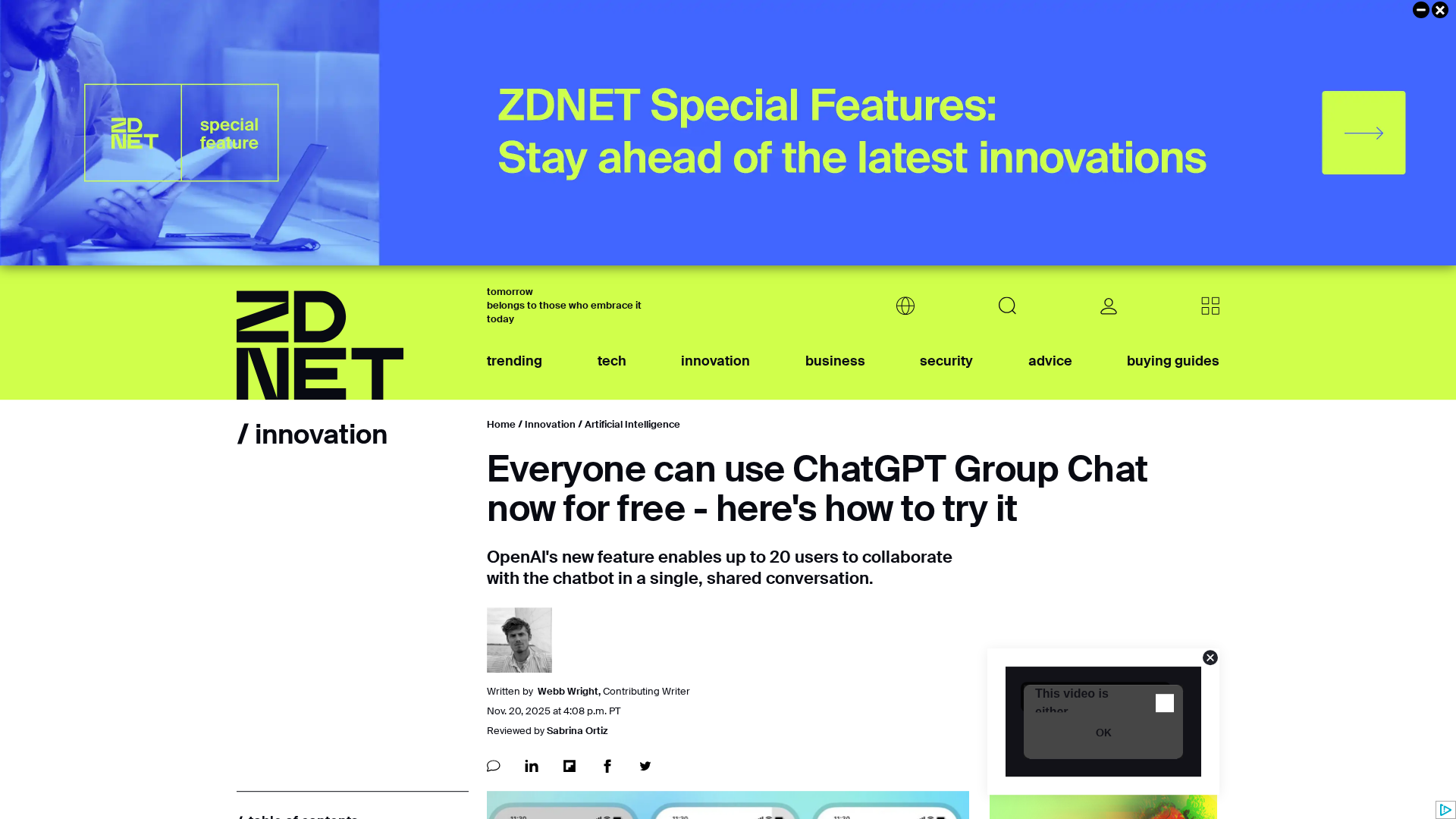
OpenAI unveils an experimental ChatGPT Group Chat for up to 20 users, rolling out to all logged-in users.
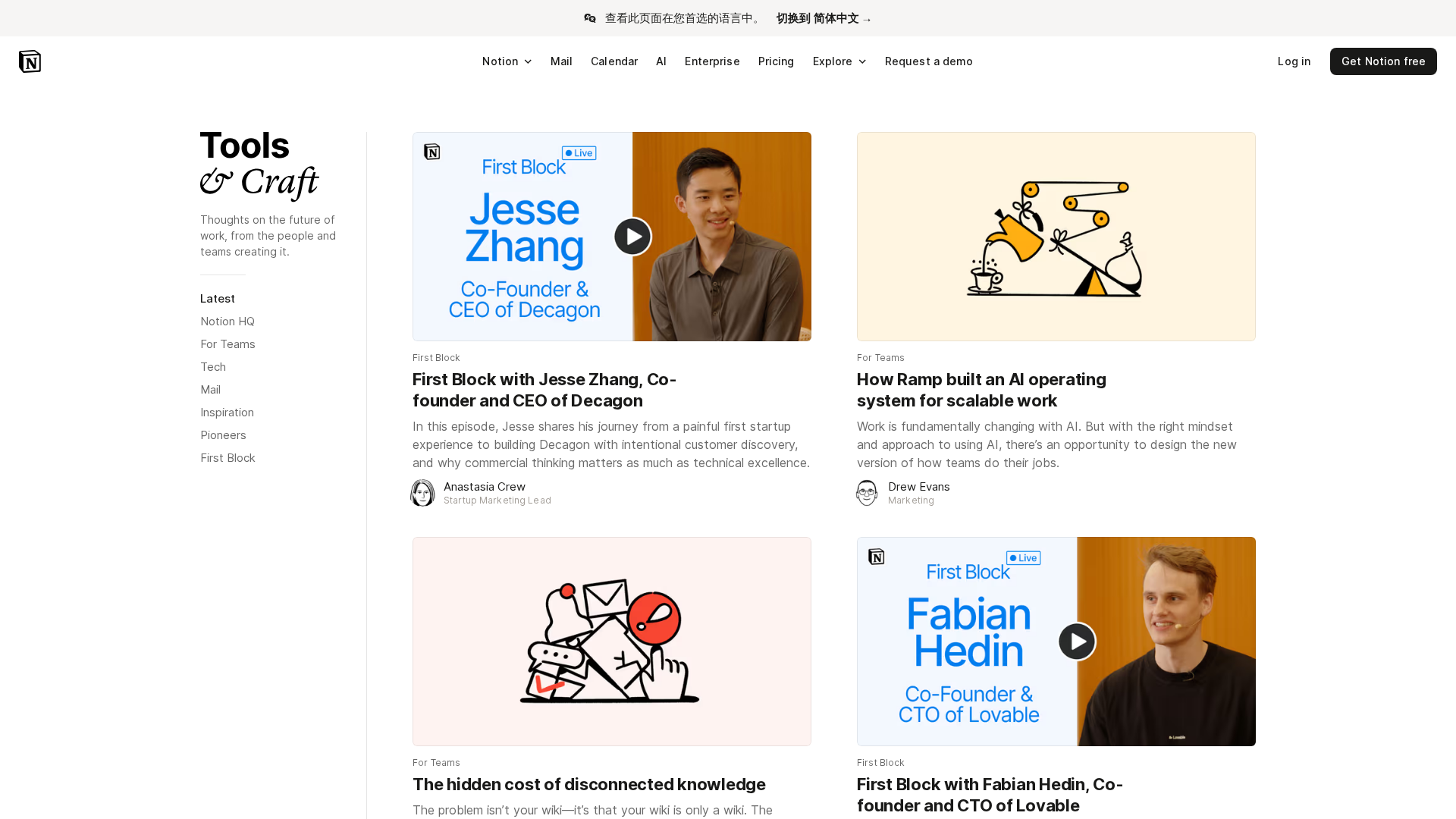
Jesse Zhang discusses his startup journey, Decagon’s customer-discovery approach, and the importance of balancing business sense with technical excellence.
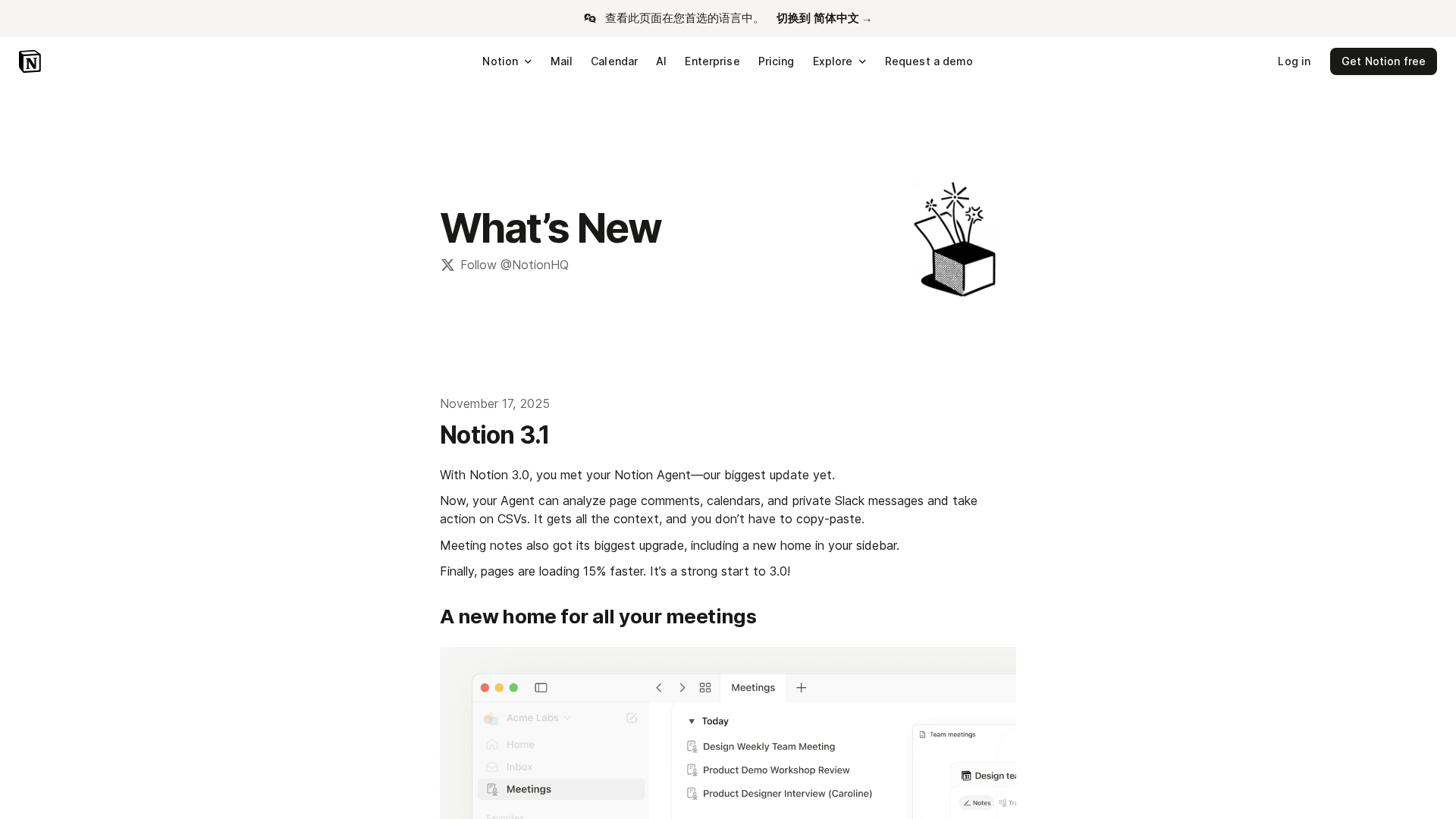
Notion 3.1 adds a more capable AI Agent: smarter context from comments, calendars, Slack, and CSVs, enhanced meeting notes, calendar search, and map view.

A comprehensive, side‑by‑side UI comparison of seven leading conversational AIs for business use in 2025.