Overview
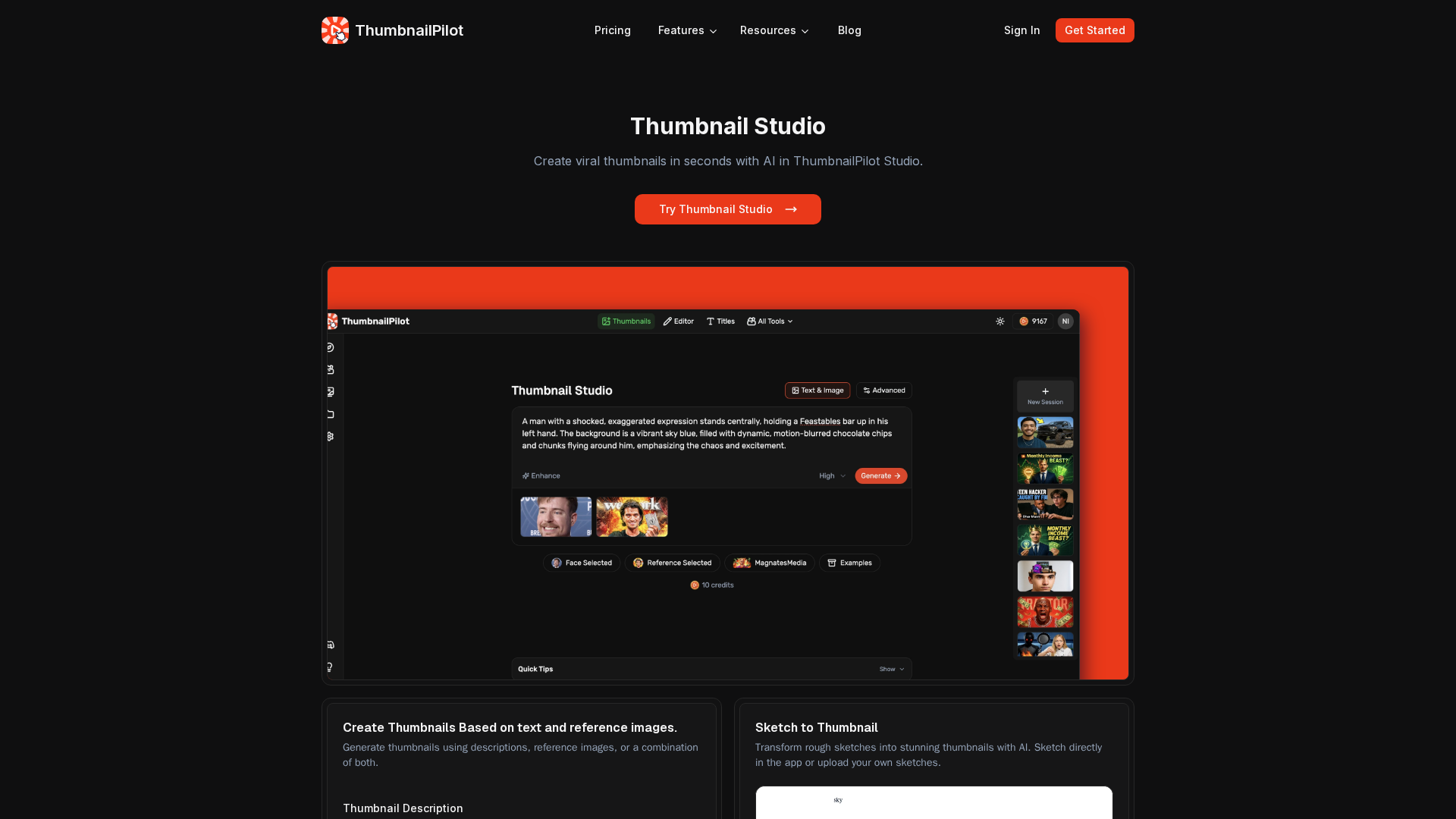
ThumbnailPilot Studio is an AI-first creator toolkit for YouTube and social content, combining thumbnail generation, title generation, and previewing with face-swap/persona presets, sketch-to-thumbnail, reference-image workflows, collaboration/feedback, and export/upscaling. Core flows include generating thumbnails from text and reference images or sketches, generating titles from thumbnails, previewing in a realistic YouTube feed, iterating with edits and feedback, and using face-swap presets. The product is designed to speed production, enable batch variants/A-B tests, and reduce cost/time versus hiring designers. A quick scan of the site and policy docs collected the following: on-site pricing returned a 404, and third-party listings estimate Basic around $20/month and Pro around $47/month, though not confirmed on the site. The data also notes a credits model (each generation/edit consumes credits) with rollover rules described in Terms; Stripe handles payments. Face-swap usage requires consent; privacy involves collecting user data and usage logs and may invoke external AI services. Strengths include fast generation, reference-first workflows, live YouTube feed previews, collaboration features, and sketch-to-thumbnail/face-swap presets; gaps include missing pricing on the site and non-detailed per-action credit costs. Suggested next steps: sign up at app.thumbnailpilot.com to view live pricing and credits, contact support for current pricing or enterprise options, and review the AI Face Swap section in Terms.
Key Features
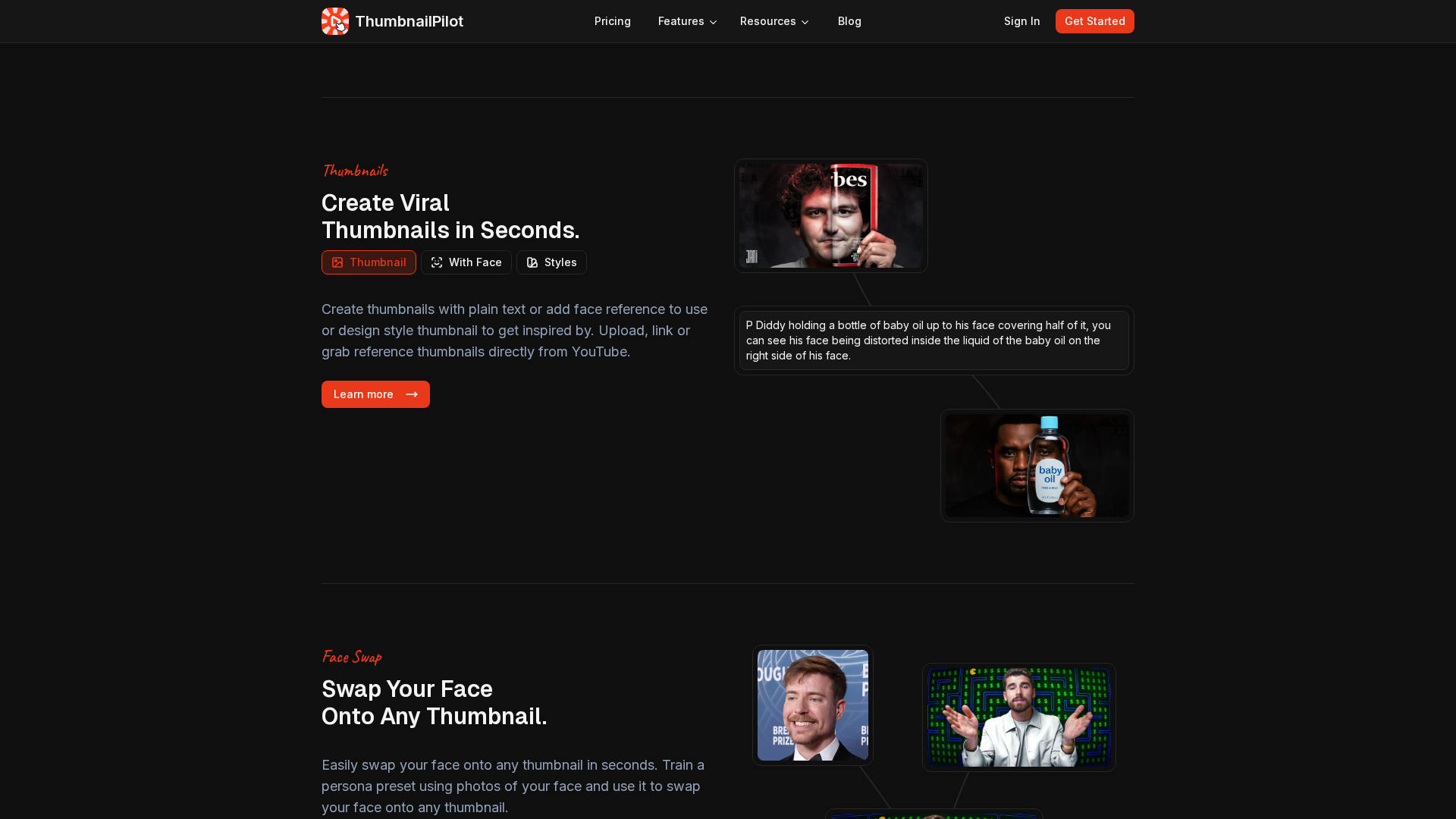
Thumbnail generation from text and references
Generate thumbnails from textual prompts, reference images, or sketches.
Title generation from thumbnails
Create video titles automatically, optionally using reference titles.
Live preview in realistic YouTube feed
Preview thumbnails in a realistic feed to spot issues before publishing.
Face-swap and persona presets
Apply face-swap or persona presets to fit creator style.
Sketch-to-thumbnail and reference workflows
Convert sketches or reference imagery into ready-to-use thumbnails.
Collaboration and feedback tooling
Built-in project management and team feedback loops.

Who Can Use This Tool?
- Content creators:Create AI-assisted thumbnails and titles for YouTube and social videos.
- YouTube creators:Speed up thumbnail/title production with AI-driven workflows and previews.
Pricing Plans
Pricing information is not available yet.
Pros & Cons
✓ Pros
- ✓Fast generation of thumbnails and titles
- ✓Reference-first workflow
- ✓Realistic YouTube feed preview
- ✓Built-in collaboration and project management
- ✓Sketch-to-thumbnail and face-swap presets
- ✓Gallery and blog for inspiration
✗ Cons
- ✗Pricing page on the site returned 404; no definitive on-site pricing
- ✗Some feature pages are summaries; per-action credit costs are not publicly listed
Related Articles (3)

An all-in-one AI platform to quickly create viral YouTube thumbnails and titles, with face-swapping, editing, and preview features.
指导用户启用 JavaScript、切换浏览器并禁用隐私扩展以继续在 X 上浏览。
Learn why X.com shows JavaScript Disabled and how to quickly fix it by enabling JS, updating your browser, or disabling privacy extensions.