Overview
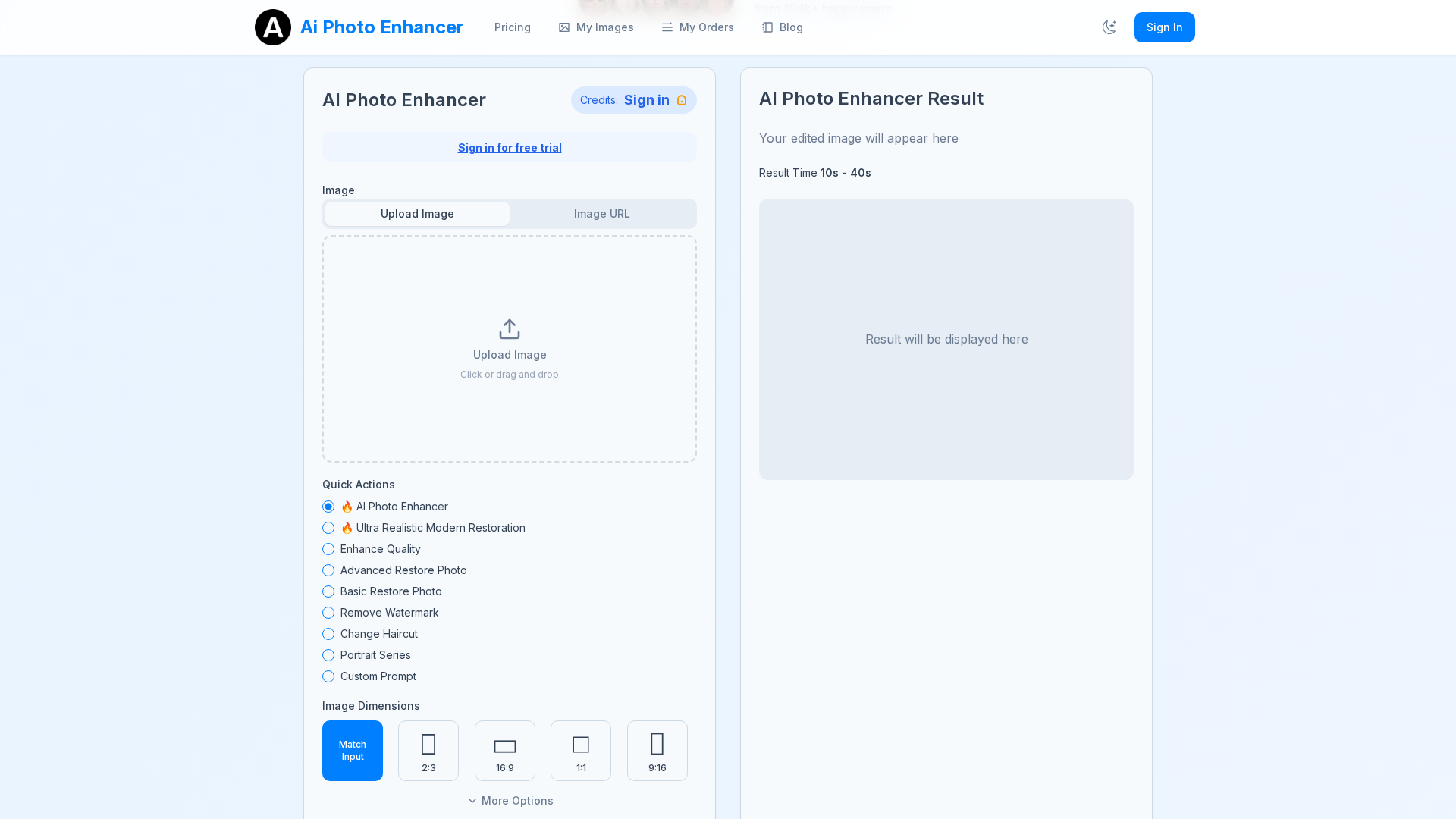
AI Photo Enhancer is a browser-based image optimization platform that uses AI models to automatically restore clarity, reduce blur and noise, improve color and lighting, and upscale photos (up to 4x) with minimal user effort. Users upload an image, use a one-click enhance workflow, preview results for free, and then download higher-quality outputs. The service emphasizes speed (typical processing in 5–15 seconds), accessibility across devices (phones, tablets, desktop browsers), and privacy—uploaded images are processed, not retained for training without explicit consent, and are deleted after processing. The product uses a credit-based billing system to cover compute costs; credits are consumed per enhancement or per-image (site examples show 3 credits per image for some plans). It targets casual users, social creators, sellers, and anyone looking to quickly restore or upscale photos without learning complex editing tools.
Key Features
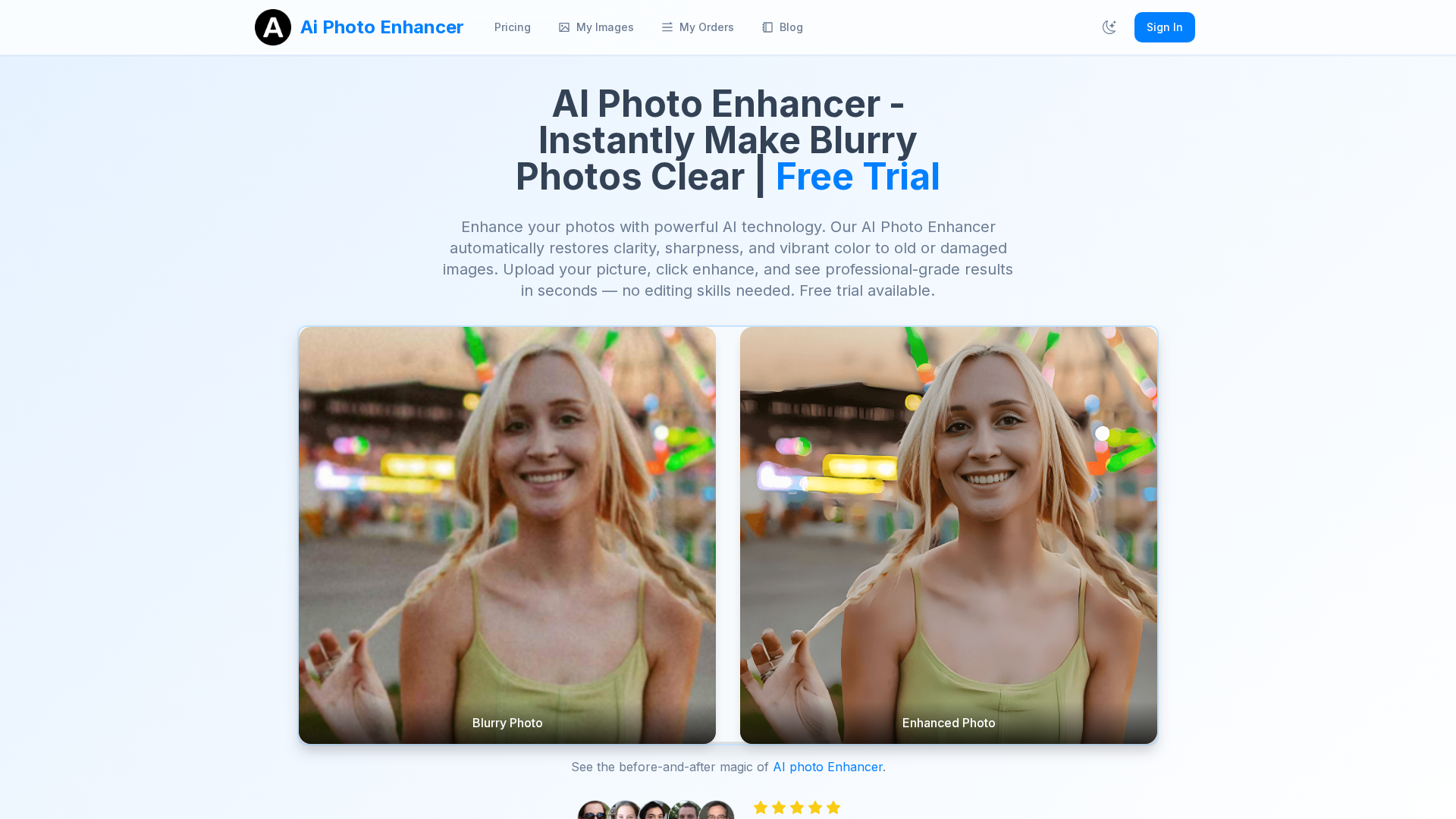
Blur & Noise Reduction
AI algorithms remove blur and reduce noise while recovering facial and fine-detail features for sharper results.
Upscaling (Up to 4x)
Enlarge images up to 4× with preserved or improved detail suitable for prints and higher-resolution use.
Color, Exposure & Vibrance Correction
Automatic improvement of color balance, saturation, contrast, and exposure to make images more vibrant and natural.
Free Preview / Before-and-After Comparison
Users can preview enhancements and compare before/after results without signing up or paying, then decide to download high-quality outputs.
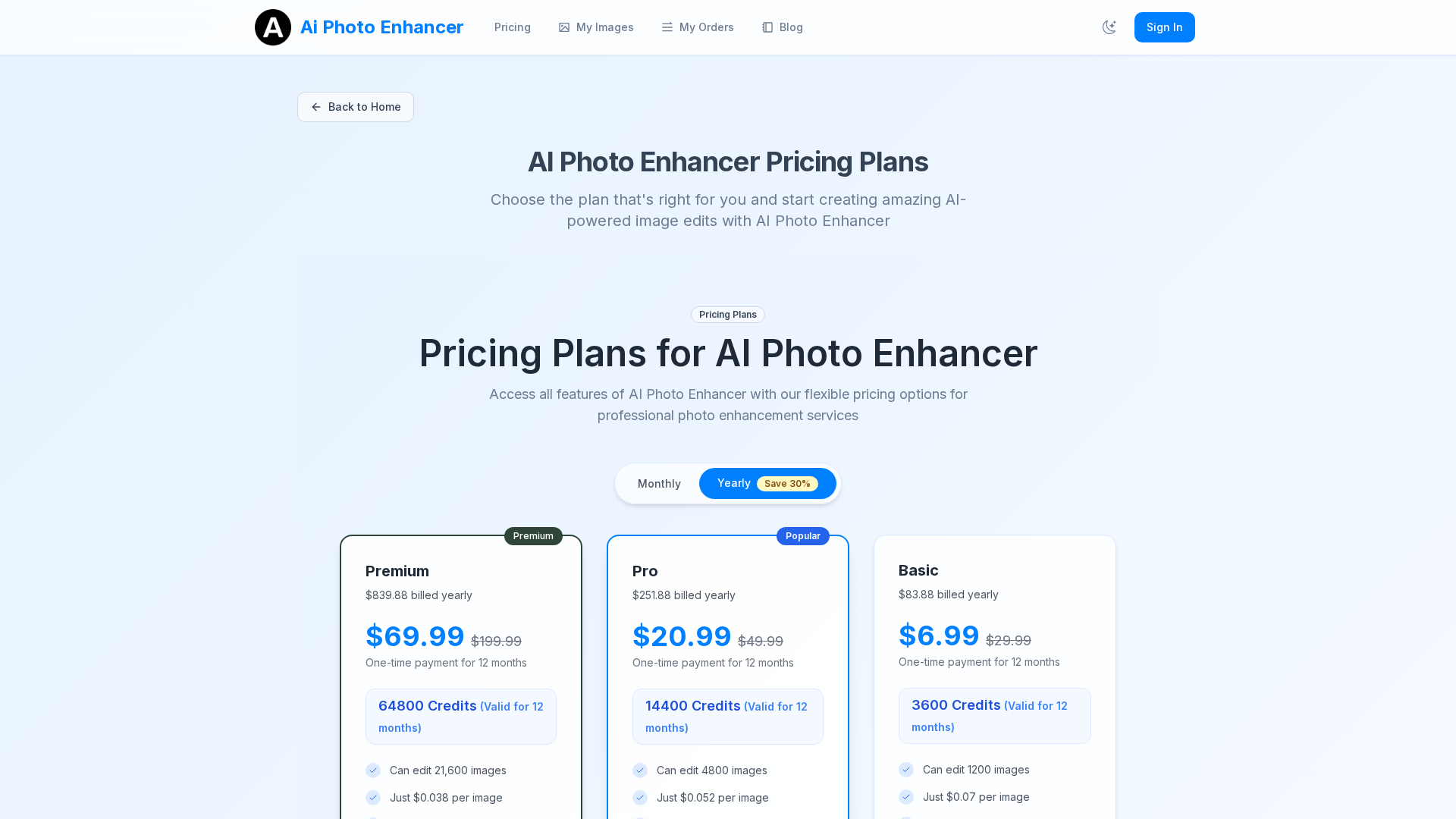
Credit-Based Billing & Batch/Unlimited Generations
Credit packages correspond to the number of editable images; higher plans offer large credit bundles, unlimited AI generations, and priority rendering.
Privacy & Data Controls
Uploaded images are deleted after processing by default and are not used for training without explicit consent; users can request data deletion.
Who Can Use This Tool?
- Social Creators:Quickly enhance and upscale photos for social media posts and profile images.
- Photographers:Restore old or low-resolution photos and produce print-quality upscaled images.
- E-commerce Sellers:Improve product image clarity and color for higher conversion and better listings.
- Families & Collectors:Restore vintage family photos and damaged images for preservation and sharing.
Pricing Plans
Annual plan with highest credits, priority processing, unlimited generations, and commercial license.
- ✓64800 Credits (Valid for 12 months)
- ✓Can edit 21,600 images
- ✓Just $0.038 per image
- ✓Unlimited AI generations
- ✓Priority processing
- ✓All Pro features
- ✓Higher quality outputs
- ✓Unlimited image sizes, HD downloads + extended features
Mid-tier plan with substantial credits, priority processing, high-resolution outputs, and commercial license.
- ✓14400 Credits (Valid for 12 months)
- ✓Can edit 4,800 images
- ✓Just $0.052 per image
- ✓All Basic features
- ✓Priority processing
- ✓Each image costs 3 credits
- ✓Priority rendering
- ✓High-resolution outputs
Entry-level plan with moderate credits, standard outputs, basic support, and commercial license.
- ✓3600 Credits (Valid for 12 months)
- ✓Can edit 1,200 images
- ✓Just $0.07 per image
- ✓Standard resolution outputs
- ✓Basic user support
- ✓Each image costs 3 credits
- ✓Standard rendering and processing
Pros & Cons
✓ Pros
- ✓Fast, one-click enhancement workflow with free preview before purchase
- ✓Browser-based (no software to install) and works across devices
- ✓Clear privacy stance: images not used to train models without consent, deletions after processing
- ✓Flexible credit-based system for pay-per-image usage and multiple subscription tiers
- ✓Priority processing and higher-quality outputs available on higher tiers
✗ Cons
- ✗No explicit traditional free trial (site shows free preview but pricing extractor flagged no free trial)
- ✗Credit-system and per-image credit costs can be confusing for new users
- ✗Limited independent third-party review coverage; some community posts raise trust concerns about generic “photo enhancer” apps
- ✗No public API or desktop/mobile app links found on the site (web-only product)
Related Articles (3)
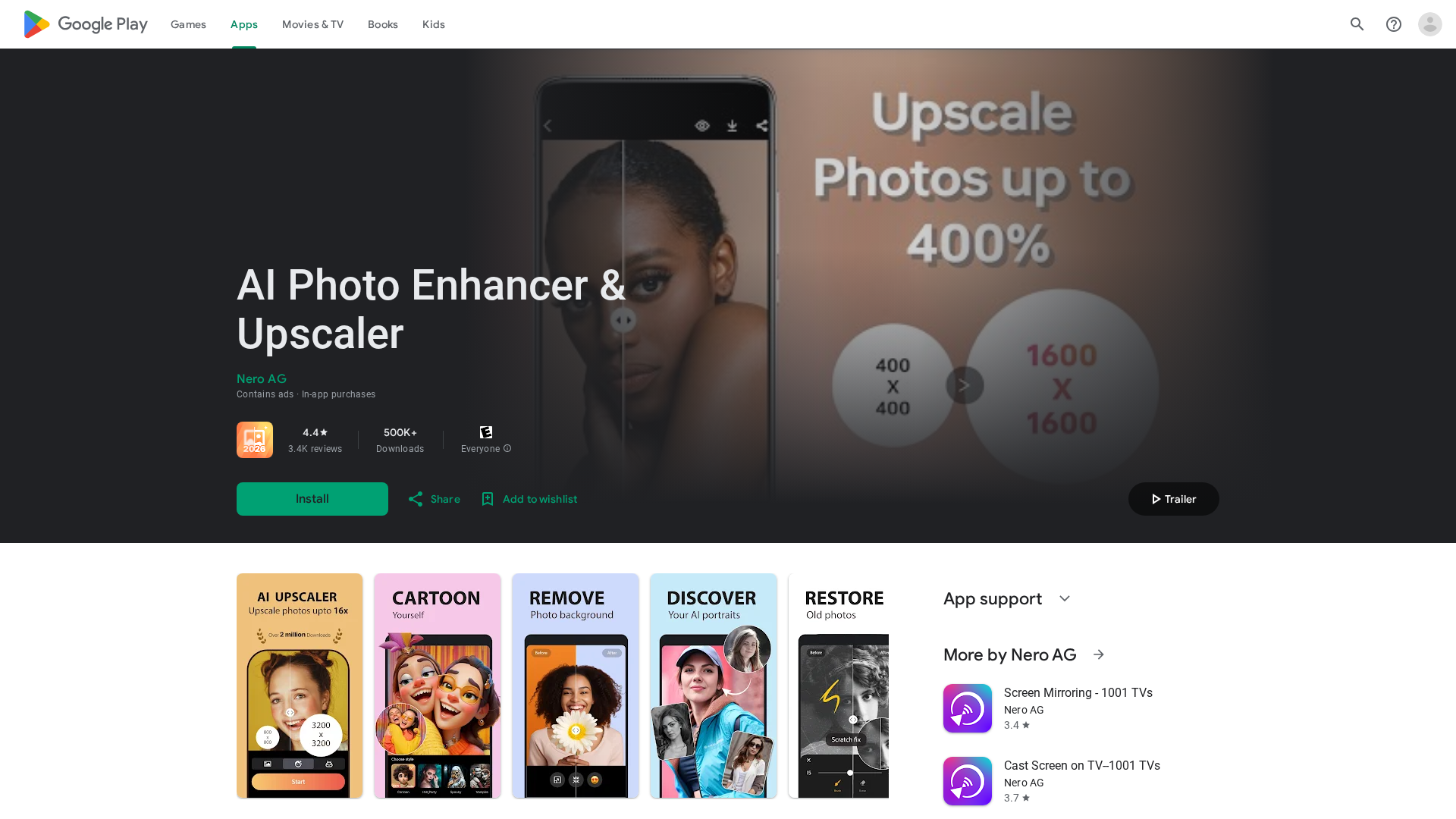
AI-powered photo enhancer and upscaler that sharpens, denoises, colorizes, and upscales images to HD/4K.
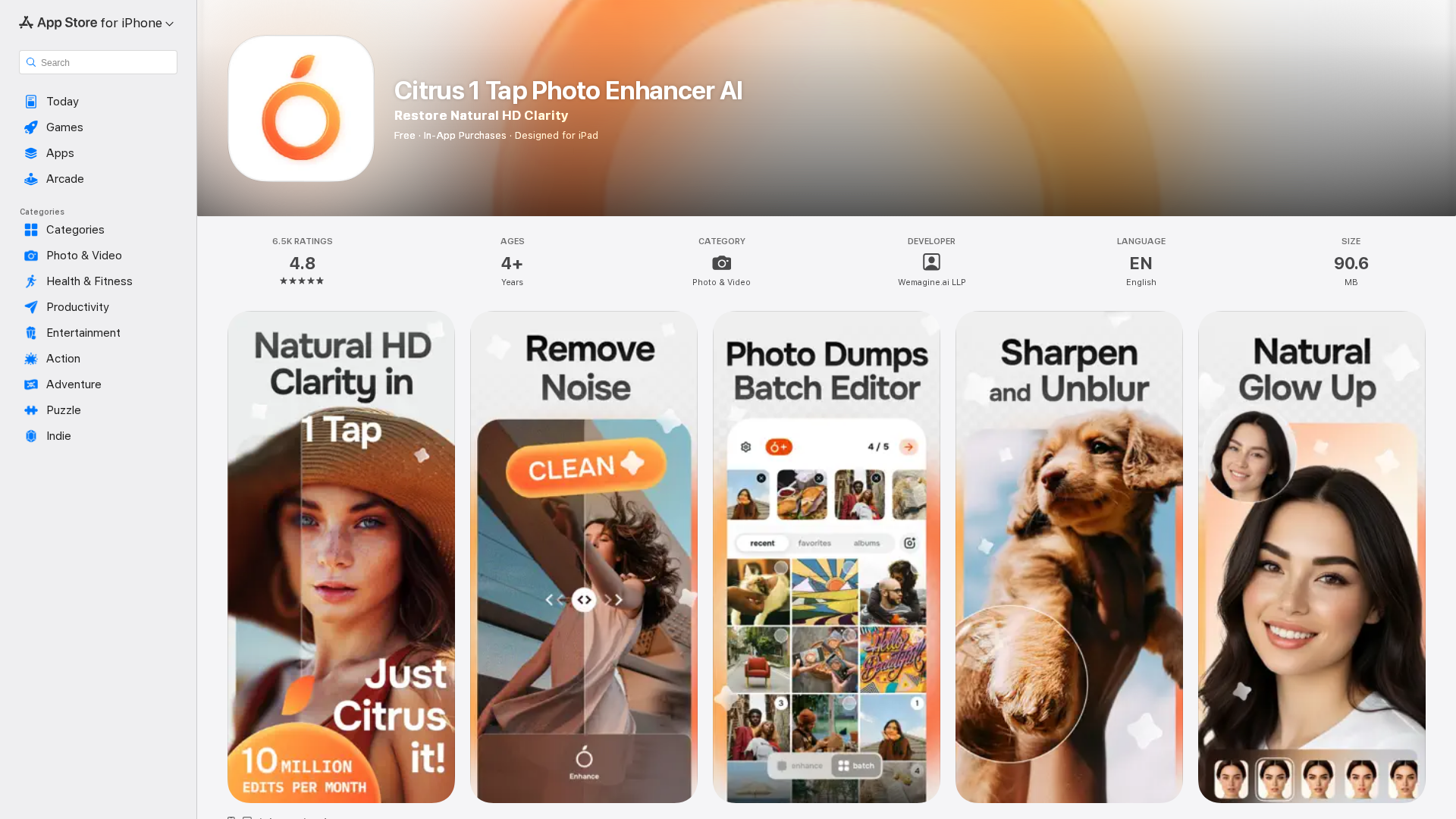
One-tap AI photo enhancer delivering natural clarity, color, and detail with privacy-conscious processing and optional Citrus Plus.
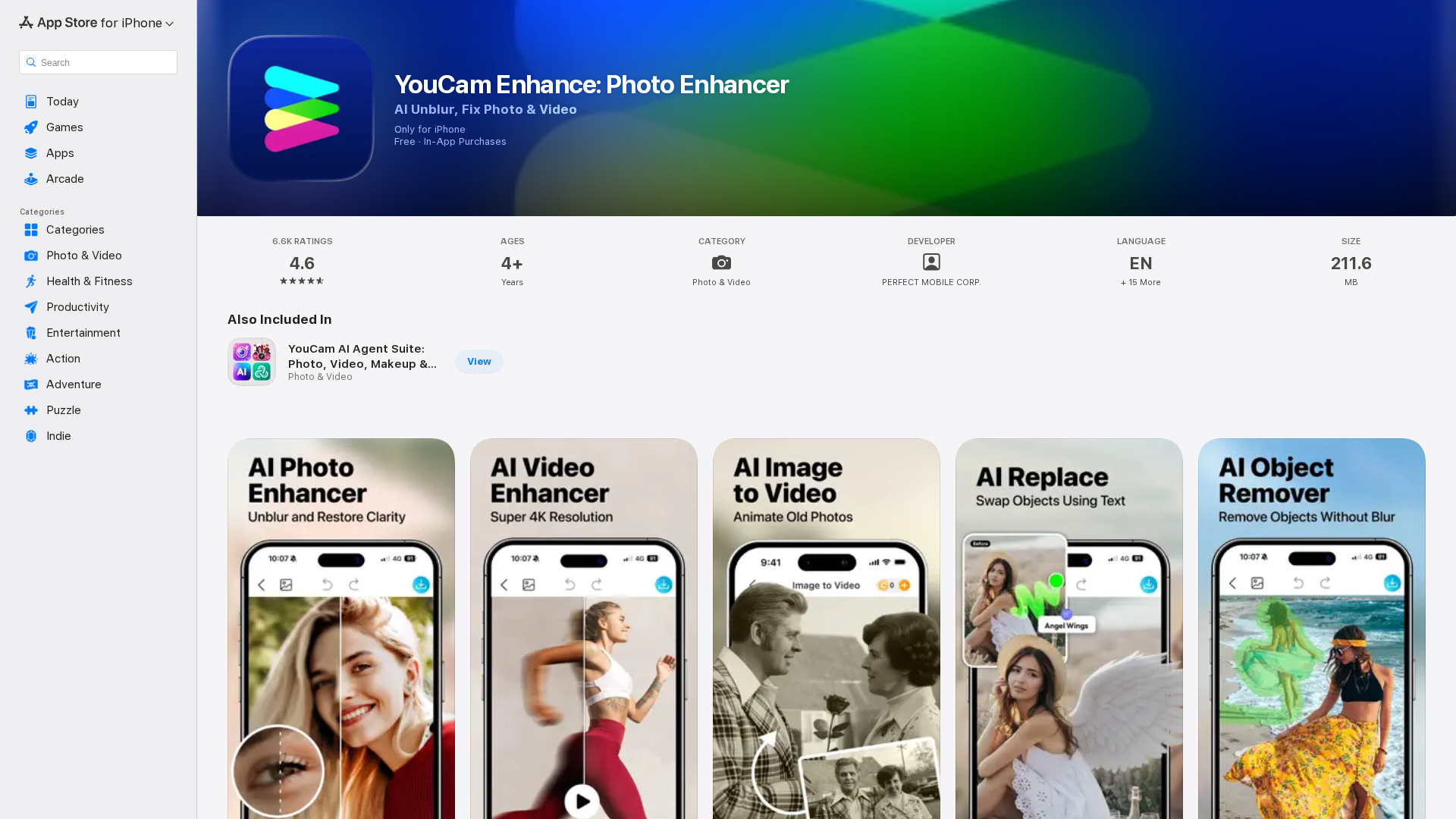
AI‑driven photo and video repair, colorization, and 4K upscaling with multi‑model generation in one app.