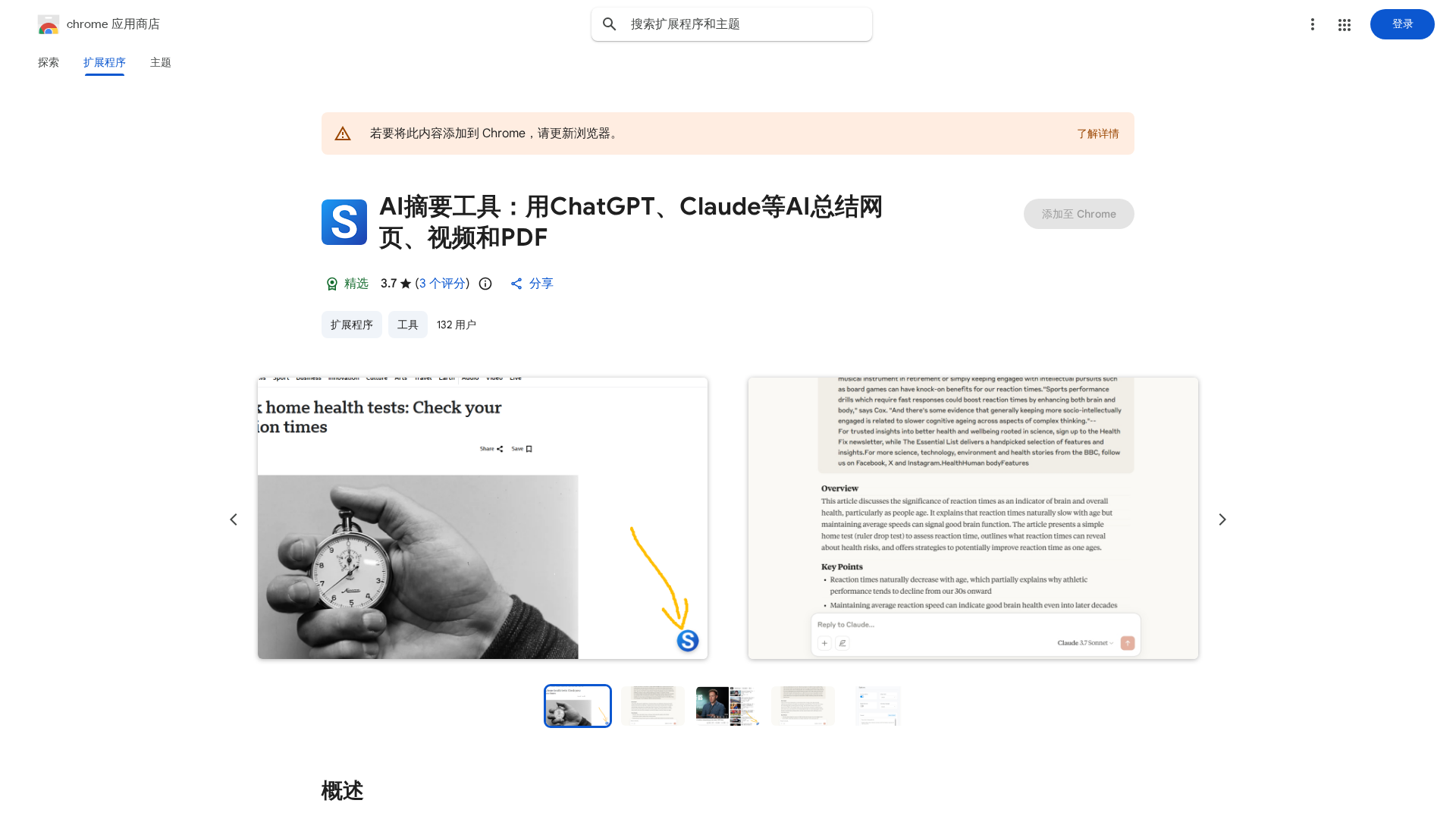
Overview
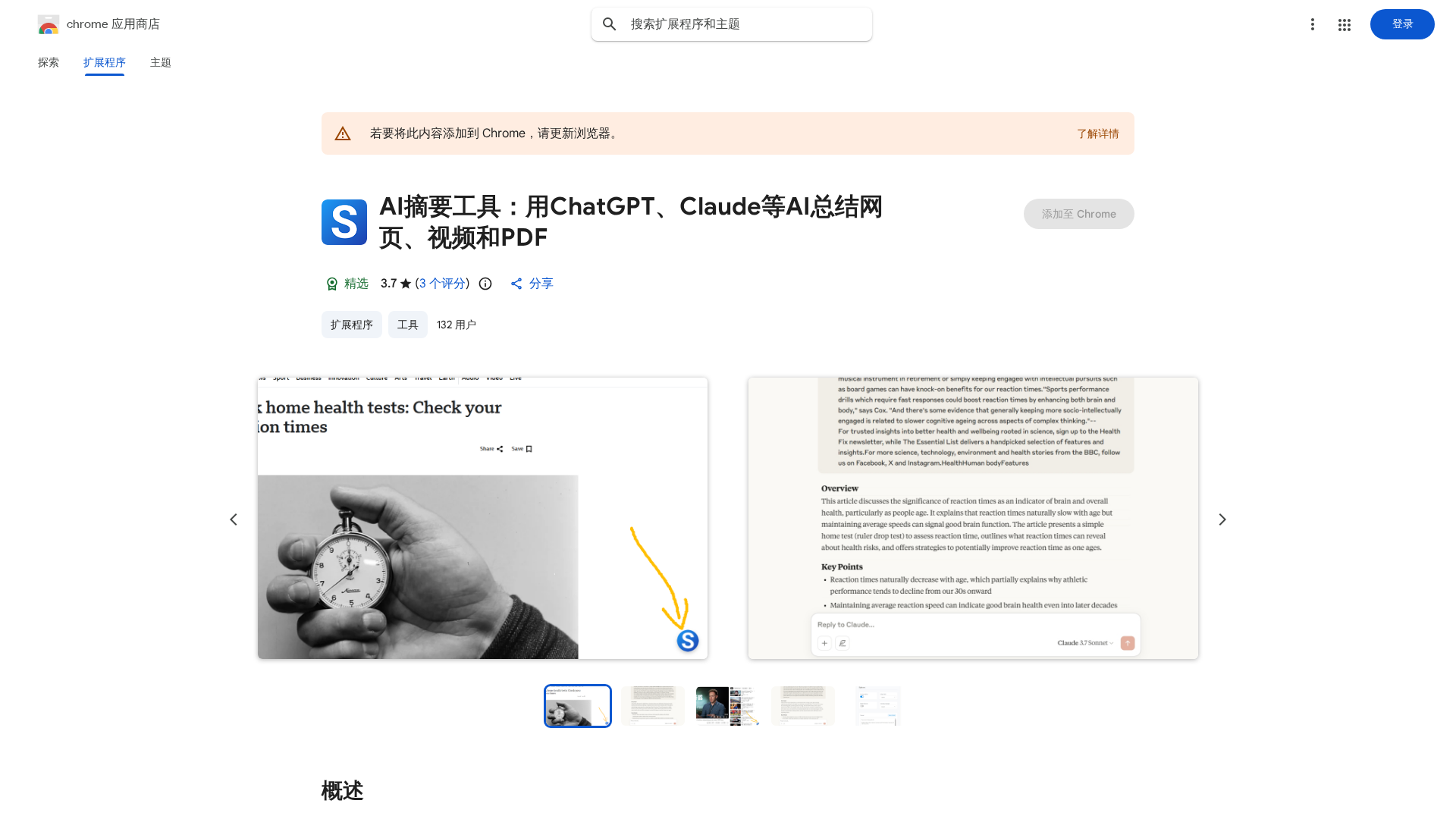
AI Summarizer is a Chrome extension that aggregates multiple AI engines (examples listed: ChatGPT, Gemini, Grok, DeepSeek, Qwen) to generate fast, concise summaries of web pages, YouTube/Bilibili videos (with subtitle support), and PDF documents. It provides multiple access points — a draggable floating button, extension icon, and keyboard shortcuts — and prioritizes selected text when present. Users can switch between integrated AI models, supply custom prompts to control style and output format, and process content in many languages. The extension targets knowledge workers, students, and researchers who need to extract key points quickly from large volumes of online content. Privacy and lawful-use guidance for EU consumers is noted in the listing.
Key Features
Multi-AI Model Integration
Lets users choose between multiple AI backends (e.g., ChatGPT, Gemini, Grok, DeepSeek, Qwen) to generate summaries.
Web Page Summarization
Generates a concise summary of the full page or prioritized selected text with one click.
Video Summarization (YouTube/Bilibili)
Processes videos with subtitles to extract key points and produce readable summaries.
PDF Summarization
Directly summarizes PDF documents opened in the browser for faster research and reading.
Custom Prompts & Output Control
Users can supply custom prompts to control tone, length, and structure of the summary.
Floating Draggable Button & Shortcuts
Lightweight UI: a draggable floating button (with hide-on-hover) and keyboard shortcuts for fast access.
Who Can Use This Tool?
- Students:Quickly extract main ideas from articles, lectures, and PDFs for study.
- Researchers:Summarize papers and web sources to accelerate literature review and note-taking.
- Knowledge Workers:Condense long web pages and videos to find actionable insights faster.
- Content Creators:Generate summaries of videos or source materials for repurposing or scripting.
Pricing Plans
Pricing information is not available yet.
Pros & Cons
✓ Pros
- ✓Integrates multiple large AI models for flexible summarization choices.
- ✓Supports web pages, YouTube and Bilibili videos (subtitle-aware), and PDFs.
- ✓Multiple trigger methods: draggable floating button, extension icon, and keyboard shortcuts.
- ✓Supports custom prompts and output formatting, and multi-language content.
✗ Cons
- ✗No pricing or subscription information visible on the listing.
- ✗No independent reviews or usage metrics were found by web search.
- ✗May require logging in to third‑party AI providers — potential privacy/credential concerns.
- ✗As a browser extension, it depends on third-party AI services and browser permissions.