Overview
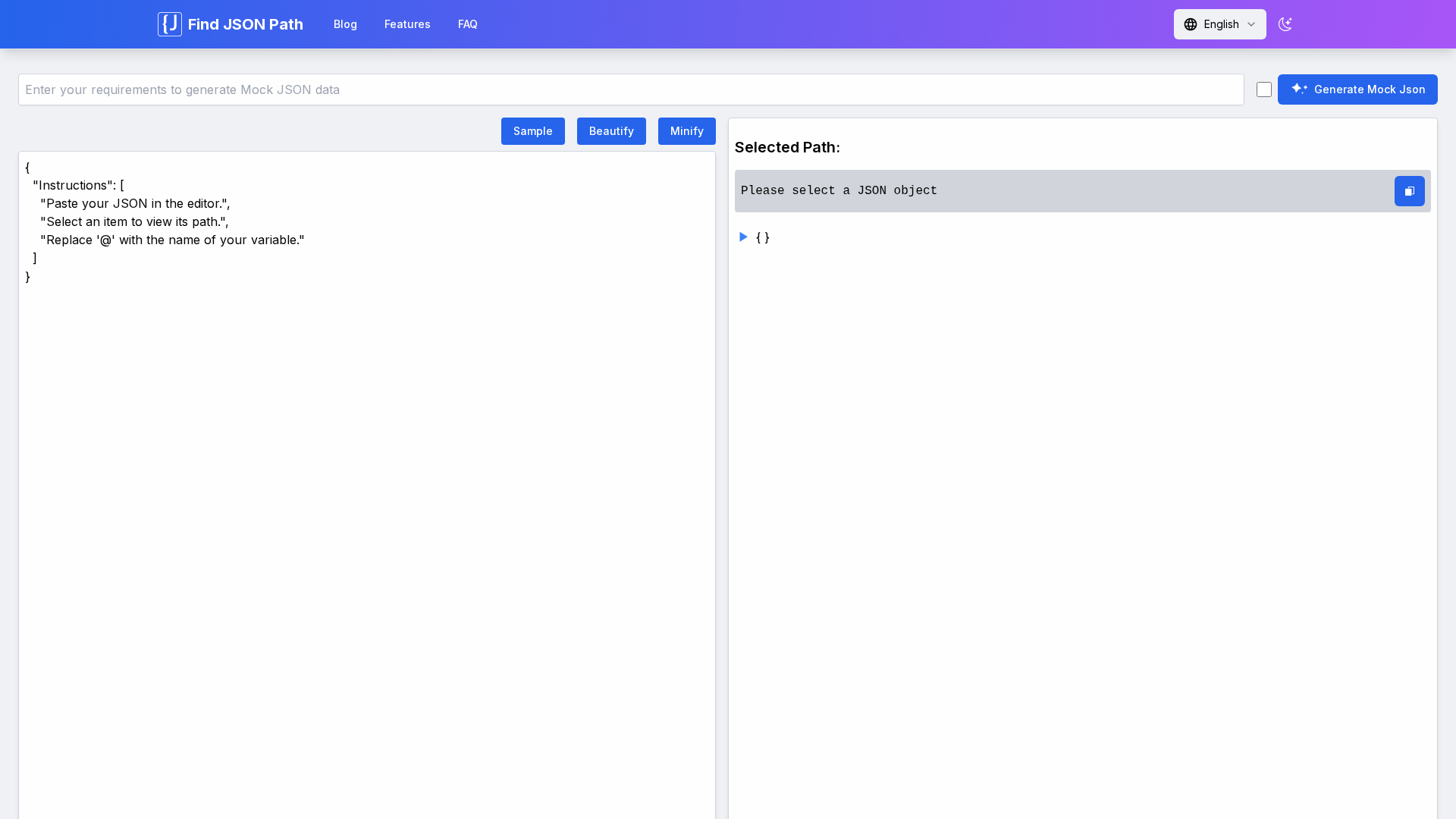
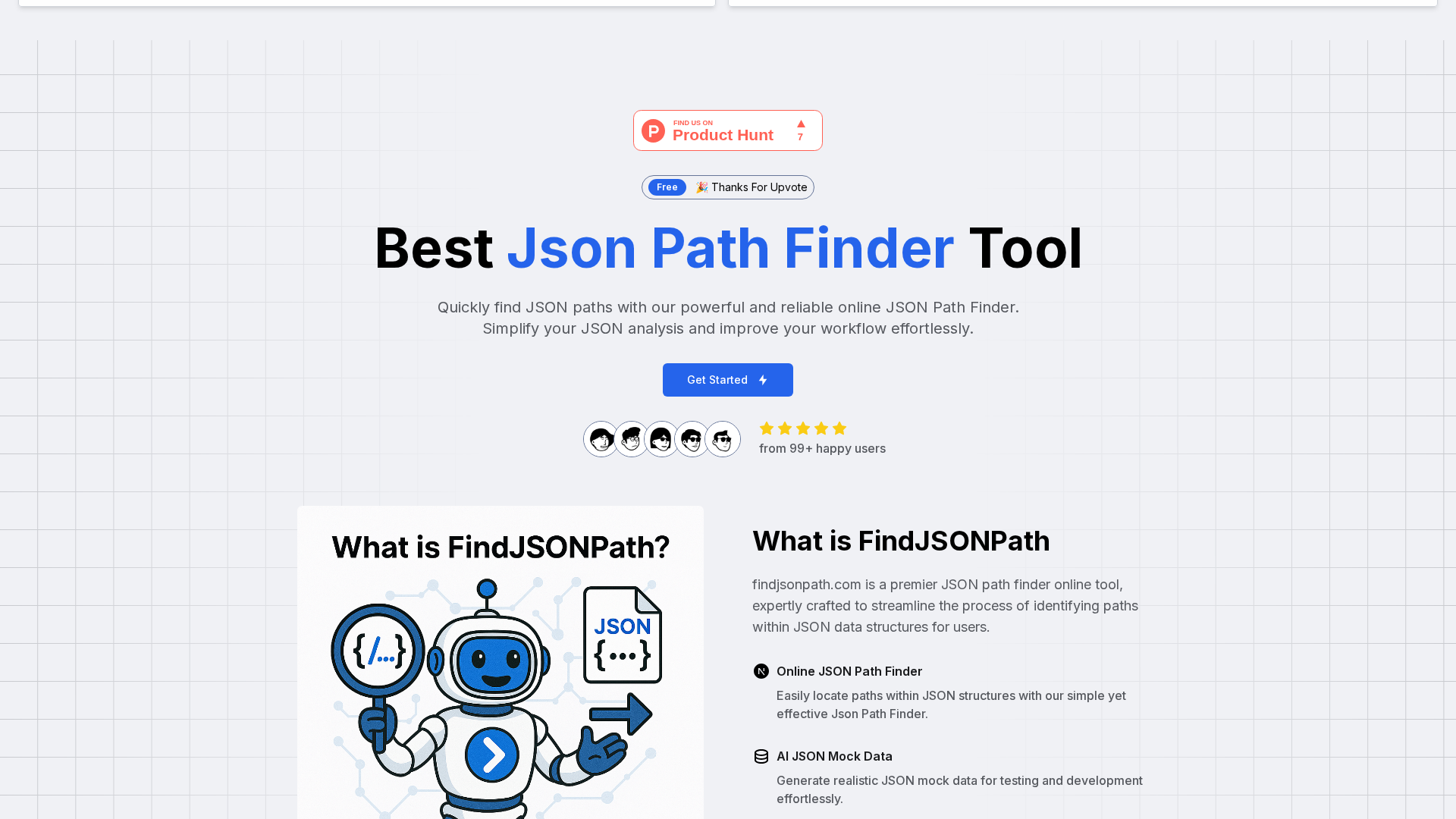
FindJSONPath is a lightweight, browser-based utility that helps developers and engineers quickly locate and extract JSON paths from nested structures using an interactive visual tree and click-to-copy functionality. The tool runs entirely in the user’s browser (client-side), keeping data private and avoiding server uploads. It supports multiple path notations (dot and bracket), offers an advanced JSON tree view with collapse/expand controls, and includes utilities such as beautify, minify, edit, format, and in-browser querying. Additional AI-assisted features generate realistic mock JSON data and auto-detect common formatting issues, streamlining debugging of API responses and rapid prototyping workflows. Designed for speed and usability, FindJSONPath targets both beginners and experienced developers who need a quick, privacy-respecting way to inspect and extract data from JSON.
Key Features
Interactive JSON Path Finder
Click a value in the visual tree to instantly produce a JSON path string for extraction or use in code.
Tree Visualization
Advanced collapsible tree view for large/nested JSON with expand/collapse controls for easy navigation.
AI-powered Mock Data Generation
Generate realistic mock JSON objects automatically to prototype APIs and tests.
JSON Utilities (Beautify / Minify / Edit / Format / Query)
In-browser tools for formatting, compressing, editing, and running basic queries against JSON.
Client-side Privacy & Performance
All processing happens in the browser to keep data private and enable fast local handling of large datasets.
Multi-notation Support & Copy Path Helpers
Supports dot/bracket path formats and helps replace placeholders (e.g., '@') with variable names.


Who Can Use This Tool?
- Developers:Quickly extract JSON paths and debug nested API responses in the browser.
- Frontend Engineers:Map and access deeply-nested JSON fields for UI data binding and debugging.
- QA Engineers:Generate mock JSON data and validate JSON responses during testing workflows.
- Backend/API Developers:Inspect API payloads and copy exact JSON paths for server-side parsing.
Pricing Plans
Browser-based JSON path finder and utilities available at no cost.
- ✓Online JSON Path Finder (visual tree view)
- ✓AI-powered mock JSON data generation
- ✓JSON beautify and minify
- ✓Client-side processing — data not stored on servers
- ✓Copy path functionality and interactive selection
Pros & Cons
✓ Pros
- ✓Fully client-side processing preserves privacy; no server upload of JSON data.
- ✓Very fast and interactive visual tree for locating JSON paths by clicking values.
- ✓Supports multiple JSON path notations (dot and bracket syntax).
- ✓Additional handy utilities: beautify, minify, edit, formatting, and AI mock data generation.
- ✓Free to use (no paywall reported).
✗ Cons
- ✗Several expected site pages (Docs, Pricing, Features, About, Support, Terms, Privacy) return 404s — documentation and business pages are missing or inaccessible.
- ✗Limited external visibility and scarce third-party reviews or ratings.
- ✗No clearly advertised API, desktop app, or paid/enterprise tiers for extended features.
- ✗Potential feature limitations for advanced enterprise / team workflows (collaboration, audit logs) — not found.
Related Articles (3)
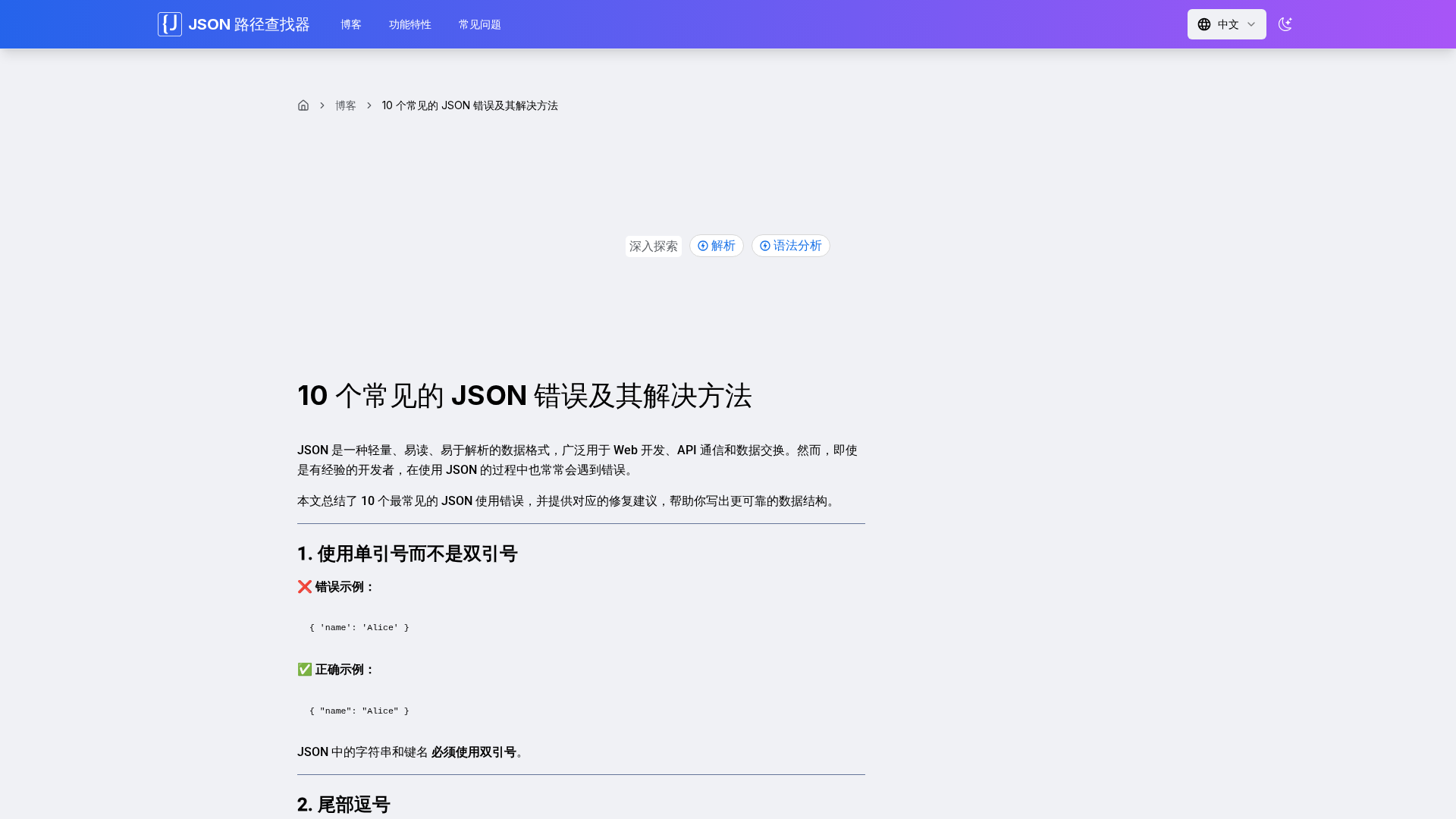
解析 JSON 的十大常见错误及快速修复要点,提升数据可靠性与可读性。
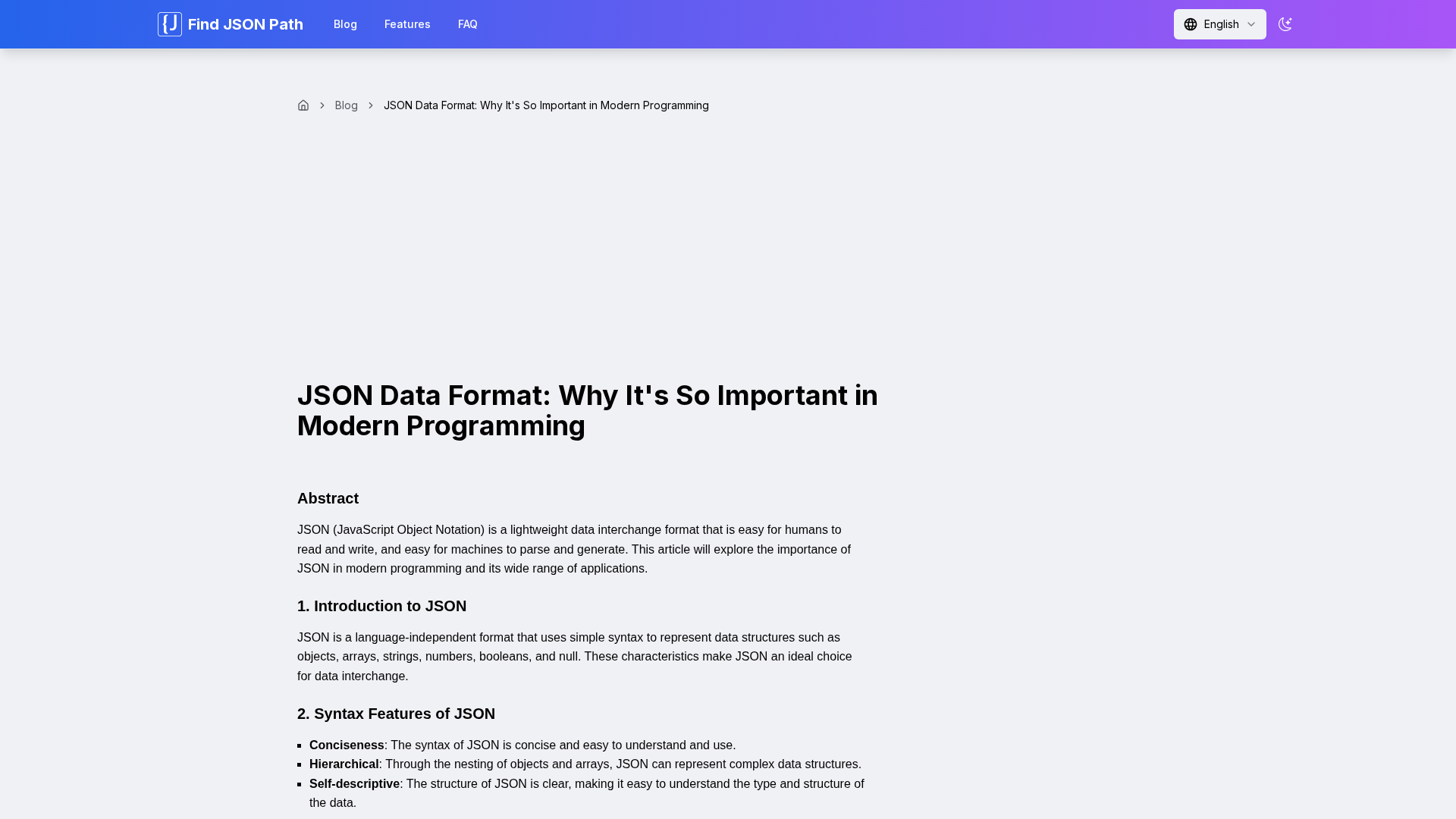
A concise overview of JSON’s features, applications, and limitations in modern programming.
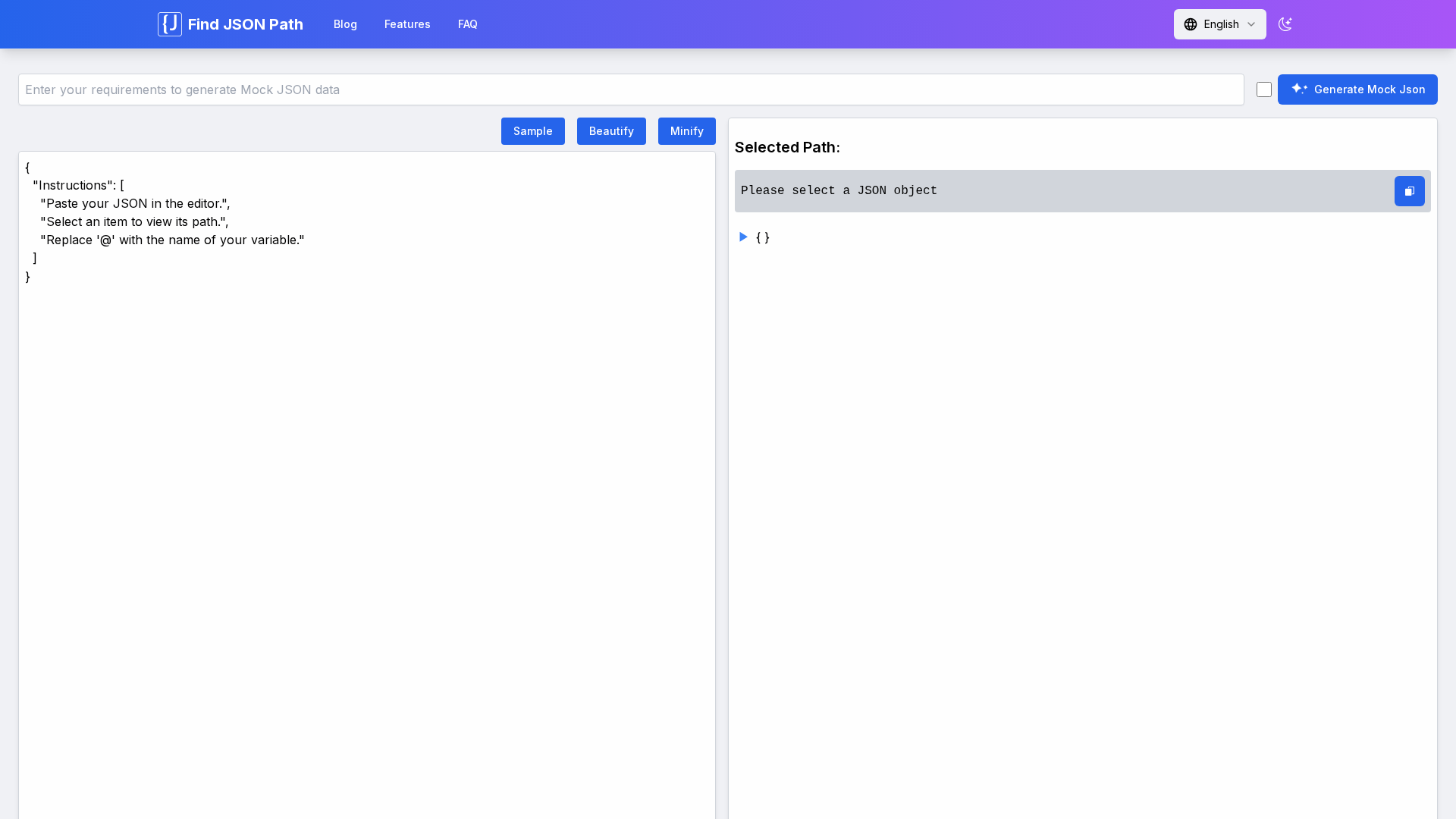
An online, browser-based JSON Path Finder with interactive visualization and AI-powered features.