Overview
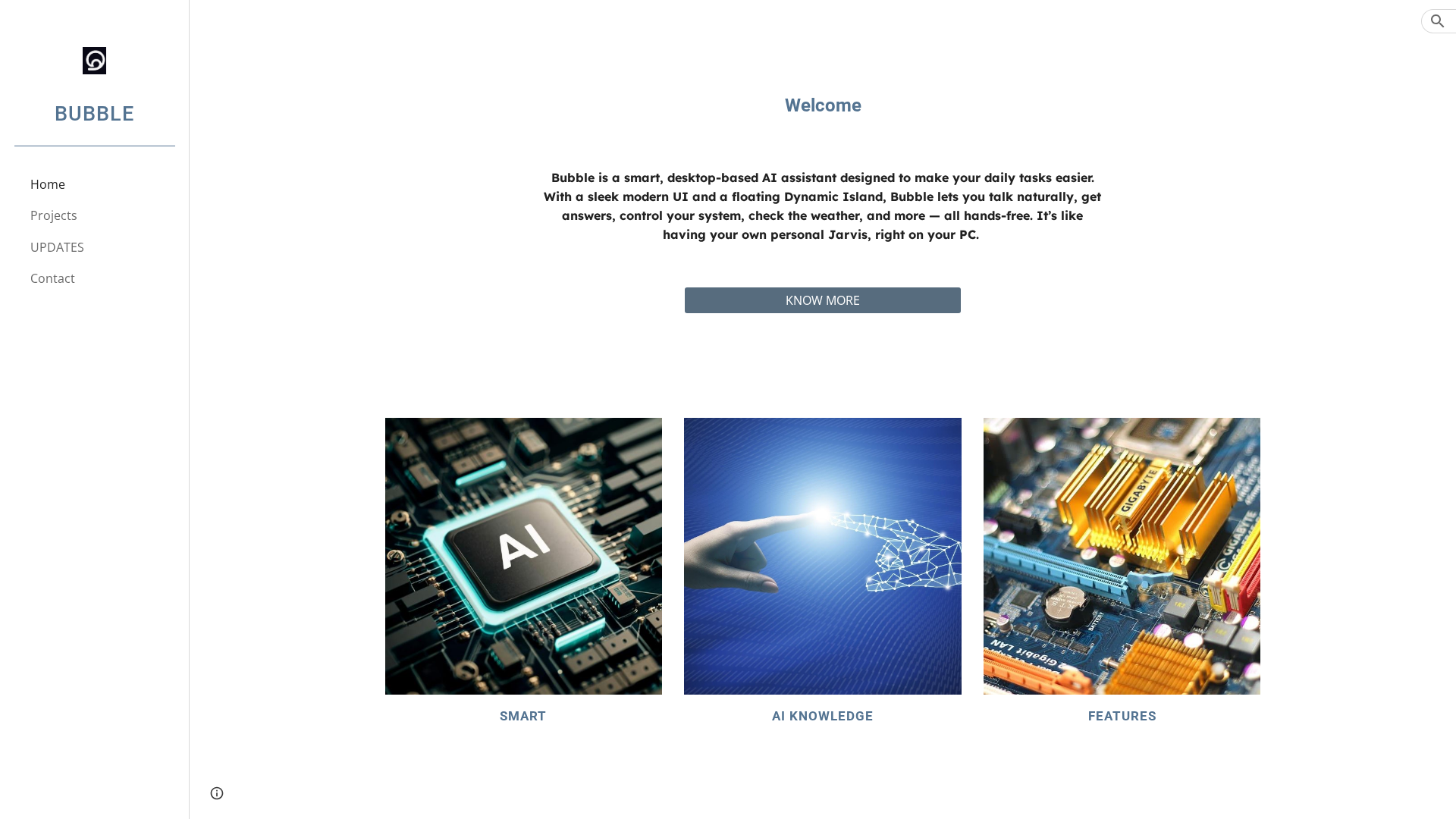
Bubble is presented as a desktop-based, hands-free AI assistant designed to run on users' PCs and provide natural-language voice interaction for everyday tasks. The marketing emphasizes a floating Dynamic Island-style interface on the desktop that offers continuous, unobtrusive presence while you work. Bubble claims it can answer questions, control system functions, report real-time updates such as weather, and execute voice-driven actions without typing. The site positions Bubble as a Jarvis-like personal assistant focused on speed, convenience, and integration into daily workflows. Note: the site currently lacks detailed technical specifications, integrations, or download links on supplementary pages.
Key Features
Natural-language voice control
Lets users speak naturally to ask questions and give commands; intended to be hands-free.
Dynamic Island floating UI
A persistent, floating desktop island element that provides quick visual presence and interactions.
System control & automation
Promised ability to control system functions (e.g., perform actions on the PC via voice).
Real-time updates (weather, quick info)
Provides timely information such as weather and short answers without typing.
Continuous, unobtrusive presence
Designed to live on the desktop and stay available while you work, minimizing interruption.
Workflow integration (marketing claim)
Intended to help streamline daily computing tasks and integrate into user workflows.

Who Can Use This Tool?
- Everyday PC users:Use voice commands to perform common desktop tasks hands-free while working.
- Productivity-focused professionals:Streamline workflows and get quick answers without leaving current work context.
- Users with accessibility needs:Operate desktop functions and retrieve information using speech instead of typing.
Pricing Plans
Pricing information is not available yet.
Pros & Cons
✓ Pros
- ✓Hands-free natural language voice control for desktop workflows
- ✓Floating Dynamic Island-style UI promises unobtrusive, always-available assistant
- ✓Claims to perform system control and real-time updates (weather, quick answers)
- ✓Emphasis on speed and ease of use — Just say it.
✗ Cons
- ✗Key pages (download, pricing, features, plans, FAQ) are missing or placeholders
- ✗No documentation, support, or clear platform/OS compatibility details available
- ✗No public pricing, trials, or purchase flows to evaluate cost or onboarding
- ✗Little or no independent social proof, reviews, or adoption metrics