Overview
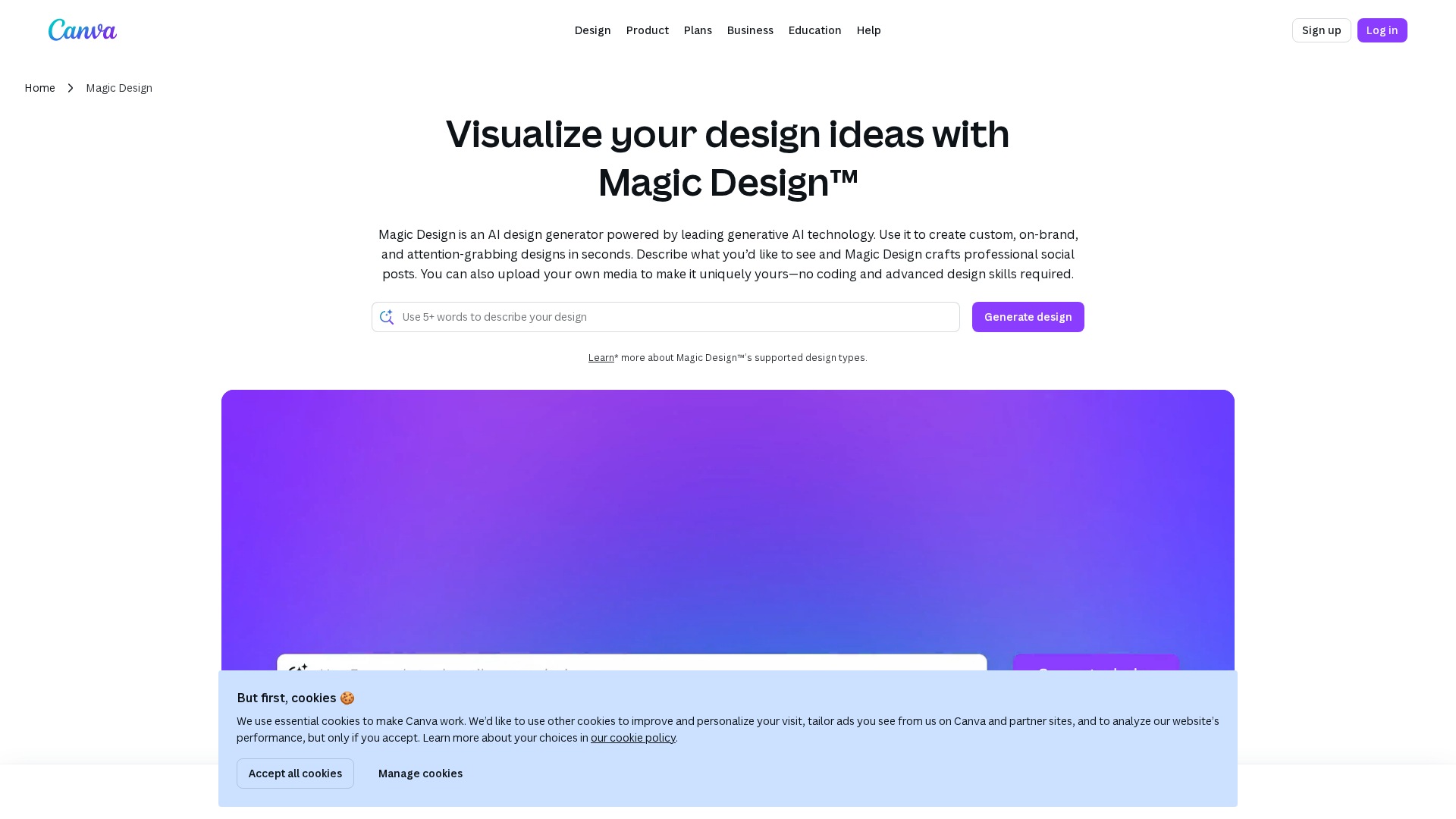
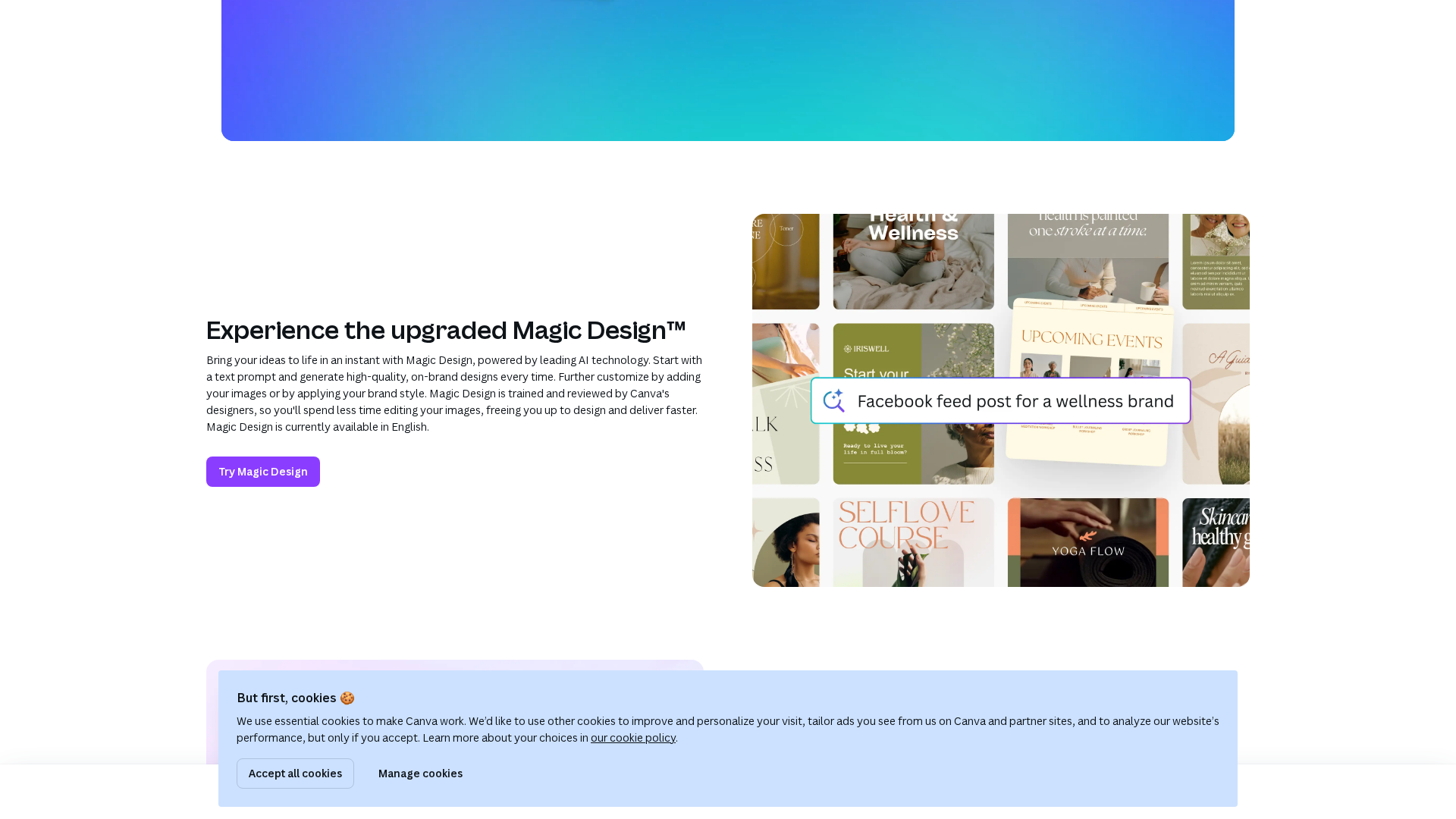
Magic Design is part of Canva’s Magic Studio/Canva AI suite. It generates ready-to-edit, on-brand designs (social posts, presentations, videos, and other Canva formats) from a user prompt and/or uploaded media. Users receive multiple layout, font, color, and imagery options that open in Canva’s drag-and-drop editor for further customization. Magic Design integrates with other Canva AI features (Magic Write for copy, Text-to-Image for generated imagery, Magic Media, and Brand Kit for brand consistency). Free users have limited free uses (Canva help pages reference roughly a 10-time free usage cap across some Magic features); paid plans (Canva Pro and higher tiers) increase access and quotas and add admin, collaboration, and scale features for teams and enterprises. Observed limitations include connectivity/loading errors on some pages, limited free usage quotas, potential need for manual adjustment for brand precision and accessibility, and guidance/terms from Canva regarding AI-generated content ownership and policies.
Key Features
Prompt-driven design generation
Describe the desired look/content; Magic Design proposes multiple layouts, fonts, color palettes, and imagery.
Use your own media
Upload photos or videos and receive templates and layouts customized around the provided media.
Multiple output types
Produces social posts, presentations/slide decks, videos, and other Canva formats.
Integration with Canva editor
Generated designs are fully editable in Canva’s drag-and-drop editor for immediate customization.
Works with other Canva AI features
Integrates with Magic Write (copy), Text-to-Image, Magic Media, and Brand Kit for cohesive workflows.
Built into Magic Studio / Canva AI
Part of Canva’s integrated AI suite for creative workflows and ideation.
Who Can Use This Tool?
- Non-designers:Quickly produce polished social posts, presentations, and videos with minimal design expertise.
- Freelancers/Small teams:Speed up ideation and first-draft creation, then customize results in the Canva editor.
- Enterprises/Design teams:Scale template creation with admin controls and Brand Kit integration for consistent branding.
Pricing Plans
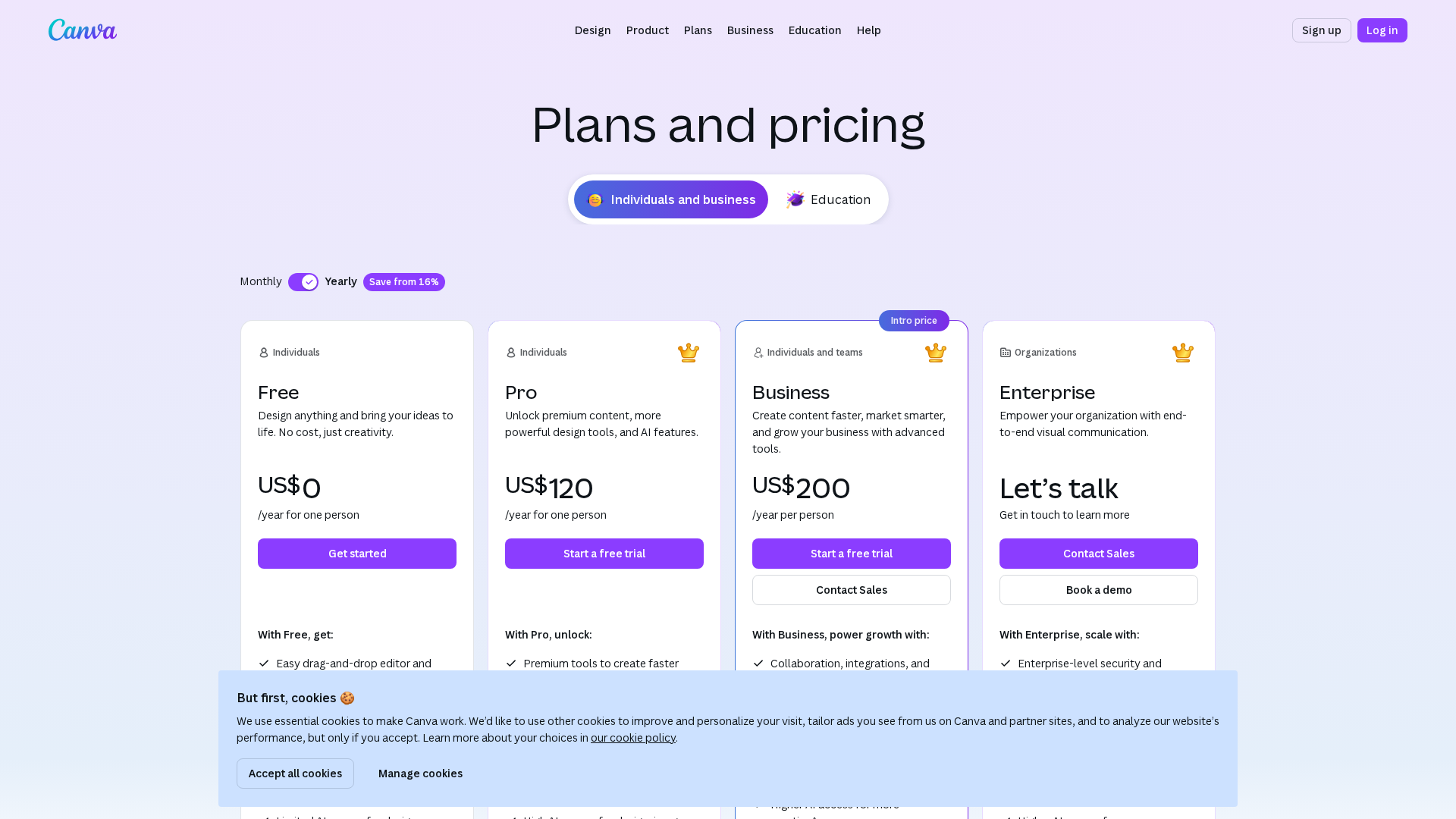
Free access with limited free uses of Magic Design and other Magic features (help pages reference an approximate ~10 free uses cap).
- ✓Limited free uses of Magic Design and other Magic features (approx. 10 uses noted in docs)
- ✓Access to basic Canva editor and templates
- ✓Can upload media and generate designs with limits
Canva Pro and other paid plans increase AI access, raise or remove free usage limits, and include additional features.
- ✓Increased or removed usage limits for Magic features
- ✓Access to premium templates, assets, and Brand Kit controls
- ✓Better collaborative features depending on plan
Higher-tier plans add admin, collaboration, and scale features appropriate for organizations; consult Canva pricing for exact plan details.
- ✓Admin controls and team management
- ✓Enhanced collaboration and sharing features
- ✓Scalability and enterprise support
Pros & Cons
✓ Pros
- ✓Generates fast first drafts and templates to speed ideation and layout work
- ✓Produces multiple design options (layouts, fonts, color palettes) from a prompt
- ✓Accepts user-uploaded media to create tailored templates
- ✓Integrates with Canva editor and other Canva AI tools for cohesive workflows
- ✓Helps non-designers produce polished visuals quickly
✗ Cons
- ✗Free usage limits (help pages reference approx. 10 free uses) without paid plan
- ✗Observed connectivity/loading messages on some pages can hinder access
- ✗AI outputs often require manual adjustments for brand precision and accessibility
- ✗Privacy/ownership and policy considerations for AI-generated content—check Canva terms and Shield guidance
Compare with Alternatives
| Feature | Canva Magic Design | Playground AI | Adobe Firefly |
|---|---|---|---|
| Pricing | N/A | $15/month | $29.99/month |
| Rating | 8.7/10 | 8.6/10 | 8.4/10 |
| Prompt Flexibility | Prompt-driven with uploaded media | Text prompts for images and graphics | Advanced prompts across media types |
| Editor Integration | Yes | Partial | Yes |
| Output Diversity | Designs templates social video outputs | Images logos T shirts social graphics | Images vectors text effects audio video |
| Brand Kit Integration | Yes | No | Yes |
| Vector Support | No | No | Yes |
| Own Media Support | Yes | Partial | Yes |
| Enterprise Governance | No | Partial | Yes |
Related Articles (5)
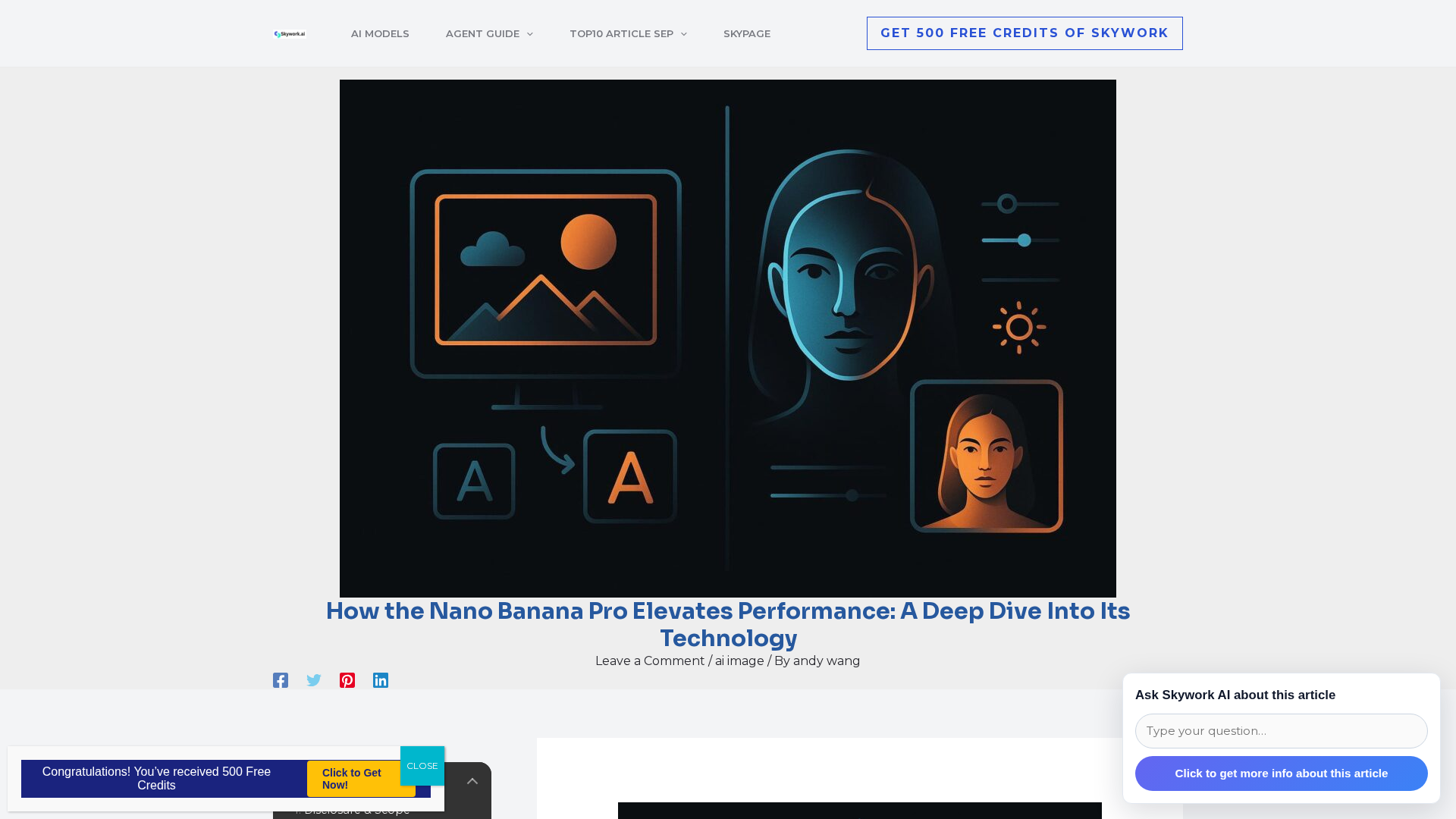
Independent review of Nano Banana Pro (Gemini 3 Pro Image) focusing on precision controls, localized edits, multi‑image blending, and provenance features.
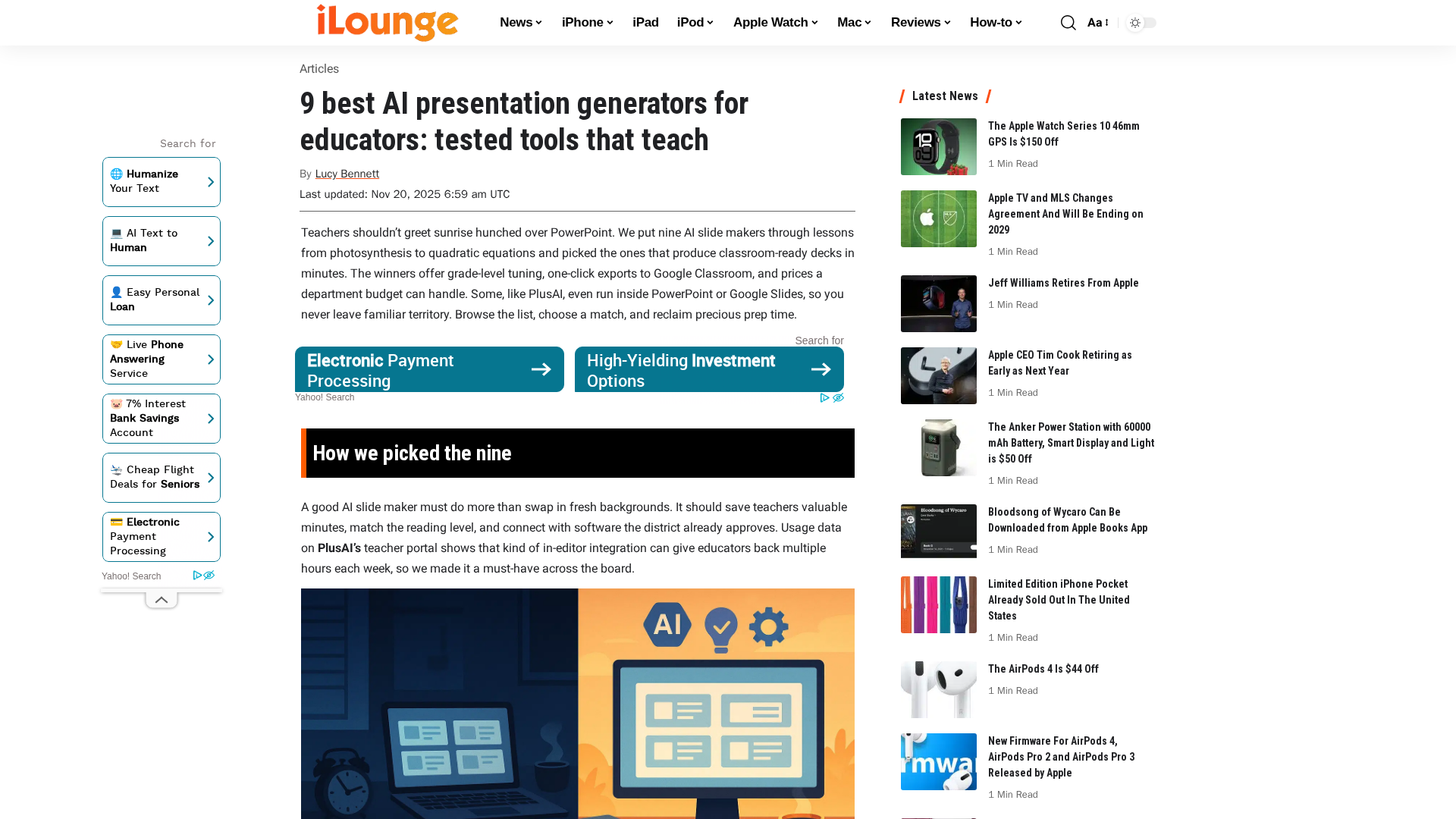
Nine AI slide tools for educators, tested for speed, alignment, and seamless Google/PowerPoint integration.
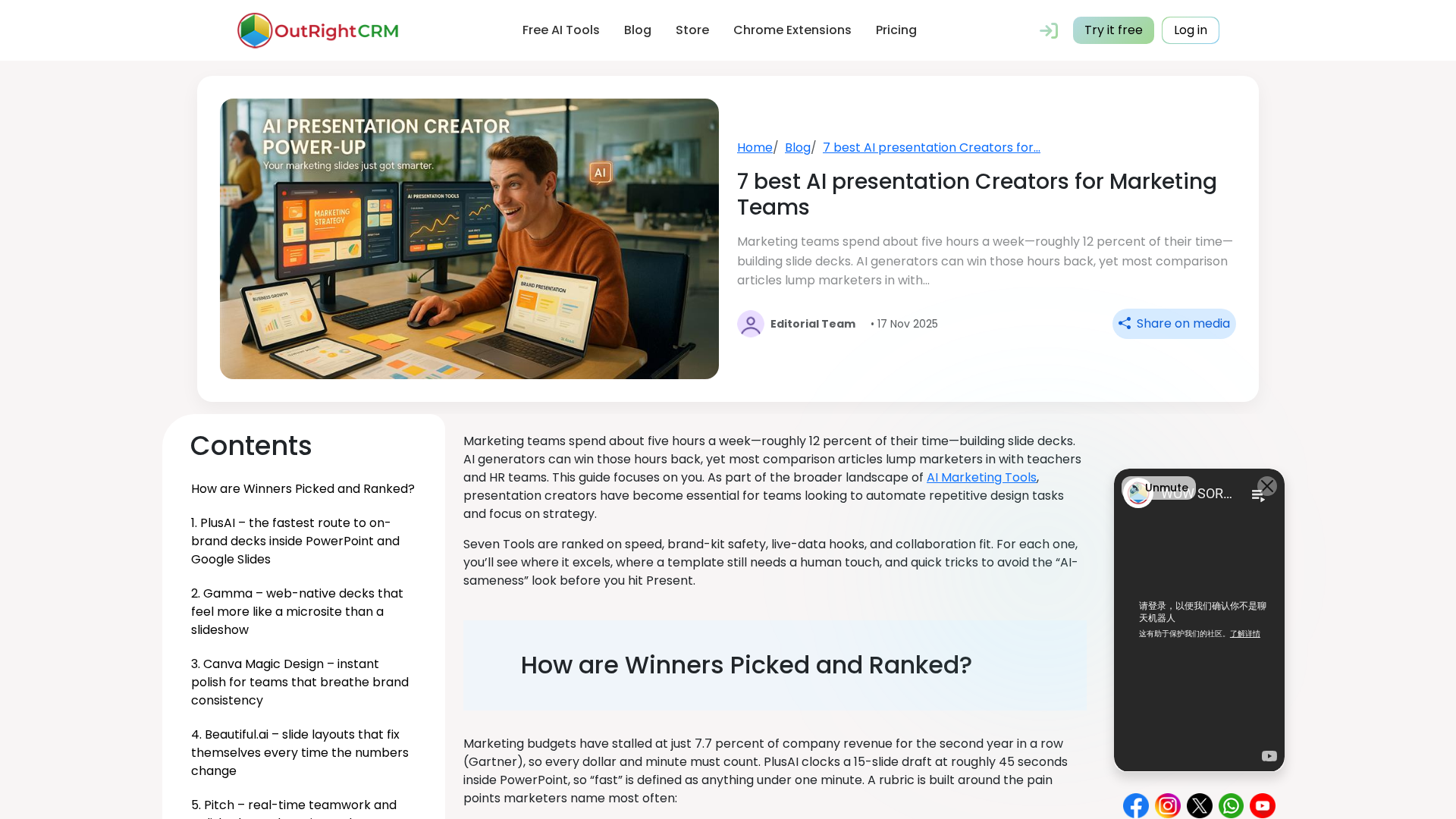
A marketer-focused comparison of 7 AI presentation creators, detailing strengths, pricing, and the best fit for different team workflows.
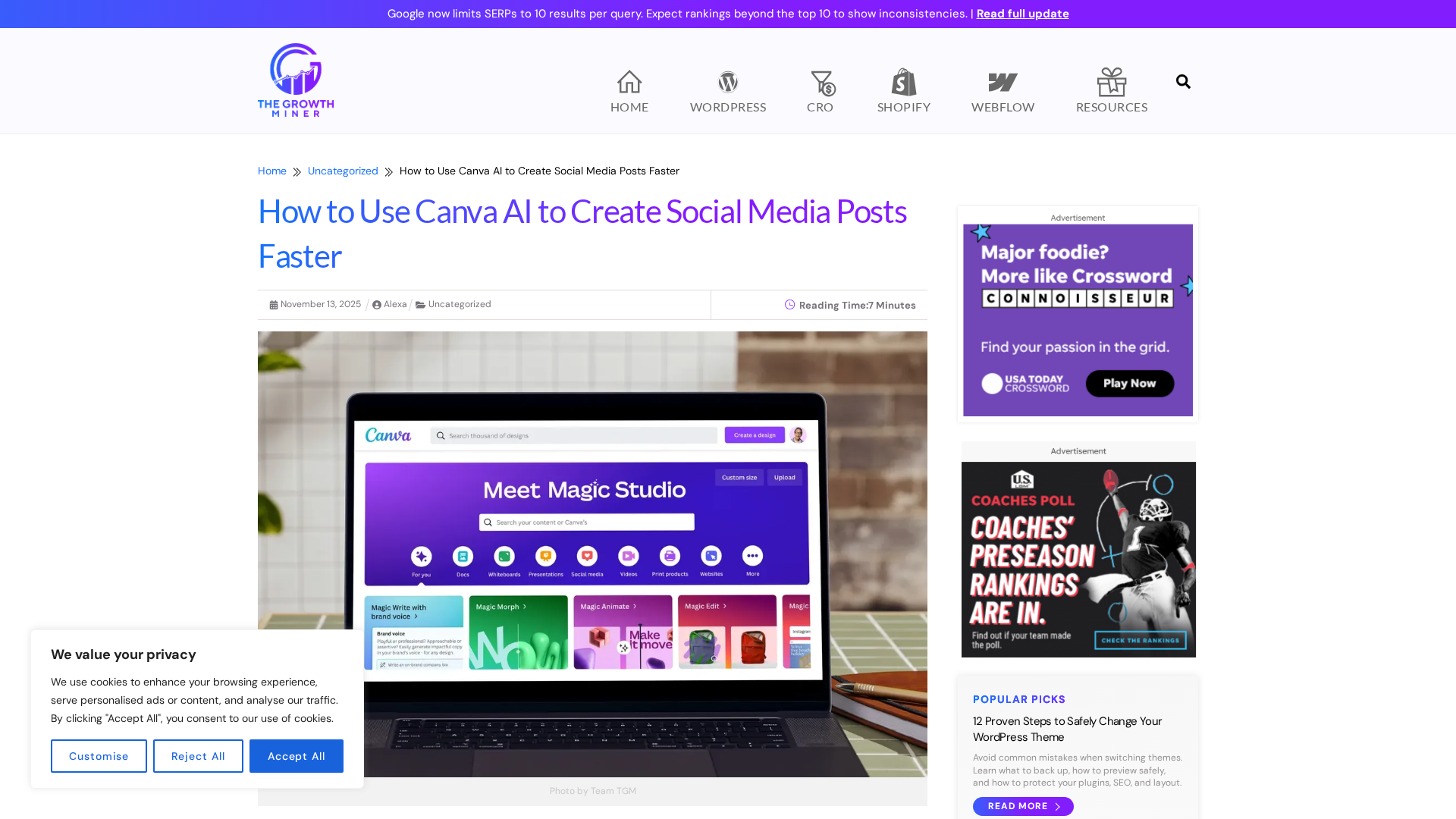
A practical, step-by-step guide to using Canva's Magic Studio AI to craft fast, on-brand social media posts.
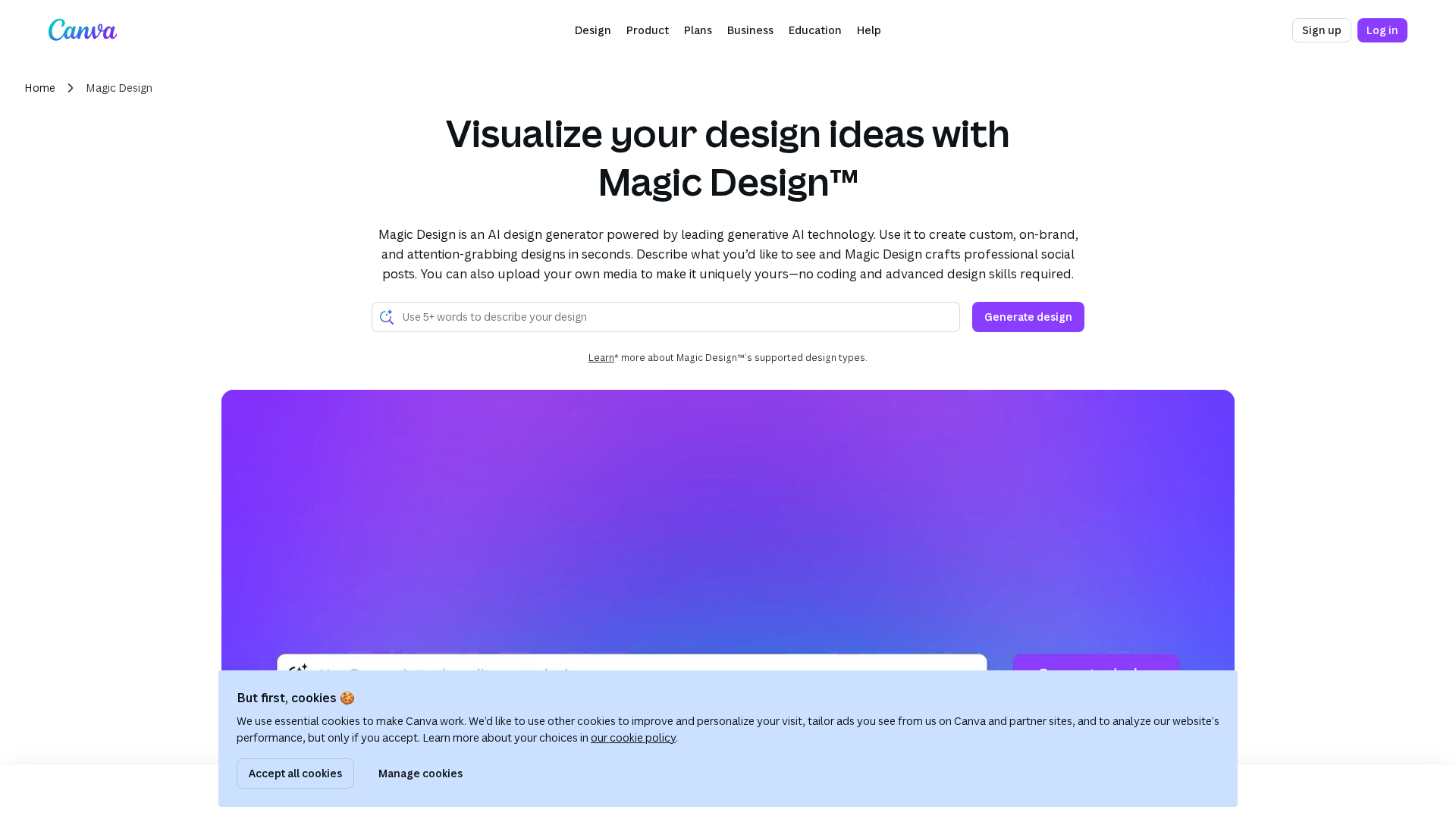
A connectivity/status page for Canva's Magic Design, indicating a loading issue rather than substantive content.