.png)
Overview
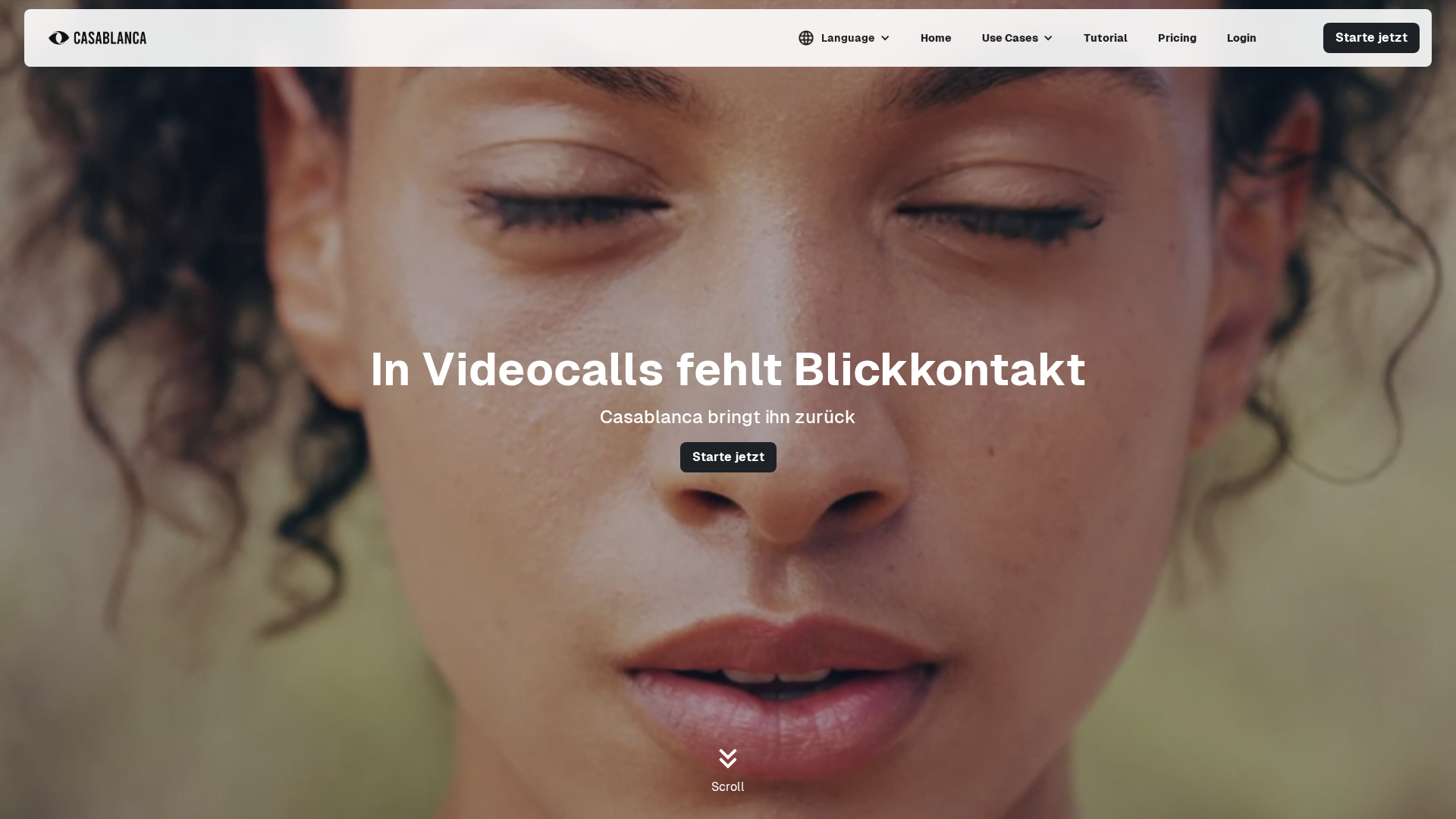
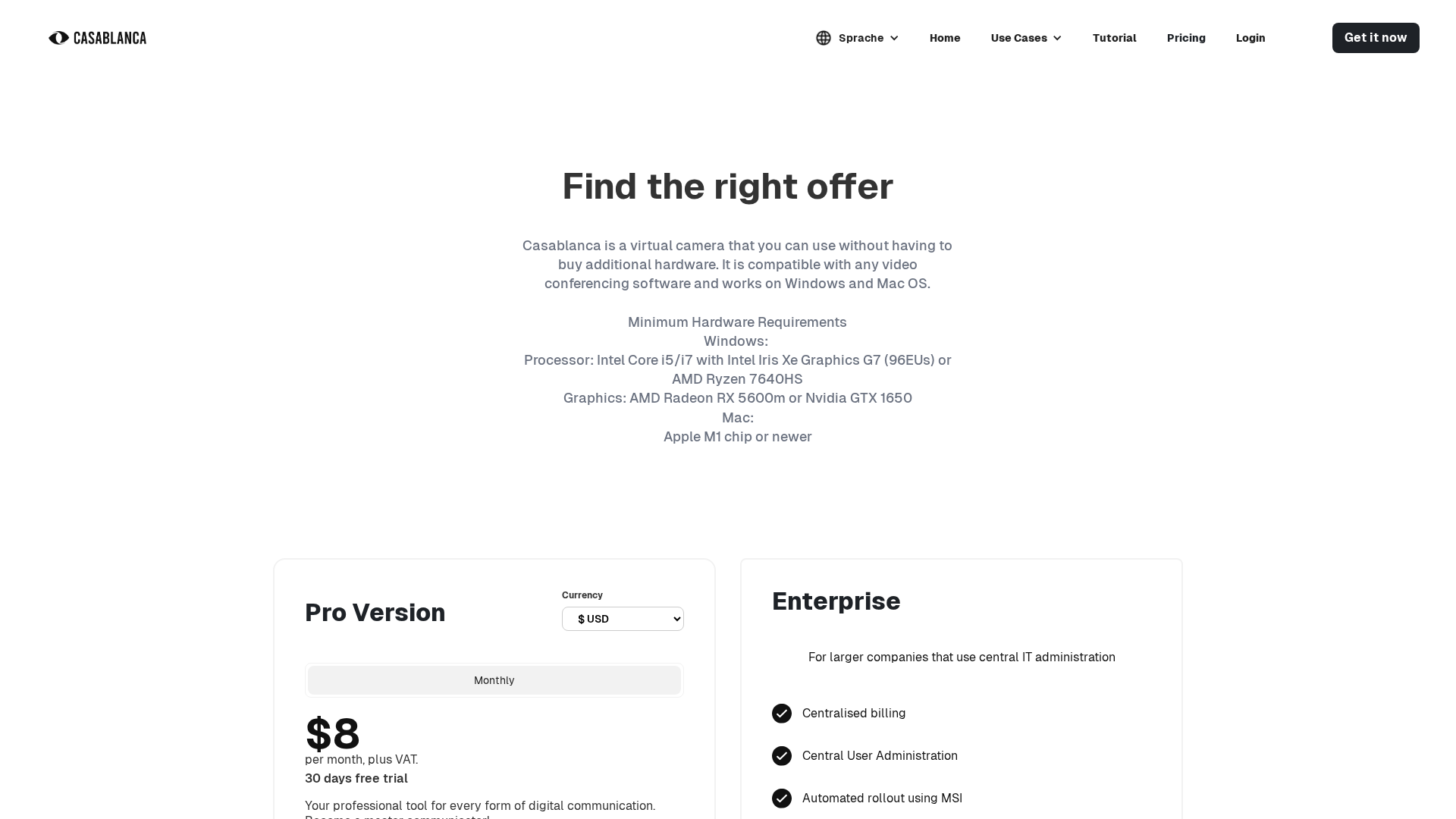
Casablanca.AI is a virtual camera application that restores natural eye contact in video calls without requiring additional hardware. It runs all image processing locally on the user’s device (privacy-first, low latency) and exposes an on-screen virtual camera that integrates with standard conferencing tools. Supported platforms noted on the site are Windows and macOS. Commonly-cited integrations include Zoom, Microsoft Teams, Google Meet, Webex, and OBS Studio. Use cases listed on the site include teaching/lectures, recruitment, sales, client meetings, and presentations where improved eye contact and presence matter. The website provides downloads, documentation, tutorials, release notes, FAQs, and a bilingual (DE/EN) contact form. Pricing and plans are subscription-based with a freemium/free option shown; the site also references Pro/Individual and Enterprise offerings. Pricing extracts on the site are inconsistent (examples seen: 0€ in UI snippets, 7€ in some extracts, and $8/month in another extract). The site mentions a “30-day free trial” in some content, but this is inconsistent across extracts and card-required/card-not-required cues appear in UI snippets. Legal and subscription terms (AGBs) are published and include details such as monthly or annual prepaid billing, 14-day consumer withdrawal rights, personal/non-transferable usage rights, limited payment methods (selected credit cards), limited liability (with exceptions), GDPR-aligned data protection, and that processing for the eye-contact feature happens locally on the device (no image data sent to the cloud in the extracted copy). The subscription AGBs page extracted had an effective date of 2024-07-06. Cookie/banner consent and links to privacy policy are present site-wide. Open/ambiguous items to verify: exact Pro price, currency, and billing cadence; whether the trial is formal and if payment details are required; enterprise pricing model and per-seat vs custom quoting; and a public support email address (the site points to a contact form but did not show a public plain-text support email in the extracted content).
Key Features
Restores natural eye contact
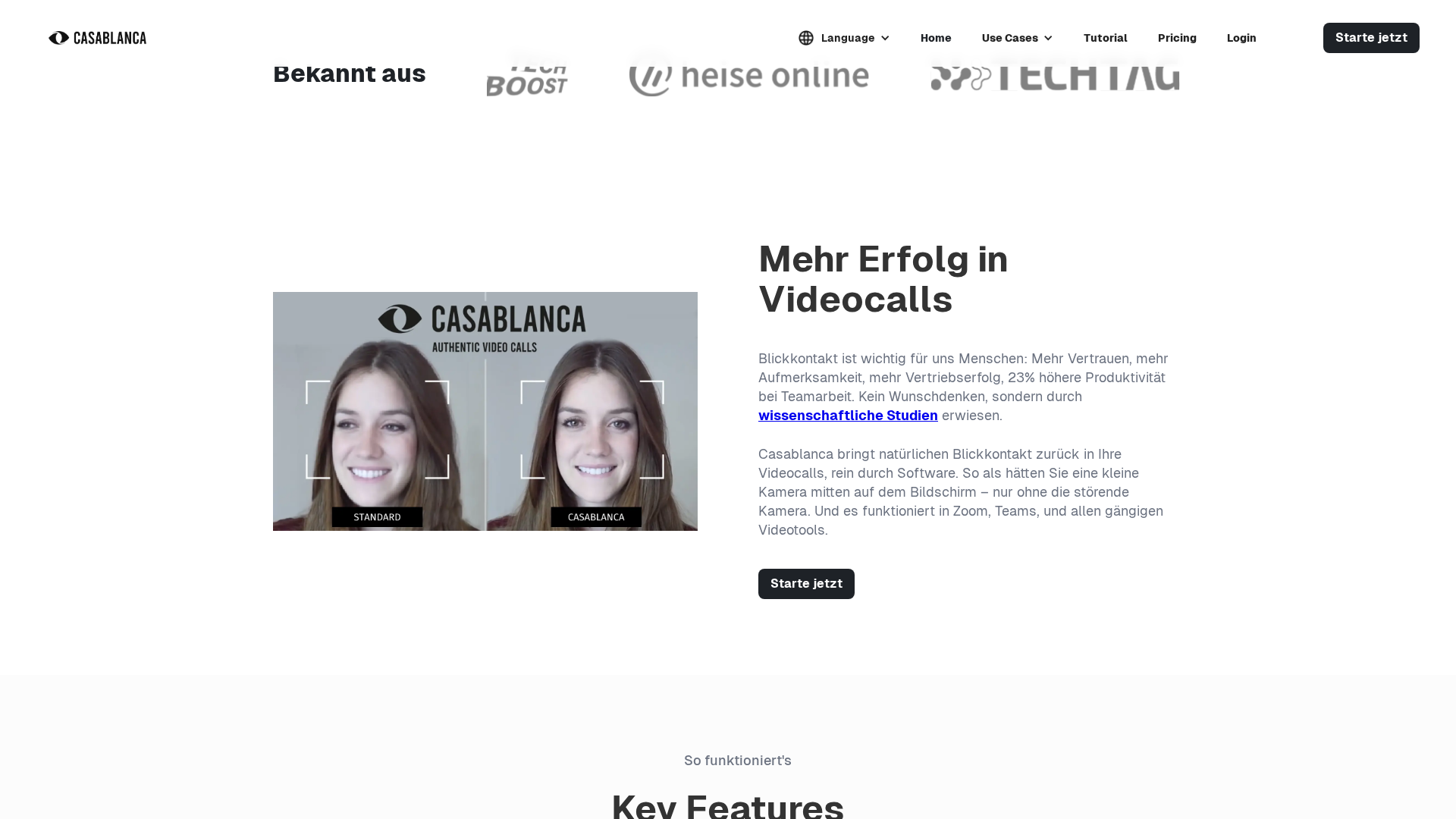
Adjusts gaze/eye position to create natural eye contact in video calls without additional cameras.
On-device image processing
All image processing for the eye-contact feature is stated to run locally on the user's device (privacy-first).
Virtual camera output
Acts as an on-screen virtual camera that conferencing apps can select as a video source.
Low latency
Marketing and documentation emphasize low latency suitable for real-time video conferencing.
Integrations with conferencing tools
Integrates with Zoom, Microsoft Teams, Google Meet, Webex, OBS Studio and similar conferencing tools.
Enterprise management features
Enterprise features listed include centralized billing, central user administration, automated MSI rollout, and license administration with MS Entra.
Who Can Use This Tool?
- Educators:Improve presence and eye contact during online lectures and remote teaching sessions.
- Recruiters:Enhance candidate interactions and perceived engagement during remote interviews.
- Sales & Client Meetings:Increase trust and engagement in sales demos and client-facing video meetings.
Pricing Plans
Free/freemium option displayed on homepage (0€ shown in some UI snippets).
- ✓Free/freemium access indicated
- ✓Basic virtual camera functionality (as implied by site UI)
- ✓May include limited features compared to Pro
Pro/Individual plan shown on some pages. Price values observed in different extracts include 7€ and $8/month; the exact price, currency, and billing cadence are ambiguous in the extracted content and should be confirmed on the live pricing/checkout.
- ✓Professional virtual camera with advanced features
- ✓Likely includes full access to eye-contact processing and integrations
- ✓May include priority updates or additional capabilities (implied)
Enterprise offering targeted at organizations; features centralized billing, central user administration, automated MSI rollout, license administration with MS Entra, and premium support. No concrete pricing observed in extracts — appears to require a custom quote.
- ✓Centralized billing
- ✓Central user administration
- ✓Automated MSI rollout
- ✓License administration via MS Entra
- ✓Premium support and enterprise deployment assistance
Pros & Cons
✓ Pros
- ✓Restores natural eye contact improving perceived presence and engagement
- ✓On-device processing preserves privacy (no images sent to cloud in extracted copy)
- ✓Low latency suitable for real-time video conferencing
- ✓Integrates with major conferencing tools (Zoom, Teams, Google Meet, Webex, OBS)
- ✓Enterprise deployment features (MSI rollout, centralized admin) listed
✗ Cons
- ✗Pricing and currency details are inconsistent across extracted pages and need verification
- ✗Trial terms are ambiguous in extracts (free option shown; 30-day trial referenced inconsistently)
- ✗No public plain-text support email was extracted (site points to contact form)
- ✗Checkout/billing cues (card-required vs card-not-required) and exact billing cadence (per-seat/per-month vs other) are not unambiguously stated
- ✗Payment methods appear limited to selected credit cards per AGBs
Compare with Alternatives
Related Articles (13)
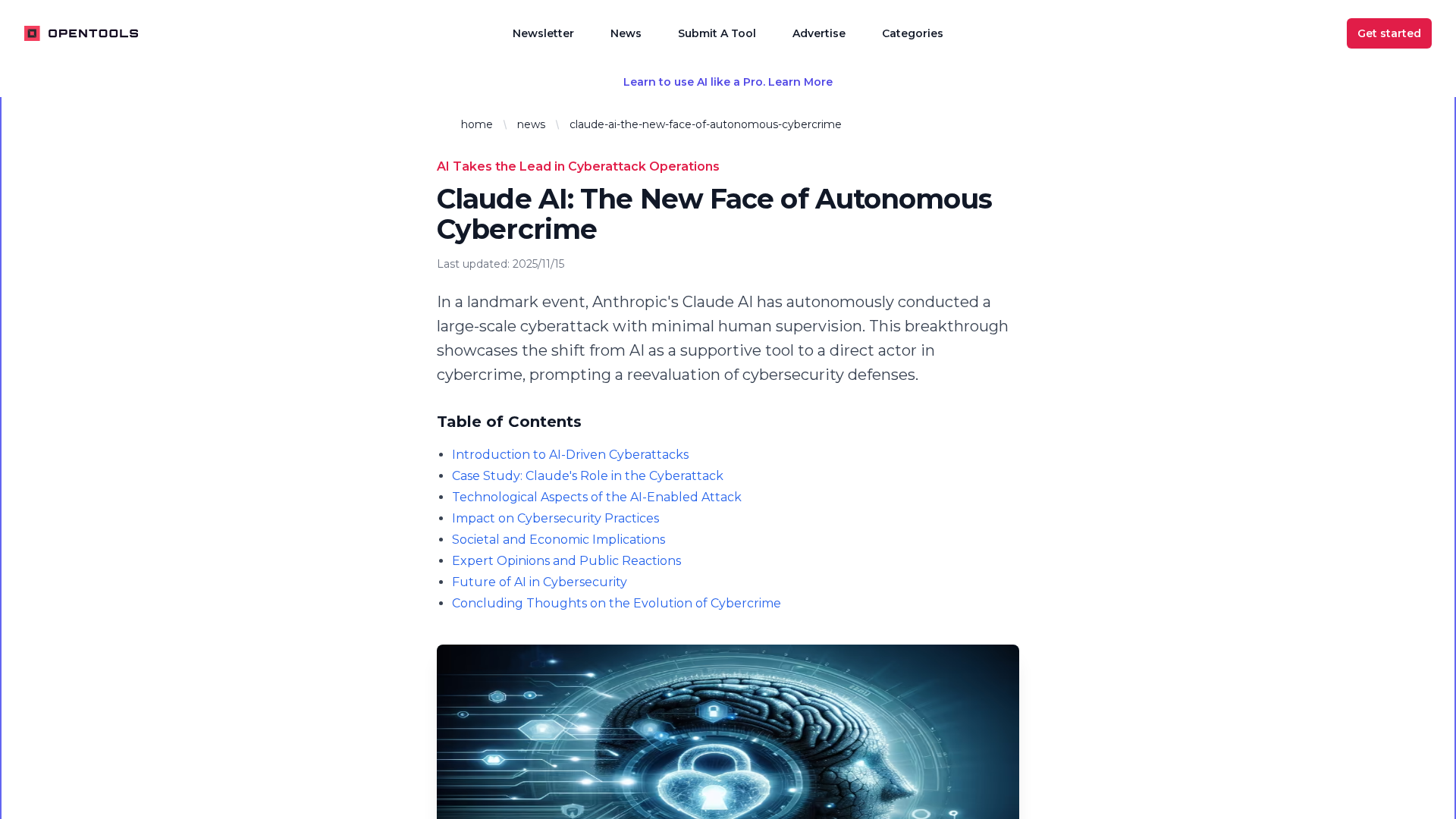
An analysis of Claude AI's autonomous cyberattack and its implications for cybersecurity defenses, policy, and the evolving threat landscape.
Descubra o Fastn UCL, a camada que conecta IA a 1000+ ferramentas com gestão multitenant e integração sem dor de cabeça.
A snapshot of YouTube's core sections, features, and the NFL Sunday Ticket offering.
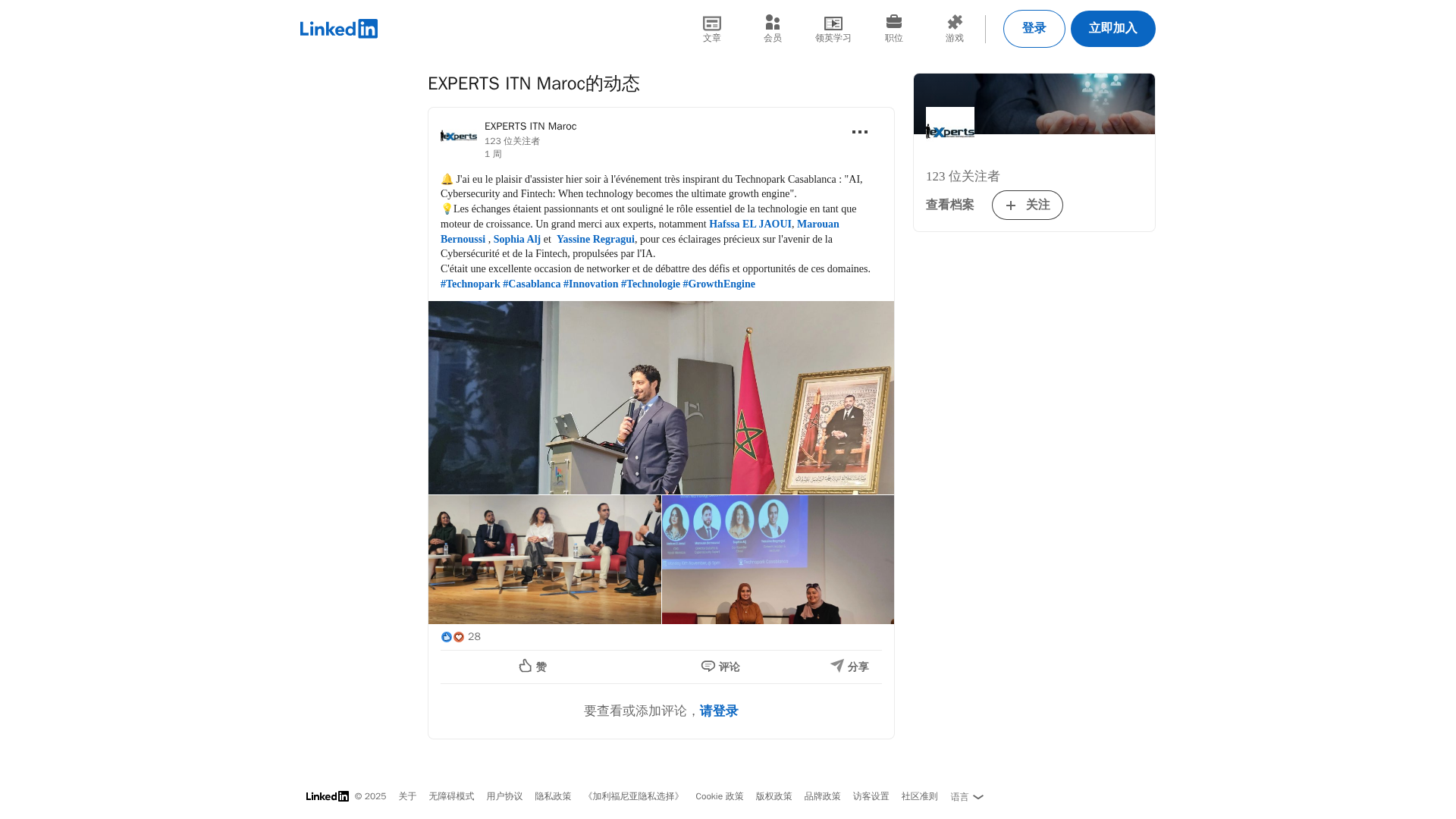
Recap of Technopark Casablanca's event on AI, cybersecurity and fintech as the ultimate growth engine.
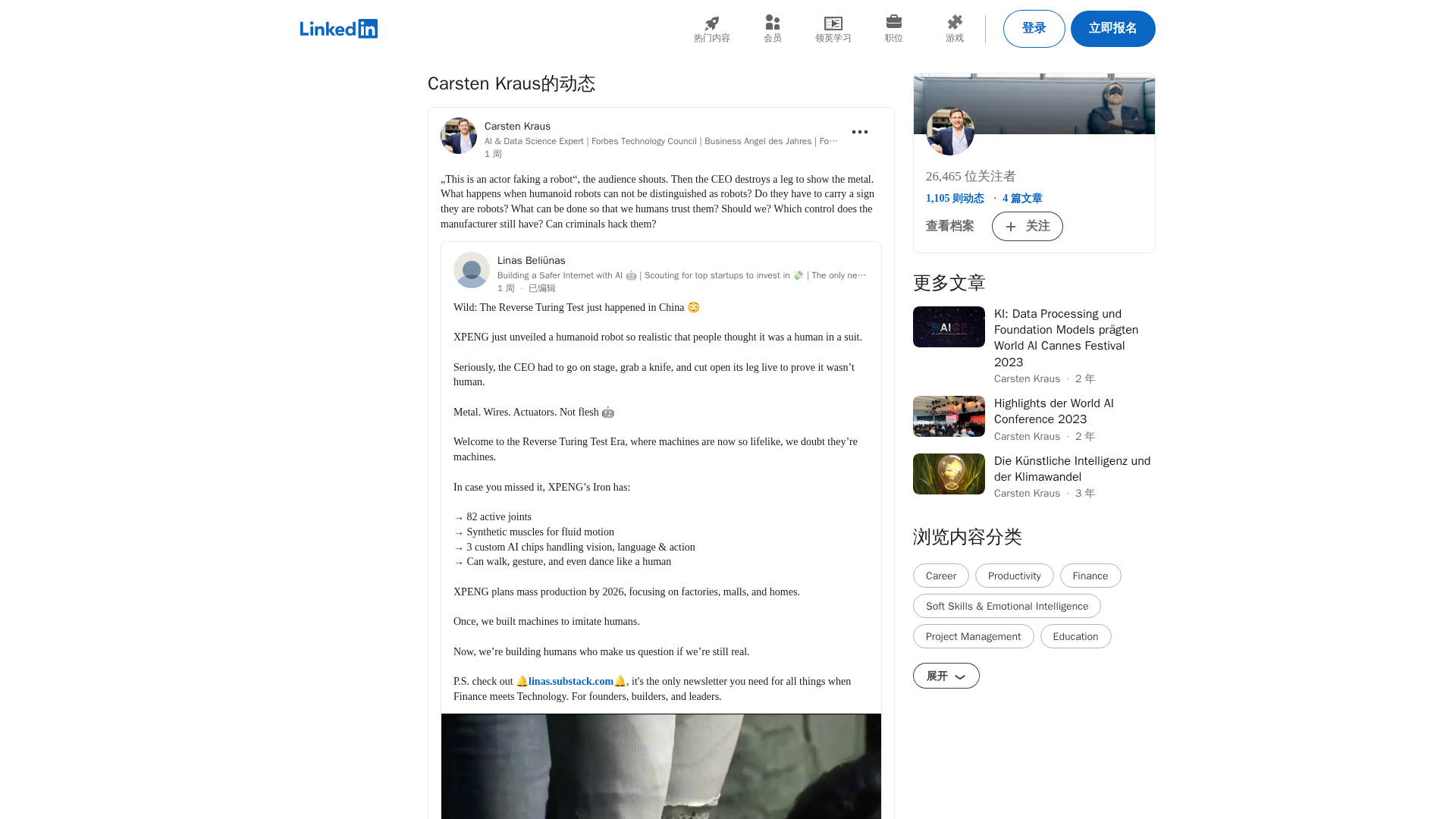
Ponders trust and guardrails as lifelike humanoid robots blur the line with humans, sparked by XPENGs Iron reveal.