Overview
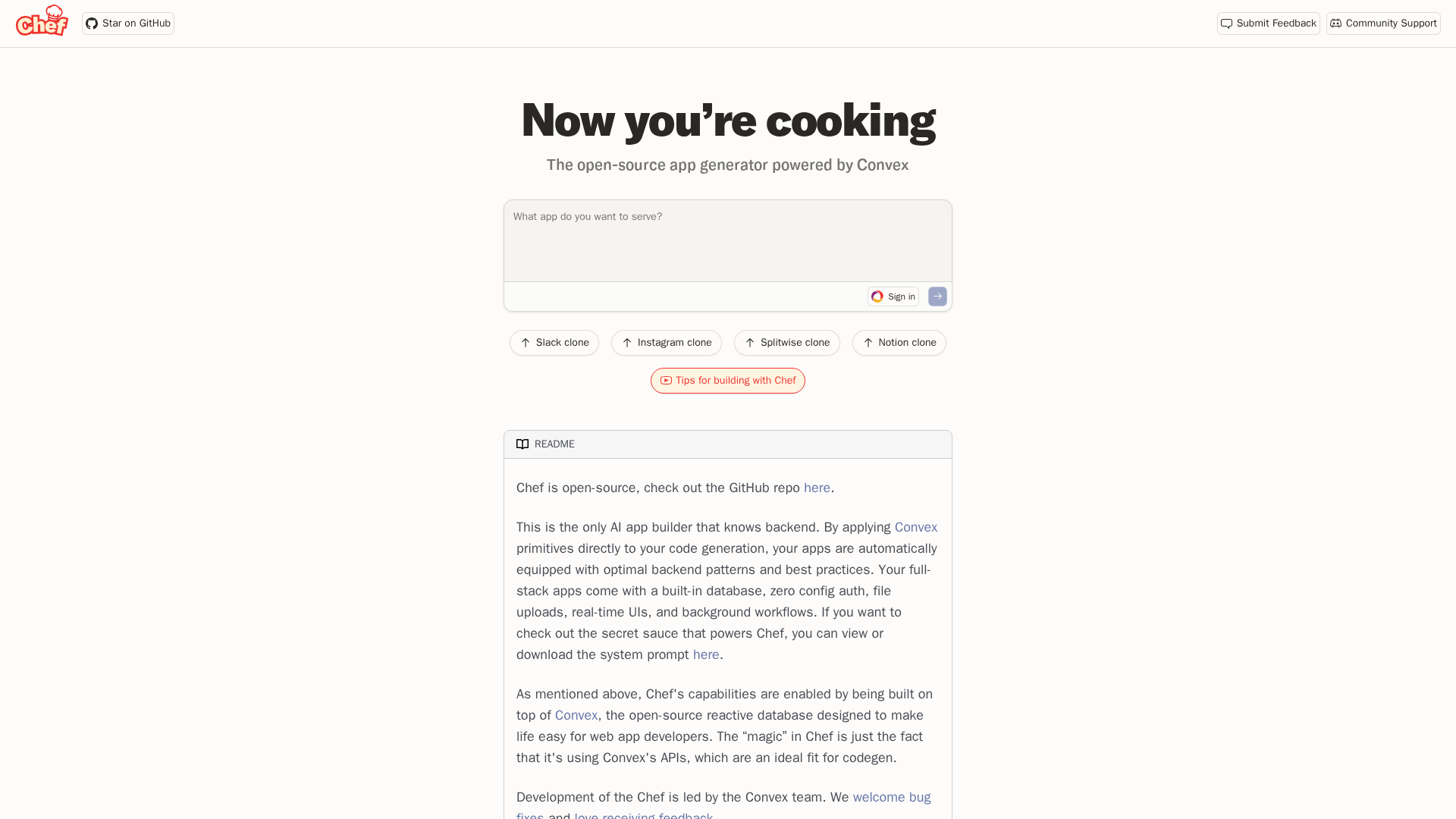
Chef by Convex is an AI app builder that generates full-stack, real-time web apps with backend wiring (database, auth, file uploads, background jobs, real-time subscriptions). It focuses on producing runnable projects with sensible defaults (Convex backend + Convex Auth + React/Vite frontend), letting you download and continue development locally or use Chef’s quick host/share features. It offers one-shot scaffolding of full-stack projects, built-in Convex database, real-time subscriptions, background workflows (crons), and file storage, plus zero-config authentication for rapid prototypes. It supports text and vector search, file uploads, and presence/multiplayer testing UI. It also provides quick dev hosting and session sharing in the browser and a downloadable project for local/production deployment. Integrations include a built-in OpenAI proxy with quota, option to use your own model API keys (Anthropic/Google/OpenAI/XAI) when self-hosting, and Resend for emails. The developer workflow describes downloading the generated ZIP, installing dependencies, and running locally, with recommendations to add a frontend build script and initialize Git for long-term development and production hosting.
Key Features
One-shot scaffolding
Generates a full-stack project (frontend + backend + auth + DB) from prompts.
Built-in Convex stack
Includes Convex database, real-time subscriptions, background workflows, and file storage.
Zero-config authentication
Convex Auth for quick prototypes with minimal setup.
Advanced capabilities
Supports text and vector search, file uploads, and presence/multiplayer testing UI.
Dev hosting and sharing
Quick in-browser hosting and session sharing; download generated project for local use.
Integrations and API keys
Built-in OpenAI proxy with quota; use your own model keys (Anthropic/Google/OpenAI/XAI) when self-hosting; Resend for emails.
Who Can Use This Tool?
- developers:to rapidly prototype full-stack web apps with built-in backend, auth, real-time features
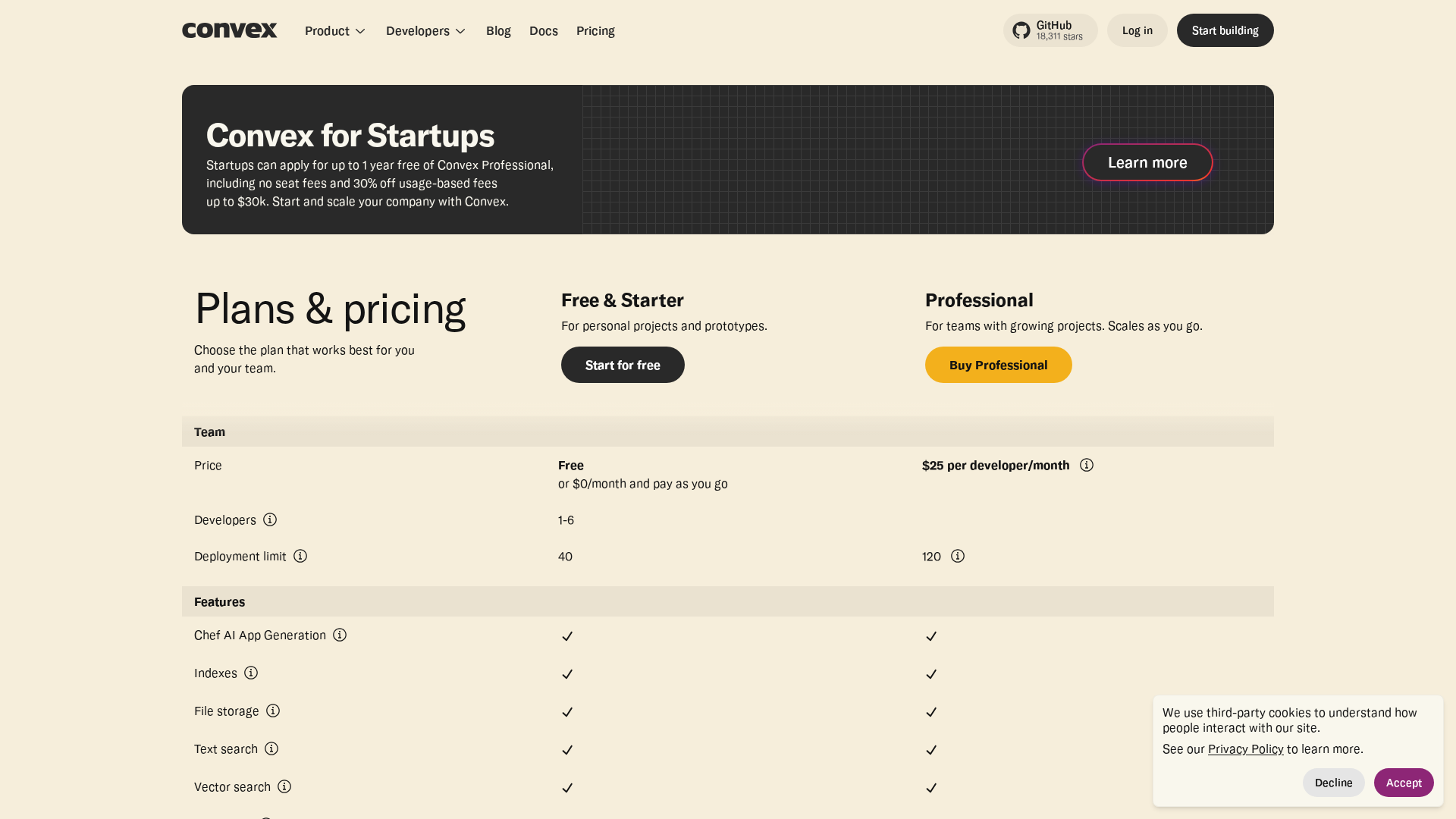
Pricing Plans
Free starter tier for initial exploration
- ✓Starter free tier for initial projects
- ✓Token-based AI generation quotas
- ✓Access to hosted prototyping features
Team plan with higher quotas and collaboration features
- ✓Higher AI generation quotas
- ✓Team/hosting features
- ✓Production deployment readiness
Pros & Cons
✓ Pros
- ✓AI app builder that generates runnable full-stack apps with sensible defaults
- ✓One-shot scaffolding and quick prototyping
- ✓Built-in Convex database and real-time capabilities
- ✓Zero-config authentication and secure auth
- ✓In-browser hosting and session sharing for prototyping
- ✓OpenAI proxy with quota; option to use own APIs when self-hosting
- ✓Supports text/vector search, file uploads, and presence/multiplayer UI
✗ Cons
- ✗Only a single template (Convex + Convex Auth + React (Vite)); limited framework switching
- ✗No GitHub import/integration in the hosted UI; export/download is the recommended path
- ✗Potential conflicts when returning to exported projects
- ✗Hosted OpenAI proxy is quota-limited; use your own keys for heavy use
Related Articles (6)

Cannot access article content due to paywall; please provide text to generate metadata.
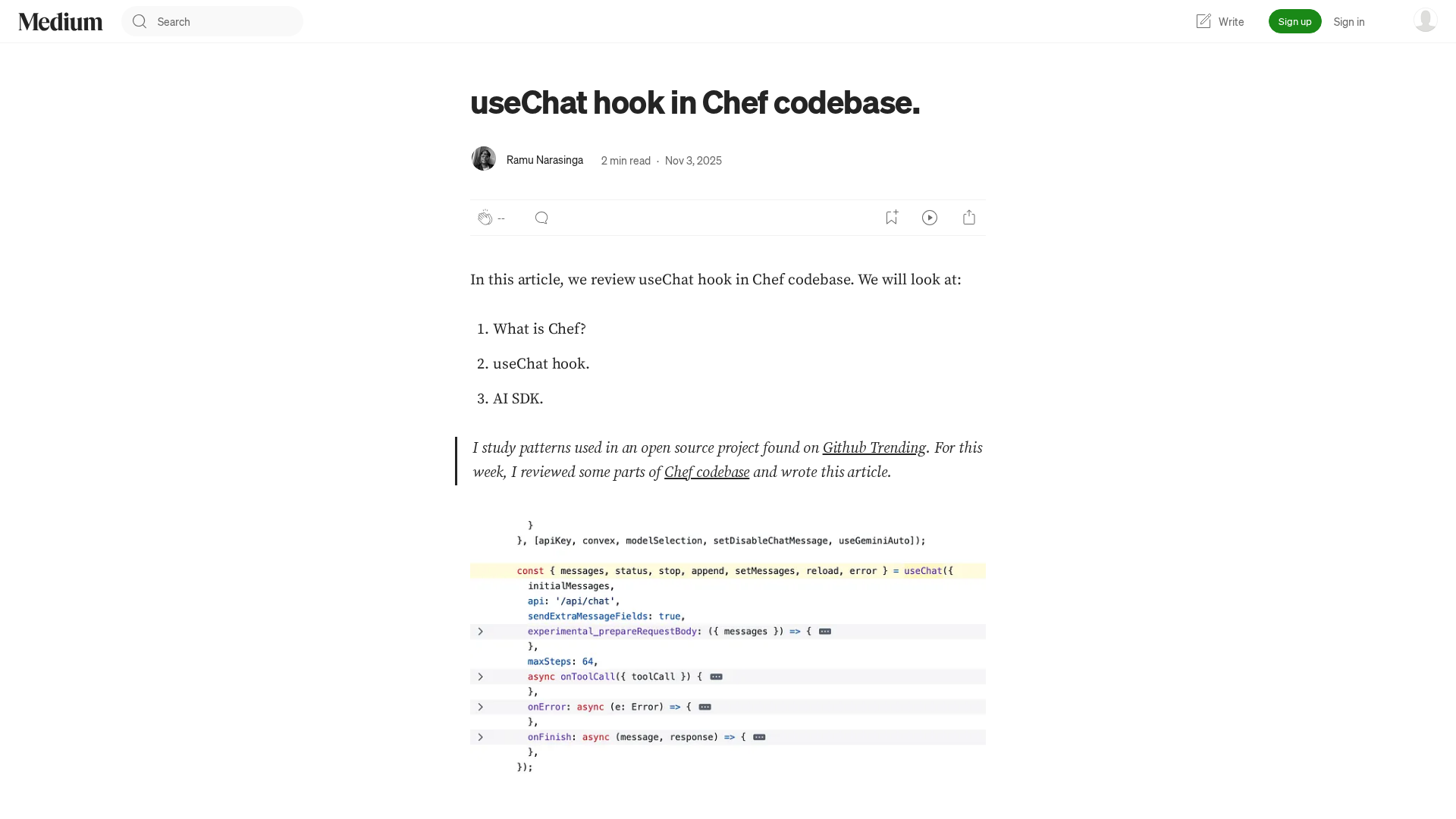
A practical, code-first guide to integrating Chef's useChat hook for a seamless, chat-enabled frontend.

A Texan’s upsell turns a fish hook into a $101K sale, illustrating bold, sequenced selling.

Cell Press’s LinkedIn page showcases its 50+ journals, global events like Cell Symposia, and ongoing research features and opportunities.
Practical guide to building a reusable TaskCard component for a Kanban board.