
Overview
Cursor (by Anysphere) is an AI-first code editor and assistant that embeds AI throughout the development workflow — editor, agents, CLI and web agents. Key capabilities include proprietary code/tab models for autocomplete, multi-step "agents" for automating tasks, cross-file edits and directed natural-language edits, GitHub and Slack integrations, VS Code import, and support for multiple model providers (OpenAI, Anthropic/Claude, Google Gemini, xAI). The product exposes the Model Context Protocol (MCP) in its docs for integrating external data and automating environment setup. Pricing includes a free tier, paid subscription tiers (Personal/Pro/Pro+/Ultra/Teams) and enterprise/custom contracts; there are add-ons such as Bugbot and usage-based model API billing. Legal and payment details reference Stripe processing, USD billing, automatic renewals, and an arbitration clause; telemetry and aggregated data collection are noted, along with IP and reverse-engineering restrictions. Documentation, community forum, and pricing pages are linked from the site for deeper technical and enterprise information.
Key Features
AI-first editor and agents
Embeds AI across editor, multi-step agents, CLI and web agents to automate coding workflows.
Proprietary autocomplete models
Proprietary code/tab models provide autocomplete and enhanced in-editor completions.
Multi-step agents and cross-file edits
Agents perform multi-step tasks including cross-file edits and directed natural-language edits.
Integrations
Native integrations with GitHub and Slack and import support for VS Code.
Multiple model provider support
Supports multiple model providers such as OpenAI, Anthropic (Claude), Google Gemini, and xAI.
Model Context Protocol (MCP)
Docs expose MCP for integrating external data sources and automating environment setup.



Who Can Use This Tool?
- Individual developers:Evaluate agent behavior, autocomplete and model selection using free tier or trial.
- Teams:Centralized billing, usage analytics, role-based access and SSO for collaborative engineering.
- Enterprises:Custom contracts with pooled usage, SCIM, audit logs, compliance and priority support.
Pricing Plans
Limited monthly code reviews with basic integrations and unlimited Cursor Ask.
- ✓Limited monthly code reviews
- ✓Unlimited Cursor Ask
- ✓GitHub integration
Personal Bugbot tier with trial, higher PR quotas and access to Bugbot rules.
- ✓14-day personal trial
- ✓Up to 200 PRs/month (with unlimited reviews)
- ✓Access to Bugbot rules
Team Bugbot billing with reporting console and advanced rules for organizations.
- ✓Team 14-day trial
- ✓Unlimited PR reviews
- ✓Analysis & reporting console and advanced rules
Custom enterprise Bugbot with pooled usage, analytics and priority support.
- ✓Pooled usage
- ✓30-day organization trial
- ✓Advanced analytics and priority support
Free personal tier with limited agent requests and tab completion counts.
- ✓Limited agent requests
- ✓Limited tab completion counts
- ✓Includes Pro trial period
Pro increases agent quotas, background agents and larger context windows.
- ✓Increased agent quotas
- ✓Background agents
- ✓Larger context windows and unlimited tab completion
Pro+ includes Pro features plus roughly 3x model quotas for major providers.
- ✓All Pro features
- ✓Approximately 3x model quotas for OpenAI/Claude/Gemini
Ultra offers roughly 20x model usage and priority early access to features.
- ✓Approximately 20x model usage
- ✓Priority early access to new features
Teams offers centralized billing, analytics, privacy controls and SSO options.
- ✓Centralized billing
- ✓Usage analytics and privacy controls
- ✓Role-based access and SAML/OIDC SSO
Custom enterprise with pooled usage, invoice/PO billing and advanced admin controls.
- ✓Pooled usage and custom invoicing/PO billing
- ✓SCIM, audit logs, fine-grained admin & model controls
- ✓Priority support and account management
Pros & Cons
✓ Pros
- ✓AI-first integration across editor, agents, CLI and web workflows
- ✓Supports multiple model providers (OpenAI, Anthropic/Claude, Gemini, xAI)
- ✓Agents and MCP enable automation and external-data integration
- ✓Free tier and trials available for evaluation
- ✓Enterprise features covering SSO/SCIM, audit logs and admin controls
✗ Cons
- ✗Some pricing and quota details are approximate; verify live pricing before purchase
- ✗Enterprise pricing is custom and requires contacting sales for specifics
- ✗Terms include arbitration and class-action waiver and limits on reverse engineering
- ✗Telemetry/aggregated data collection and service IP retention may concern some organizations
Compare with Alternatives
| Feature | Cursor | GitHub Copilot | Windsurf Editor |
|---|---|---|---|
| Pricing | $20/month | $10/month | $15/month |
| Rating | 9.5/10 | 9.0/10 | 8.1/10 |
| Completions Quality | Proprietary high-quality completions | Strong inline and whole-function suggestions | Codebase-aware completions with live previews |
| Agent Automation | Yes | Yes | Partial |
| Cross-file Edits | Yes | Partial | Partial |
| Context Protocol | Yes | No | Yes |
| Integrations Breadth | Multiple model providers and integrations | Wide editor and GitHub ecosystem integrations | Plugin support and deployment integrations |
| CLI & Web Workflows | Yes | Yes | Partial |
| Code Review Tools | Yes | Yes | No |
| Enterprise Controls | Yes | Yes | No |
Related Articles (2)

Cursor 发布 2.0、企业版与 Composer,展现云端智能体在软件工程中的最新应用与研究成果。
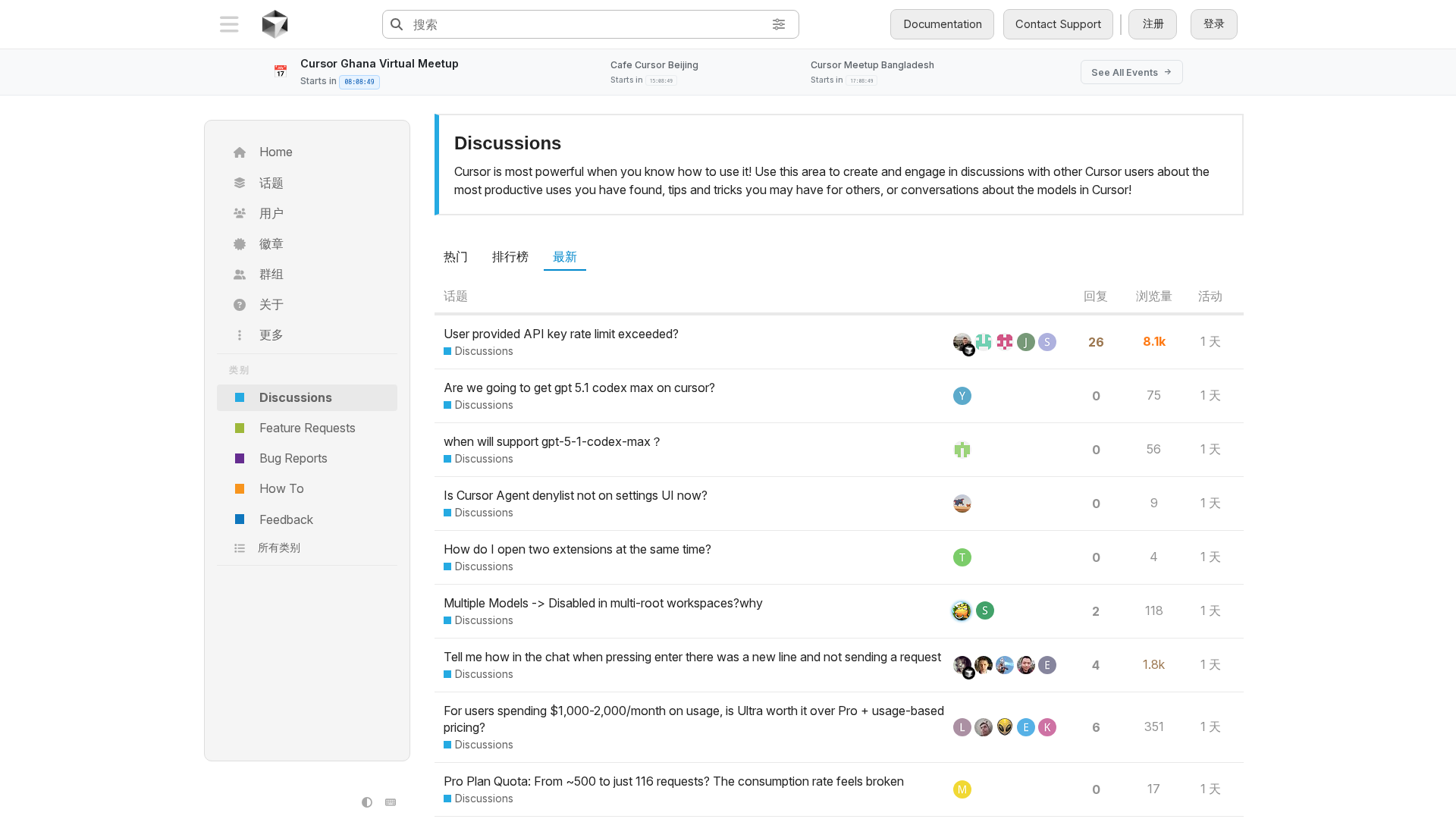
A roundup of hot Cursor forum threads on features, pricing, licensing, and reliability.