Overview
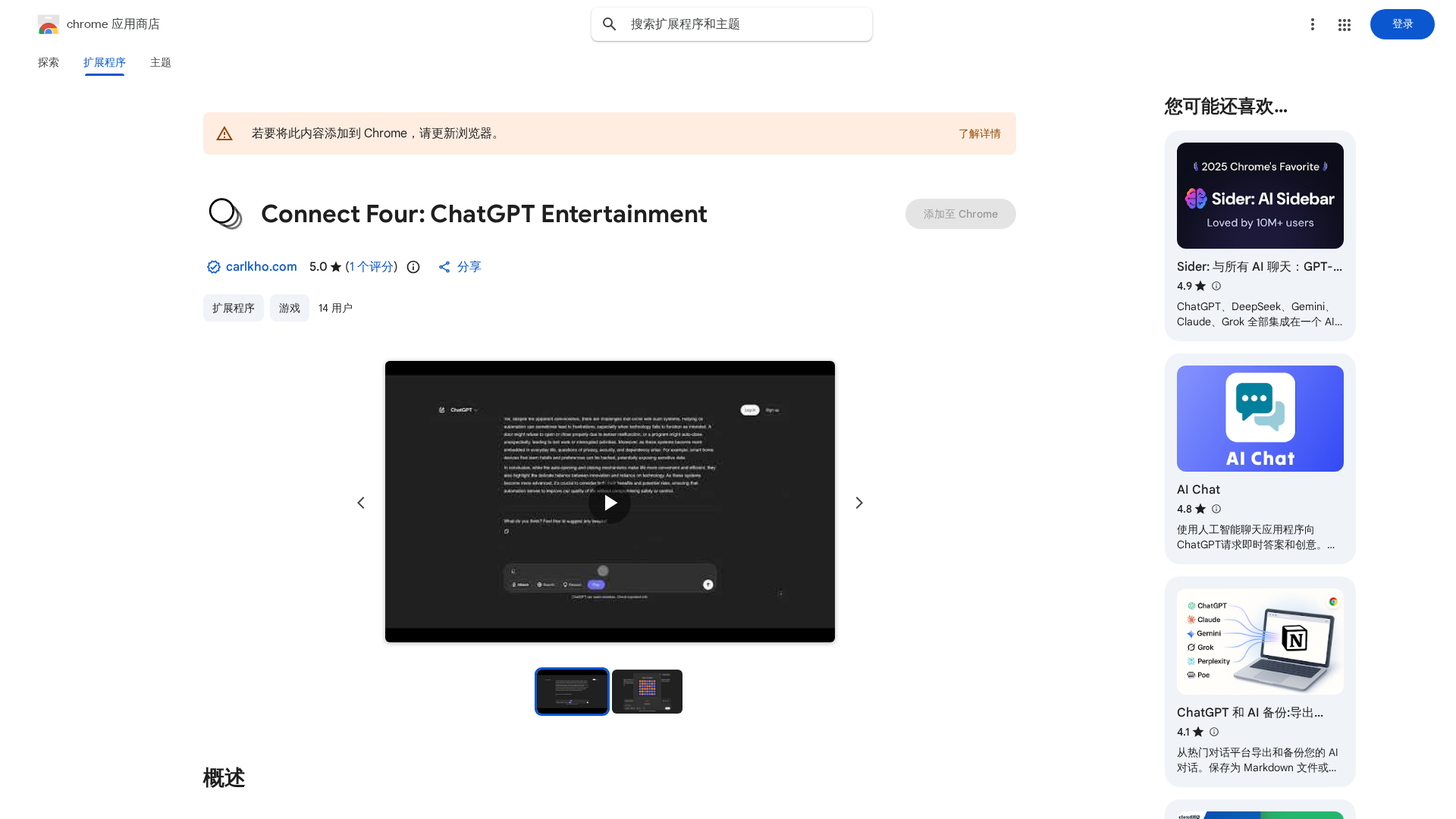
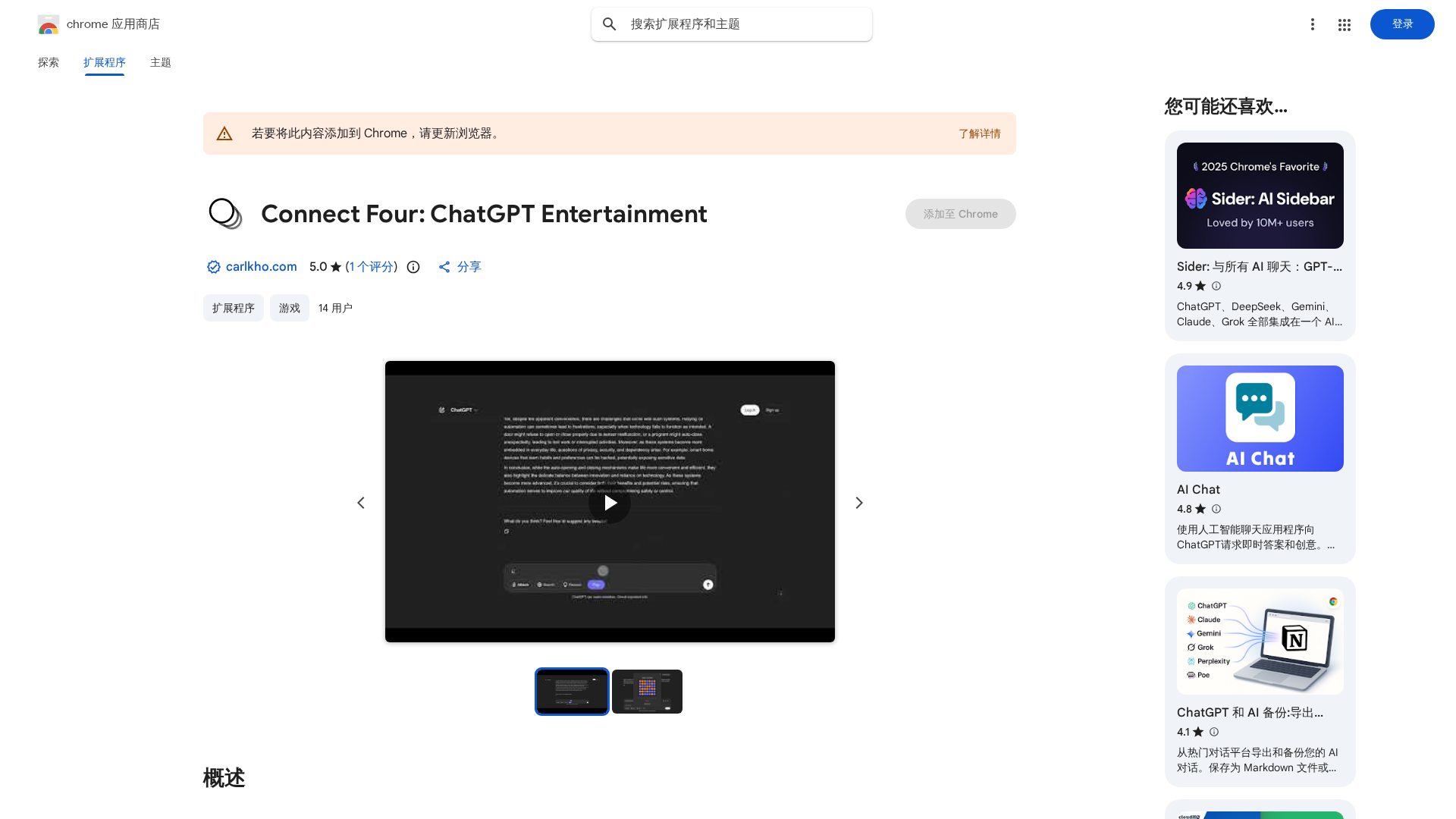
Connect Four Entertainment for ChatGPT is a lightweight Chrome extension that overlays a Connect Four game in a modal inside ChatGPT’s interface so users can play while waiting for AI responses. It provides a dark-mode interface designed to visually match ChatGPT, keyboard shortcuts (1–7 to drop pieces, R to restart, D to toggle auto-popup), and a right-click option on the play button to disable auto-popup. The opponent is described as a “pretty smart” AI implemented with minimax and alpha–beta pruning for stronger play. The extension emphasizes local-only operation and privacy, stating that no data leaves the browser. It’s presented as a casual, playful utility rather than a serious gaming product, intended to add a bit of fun to the ChatGPT experience.
Key Features
Embedded Modal Connect Four
Plays inside ChatGPT in a modal so you can play while waiting for responses.
Keyboard Shortcuts
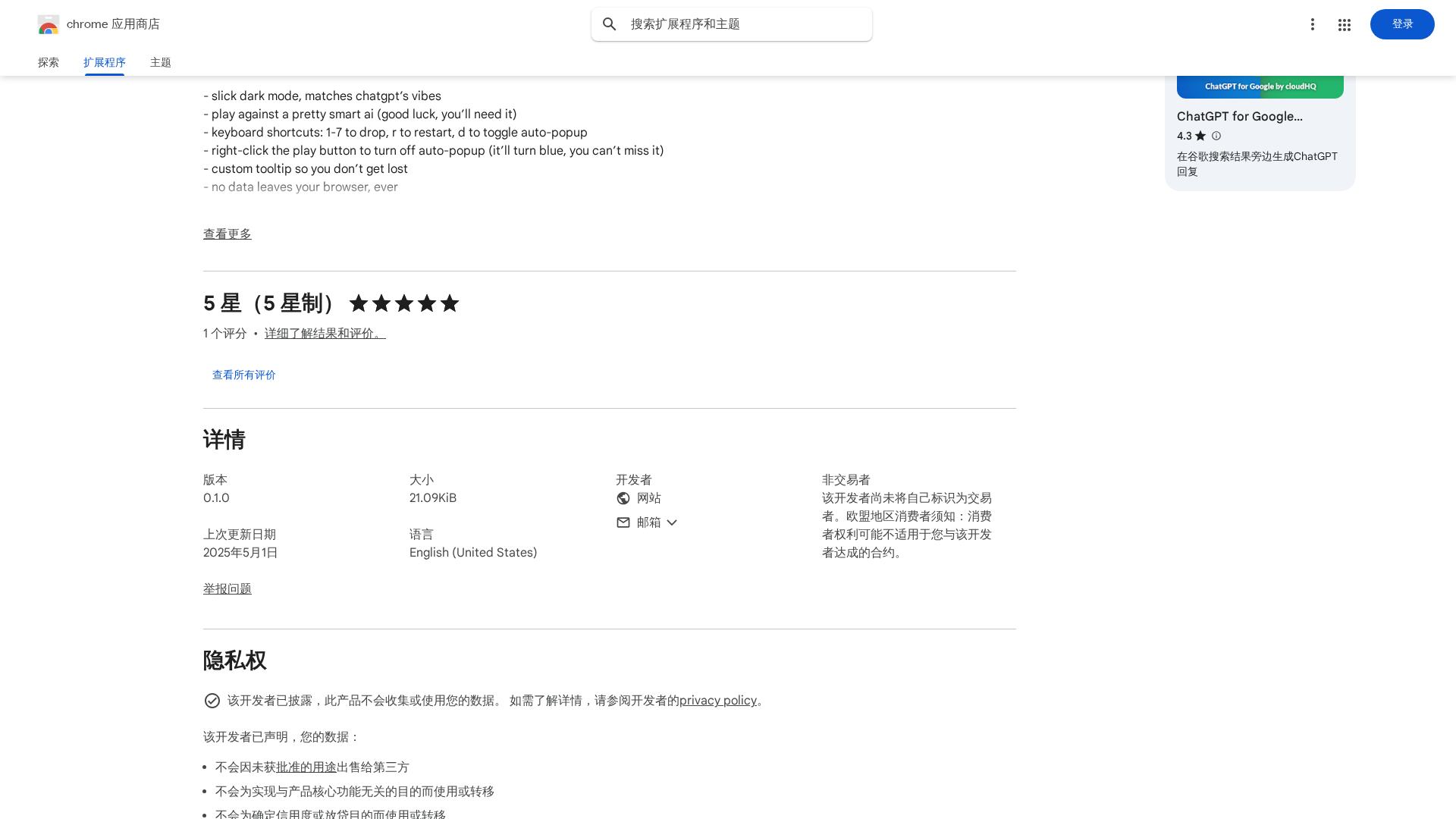
Drop pieces using keys 1–7, restart with R, toggle auto-popup with D for rapid play.
Dark-mode UI
Slick dark theme designed to match ChatGPT’s interface for visual consistency.
AI Opponent (Minimax + Alpha–Beta)
Implements minimax with alpha–beta pruning for a more challenging computer opponent.
Auto-popup and Toggle Options
Automatic popup while ChatGPT is thinking, with a toggle and right-click to disable behavior.
Local-only Privacy
Listing claims no data leaves the browser; gameplay and AI run locally.
Who Can Use This Tool?
- ChatGPT Users:Pass the time while waiting for ChatGPT responses with a lightweight embedded game.
- Casual Gamers:Play short, casual Connect Four matches inside the browser with keyboard controls.
Pricing Plans
Pricing information is not available yet.
Pros & Cons
✓ Pros
- ✓Lightweight, quick-play game embedded directly in ChatGPT UI
- ✓Dark-mode UI that matches ChatGPT’s aesthetic
- ✓Local-only play with privacy-first claim (no data leaves the browser)
- ✓Stronger AI opponent (minimax + alpha–beta pruning) for a satisfying challenge
- ✓Useful keyboard shortcuts and UX touches (auto-popup toggle, right-click disable, tooltip)
✗ Cons
- ✗No public author/developer information visible (author name not listed)
- ✗No pricing or commercial plans (fine for free but limits enterprise support options)
- ✗Limited discoverability of privacy policy URL in search results (points to Notion in listing but direct link not found)
- ✗No clear documentation, community, or support links on the listing
Related Articles (2)
Play Connect Four inside ChatGPT while you wait for responses, with a smart AI, keyboard shortcuts, and a sleek dark UI.
A Chrome Extension that embeds a Connect Four game into ChatGPT, powered by a Minimax AI with keyboard controls.