Overview
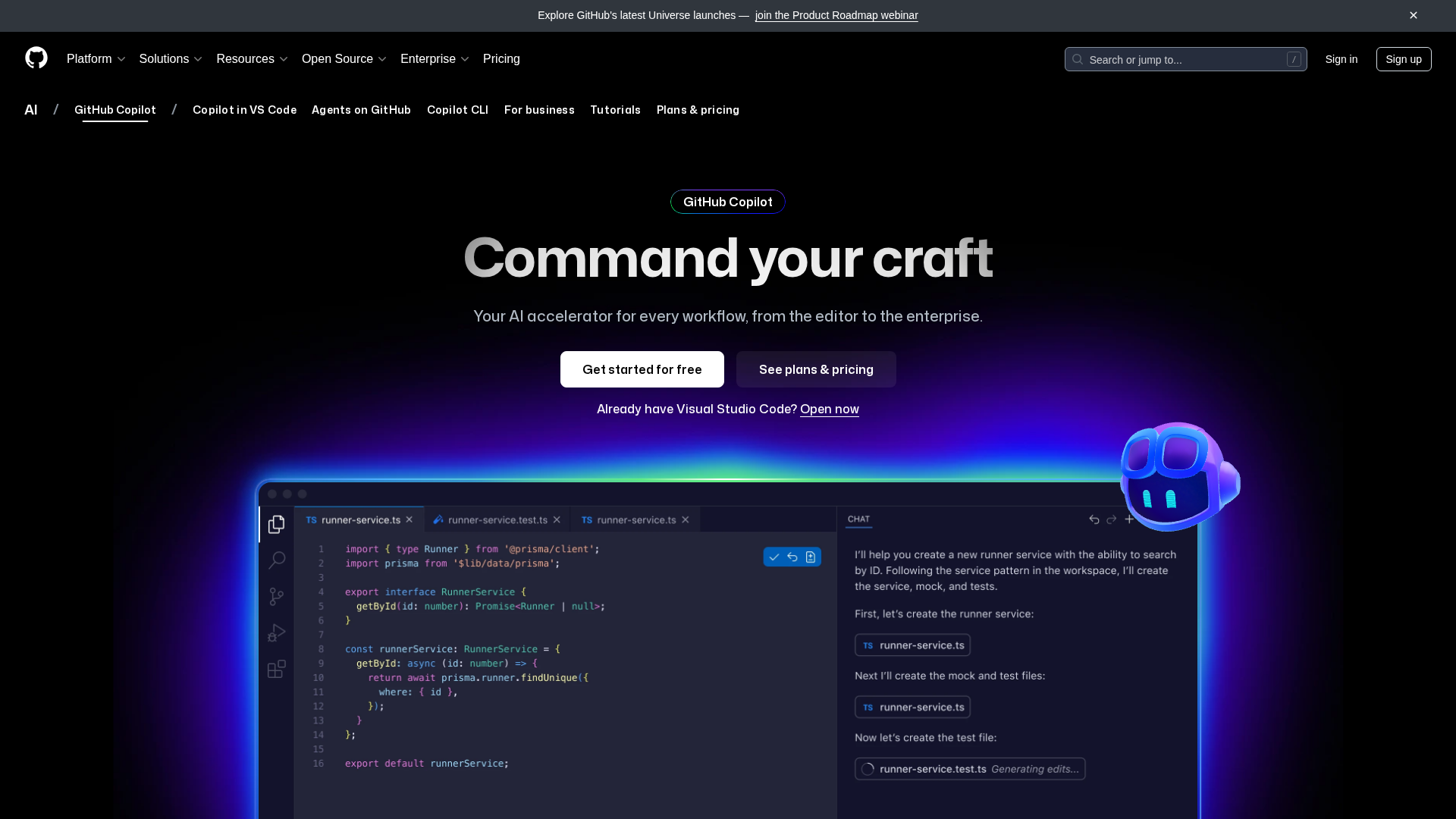
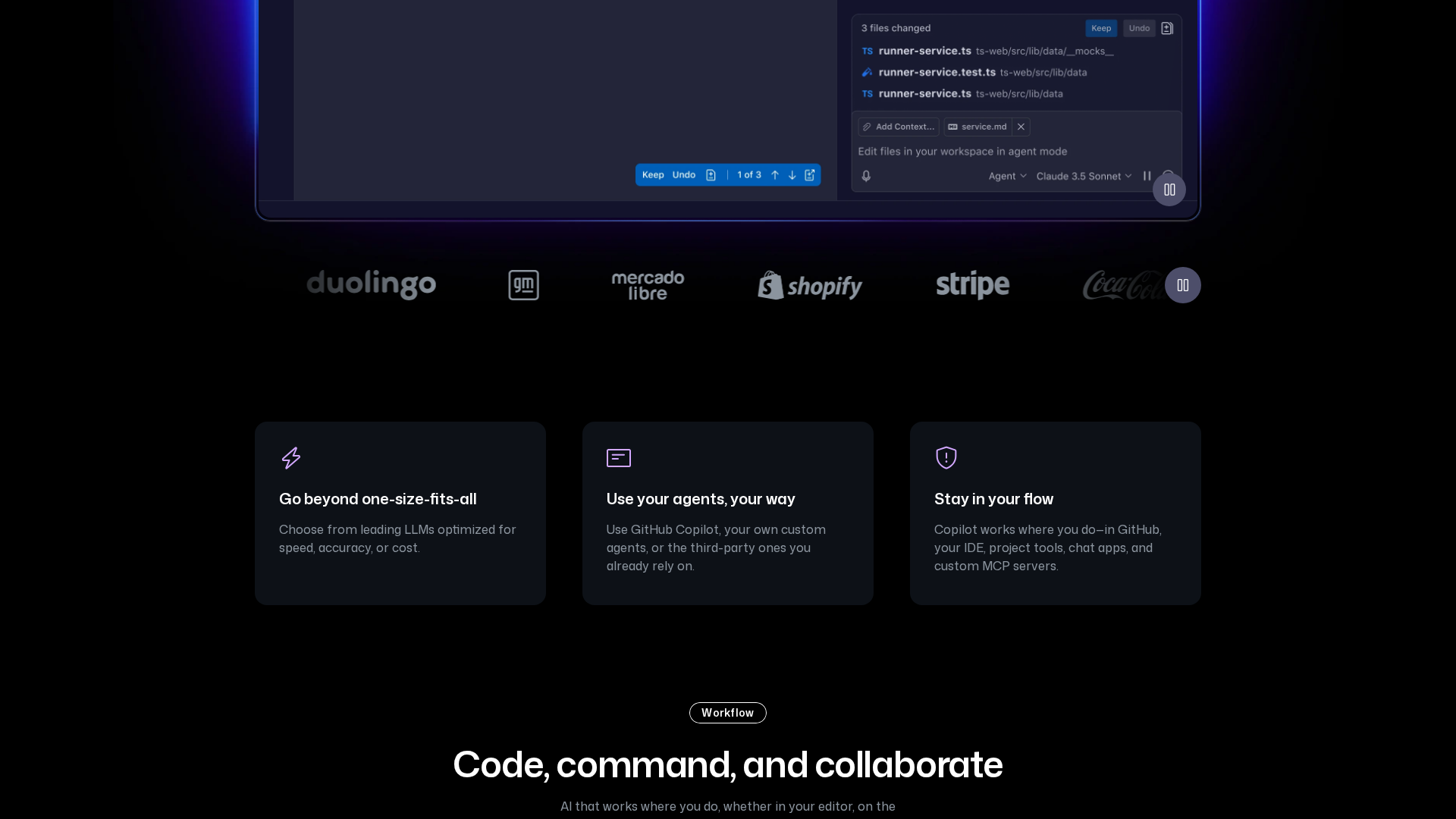
GitHub Copilot is an AI-powered developer productivity assistant integrated into IDEs, the terminal, and GitHub. It provides inline code completions and whole-function suggestions, Copilot Chat for chat-based assistance inside supported editors and other surfaces, and an Agent Mode that can plan and execute sequences, create PRs, and perform repository-aware workflows. Copilot offers code-review assistance and PR summaries, contextual suggestions informed by repository content and user context, and a Copilot CLI for terminal workflows. Integrations include VS Code, Visual Studio, JetBrains IDEs, Neovim, Eclipse, Xcode, GitHub web and mobile surfaces, and GitHub platform integration for PRs, issues, and enterprise controls. Safety and quality controls include code-referencing/duplication filters, safety filters, content exclusion controls, licensing/matching tools, and IP indemnity options when filtering is enabled. Copilot supports multiple model families (examples listed by the vendor include Haiku 4.5, GPT-4.1, GPT-5 variants including GPT-5 mini, Claude Sonnet, Claude Opus 4.1, Gemini 2.5 Pro), and plan tiers determine access to premium models and quotas. Data, privacy, and compliance features include documented data practices, DPA compatibility and enterprise data controls, and options for private/custom agent deployments. Copilot is positioned as an assistant, not a replacement for developers; suggestions should be reviewed for correctness, security, and license compatibility. Availability and exact model offerings may change and some features may be preview-only.
Key Features
Inline code completions & whole-function suggestions
Provides single-line completions up to whole-function suggestions informed by repository content and user context.
Copilot Chat
Chat-based assistance inside supported IDEs and other surfaces for interactive help, debugging, and code explanation.
Agent Mode / autonomous agents
Autonomous agent workflows that can plan and execute sequences, assign issues, write code, create PRs, and run terminal workflows using GitHub context.
Code review assistance & PR summaries
Assists with code review tasks and generates pull request summaries to aid review workflows.
Autocomplete & contextual suggestions
Contextual suggestions and autocompletions informed by repository content, user context, and local files.
Copilot CLI & terminal workflows
Terminal-based Copilot CLI enabling workflows and commands directly in the terminal.
Who Can Use This Tool?
- Developers:Individual developers using IDEs and terminals to accelerate coding, completions, and debugging tasks.
- Teams:Engineering teams and organizations needing centralized governance, policy controls, and enterprise data protections.
Pricing Plans
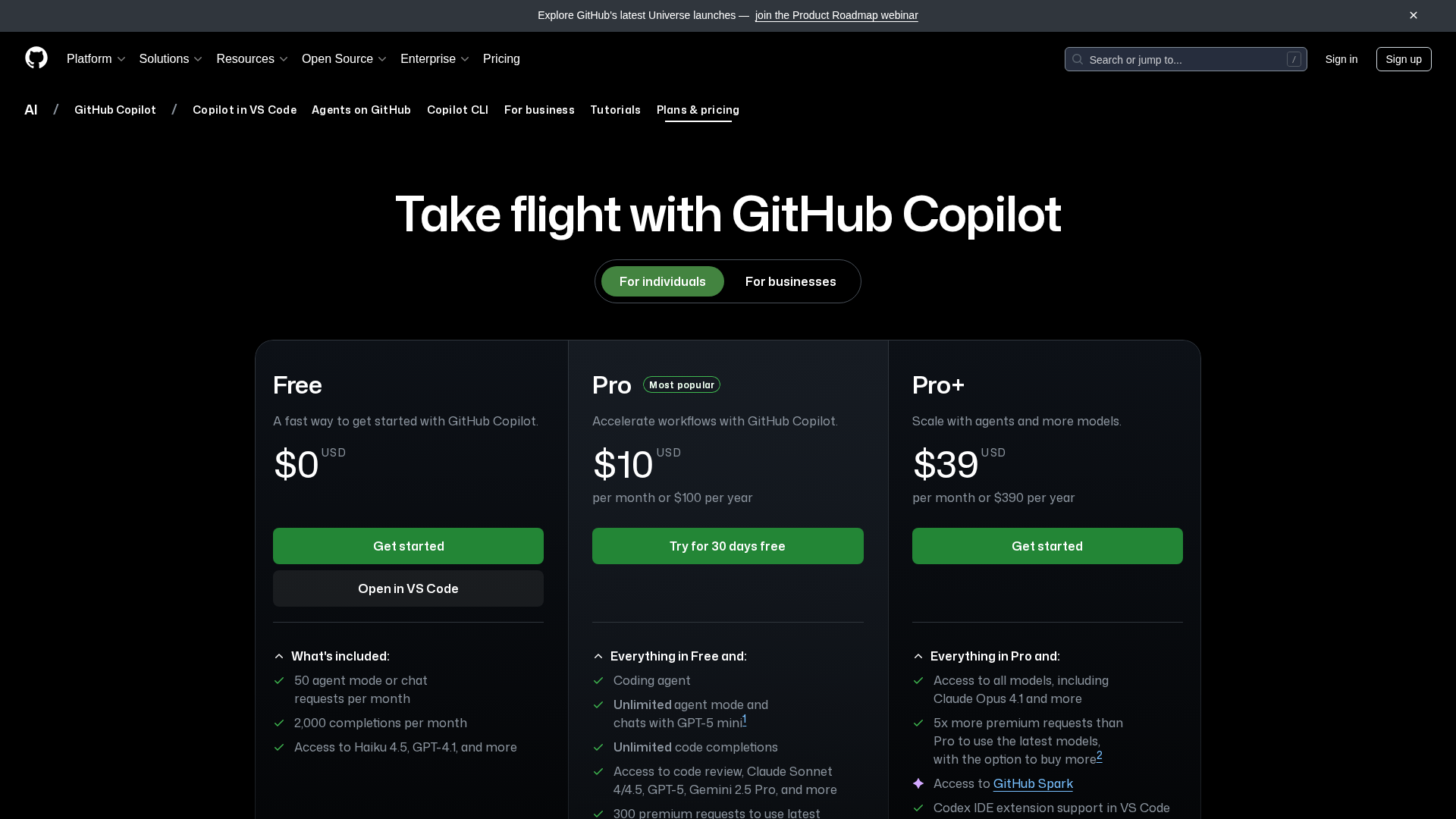
Free tier with limited monthly quotas and access to selected starter models.
- ✓50 agent-mode or chat requests per month
- ✓2,000 completions per month
- ✓Access to selected starter-level models
Individual Pro tier with unlimited standard completions and chats, plus monthly premium request allotment.
- ✓Unlimited standard code completions and chats (subject to fair use)
- ✓Unlimited agent mode
- ✓Access to more recent/premium models for common usage
- ✓Monthly allotment of premium requests (example: ~300)
Higher-tier individual plan with access to highest-tier models and larger premium request quotas.
- ✓Access to all available models including highest-tier models
- ✓~5× the premium-requests quota of Pro (with ability to purchase more)
- ✓Access to GitHub Spark (preview) and additional premium features
Organization-focused tiers with centralized management, governance, and enterprise controls; not available on GitHub Enterprise Server.
- ✓Centralized management and policy controls
- ✓Audit logs and enterprise governance
- ✓License and policy management, training/usage options
- ✓Enterprise data controls and DPA compatibility
Pros & Cons
✓ Pros
- ✓Broad editor and platform support (VS Code, Visual Studio, JetBrains, Neovim, Eclipse, Xcode, CLI, GitHub web/mobile)
- ✓Multiple capabilities: inline completions, chat, agents, code-review assistance, terminal workflows
- ✓Enterprise governance, DPA compatibility, and centralized controls for organizations
- ✓Access to multiple model families and premium-tier model access based on plan
✗ Cons
- ✗Not available on GitHub Enterprise Server (Enterprise Cloud supported)
- ✗Some 'unlimited' features are subject to fair-use policies and rate limits
- ✗Suggestions must be reviewed for correctness, security, and license compatibility
- ✗Availability, exact model offerings, and preview features may change over time
Compare with Alternatives
| Feature | GitHub Copilot | Cursor | Warp |
|---|---|---|---|
| Pricing | $10/month | $20/month | $20/month |
| Rating | 9.0/10 | 9.5/10 | 8.2/10 |
| Completions Quality | Strong inline and whole-function suggestions | Strong proprietary autocomplete models | Terminal optimized suggestions |
| Agent Capabilities | Yes | Yes | Yes |
| Editor Embedding | Yes | Yes | Yes |
| Terminal Integration | Yes | Partial | Yes |
| Multi-Model Flexibility | No | Yes | Yes |
| Context Window Size | Moderate context window | Larger context window | Larger context window |
| Enterprise Governance | Yes | Yes | Yes |
Related Articles (8)
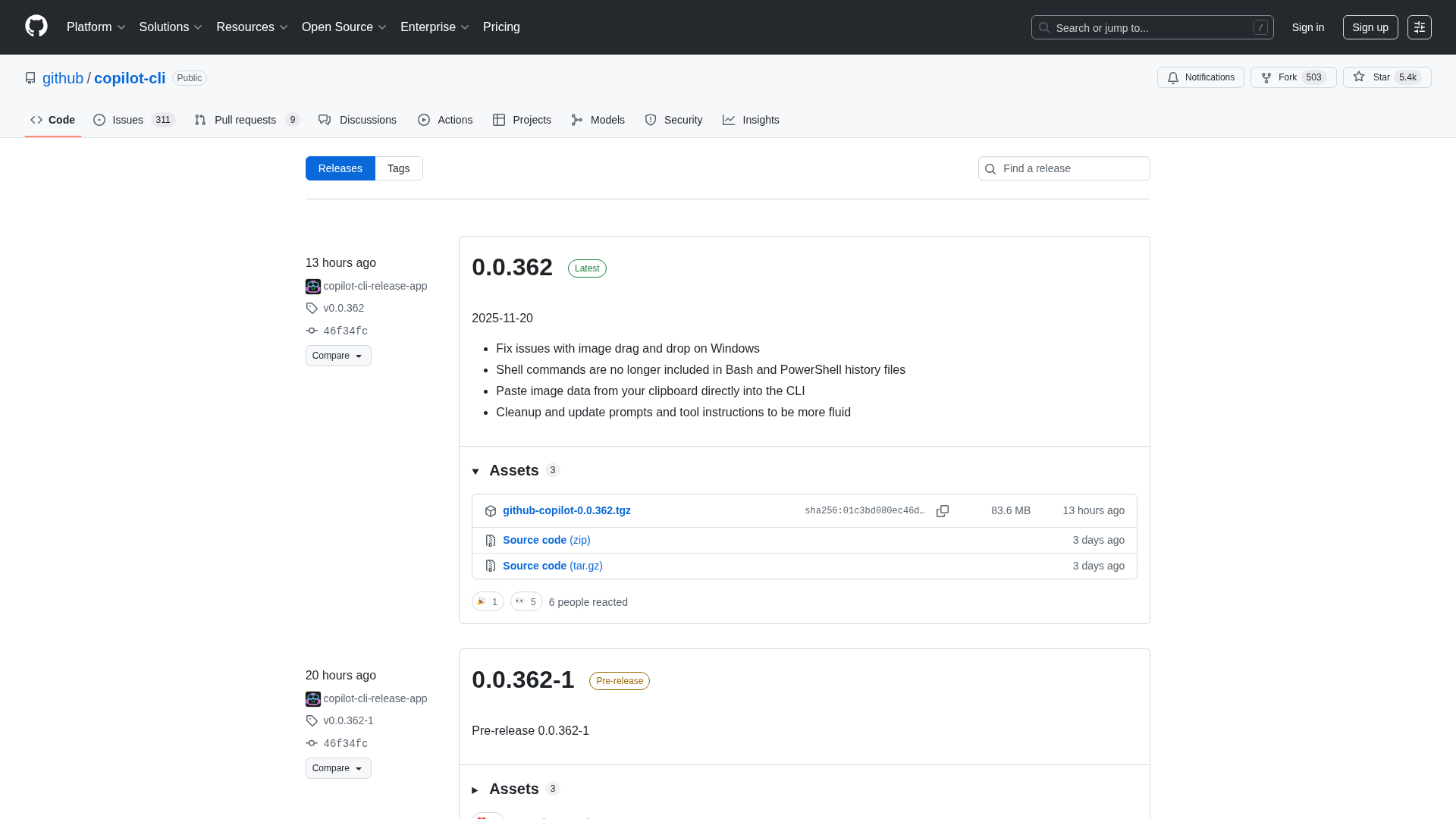
Release notes for GitHub Copilot CLI covering GPT-5.1 availability, feature tweaks, and bug fixes across recent updates.
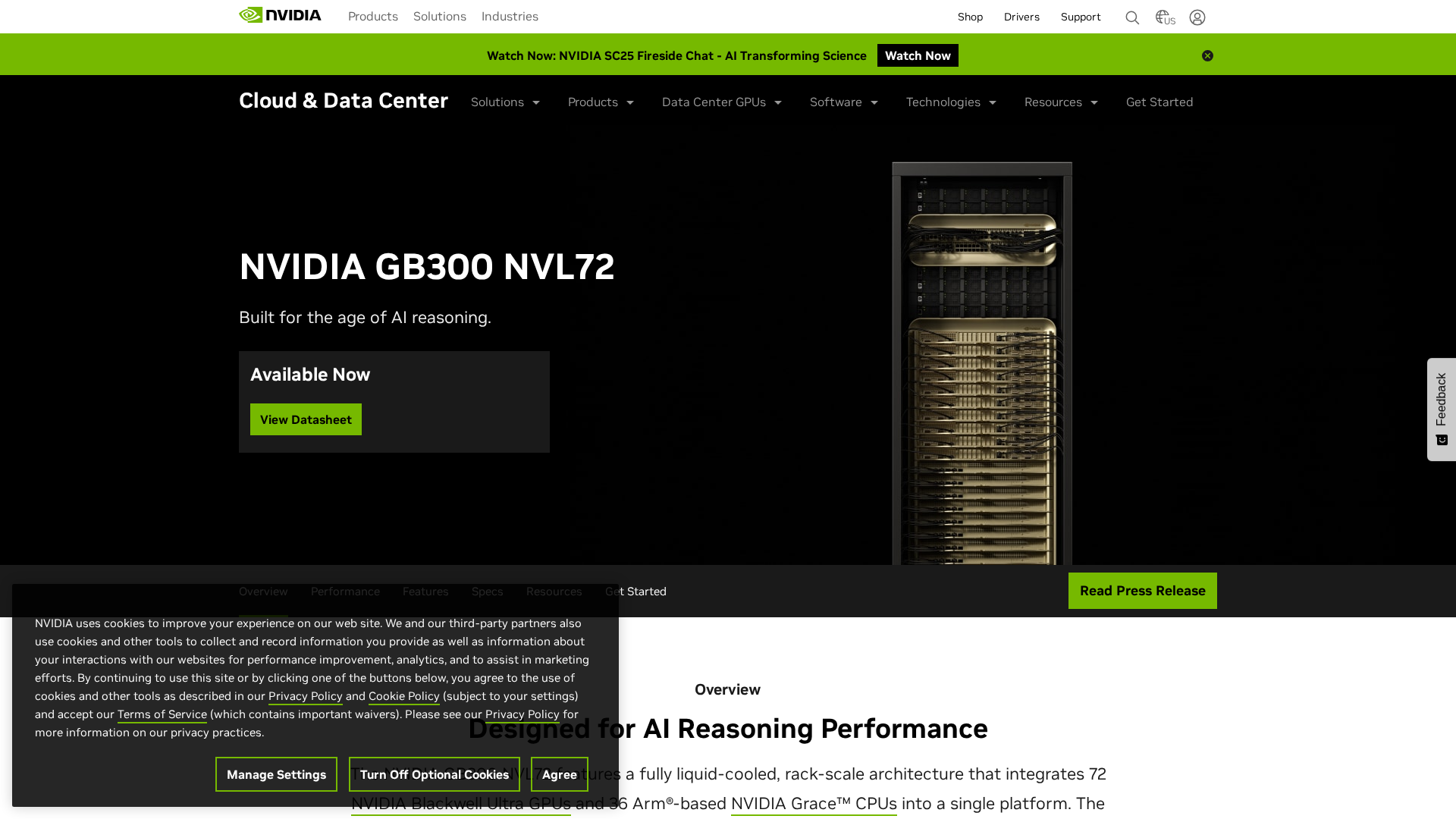
A dense, liquid-cooled AI factory platform with 72 Blackwell Ultra GPUs and 36 Grace CPUs for scalable AI reasoning and inference.
GitHub Copilot launches OpenAI GPT-5.1 family in public preview across major IDEs and enterprise plans.
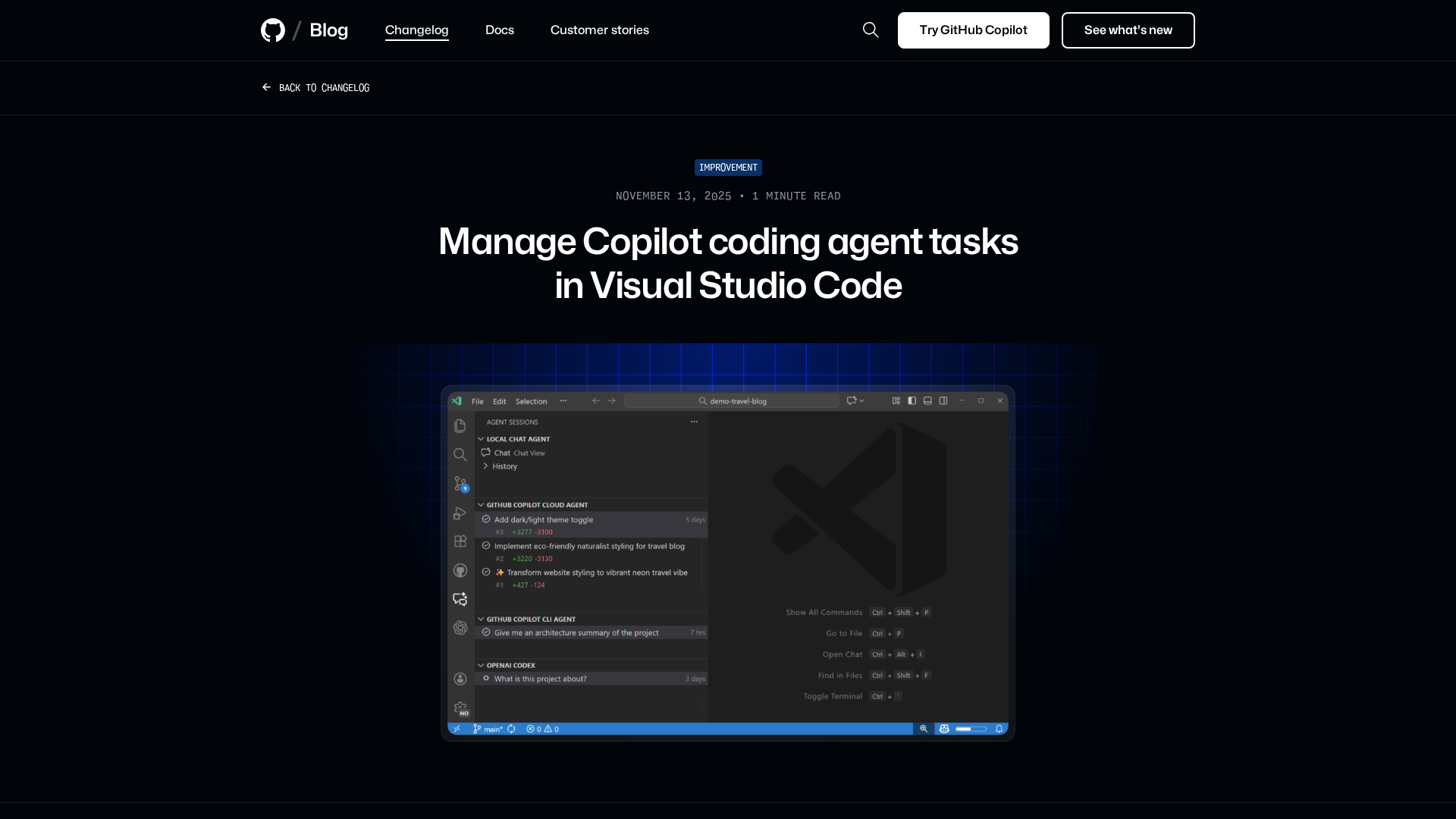
Manage Copilot coding agent tasks, view session rationale, and switch tasks—directly in VS Code.
New excludeAgent frontmatter enables agent-specific instructions for Copilot code review and coding agent.