Overview
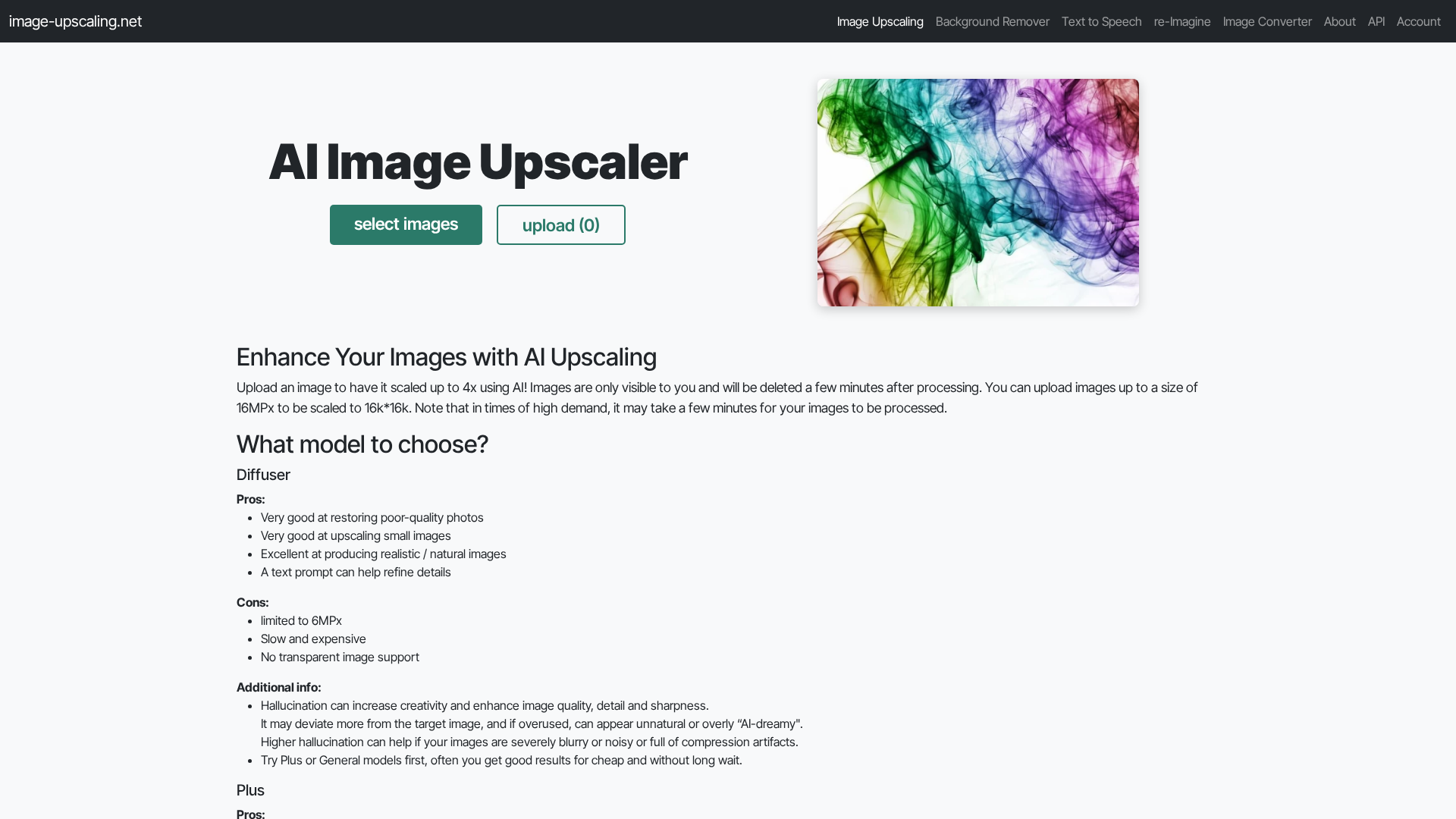
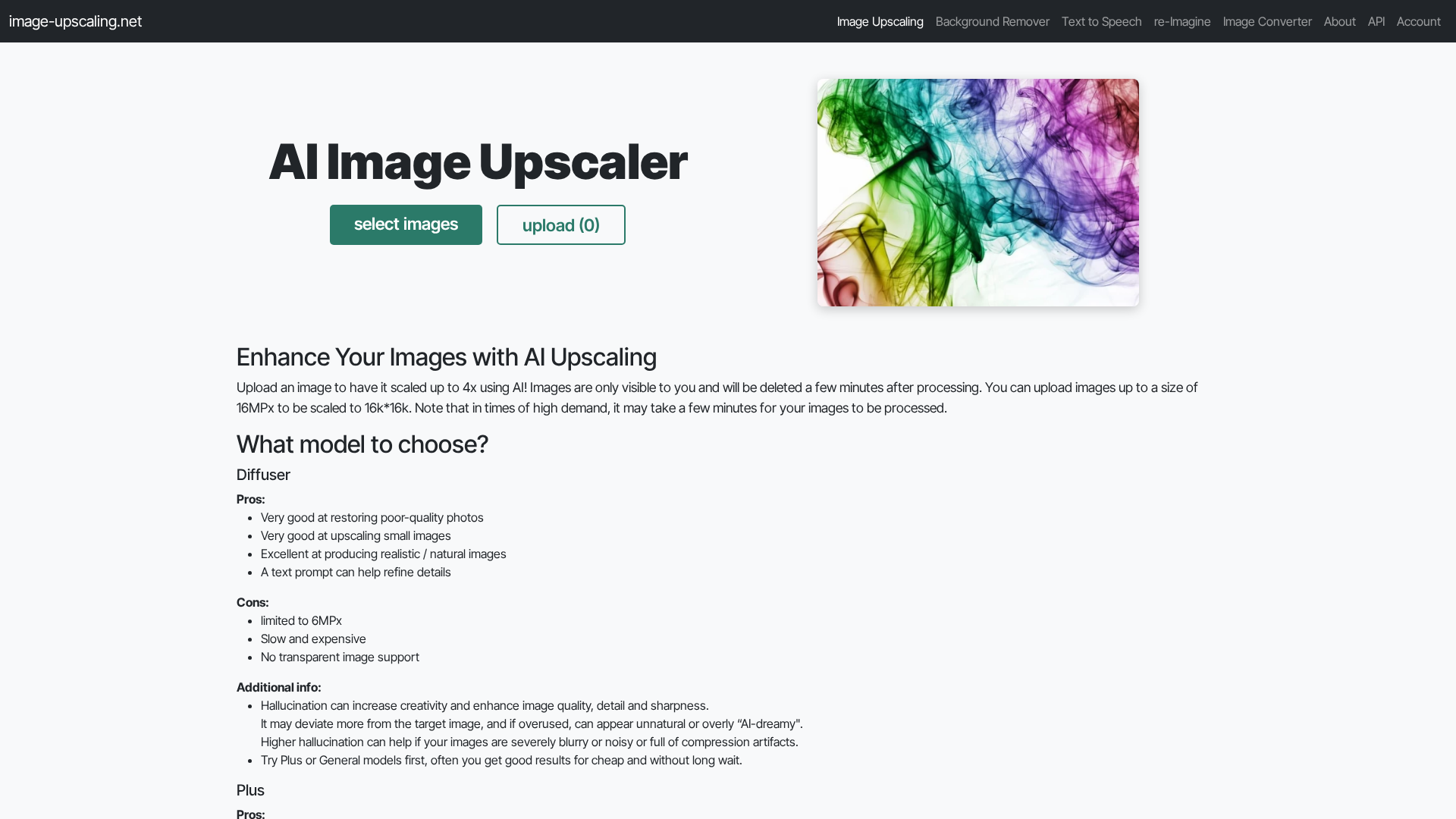
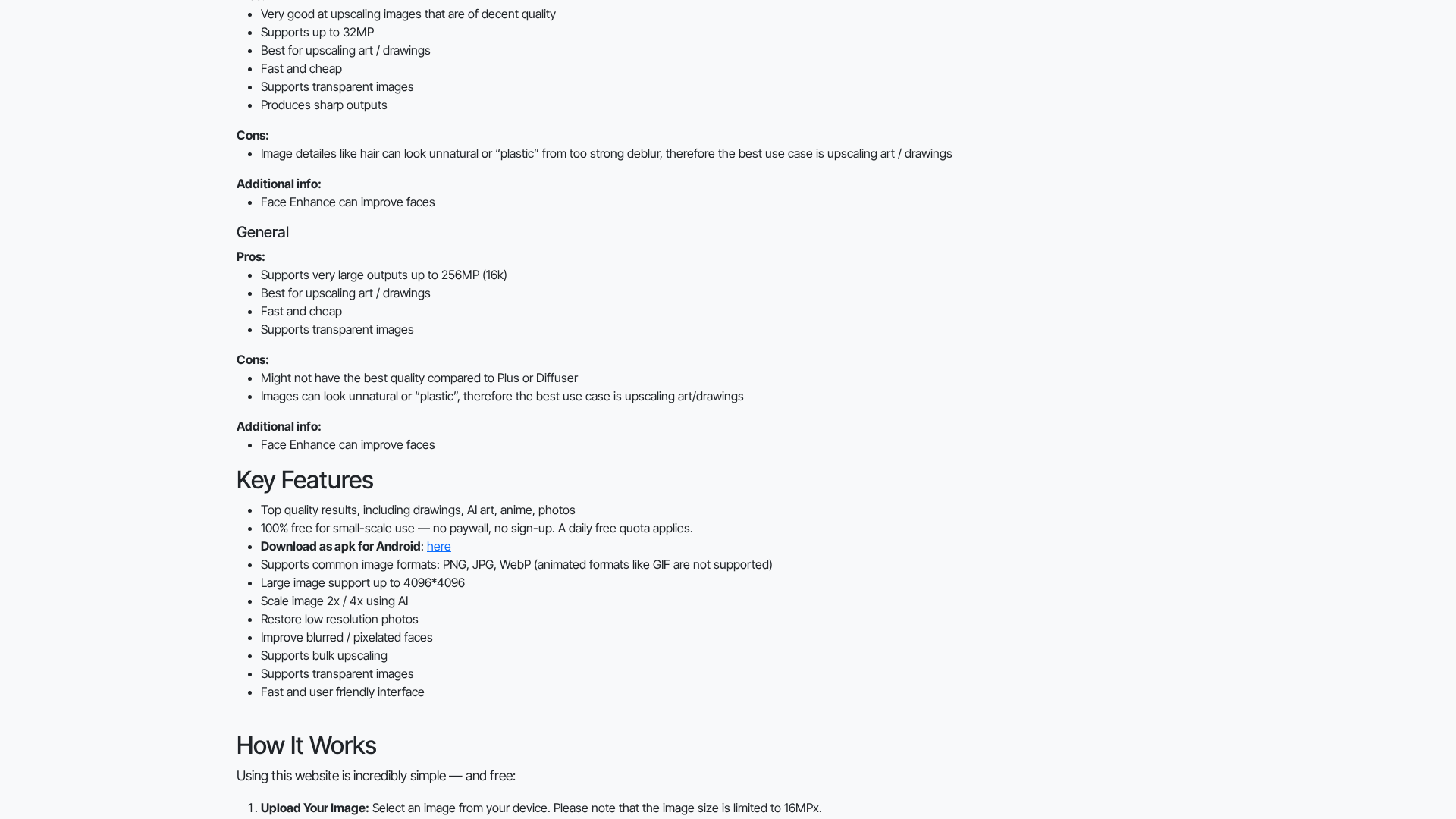
Image-Upscaling.net provides an easy, privacy-minded web service to upscale images using AI. Users can upload images (up to ~16MP input) and produce outputs up to very large sizes (typical site claims up to 16k × 16k and some configurations up to 256MP). The service offers multiple model families (General/Plus, Art/Drawing-focused, Face Enhance, and diffuser-style models with creativity/hallucination settings) targeted at photos, AI art, anime, and drawings. Processing runs on site servers located in Germany and is primarily donation-supported: the site maintains a free daily quota for everyone and allows donors to purchase additional compute quota. Uploaded images are private to the user (access controlled by a browser cookie), stored only briefly for processing, and deleted shortly after use. An API is available for automation (upscaling, remove background, TTS, re-Imagine). The site emphasizes quality over speed, gives guidance about hallucination (can add detail but risks unnatural results), and provides bulk upscaling and mobile options (APK / Google Play listing).
Key Features
4x AI Upscaling and 2x options
High-quality neural upscaling with selectable scale factors (2x, 4x) and model choices to prioritize realism or creative detail.
Multiple Model Families
General/Plus models for faster results, Art/Drawing-focused models that preserve stylized detail and transparency, and Face Enhance for portraits.
Very Large Output Support
Outputs up to ~16k×16k are supported; specific configurations allow extremely large outputs (up to 256MP for certain models).
Privacy and Temporary Storage
Uploaded files are accessible only via a browser cookie, stored temporarily on German servers, and deleted shortly after processing; the user retains copyright to originals.
Donation-Based Extra Quota
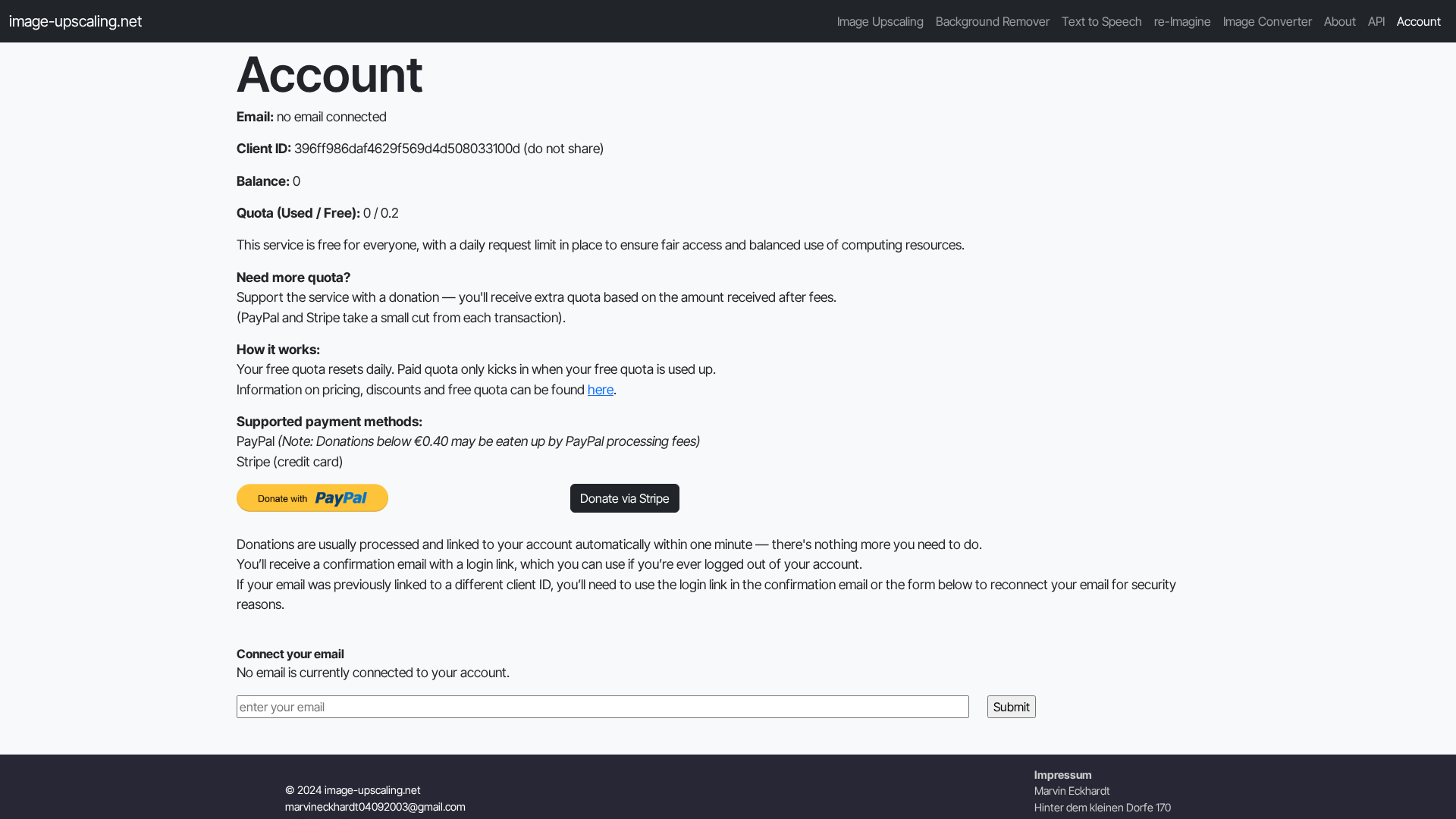
Free daily quota for everyone; users can donate one-time money to increase quota and receive volume discounts at thresholds.
API & Developer Tools
API endpoints and documentation for upscaling, background removal, TTS, and re-Imagine style transfers; Python examples provided.
Who Can Use This Tool?
- Photographers:Restore and upscale old or low-res photos for prints or archival use.
- Digital Artists:Upscale AI art, drawings, and illustrations while preserving stylistic detail.
- Developers:Integrate upscaling, background removal, and TTS via documented API endpoints.
- Small Businesses:Produce higher-resolution product images and backgrounds for e-commerce.
Pricing Plans
Free plan with a daily quota for small-scale upscaling and basic features.
- ✓Daily free quota for small-scale use
- ✓Upload images up to ~16MP input (processing to outputs up to ~16k × 16k; certain models up to 256MP in specific configurations)
- ✓2x and 4x AI upscaling (model-dependent)
- ✓Supports PNG, JPG, WebP; selected models preserve transparency
- ✓Bulk upscaling support
- ✓Face enhancement option and art-focused models
- ✓Temporary storage and automatic deletion after processing
Pros & Cons
✓ Pros
- ✓Fully usable for free with a daily quota (no signup required for basic use)
- ✓Multiple specialized model families (general, art/drawing, face enhancement, high-resolution/art preserving transparency)
- ✓Supports large outputs (up to 16k × 16k; certain configurations up to 256MP)
- ✓Privacy-focused: images private, session-controlled by cookie, temporary storage, hosted in Germany
- ✓API and developer documentation for automation (upscaling, removebg, TTS, re-Imagine)
- ✓Bulk upscaling and simple workflow; APK / mobile listing available
✗ Cons
- ✗No formal subscription plans or clearly documented enterprise offerings (donation-based credit model instead)
- ✗Potential queues / slower service during peak demand; paying/donors may be prioritized
- ✗Limited independent reviews or industry-grade benchmarks
- ✗Some models can “hallucinate” details which may not be faithful to the original image
- ✗No support for animated GIFs; limited explicit iOS mobile app availability
Related Articles (3)
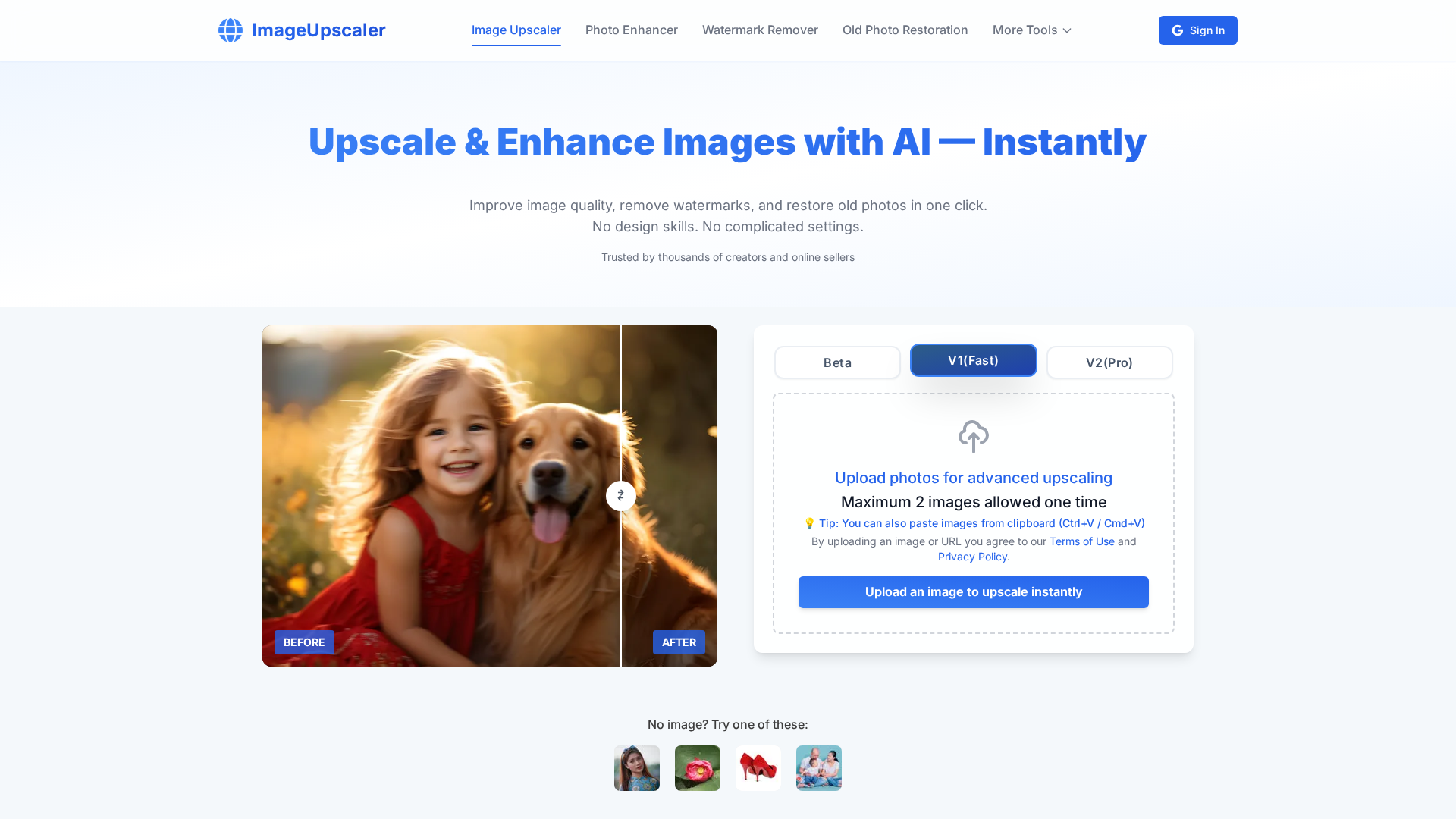
AI-powered image upscaling to 16K—no sign-up, instant results, and batch processing.
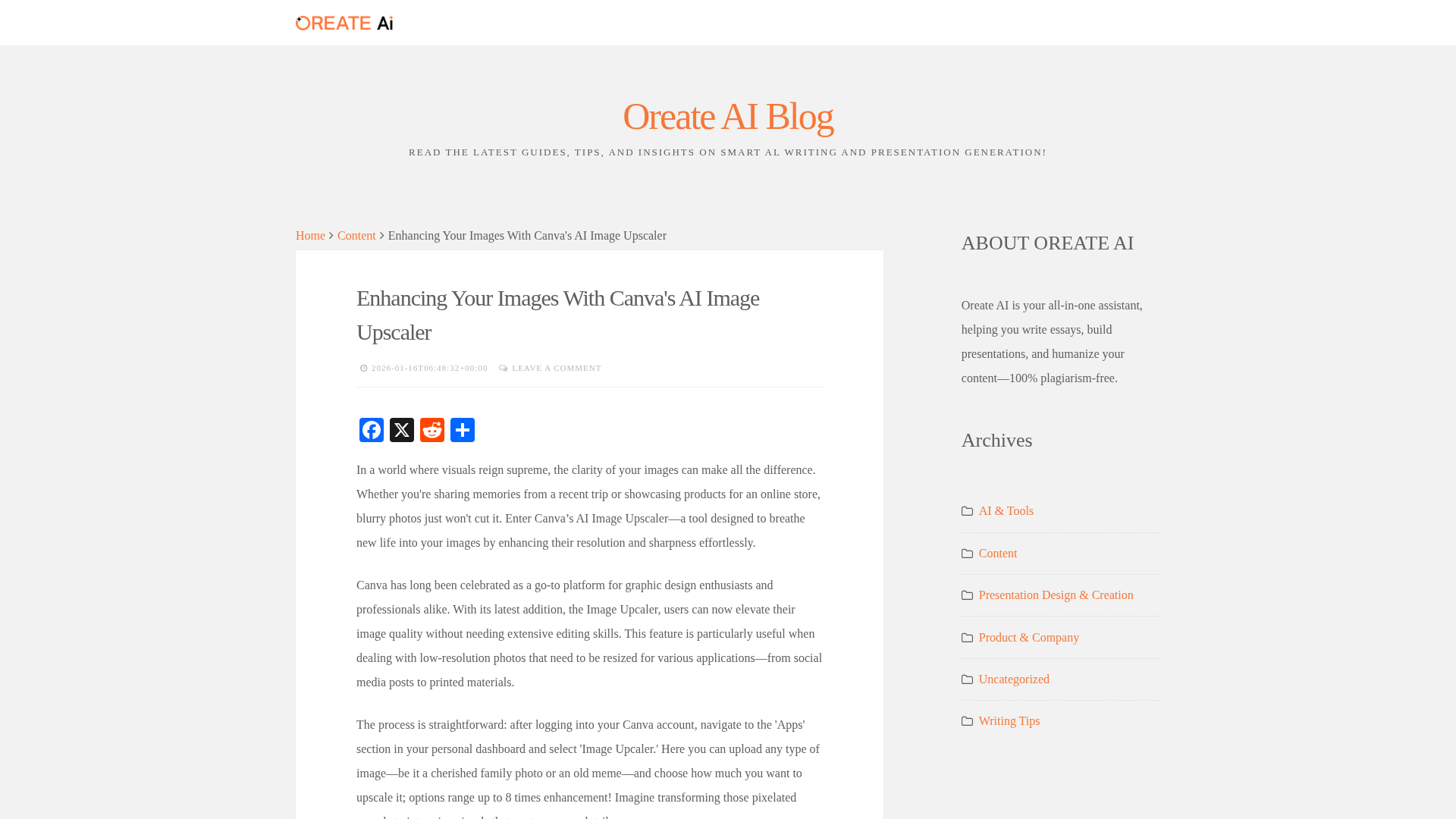
Learn how Canva’s AI Image Upscaler sharpens and enlarges images with a simple, preview-enabled workflow.
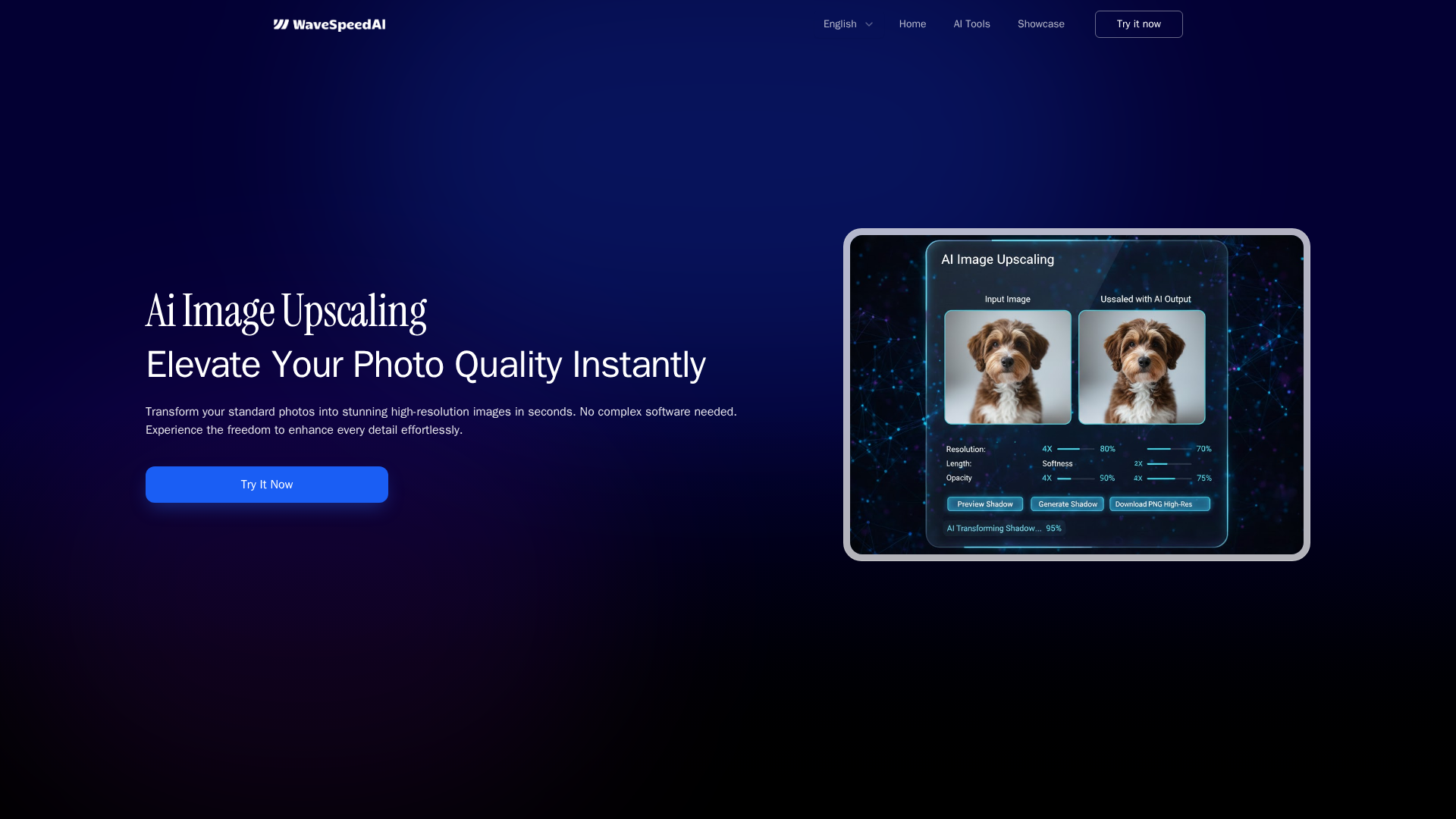
One-click, pay-as-you-go AI image upscaling up to 8K with batch processing.