Overview
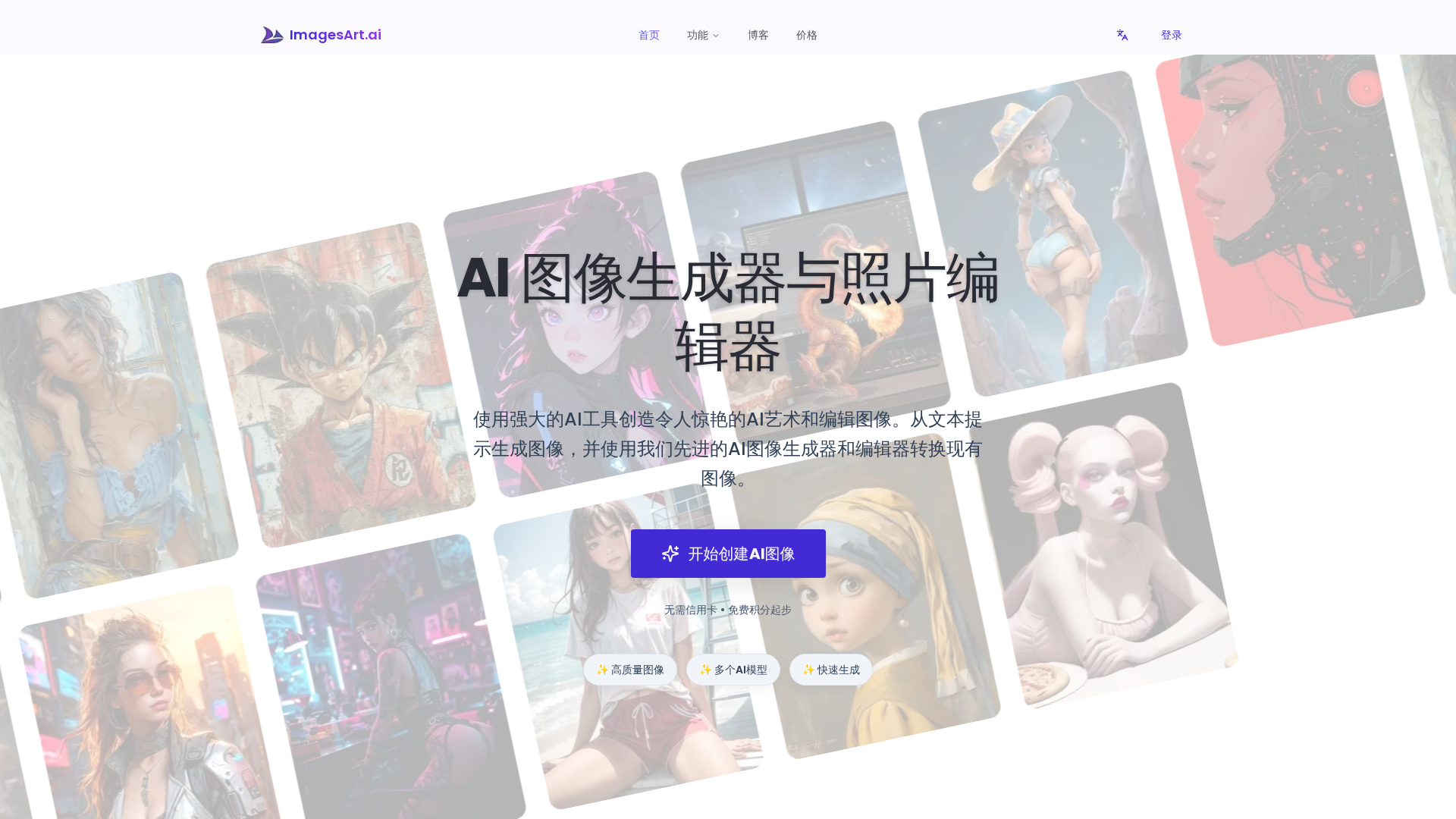
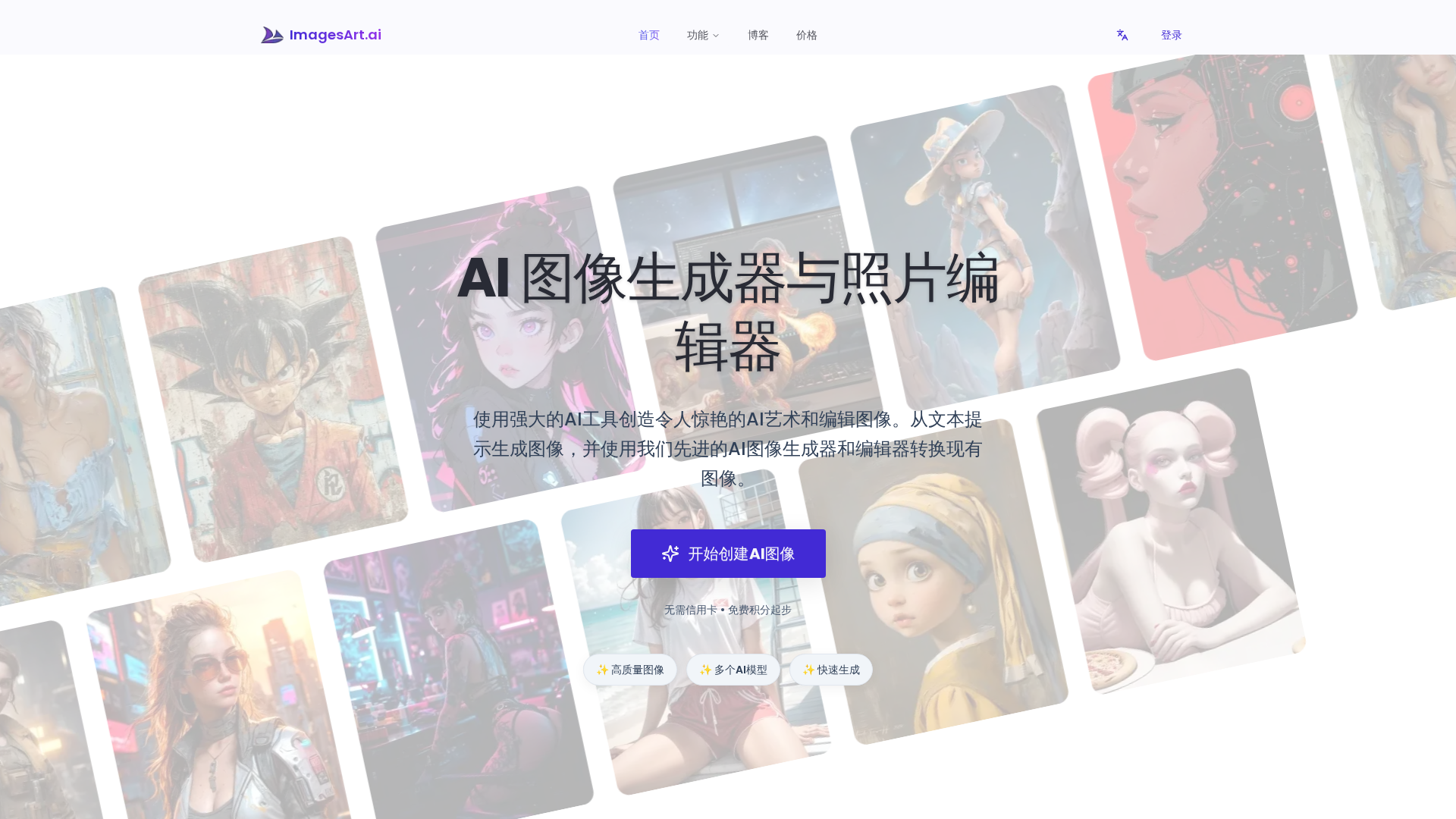
ImagesArt.ai is a web-based AI image generation and editing platform that combines a natural-language text-to-image generator with an integrated AI photo editor and a suite of creative templates. Users can generate images from prompts, transform existing photos (style transfers like anime/Pixar, age filters, haircut previews, object/background edits), and convert images into detailed prompts. The service emphasizes accessibility by offering free starter credits with no credit card required, a watermark option for free users, and paid plans that add credits, 4K output, commercial licensing, and permanent storage. The product is marketed to creators, designers, photographers, and marketers who want a fast, iterative workflow from concept to finished visuals.
Key Features
Text-to-Image Generation
Natural-language prompt interface that produces images in many styles and resolutions.
AI Photo Editor / Image Transformation
Edit images: background replacement, object removal/addition, style transfer, facial edits, and composition changes.
Image-to-Prompt / Prompt Generator
Convert images into detailed prompts for re-generation or use with other models.
Style Templates and Specialized Filters
Pre-built templates such as Photo-to-Anime, Photo-to-Pixar, Age Filter, Buzz Cut preview, and other stylized outputs.
High-Resolution (4K) Output and Commercial Licensing
Paid plans unlock 4K output and a commercial license for production use.
Batch and Utility Tools
Batch image-to-prompt converters and utilities for higher-volume workflows.
Who Can Use This Tool?
- Designers:Iterate and create visual concepts quickly using text prompts and editors.
- Photographers:Enhance and restyle photos, remove backgrounds, and produce high-resolution exports.
- Marketers:Generate campaign visuals, social media content, and branded images rapidly.
- Hobbyists/Creators:Explore AI art, apply fun templates, and prototype ideas without upfront cost.
Pricing Plans
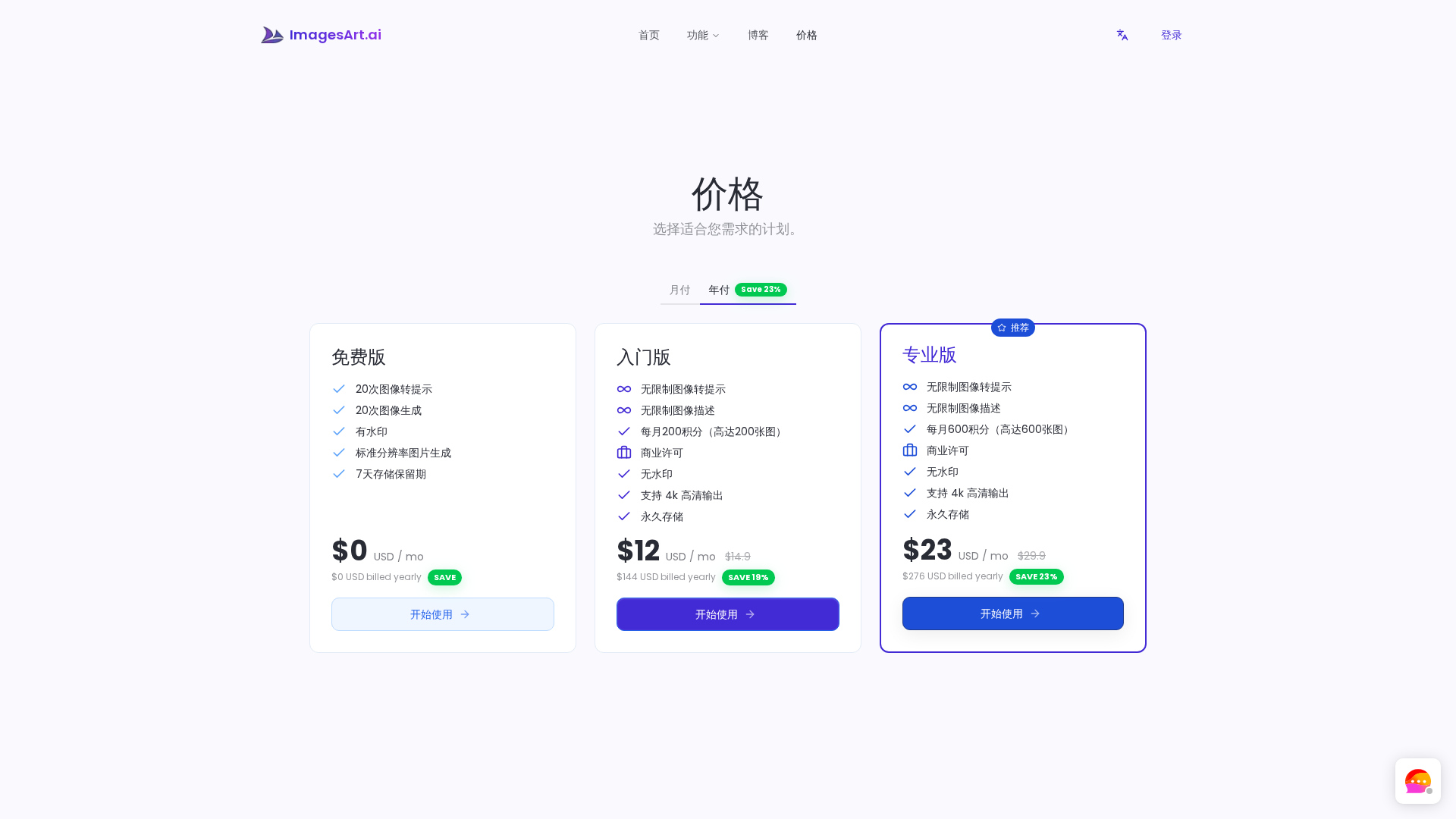
Limited free plan with watermark, 20 image generations, 7-day storage.
- ✓20 Image to Prompt
- ✓20 Image Generation
- ✓With watermark
- ✓Standard-resolution image generation
- ✓7-day storage retention
Unlimited prompts and descriptions, 200 monthly credits, commercial license, 4K output.
- ✓Unlimited Image to Prompt
- ✓Unlimited Image Description
- ✓200 credits per month (up to 200 images)
- ✓Commercial License
- ✓No watermark
- ✓4K High Resolution Output
- ✓Permanent storage
Unlimited prompts and descriptions, 600 monthly credits, commercial license, 4K output.
- ✓Unlimited Image to Prompt
- ✓Unlimited Image Description
- ✓600 credits per month (up to 600 images)
- ✓Commercial License
- ✓No watermark
- ✓4K High Resolution Output
- ✓Permanent storage
Pros & Cons
✓ Pros
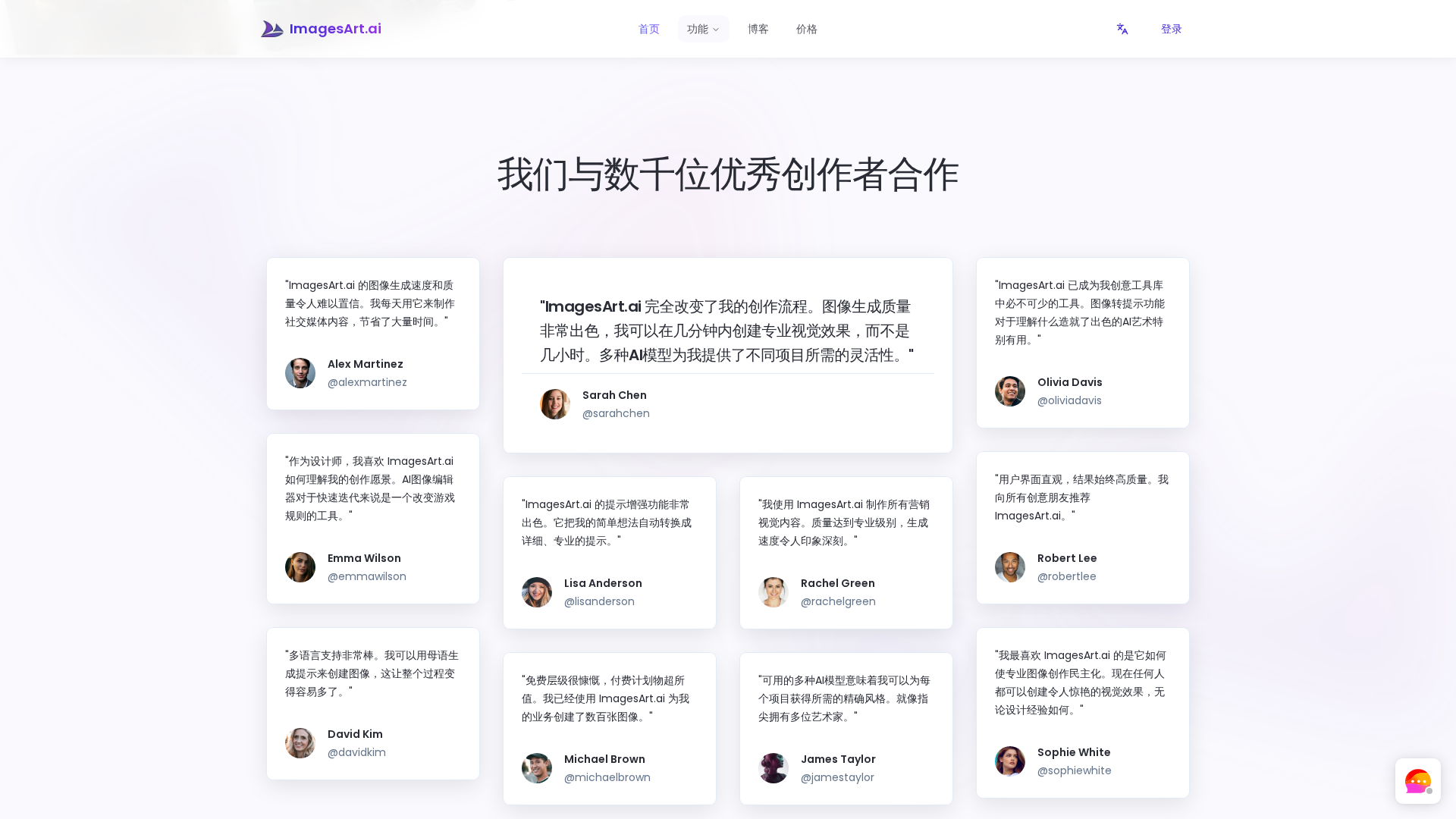
- ✓Free entry with no credit card required and free credits to test features
- ✓Combines text-to-image generation and AI photo editing in one platform
- ✓Templates for many use cases (photo-to-anime, Pixar-style, age filter, haircut previews, etc.)
- ✓Paid tiers include commercial license and 4K high-resolution output
- ✓Clear credit-based pricing and bundled monthly/yearly options with annual savings
✗ Cons
- ✗Limited public reviews and social proof found via web search
- ✗No clearly documented launch year or company background on site
- ✗Free plan includes watermark and short storage retention only
- ✗No obvious public API or developer SDK documented on the website
- ✗Some pages (features/documentation) are lightweight; advanced limits and model details not fully transparent