Overview
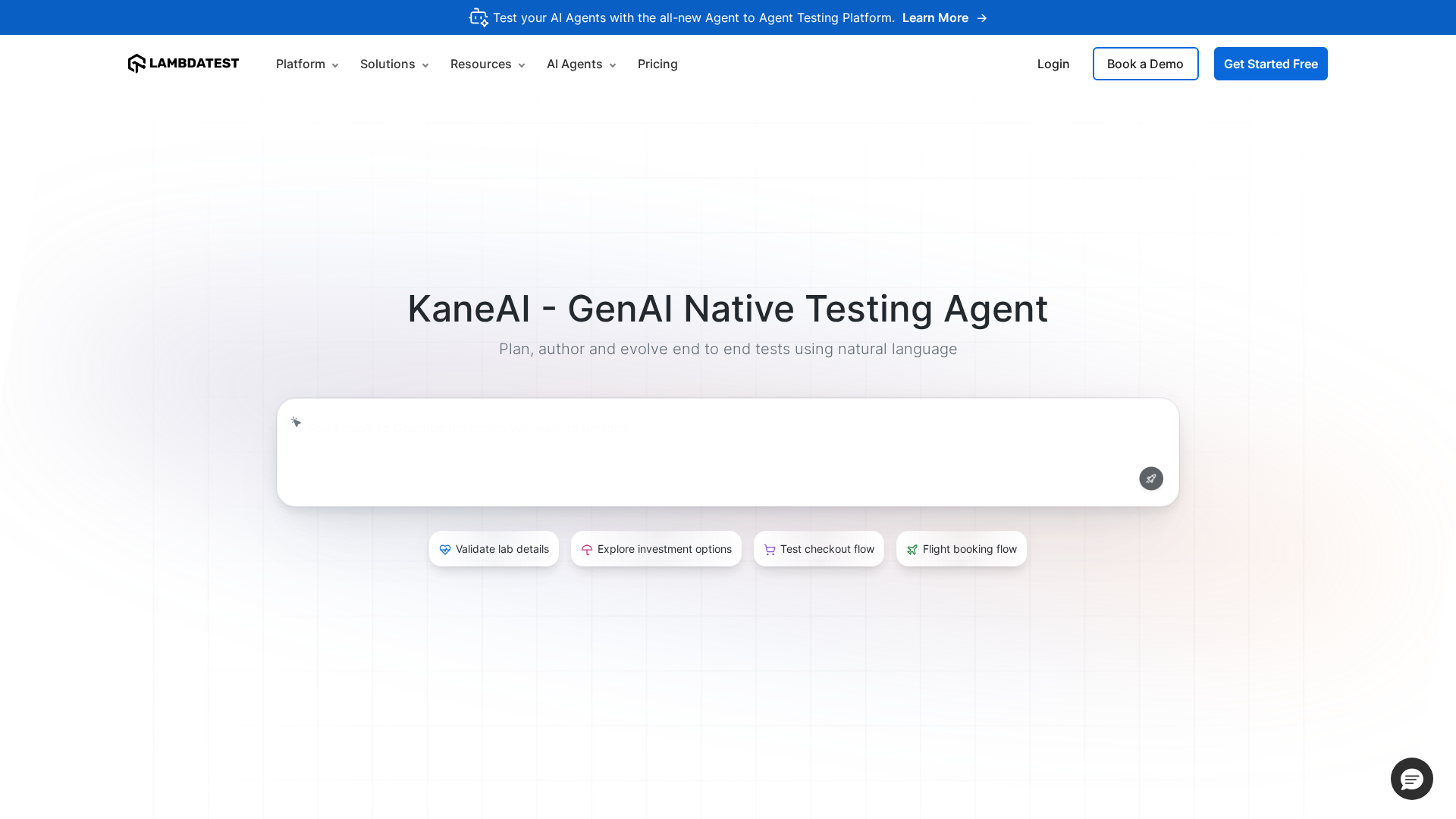
KaneAI (by LambdaTest) is a GenAI-native end-to-end test agent that converts high-level intent or plain language into structured, executable tests across UI, APIs, databases, and accessibility layers. It provides no-code authoring, two-way synchronized natural language and code views, test planning and versioning, auto-healing resilient tests, pixel-perfect visual validations, and automated bug discovery. KaneAI integrates with CI/CD, issue trackers (Jira, Azure DevOps, GitHub), and LambdaTest’s HyperExecute for cross-browser/device execution at scale. It supports test generation from diverse inputs (Jira tickets, PRDs, docs, spreadsheets, recordings), offers modular reusable components, and includes enterprise security features like SSO, RBAC, and audit logs. (Summary based on LambdaTest product pages and docs.)
Key Features
Natural-Language Test Authoring
Write test intent or steps in plain language; KaneAI converts them into executable tests and variables.
Auto-Healing Resilient Tests
Tests adapt to UI changes using auto-heal logic and reusable components, reducing flaky failures.
Cross-Stack Execution via HyperExecute
Run tests across 3000+ browser/OS/device combinations and scale execution in the cloud via LambdaTest HyperExecute.
Show-Me / Record-to-Test Mode
Record actions or use Show‑Me mode to capture real interactions and convert them to modular test steps.
Visual/Pixel-Perfect Validation
Pixel comparison and screenshot diffing to detect UI regressions and flag visual differences.
Integrated Debugging & Test Intelligence
Assisted debugging, root-cause analysis, quick bug repro steps, and execution analytics to speed triage.
Who Can Use This Tool?
- QA Engineers:Author, run, and maintain end-to-end tests quickly using natural language and automation.
- Developers:Integrate AI-generated tests into CI/CD and reproduce bugs faster with automated debugging tools.
- Test Automation Engineers:Create reusable, resilient test components and scale execution across browsers and devices.
- Enterprise Teams:Centralize testing workflows with SSO, RBAC, audit logs, and dedicated support for large-scale programs.
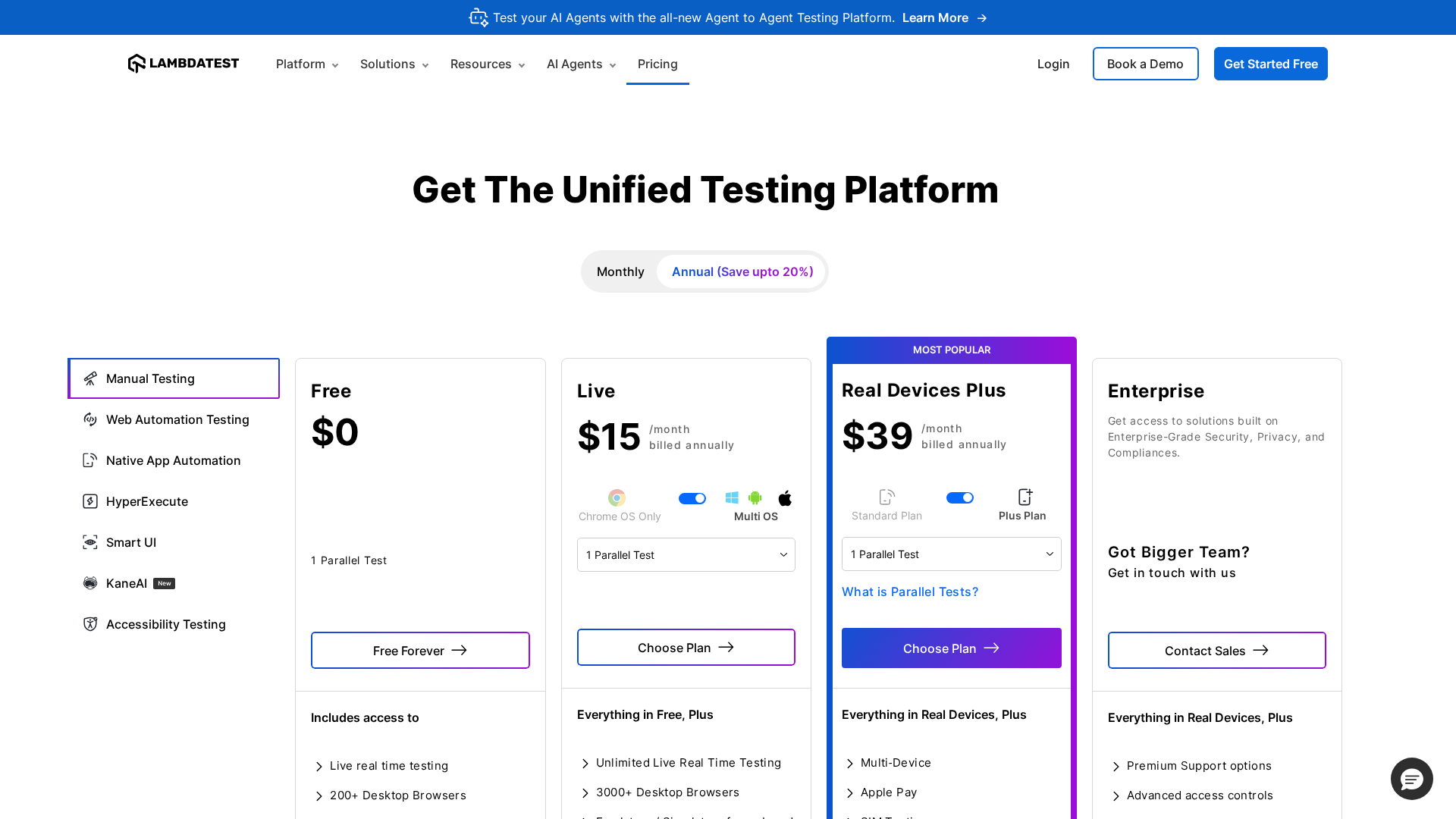
Pricing Plans
Free freemium plan with 60 minutes/month of live testing and core integrations.
- ✓60 minutes of live interactive testing per month
- ✓1 parallel test
- ✓Limited emulators and simulators
- ✓Limited access to browsers & OS
- ✓Access to real mobile devices (limited)
- ✓Localhost, staging, and private website testing
- ✓Integrations with Jira, Asana, Trello, Slack, Microsoft Teams and more
- ✓LT Browser and LT Debug (basic access)
Custom enterprise offering with unlimited usage, dedicated support, and advanced security/compliance.
- ✓Unlimited live interactive testing time
- ✓Unlimited emulators and simulators
- ✓Access to 3000+ browsers & OS
- ✓Unlimited real mobile devices
- ✓Dedicated Solutions Engineer and Customer Success Manager
- ✓Private Slack channel, dedicated training and onboarding
- ✓Single Sign-on (SSO) support and IP whitelisting
- ✓Custom data retention and enterprise-grade security
Pros & Cons
✓ Pros
- ✓Rapid test generation from natural language, tickets, or documents
- ✓No-code authoring plus two-way natural language/code editing
- ✓Auto-healing/resilient test components reduce maintenance
- ✓Deep cross-browser and device coverage via HyperExecute (3000+ combinations)
- ✓Integrated debugging, root-cause assistance, and automatic bug discovery
- ✓Enterprise-grade security and integrations with common dev and collaboration tools
✗ Cons
- ✗Detailed enterprise pricing requires contacting sales (no public tiers beyond freemium)
- ✗Freemium plan has limited minutes/capacity for evaluation
- ✗AI-generated tests require human review and governance to ensure correctness
- ✗Potential data/privacy considerations when uploading internal docs or secrets to AI workflows (careful configuration needed)
Compare with Alternatives
Related Articles (14)

Content missing from the provided source; please supply the article text for full analysis.
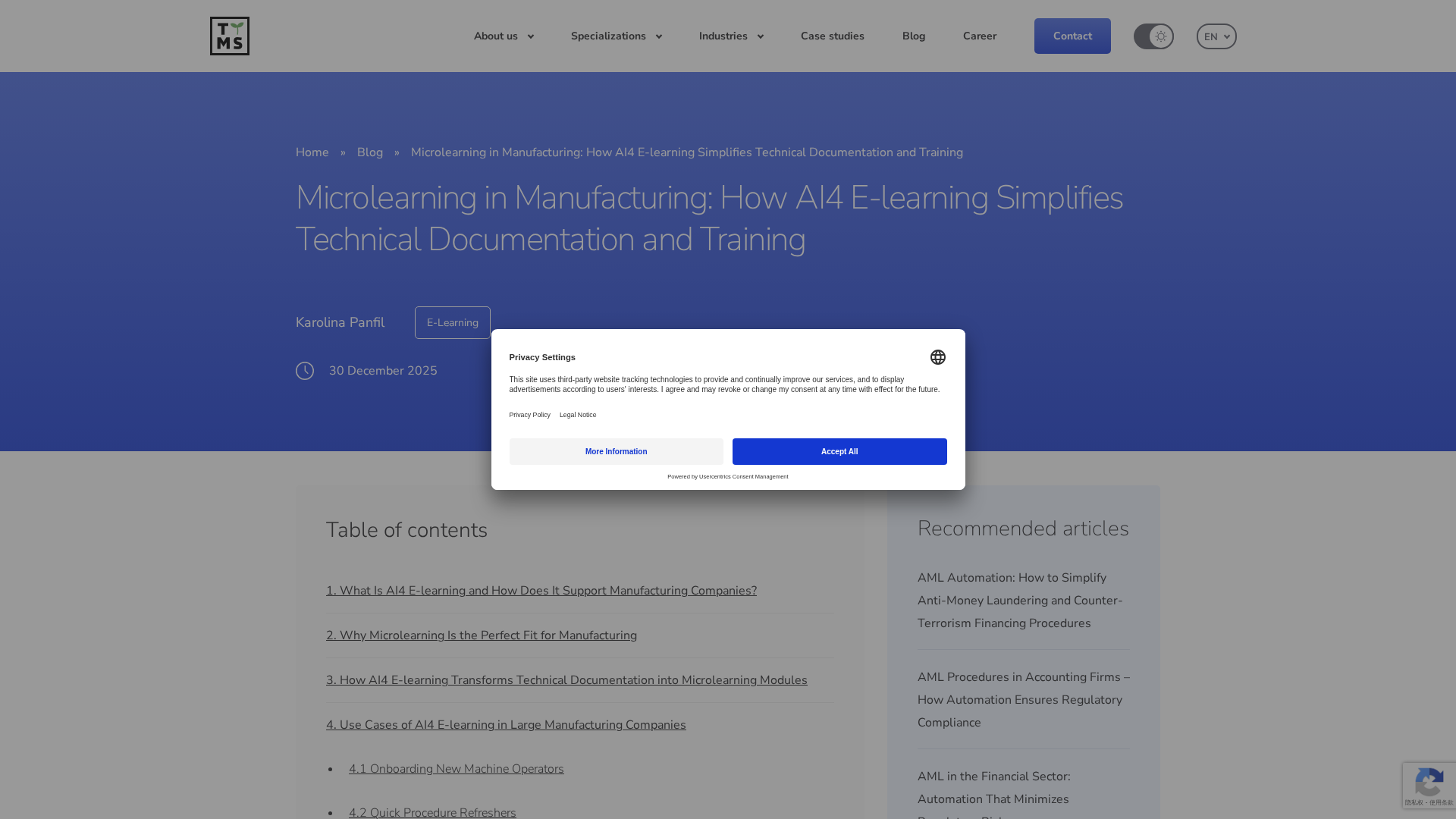
TTMS shows how AI4 E-learning turns complex manufacturing docs into fast, on-the-job microlearning with governance and ROI guidance.
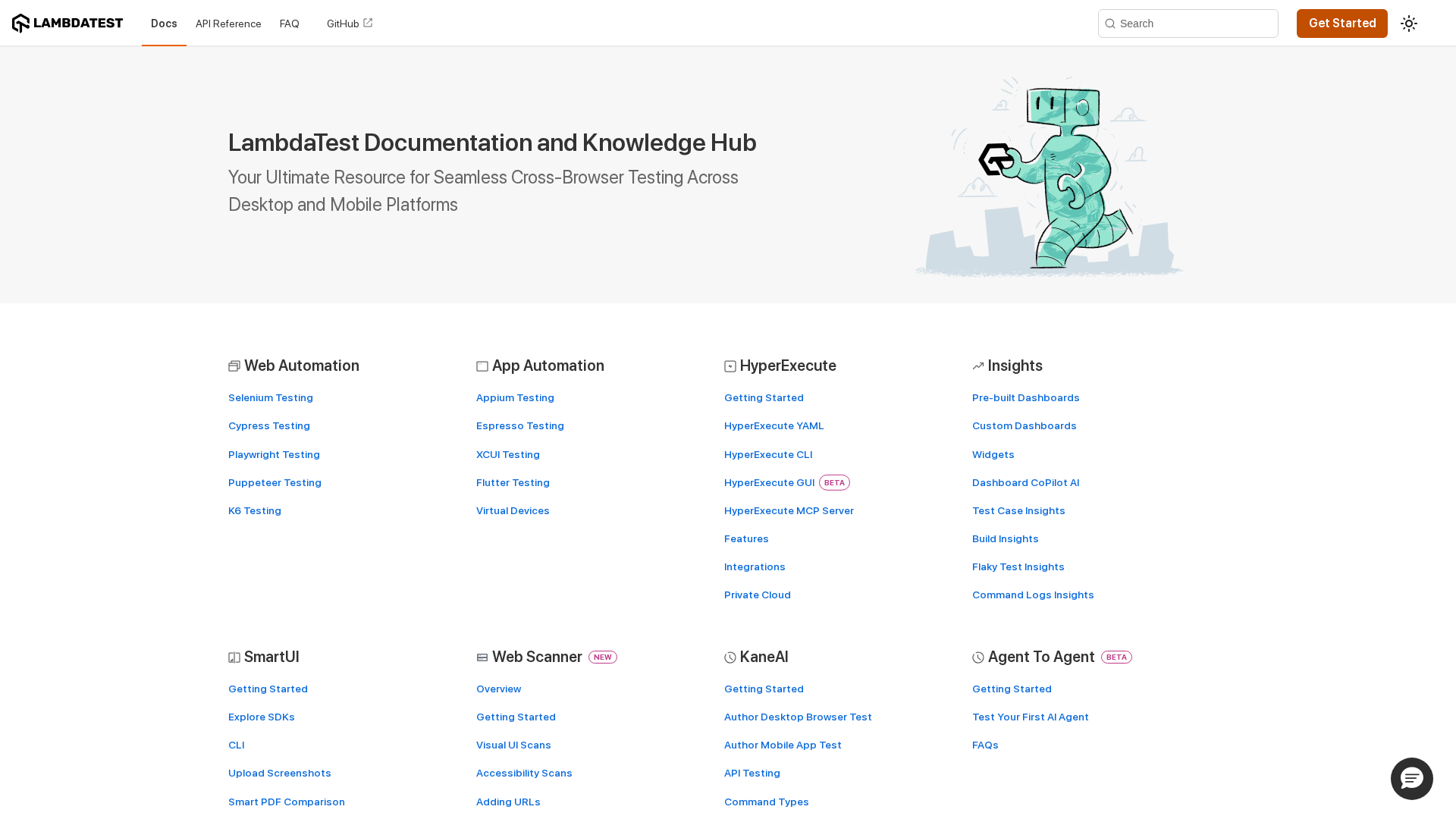
A centralized LambdaTest docs hub for cross-browser testing, automation, and AI-powered insights.
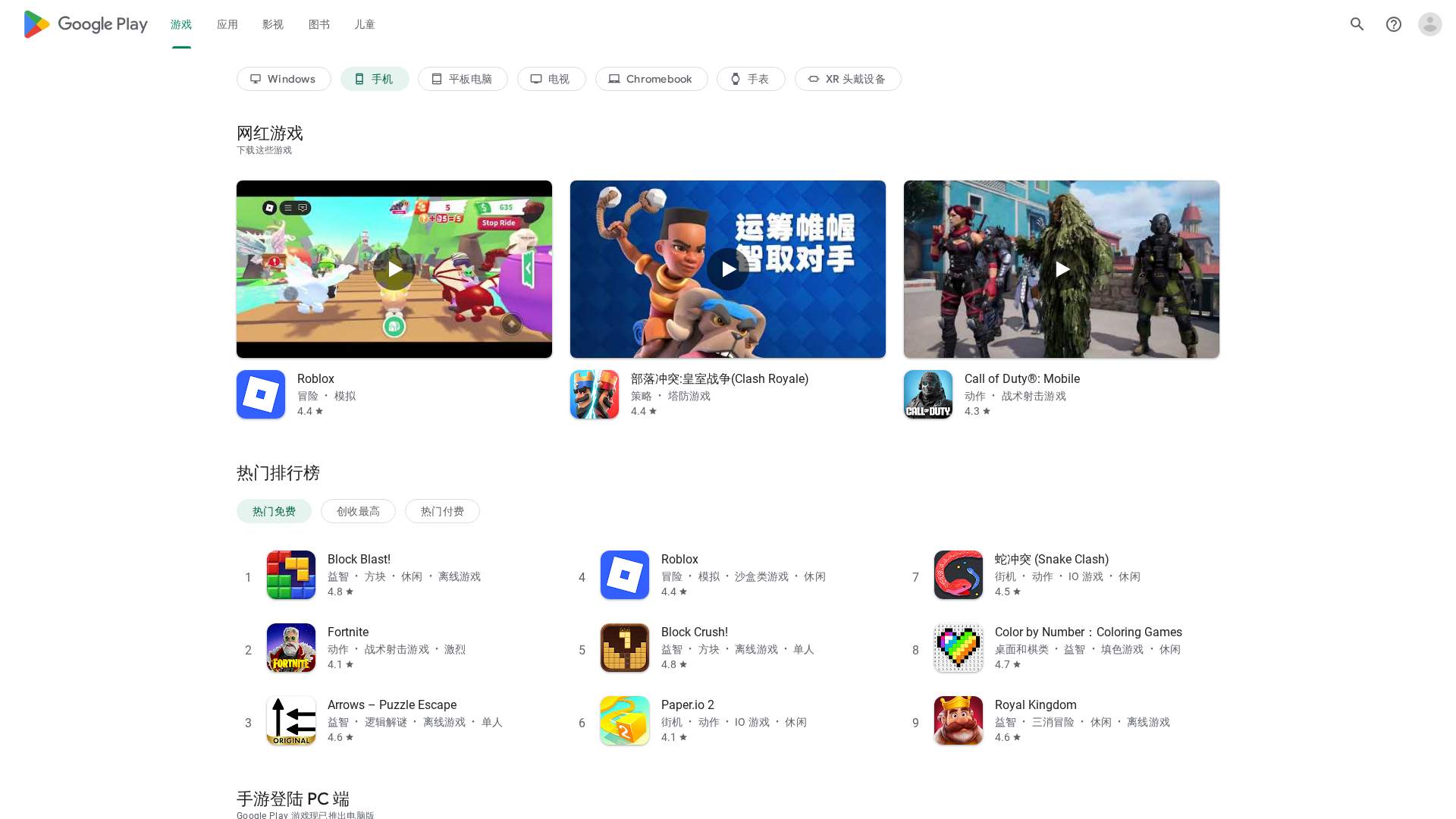
精选 Google Play 热门手游清单,涵盖 2026 新年活动与跨平台促销信息。

Korte gids voor Google Play met de belangrijkste secties: bibliotheek, betaling, activiteit, personalisatie en terugbetalingen.