Overview
LocoStudio is a privacy-first desktop application that lets users chat with multiple AI models either locally on their computer or by connecting to cloud providers with the user’s own API keys. It emphasizes offline capability so sensitive documents (PDFs, images, YouTube transcripts, websites) can be analyzed without sending data to third parties. Users can run local models, compare models side-by-side, and switch between providers (e.g., ChatGPT, Claude, Gemini) within one unified UI. The product offers easy setup guidance for local models, keyboard shortcuts, UI themes, and a lightweight, subscription-free pricing approach where users can opt for a one-time purchase to unlock premium features.
Key Features
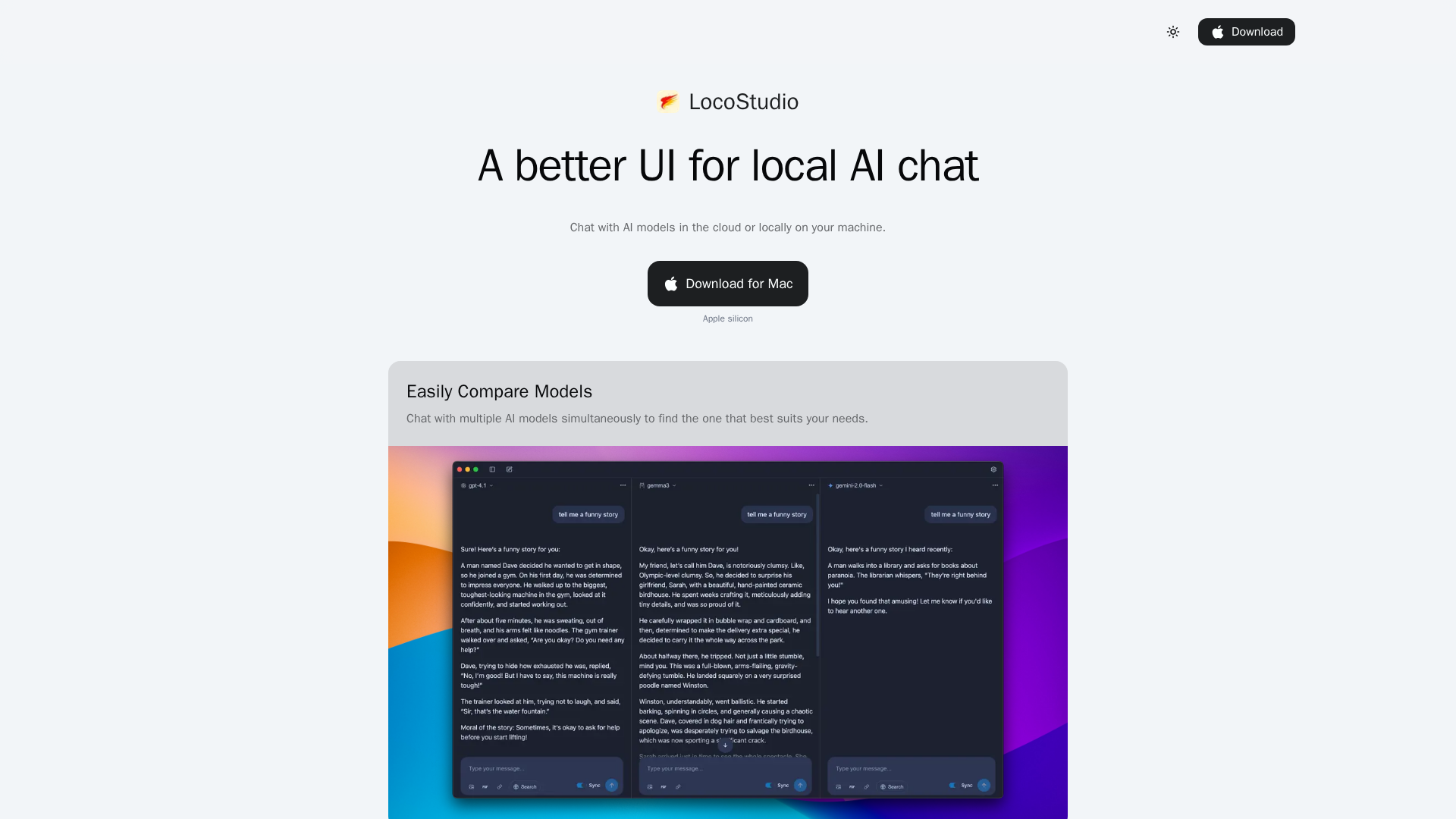
Multi-Model Chat
Let users connect to and chat with multiple AI providers (local or cloud) side-by-side to compare outputs.
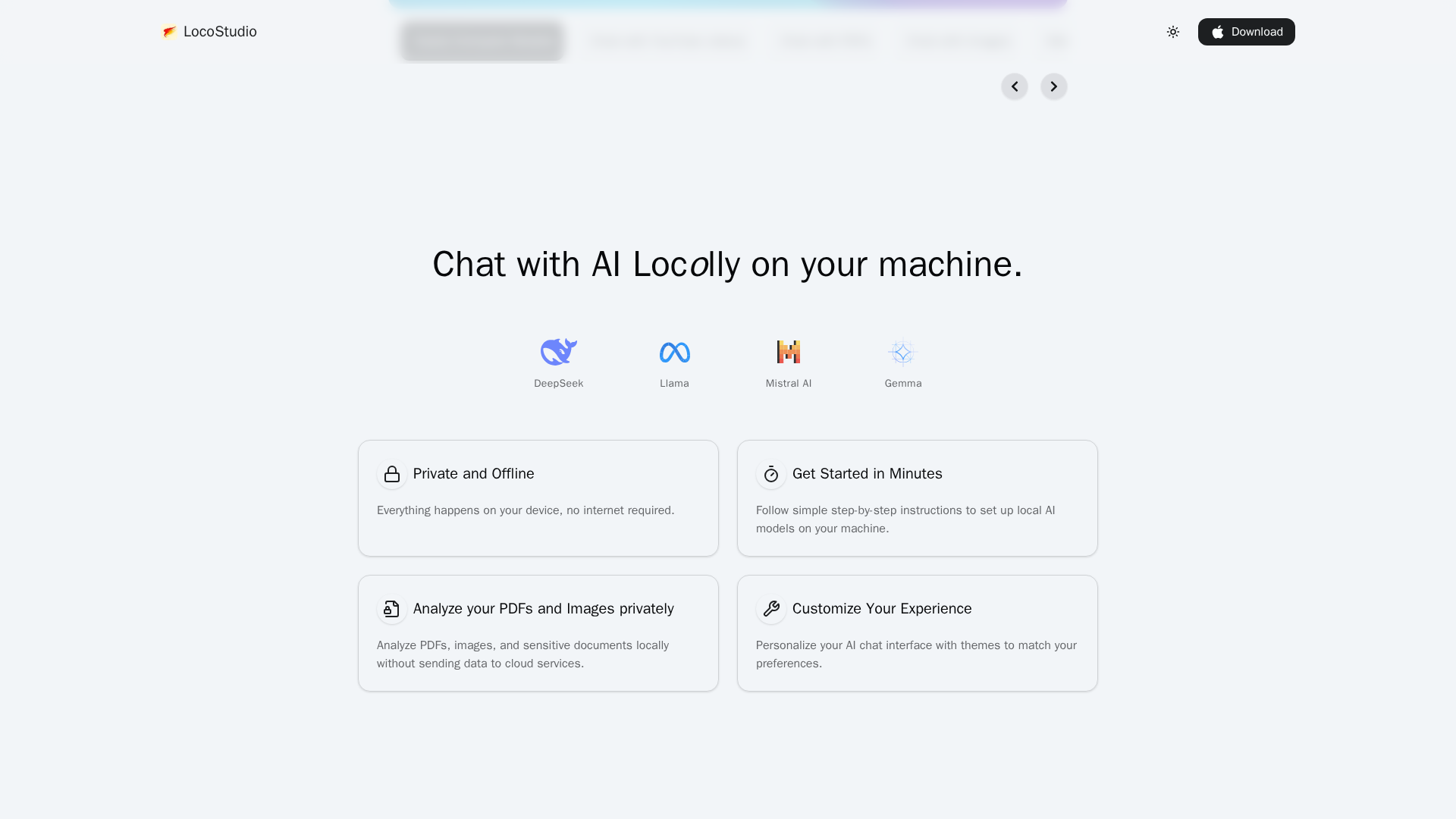
Offline / Local Model Support
Deploy and run local models on-device to keep data private and operate without internet.
Document & Media Chat
Ingest and chat with PDFs, images, websites, and YouTube transcripts for contextual Q&A and summarization.
Bring-Your-Own-API Key Cloud Access
Connect your own cloud API keys to access hosted models while keeping API credentials private.
Themes & UI Customization
Premium offer includes 12 themes and UI personalization options.
Lightweight, Subscription-Free Pricing
One-time lifetime premium purchase available to unlock future features without recurring fees.
Who Can Use This Tool?
- Privacy-Conscious Users:Run AI models locally and analyze sensitive documents without sending data externally.
- Developers & Researchers:Test and compare multiple AI models side-by-side with local or cloud-hosted models.
- Content Creators:Summarize YouTube transcripts and chat with documents to speed content workflows.
- Power Users:Customize UI themes and use keyboard shortcuts for fast multi-model experimentation.
Pricing Plans
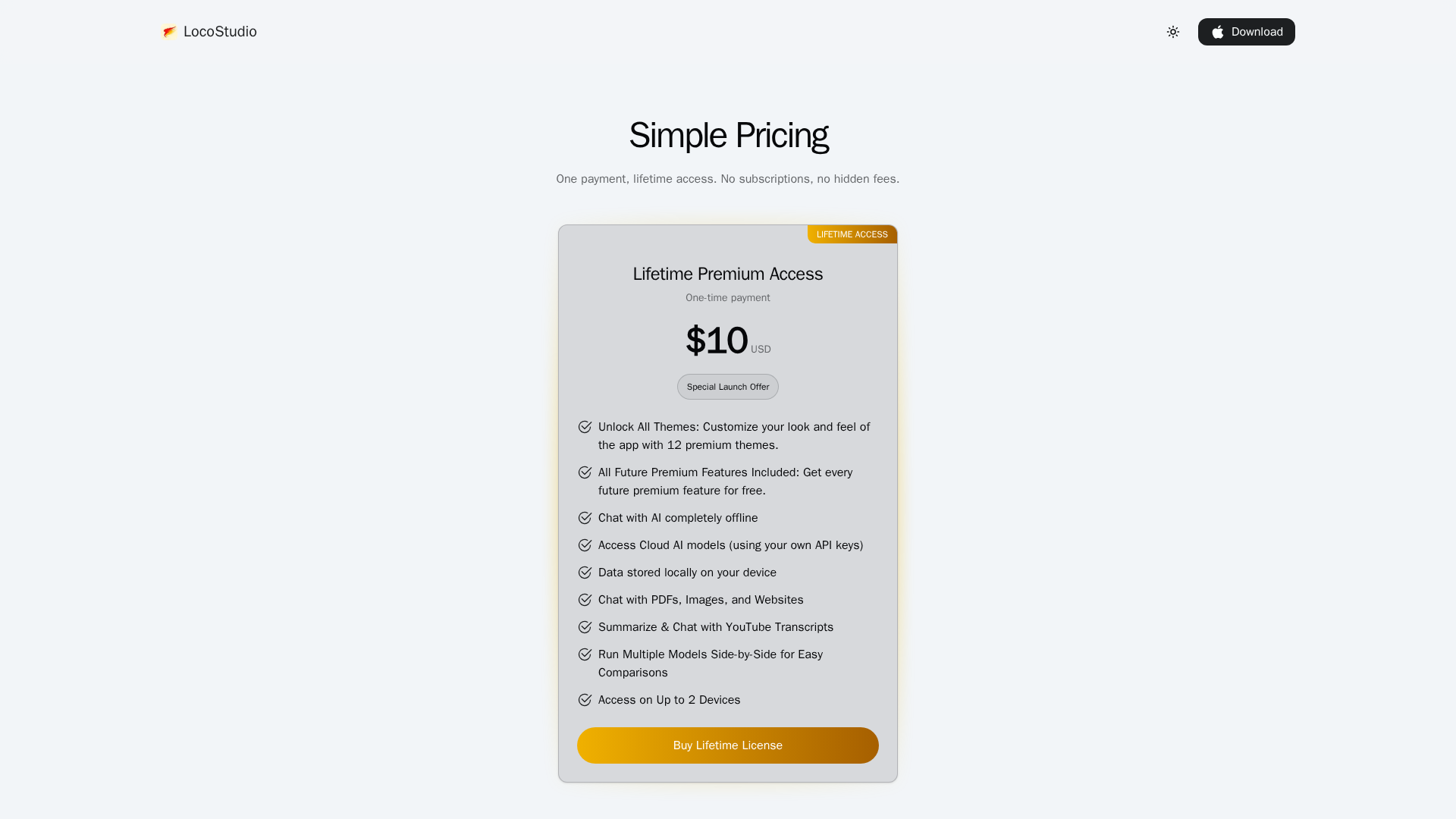
Lifetime premium access with all future features, themes, and offline AI chat.
- ✓Unlock All Themes: 12 premium themes to customize the app.
- ✓All Future Premium Features Included: Every future premium feature at no extra cost.
- ✓Chat with AI completely offline.
- ✓Access Cloud AI models using your own API keys.
- ✓Data stored locally on your device.
- ✓Chat with PDFs, Images, and Websites.
- ✓Summarize & Chat with YouTube Transcripts.
- ✓Run multiple models side-by-side for easy comparisons used on up to 2 devices.
Pros & Cons
✓ Pros
- ✓Strong privacy-first approach: desktop app claims no collection or storage of chats or API keys.
- ✓Offline support: run models locally and analyze sensitive documents without internet.
- ✓Multi-model support: compare and chat with several AI providers in one UI.
- ✓One-time low-cost lifetime premium option ($10) avoids subscriptions.
- ✓Convenient features: PDF/website/YouTube transcript chat and multiple-device access.
✗ Cons
- ✗Limited public reviews and market visibility; hard to gauge long-term reliability.
- ✗Launch-year and broader platform support details are not clearly published.
- ✗Current paid offering is a single lifetime tier—may lack flexible team/enterprise plans.
- ✗Desktop-app-only (Mac download clearly listed) — unclear Windows/Linux support.
- ✗No public documentation or community forum links discovered.