Overview
MailWizard is a lightweight Chrome extension that brings AI-powered email drafting directly into your compose box so you can stay in your workflow. Users type a prompt and the extension generates a polished draft using OpenAI or Anthropic models; drafts appear in the email compose window without manual copy-pasting. Installation is performed by downloading the extension ZIP from the project's GitHub repository and loading it as an unpacked extension in Chrome’s developer mode. The project positions itself as a productivity tool for people who write frequent emails and want to reduce repetitive drafting tasks. While the homepage and tutorial text highlight step-by-step setup and example prompts, several secondary pages (pricing, docs, tutorial, install) are currently placeholders or return 404s, indicating the site is early-stage or under maintenance.
Key Features
In-Compose AI Drafting
Generates polished email content directly in the email compose box using simple prompts.
OpenAI & Anthropic Integration
Accepts user-provided API keys for OpenAI or Anthropic so you can select the LLM backend.
Quick Install from GitHub
Distributed as a ZIP on GitHub; users can load it as an unpacked extension in Chrome developer mode.
Prompt-Driven Workflow
Type a brief prompt and receive a ready-to-edit email, helping automate repetitive email tasks.
Tutorial & Onboarding (Homepage)
Homepage includes a short tutorial and guidance for getting started (though dedicated tutorial page is a placeholder/404).
Who Can Use This Tool?
- Knowledge Workers:Quickly generate and polish routine emails to save time and stay in workflow.
- Small Teams:Automate templated messages and reduce repetitive drafting for sales and support.
- Developers/Technical Users:Install the unpacked Chrome extension from GitHub and configure API keys for custom LLM usage.
Pricing Plans
Pricing information is not available yet.
Pros & Cons
✓ Pros
- ✓In-compose AI drafting — generates email copy directly in the compose box (no copy / paste required).
- ✓Supports OpenAI and Anthropic model integration via user-provided API keys.
- ✓Openly distributed on GitHub (can inspect code and self-host/modify).
- ✓Simple installation flow (download ZIP, load as unpacked extension) for technically comfortable users.
- ✓Lightweight and focused on a clear productivity problem (reducing repetitive email drafting).
✗ Cons
- ✗Documentation and site pages (pricing, docs, tutorial, install) return 404/placeholder content — signals an early-stage or under-maintained site.
- ✗Requires user-provided OpenAI/Anthropic API key — ongoing API usage costs are borne by the user.
- ✗Manual developer-mode installation is less friendly for non-technical users (no Chrome Web Store listing found on site).
- ✗No visible pricing, enterprise support, or clear privacy/permissions policy on the site (not found).
Related Articles (5)
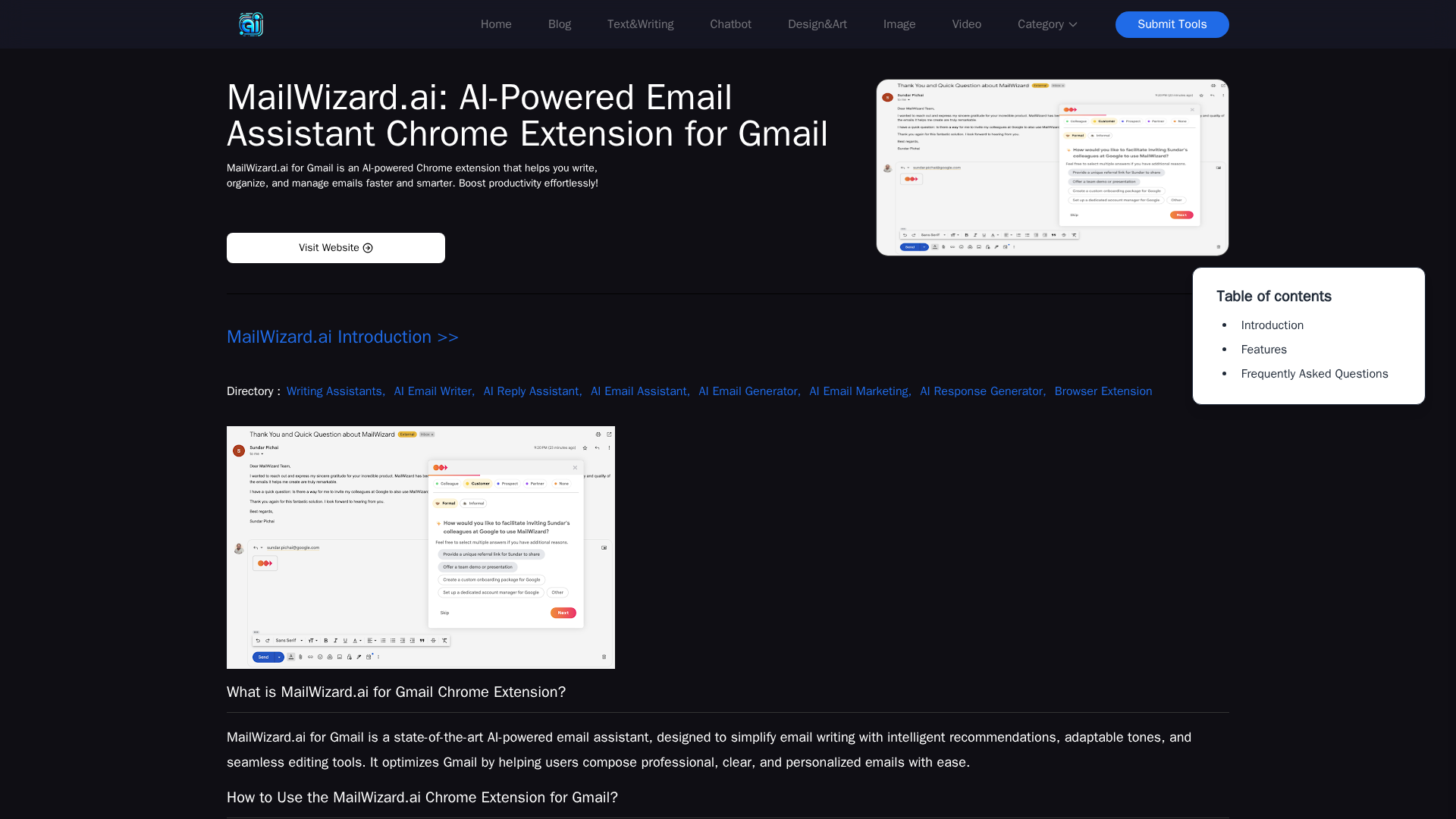
AI-powered Gmail extension offering smart writing suggestions, tone customization, and easy editing.

A Chrome extension that adds AI-powered, real-time writing guidance to Gmail for professional, multilingual emails.
An AI email assistant extension that generates polished messages directly in your compose box with OpenAI or Anthropic integration.

A quick overview of Anish-Gupta1's MailWizard backend and website powering an AI-assisted email composer.
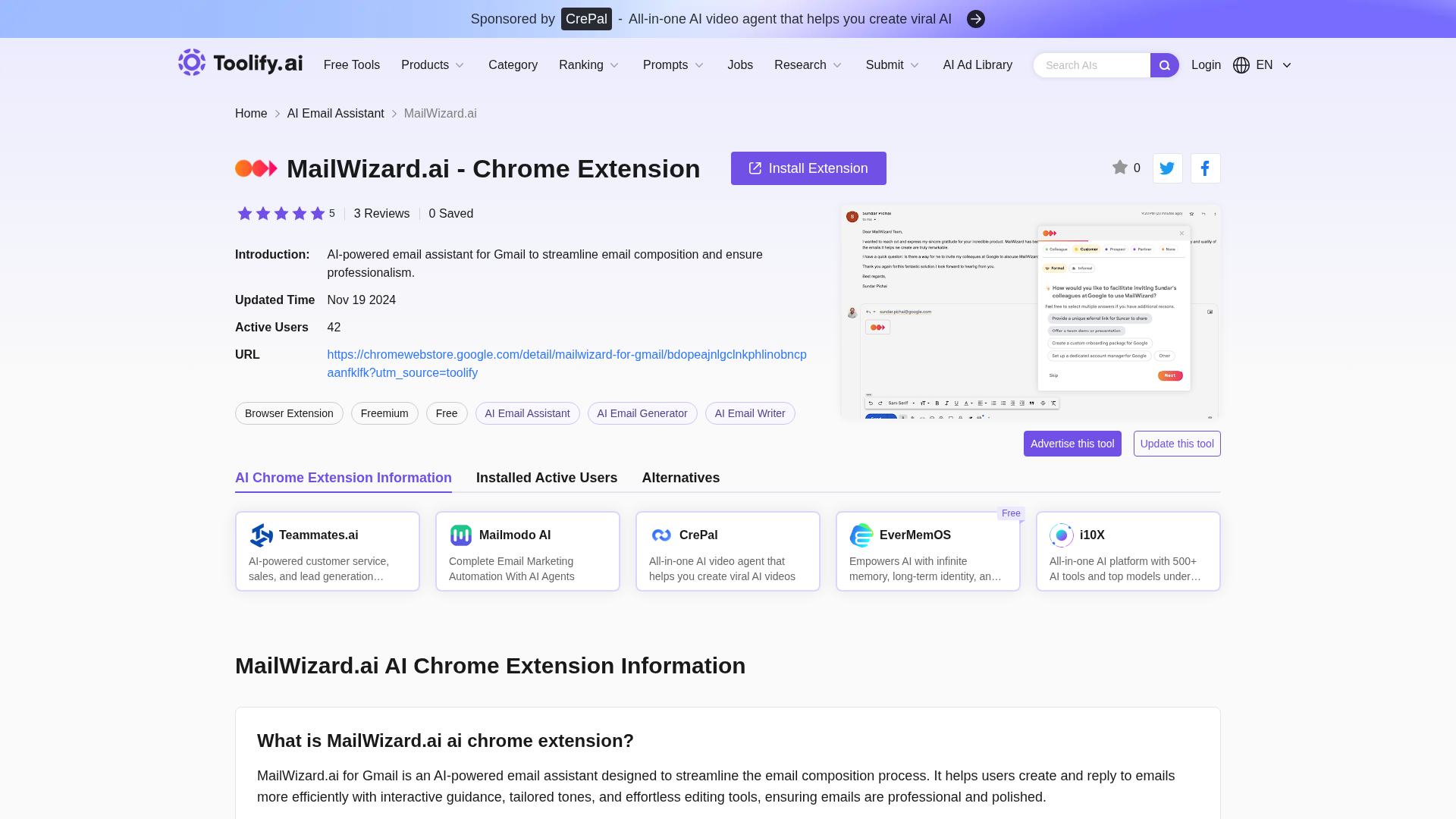
AI-powered Gmail extension that drafts and polishes professional emails in multiple languages.