Overview
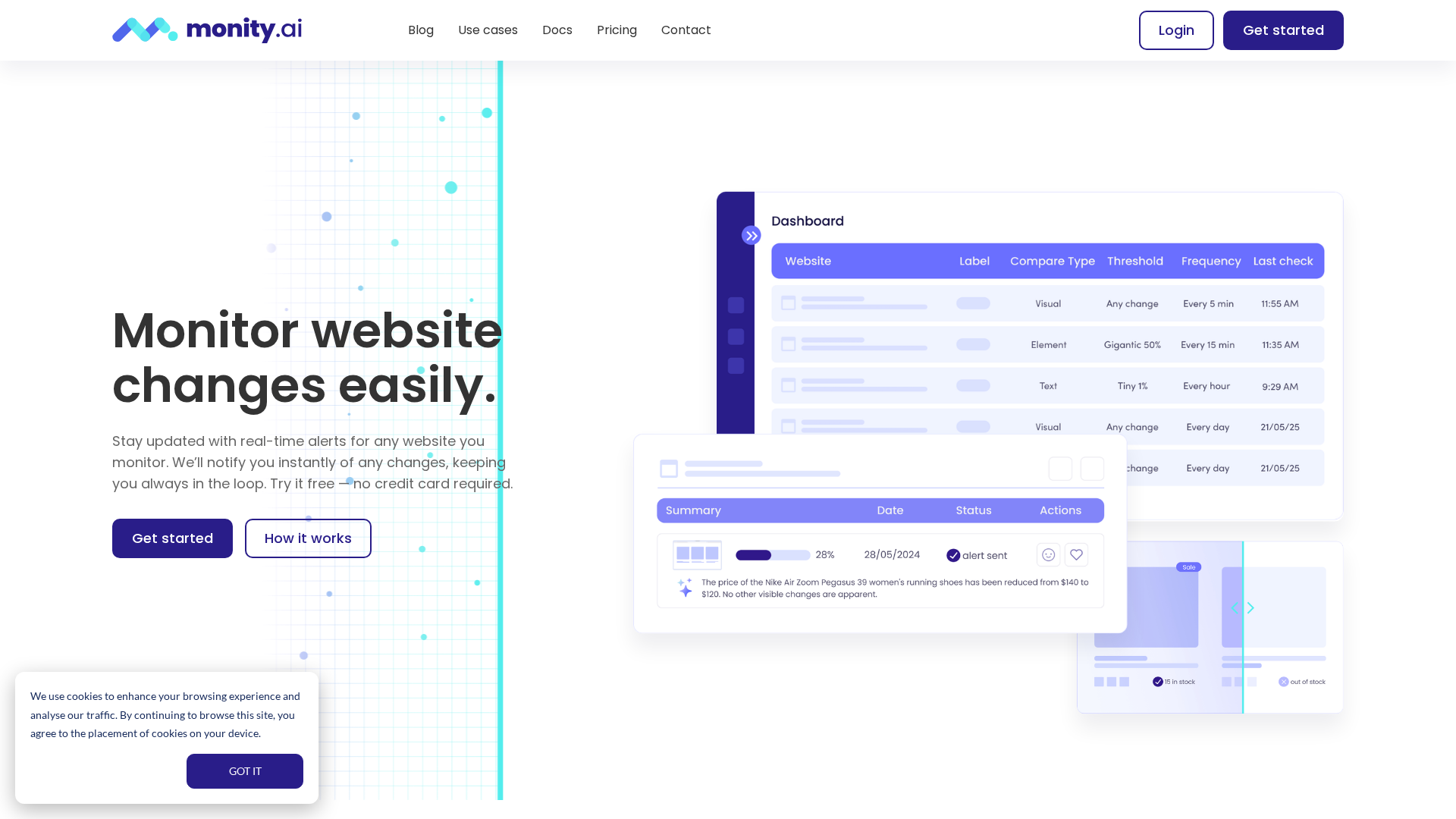
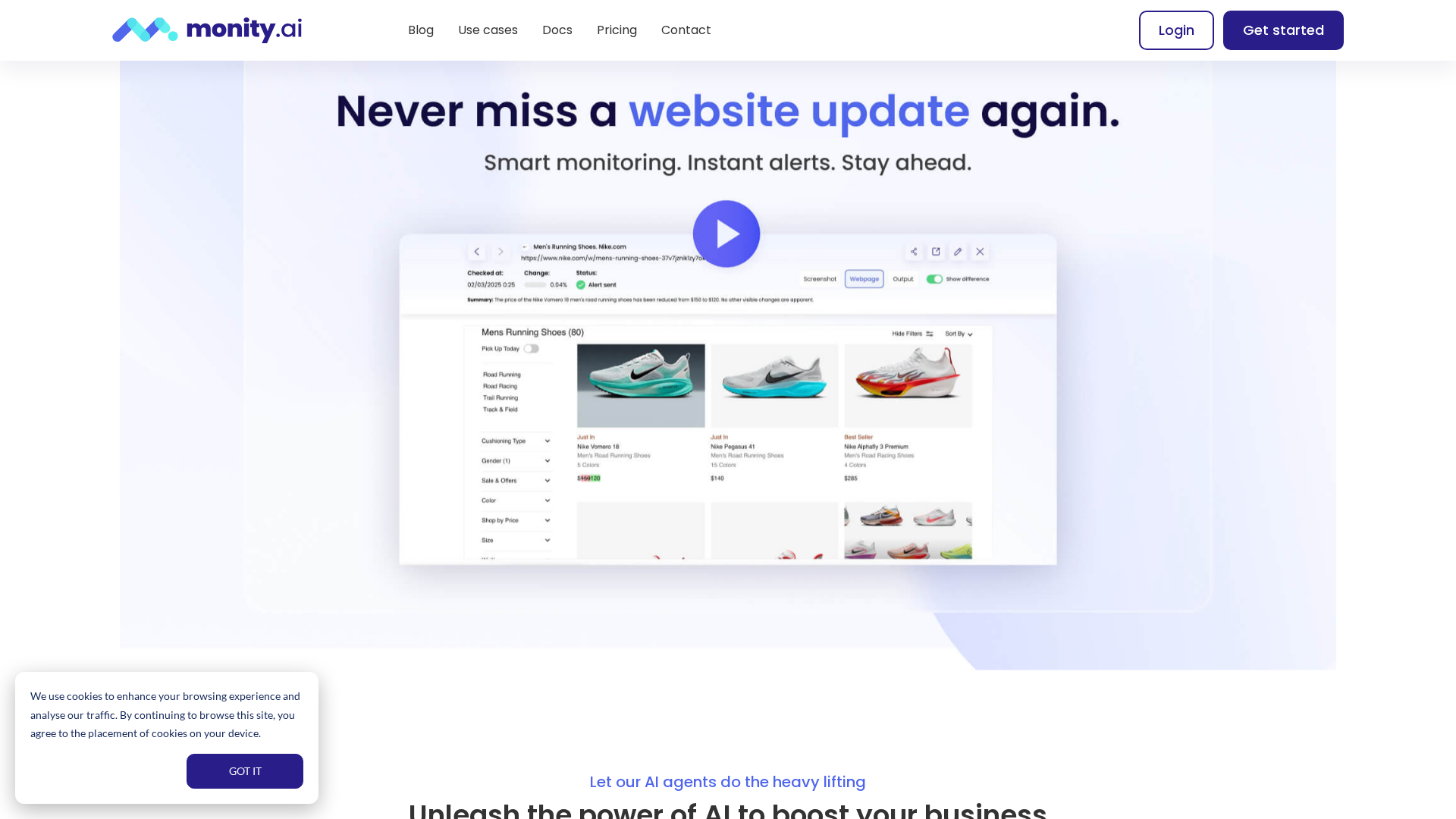
Monity.ai is an AI-powered real-time website change monitoring platform that combines no-code setup, natural-language prompts, and browser automation (AI Actions) to monitor pages, extract data, and run tasks (e.g., log in, submit forms) before checks. It delivers concise, AI-generated change summaries and alerts so users don’t need to manually check pages. Key features include multiple monitoring modes (visual diffs, text, HTML, and targeted element monitoring), robust AI Actions for clicking, filling forms, navigating pages, handling logins and cookies, and supporting custom data extraction. The platform provides smart alerts and human-readable summaries (e.g., “Price dropped from $199 to $149”), configurable thresholds and frequencies, and integrations with email, Slack, Discord, and webhooks. No-code UI plus natural-language prompts streamline setup, and multiple use cases such as competitor monitoring, price and inventory tracking, PR and media monitoring, real estate listings, restock alerts, appointment availability, travel price tracking, and feedback aggregation are documented.
Key Features
Monitoring modes
Supports visual (screenshots/visual diffs), text, HTML, and targeted element monitoring.
AI Actions / browser automation
Can click, fill/submit forms, navigate, paginate, handle logins and cookies to monitor dynamic/pages.
Data extraction
Define data points (product name, price, URL, image, etc.) and Monity extracts them automatically.
Smart alerts & summaries
Human-readable summaries (e.g., “Price dropped from $199 to $149”) rather than generic changes.
Multi-mode checks and thresholds
Control change sensitivity and frequency (from minutes up to hours).
Integrations / alert channels
Email, Slack, Discord, webhooks to deliver alerts where teams work.
Who Can Use This Tool?
- ecommerce teams:Track price changes, stock levels, and product listings across competitor pages.
- marketing teams:Monitor PR, media mentions, and travel price trends for campaigns.
- real estate pros:Track new listings and price updates on property pages.
- ops teams:Receive restock alerts and appointment availability monitoring.
- travel teams:Compare travel price changes and deals across sites.
- data teams:Aggregate feedback data from pages for sentiment and trends.
Pricing Plans
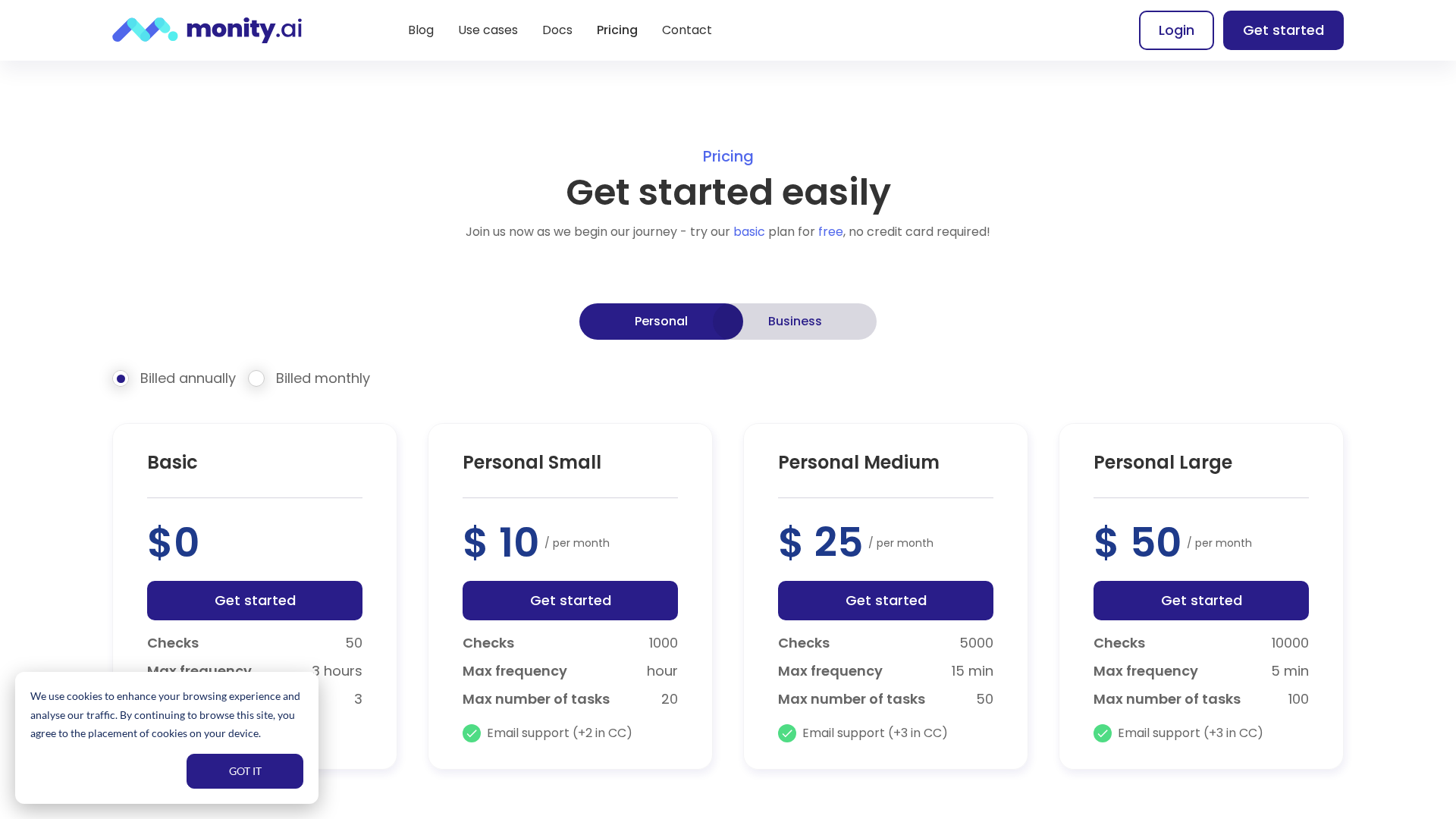
Free starter plan with basic checks.
- ✓Checks: 50
- ✓Max frequency: every 3 hours
- ✓Max tasks: 3
- ✓Email support
Starter paid plan.
- ✓Checks: 1,000
- ✓Max frequency: hourly
- ✓Max tasks: 20
- ✓Email support (+2 in CC)
Mid-tier paid plan.
- ✓Checks: 5,000
- ✓Max frequency: every 15 minutes
- ✓Max tasks: 50
- ✓Email support (+3 in CC)
Higher-capacity paid plan.
- ✓Checks: 10,000
- ✓Max frequency: every 5 minutes
- ✓Max tasks: 100
- ✓Email support (+3 in CC)
On-demand custom plans via sales (larger/complex deployments).
Pros & Cons
✓ Pros
- ✓No-code UI
- ✓AI Actions and browser automation
- ✓Real-time monitoring
- ✓Multiple monitoring modes
- ✓Automated data extraction
- ✓Smart, human-readable alerts
- ✓Integrations via email, Slack, Discord, webhooks
✗ Cons
- ✗Pricing and plan limits may change—verify on the pricing page
- ✗Enterprise/custom pricing details not published—contact sales
- ✗Testing login flows may be needed for high-frequency checks
- ✗Export/integration details may vary—confirm with support

