Overview
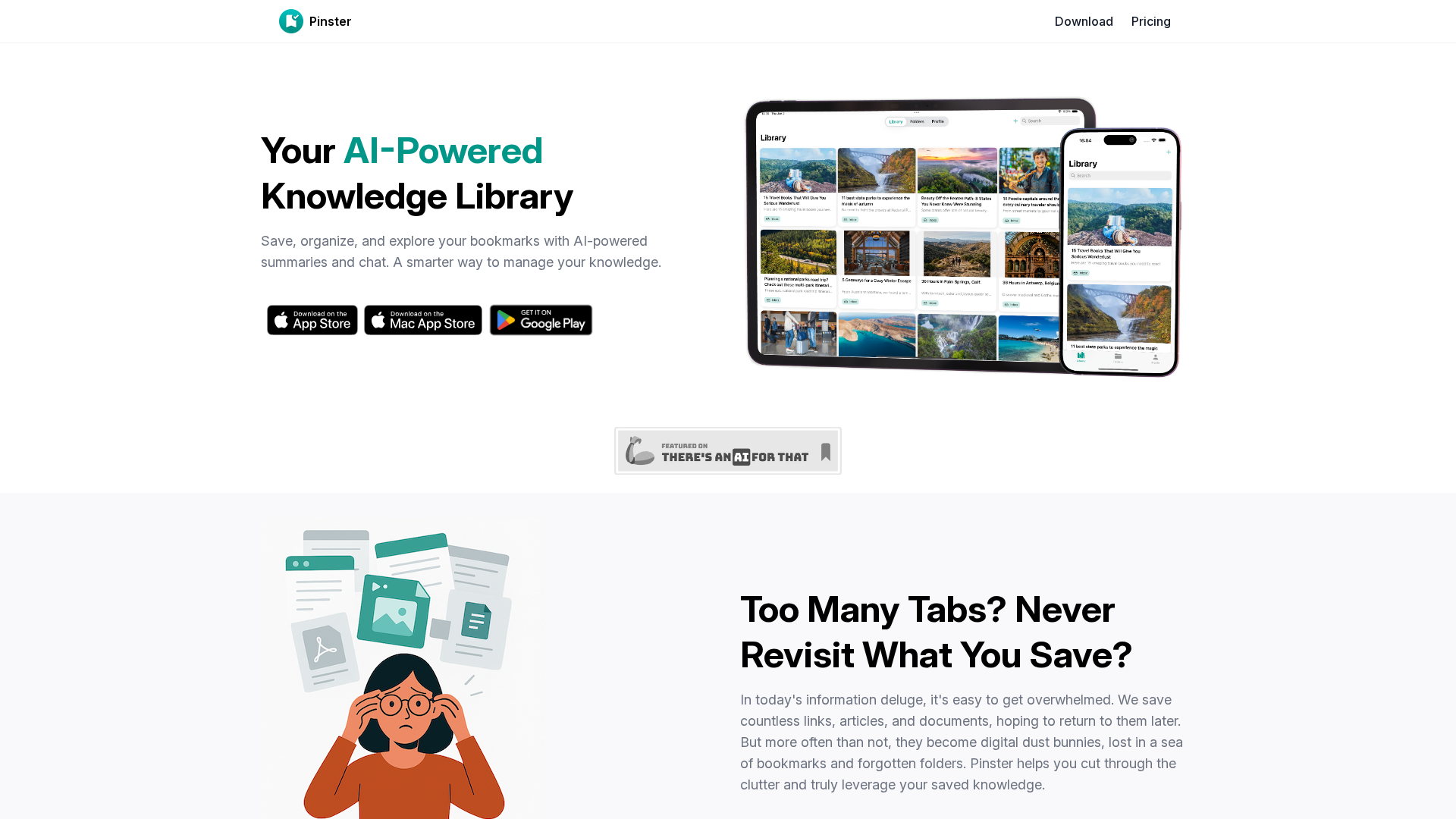
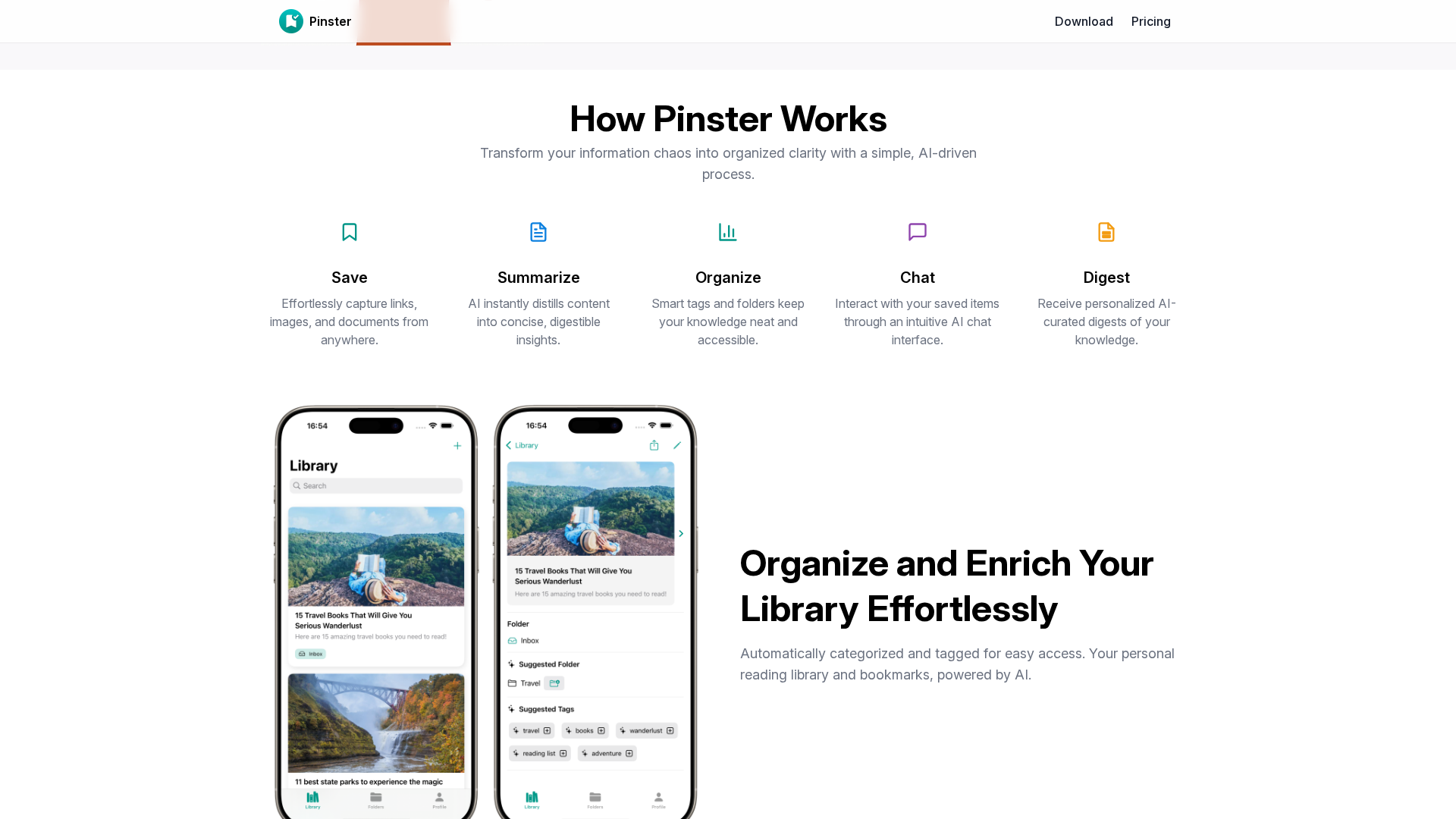
Pinster is an AI-powered knowledge library (a 'second brain') that lets you save links, PDFs, images and notes into a central library. It provides automatic summaries, Markdown extraction, AI-generated tags and folders, and auto-categorization to help you organize content. You can search with filters (tags, folders, date) and navigate nested folders. A chat interface lets you query your saved items, and the system supports scheduled digests (daily/weekly/monthly), reader mode, offline mode, and cross-device syncing. Browser extensions are available for Chrome, Firefox, and Safari (with on iOS/Safari share sheet). You can import/migrate bookmarks from browsers and export as a Web Archive to preserve pages. Platforms identified include the website, iOS App Store and Google Play, and browser extension pages.
Key Features
Save diverse content
Save links, images, PDFs and other files to a central library.
AI-driven curation
Automatic summaries, Markdown extraction, AI-suggested tags and folders, and auto-categorization.
Advanced search and filters
Search with filters (tags, folders, date) and navigate nested folders.
Chat with your library
Conversational querying of saved items.
Digests and offline access
Scheduled digests, reader mode, offline sync and cross-device syncing.
Browser extensions
Extensions for Chrome, Firefox and Safari (Share sheet on iOS/Safari).
Pricing Plans
Pricing information is not available yet.
Pros & Cons
✓ Pros
- ✓AI-powered features (summaries, tagging, folders, auto-categorization)
- ✓Central library for links, PDFs, images, and notes
- ✓Powerful search and nested folders
- ✓Chat interface to query saved items
- ✓Cross-device sync and offline mode
- ✓Browser extensions for major browsers
- ✓Import/migrate bookmarks from browsers
- ✓Export / Web Archive preservation
✗ Cons
- ✗Pricing page and download page return 404, no pricing details on site crawl
- ✗Exact pricing model, plan names, and free trial details not found on site
- ✗Some details (extension permissions, installation flow) require checking app stores or extensions pages