Overview
Pixlr is a browser-first image editing and design platform that combines traditional photo-editing tools with modern AI-powered capabilities. It offers AI background removal and background changer, object removal/clone tools, an AI image generator (text-to-image), AI fill and expand tools to extend canvases, and an AI sticker maker. The product targets both casual creators and more experienced designers by providing quick, beginner-friendly workflows alongside professional-grade editing tools. Pixlr supports web, mobile apps, and desktop use, and provides both free and paid subscription tiers, plus education and enterprise offerings. The platform emphasizes fast edits, templates for social and seasonal projects, and cross-platform access without installation.
Key Features
AI Background Removal / Background Changer
Automatically removes backgrounds and allows swapping with new backgrounds.
AI Image Generator (Text-to-Image)
Generate new images from text prompts; useful for creative and concept visuals.
AI Fill & Expand (Canvas Expansion)
Extend canvas beyond original edges using context-aware generative fill.
Remove Object / Clone Tool
Remove or duplicate objects cleanly using AI and cloning utilities.
AI Sticker Maker & Templates
Create stickers and use themed/templates for cards, social assets, and seasonal designs.
Photo Enhancements & Effects
Filters and effects like Mimic HDR, sharpening, denoise, color dispersion, reflections, blurs, and lighting adjustments.
Who Can Use This Tool?
- Creators:Edit photos, create social graphics, and generate images quickly with AI tools.
- Small Businesses:Produce marketing assets, product shots, and social content without heavy design tools.
- Educators & Students:Access free or upgraded PixlrEdu plans for classroom projects and creative assignments.
- Teams/Agencies:Collaborate with multiple premium seats, shared assets and AI credits for production workflows.
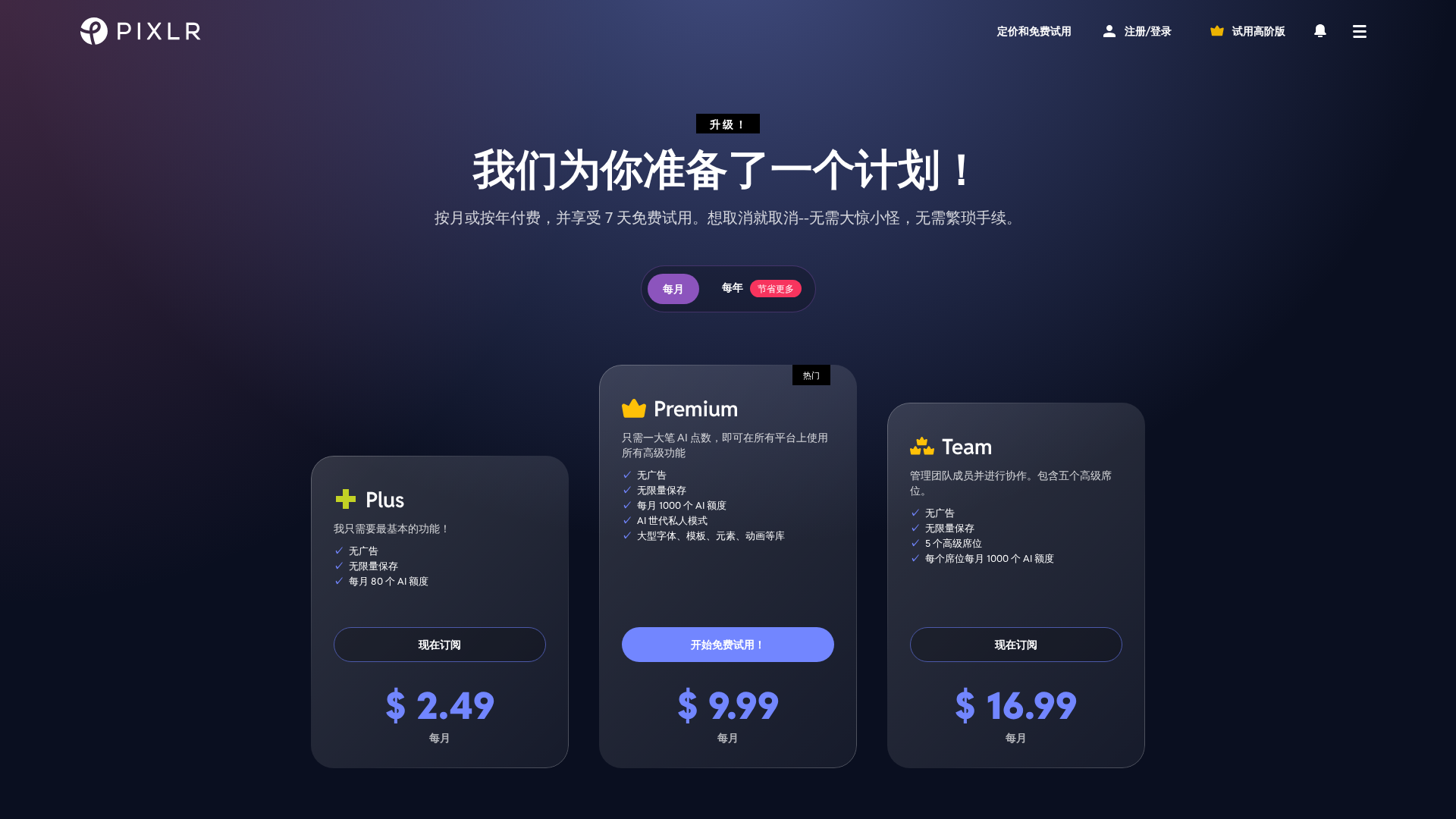
Pricing Plans
Basic paid plan with essential features and limited AI credits.
- ✓No ads
- ✓Unlimited saves
- ✓80 AI credits per month
Full-featured plan with large AI allowance and premium assets.
- ✓No ads
- ✓Unlimited saves
- ✓1000 AI credits per month
- ✓Private mode for AI generation
- ✓Large libraries of fonts, templates, elements, animations
Team subscription for collaboration, includes five premium seats.
- ✓No ads
- ✓Unlimited saves
- ✓5 premium seats included
- ✓1000 AI credits per seat per month
Custom enterprise solutions for more seats or API integrations; contact sales.
- ✓Custom seat counts and billing
- ✓Custom API solutions
- ✓Contact sales for details
Free Pixlr upgrades for schools, higher-education institutions, and educators.
- ✓Free upgrades for eligible schools and educators
- ✓Access via PixlrEdu subscription
- ✓Intended for students, teachers, and educational institutions
Pros & Cons
✓ Pros
- ✓Strong AI toolkit (background removal, object removal, text-to-image generator, fill/expand)
- ✓Browser-based with cross-platform availability (web, mobile, desktop)
- ✓Freemium model with usable free tier and transparent subscription tiers
- ✓Good for quick edits, social graphics, and seasonal templates
- ✓Team and education plans available for collaboration and schools
✗ Cons
- ✗Advanced desktop-pro workflows may still favor full desktop editors (Photoshop, Affinity) for very deep pixel-level work
- ✗Some key capabilities (AI credits, premium assets) are gated behind paid tiers
- ✗Enterprise/custom pricing requires contacting sales; no public enterprise price bands
Related Articles (2)
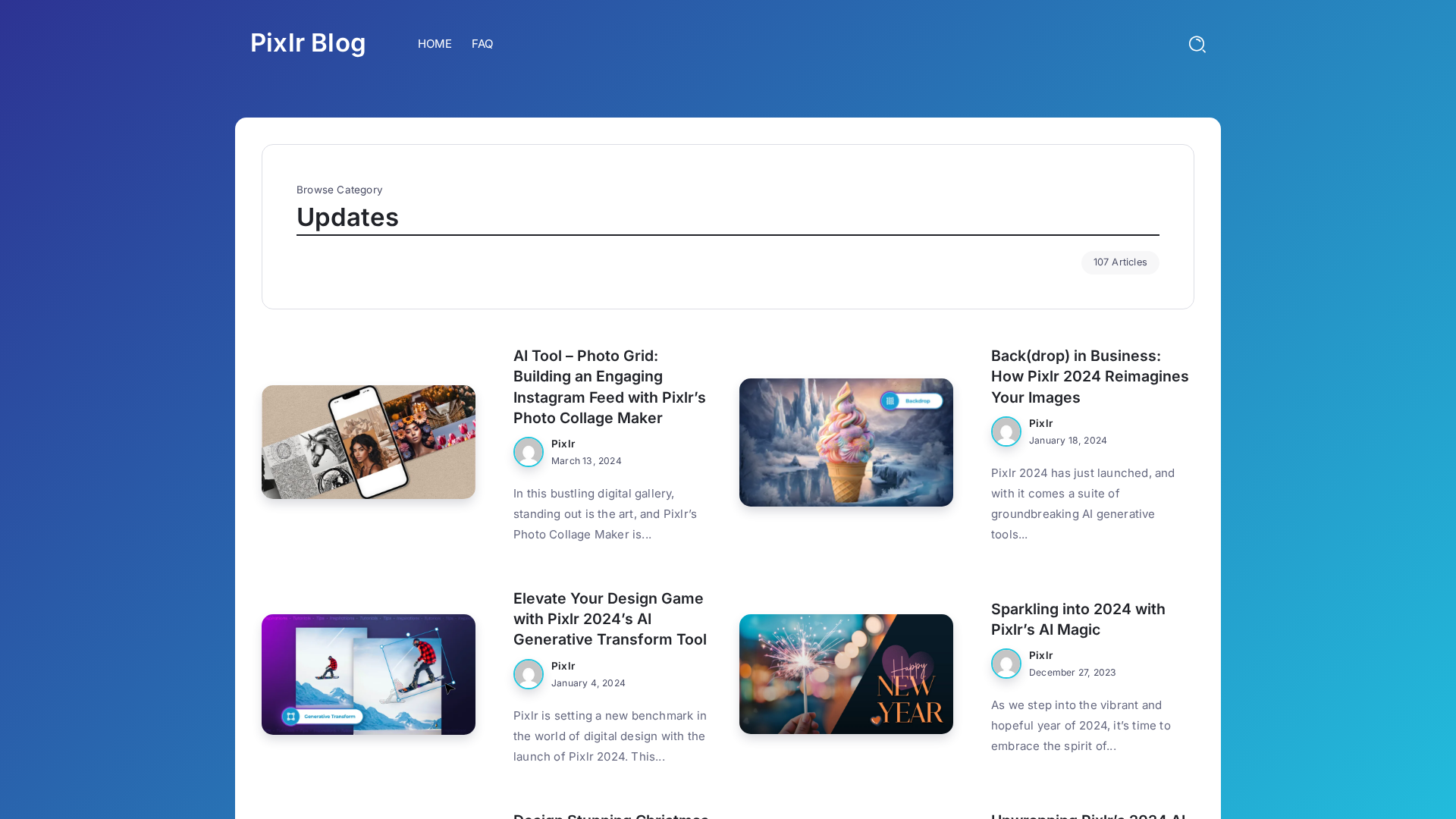
A roundup of Pixlr 2024 AI tools and features reshaping design workflows.
A beginner-friendly guide to Pixlr’s tools for opening images, editing, retouching, text, and background removal.