Overview
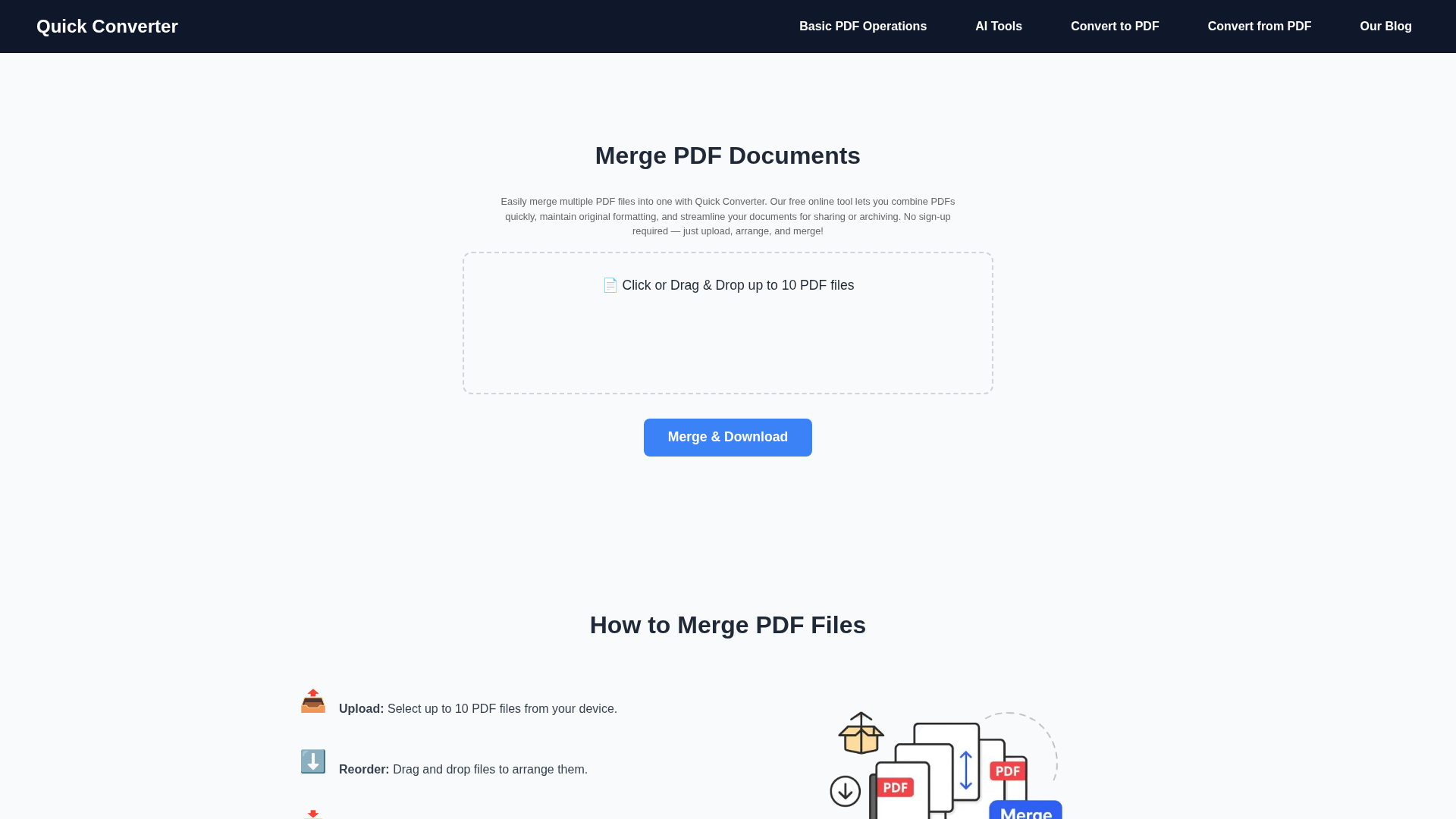
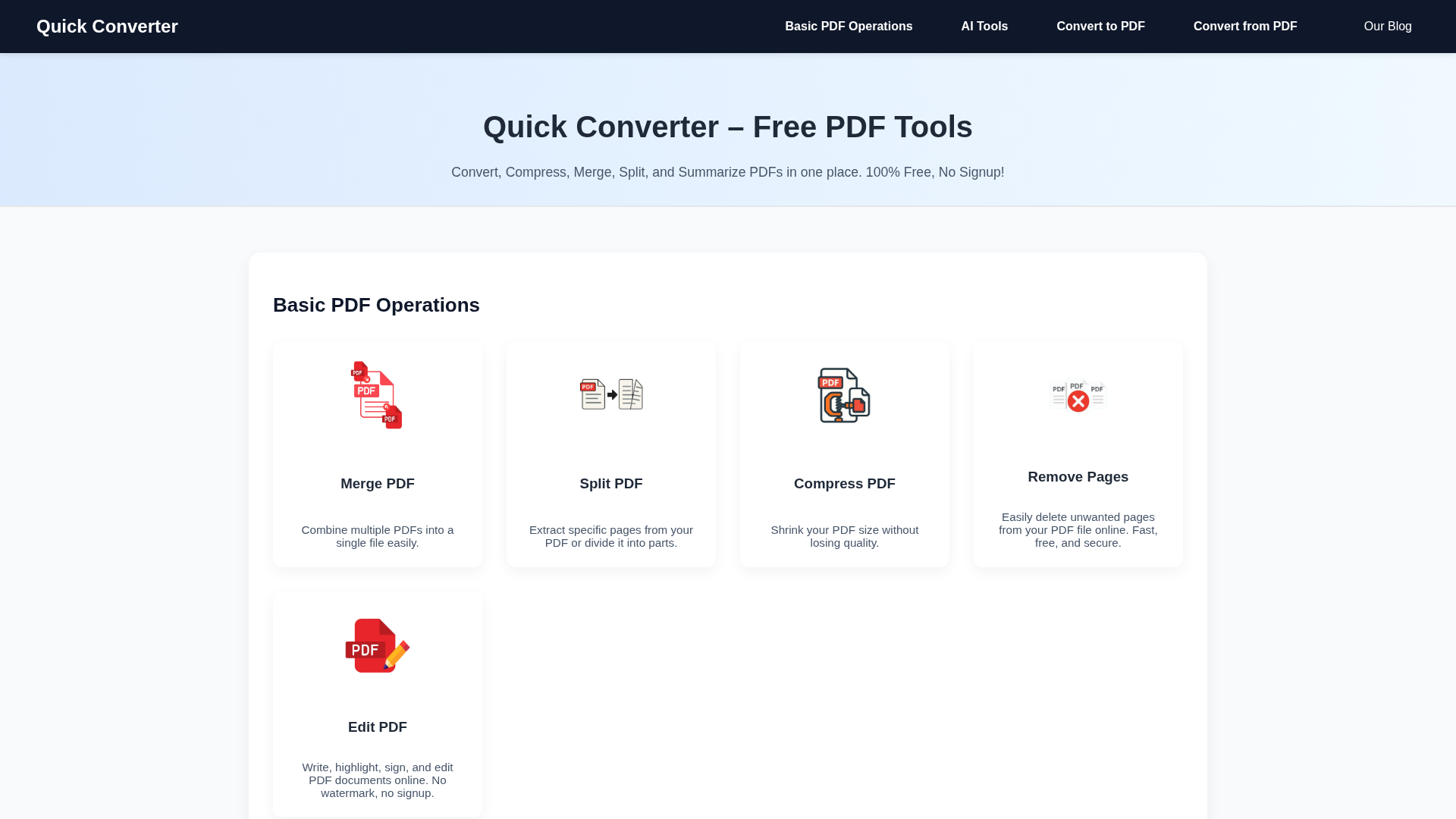
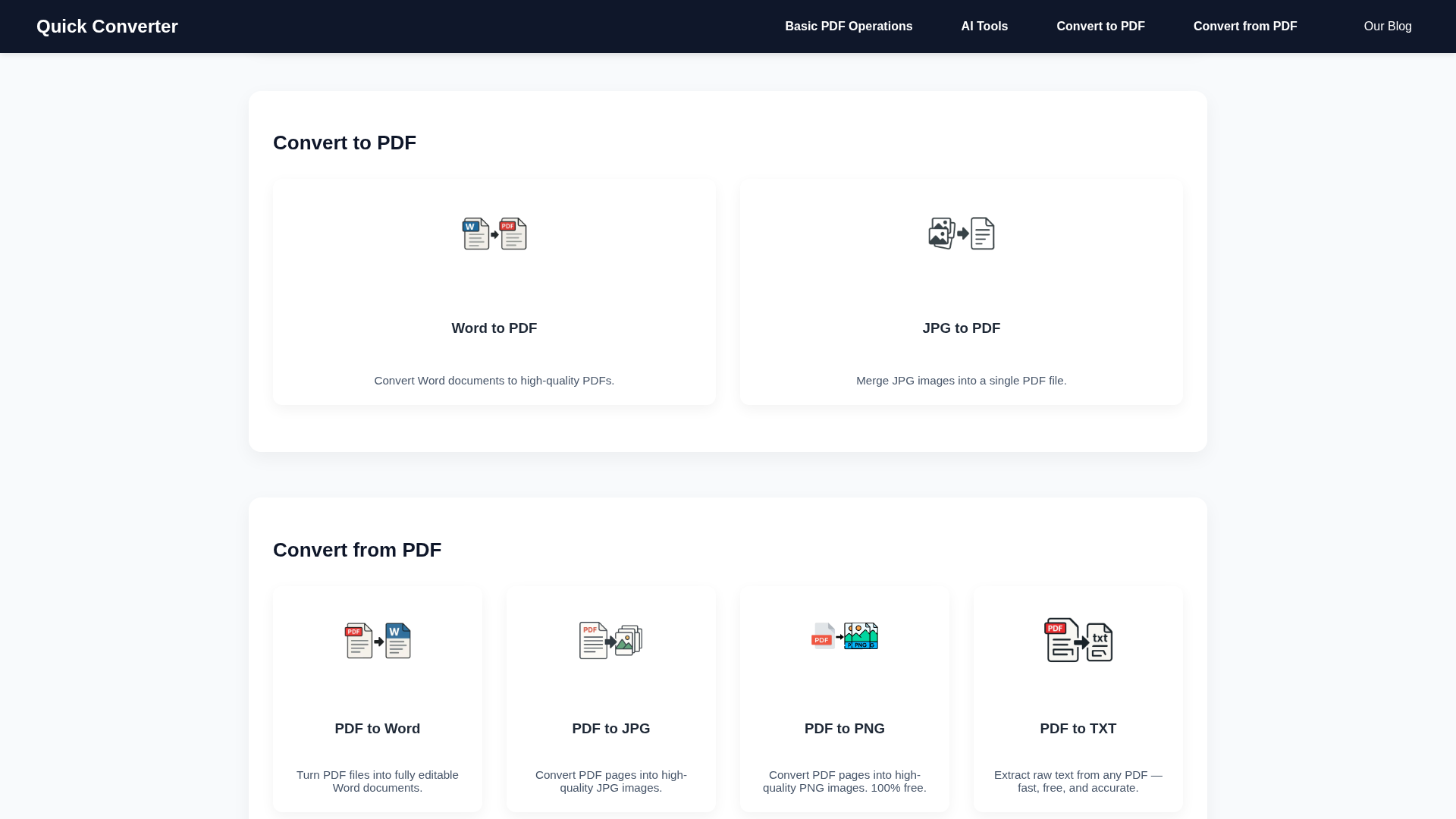
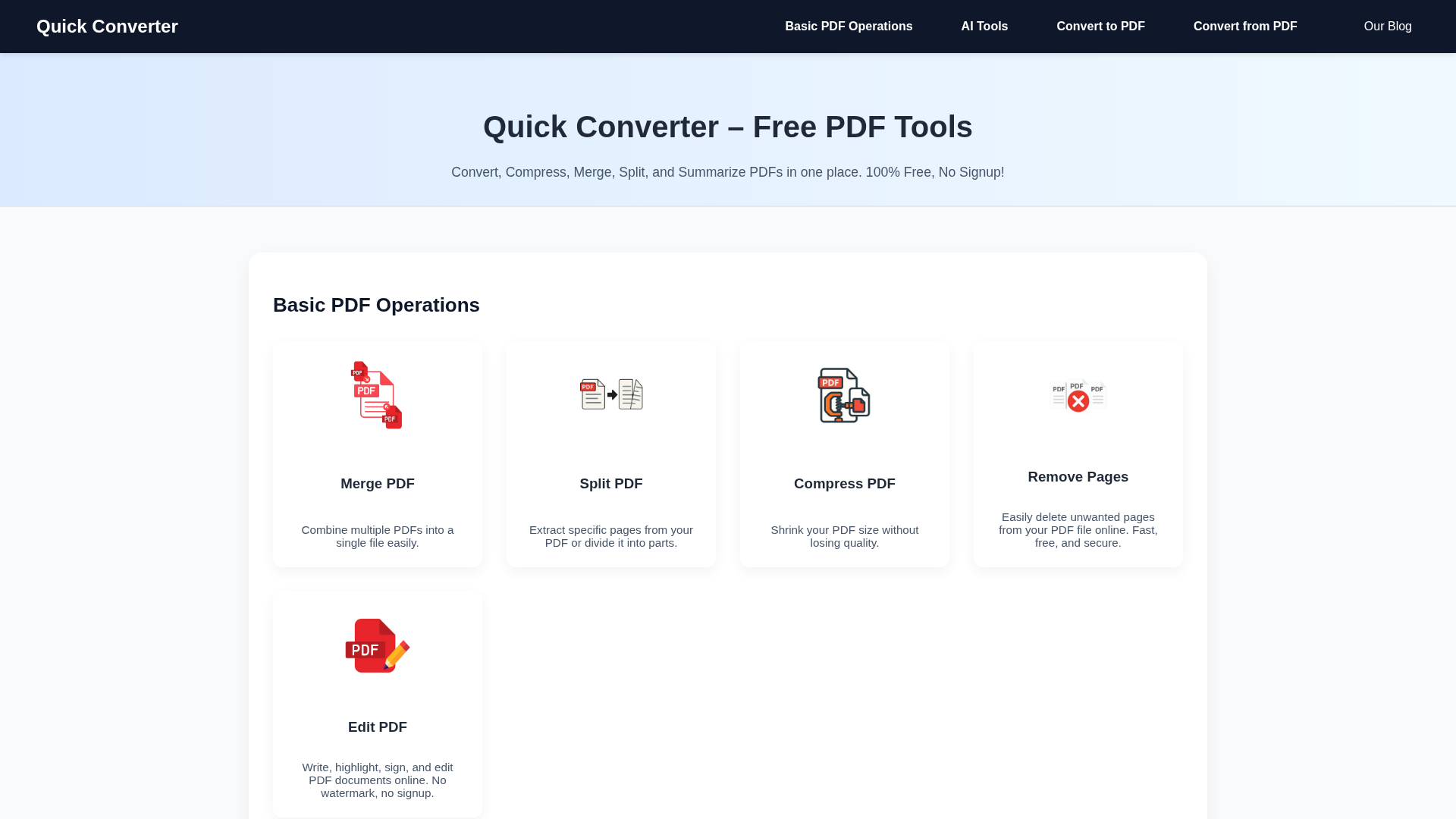
Quick Converter is a browser-based, free suite of PDF utilities designed for fast, no-friction document handling. It groups basic PDF operations (merge, split, compress, remove pages, edit) with conversion tools (Word ⇄ PDF, PDF → JPG/PNG/TXT, JPG → PDF) and an AI-powered PDF summarizer that creates bullet or paragraph summaries exportable as PDF or DOCX. The platform emphasizes privacy and simplicity: files are processed transiently and automatically deleted after processing, no account is required, and the interface is mobile-friendly. A pragmatic choice for students, researchers, and professionals, Quick Converter targets quick tasks rather than advanced enterprise workflows (no API or OCR for scanned PDFs at present).
Key Features
AI PDF Summarizer
Produces concise bullet-point or paragraph summaries from text-based PDFs (up to 5,000 words), exportable as PDF or DOCX.
Merge & Split PDFs
Combine multiple PDFs into one file or split documents into separate files or page ranges quickly in-browser.
PDF Compression
Reduce PDF file size while preserving readable quality for easier sharing and storage.
Convert to/from PDF
Convert Word documents and JPG images to PDF; export PDFs to editable Word, JPG/PNG images, or raw TXT.
Remove Pages & Edit PDF
Delete specific pages and perform lightweight edits (annotations, highlights, signatures) without watermarks.
Privacy & Transient Processing
Files are processed securely and automatically deleted after conversion; site uses anonymized analytics.
Who Can Use This Tool?
- Students:Quickly summarize lecture notes and compress/share assignments without signup.
- Researchers:Generate concise summaries and exportable notes from long research PDFs for review.
- Professionals:Convert and compress reports, merge files, and create editable Word versions for editing.
- Casual Users:Perform one-off PDF tasks like merging images or removing pages without installing software.
Pricing Plans
All PDF tools available online for free with no signup.
- ✓Merge, Split, Compress, Convert, and Edit PDFs
- ✓Summarize PDF content with AI (5,000-word limit per document)
- ✓No registration required
- ✓Files automatically deleted after processing
- ✓Mobile-friendly and responsive UI
- ✓No watermark on edited files
Pros & Cons
✓ Pros
- ✓Completely free and no signup required
- ✓Broad set of common PDF tools in one place
- ✓AI-powered PDF summarizer with export to PDF/DOCX
- ✓Privacy-first approach: temporary processing and automatic deletion
- ✓Mobile-friendly responsive interface
✗ Cons
- ✗No OCR support for scanned/image-only PDFs
- ✗No documented API or developer integrations
- ✗5,000-word limit on summarization for each document
- ✗No paid or enterprise/custom plans for high-volume or commercial use
- ✗Limited external reviews and market visibility found during research