Overview
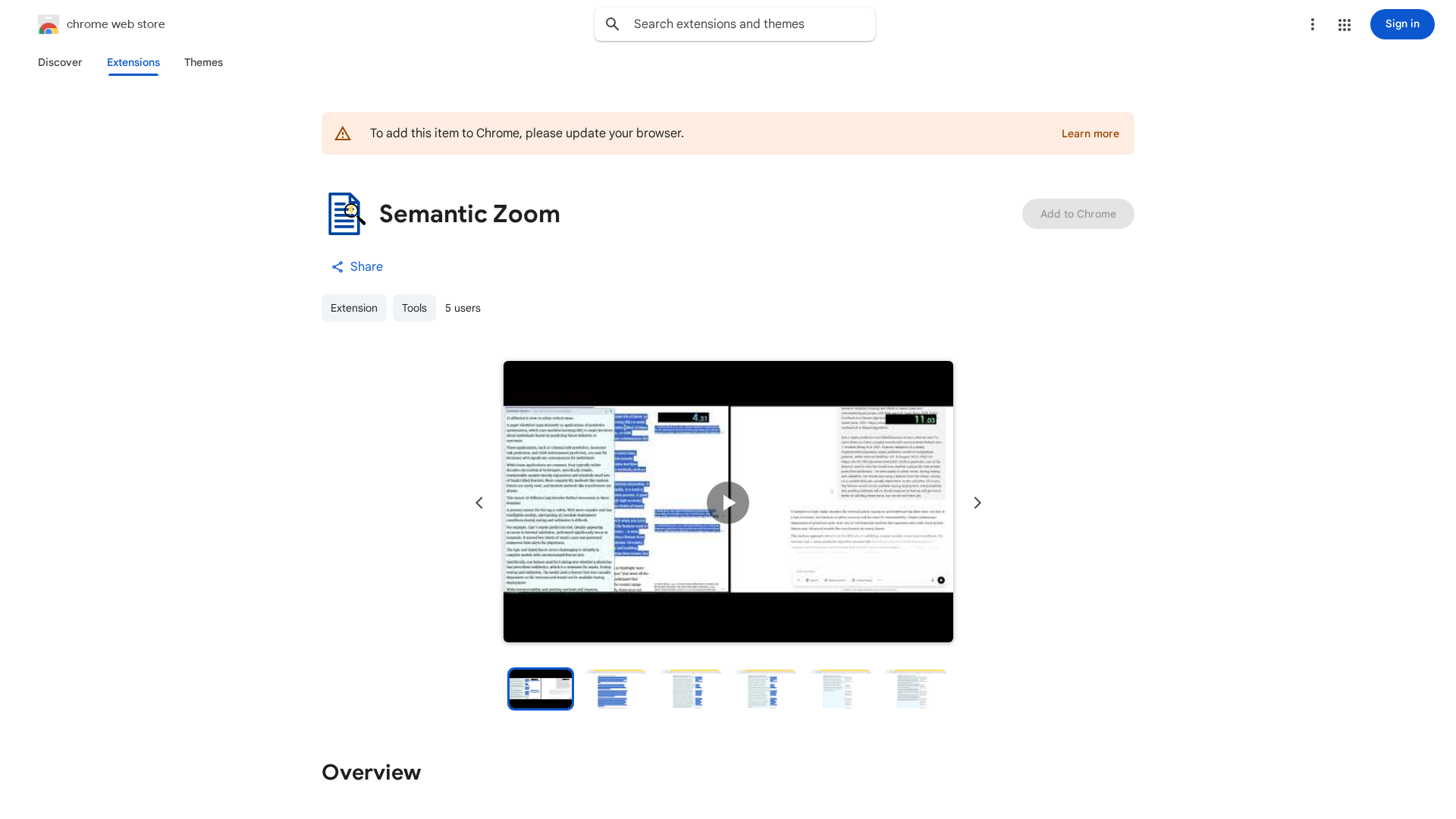
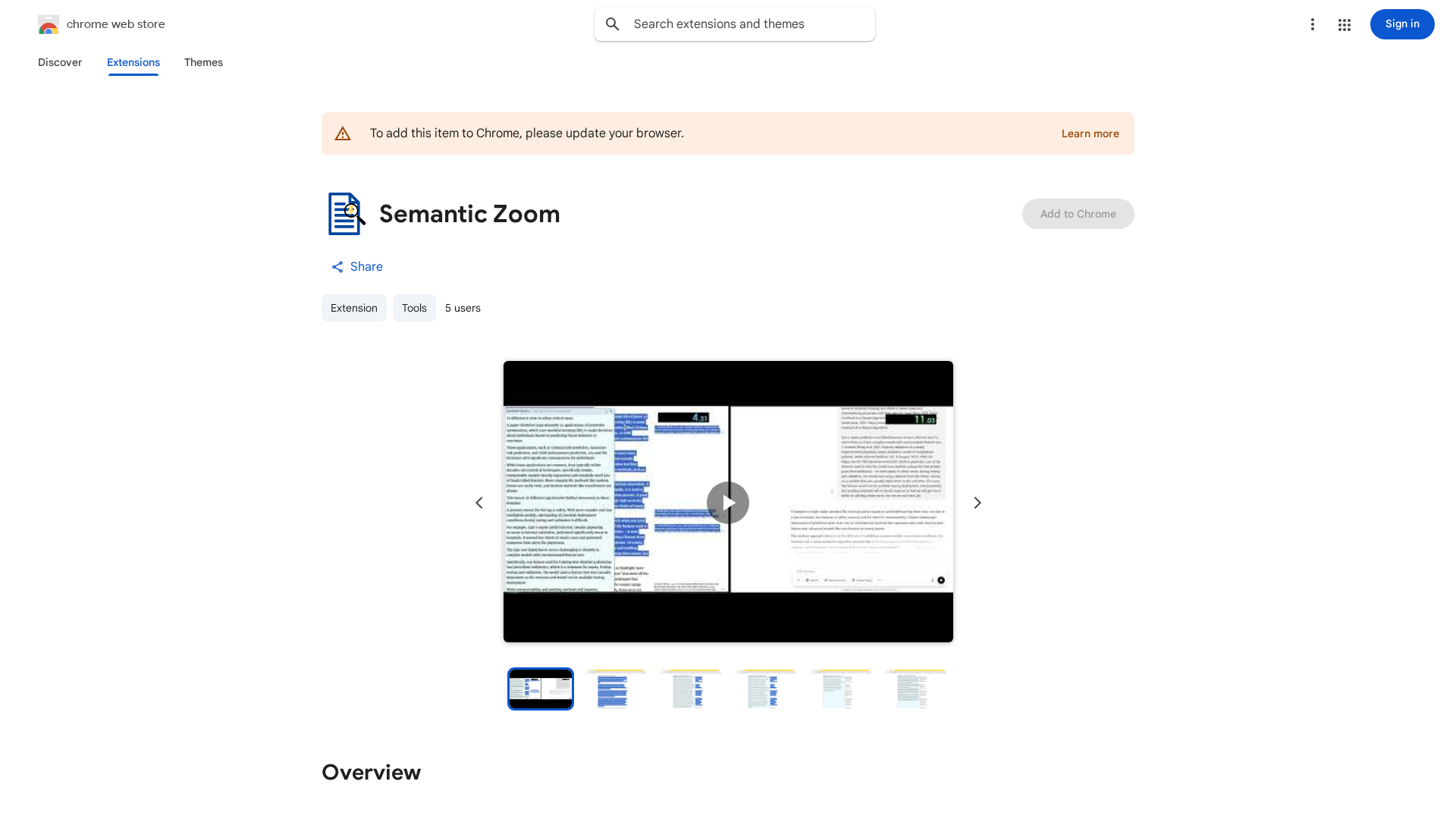
Semantic Zoom is a feather-light Chrome extension that fights information overload by producing fast, in-place AI summaries of highlighted web text. Using the Ctrl+Shift + mouse-wheel gesture, users progressively condense selected passages to 50%, 25%, or 10% of their original length; each “tick” rewrites a concise summary inline alongside the original text. The extension emphasizes sub-second responses (powered by Google Gemini Flash 2.5) and smart on-device caching for speed while remaining ultra-lightweight (under ~20 KB) and not running background tabs. The tool is privacy-forward: the developer states text is sent directly to Google and not logged or stored by the developer. Users supply their own Google AI Studio (Gemini) API key and therefore pay only Google’s usage costs. This model keeps the extension free to install and minimizes developer-side data retention and cost overhead.
Key Features
Progressive In-place Summarization
Condenses highlighted passages inline to 50%, 25%, and 10% increments, keeping original text visible and editable.
Gesture-based Control
Uses Ctrl+Shift + mouse-wheel to compress or expand text with each scroll tick.
Sub-second Responses (Gemini Flash 2.5)
Uses Google Gemini Flash 2.5 for very fast summarization; on-device caching reduces repeated latency.
Privacy-first Architecture
Developer states text is sent directly to Google; developer does not log or store user text locally.
Ultra-lightweight Implementation
Extension marketed as under ~20 KB, no background tabs, minimal resource usage.
BYO API Key & Usage-based Billing
Users supply their Google AI Studio/Gemini API key and pay only Google’s compute/usage costs.
Who Can Use This Tool?
- Knowledge Workers:Quickly condense long articles and reports for faster review and decision-making
- Students & Researchers:Summarize research papers and web sources to capture key points efficiently
- Frequent Readers:Skim and compress web pages while preserving context for rapid consumption
Pricing Plans
Free extension; requires your Google API key and pay Google usage.
- ✓Extension is free to install and use
- ✓Requires user-provided Google Gemini API key
- ✓Users pay Google’s usage costs (per-paragraph, fractions of a cent)
- ✓Sub-second summaries with on-device caching
- ✓Privacy-first: developer does not log or store text
Pros & Cons
✓ Pros
- ✓Very fast, progressive in-place summarization (sub-second responses)
- ✓Ultra-lightweight extension (small install size, no background tabs)
- ✓Privacy-forward: developer claims no logging or storage of text
- ✓Cost-efficient for users: only pay Google usage; extension itself is free
- ✓Fine-grained control (compress more or reverse-scroll to restore detail)
✗ Cons
- ✗Requires users to provide their own Google AI (Gemini) API key — friction and additional cost management
- ✗Limited independent reviews and third-party coverage found during research
- ✗Chrome-only extension (desktop browser constraint)
- ✗Data is sent to Google (developer does not log, but Google handles processing)
Related Articles (4)
軽量で無料、BYOK対応のChrome拡張がオンラインコンテンツを即座に要約
A curated overview of semantic zoom patterns, terms, and interdisciplinary inspirations for multi-level UI design.
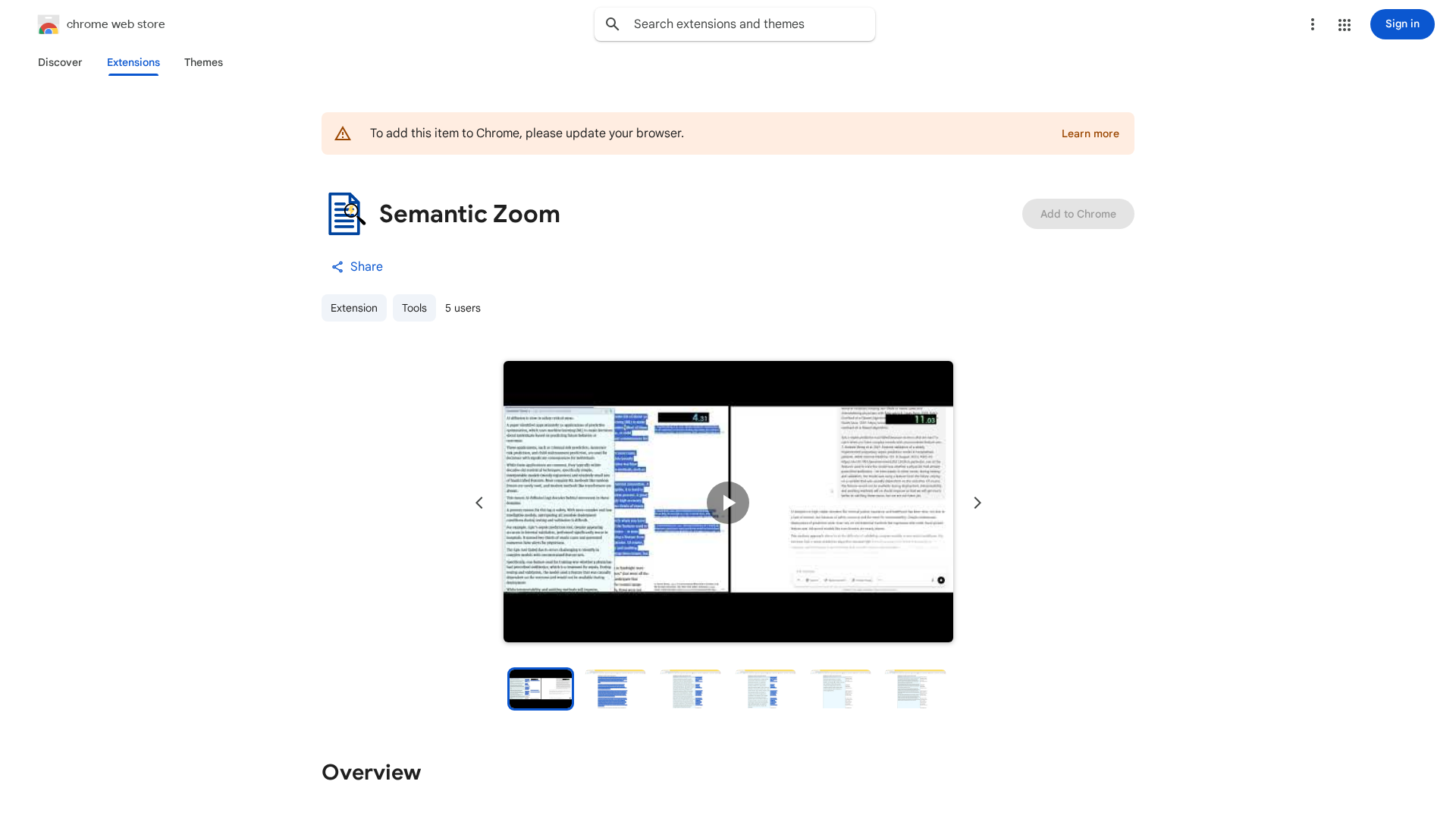
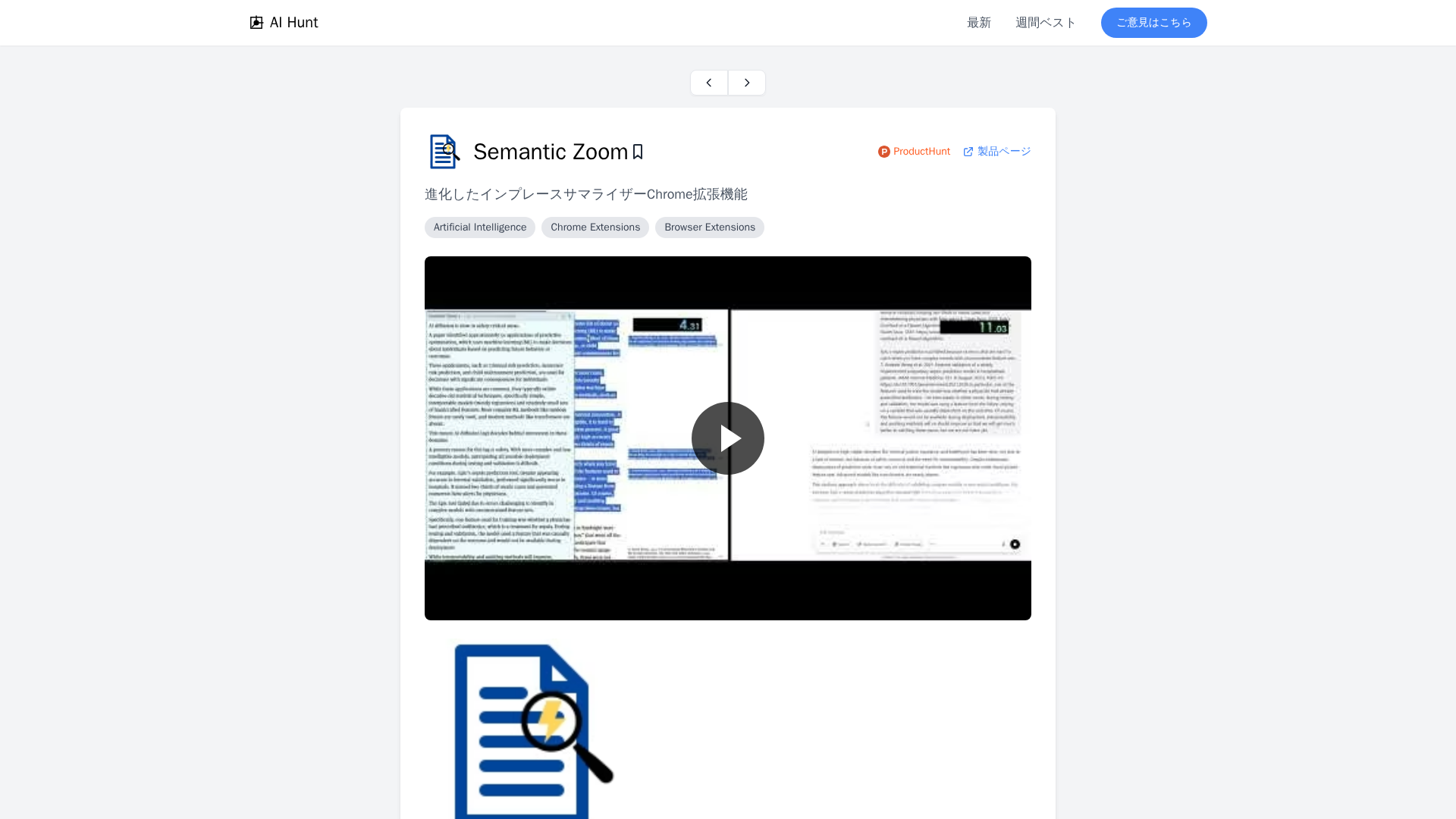
A lightweight Chrome extension that in-place summarizes web text with AI via Ctrl+Shift+Wheel.
Promo overview of Semantic Zoom, a progressive in-place summarizer that updates as you read to streamline comprehension.