Overview
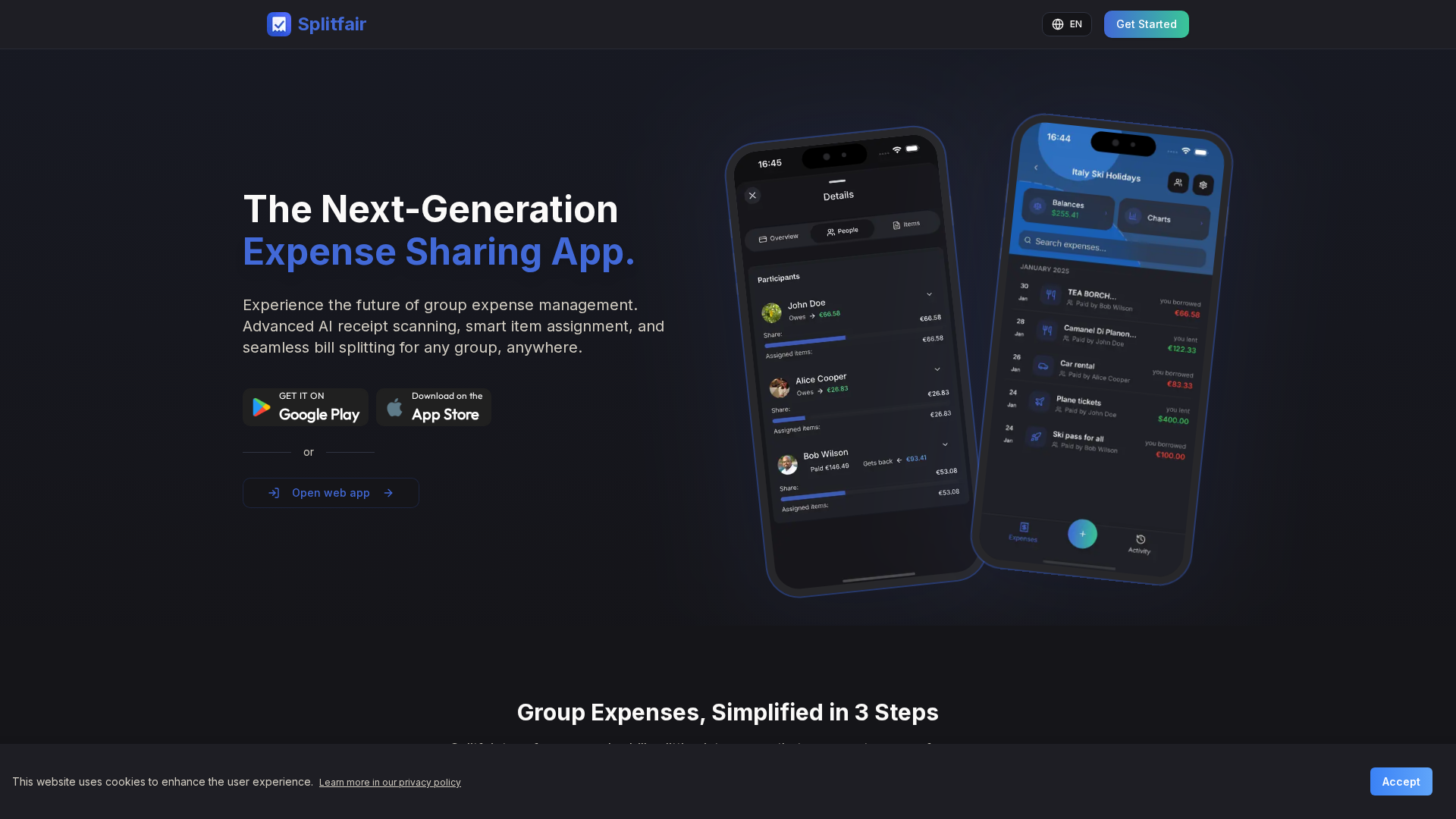
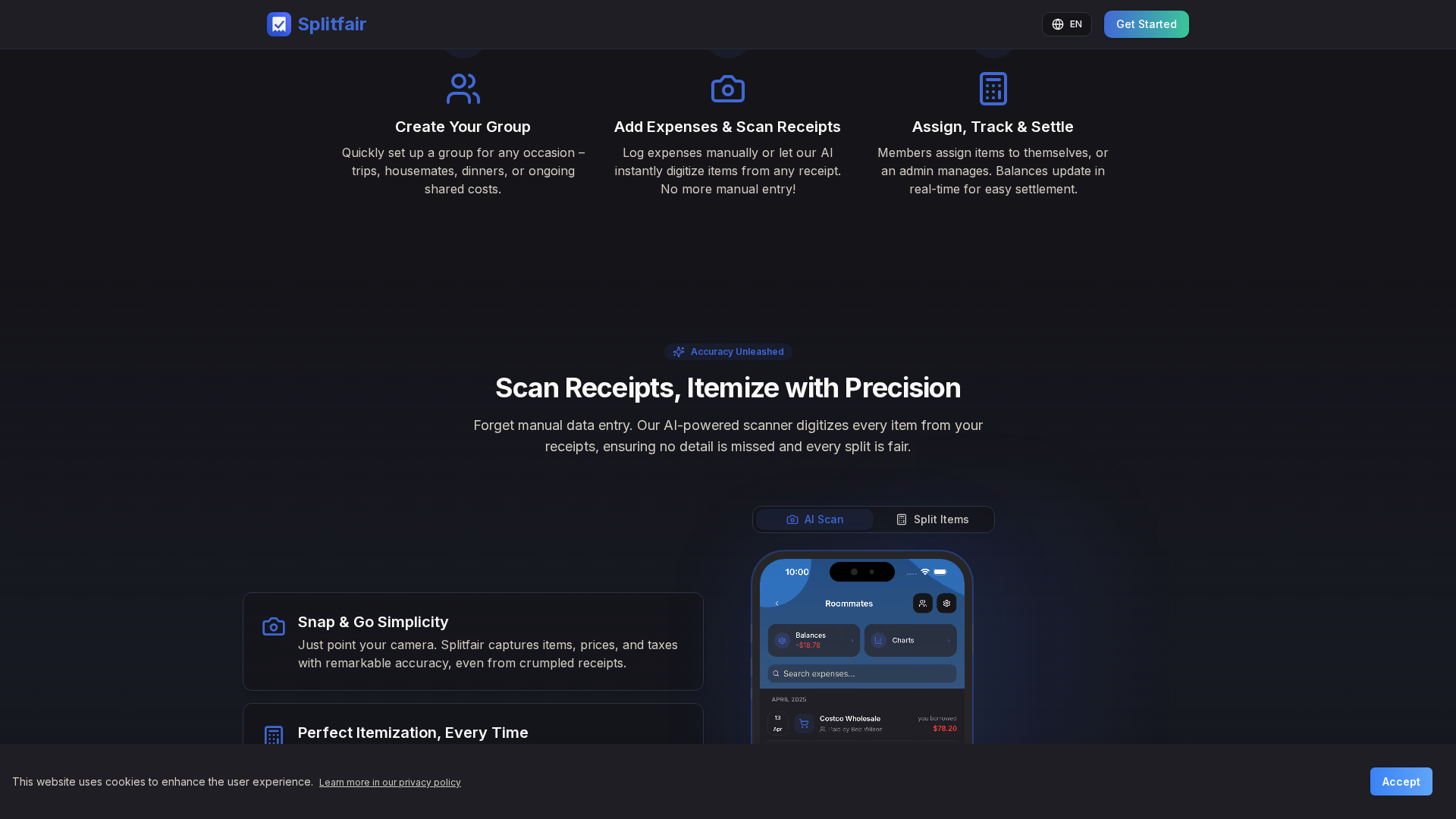
This entry summarizes the information gathered about Splitfair from official pages and app listings. Verified details include the official site (splitfair.app), the developer (THE BILL SP Z O O), core features such as AI receipt scanning that digitizes items, prices, and taxes; item-level splitting; visual portion controls for fractions; multiple split methods (equal, custom shares, percentages, exact amounts); import from Splitwise; unlimited groups and expenses; multi-currency support with expense analytics and export (PDF noted in release notes); real-time balances, invites, and cross-device sync; in-app recording of payments and the ability to share summaries with non-app users; and privacy/security notes (data encryption in transit and data deletion options) with links to privacy/terms in app listings. Platforms include iOS, Android, and web (App Store listing documents iOS/iPadOS/macOS/visionOS support). Release notes mention PDF export, faster splitting, receipt notifications, UI improvements, localization, and bug fixes. Confirmed pricing shows a free tier (unlimited groups/expenses + 5 AI scans/month) and a Pro subscription with additional scans and priority support; exact pricing varies by country. Gaps include exact prices, complete verbatim site text, promo offers, refunds, and whether a free trial exists. Recommended next steps include re-fetching live pages or pasting specific pricing/features text for precise extraction.
Key Features
AI receipt scanning
Digitizes items, prices, and taxes from receipts.
Item-level splitting
Assign each item to participants.
Visual portion control
Support for fractions (halves, eighths, etc.).
Multiple split methods
Equal, custom shares, percentages, and exact amounts.
Import from Splitwise
Easy migration between platforms.
Unlimited groups and expenses
No limits on groups or expenses.
Who Can Use This Tool?
- group organizers:Coordinate and split shared expenses among participants in group activities or events
- individual users:Individual users managing budgets and seeking to split expenses with others
Pricing Plans
Pro subscription with more AI scans and priority support.
- ✓More AI receipt scans
- ✓Priority support
- ✓Cross-device sync
Pros & Cons
✓ Pros
Pros will be listed here once they are curated.
✗ Cons
Cons will be listed here once they are curated.
Related Articles (4)
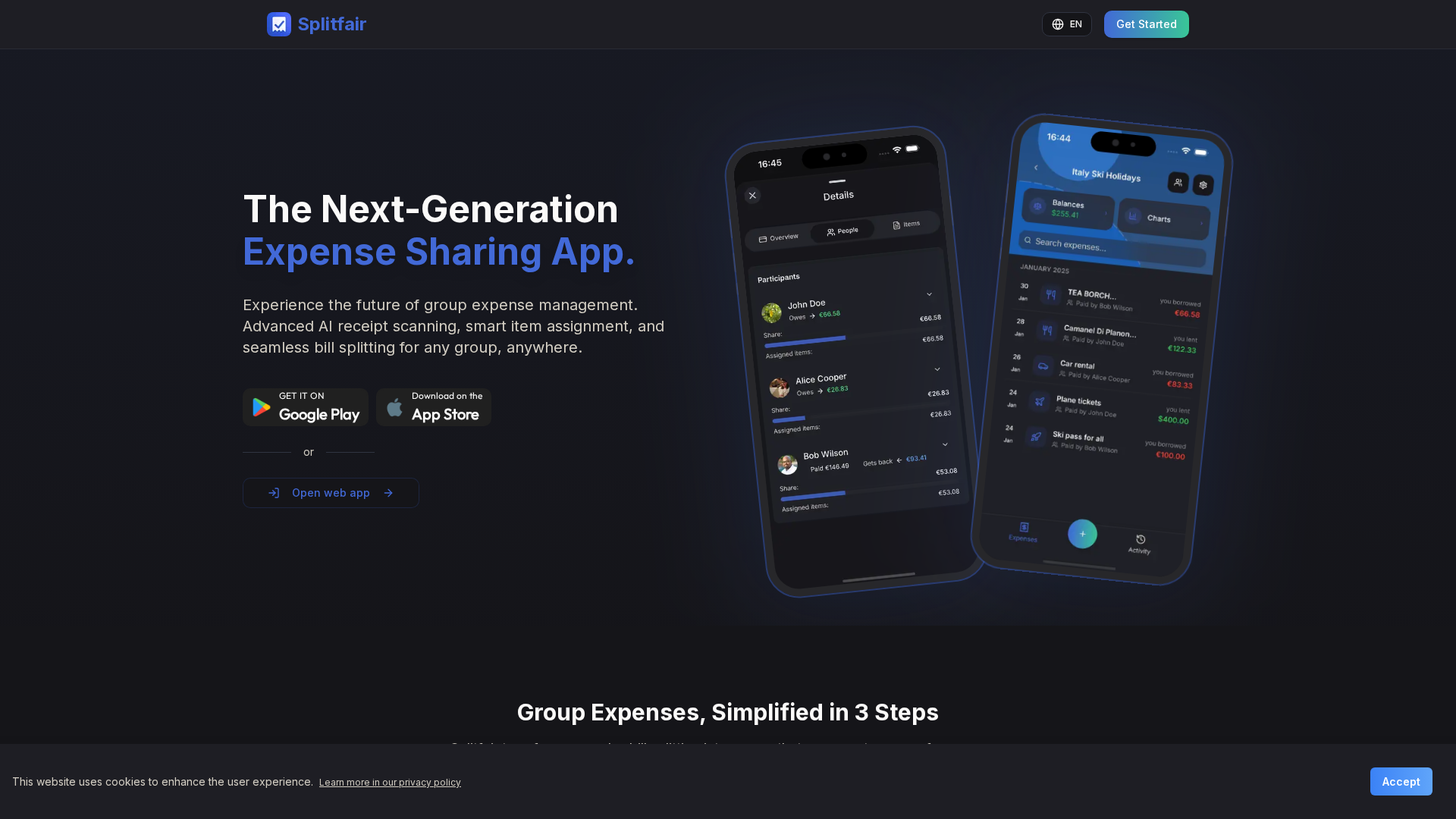
A transparent, itemized bill-splitting tool that ensures fair shares for groups with real-time calculations.
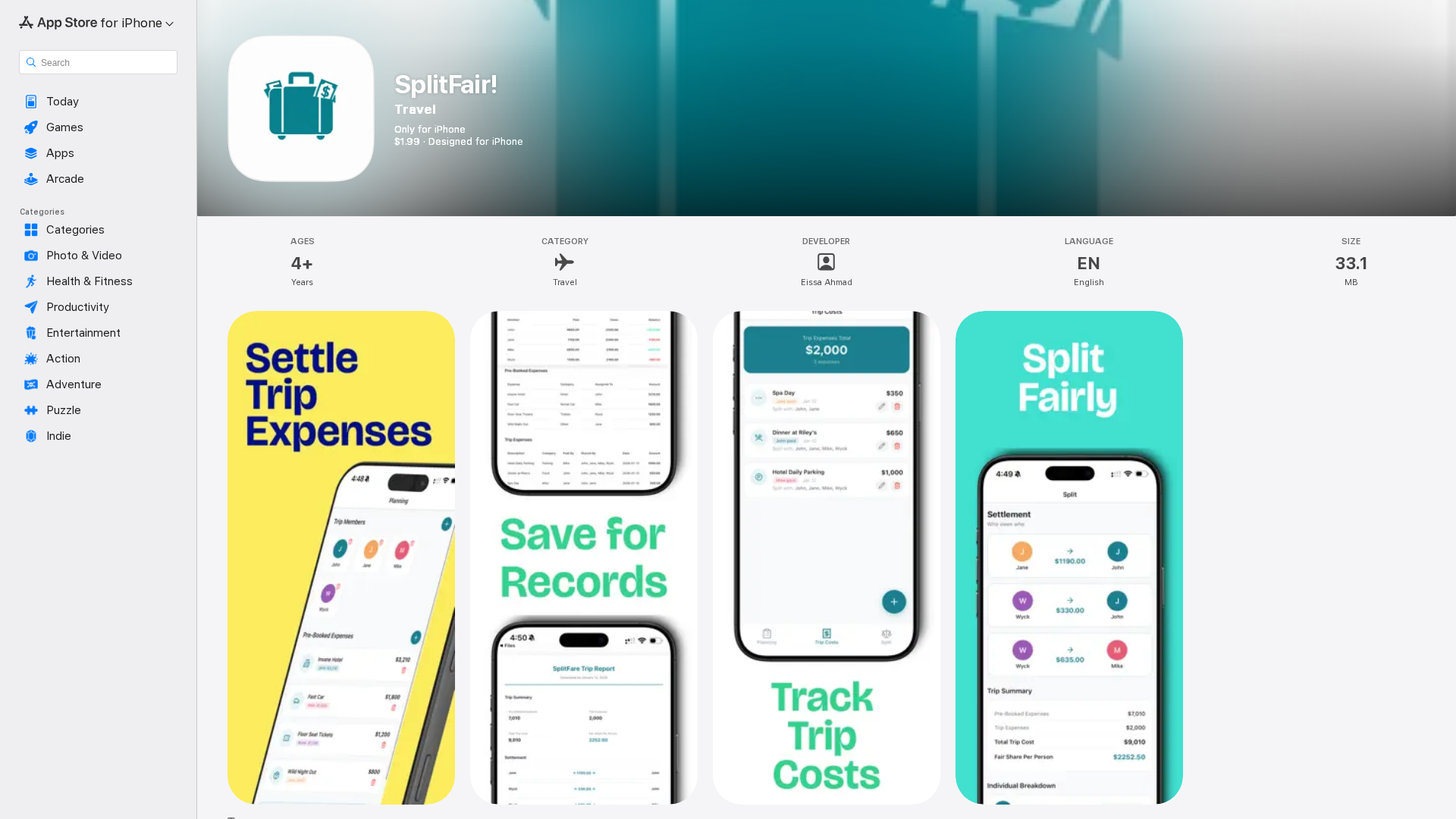
SplitFair! makes group expense tracking, balance visibility, and settlements quick and fair for trips, meals, rent, and more.
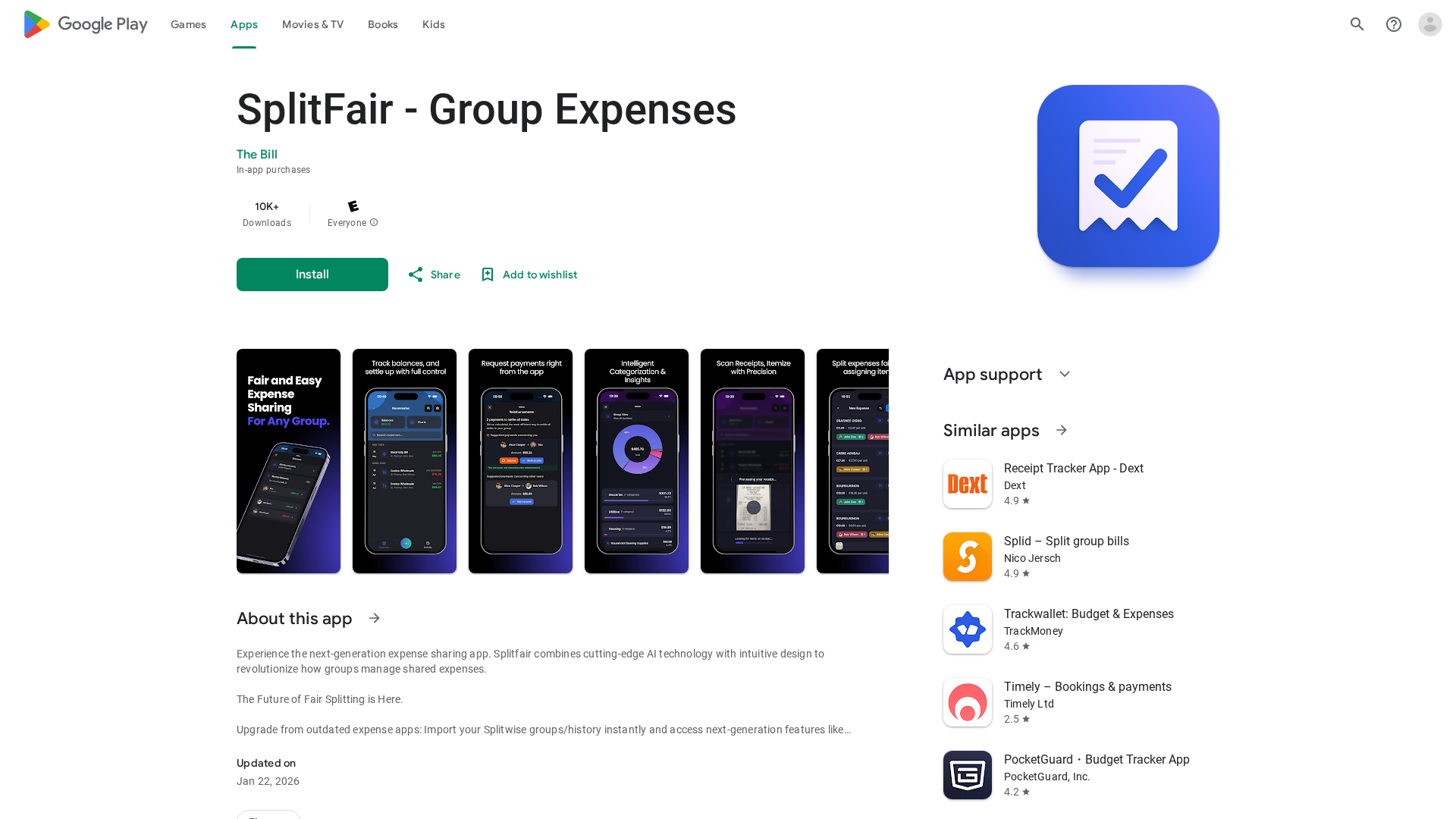
AI-powered group expense sharing with AI receipts, visual splitting, and easy Splitwise imports.
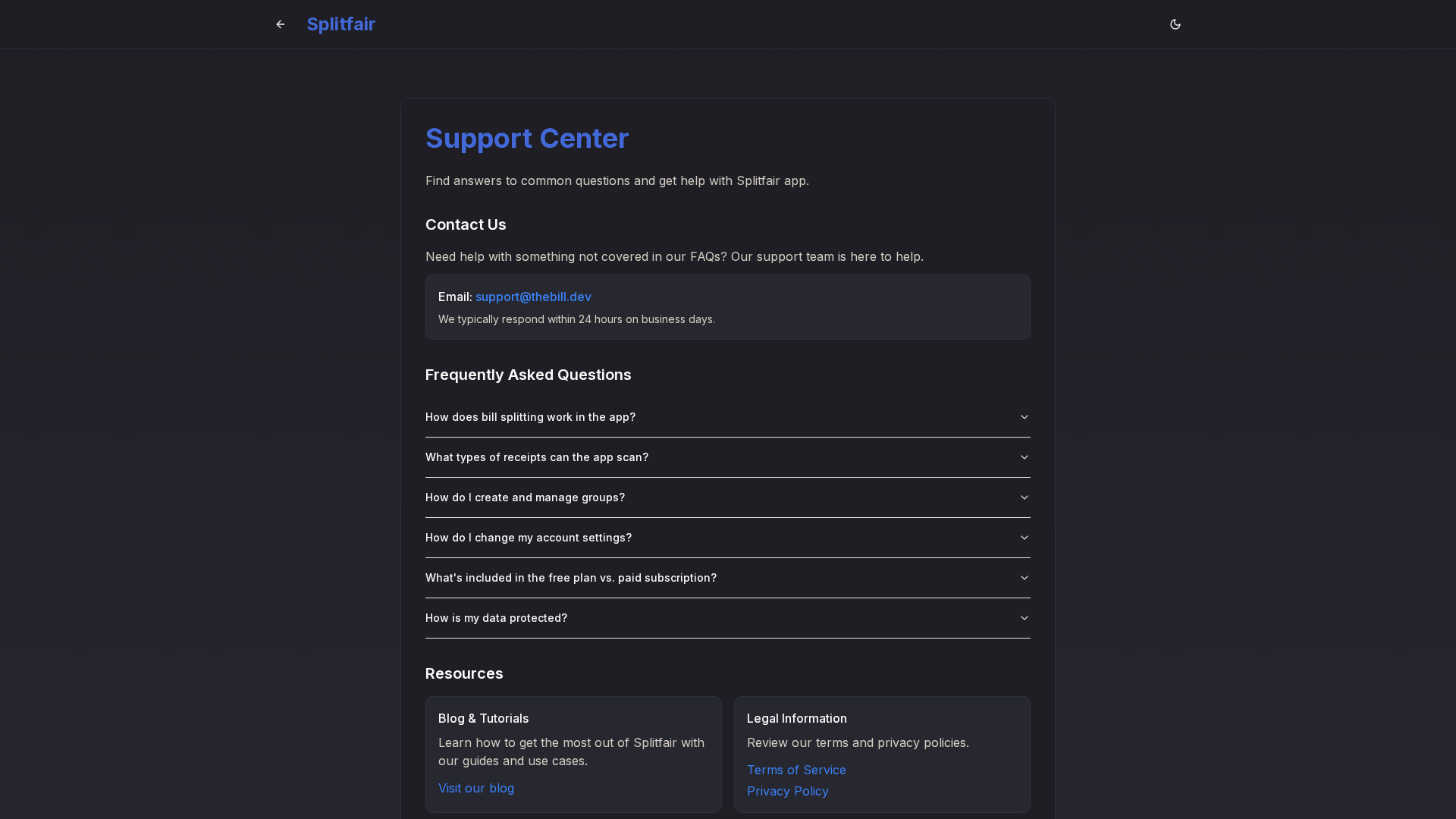
A concise overview of Splitfair’s support structure, including direct contact, documentation access, and legal resources.