Overview
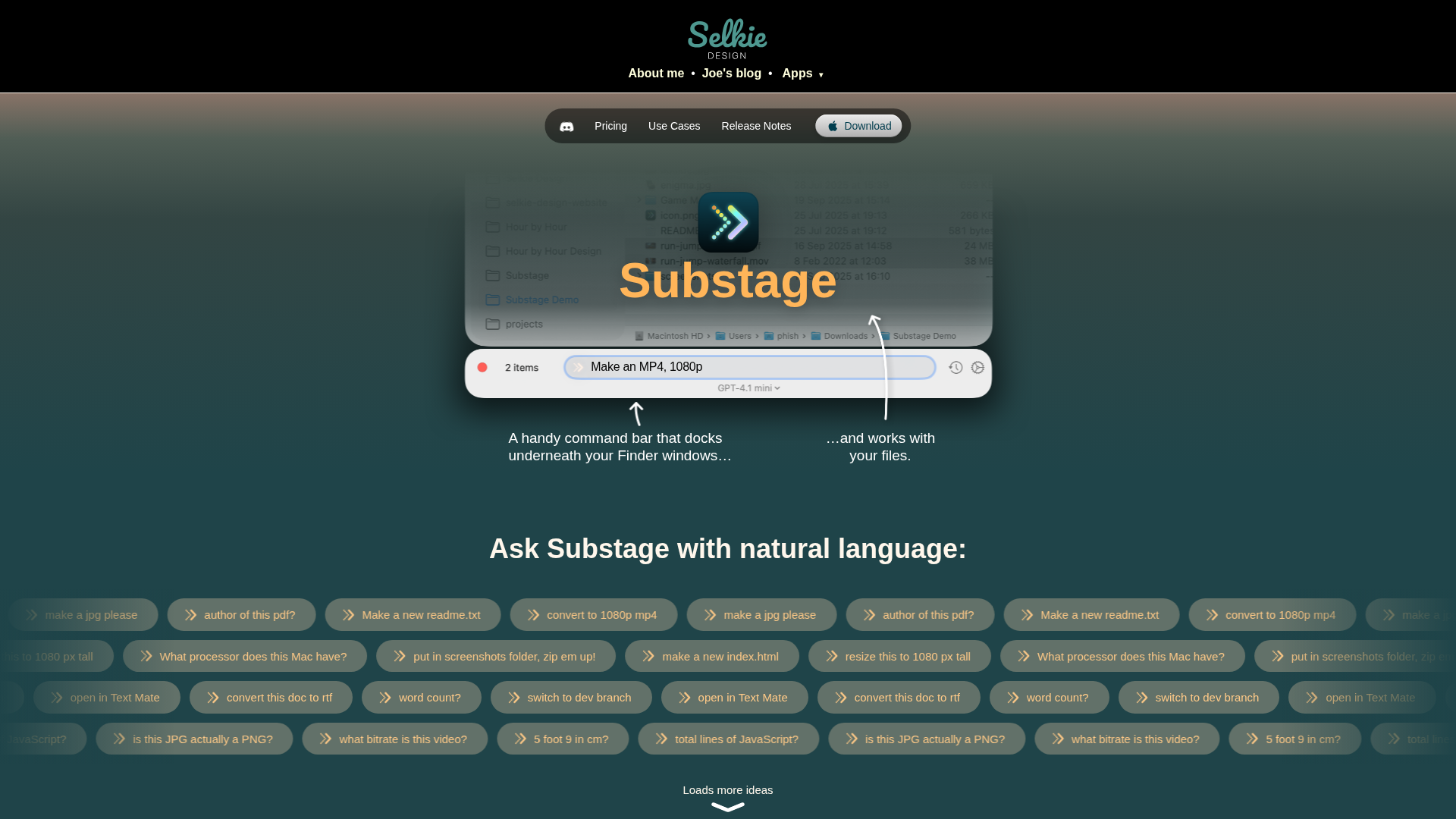
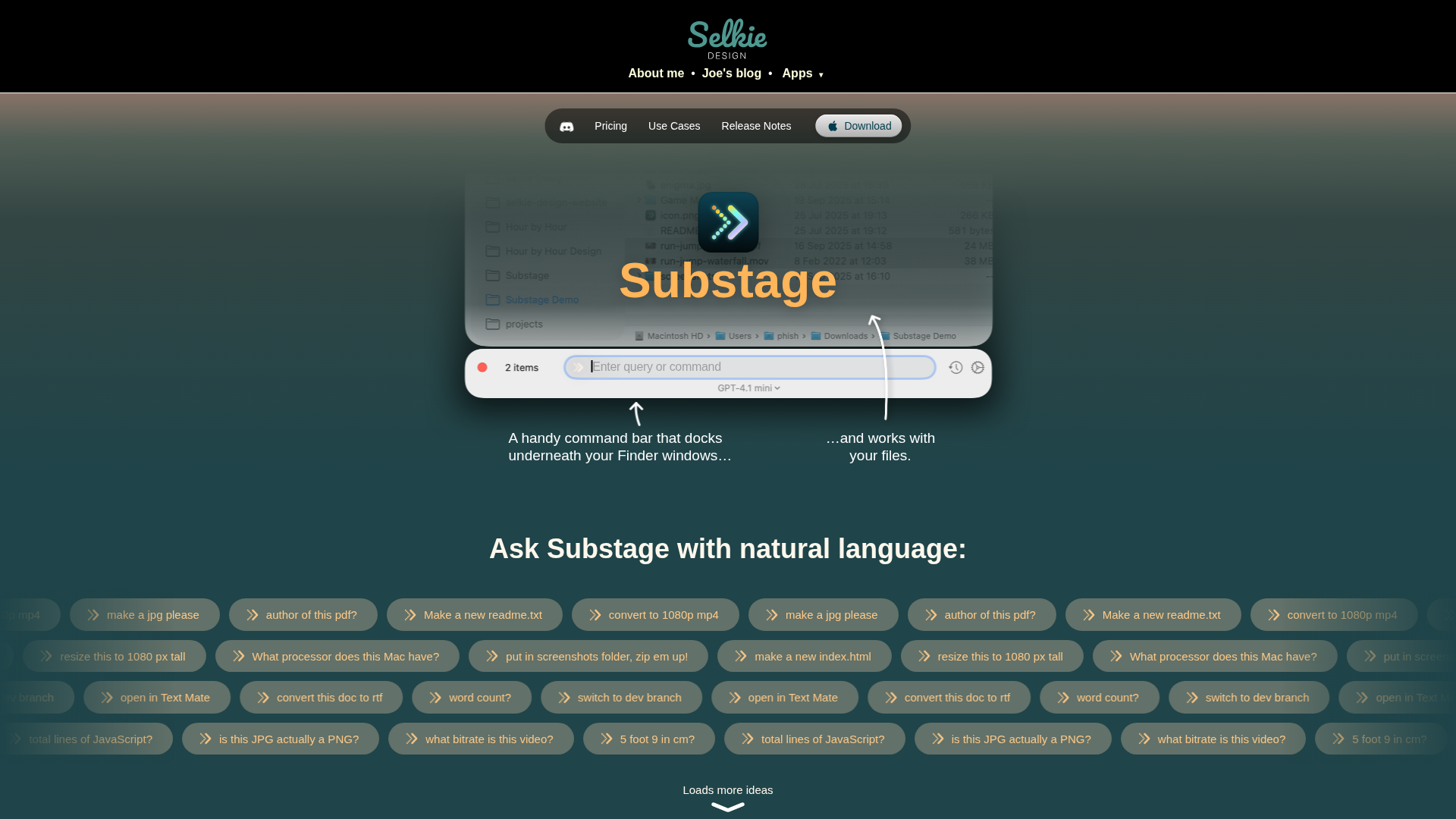
Substage is a lightweight macOS utility that translates natural-language prompts into reliable, single-step Terminal commands to speed up common tasks without heavy scripting. It focuses on quick, targeted operations—such as converting media, resizing images, zipping folders, generating GIFs, or summarizing command output—while analyzing prompts before execution to warn about potential side effects. Substage supports multiple AI providers (OpenAI, Anthropic, Google, Mistral) via built-in access or a Bring Your Own AI option, and it can connect to local models (Ollama, LM Studio) for privacy-conscious workflows. Its design emphasizes safety and speed—dry-run analysis, safety warnings, a global keyboard shortcut, and a history of commands—over complex multi-step agents, delivering fast, focused results in a single, transparent step. It aims to be macOS-native, private, and efficient, with warnings before potentially destructive actions and a minimal interface that keeps the user in control.
Key Features
Natural-language to Shell Command
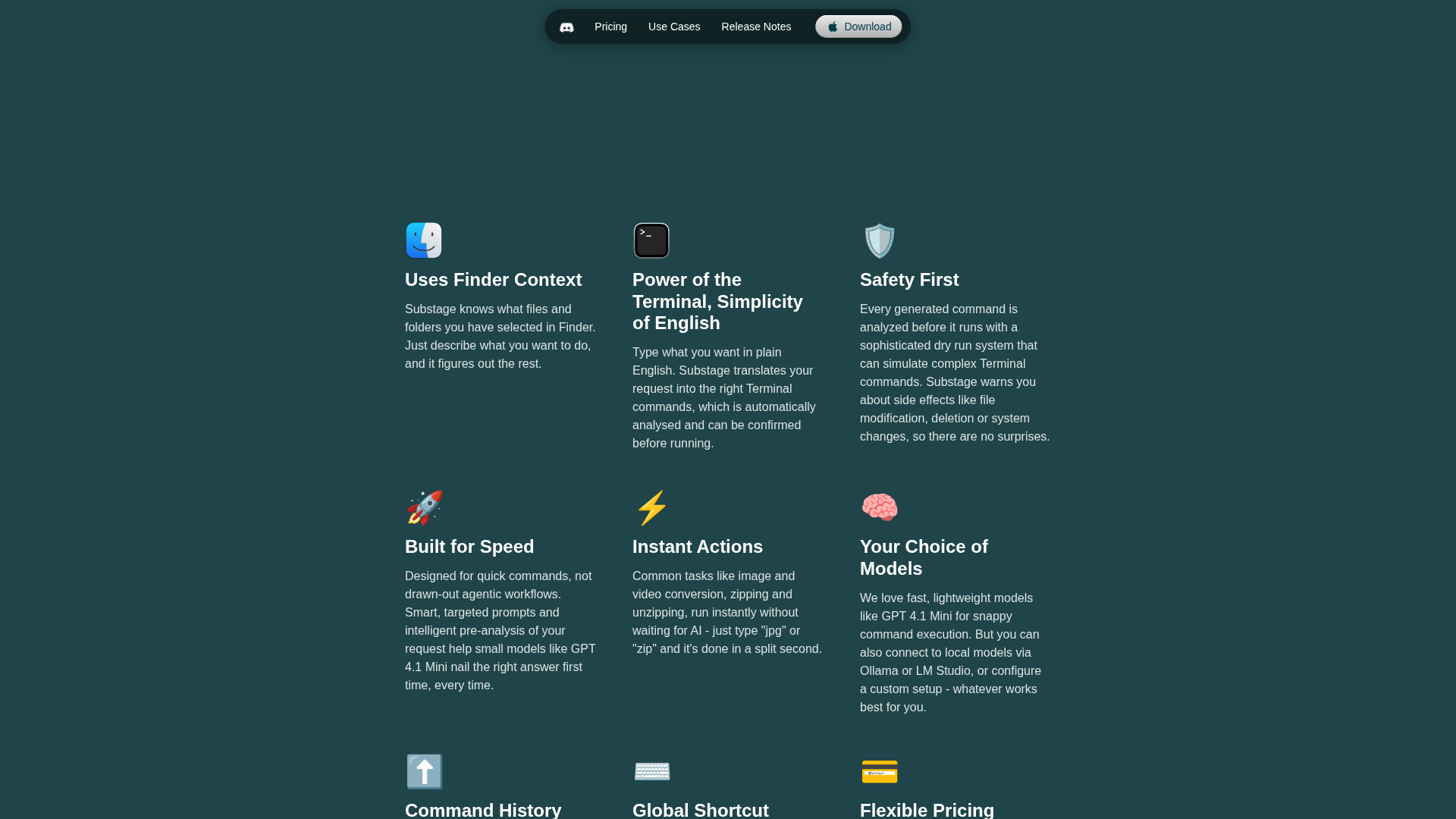
Converts plain-English prompts into ready-to-run Terminal commands with a dry-run preview and safety checks.
Multi-provider AI Integration
Built-in access to OpenAI, Anthropic, Mistral, and Google models so users can use high-end hosted models quickly.
Bring-Your-Own-AI & Local Models
Pay-once BYO license supports using personal API keys or local models via Ollama or LM Studio for privacy.
Dry-run & Safety Warnings
Analyzes prompts for potentially destructive actions (file deletion, modification) and warns before execution.
Quick UX: Global Shortcut & History
Summon Substage with a global shortcut and reuse recent commands via keyboard history for rapid workflows.
Media & File Task Templates
Built-in support for common tasks like converting media (to mp4), resizing images, creating GIFs, zipping folders, and summarizing outputs.
Who Can Use This Tool?
- Power Users:Run quick terminal tasks using plain-English prompts without scripting.
- Developers:Generate and test shell commands quickly to handle media and file tasks.
- Privacy-conscious Users:Use local models or BYO API keys to keep prompts and outputs private.
Pricing Plans
Try Substage free for two weeks with full functionality.
- ✓Full access to Substage features for two weeks
- ✓No payment required to start trial
- ✓Try high-end AI model access (during trial)
Subscription with access to all AI models and full features.
- ✓All Substage features
- ✓Access to high-end AI models (OpenAI, Anthropic, Mistral, Google)
- ✓No setup required for included models
- ✓Cancel anytime
One-time purchase to use your own API keys or local models.
- ✓All Substage features
- ✓Use your own API keys or local models
- ✓No recurring payments (one-off purchase)
Pros & Cons
✓ Pros
- ✓Fast natural-language → Terminal command conversion for many everyday tasks
- ✓Multi-provider AI support (OpenAI, Anthropic, Google, Mistral) and included model access in subscription
- ✓Privacy-friendly options: BYO AI and local model support (Ollama, LM Studio)
- ✓Safety-first behavior: dry-run / pre-analysis and side-effect warnings before executing commands
- ✓Convenient UX: global shortcut, keyboard history, and focused single-step commands
✗ Cons
- ✗macOS-only (desktop_macos) — no Windows, Linux, mobile, or web client
- ✗Not designed for multi-step, agent-style workflows
- ✗Some advanced tasks (large audio transcription, installing software, Finder replacement) are not supported
- ✗Local model setup requires extra technical work
- ✗Summarizing terminal outputs or selected files can expose content to AI providers unless local models are used
Related Articles (2)
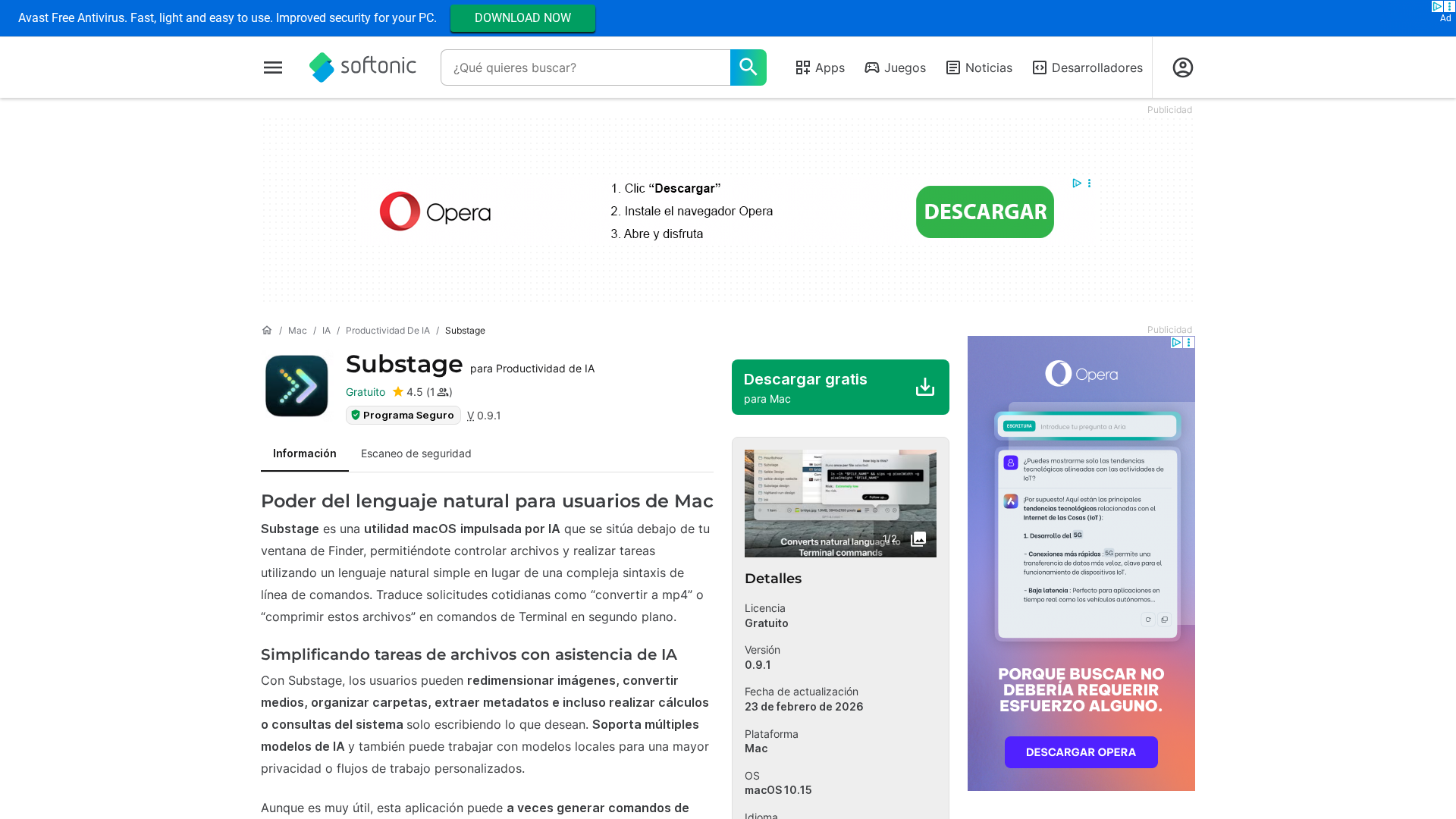
Substage es una utilidad macOS impulsada por IA que traduce lenguaje natural en comandos de Terminal mientras trabajas en Finder.
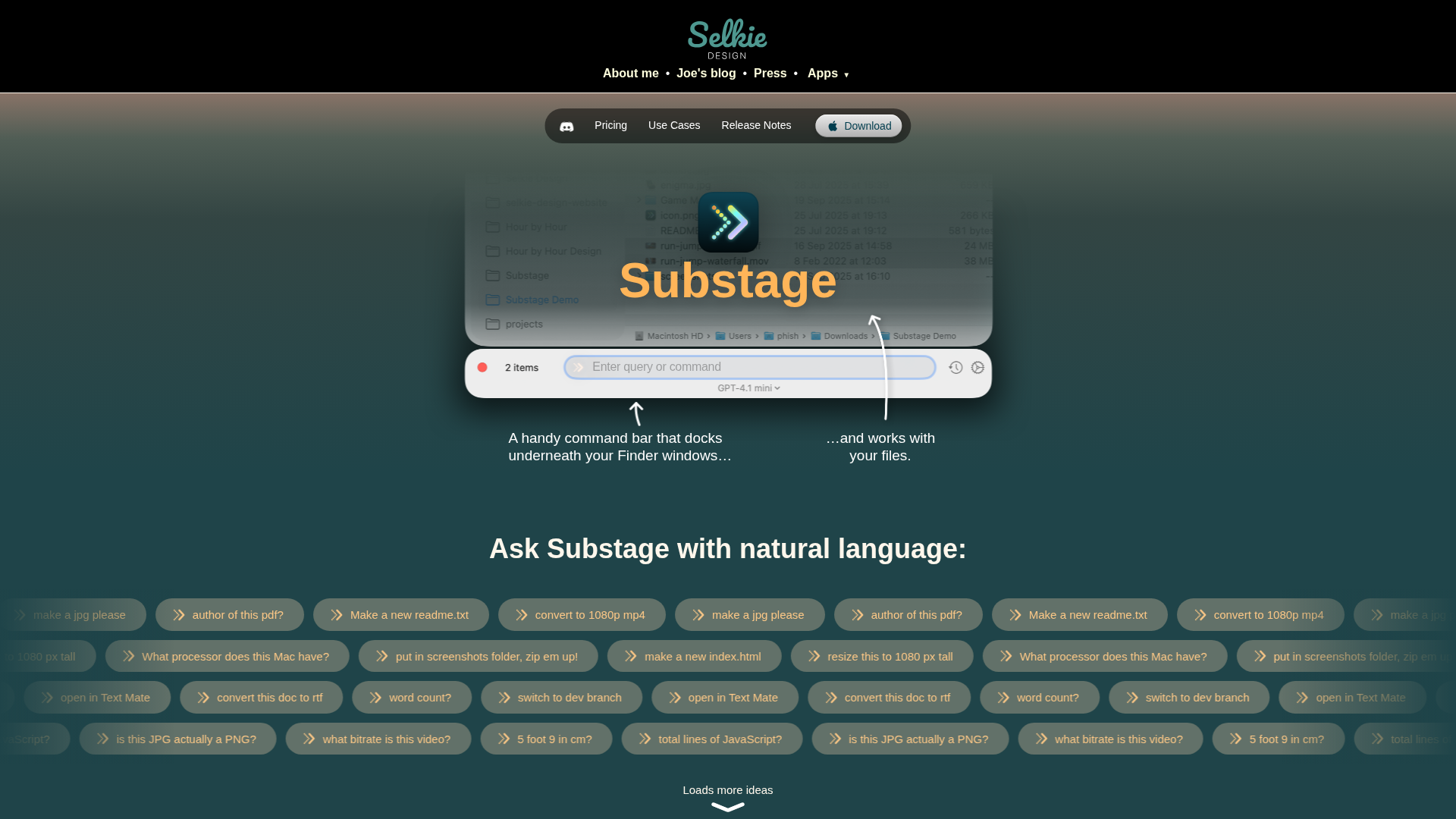
Turn plain English prompts into fast Terminal commands on macOS, with built-in safety and optional local AI models.