Overview
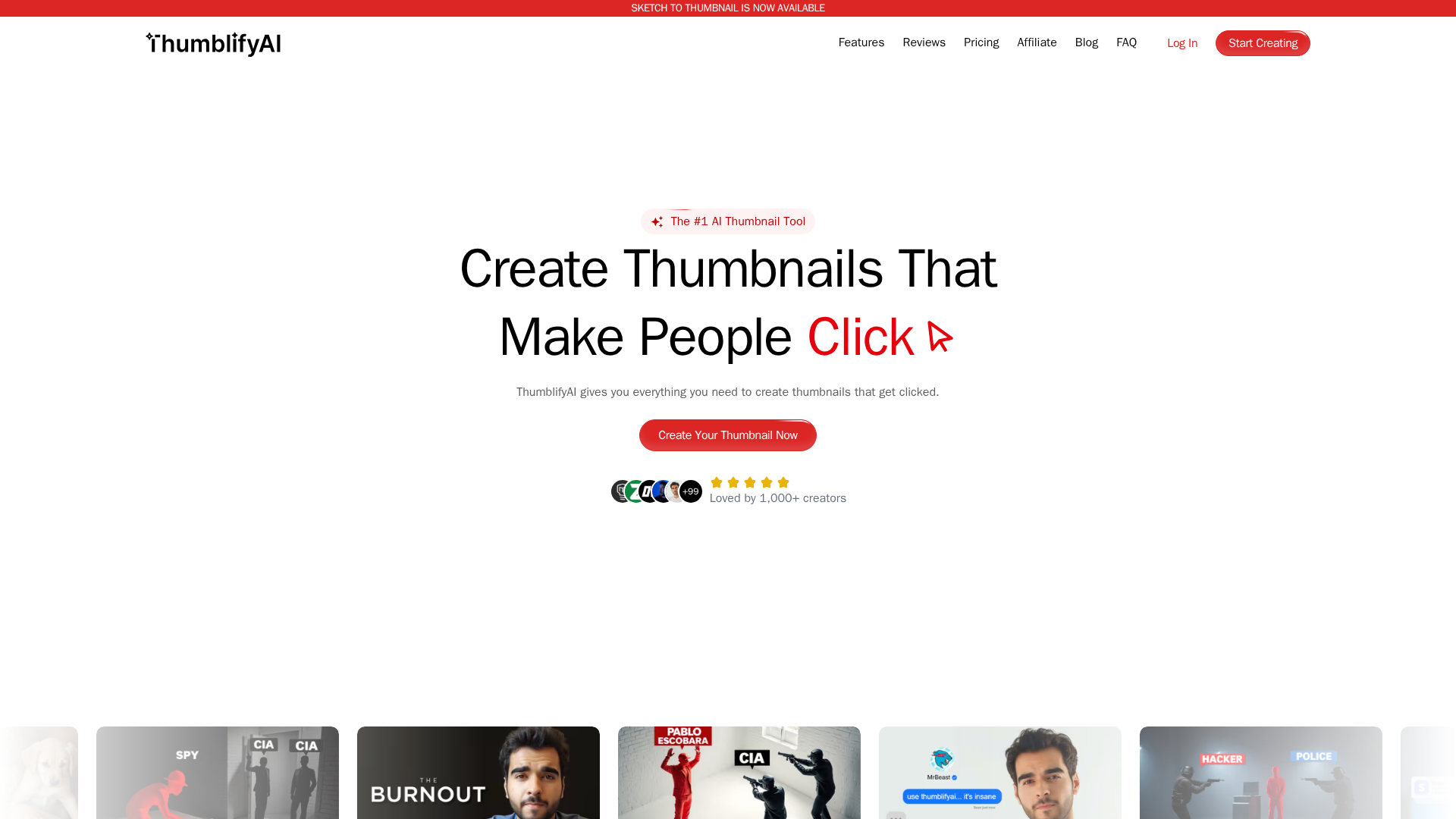
ThumblifyAI is a web-based AI thumbnail generator built for content creators and marketers who want to produce click-driving YouTube thumbnails quickly. The platform analyzes inputs (uploads, sketches, or reference thumbnails) and generates multiple design options, while offering targeted controls to preserve composition and brand identity. Key capabilities include automated thumbnail generation, style-matching to replicate a chosen visual identity, sketch-to-thumbnail transformation, and area-specific ‘Ultra Editing’ for precise, region-based edits. ThumblifyAI emphasizes speed and iterative workflows—allowing creators to sketch or upload a reference, supply a short prompt, and receive publish-ready thumbnails in seconds. The service uses a credits/pay-as-you-go model (site messaging: "Only pay for what you use. No monthly subscription") and offers an affiliate program that awards credits for referrals.
Key Features
AI Thumbnail Generation
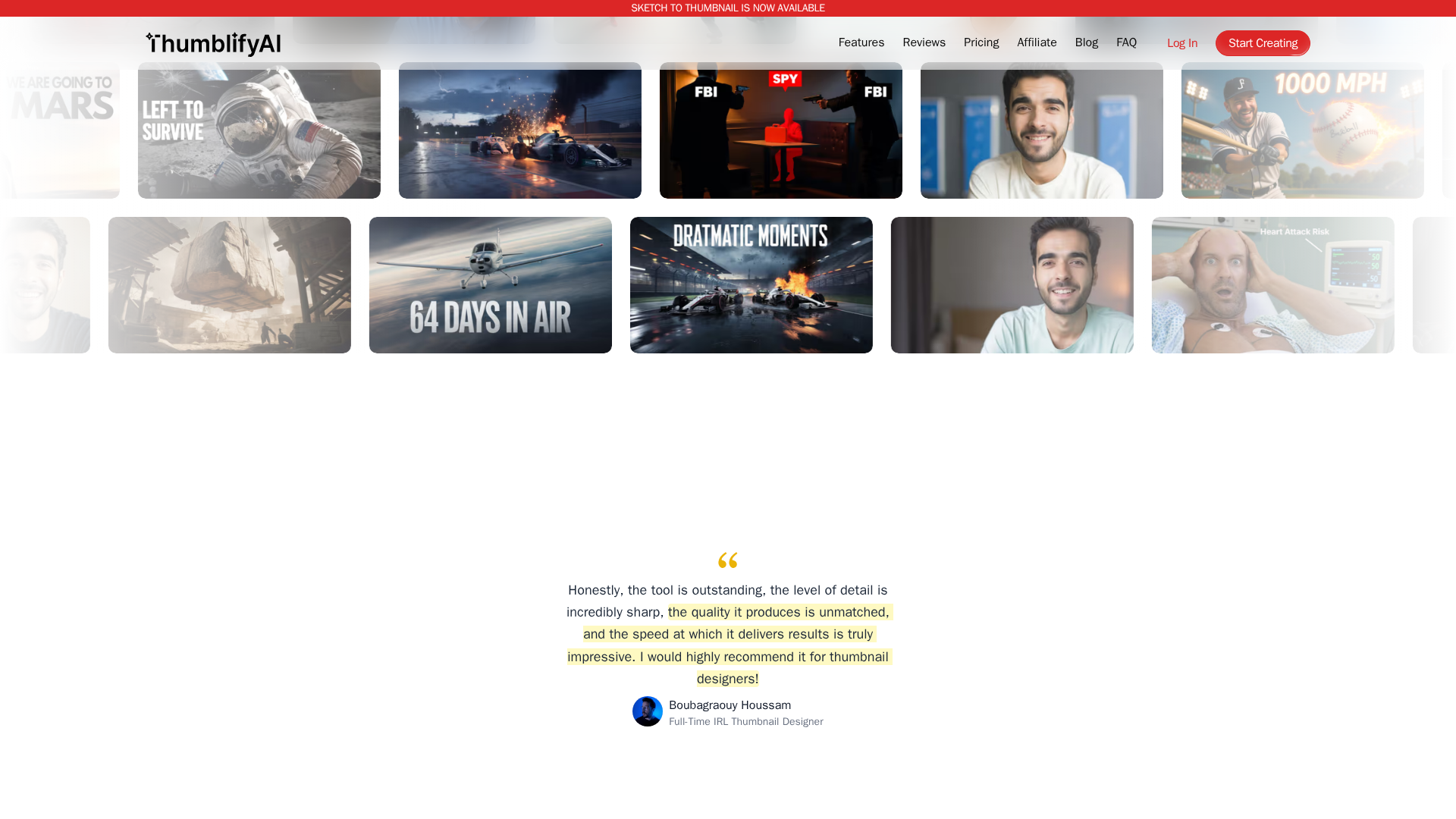
Generates multiple YouTube-ready thumbnail options from uploaded video frames, images, or brief prompts to increase CTR.
Ultra Editing (Area-Specific Edits)
Edit specific regions of a thumbnail (background, object, lighting, color) using natural-language instructions without regenerating the entire image.
Style Match
Analyzes a reference thumbnail’s color palette, layout, and mood and produces new thumbnails that match that visual identity.
Sketch to Thumbnail
Converts rough sketches (uploaded or drawn) into polished, professionally composed thumbnails while preserving the creator’s intended layout.
Templates / Brand Consistency
Templates and brand-preserving controls for consistent typography, color, and composition across thumbnails (described across product pages).
Credits-based Pay-as-you-go System
Users purchase or earn credits and consume them for generation or premium operations (site messaging emphasizes "Only pay for what you use").
Who Can Use This Tool?
- Creators:Quickly generate on-brand YouTube thumbnails to boost CTR and save design time
- YouTubers:Produce multiple optimized thumbnails and iterate quickly to increase views
- Marketers:Create attention-grabbing thumbnails for ad and campaign videos with consistent styles
Pricing Plans
Pricing information is not available yet.
Pros & Cons
✓ Pros
- ✓Fast generation workflows aimed at YouTube creators (multiple features targeted at thumbnails)
- ✓Several specialized features — Style Match, Sketch-to-Thumbnail, and Ultra Editing for focused edits
- ✓Pay-as-you-go (credits) model reduces pressure of monthly subscriptions for light users
- ✓Affiliate program to earn credits
✗ Cons
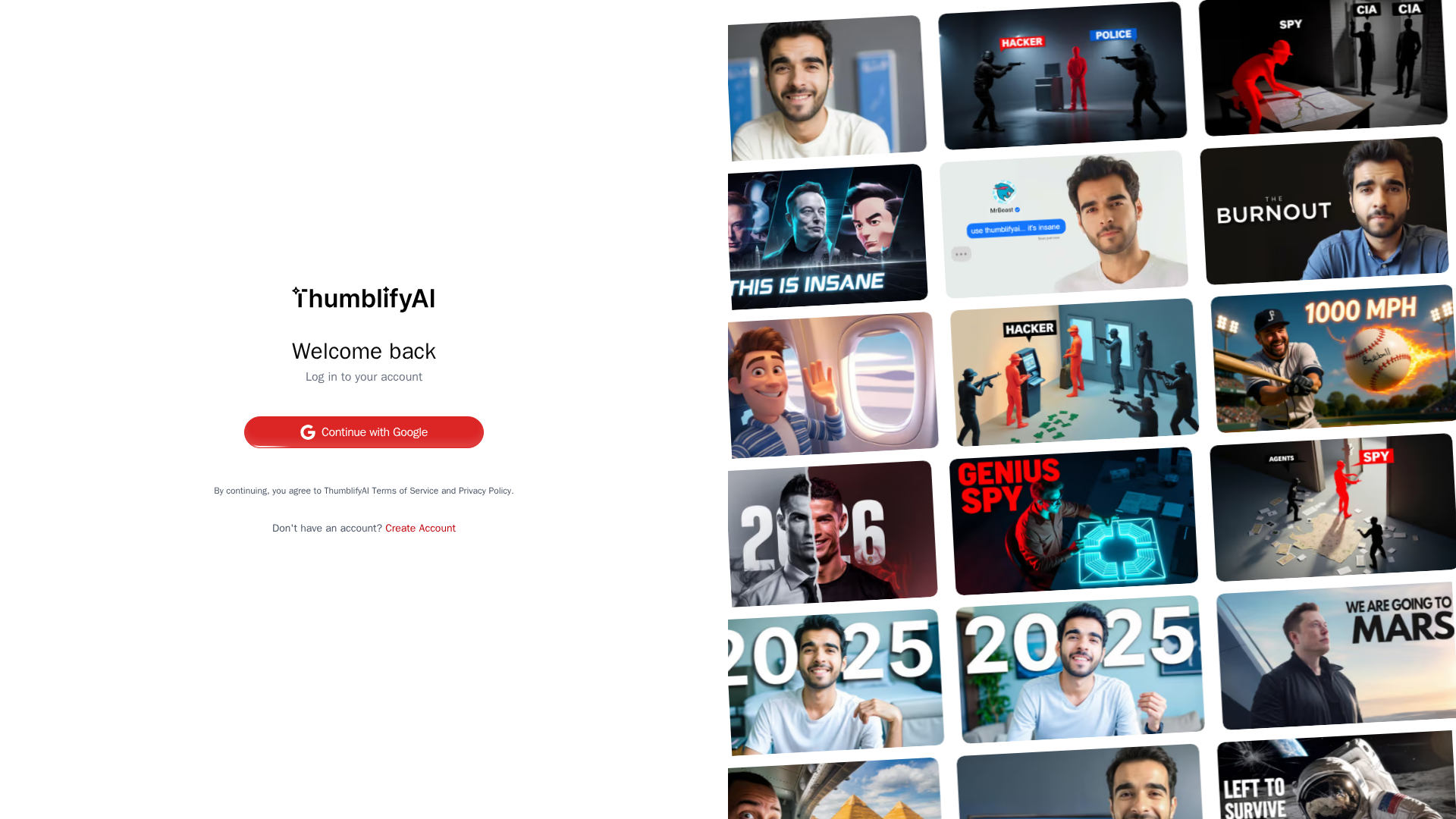
- ✗No public, transparent pricing on the main pricing page (requires login), making evaluation before signup difficult
- ✗Limited independent reviews and public case studies found via web search
- ✗Policy language shows generated outputs may be used to improve models (users should confirm if commercial-use concerns exist)
- ✗Some features or costs (e.g., "train AI on your style costs 20 credits") are referenced on feature pages but not fully documented in a consolidated pricing table
Related Articles (4)
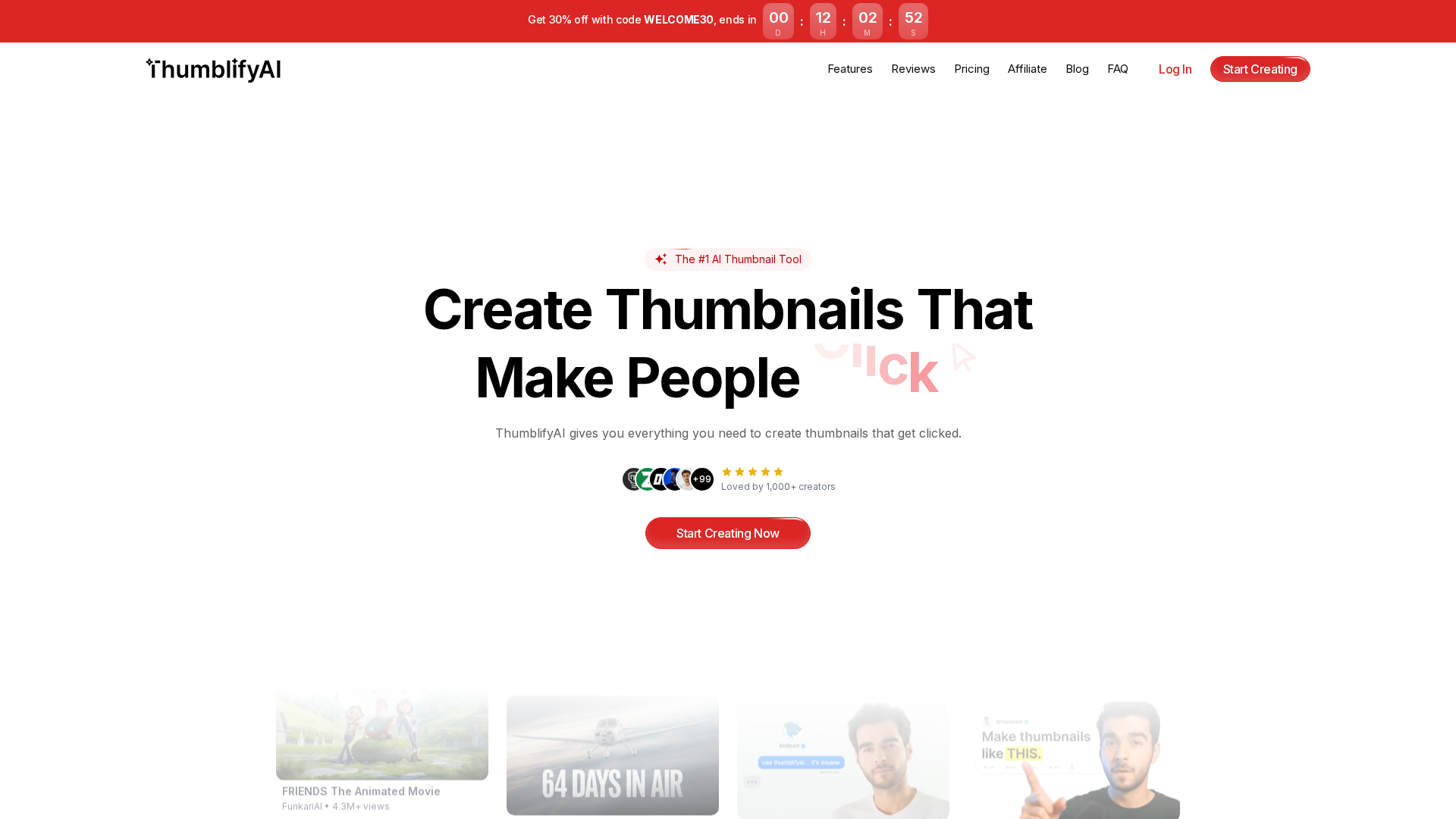
AI-powered tool that generates eye-catching YouTube thumbnails in seconds.

AI-powered thumbnail generator that converts prompts and sketches into on-brand, click‑worthy YouTube thumbnails with face and style training.
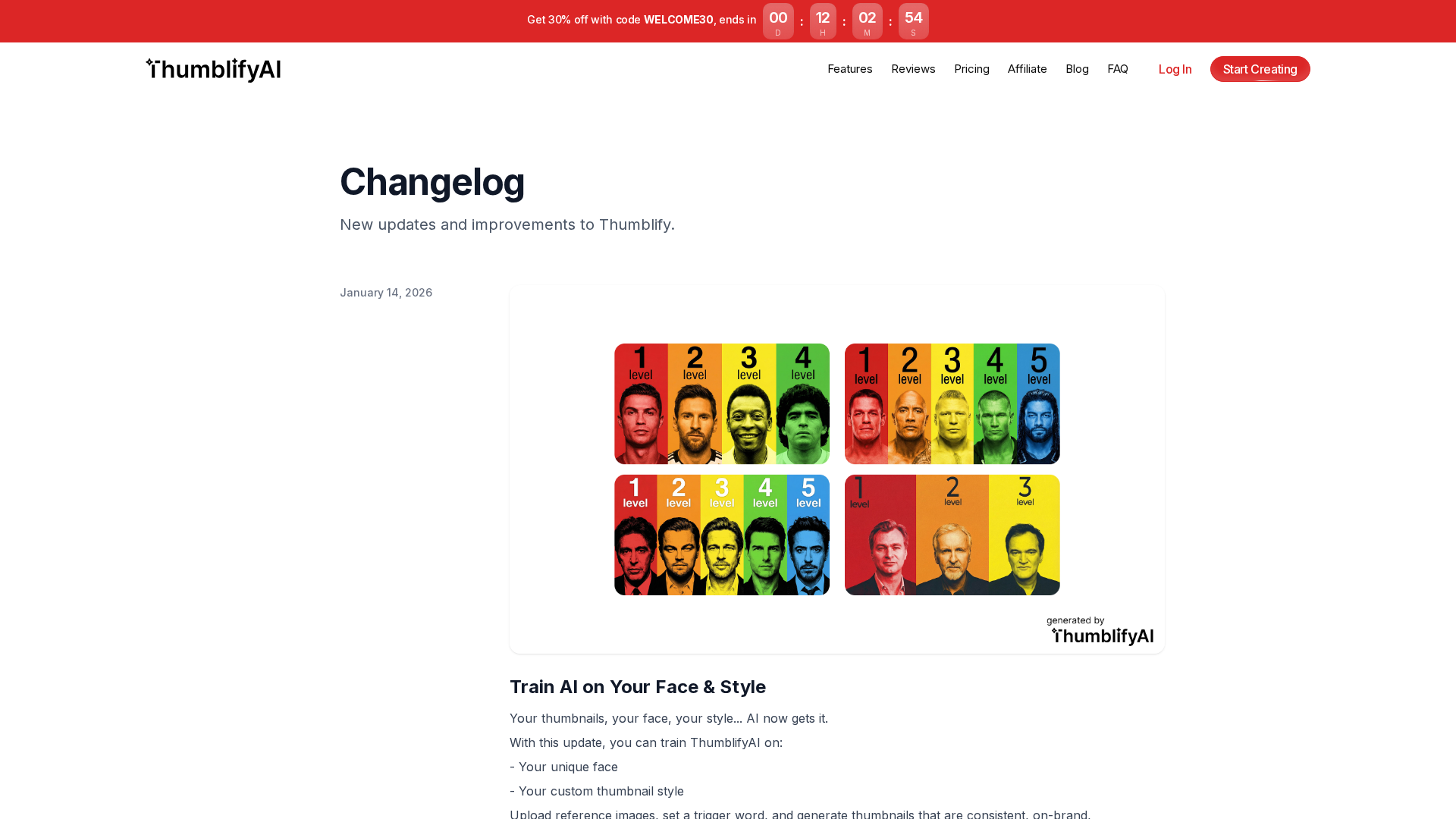
A major update adds custom AI training, a revamped generate page, and an integrated editing workflow.
AI-powered tool that turns ideas into fast, click-worthy thumbnails with no design skills.