Overview
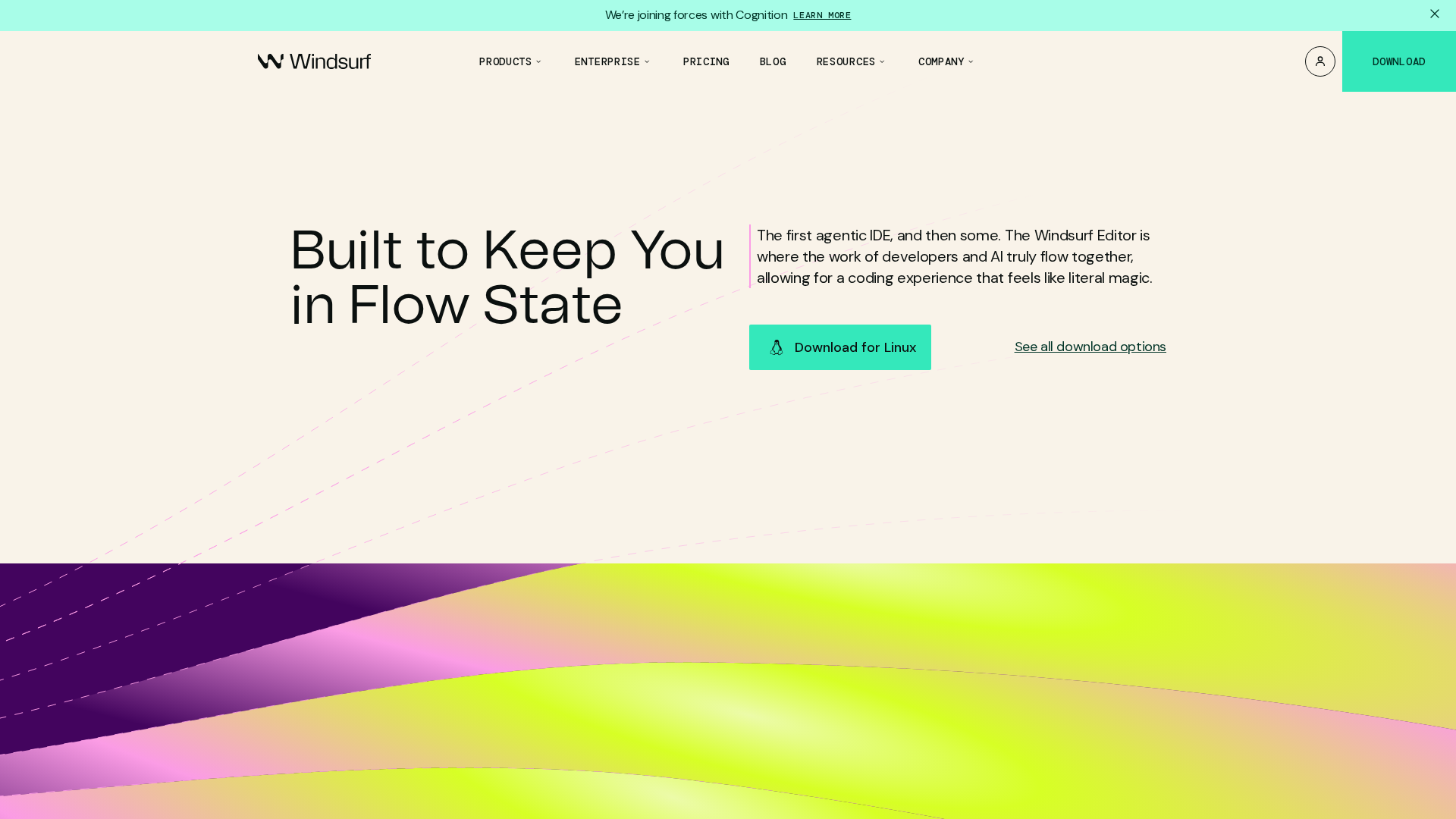
Windsurf Editor is an AI-native IDE positioned for engineering teams to keep developers “in flow.” Core assistant Cascade provides deep codebase and real-time awareness with long/live context, follow-ups, and @ mentions. A key differentiator is live in-editor Previews that embed a running site inside the editor so users can interact with elements, reshape UI, and deploy without leaving the IDE. Windsurf emphasizes production-capable GenAI for teams, citing large usage metrics (examples shown on site: 70M+ lines of AI-written code daily; 1M+ active users; 59% of Fortune 500 using Windsurf). The product includes features such as Supercomplete (anticipatory completions), Tab (Fast Tab / Windsurf Tab) single-keystroke gateway, in-line natural-language commands and follow-ups, terminal natural-language commands, Model Context Protocol (MCP) for connecting tools/services, plugin store & integrations (GitHub, Postgres, Playwright, Neon, Figma, Slack, etc.), linter auto-fixes, codelenses & one-click code actions, SWE-1.5 coding agent/model and Turbo Mode for auto-executing commands, plus persistent memory and a deployment flow that moves from preview to deploy in-editor. Documentation and pricing pages describe prompt-credit mechanics, add-on credits, tiered plans (Free, Pro, Teams, Enterprise), and enterprise features like RBAC, SSO/SCIM, and hybrid/on-prem options. The site and changelog contain time-limited promotions and pricing changes; for procurement decisions, verify current plan details on the official pricing page and in account billing UI.
Key Features
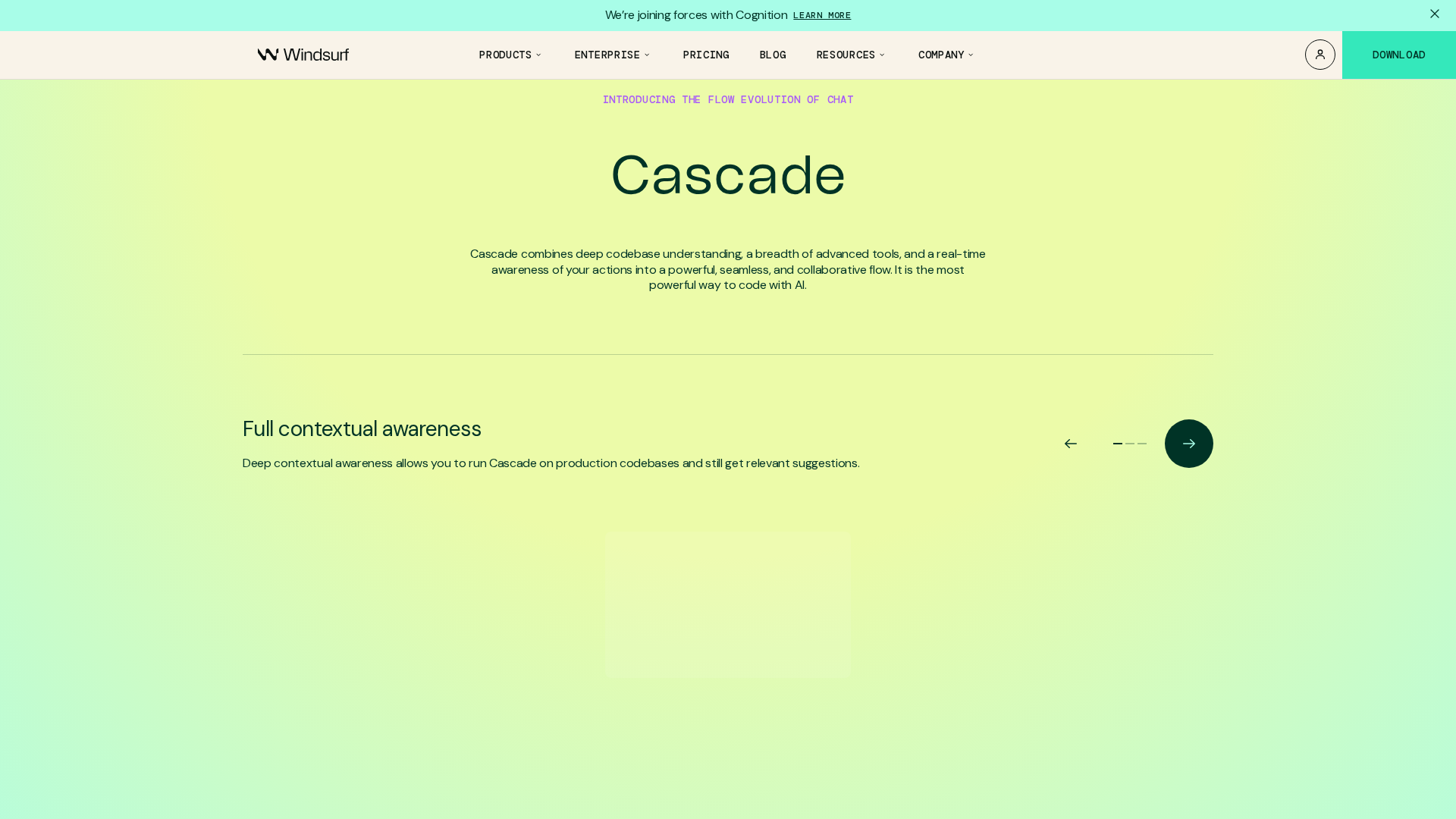
Cascade (codebase-aware assistant)
Deep codebase & real-time awareness with long/live context, follow-ups, and @ mentions to reference context.
Windsurf Previews
Embed a live website preview inside the IDE; click elements, reshape UI, then deploy directly from the editor.
Tab (Fast Tab / Windsurf Tab)
Single-keystroke gateway for autocomplete, commands, and Supercomplete to anticipate multi-step work.
Supercomplete
Anticipatory completions beyond immediate token-level autocomplete to accelerate multi-step coding tasks.
In-line Commands & Follow-ups
Natural-language code generation and refactor workflows inline, with follow-up interactions.
Model Context Protocol (MCP)
Connect custom tools/services and curated servers (examples noted: Figma, Slack, Stripe) to extend assistant context.
Who Can Use This Tool?
- Developers:Use Windsurf Editor to accelerate coding with AI-assisted completions, live previews, and deploy-from-editor workflows.
- Engineering teams:Adopt Windsurf for team workflows, pooled credits, admin analytics, RBAC/SSO, and enterprise support for production-capable GenAI.
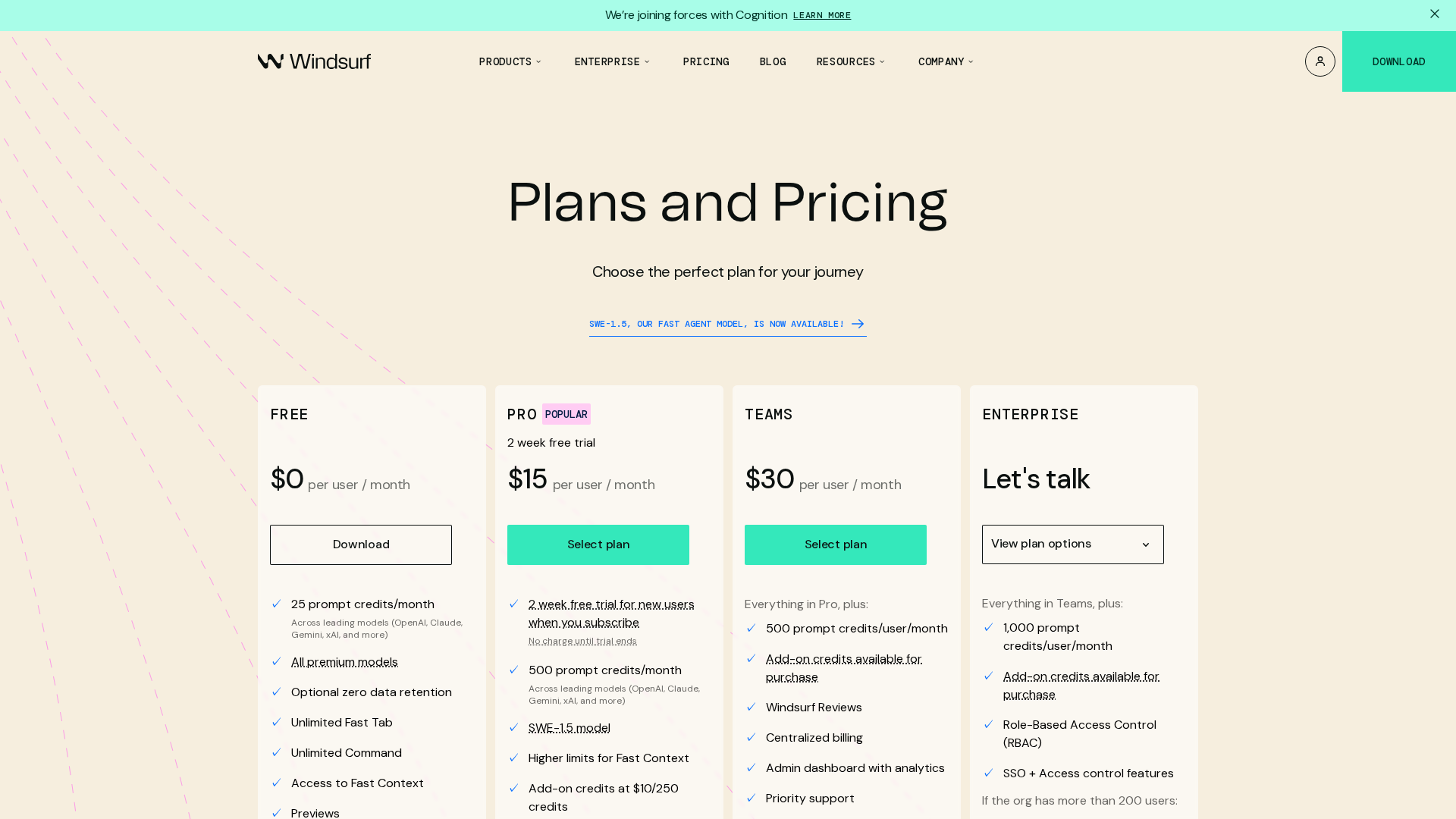
Pricing Plans
Entry-tier with limited monthly prompt credits, unlimited Fast Tab & Previews usage, and limited daily deploys.
- ✓Approx. ~25 prompt credits / month (typical allocation noted)
- ✓Unlimited Fast Tab & Previews usage
- ✓1 app deploy per day (per docs)
Paid tier with substantially more prompt credits and access to premium models; add-on credits purchasable.
- ✓Approx. ~500 prompt credits / month (typical allocation noted)
- ✓Access to premium models
- ✓Option to buy add-on credits (example: $10 buys 250 Pro credits)
Team-oriented plan with pooled credit options, centralized billing, admin analytics, and priority support.
- ✓Approx. ~500 credits per user / month (typical allocation noted)
- ✓Pooled add-on credit option (example: $40 buys 1000 pooled credits)
- ✓Centralized billing, admin analytics, priority support, access controls
Enterprise offerings with higher default credit allocations, RBAC, SSO/SCIM, dedicated account management, and hybrid/on-prem options.
- ✓Approx. ~1000 credits per user / month (typical allocation noted)
- ✓RBAC, SSO/SCIM, dedicated account management
- ✓Highest-priority support and hybrid/on-prem deployment options
Pros & Cons
✓ Pros
- ✓Live in-editor Previews enable interactive editing of running sites and deploy from the editor.
- ✓Cascade provides deep codebase awareness, long/live context, follow-ups, and @ mentions.
- ✓Supercomplete and Fast Tab accelerate multi-step workflows and autocomplete.
- ✓Rich integrations and MCP for connecting third-party tools (Figma, Slack, Stripe, etc.).
- ✓Enterprise features (RBAC, SSO/SCIM, hybrid/on-prem) and pooled credits for teams.
✗ Cons
- ✗Pricing, plan allocations, and model promotions have changed over time; site contains short-term promotions—verify current rates before purchase.
- ✗Some site pages returned 404s or placeholder templates during collection (e.g., /features), indicating occasional site inconsistencies.
- ✗Exact per-tier deployment limits and live prices can vary and require checking the official pricing page or account billing UI for up-to-date figures.
Compare with Alternatives
| Feature | Windsurf Editor | Windsurf (formerly Codeium) | Cursor |
|---|---|---|---|
| Pricing | $15/month | $15/month | $20/month |
| Rating | 8.1/10 | 8.5/10 | 9.5/10 |
| Codebase Awareness | Yes | Yes | Yes |
| Live Previews | Yes | Yes | No |
| Agent Autonomy | Yes | Yes | Yes |
| Context Handling | MCP with memory and SWE-1.5 | MCP and multi-model handling | MCP and proprietary context models |
| Multi-model Support | Partial | Yes | Yes |
| In-editor Workflow | Yes | Yes | Yes |
| Enterprise Controls | Partial'} | Yes | Yes |
Related Articles (10)
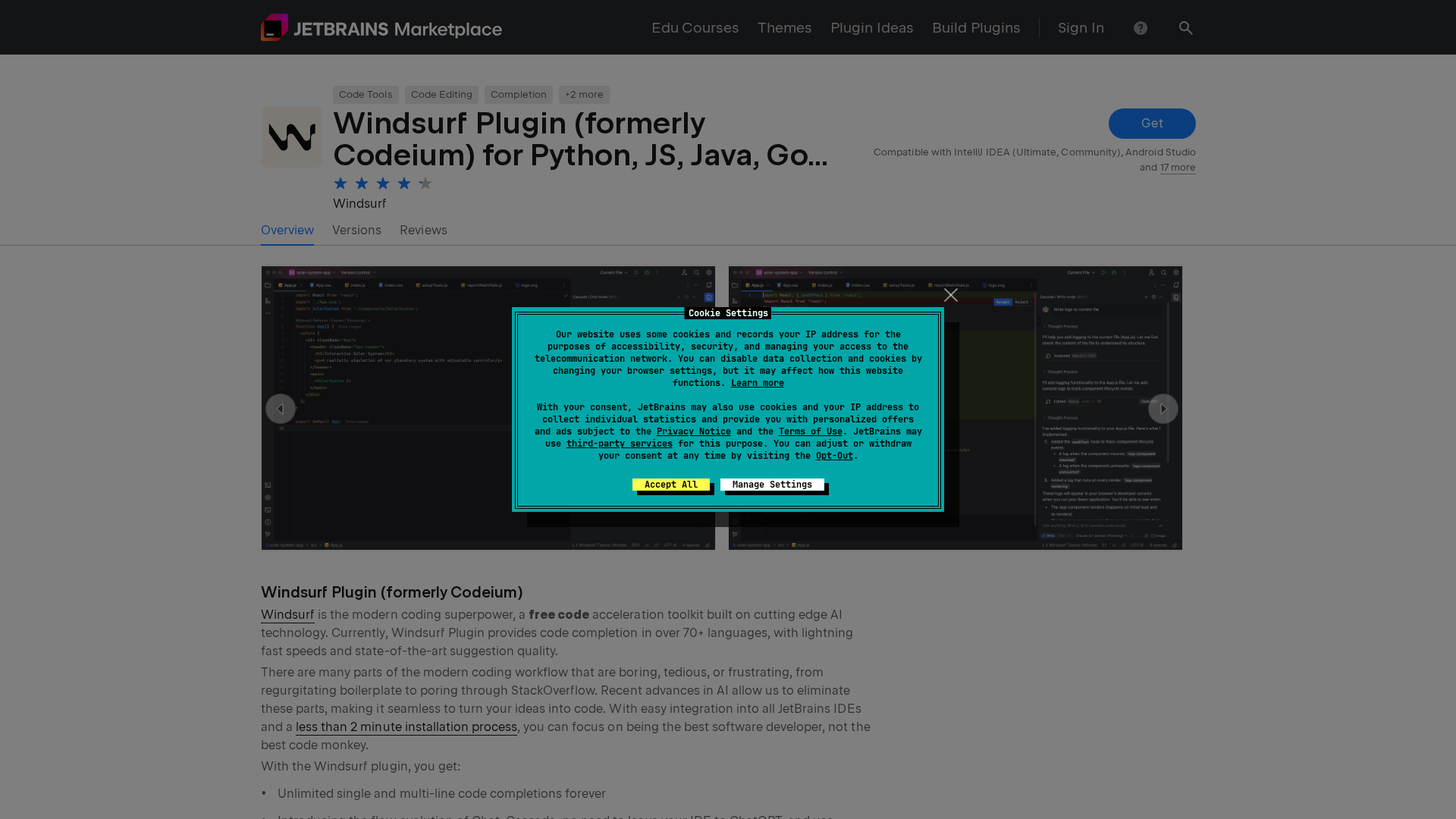
Windsurf is an AI-powered code completion plugin for JetBrains IDEs (formerly Codeium), supporting Python, JavaScript, Java, Go and more.
Windsurf announces GPT 5.1 family upgrades for agentic coding with variable thinking and improved steerability.

OpenAI reportedly plans to acquire Windsurf for $3B, signaling a major push into coding-focused AI tools and potential ChatGPT upgrades.
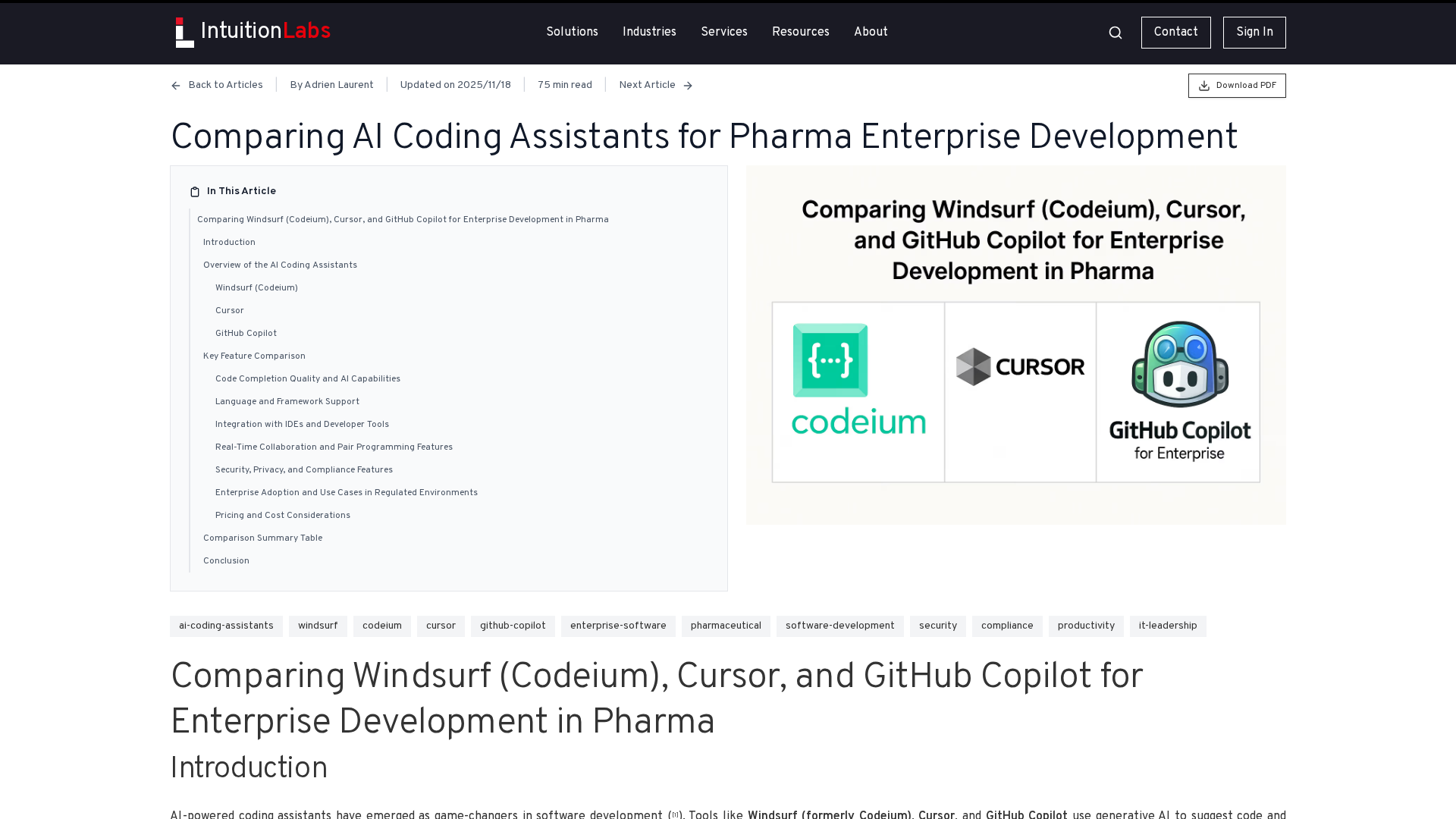
Pharma-focused comparison of Windsurf (Codeium), Cursor, and GitHub Copilot for enterprise coding.
AI-powered IDE with Cascade and live previews that keeps you in flow, eliminates context switching, and speeds production-ready code.