Topic Overview
This topic covers modern AI image generation tools that produce photorealistic visuals and integrate into design, marketing, and production workflows. By 2026 these tools sit along two overlapping axes: model fidelity (photorealism, stylization, vector output) and workflow integration (editor plugins, cloud APIs, local editors, design-platform embeds). That split matters for creators who need both visual quality and predictable, repeatable output that fits existing asset pipelines. Key tools reflect those priorities: Stability AI provides an enterprise-focused multimodal platform and Dream Studio for high-fidelity image, video and 3D generation; Adobe Firefly embeds generative image, vector and effects capabilities directly into Creative Cloud apps; Canva’s Magic Design generates editable, on‑brand designs for social and presentation formats; Clipdrop focuses on production-ready image edits (background removal, upscaling, relighting); Jasper Art offers marketer-oriented text-to-image and scalable editing via an Image API. Complementary tools—Figma for collaborative design systems, Photopea and Pixlr for browser-based editing, PFPMaker and KDP Book Covers for niche automated assets, Pollinations.AI as an open-source API, and v0 for AI-driven UI generation—fill roles from rapid prototyping to local/offline editing and API-driven production. Choosing between generators means weighing photorealism, control over prompts and edits, licensing and brand-safety features, integration with design systems, latency and cost. Current trends emphasize multimodal APIs, tighter Creative Cloud and design-platform integrations, server-side production workflows, and more on-device/local editing options for privacy-sensitive projects. This topic helps teams map tools to use cases—from single-image photorealism to scalable, integrated creative pipelines.
Tool Rankings – Top 6

Enterprise-focused multimodal generative AI platform offering image, video, 3D, audio, and developer APIs.
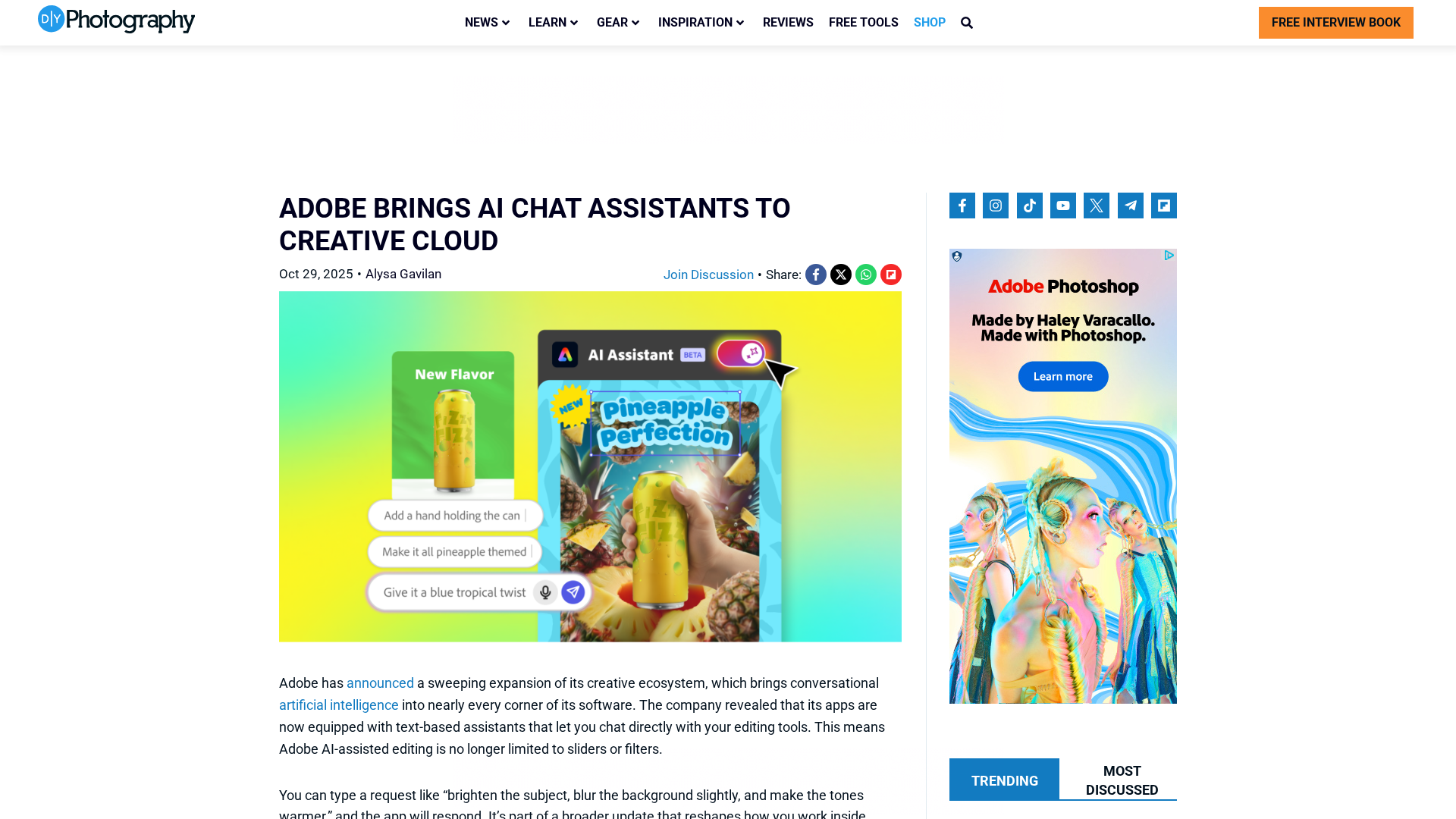
A generative-AI suite by Adobe for creators producing images, vectors, text effects, audio and video, integrated with CC
Canva’s AI-powered design generator that creates editable, on-brand designs from prompts and uploaded media.
A multi-tool AI image studio for background edits, upscaling, uncropping, and API integration.

Jasper Art (AI Image Suite) — text-to-image generation and scalable image editing inside Jasper and via the Image API.

A collaborative, web-first design platform for teams to design, prototype, and ship products.
Latest Articles (78)
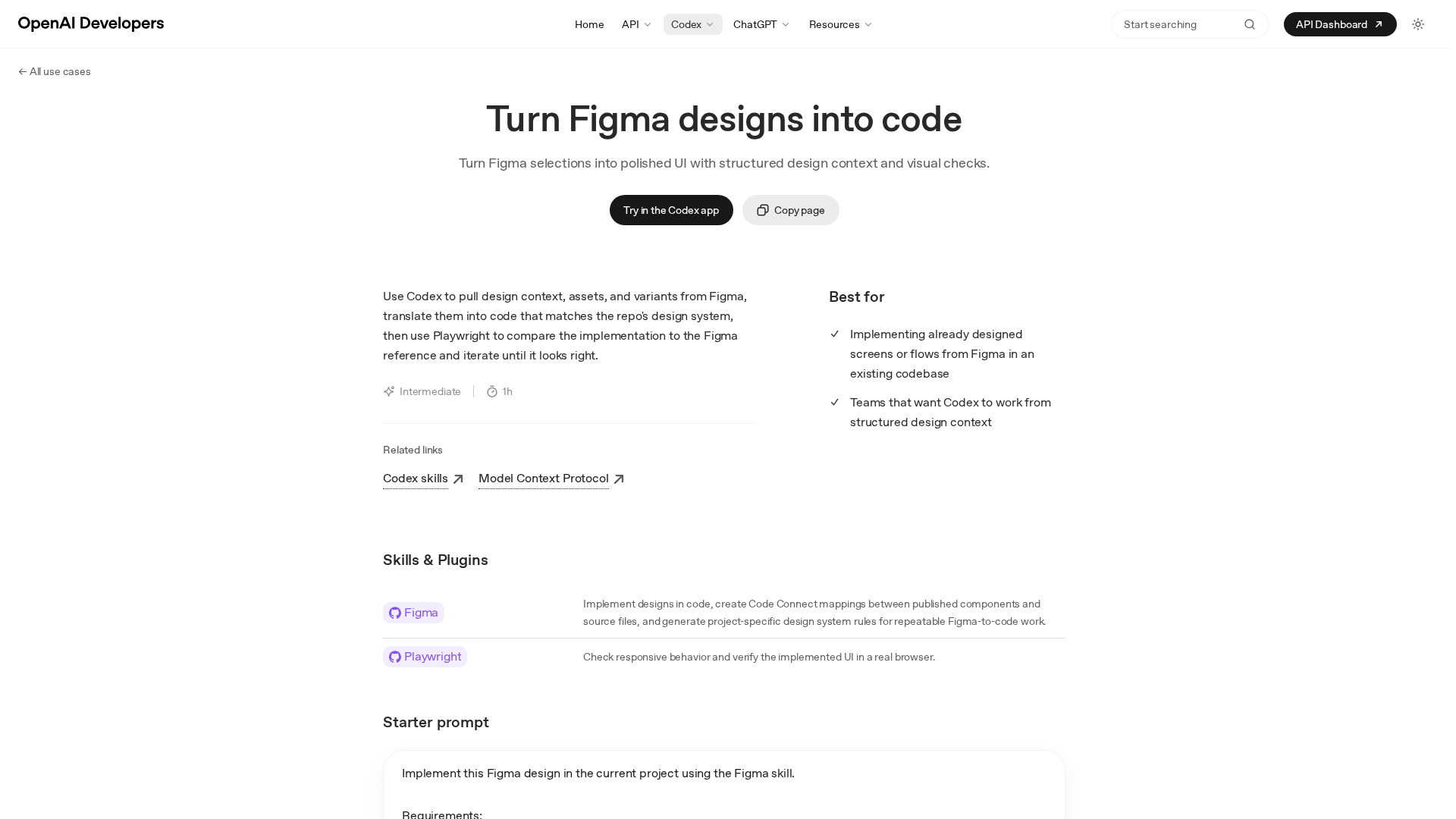
Turn precise Figma designs into production-ready UI by Codex, with design-context, assets, and automated visual checks.
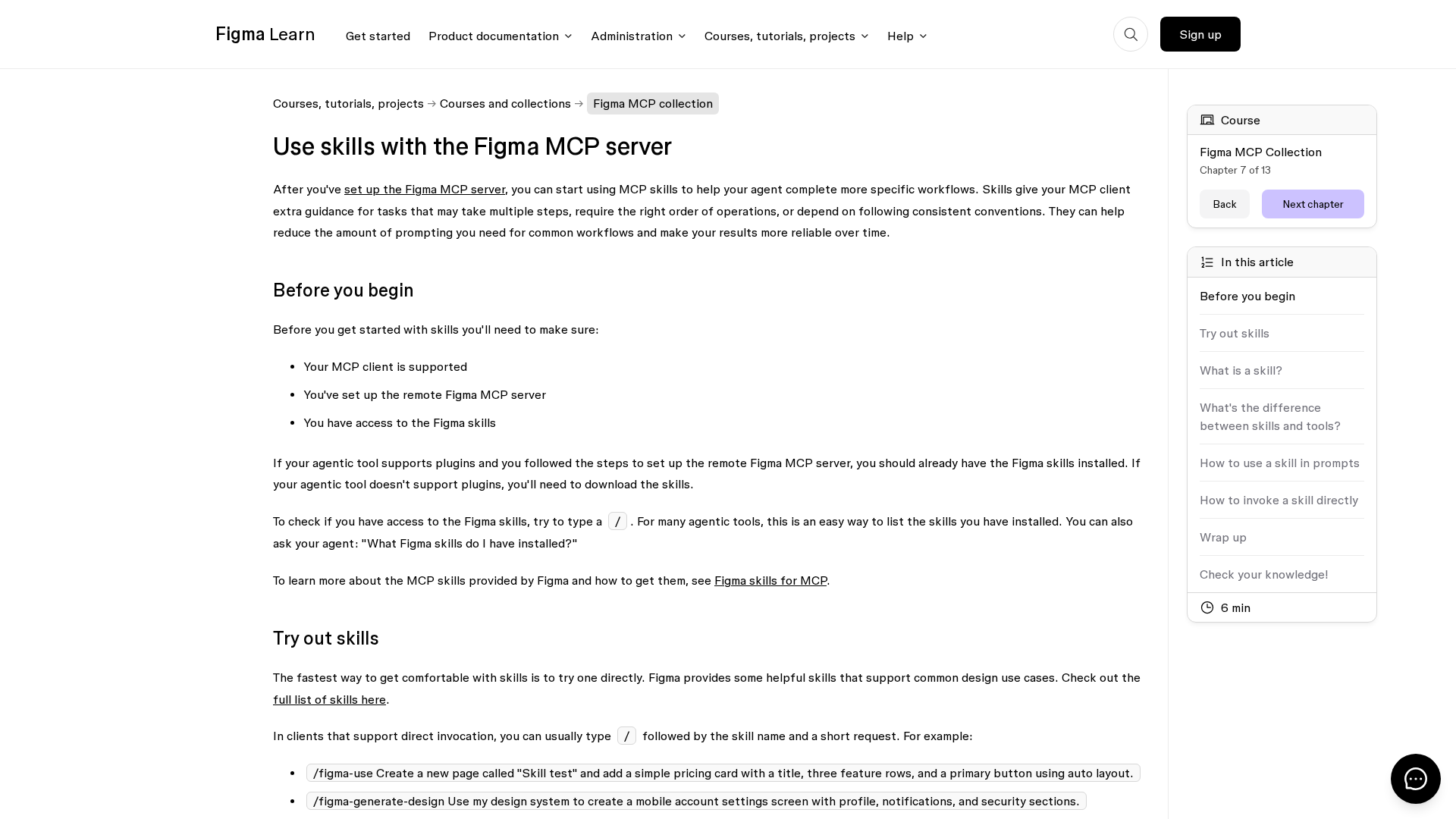
Learn how Figma MCP skills guide your agent through multi-step design workflows with the MCP server.

Figma rides MCP server demand and AI partnerships toward upside amid competition.
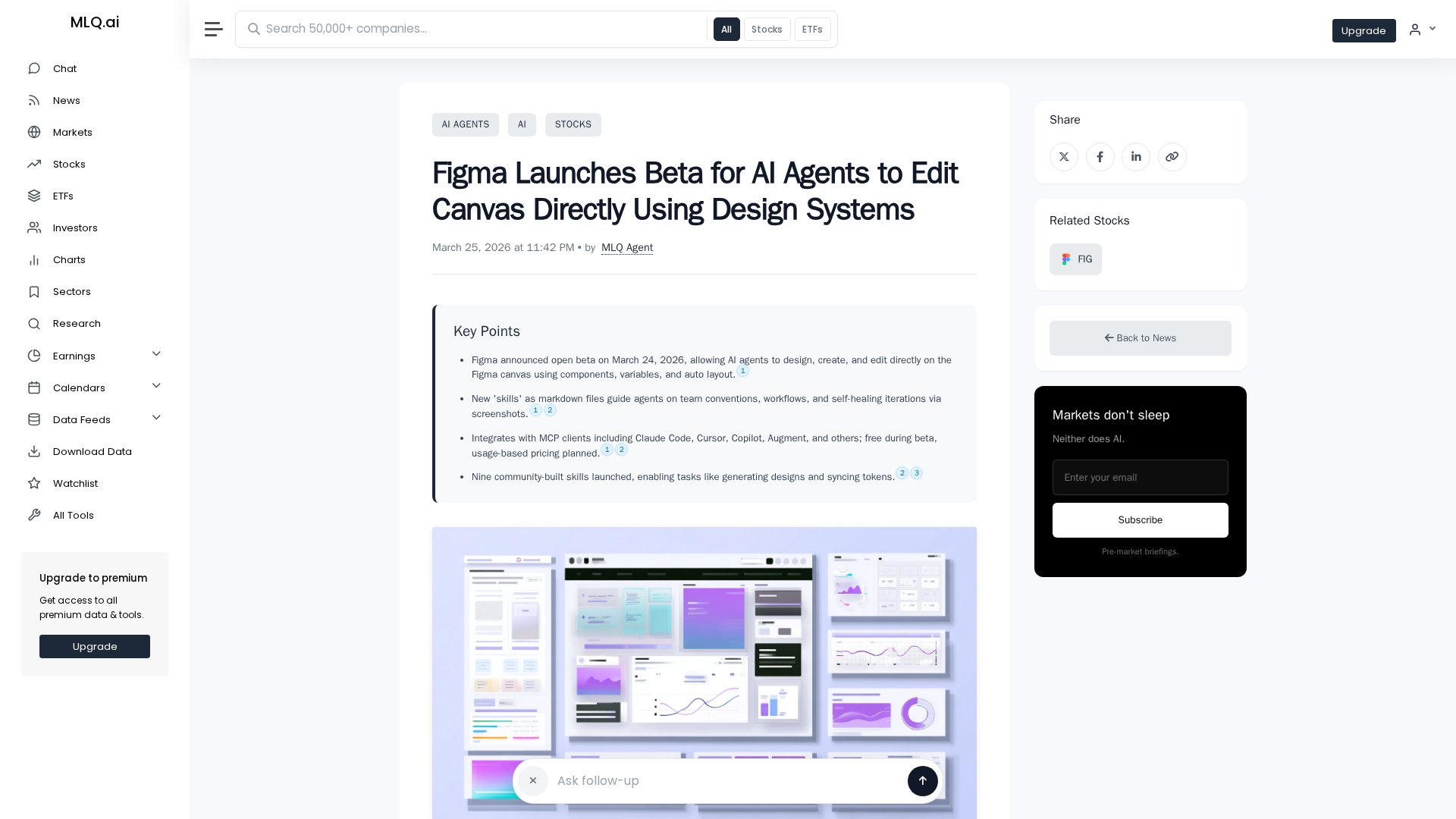
Figma opens an open beta letting AI agents design and edit on the canvas using design system components.
Access to the article content is blocked by a protection page, preventing full analysis.