Overview
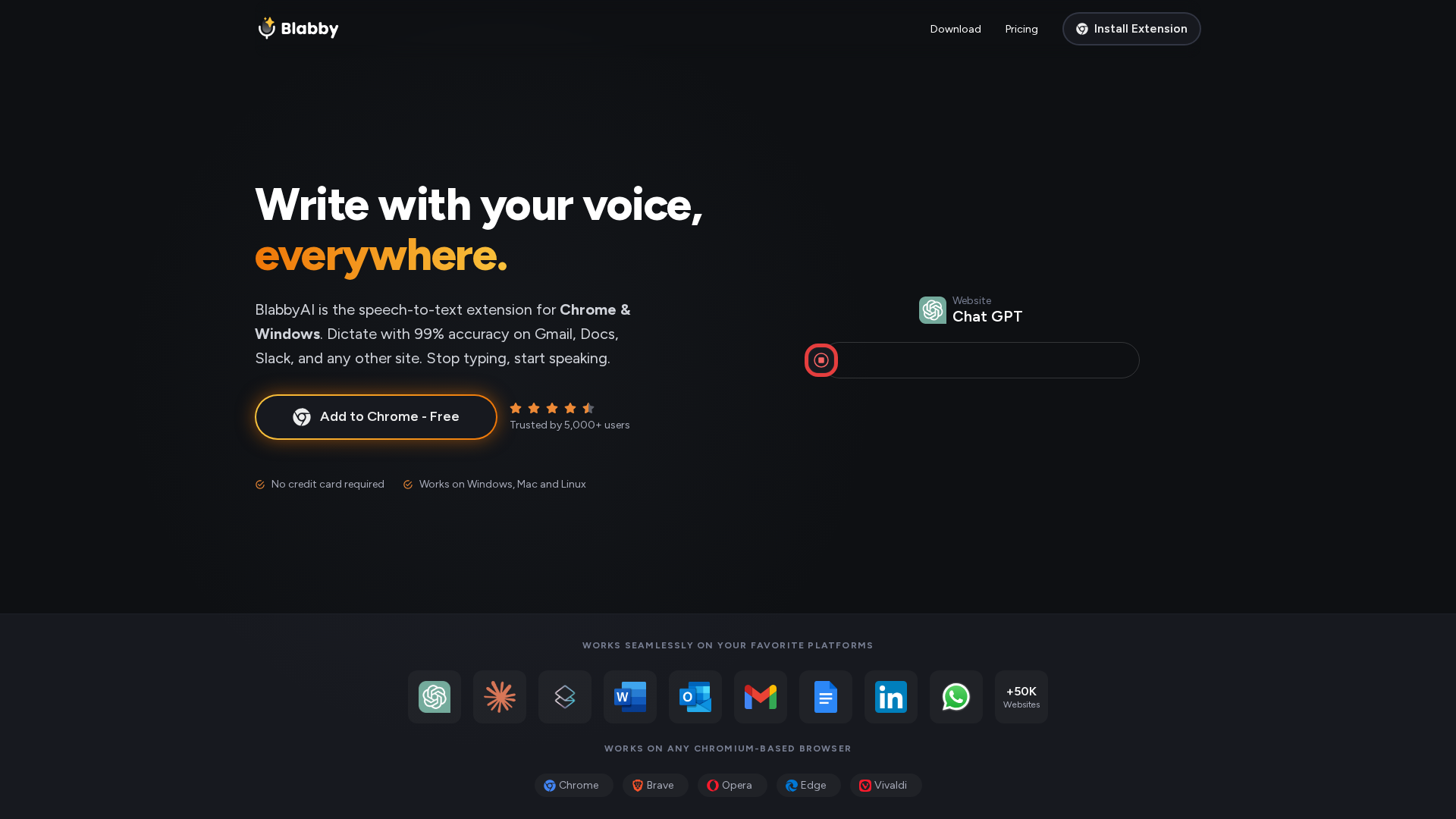
BlabbyAI is an AI-powered speech-to-text/dictation tool delivered mainly as a Chrome extension with Windows support. It enables real-time dictation into web text fields (Gmail, Docs, Slack, CRMs, comment boxes, etc.) with automatic punctuation, capitalization, and formatting. The product offers multiple AI modes for grammar correction, translation, and professional rewriting, plus custom vocabulary and multi-language support (90+ languages with automatic language detection). It uses OpenAI Whisper (v3 Turbo) for transcription and OpenAI GPT models for rewrites/transforms, while offering Meta Llama as a zero-data-retention alternative for fully private processing. A privacy proxy protects identity/IP/device details, and some user preferences are stored on BlabbyAI servers. Two-stage processing—fast transcription via Whisper followed by optional LLM processing—addresses accuracy while allowing edits. Windows support is mentioned, and cross-platform usage is emphasized. Pricing is freemium with Free, Plus, and Unlimited plans; subscriptions are managed through the Chrome extension. Documentation covers Gmail, Google Docs, Word, Teams, Outlook, medical dictation pages, and HIPAA considerations.
Key Features
Real-time dictation into web text fields
Dictate directly into Gmail, Docs, Slack, CRMs, and other on-page text fields with automatic punctuation and formatting.
Automatic punctuation and capitalization
Built-in handling of punctuation and capitalization as you dictate.
Modes / AI processing options
Grammar correction, translation, professional rewriting, and other AI-assisted edits.
Custom vocabulary support
Names, jargon, and acronyms can be added to improve accuracy.
Multi-language support with detection
Supports 90+ languages with automatic language detection.
Keyboard shortcuts / microphone button
Quick start/stop dictation via keyboard shortcuts or the mic button.
Who Can Use This Tool?
- Business teams:Provides real-time transcription for emails, documents, notes and web apps with AI-assisted edits.
Pricing Plans
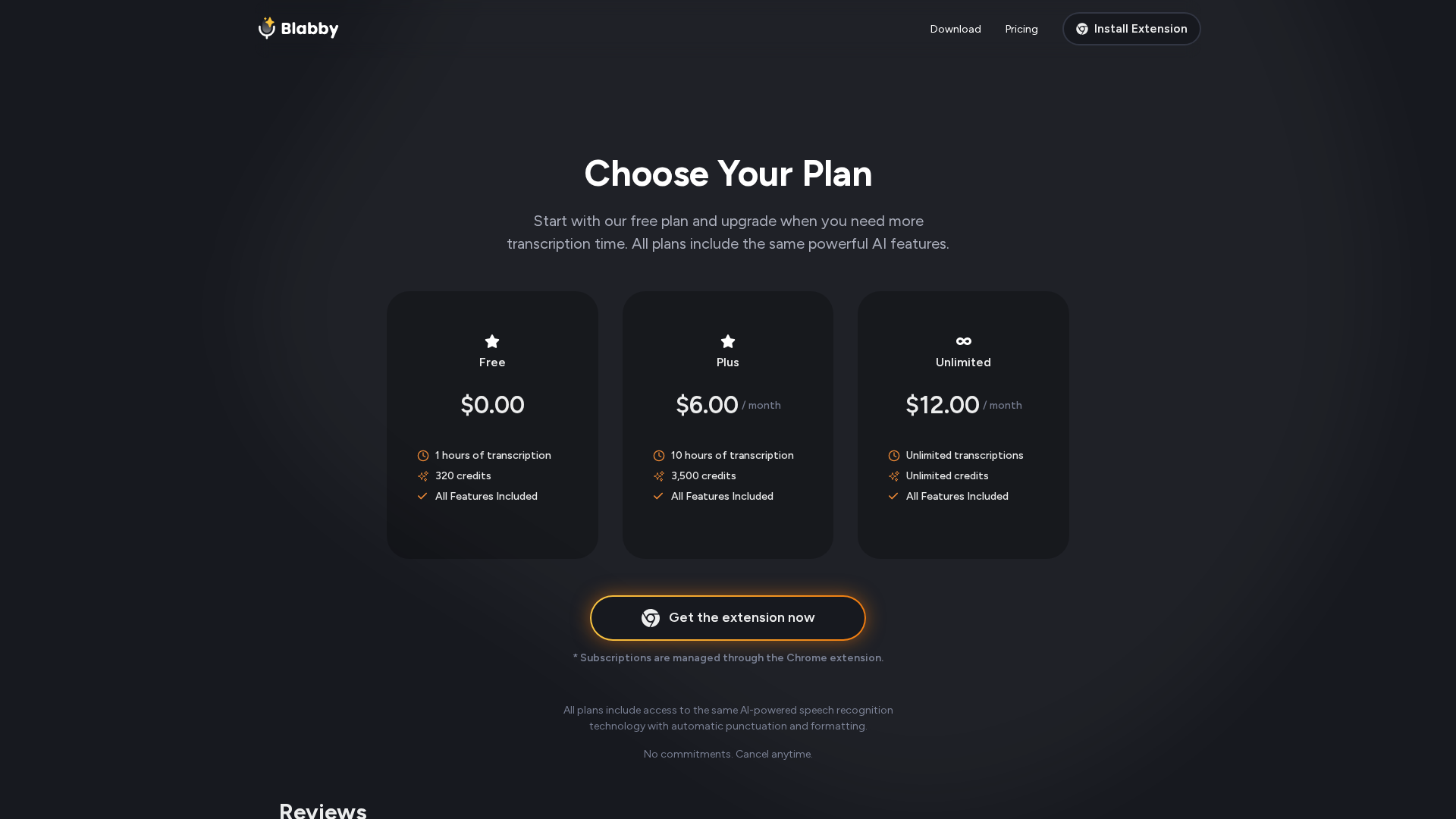
Free plan with 1 hour transcription, 320 credits, all features included
- ✓1 hour transcription
- ✓320 credits
- ✓all features included
Plus plan with 10 hours transcription, 3,500 credits, all features included
- ✓10 hours transcription
- ✓3,500 credits
- ✓all features included
Unlimited transcription & credits, all features included
- ✓unlimited transcription
- ✓unlimited credits
- ✓all features included
Pros & Cons
✓ Pros
- ✓Real-time dictation into web text fields
- ✓Automatic punctuation and capitalization
- ✓Multi-language support with automatic detection
- ✓Two-stage processing with Whisper and optional LLM
- ✓Custom vocabulary support
- ✓Privacy-focused design (Zero Data Retention where possible)
✗ Cons
- ✗OpenAI data retention for GPT modes (up to 30 days) unless Meta Llama or ZDR is used
- ✗Safari support not yet fully available
- ✗No confirmed Chrome Web Store listing in search results
Related Articles (3)
A browser extension delivering real-time, multilingual speech-to-text across any website with customizable output.
BlabbyAI offers a 99% accurate, auto-punctuating, browser-based voice typing alternative to Dragon NaturallySpeaking.
Real-time voice-to-text with automatic punctuation and mode-based formatting across Word and other Office apps.