
Overview
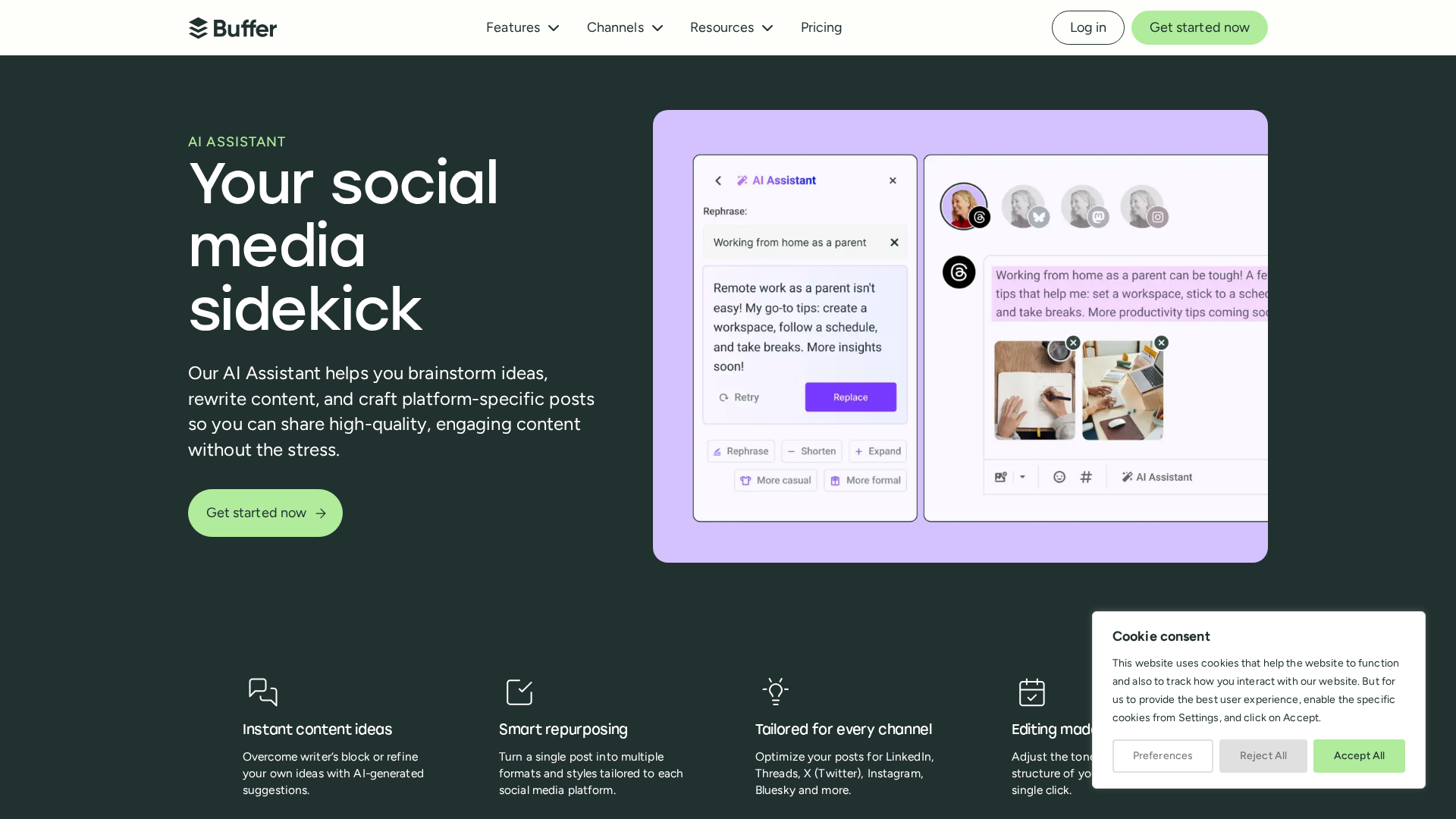
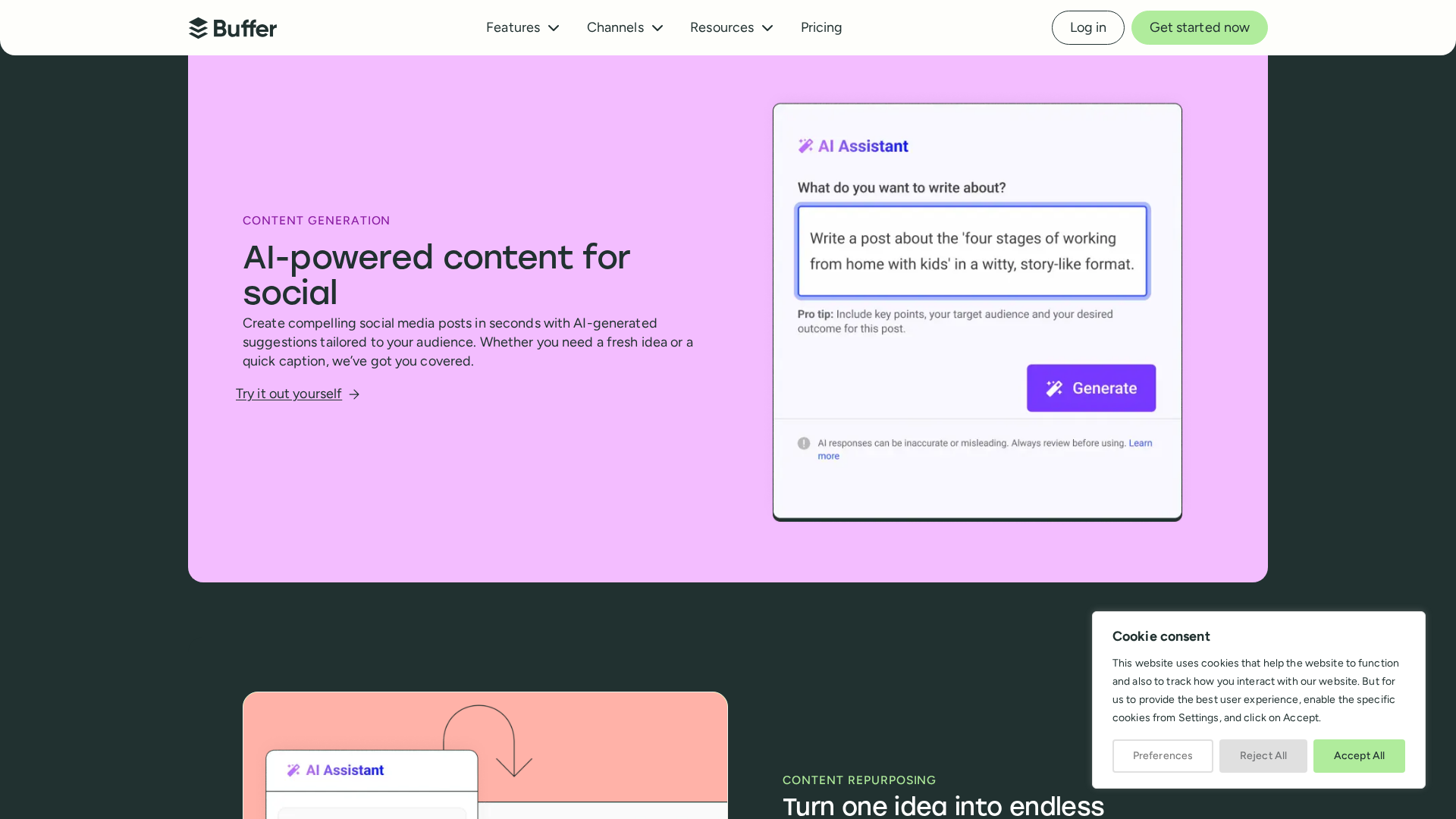
Buffer’s AI Assistant is an OpenAI-powered feature built into Buffer to help users create, repurpose, and optimize social media posts quickly. It can brainstorm post ideas from a topic or link, repurpose long-form content into multiple social posts, translate and adapt copy for different platforms and tones, produce multiple variants for A/B testing, and rewrite/shorten/expand copy directly in the composer. It can generate platform-tailored copies (e.g., LinkedIn, Threads, X, Instagram, Bluesky) and adjust tone, length, and style. The Assistant is designed to be an aid rather than an autonomous manager: users guide and refine outputs. Buffer notes that text entered into the Assistant is sent to OpenAI for generation, while other account data and media are not shared with OpenAI (see Buffer’s AI Assistant page and Help Center for the exact privacy wording). The feature is included on Buffer’s Free and paid plans; paid tiers use per-channel pricing. Historically, Buffer launched with a one-time “AI Credits” allocation per plan (examples given at launch: Free = 50 credits, Essentials = 150 + per-channel increments, Team = 300 + per-channel increments), but the current pricing/credits model should be confirmed on Buffer’s pricing and support pages.
Key Features
OpenAI-powered in-product assistant
Integrated into Buffer to generate and refine social copy using OpenAI models.
Create and brainstorm
Generate post ideas and social copy from a topic or link.
Repurpose long-form content
Turn long-form content into multiple social posts and variations.
Platform-specific variants
Produce platform-tailored copies and formatting for LinkedIn, Threads, X, Instagram, Bluesky, etc.
Edit and adjust tone/length/style
Rewrite, shorten, expand, and change tone or style directly in the composer.
Multiple variants for A/B testing
Generate several post variations to test messaging and creative approaches.
Who Can Use This Tool?
- Social managers:Draft, tailor, and A/B test platform-specific social posts and captions efficiently.
- Content creators:Repurpose long-form content into multiple social posts and brainstorm new ideas.
- Small teams:Collaborate on social content while using AI to generate and refine copy quickly.
Pricing Plans
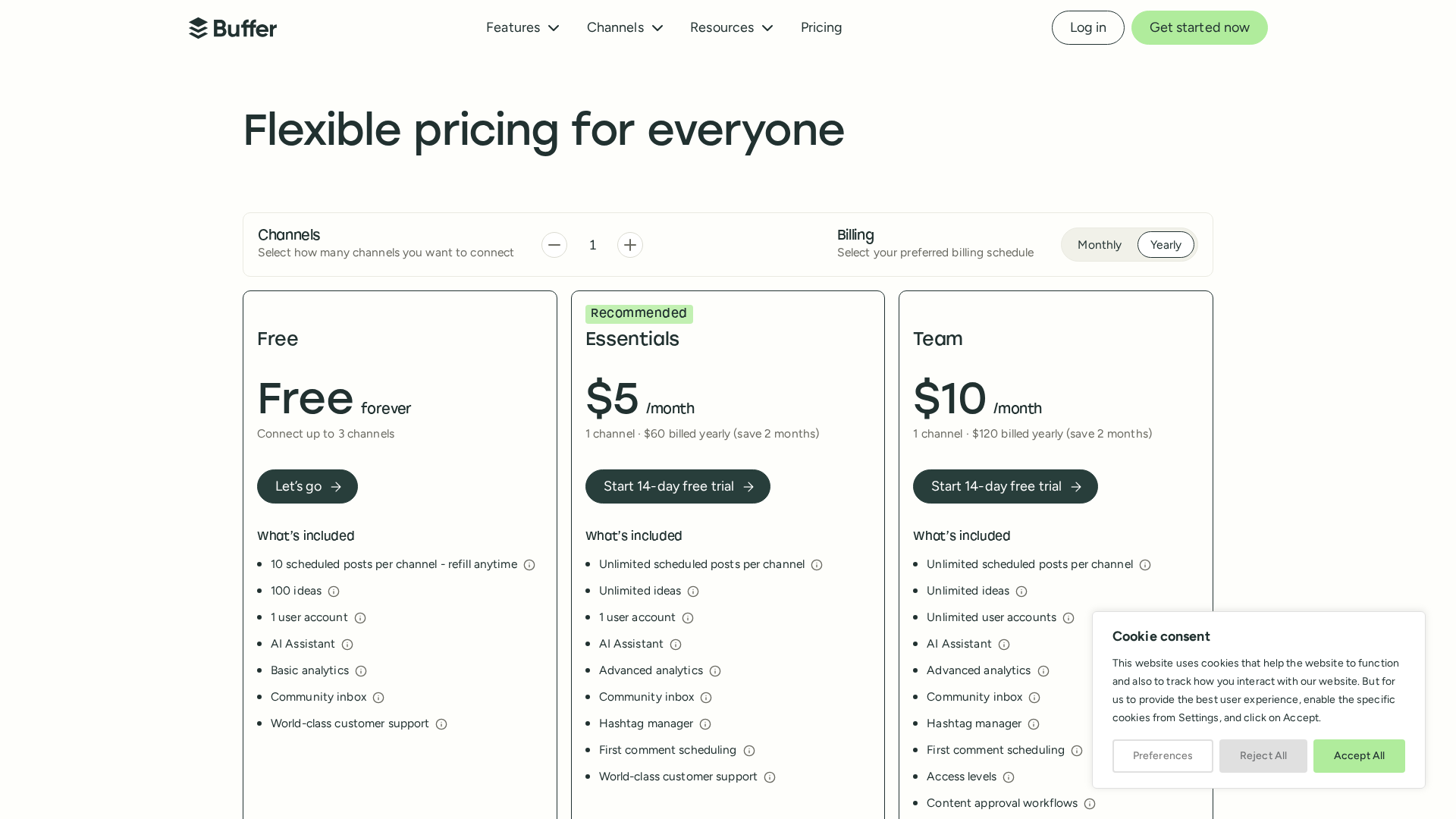
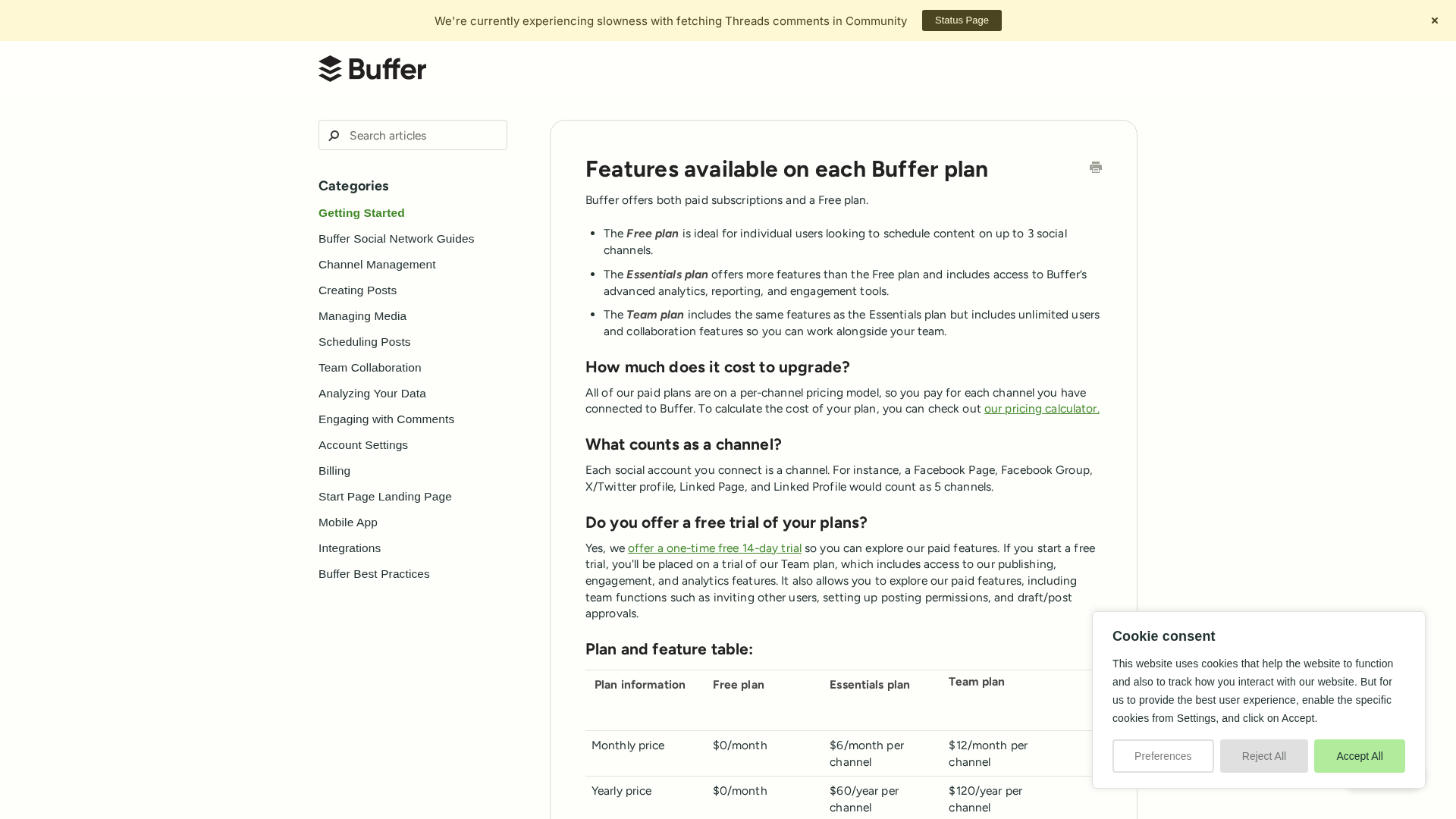
Free forever plan with limited connected channels; includes AI Assistant.
- ✓Free forever
- ✓Includes AI Assistant
- ✓Up to 3 connected channels (per pricing page)
- ✓Posting limits as noted on Buffer pricing page
Paid plan with per-channel pricing (example shown by Buffer as $5/month per channel when billed annually).
- ✓Includes AI Assistant
- ✓Per-channel pricing (example: $5/month per channel when billed annually)
- ✓Additional features compared to Free plan
Team plan with higher per-channel rate and collaboration features; includes AI Assistant.
- ✓Includes AI Assistant
- ✓Collaboration features
- ✓Higher per-channel rate (see Buffer pricing page for current numbers)
Pros & Cons
✓ Pros
- ✓Quickly generate ideas, captions, and multiple post variations.
- ✓Platform-specific formatting and tone adjustments simplify multi-channel posting.
- ✓Included on Free and paid Buffer plans (per Buffer documentation).
- ✓Supports repurposing long-form content into multiple social posts.
✗ Cons
- ✗Text entered is sent to OpenAI; users should review privacy details on Buffer’s pages.
- ✗Intended as an assistant — outputs require user review and editing for brand voice and accuracy.
- ✗Paid tiers use per-channel pricing; confirm current costs and limits on the pricing page.
- ✗Historical AI Credits model was used at launch; current credit/usage model should be verified.
Compare with Alternatives
| Feature | Buffer AI Assistant | Copy.ai | Aidelly |
|---|---|---|---|
| Pricing | $5/month | $29/month | $29/month |
| Rating | 8.4/10 | 9.3/10 | 8.0/10 |
| Platform Variants | Yes | Partial | Partial |
| Long-form Repurpose | Yes | Yes | Yes |
| Workflow Automation | No | Yes | Yes |
| Brand Controls | Partial | Yes | Yes |
| Input Modalities | No | Partial | Yes |
| Variant Generation | Yes | Yes | Partial |
| Data Handling | Partial | Partial | Partial |
| In-Product Integration | Yes | Yes | Yes |
Related Articles (5)
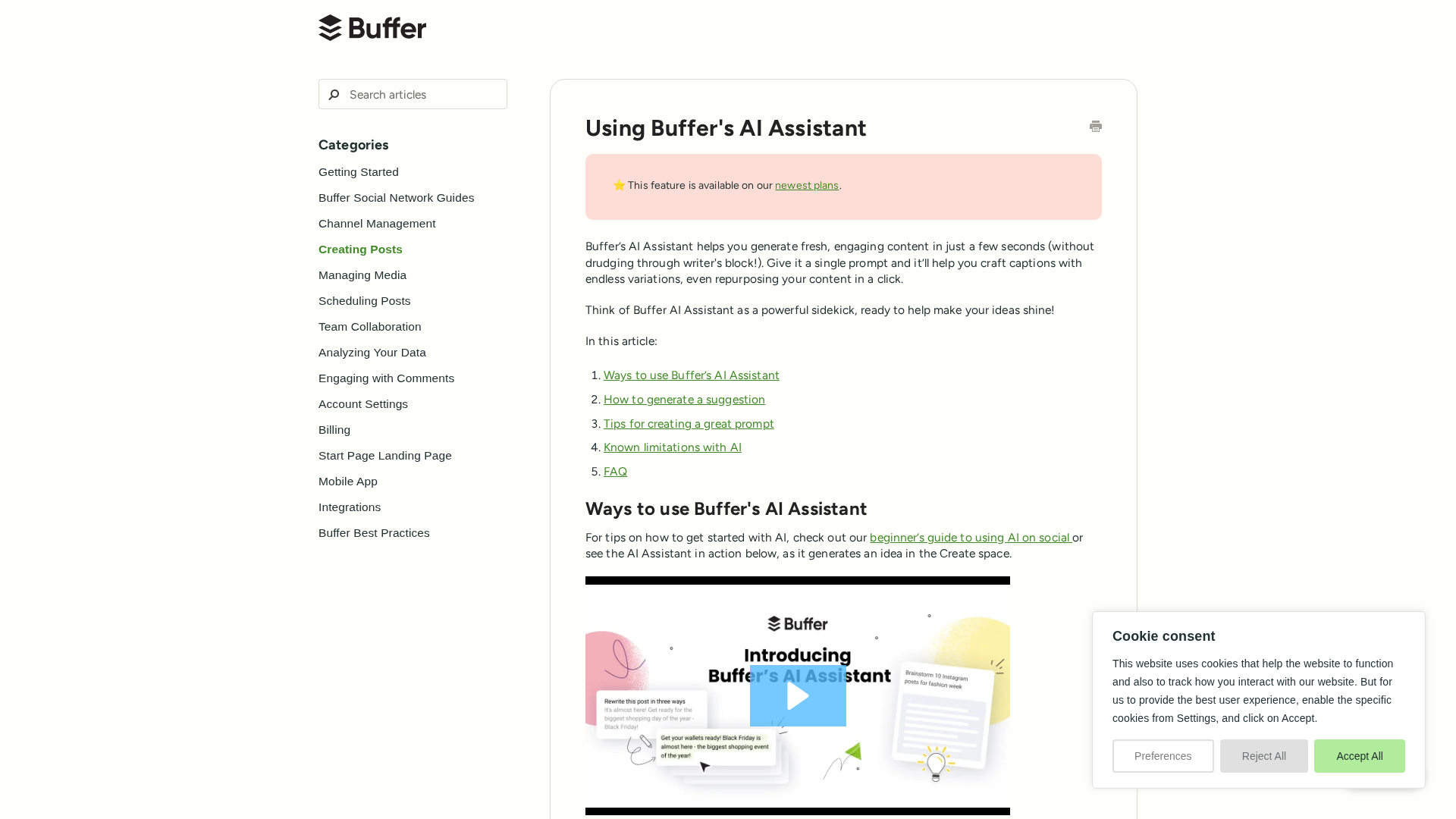
A practical guide to using Buffer's AI Assistant to generate captions, draft copy, and brainstorm ideas across Create space and Publishing.
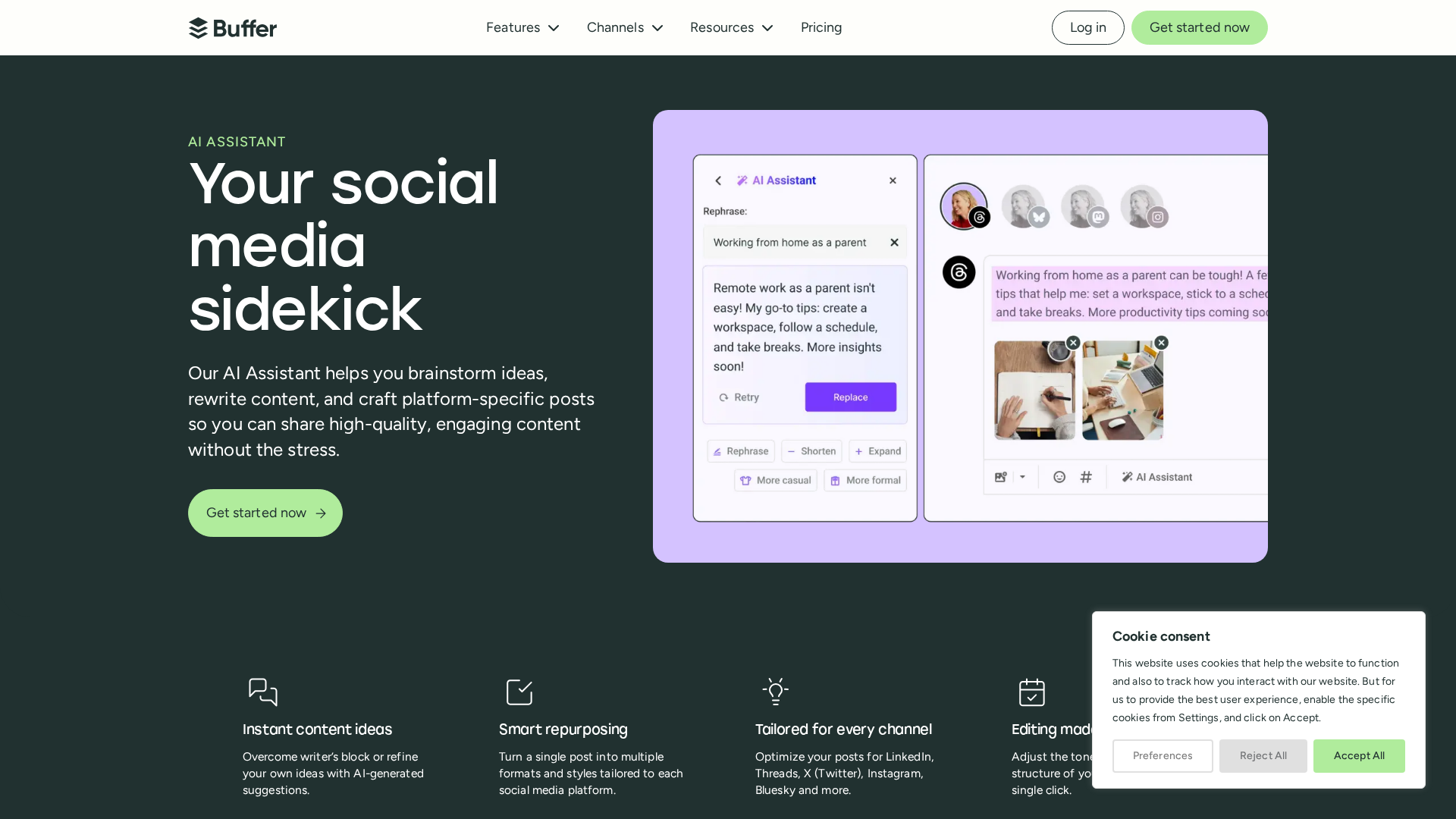
Buffer's AI Assistant helps you generate ideas, repurpose content, and tailor posts for each platform using OpenAI models.
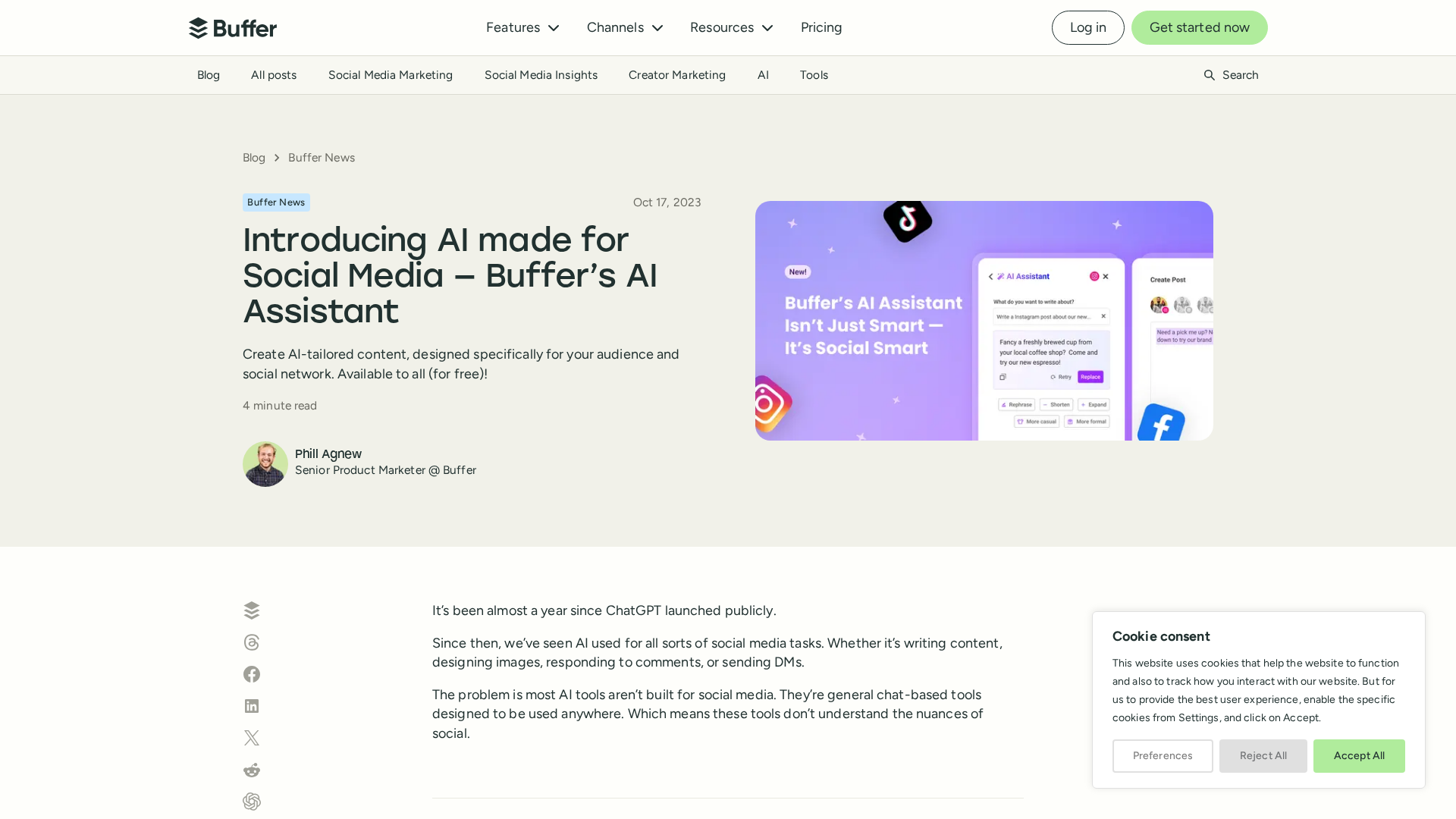
Buffer releases an AI Assistant built for social media with channel-aware customization, tone control, audience prompts, and unlimited usage.
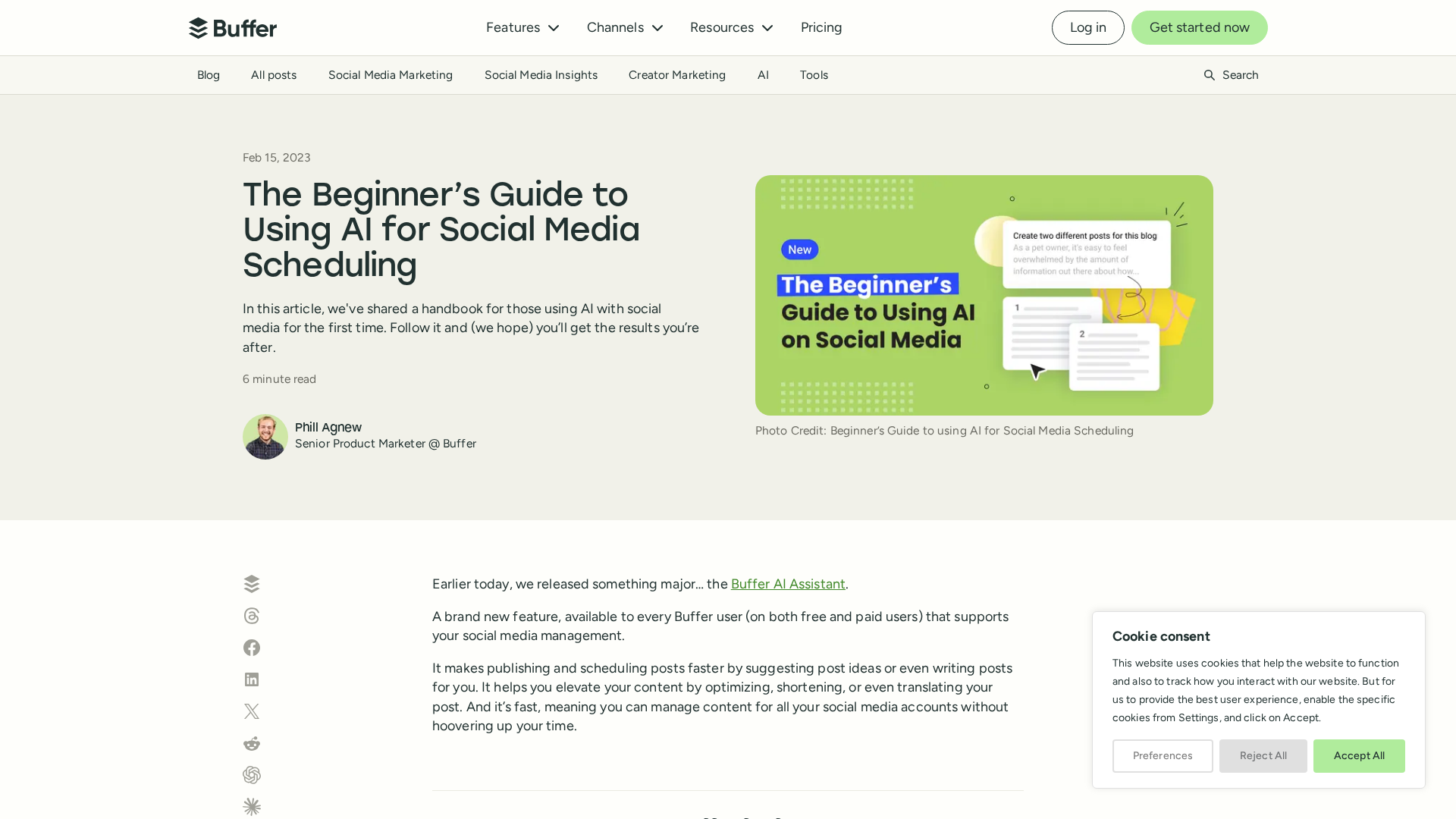
A practical, beginner-friendly guide to using Buffer’s AI Assistant for faster, smarter social media scheduling.
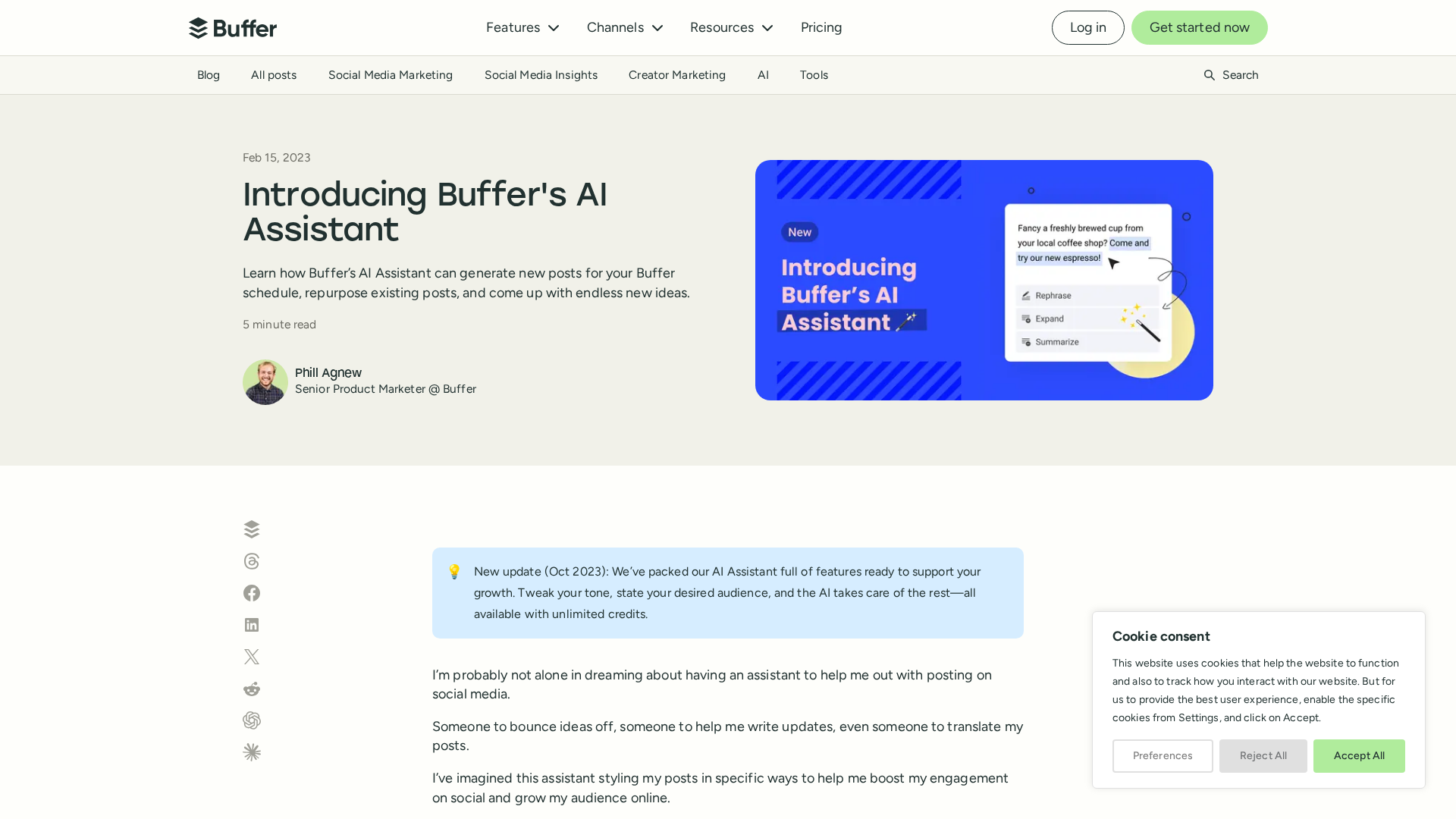
Buffer's AI Assistant helps you generate, tailor, and translate social posts—boosting engagement without replacing creators.
