
Overview
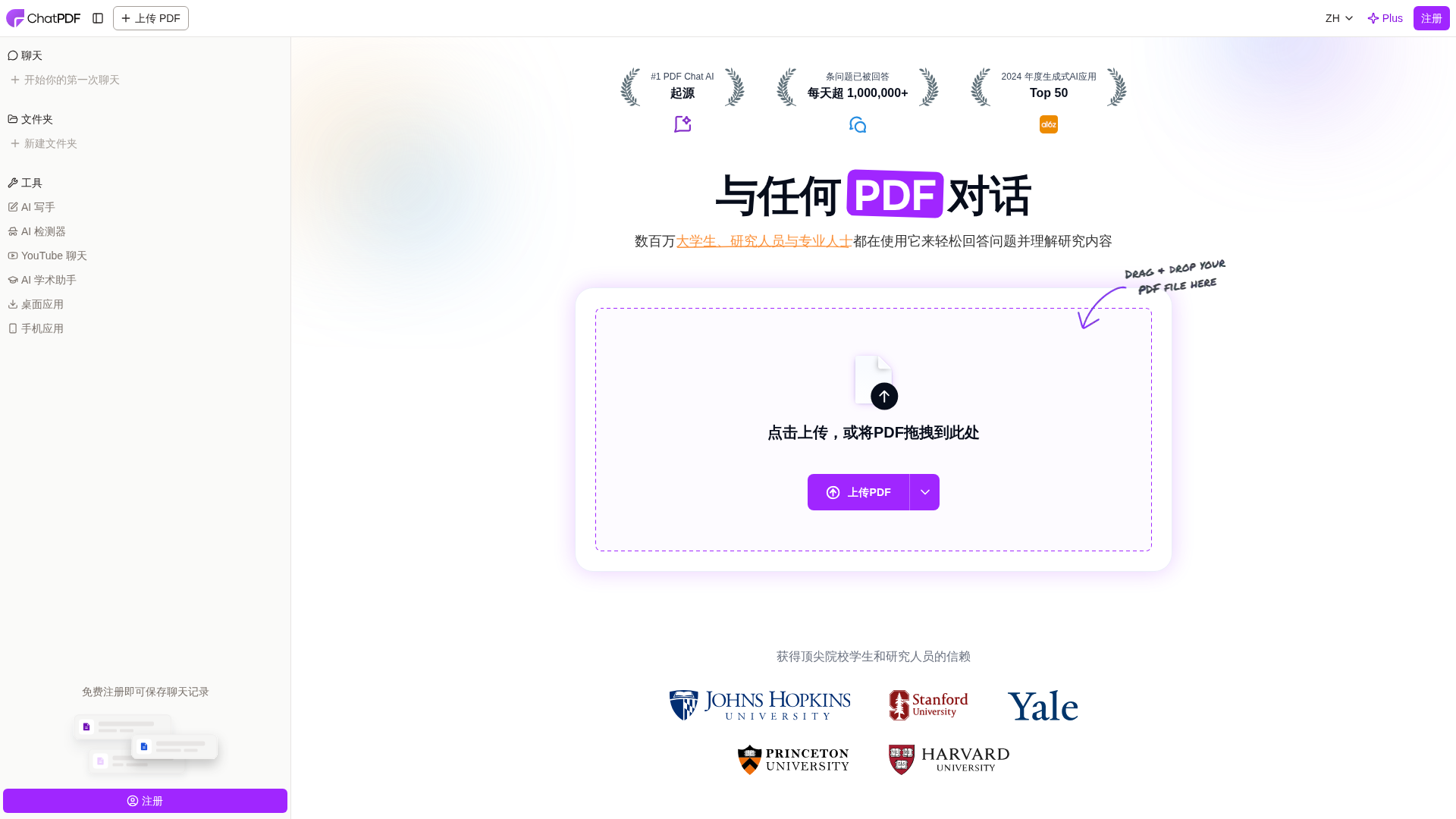
ChatPDF is an AI-powered web application that lets users upload documents (PDF, Word, PowerPoint, Markdown, TXT) and interact with them via a chat-style interface. Core capabilities include extracting summaries, answering questions with direct citations linked to original pages, comparing and searching across multiple documents, translating content and allowing multilingual questions, and organizing files into folders for multi-document conversations. The platform offers a free tier (core features, up to 2 PDF uploads per day without registration) and a paid "ChatPDF Plus" plan described as providing unlimited document analysis and advanced features (saving chats, multi-document conversations). The site references additional platform tools such as AI Writer (academic drafting with citations), AI Detector, AI Scholar, Chat with YouTube, and a backend API with developer docs. Security and privacy statements on the site indicate SSL encryption in transit, encrypted storage using SOC 2 Type II compliant providers (per site wording), user-controlled deletion of files and chats, and secure share links with access control. Items not confirmed on the inspected pages include exact Plus pricing, precise file-size and page limits per plan, any trial/refund/team/enterprise offerings, and full security architecture and retention policy details. Suggested next steps include checking the signup/pricing flow for exact plan pricing and terms, extracting file-size/page limits and detailed privacy wording from FAQ/privacy pages, and fetching/summarizing the backend API docs.
Key Features
Upload and chat with documents
Upload PDFs and other formats and interact via a chat interface to get summaries and answers.
Citations and verifiable answers
Answers include direct citations linked to original pages to enable verification.
Multi-document organization and conversation
Organize files into folders, compare content, and chat across multiple documents.
Multilingual support and translation
Supports many languages; can ask in a different language than the document and translate content.
Additional AI tools
Platform references AI Writer (academic drafting), AI Detector, AI Scholar, and Chat with YouTube.
Backend API and developer docs
Backend API is available with documentation for developers (site provides API docs link).
Who Can Use This Tool?
- Students:Quickly extract study notes, prepare for exams, and draft with citations.
- Researchers:Summarize papers, compare documents, and verify answers with citations.
- Professionals:Understand contracts/manuals, search across documents, and produce cited summaries.
Pricing Plans
Free tier with core features and daily upload limits
- ✓Core chat and summarization features
- ✓Up to 2 PDF uploads per day (explicit on site)
- ✓Access without registration for trying core features
Paid plan with unlimited document analysis and advanced features
- ✓Described as providing unlimited document analysis (site wording)
- ✓Saving chats and multi-document conversations
- ✓Advanced platform features referenced on site
Pros & Cons
✓ Pros
- ✓Easy document-centric chat interface for fast extraction of key ideas
- ✓Citations included for verifiable answers
- ✓Supports multiple document formats and multi-document conversations
- ✓Multilingual support and translation capabilities
- ✓Backend API and additional AI tools referenced (AI Writer, AI Detector, AI Scholar)
✗ Cons
- ✗Exact ChatPDF Plus pricing not displayed on inspected pages (needs verification)
- ✗Precise file-size and page limits per plan not listed on the pages reviewed
- ✗Full security architecture, retention policies, and enterprise/team options not fully detailed on inspected pages
Compare with Alternatives
| Feature | ChatPDF | PDF.ai | ChatwithData / AI Chat (site representation) |
|---|---|---|---|
| Pricing | N/A | N/A | N/A |
| Rating | 8.6/10 | 8.6/10 | 8.2/10 |
| Document Comprehension | Yes | Yes | Yes |
| Citation Traceability | Yes | No | Partial |
| Cross-Document Context | Yes | Yes | Yes |
| Model Flexibility | API access limited model selection | GPT-4 support, limited model switching | Pluggable LLMs and integrations |
| Multimodal Support | Partial | Partial | Yes |
| Developer Integrations | Yes | Yes | Yes |
| Privacy Controls | Partial | Yes | Yes |
| Collaboration Tools | Partial | Partial | Yes |
Related Articles (4)
How the largest health systems are deploying AI to improve care and efficiency.
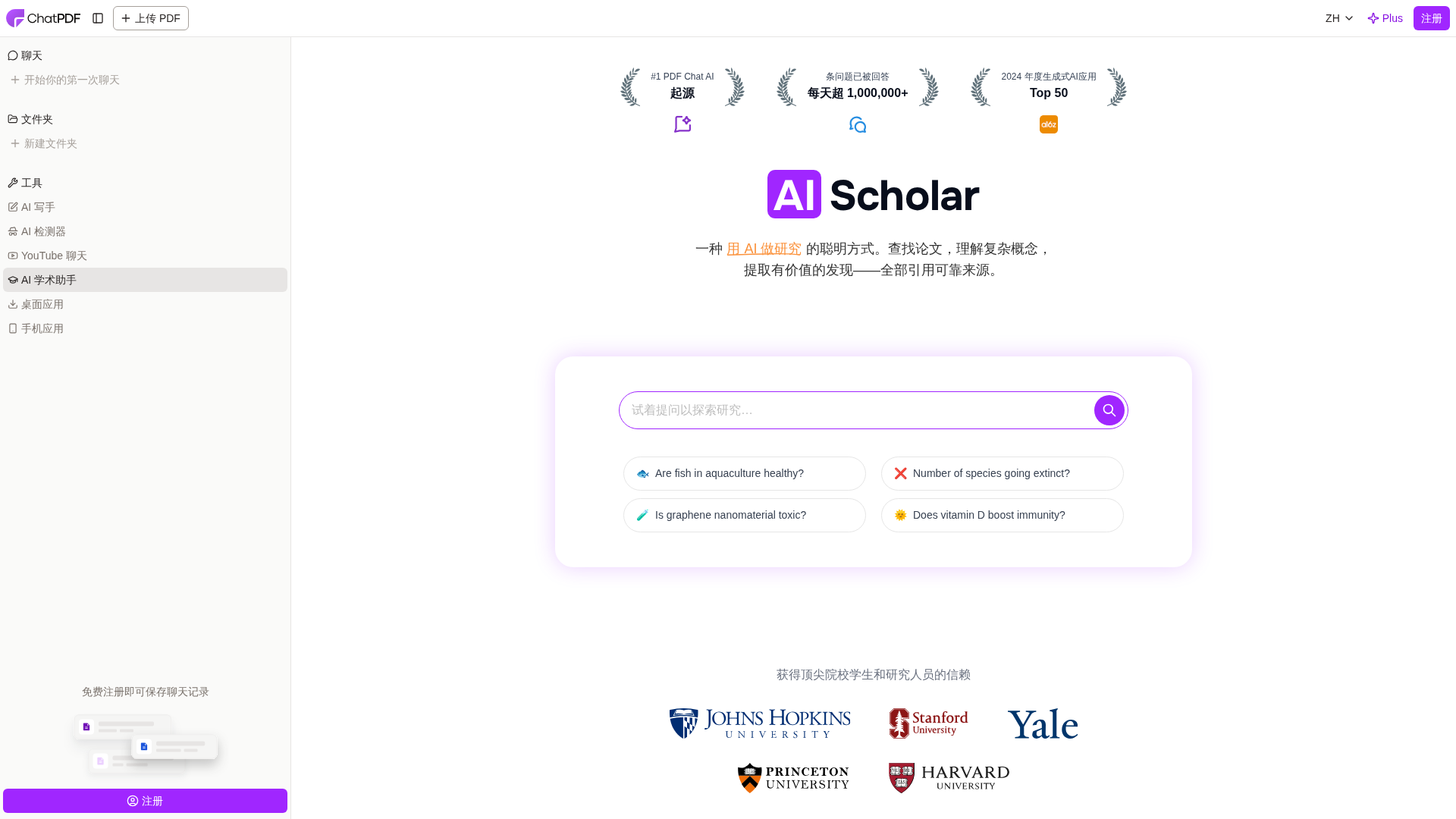
深入解读 AI Scholar 的搜索、摘要与论文对话的实用指南
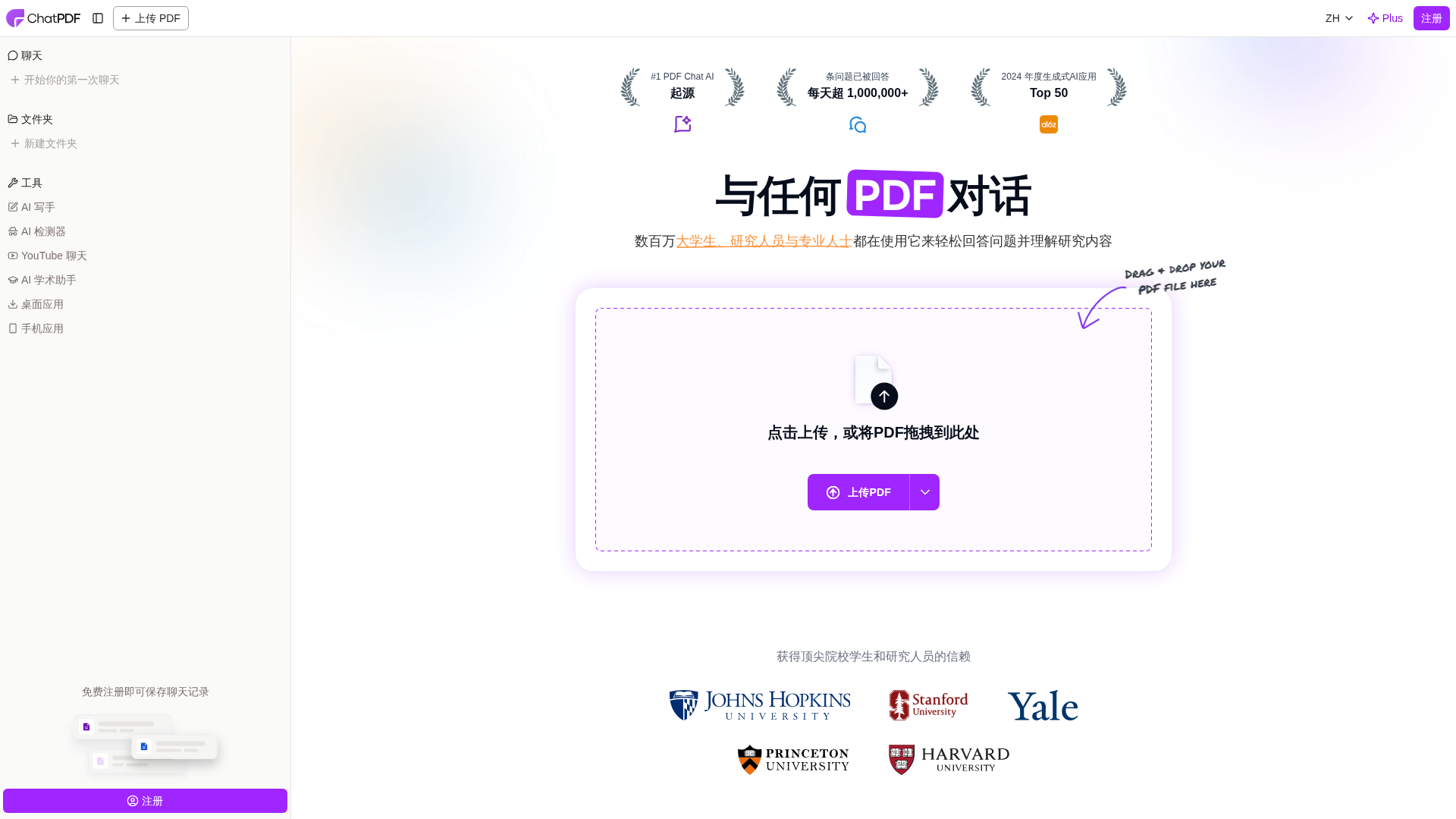
An AI-driven platform to upload PDFs and chat with them, delivering summaries, answers with citations, and multilingual support.
UPDF Web AI adds AI-powered PDF conversion with batch processing and precise format restoration in ChatPDF and Project.