Overview
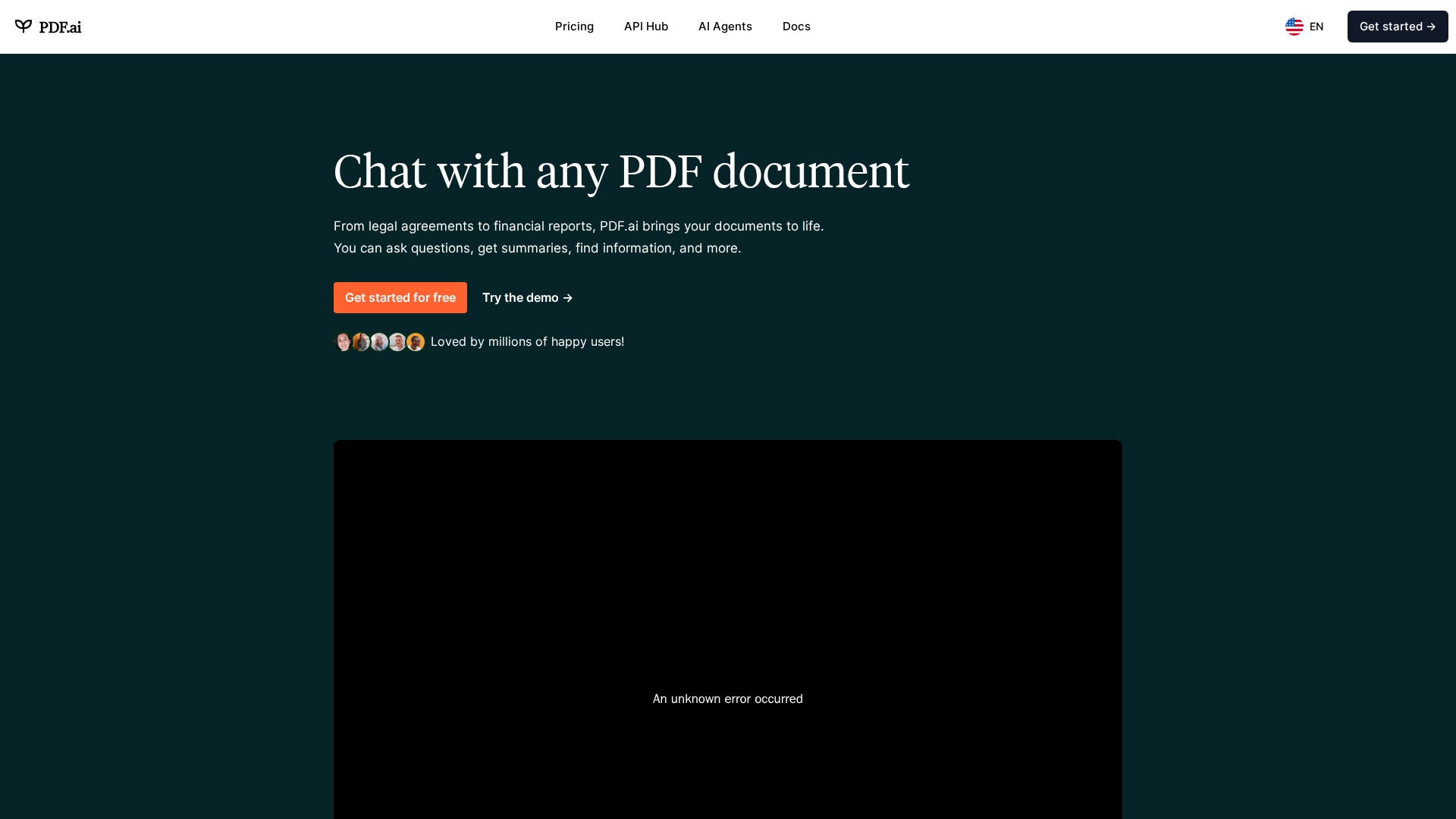
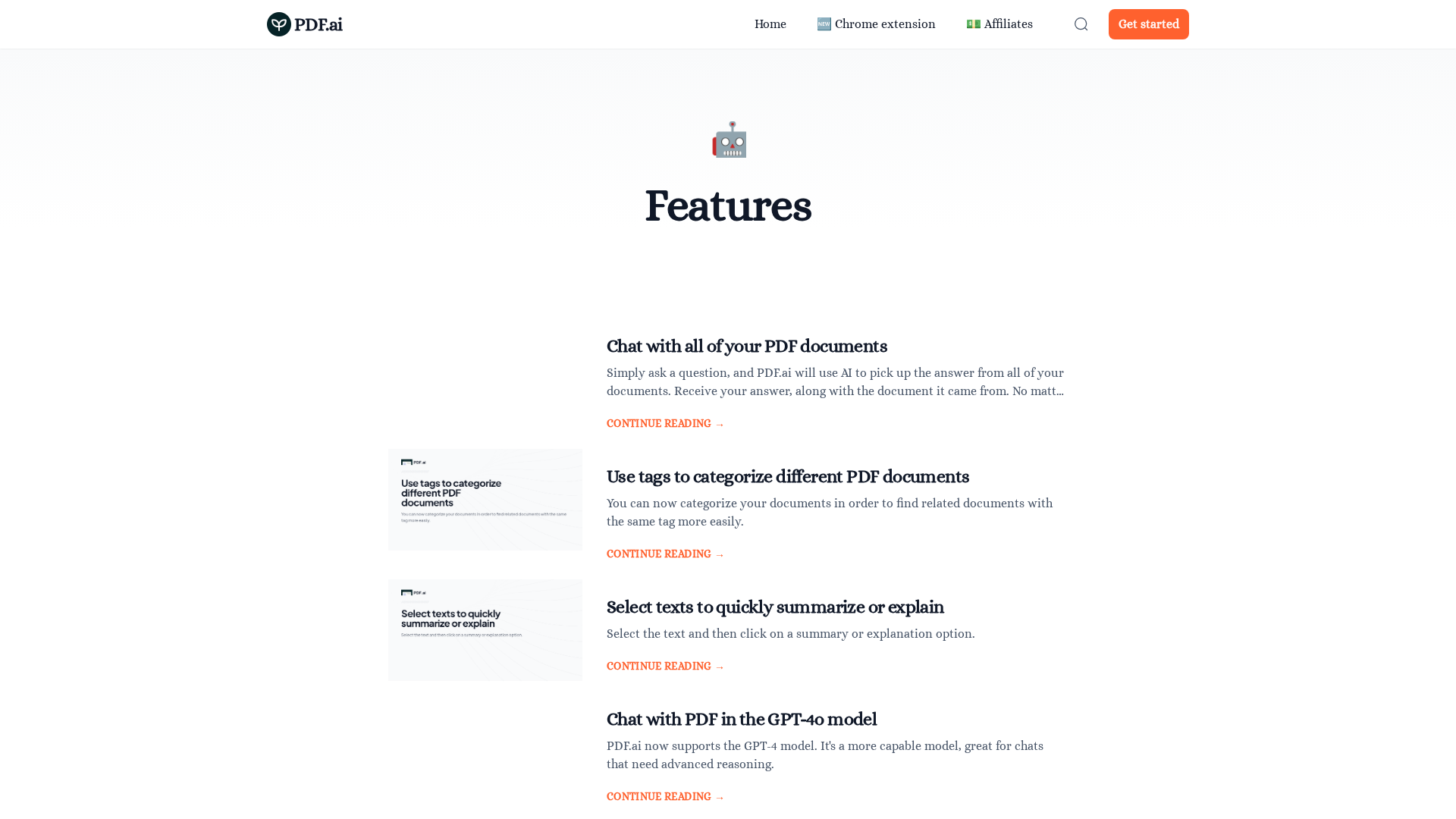
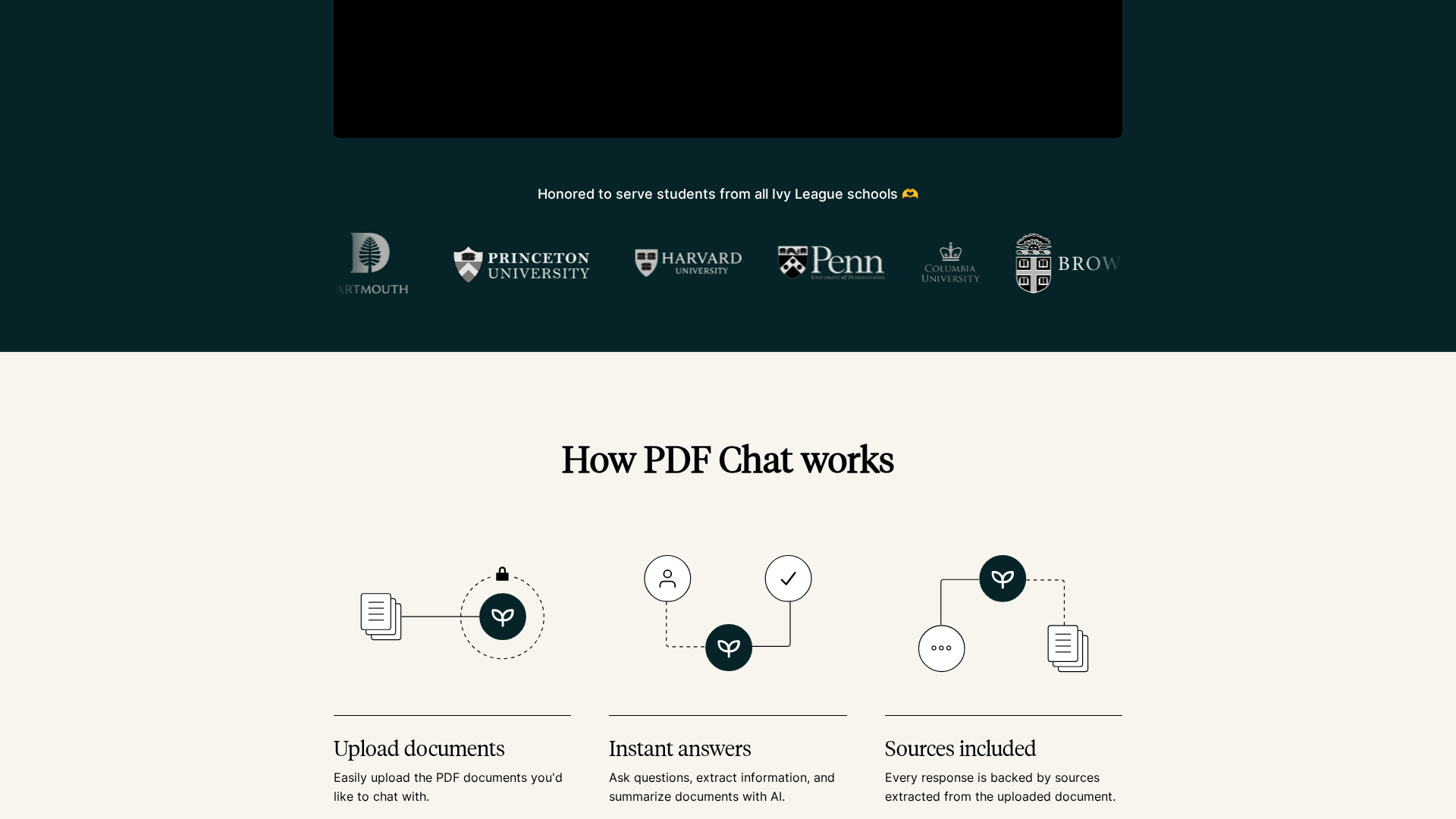
PDF.ai converts uploaded PDFs into conversational knowledge sources. Users can ask natural-language questions to obtain exact answers, quotes, summaries, and jump between sections. The service supports follow-up questions in the same session and cross-document comparisons. Collected site pages include the homepage (https://pdf.ai), a features/tags page (https://pdf.ai/resources/tags/features) describing AI-powered cross-document chat, document tagging, select-text summarization/explanation, GPT-4 support, special query keywords for MCQs, embedding guidance, private document options, multilingual Q&A, and utilities like rename, snapshot, saved prompts, and download chat history. A logo used on the features page was found at https://imagedelivery.net/gLgcD68SxSCB7eEUDDEJXQ/80c96c1b294735fc2fd66882838b30ac_4c33846f-7621-4369-37f3-af88132fac00/square. Additional pages discovered include a pricing page (https://pdf.ai/pricing) and an API hub (https://pdf.ai/api-hub), plus numerous resources and comparison pages under https://pdf.ai/resources/*. Exact pricing table details and API billing/usage limits were not reliably extractable by the automated extractor; therefore specific plan names, numbers, per-user pricing, quotas, and API rate limits/authentication details are not reported here. Recommended next steps are documented: manually capture pricing table details from /pricing, extract API billing and authentication from /api-hub, confirm security/privacy statements (privacy policy/terms), and capture product docs and technical limits (file size, supported formats, OCR claims, context length). The report includes suggested follow-ups such as focused re-extraction of specific structured blocks or taking screenshots of pricing/API sections.
Key Features
AI-powered cross-document chat
Search across all uploaded PDFs and return answers with source documents; supports cross-document comparisons.
Document tagging and organization
Tag documents for easier organization and quick retrieval.
Select-text summarization and explanation
Summarize or explain selected text from PDFs on demand.
GPT-4 support
Offers GPT-4 for advanced reasoning and more accurate responses.
Multilingual Q&A
Upload in one language and ask in another; set preferred answer language.
Privacy controls / private documents
Option to mark documents as private and control access.
Who Can Use This Tool?
- knowledge workers:Turn large numbers of PDFs into searchable conversational knowledge for research and decision-making.
- students:Summarize and query textbooks, papers, and notes for study and assignments.
- developers:Integrate PDF processing APIs and embed chat capabilities into applications (see API hub).
Pricing Plans
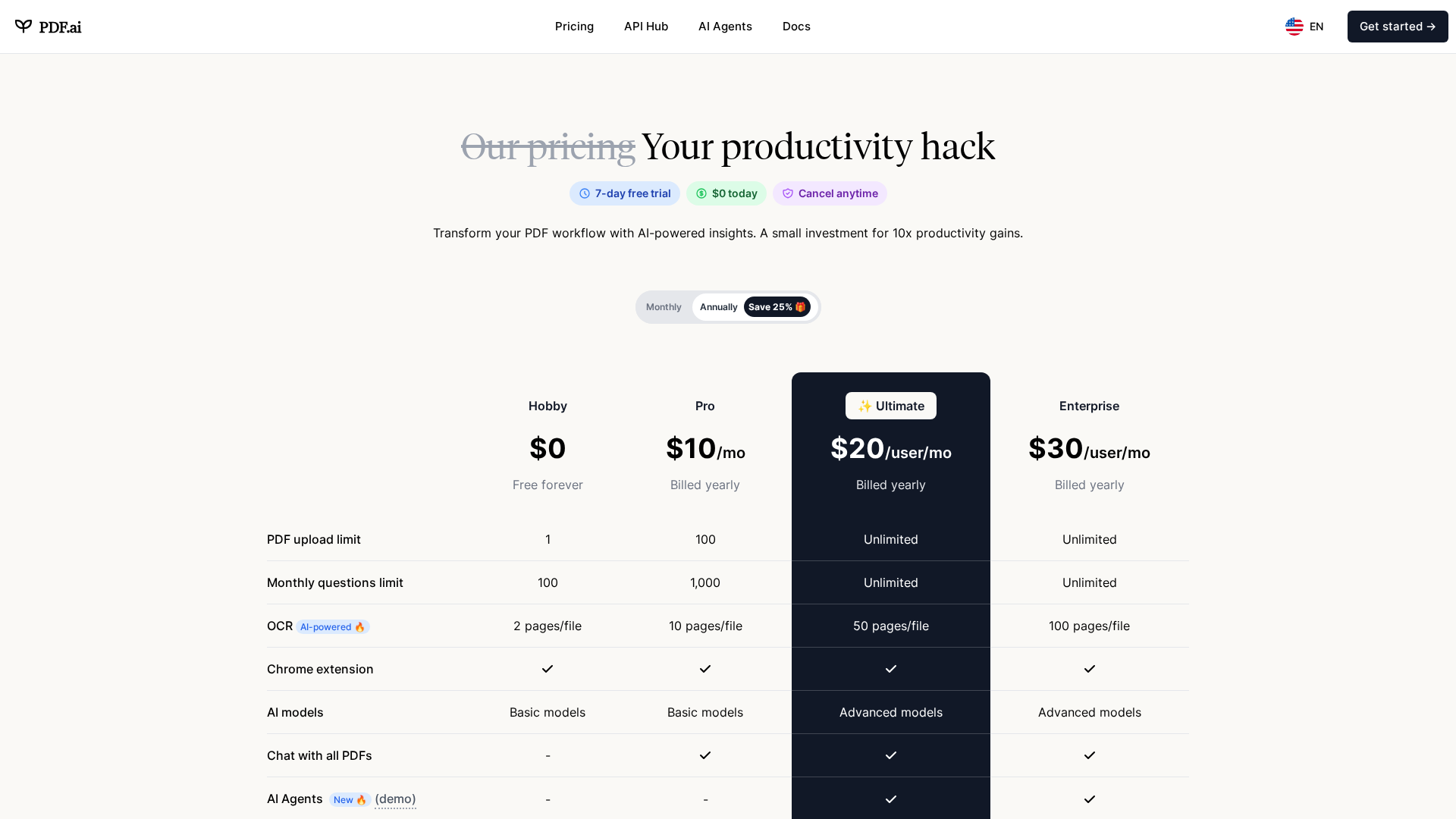
The pricing page was detected (https://pdf.ai/pricing) but exact plan names, monthly/annual prices, per-user costs, quotas, and feature-per-plan details could not be reliably extracted by the automated tool. Manual capture is recommended.
- ✓Typical items expected: OCR, GPT-4 access, multi-user/team features, conversation history, exports, priority support
- ✓Possible quotas: documents/month, pages/document, context length limits
Pros & Cons
✓ Pros
- ✓Enables conversational access to PDFs for Q&A, summaries, and quotes
- ✓Supports cross-document search and comparisons
- ✓Multilingual Q&A capability
- ✓GPT-4 support for advanced reasoning
- ✓Utilities for workflow: rename, snapshot, save prompts, download history
✗ Cons
- ✗Automated extraction failed to capture exact pricing details and plan-level features
- ✗API billing, rate limits, and authentication details were not extracted
- ✗Some technical limits (max file size, exact OCR claims, context length) were not found by the extractor
Compare with Alternatives
Related Articles (18)
Gemini 3 Pro debuts in Search and apps, delivering stronger benchmarks and new interactive tools.
AI-powered tool analyzes research papers page-by-page, delivering methodologies, results, and insights within an LMS-integrated dashboard.
Explores how AI-powered training and tools can boost EU employee cybersecurity awareness to defend against cyber threats.
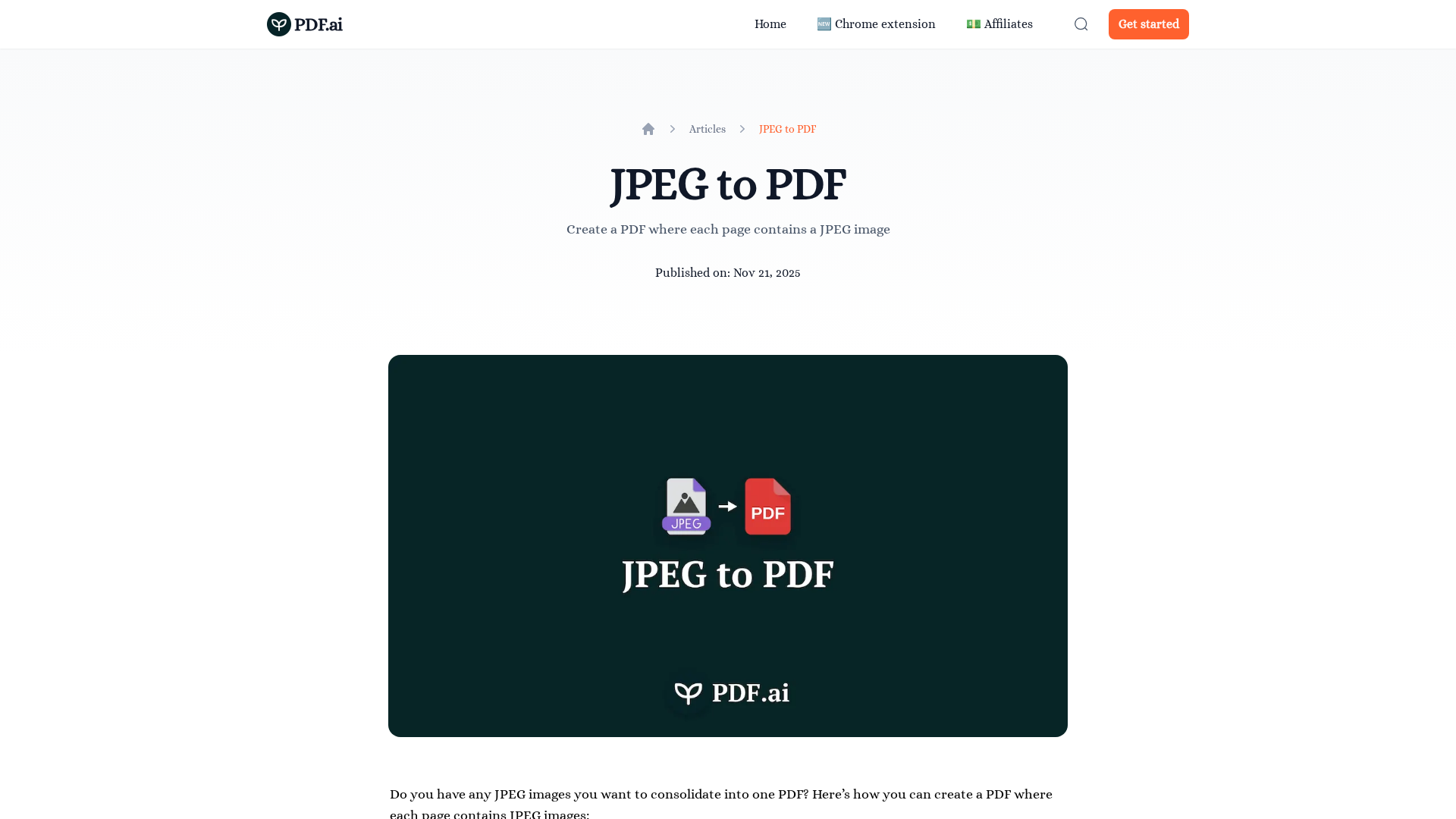
A quick guide to turning multiple JPEGs into a single PDF with adjustable page size and alignment.
An all-in-one mobile tool offering OCR, translation, PDF handling, QR codes, and comprehensive document management.