
Overview
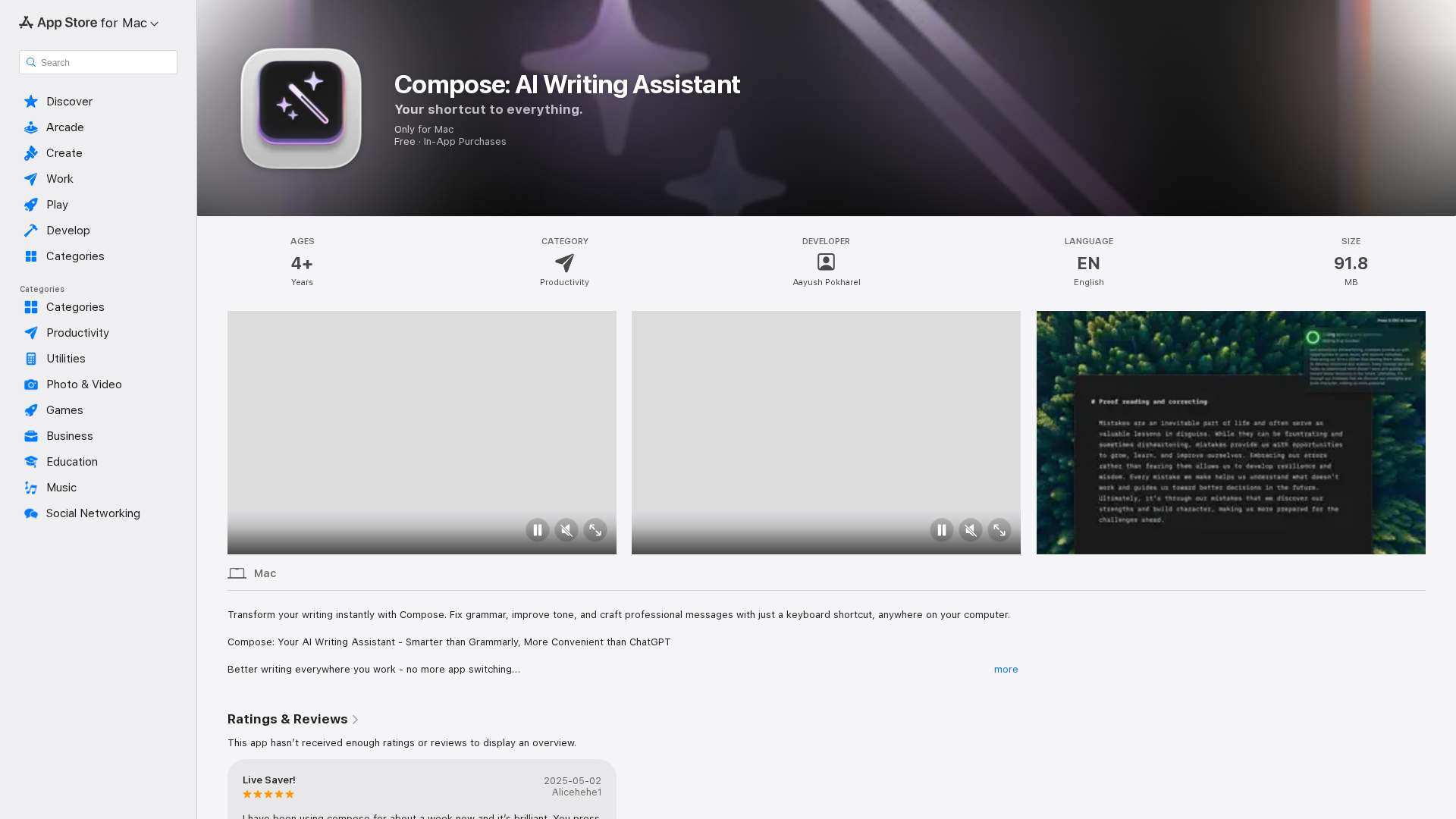
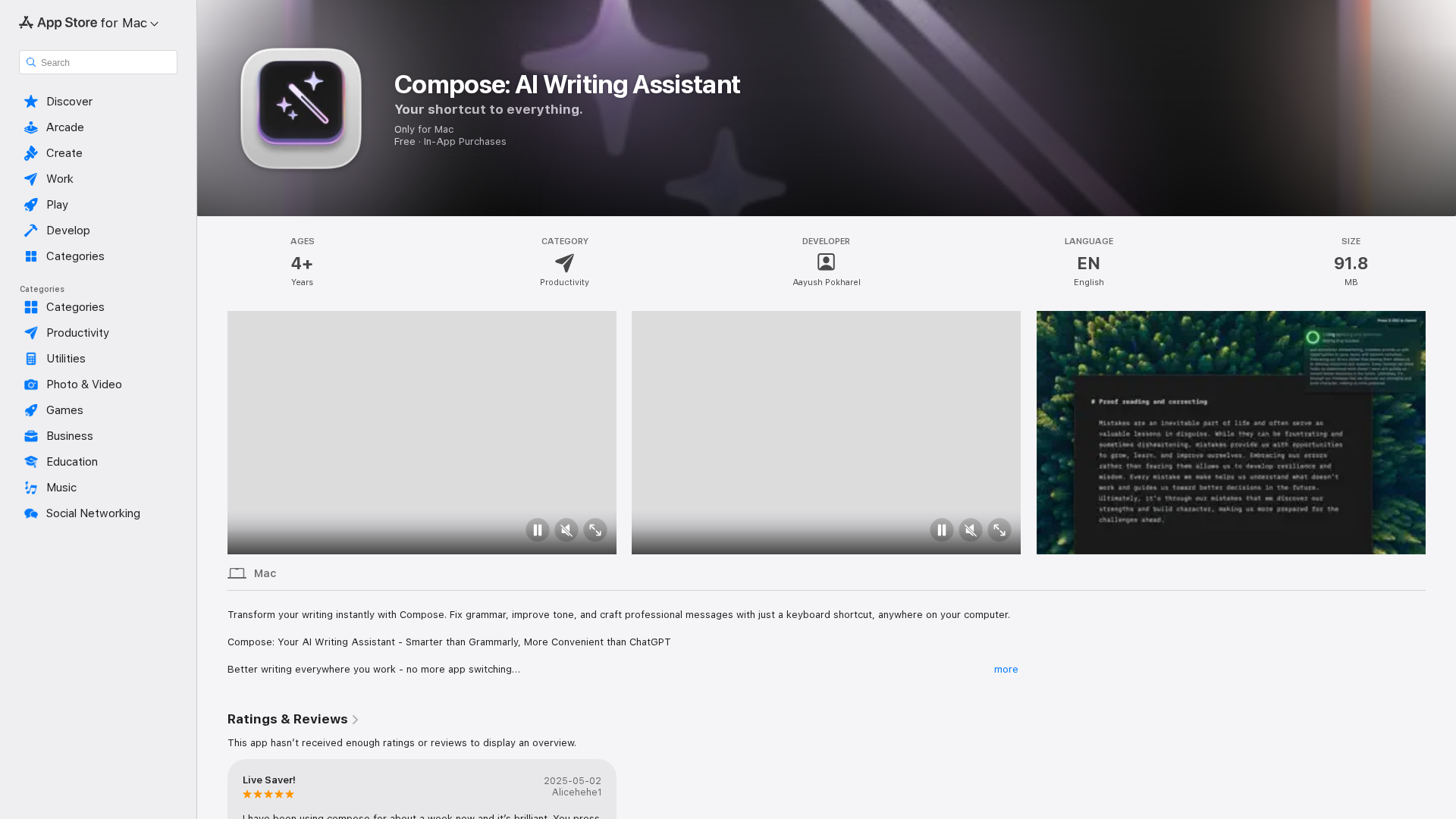
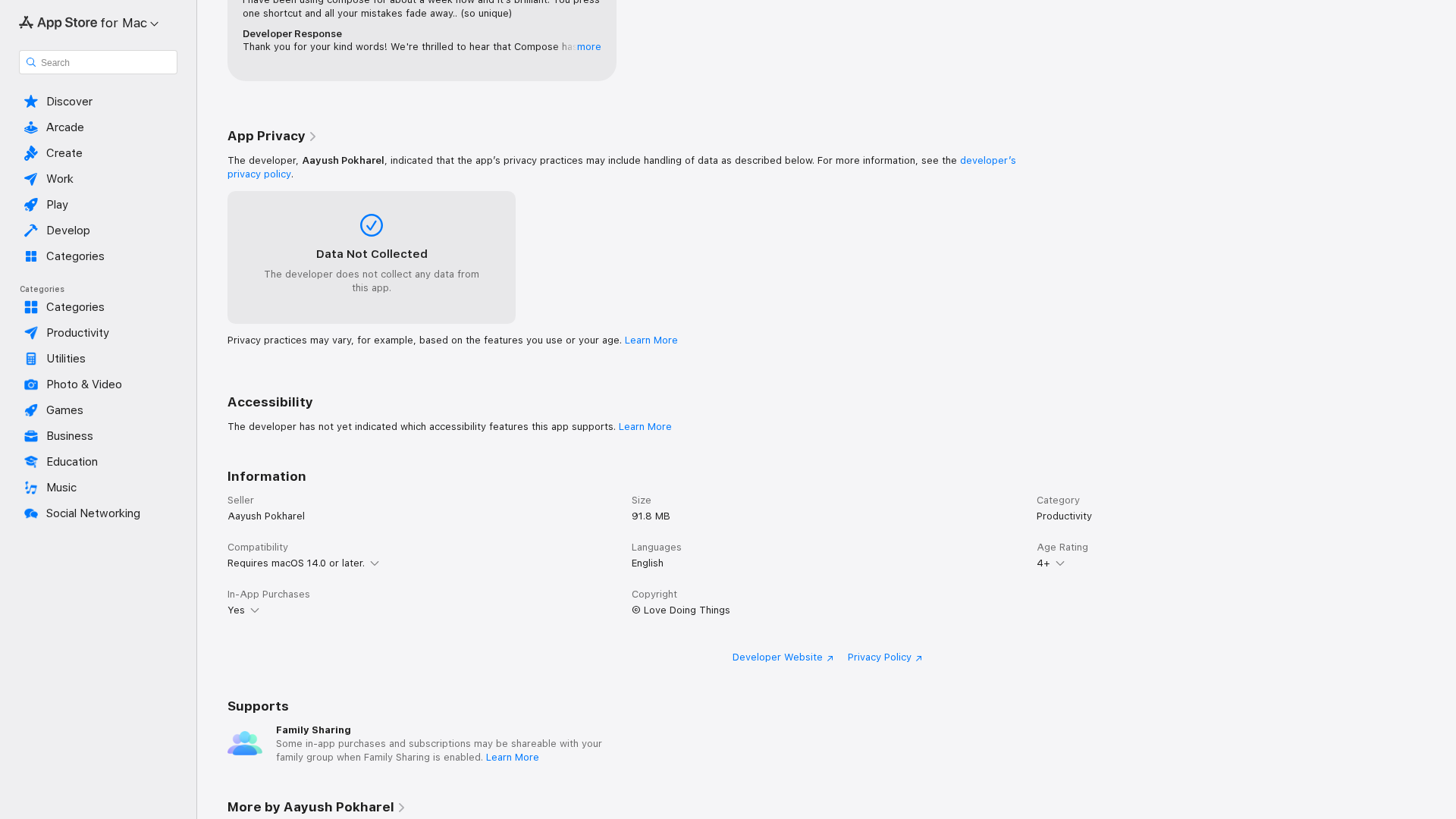
Compose is a system-wide AI writing assistant for macOS that lives inside any text field and transforms text with a single global keyboard shortcut (default: ⌘⇧Return). It lets users proofread, adjust tone, rephrase, translate, and perform custom text transformations without switching apps or copying text to a separate editor. The product emphasizes privacy (claims that text is not permanently stored and a privacy policy is linked) and provides an integrated AI chat for on-the-spot drafting and suggestions. The app supports customizable commands/actions mapped to dedicated shortcuts so users can create repeatable transformations and speed up workflows across email, messaging, documents, and browsers.
Key Features
System-wide Keyboard Shortcut
Trigger edits and transformations in any app using a global shortcut (default ⌘⇧Return), preserving context and selection.
Tone & Style Adjustment
Change voice, tone, or writing style (e.g., casual, professional, friendly) to match the intended audience.
Proofreading & Grammar Fixes
Automatic grammar, spelling, and style corrections applied inline or via the transformation flow.
Quick Chat / Integrated AI Assistant
Ask follow-up questions or get drafting help without leaving the current app via an integrated chat feature.
Custom Actions & Shortcuts
Create and assign custom actions (transformations) to dedicated shortcuts for recurring tasks.
Privacy-first Design
App Store and Product Hunt materials emphasize zero-logs / no permanent storage on requests (privacy policy linked on the App Store page).
Who Can Use This Tool?
- Writers:Polish drafts, adjust tone, and proofread text across any macOS app quickly.
- Professionals:Create professional emails and messages with correct tone and concise wording.
- Students:Improve essays, summaries, and homework text while staying within writing flow.
- Content Creators:Rewrite, format, and adapt content for different audiences and platforms instantly.
Pricing Plans
Free to download with basic AI writing assistance and system-wide improvements.
- ✓Works in any application (system-wide)
- ✓One-shortcut enhancement (⌘⇧Return) to improve text instantly
- ✓Tone adjustment (casual, professional, friendly)
- ✓Proofreading: grammar, spelling, and style fixes
- ✓Integrated AI quick chat for help
- ✓Customizable commands / shortcuts
- ✓Privacy protection claims (text not permanently stored)
Paid subscription unlocking premium features and unlimited/expanded AI usage (as described on App Store).
- ✓Unlocks premium/in-app features and higher usage limits
- ✓Presumed access to advanced models, priority features, or unlimited transformations (not fully specified on page)
- ✓Likely includes additional customizable actions and advanced shortcuts
Additional premium features available via in-app purchases (details not specified on the App Store page).
- ✓Additional premium features (not specified on the listing)
Pros & Cons
✓ Pros
- ✓System-wide operation: works inside any macOS text field without switching apps.
- ✓Very fast, keyboard-first workflow (single global shortcut) for minimal context switching.
- ✓Built-in quick chat + transformation actions (rewrites, tone, translation, formatting).
- ✓Emphasizes privacy (claims text is not permanently stored; privacy policy linked).
- ✓Customizable commands and shortcut mappings for repeatable workflows.
✗ Cons
- ✗New product with limited verified App Store ratings and long-term usage data.
- ✗App Store listing does not fully document which features are included in the paid tier.
- ✗macOS-only (requires macOS 14.0+), no Windows/Linux/iOS build noted.
- ✗Some external pages show inconsistent pricing (early Product Hunt messaging differs from App Store pricing), which may confuse users.


