Overview
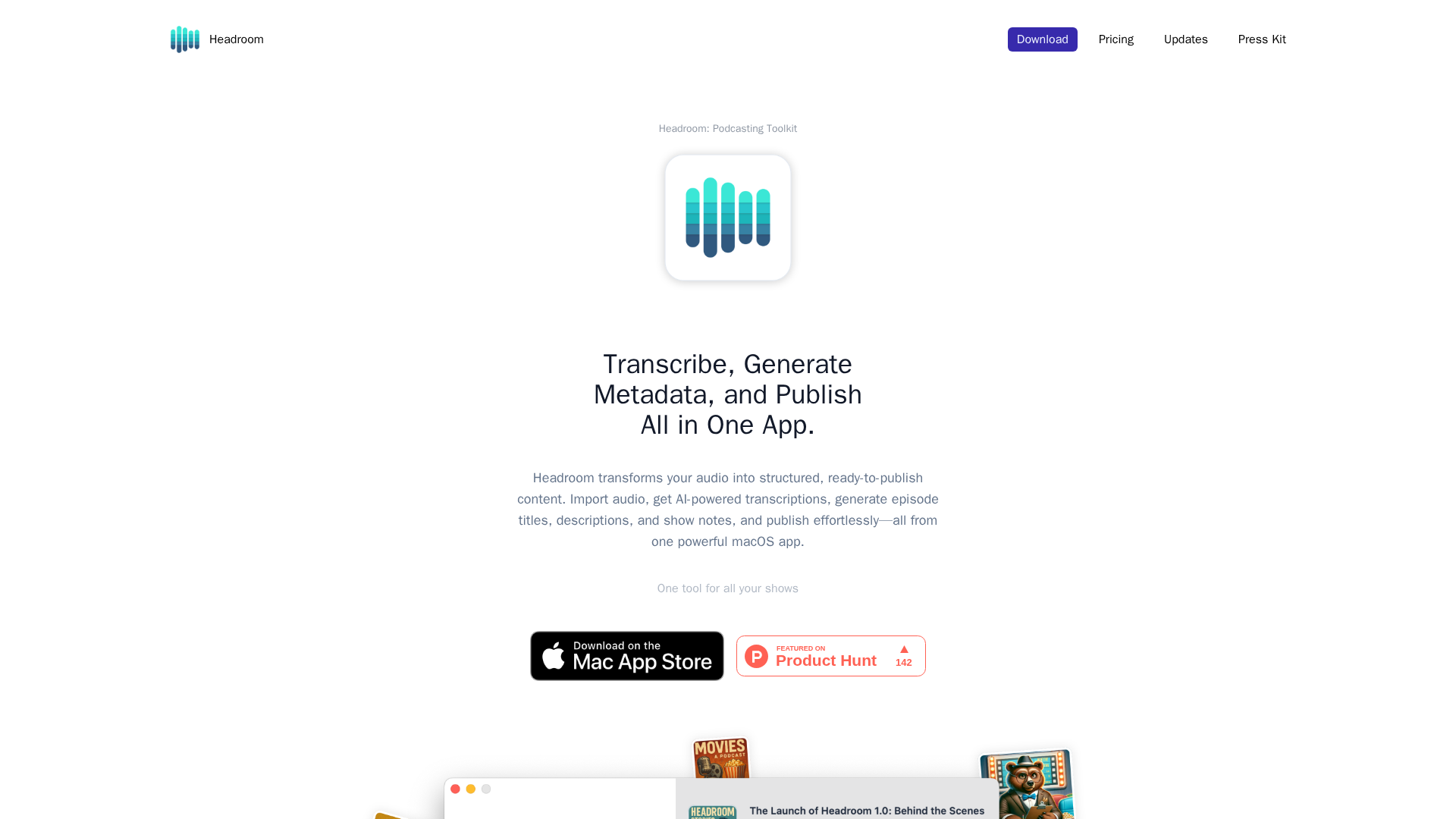
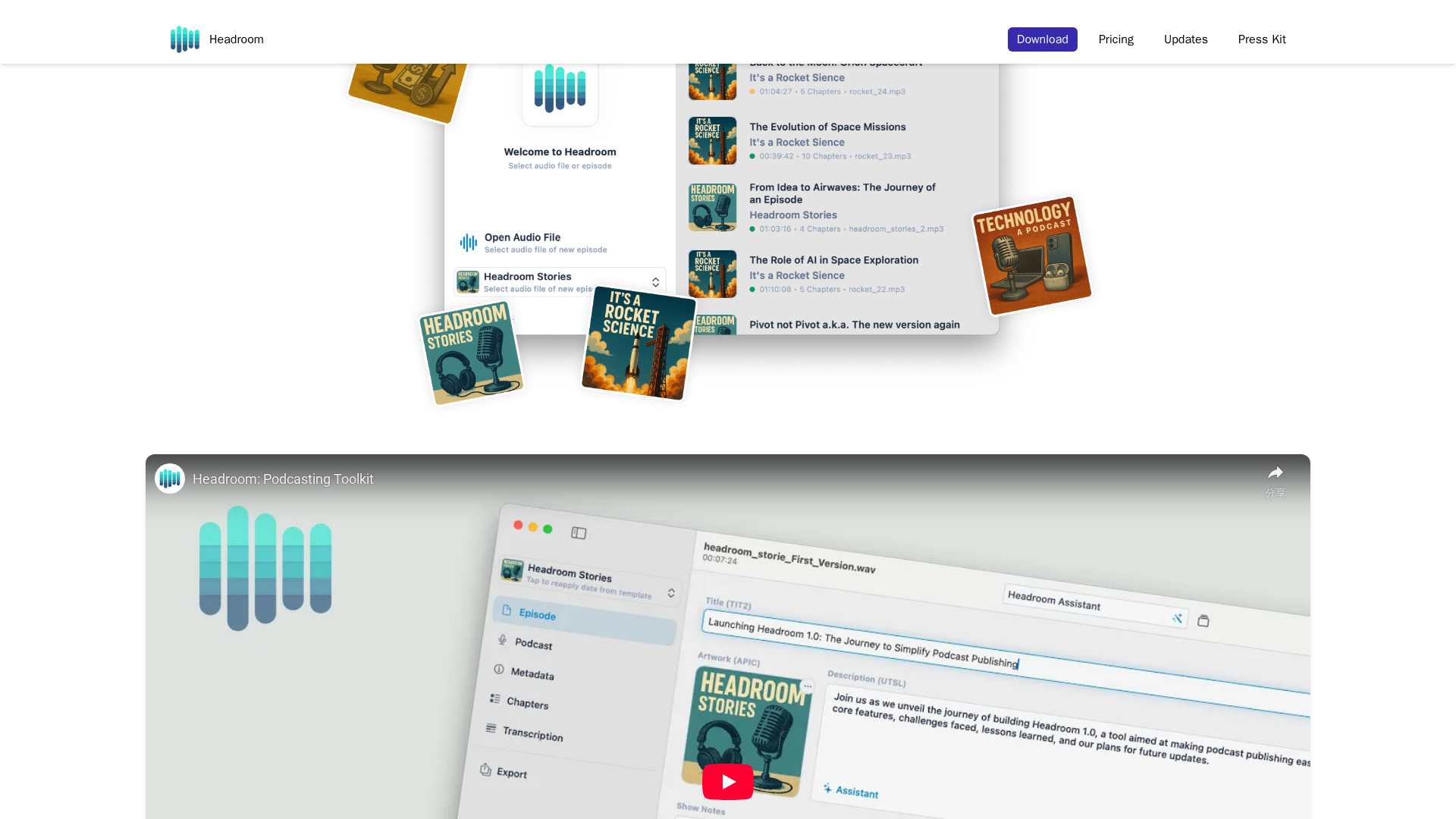
Headroom is a macOS-native podcast production and publishing toolkit that uses AI to turn raw audio into publish-ready episodes. It emphasizes on-device/offline transcription via the Whisper model, plus an AI Assistant for planning, metadata generation, and show notes. It supports automatic chapters, imports/exports in multiple formats, templates for podcasts and show-notes, and on-device artwork generation using Apple Intelligence Image Playground. The publishing workflow offers a one-click export with configurable options and a stepwise checklist (Not Ready → Ready → Exported → Published). Supported audio formats include MP3 and MP4/AAC; transcripts can be exported as SRT, VTT, TXT, Markdown, HTML, JSON, and RSS/XML. The pricing is shown as Free and Pro on the site (Free with device-limited usage; Pro unlocks unlimited assistant usage and full export/metadata capabilities). App Store region pricing varies; region-specific taxes/prices are shown by Apple. Free trial may be offered; region-specific pricing applies; activation and cancellation details described in terms.
Key Features
Transcription
AI transcription using Whisper model; can operate offline (requires downloading the local model from Chipp Studio servers)
AI Assistant
Generates titles, descriptions, show notes, episode planning; can use OpenAI GPT API for assistant features
Automatic chapters
Chapter segmentation with timestamps and short summaries
Metadata generation & exports
Auto-generated episode metadata, ID3 tag embedding, episode/season numbers, explicit tags, timecodes inserted into show notes
Templates
Podcast templates and show-notes templates to speed workflows
Social assets
AI-driven social post generator and on-device artwork/chapter images via Apple Intelligence Image Playground
Who Can Use This Tool?
- podcasters:Speed up production and publishing on macOS using AI-powered tools
- journalists:Streamline audio production and show notes for quick publication on macOS
Pricing Plans
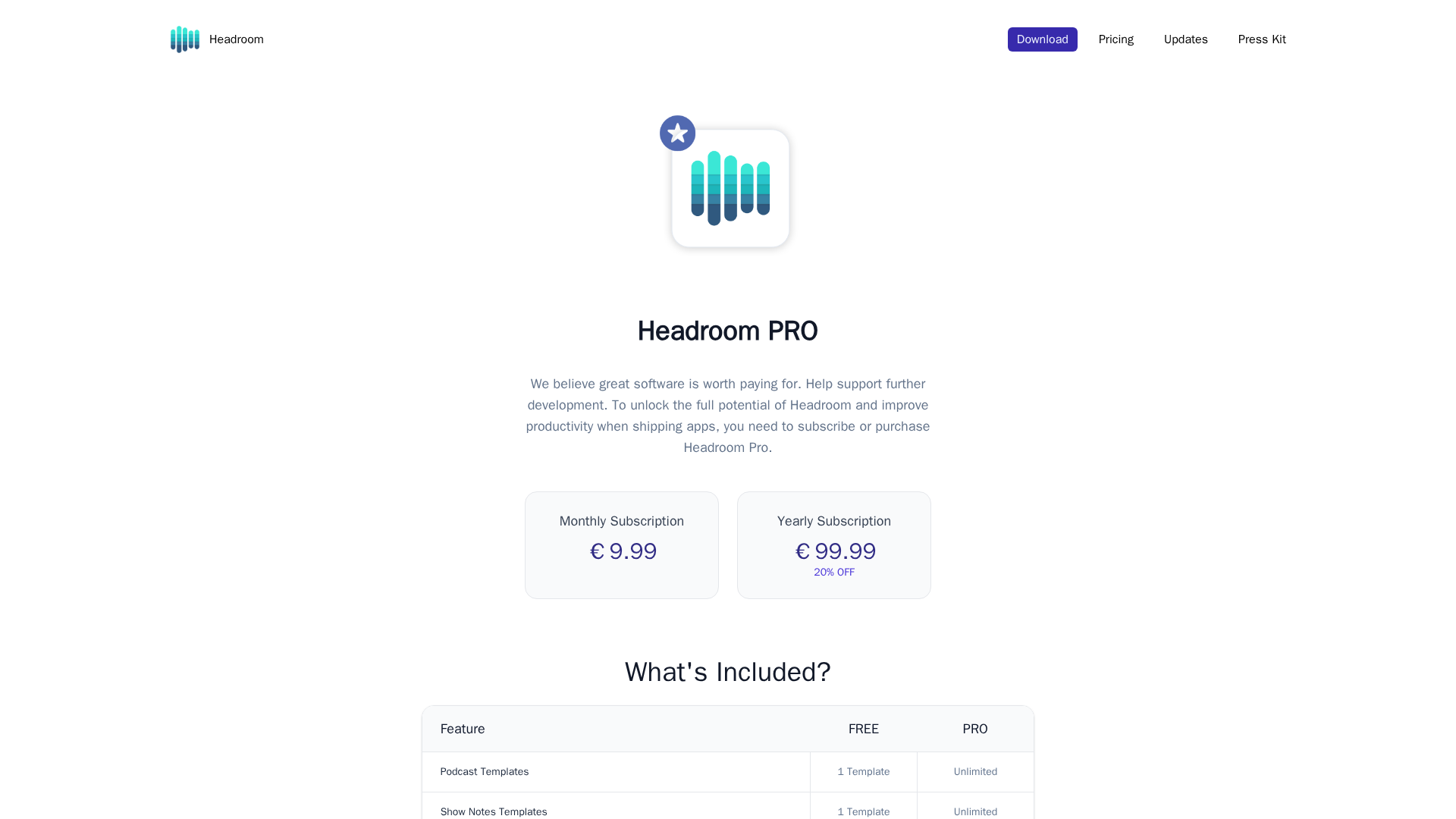
Limited usage: up to 2 Headroom Assistant transcriptions per device per month and 20 AI-generation requests per device per month; 1 podcast template and 1 show notes template; limited export options (plain text show notes, SRT/plain text transcripts).
- ✓Up to 2 transcriptions per device per month
- ✓Up to 20 AI-generation requests per device per month
- ✓1 podcast template
- ✓1 show notes template
- ✓Limited export options (plain text show notes, SRT/plain text transcripts)
Unlock unlimited Headroom Assistant use, unlimited templates, full export formats and metadata, and guaranteed access to future features.
- ✓Unlimited Headroom Assistant use
- ✓Unlimited templates
- ✓Full export formats and metadata
- ✓Guaranteed access to future features
Pros & Cons
✓ Pros
- ✓On-device/offline transcription (privacy and offline operation)
- ✓AI Assistant for planning/metadata
- ✓Automatic chapters and show notes
- ✓Multi-format exporting (transcripts, metadata, RSS/XML)
- ✓Templates and on-device artwork options
- ✓Mac App Store availability and iOS/macOS ecosystem integration
- ✓One-click publish workflow
✗ Cons
- ✗Pricing varies by region and taxes (Apple pricing differences)
- ✗OpenAI integration may involve data sharing with external services
- ✗Free plan has device-limited usage; enterprise/team plans are not described
- ✗Some technical details (data flow to OpenAI vs local) are not fully disclosed in public terms
Related Articles (2)
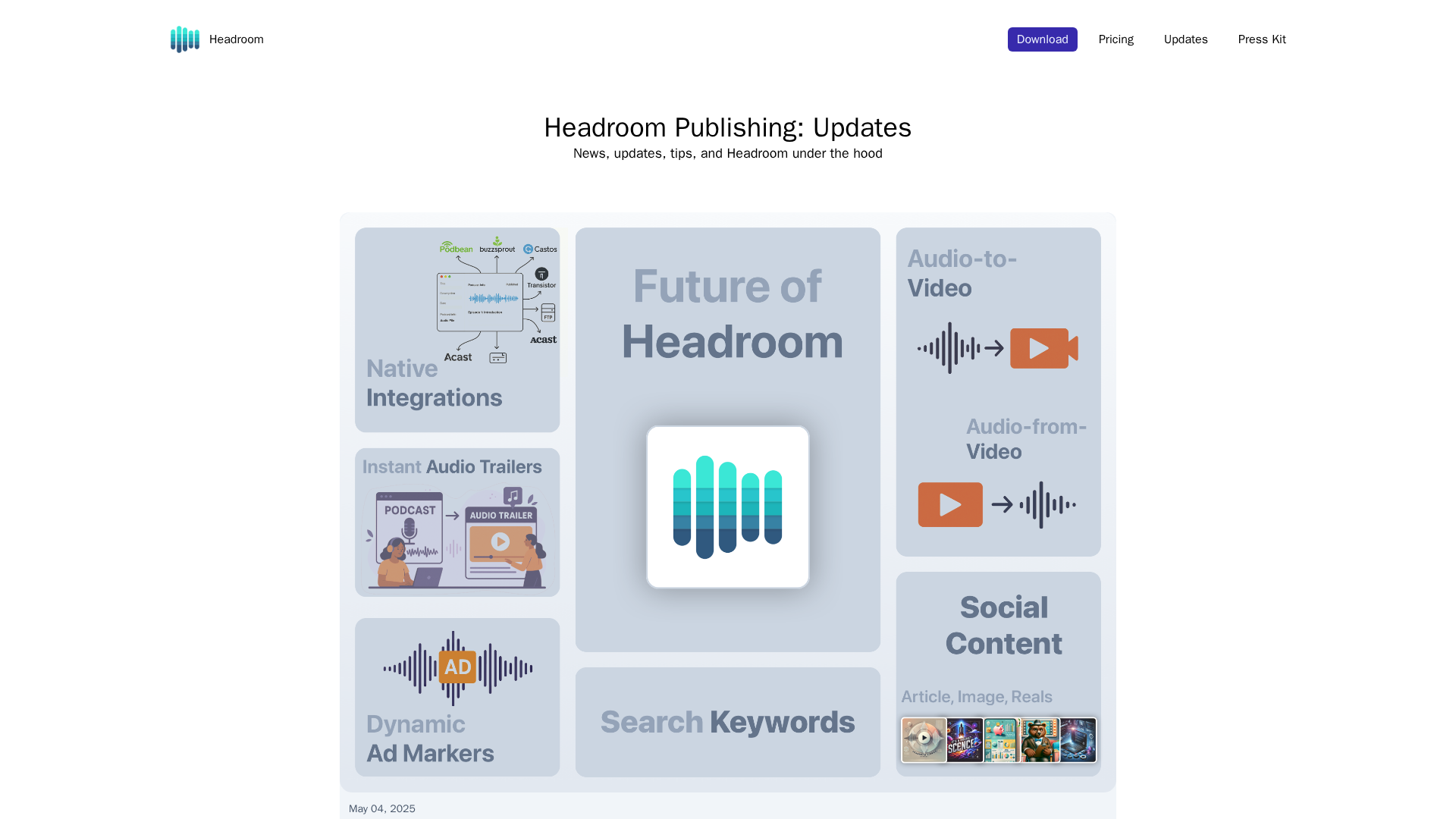
Headroom launches on the Mac App Store as an all-in-one, AI-powered podcast production toolkit with offline transcription and one-click publishing.
Announces the first beta of Headroom: Podcast Publisher, a macOS-native app that streamlines creation, transcription, and publishing for podcasters.
