Overview
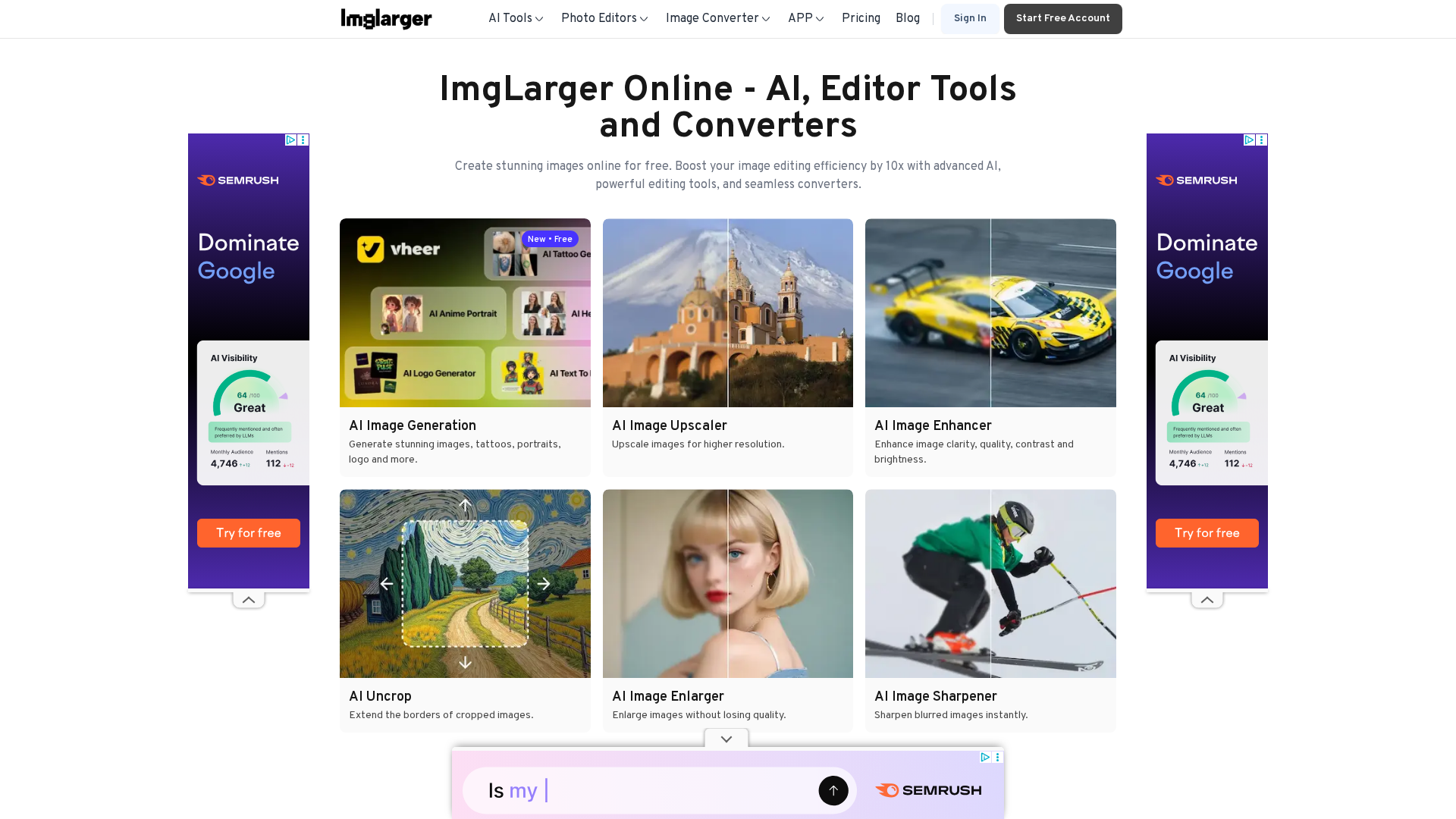
ImgLarger provides an AI image enlarger and toolkit focused on upscaling images (commonly 2x/200%, 4x/400%, 8x/800%) while preserving detail and reducing artifacts. Typical workflows are: upload (JPG, PNG, WebP), choose enlargement ratio or model (including separate anime/cartoon upscaler models), process, preview/edit and download. Additional AI tools include image enhancement (color correction, contrast, detail/sharpness), denoise/sharpen, one-click background removal, AI "uncrop"/border extension, batch processing, an in-browser editor (crop, resize, rotate, flip, brightness/contrast/gamma/exposure, filters, add text) and an image converter (JPG/PNG/WebP). Platform availability is primarily web (browser) with mobile support referenced (iOS/Android compatibility or mobile app references). File types and limits: supported input formats explicitly mentioned are JPG, PNG and WebP. The site uses a credit accounting model (site states "1 credit per image processed or downloaded"). Upscaling/resolution limits vary by plan; the site text references free upload caps (800px, 1200px or 1200x1200 on different pages) and paid-plan caps (examples referenced: 3000x3000, 4000x4000, and a claim on a page referencing "support up to 8K"). There are inconsistent statements across pages about exact limits and maximum output dimensions; these should be confirmed with the live pricing/product pages or support. Pricing and plans: ImgLarger uses a freemium model plus credit-based paid plans, with options to subscribe monthly and references to upgrading/downgrading. The site text lists plan-tier summaries (paraphrased): Forever Free (~100 credits/month, limited upload size cited as 800px on some pages and 1200px on others), Starter (~500 credits/month, higher upload limit with pricing page referencing up to 3000x3000), Popular/Most Popular (~2000 credits/month), and Everything/Business (~6000 credits/month). The site text mentions paid plans start at $4.99/month, credit rollover between cycles, a documented 7-day risk-free trial and 7-day refund policy, secure checkout (256-bit SSL) and third-party payment processors referenced (Paddle / PayPro), and coupon codes referenced on the pricing page (example: FRIEND50). Practical usage rules called out on the site include 1 credit per processed/downloaded image and no hidden fees; taxes are shown at checkout. Data handling and privacy: multiple pages discuss automatic deletion/cleanup of uploaded images but retention windows differ between pages (some say images are cleared after 6 hours, others say files are deleted after 24 hours). Privacy/terms pages indicate user content remains the user’s property while the site needs limited rights to host/process files and may involve third parties to deliver services. Because statements vary across pages, confirm the exact retention window with support if important. Support and contact: contact methods referenced across site pages include email ([email protected]), a Discord channel used for real-time support/refunds/feedback, and Twitter messaging. The contact page identifies the founder/creator as Shane Steven and indicates small-team/direct developer involvement. Refunds and legal: the Terms page documents a 7-day refund policy and instructions to contact support for refund requests. Terms highlight user responsibilities, prohibited uses and limits of liability tied to amounts paid for services. Inconsistencies noted (to verify): free upload size/limit (800px vs 1200px vs 1200x1200), retention window for uploaded files (6 hours vs 24 hours), maximum upscaling resolution (references to "up to 8K" vs plan caps like 3000x3000 or 4000x4000), and exact plan names/prices/credit counts and currency/discounts. The reviewer suggests confirming those points via the live pricing page or support.
Key Features
AI-powered image upscaling
Upscale images up to common ratios of 2x/200%, 4x/400%, and 8x/800% while preserving detail and reducing artifacts.
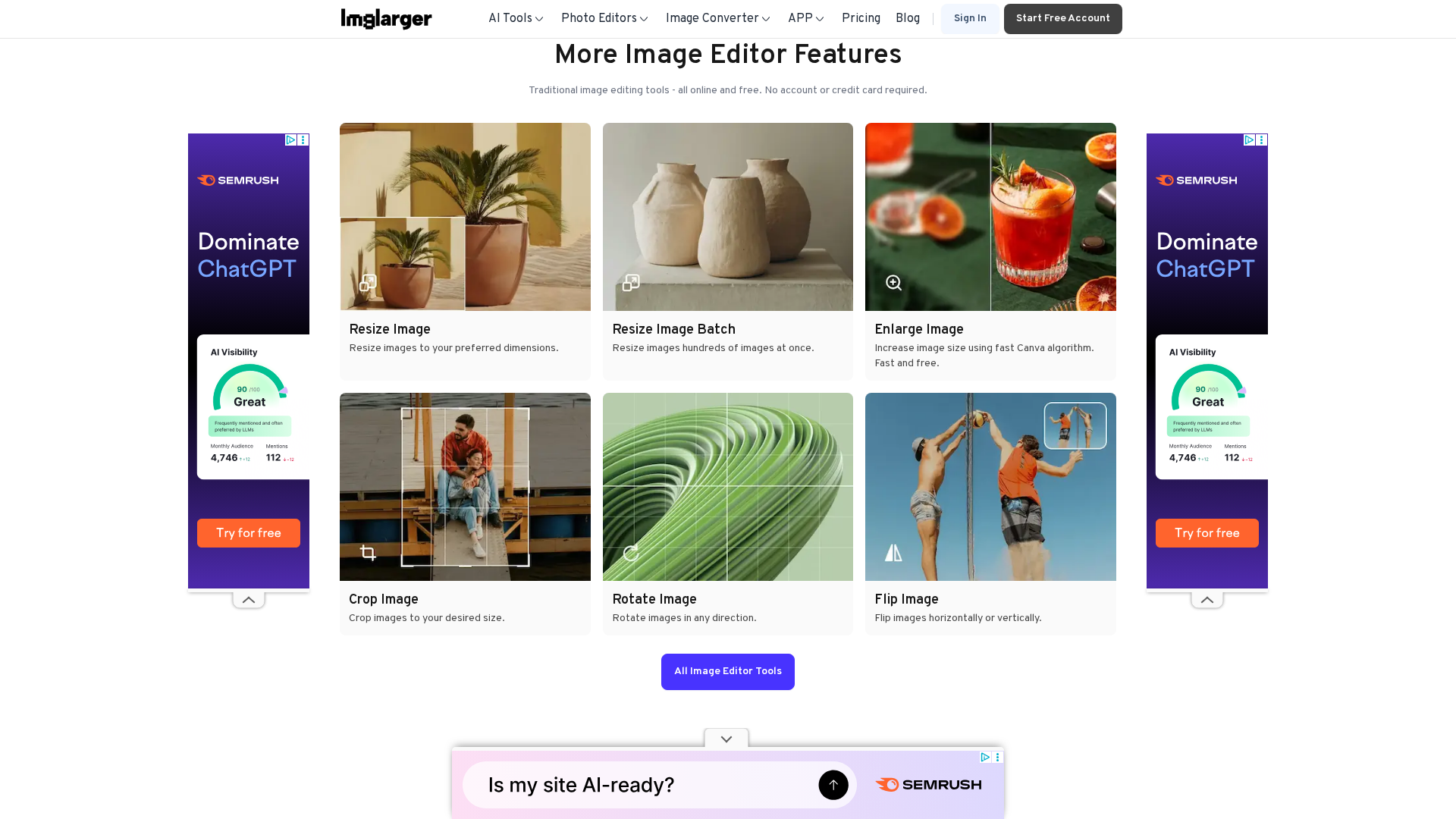
Image enhancer and editor
Color correction, contrast, detail/sharpness enhancements and in-browser editor (crop, resize, rotate, flip, brightness/contrast/gamma/exposure, filters, add text).
Denoise and sharpen
AI denoise and sharpening tools to reduce artifacts and recover detail.
Background removal
One-click background removal for portraits and objects.
AI "uncrop" / border extension
Extend borders or 'uncrop' portraits/landscapes/artwork using AI to fill missing content.
Separate anime/cartoon upscaler models
Specialized upscaler models tailored for anime and cartoon-style images.
Who Can Use This Tool?
- photographers:Enlarge and enhance photos while preserving detail for printing or archival use.
- designers:Upscale artwork and assets and use editor tools for quick adjustments before export.
- content-creators:Improve image quality for social, video thumbnails and web publishing with batch processing.
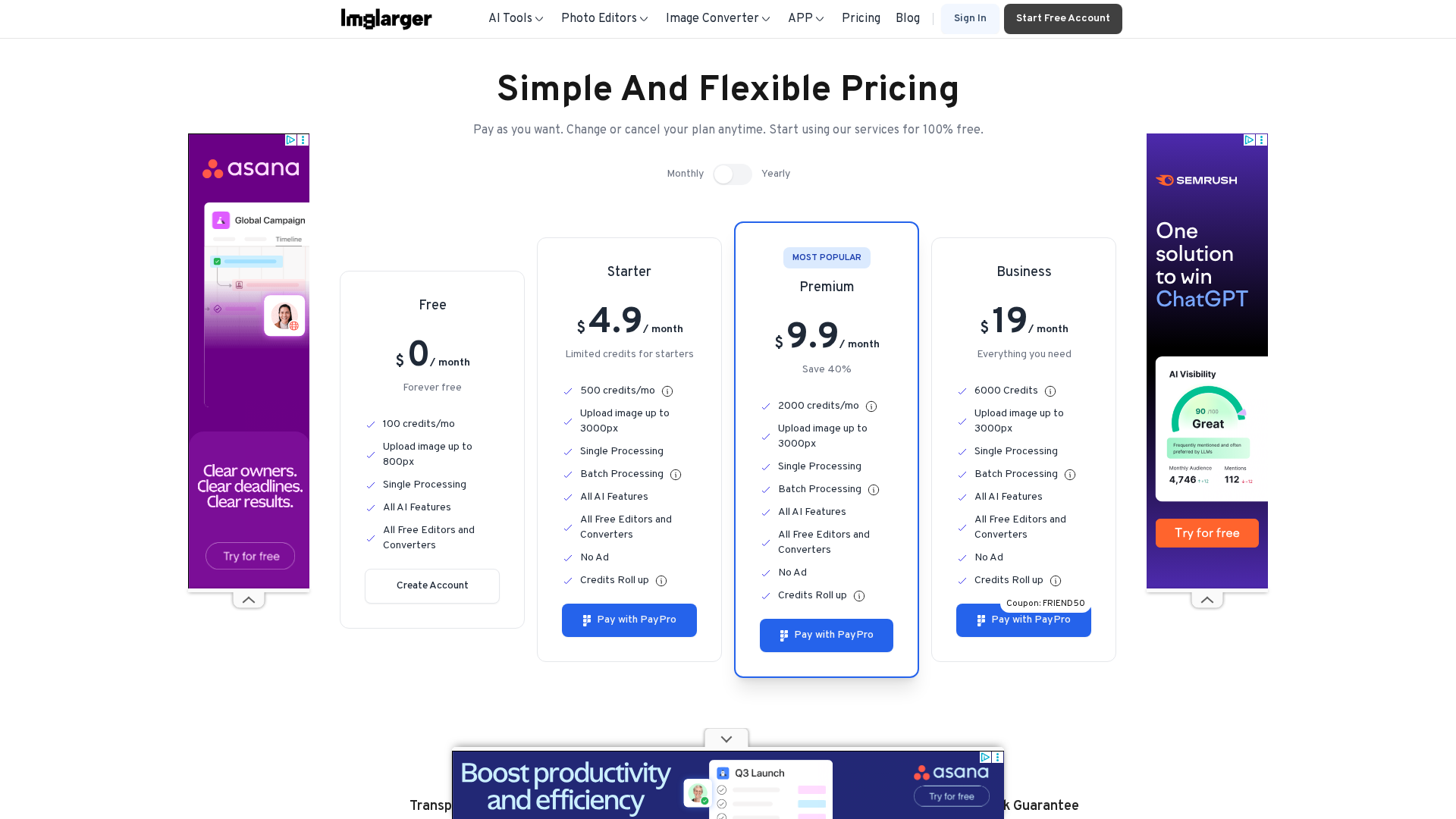
Pricing Plans
Free tier with limited credits and feature access.
- ✓Approximately 100 credits per month (site text)
- ✓Access to free editors and AI features
- ✓Limited batch and size capability
- ✓Upload limit cited on pages as 800px or 1200px (inconsistent across pages)
- ✓1 credit per image processed or downloaded
Entry paid plan with more credits and higher upload/resolution limits.
- ✓Approximately 500 credits per month (site text)
- ✓Higher upload limits (pricing page references up to 3000x3000)
- ✓Single and bulk options referenced
- ✓Credits may roll over between cycles (site claims)
Mid-tier plan referenced as the most popular with higher credits and limits.
- ✓Approximately 2000 credits per month (site text)
- ✓Higher upload/resolution limits and bulk processing
- ✓Targeted at power users needing more throughput
Top-tier plan for heavy users and business use with highest credits and limits.
- ✓Approximately 6000 credits per month (site text)
- ✓Highest upload/resolution limits referenced in pricing copy
- ✓Designed for power users and business needs
Pros & Cons
✓ Pros
- ✓AI-powered upscaling with multiple ratio options (2x/4x/8x) and specialized anime/cartoon models
- ✓Additional AI tools: enhancer, denoise, background removal, uncrop and an in-browser editor
- ✓Freemium + credit-based paid plans and apparent ability to upgrade/downgrade
- ✓References to secure checkout, third-party payment processors, coupon codes and a 7-day refund/trial
✗ Cons
- ✗Inconsistent statements across site pages about free upload size limits (800px vs 1200px vs 1200x1200)
- ✗Inconsistent retention/cleanup timing for uploaded files (6 hours vs 24 hours) across pages
- ✗Inconsistent/unclear maximum output resolution references (3000x3000 vs 4000x4000 vs mention of 8K)
- ✗Exact plan names, current prices, currencies and discounts are not fully consistent on reviewed pages and should be verified on the live pricing page
Compare with Alternatives
| Feature | ImgLarger | PhotoEditor.ai | remove.bg |
|---|---|---|---|
| Pricing | $4.99/month | $9.99/month | N/A |
| Rating | 8.4/10 | 8.3/10 | 8.3/10 |
| Upscale Quality | High-quality upscales | Detailed upscales with AI detailer | No |
| Anime Model Support | Yes | No | No |
| Batch Throughput | Yes | No | Yes |
| Background Removal | Yes | Yes | Yes |
| Outpaint / Uncrop | Yes | Yes | No |
| Local Editing Tools | Yes | Yes | No |
| API & Integrations | No | Yes | Yes |
| Output Format Support | PNG JPEG and other common formats | Multiple common formats PNG JPEG | Transparent PNGs and standard image formats |
Related Articles (3)
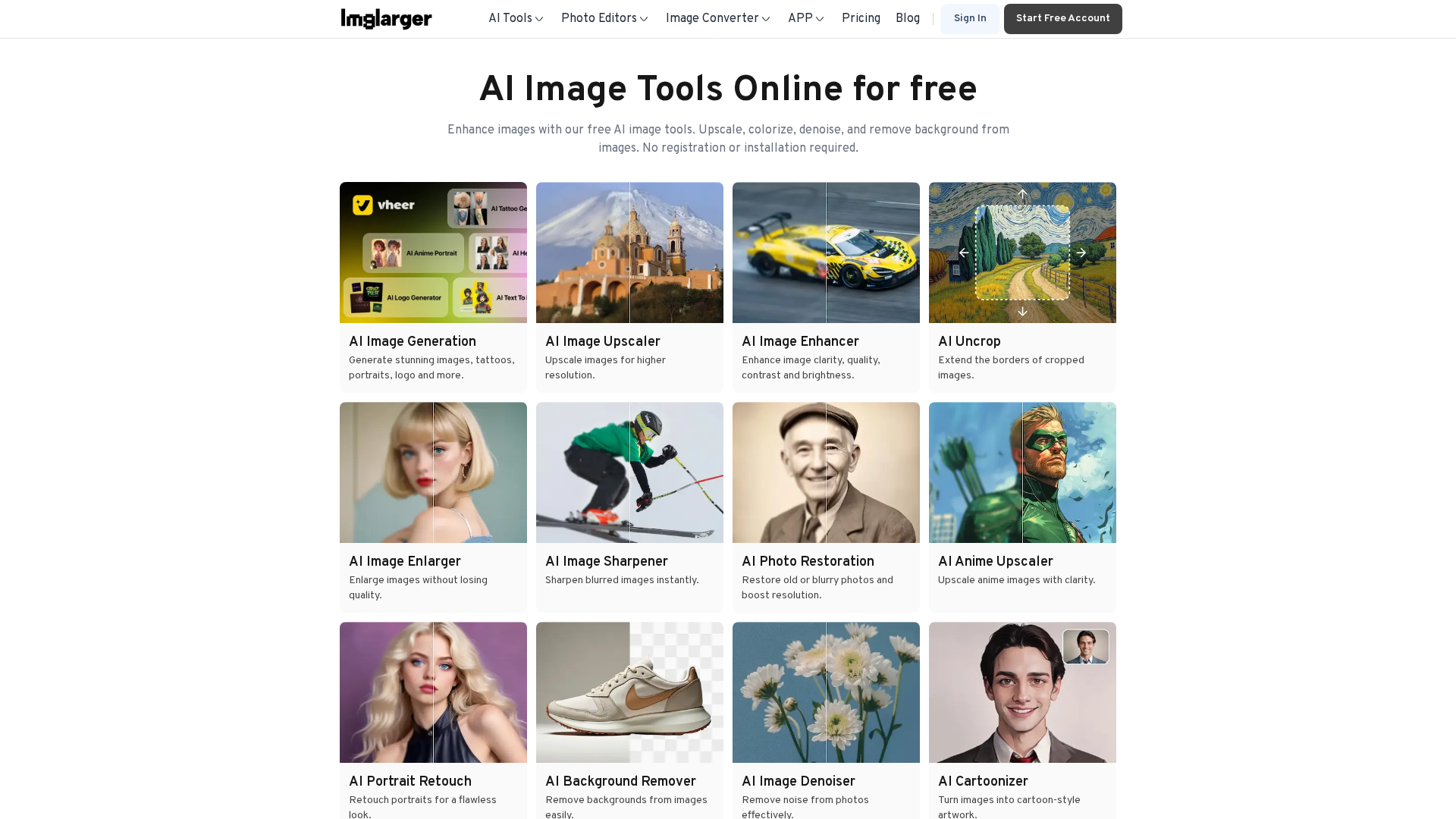
Free online AI image tools for upscaling, colorizing, denoising, and background removal with no signup and automatic data clearing after 6 hours.
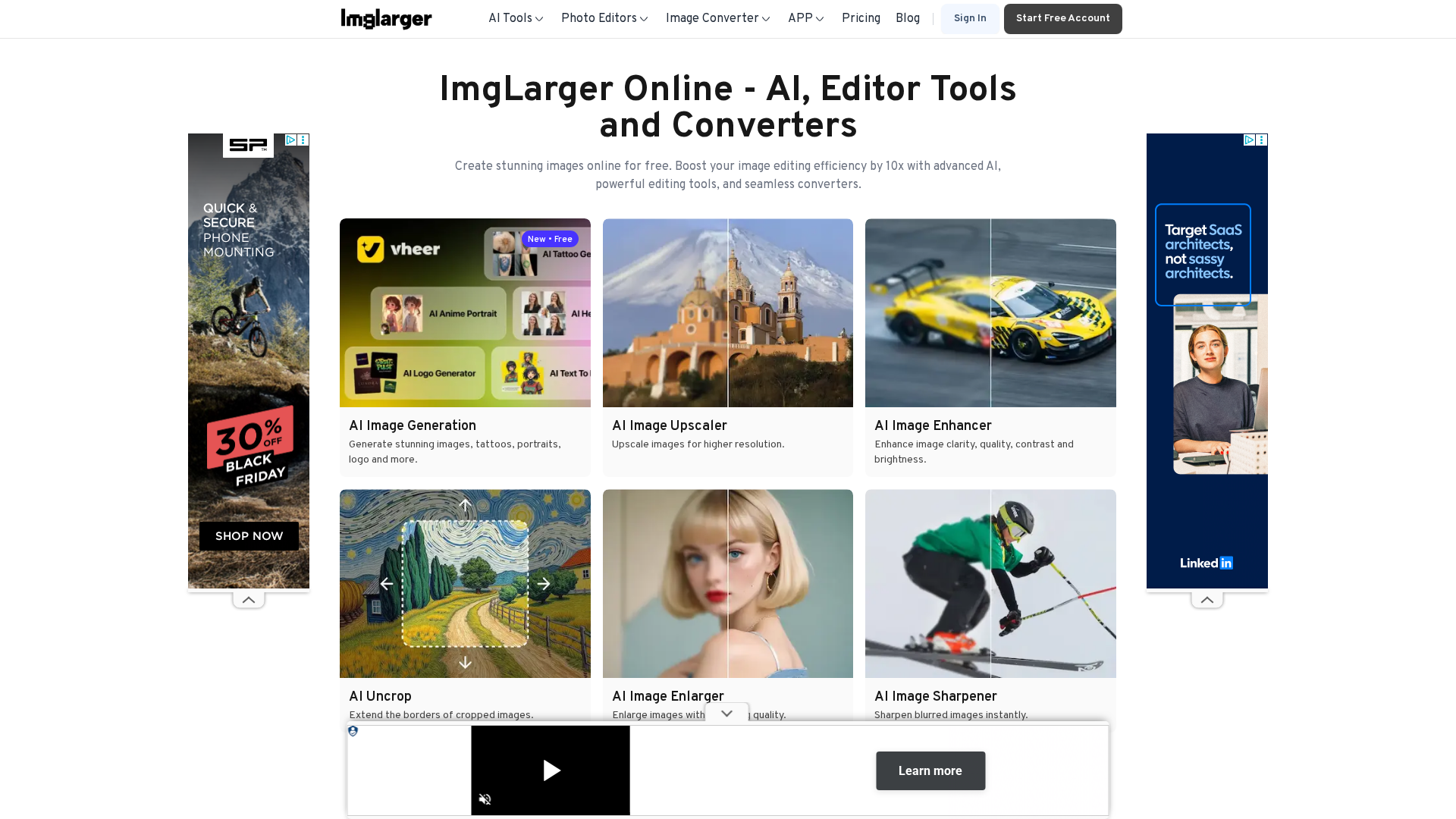
Online AI image enlarger and editor offering up to 800% upscaling, noise reduction, cropping, and format conversion in a free, browser-based toolkit.
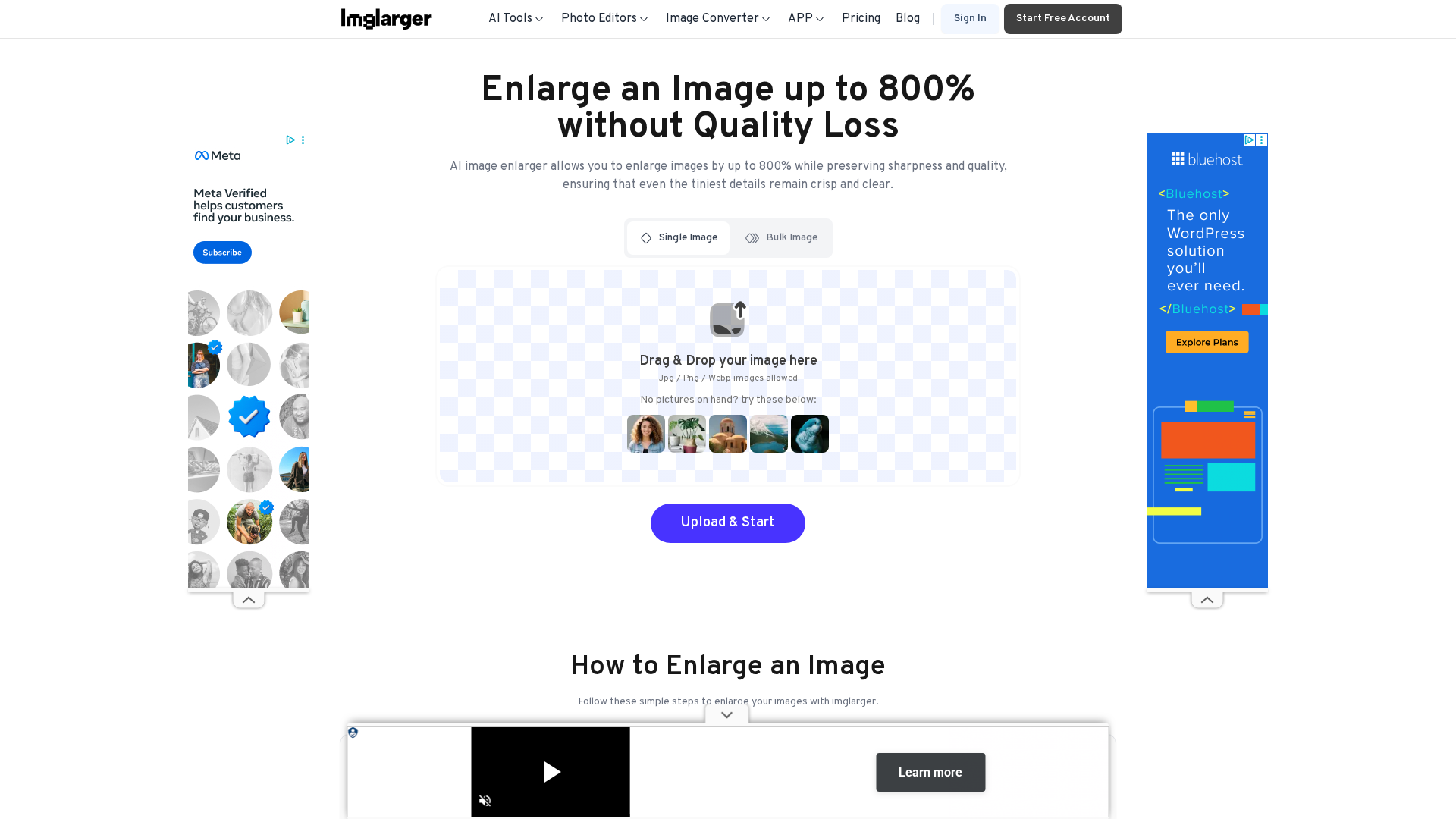
A step-by-step guide to enlarging images up to 8x with AI Image Enlarger, with easy steps, privacy assurances, and premium upgrades.