Overview
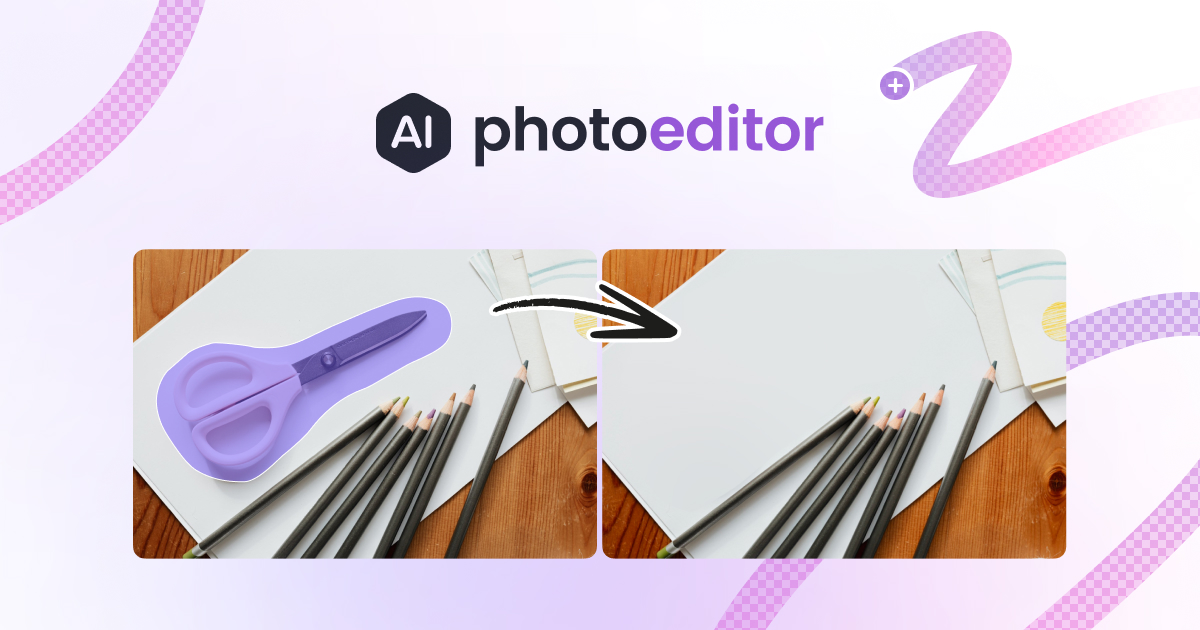
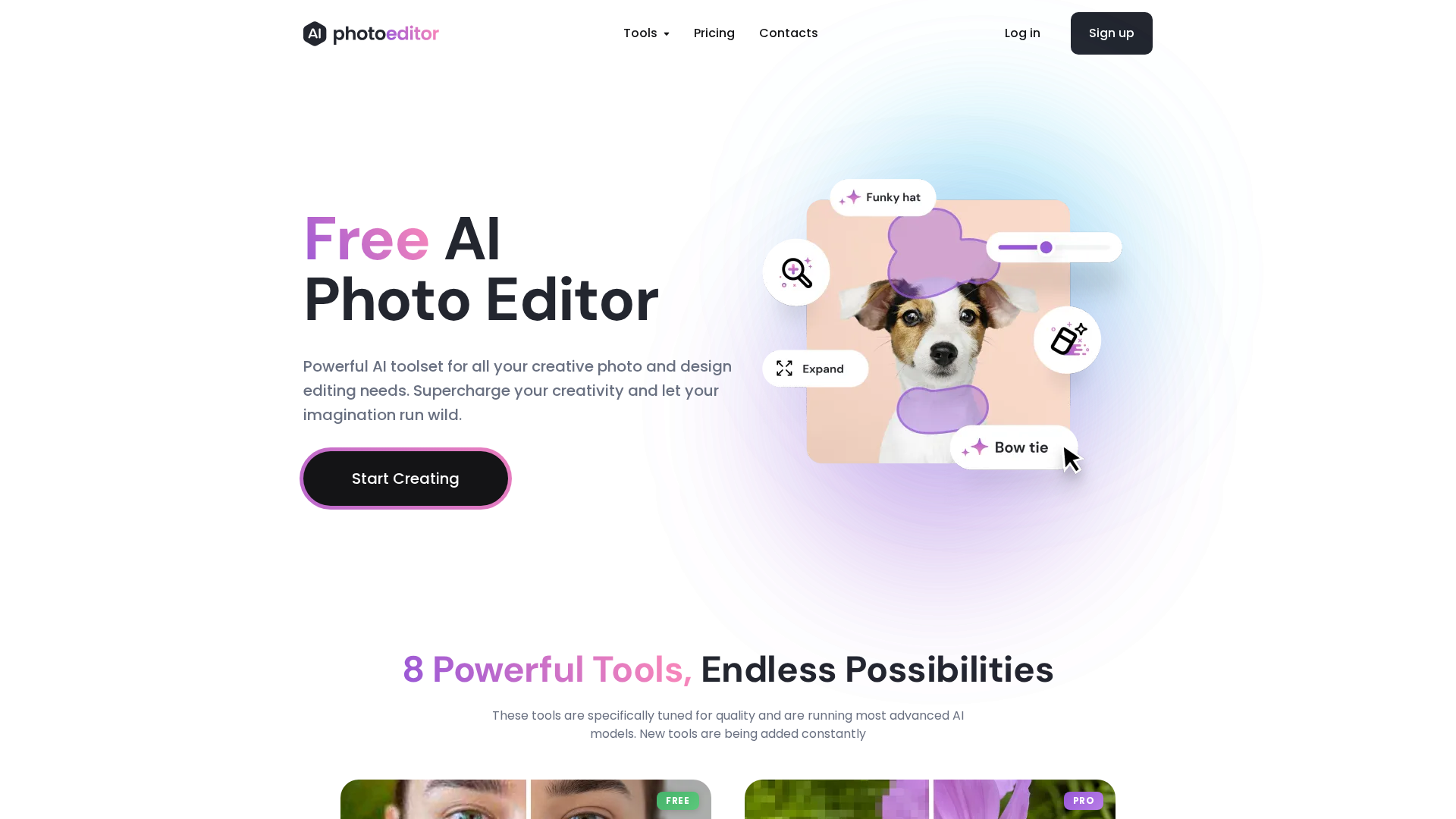
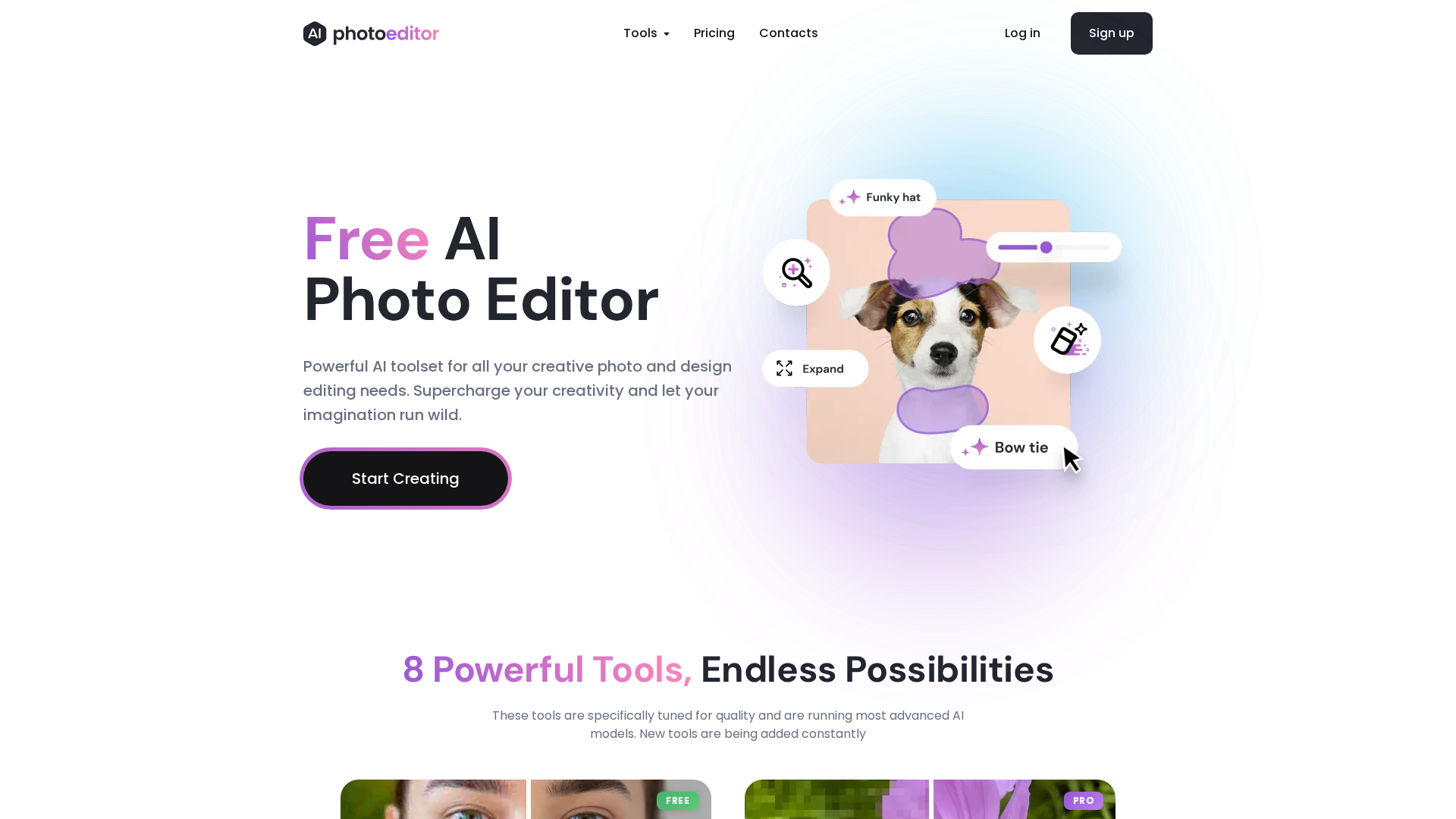
PhotoEditor.ai is a browser-based AI photo editor (operated by Logopony OÜ) that provides core image editing tools in-browser on desktop and mobile without app downloads. Marketing emphasizes ease of use (text-guided edits, masking for inpaint, one-click enhancements) and asserts commercial use rights on outputs. Core capabilities include a text-to-image generator, object remover/cleanup (brush-based), photo enhancer (deblur/sharpen, face enhancement), background remover (transparent PNG export), AI upscaler (4K/8K with Pro), AI inpaint/generative fill (mask + prompt), outpaint/expand, and an AI detailer. The site offers a Free Forever plan that allows lower-resolution downloads (site lists ≈720px max in multiple places) with no watermark claimed, and a Pro plan ($9.99/month) that unlocks premium features (4K/8K upscaling, inpaint, expand, detailer), higher max resolutions, HD downloads, and priority processing. PhotoEditor.ai publishes a Privacy Policy and Terms of Service: the site states uploaded images are deleted after processing (most pages say “within 24 hours”, one earlier summary referenced “within one hour”, an inconsistency across pages), and that images are not reused or resold. The policy references encryption in transit/at-rest, cookies, data types collected, and user rights (access, correction, deletion). The service advertises a RESTful API with SDKs (Python, JavaScript, React) and API key authentication; docs/promotional content invite early access requests. Company/contact details shown on the site: Logopony OÜ, 6 Sepapaja, 15551 Tallinn, Estonia, and contact email shown as [email protected]. Noted site issues: /features returns 404, some pages duplicate content blocks (ToS/pricing), and inconsistency in stated image retention timeframe — verify the Privacy Policy or contact support for exact retention details before uploading sensitive images.
Key Features
AI Image Generator (text-to-image)
Generate images from text prompts directly in the browser.
AI Object Remover / Cleanup
Brush-based removal of unwanted objects, blemish and skin retouching.
Photo Enhancer
Deblur/sharpen and face enhancement for improved image quality.
Background Remover
Remove backgrounds and export transparent PNGs.
AI Upscaler
Upscale images to higher resolutions (4K/8K available on Pro).
AI Inpaint / Generative Fill
Mask-based add/replace objects using text prompts (Pro required for some features).
Who Can Use This Tool?
- Photographers:Quickly remove objects, enhance faces, and upscale images for client delivery.
- Designers:Generate assets, outpaint images, and remove backgrounds for compositions and mockups.
- Content creators:Create and edit images for social, marketing, and commercial use with minimal setup.
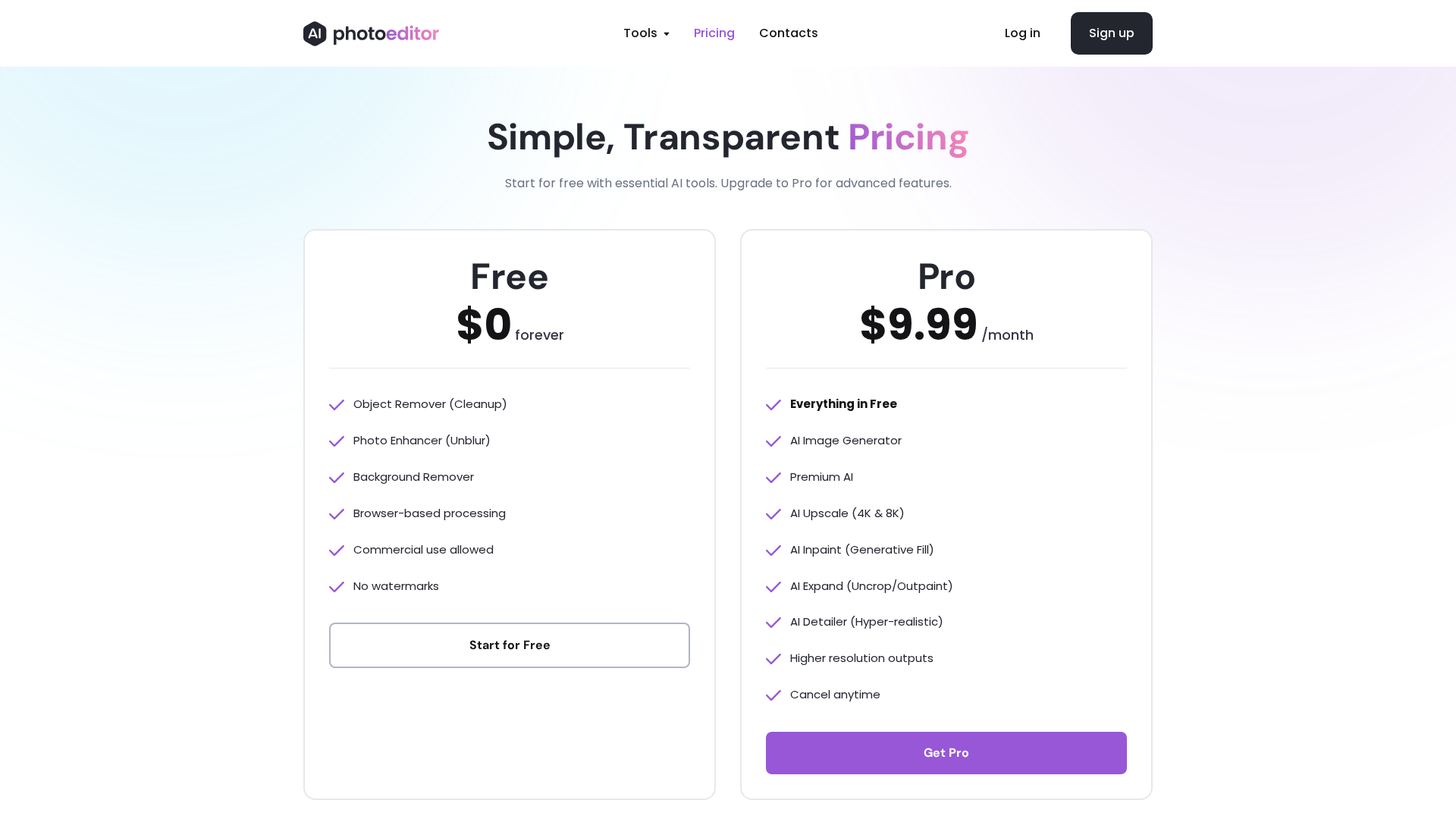
Pricing Plans
Free tier with core tools and lower-resolution downloads, no watermark claimed.
- ✓Access to generator, object remover, enhancer, background remover
- ✓Free downloads at lower resolution (~720px max referenced)
- ✓No watermark claimed
Unlock Premium AI features, higher resolutions, HD downloads and priority processing.
- ✓AI Upscale to 4K/8K
- ✓AI Inpaint / Generative Fill
- ✓AI Expand / Outpaint
- ✓AI Detailer
- ✓Higher max resolutions (2048px+, 4K/8K referenced)
- ✓Faster/priority processing
Pros & Cons
✓ Pros
- ✓Browser-based; no app download required; works on desktop and mobile browsers.
- ✓Free Forever tier provides core tools and free lower-resolution downloads (no watermark claimed).
- ✓Easy-to-use text-guided edits, masking for inpaint, and one-click enhancements.
- ✓Commercial use on outputs is emphasized (check ToS for exact limits).
- ✓Offers RESTful API and SDKs (Python, JavaScript, React) with API key authentication.
✗ Cons
- ✗Inconsistency across site pages about exact image retention timeframe (24 hours vs. earlier 1 hour reference).
- ✗/features page returns 404 (missing page).
- ✗Some pages contain duplicated copy blocks (ToS, pricing), indicating content issues.
- ✗Several advanced/expanded features require Pro subscription.
Compare with Alternatives
| Feature | PhotoEditor.ai | ProductAI | Creativio |
|---|---|---|---|
| Pricing | $9.99/month | $8/month | N/A |
| Rating | 8.3/10 | 8.0/10 | 8.0/10 |
| Editing Scope | Generator and full edit tools | Product-photo focused studio | Ecommerce in-browser editor |
| Text-guided Edits | Yes | Partial | Yes |
| Batch & Scale | Partial | Yes | Partial |
| Custom Models | No | Yes | No |
| Upscale Quality | AI upscaler included | Not focused on upscaling | 4K 2K upscaling support |
| Background Tools | Yes | Yes | Yes |
| Rights & Privacy | Yes | Yes | Partial |
Related Articles (9)
Discover how TikTok's AI photo enhancer can transform your images with quick, automated edits.
A practical primer on using AI-powered photo editors on TikTok to quickly enhance and stylize photos.
Content for analysis is missing; unable to extract key points from the Instagram Reel.
Обзор 8 нейросетей для улучшения качества изображений: функции, плюсы/минусы, цены и рекомендации по выбору.
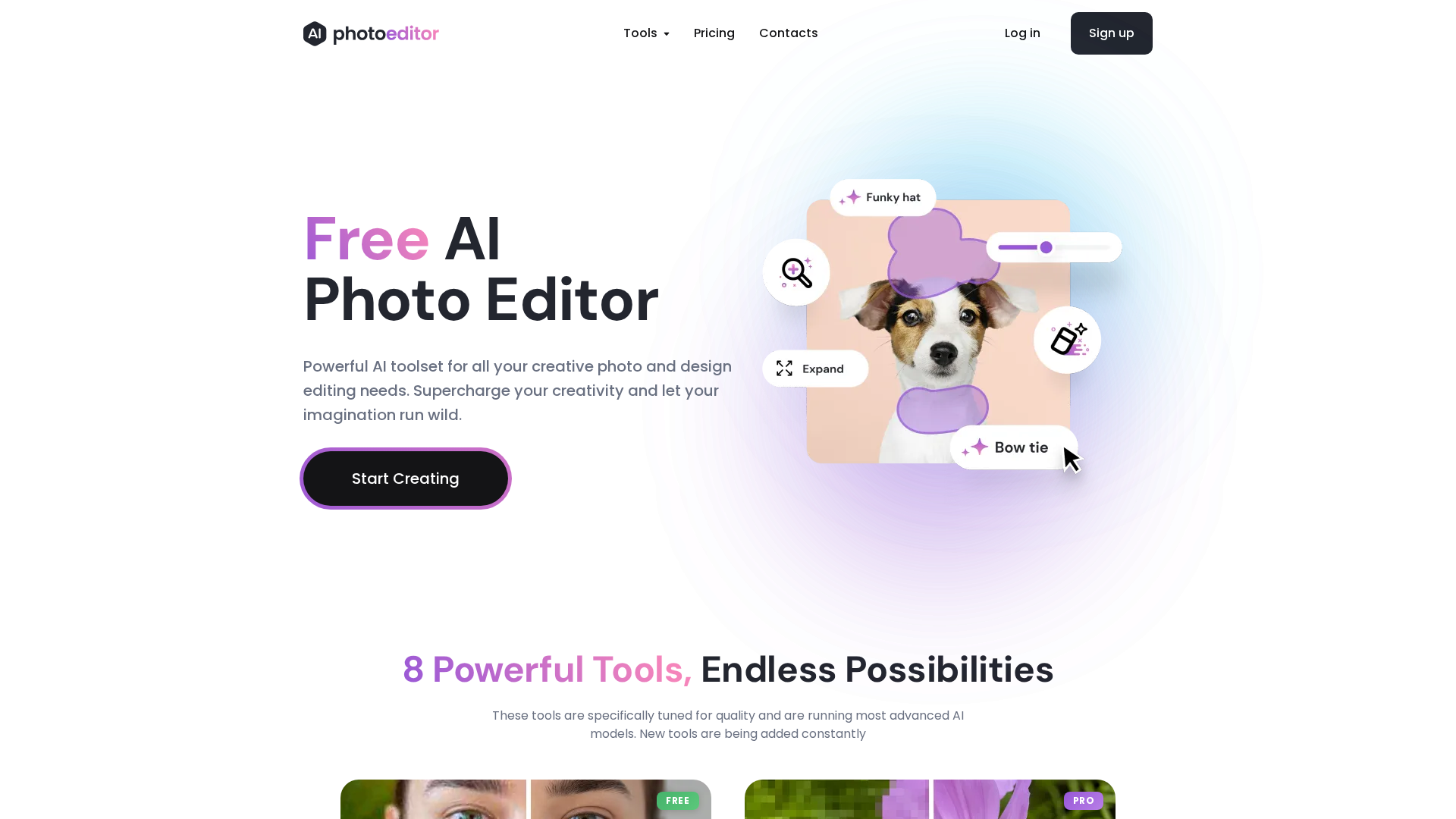
A browser-based AI photo editor with a free toolset and a Pro plan for upscale, inpaint, and advanced editing.