
Overview
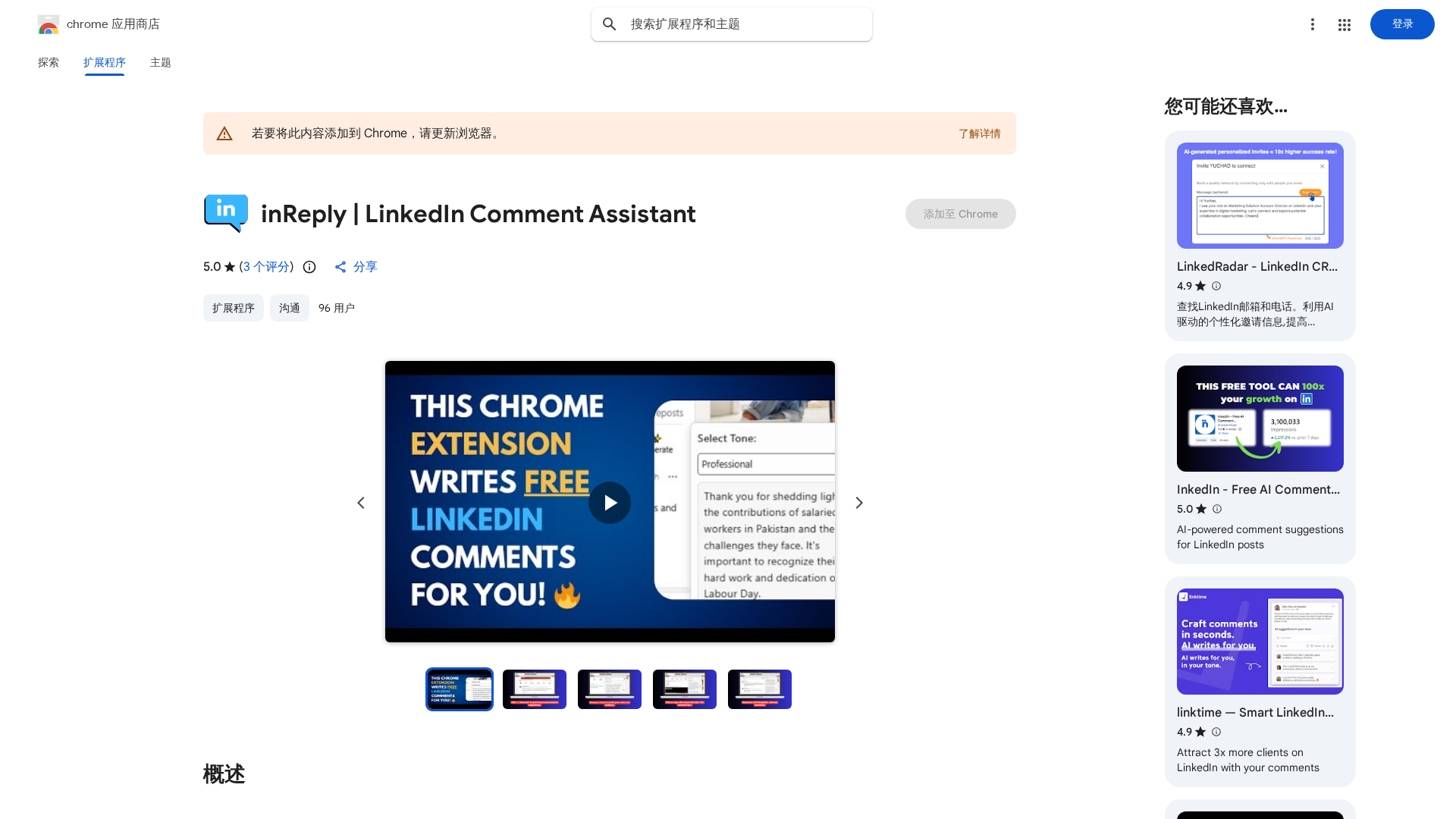
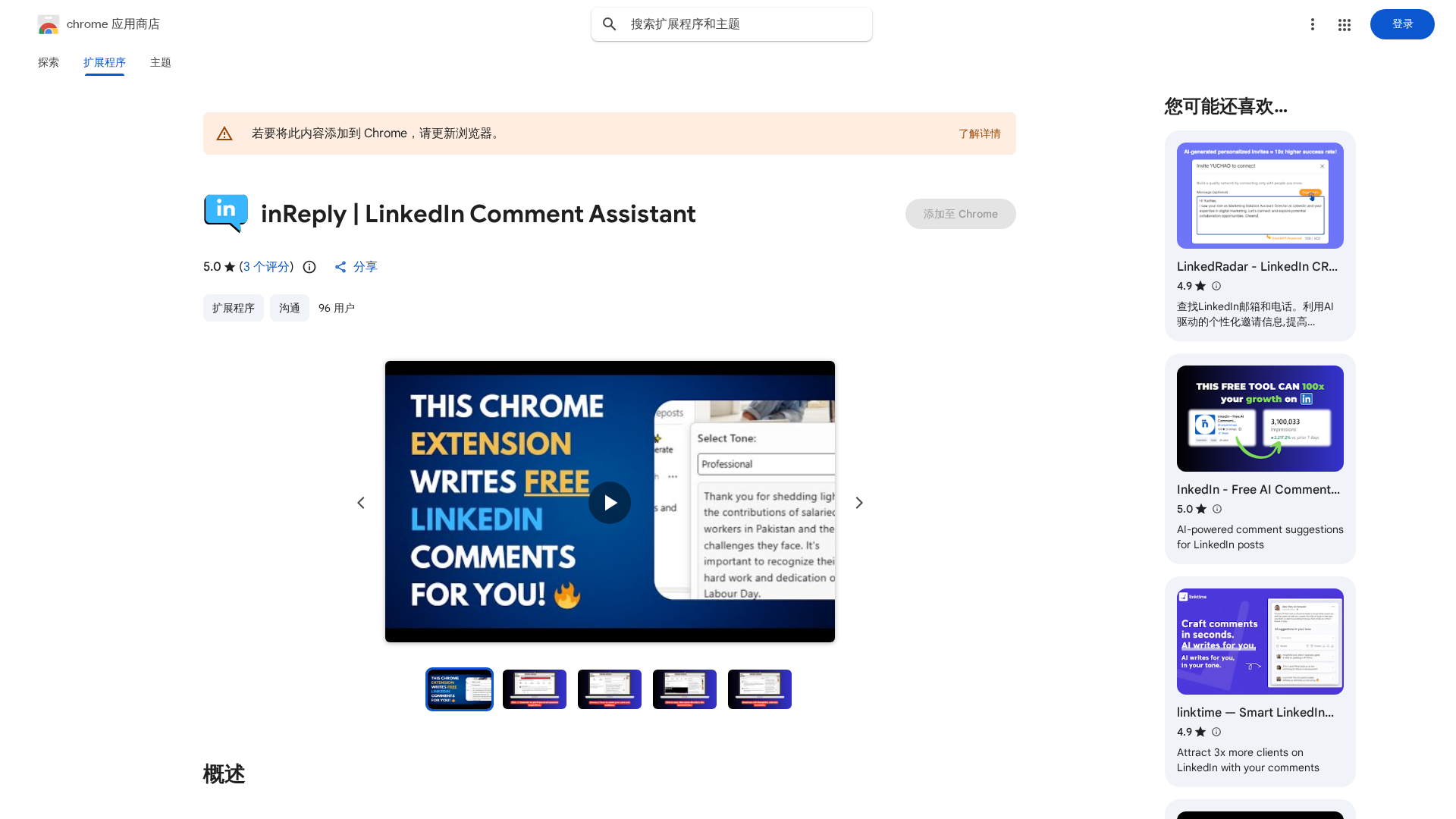
inReply is a Chrome extension that injects an AI-powered “Generate” button directly into the LinkedIn feed. With a single click beneath any post, it produces context-aware comment suggestions tailored to the post content. Users can choose from tone options (for example, professional, inspiring, or funny) so replies better match personal voice. Generated suggestions can be copied and pasted into LinkedIn’s comment field, enabling fast engagement without leaving LinkedIn or signing into a separate dashboard. The extension is positioned to help content creators, job seekers, marketers, and other professionals save time, stay active, and maintain consistent engagement on LinkedIn.
Key Features
In-feed AI Comment Generation
Generates context-aware comment suggestions with a “Generate” button placed beneath LinkedIn posts.
Tone Options
Multiple tone presets (e.g., professional, inspiring, funny) so replies match user voice.
One-click Workflow
Produce suggestions with a single click; copy and paste directly into LinkedIn comments.
No Separate Login
Works inside LinkedIn feed without requiring a separate dashboard or separate sign-in.
Time-saving / Consistency Support
Helps users show up consistently and save time on engagement tasks.
Broad Use Cases
Marketed for content creators, job seekers, marketers, and professionals for networking and personal branding.
Who Can Use This Tool?
- Content Creators:Quickly generate thoughtful comments to increase engagement and visibility.
- Job Seekers:Engage with recruiters and industry posts to grow visibility and network.
- Marketers:Scale timely, tone-appropriate responses to boost brand presence and amplification.
- Professionals:Maintain consistent LinkedIn activity for personal branding and networking.
Pricing Plans
Pricing information is not available yet.
Pros & Cons
✓ Pros
- ✓Generates context-aware comment suggestions directly inside LinkedIn feed.
- ✓Tone options help match the user’s voice (professional, inspiring, funny, etc.).
- ✓Quick workflow — generate and copy without leaving LinkedIn or using a separate dashboard.
- ✓Useful for consistent engagement, networking, and personal branding.
✗ Cons
- ✗No public pricing information or plans visible on the listing.
- ✗Limited or no discoverable third-party reviews, user counts, or social proof.
- ✗Potential privacy/permission concerns (typical for extensions that read page content) not documented in the summary.
- ✗No clear documentation or community/forum links provided on the listing.


