Overview
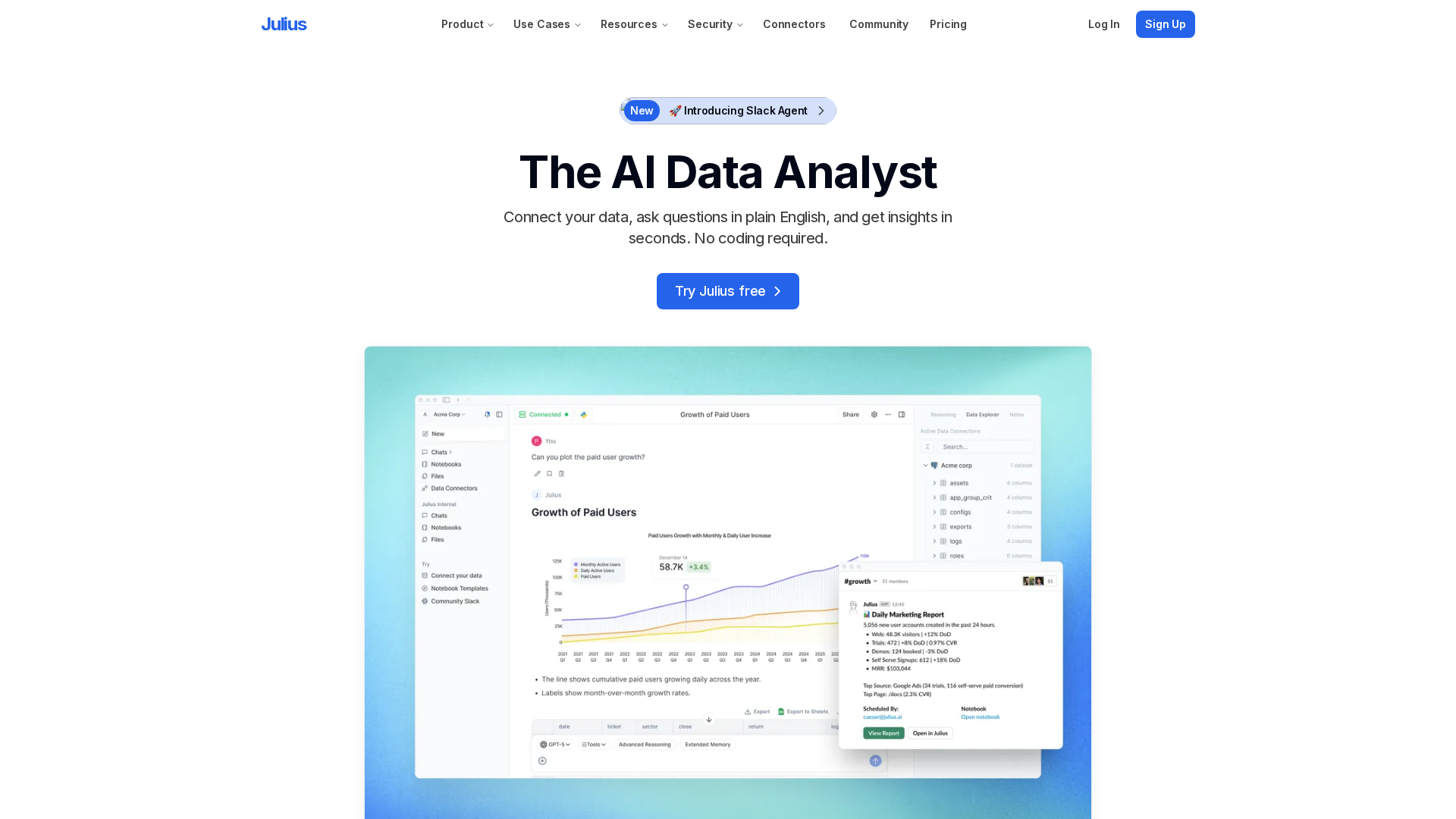
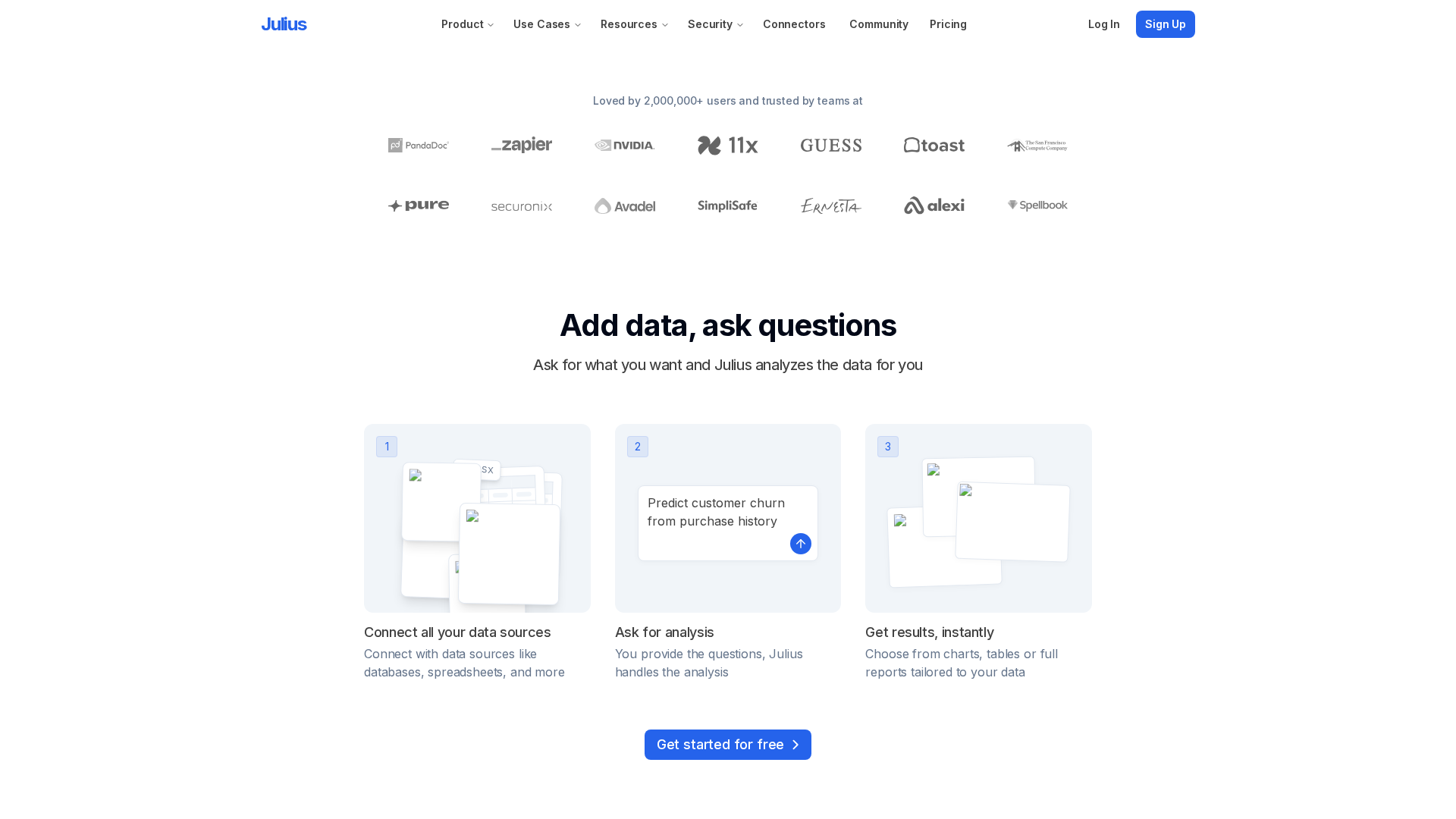
Julius AI is a chat-first data analyst that converts spreadsheets and connected data sources into instant charts, forecasts, formulas, and natural-language insights without code. Target users include analysts, product and marketing teams, educators, and teams that want faster spreadsheet and BI workflows. Company highlights from collected materials: Julius is a YC company led by founder/CEO Rahul Sonwalkar; the site lists a recent seed raise of approximately $10M (July 2025) and public user/usage metrics. Core capabilities include natural-language to spreadsheet actions (generate formulas, create charts, clean/transform data, statistical modeling, forecasting, export to CSV/Excel), a chat interface that retains context and can reference multi-tab spreadsheets, wide input support (.xls/.xlsx/.csv, Google Sheets, images, PDFs, text, uploaded files), and many live connectors (Snowflake, BigQuery, Postgres, Supabase, MySQL, SQL Server, Databricks, Google Drive, OneDrive, Google Ads, Meta Ads, SharePoint, Vertica and more). Team and collaboration features include shared workspaces, shared files and threads, sub-teams, centralized billing, usage dashboards, audit logs, SSO, and RBAC. Julius runs notebook/sandboxed Python execution for computations with ephemeral processing for safety. Security and governance materials list SOC 2 Type II, GDPR compliance, and TX-RAMP; the privacy policy and security/trust pages describe data handling commitments (customer data not used to train models as stated, customer data isolation, encryption in transit and at rest, RBAC, data deletion processes) and provide trust resources and vulnerability disclosure guidance. Pricing follows a freemium model with a Free tier (limited monthly usage), paid tiers including Plus, Pro (listed at $45/month per seat with a $37/month option billed annually shown), and Enterprise/custom quoting; an academic 50% discount is noted for verified students/educators. Recommended evaluation steps: try the Free tier with a representative spreadsheet, follow the Quickstart guide to upload/connect data and run common tasks, connect live data via listed connectors after confirming limits and access scopes, run a small Pro trial or contact sales for team testing (SSO, audit logs, memory limits), and review security/trust pages and privacy policy or request SOC 2/trust-portal details for procurement. For up-to-date specifics (exact message quotas, current feature lists by tier, and any limits) consult the pricing page and documentation directly.
Key Features
Natural-language to spreadsheet actions
Generate formulas, create charts, clean and transform data, perform statistical modeling, build forecasts, and export to CSV/Excel via natural-language prompts.
Contextual chat interface
Chat interface that keeps context across a conversation and can reference multi-tab spreadsheets for iterative analysis.
Wide input support
Accepts .xls/.xlsx/.csv, Google Sheets, images, PDFs, text, and other uploaded files as data inputs.
Live connectors
Connectors for Snowflake, BigQuery, Postgres, Supabase, MySQL, SQL Server, Databricks, Google Drive, OneDrive, Google Ads, Meta Ads, SharePoint, Vertica, plus custom integration requests.
Team & collaboration
Shared workspaces, shared files and threads, sub-teams, centralized billing, usage dashboards, audit logs, SSO, and role-based access control (RBAC).
Notebook / sandboxed execution
Sandboxed Python environments for computations with ephemeral processing for safety.

Who Can Use This Tool?
- Analysts:Use conversational workflows to build formulas, charts, forecasts, and data summaries without code.
- Product & Marketing Teams:Accelerate product and marketing analytics tasks with chat-based queries and shared workspaces for collaboration.
- Educators / Students:Teach and learn data analysis conversationally with classroom-focused features and an academic discount.
- Teams (BI / Ops):Streamline spreadsheet and BI workflows, connect live data, and evaluate SSO/audit-log capabilities for enterprise use.
Pricing Plans
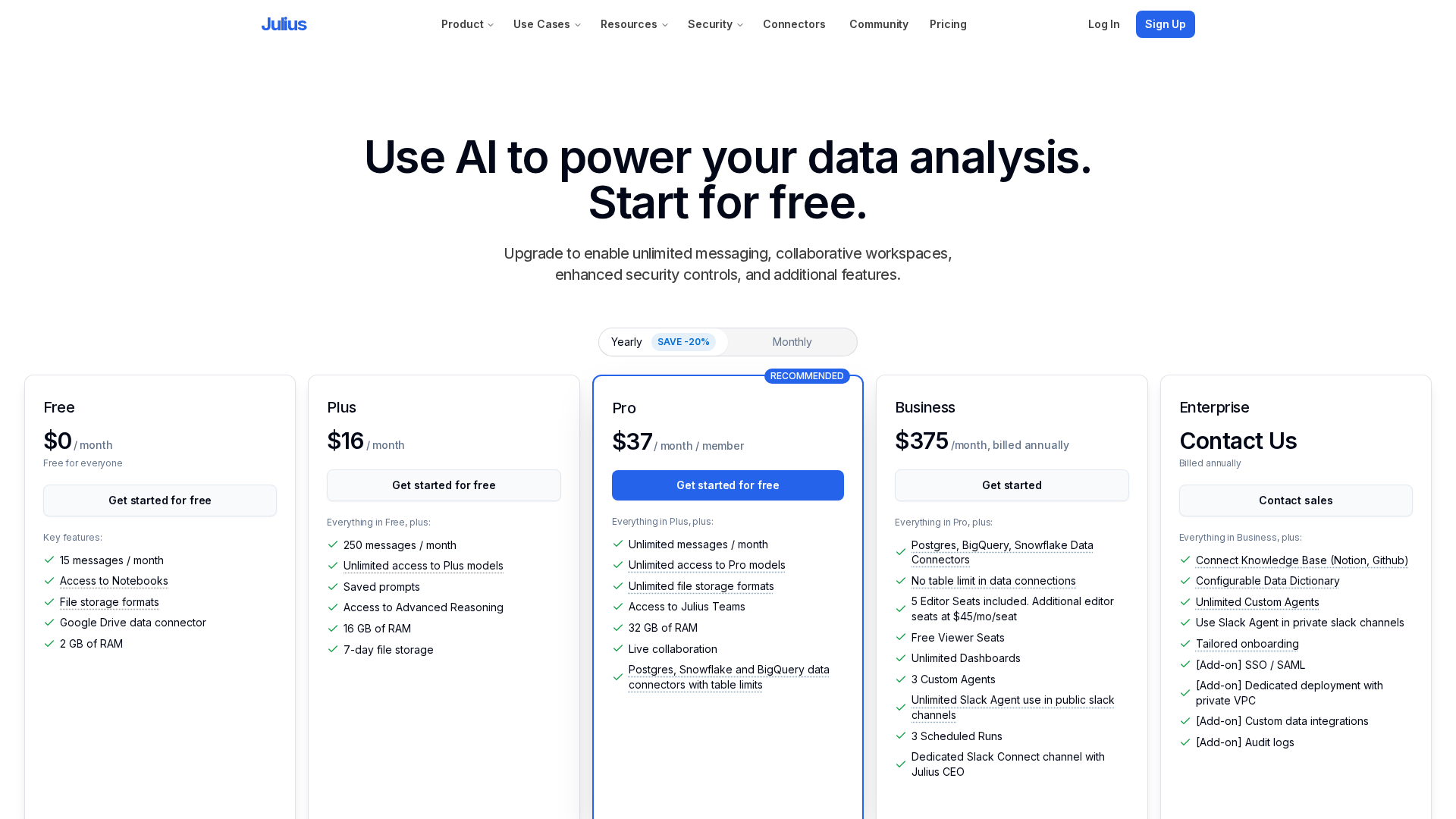
Freemium tier with limited monthly usage (site lists 15 messages/month with access to advanced model for limited messages).
- ✓Limited monthly messages (example: 15 messages/month listed on site)
- ✓Access to advanced model for limited messages
- ✓Upload files and basic chat-based spreadsheet actions
Mid-tier with larger message limits and additional features above Free.
- ✓Higher message limits than Free
- ✓Additional features beyond Free tier
Recommended for teams — listed at $45/month per seat with a $37/month billed annually option shown; includes unlimited messages and team features.
- ✓Unlimited messages (as listed)
- ✓Pro models
- ✓Unlimited file formats
- ✓Teams features and shared workspaces
- ✓Richer memory/RAM configurations (example: 32 GB RAM listed)
- ✓Connectors for Postgres / Snowflake / BigQuery
Custom quoting (invoicing) for larger organizations with extra controls and support.
- ✓Custom pricing and invoicing
- ✓Enterprise controls and support
- ✓Audit logs, SSO, centralized billing, and advanced governance
Pros & Cons
✓ Pros
- ✓Chat-first, no-code approach for spreadsheets and connected data
- ✓Wide range of inputs and many live connectors for common data sources
- ✓Team and collaboration features (shared workspaces, SSO, audit logs, RBAC)
- ✓Security and compliance claims (SOC 2 Type II, GDPR, TX-RAMP) and explicit privacy commitments
- ✓Education-focused options and academic discount availability
✗ Cons
- ✗Free tier has strict monthly message limits (site lists 15 messages/month); may be insufficient for full evaluation
- ✗Some pricing and exact message/quota limits require consulting pricing page or sales to clarify
- ✗Enterprise and some integrations require custom quoting or configuration
- ✗Memory/RAM and table/access limits should be validated for production usage
Compare with Alternatives
| Feature | Julius AI | GPTExcel | ChatwithData / AI Chat (site representation) |
|---|---|---|---|
| Pricing | $45/month | N/A | N/A |
| Rating | 8.4/10 | 8.0/10 | 8.2/10 |
| Natural-language Actions | Yes | Yes | Yes |
| Formula & SQL Generation | Partial | Yes | No |
| Charting & Forecasts | Yes | Partial | No |
| Live Connector Support | Yes | No | No |
| Notebook Execution | Yes | No | No |
| Multimodal Inputs | Yes | Yes | Yes |
| Collaboration & Sharing | Yes | Partial | Yes |
| Security & Compliance | Yes | No | Yes |
Related Articles (5)
An overview of YouTube's operations, feature testing, and NFL Sunday Ticket.
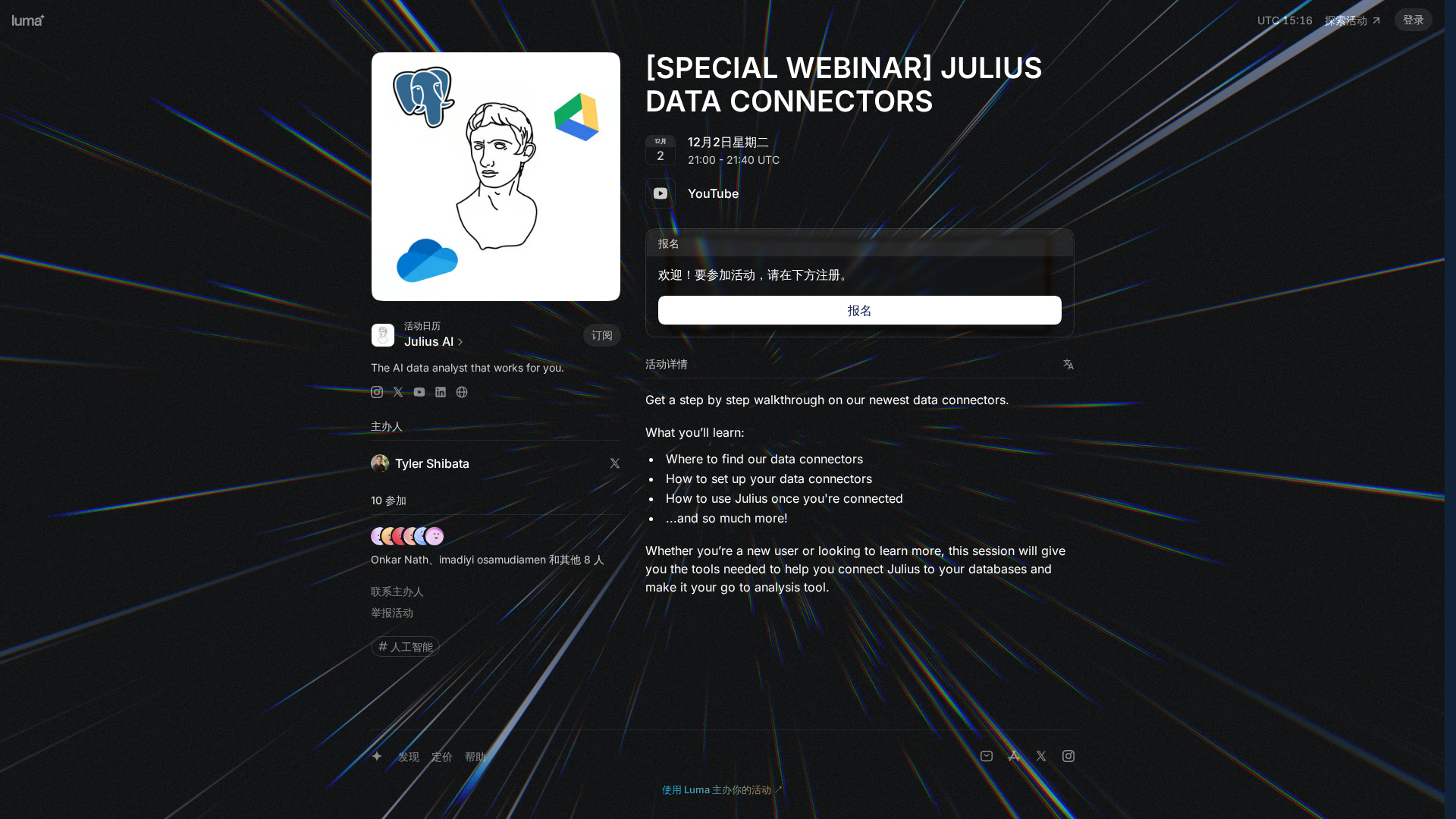
A step-by-step webinar on finding, setting up, and using Julius data connectors to connect to your databases.

A user-facing notice explaining that JavaScript is disabled on X.com and how to fix it.

X.com flags a JavaScript-disabled error and suggests enabling scripts or changing browsers, plus disabling privacy extensions.
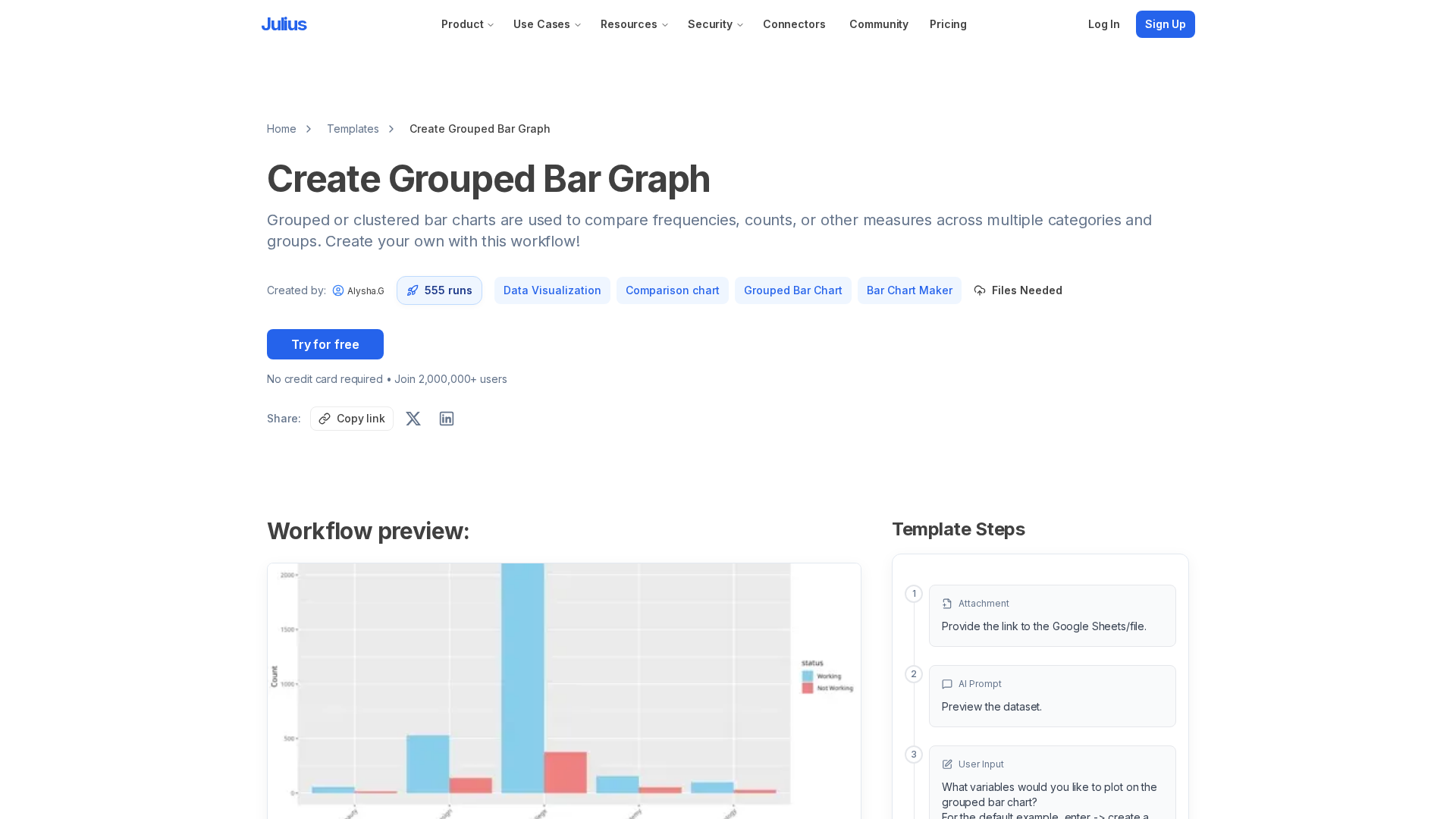
A free Julius AI workflow to create grouped bar charts from various data formats with guided steps.