
Overview
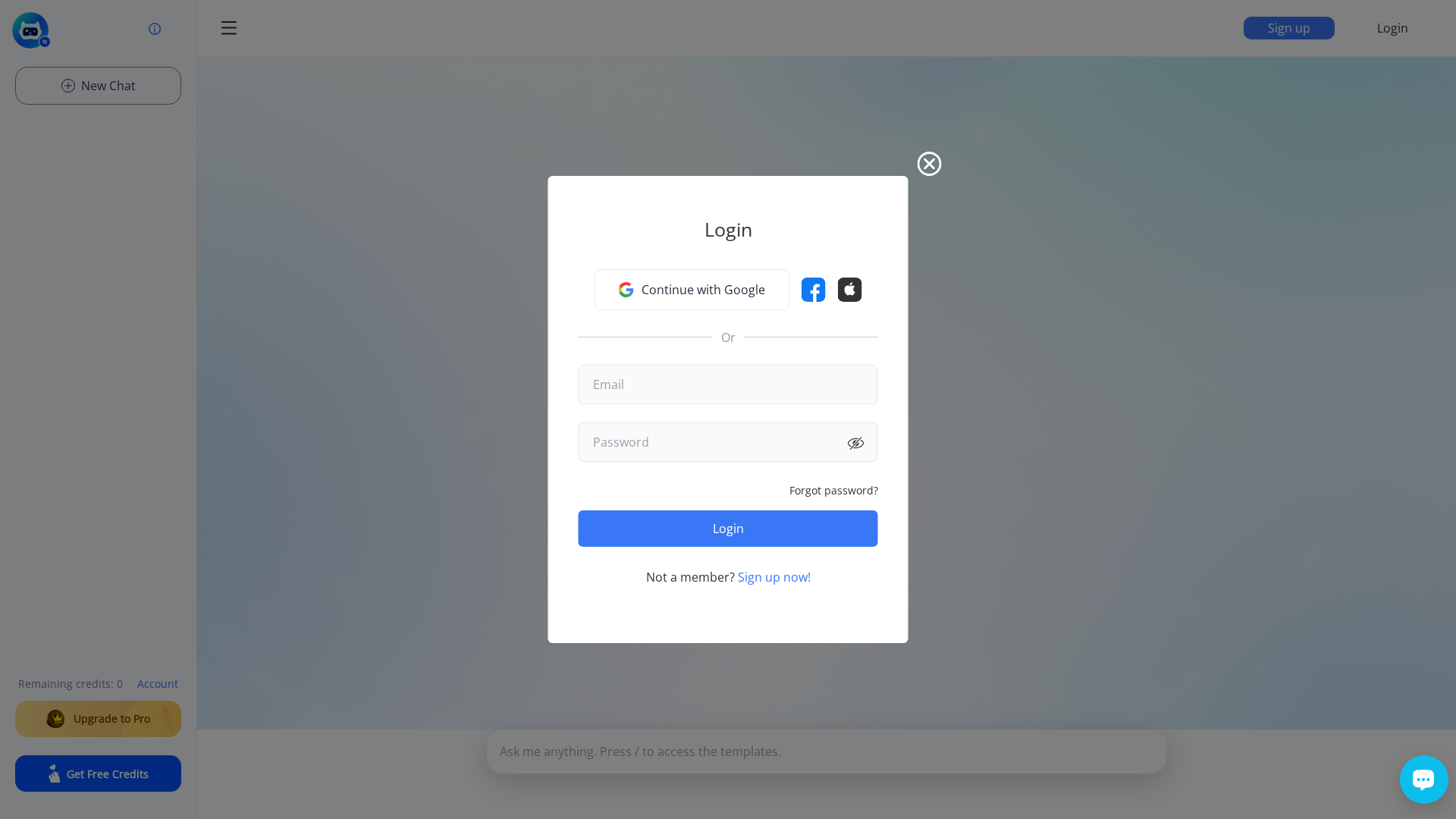
LetsView Chat is an AI-powered conversational assistant integrated into the LetsView ecosystem to assist users with screen mirroring, device setup, troubleshooting, and optimization. It provides a chat-based interface (text, and possibly voice) where users can ask step-by-step questions about connectivity (network, device discovery, firewall issues), choose appropriate mirroring modes, and get advice on performance settings such as resolution, bitrate, and frame rate. The assistant is available as an in-app feature across LetsView-supported platforms (Windows, macOS, iOS, Android) and is possibly accessible via the LetsView website. Responses are framed as informational guidance rather than a replacement for professional hardware support. The assistant adapts to user context — including device type, language, and interaction history — to deliver more tailored guidance; LetsView notes that conversations may be stored with user consent to improve the service and advises users not to share highly sensitive data. Practical usage guidance from LetsView recommends asking precise, contextual questions, providing device details (OS, model, network), and requesting stepwise instructions. The LetsView Chat page itself does not list explicit pricing for the chatbot; LetsView’s broader site contains separate pricing for its mirroring product lineup. Refund and trial details published by LetsView indicate a free 10-session trial before purchase, a 7-day no-questions-asked full refund window after purchase, and the possibility of post-7-day refunds for validated technical or compatibility issues. Support and refund requests are handled through LetsView contact channels.
Key Features
Connectivity troubleshooting
Diagnosis and stepwise troubleshooting for network, device discovery, and firewall issues.
Mirroring mode guidance
Advice on selecting mirroring modes and configuring resolution, bitrate, and frame rate.
Context-aware assistance
Responses adapt to device type, language, and interaction history for tailored guidance.
Step-by-step instructions
Provides procedural, incremental instructions and practical tips for common tasks.
Multiplatform availability
Accessible within LetsView apps on Windows, macOS, iOS, Android, and possibly via web.
Service improvement via consented data
Conversations may be stored with user consent to improve the assistant and product.
Who Can Use This Tool?
- End users:Home and office users troubleshooting screen mirroring and device setup, needing stepwise help.
- IT support:Technicians and support staff using the assistant to diagnose connectivity and compatibility issues.
Pricing Plans
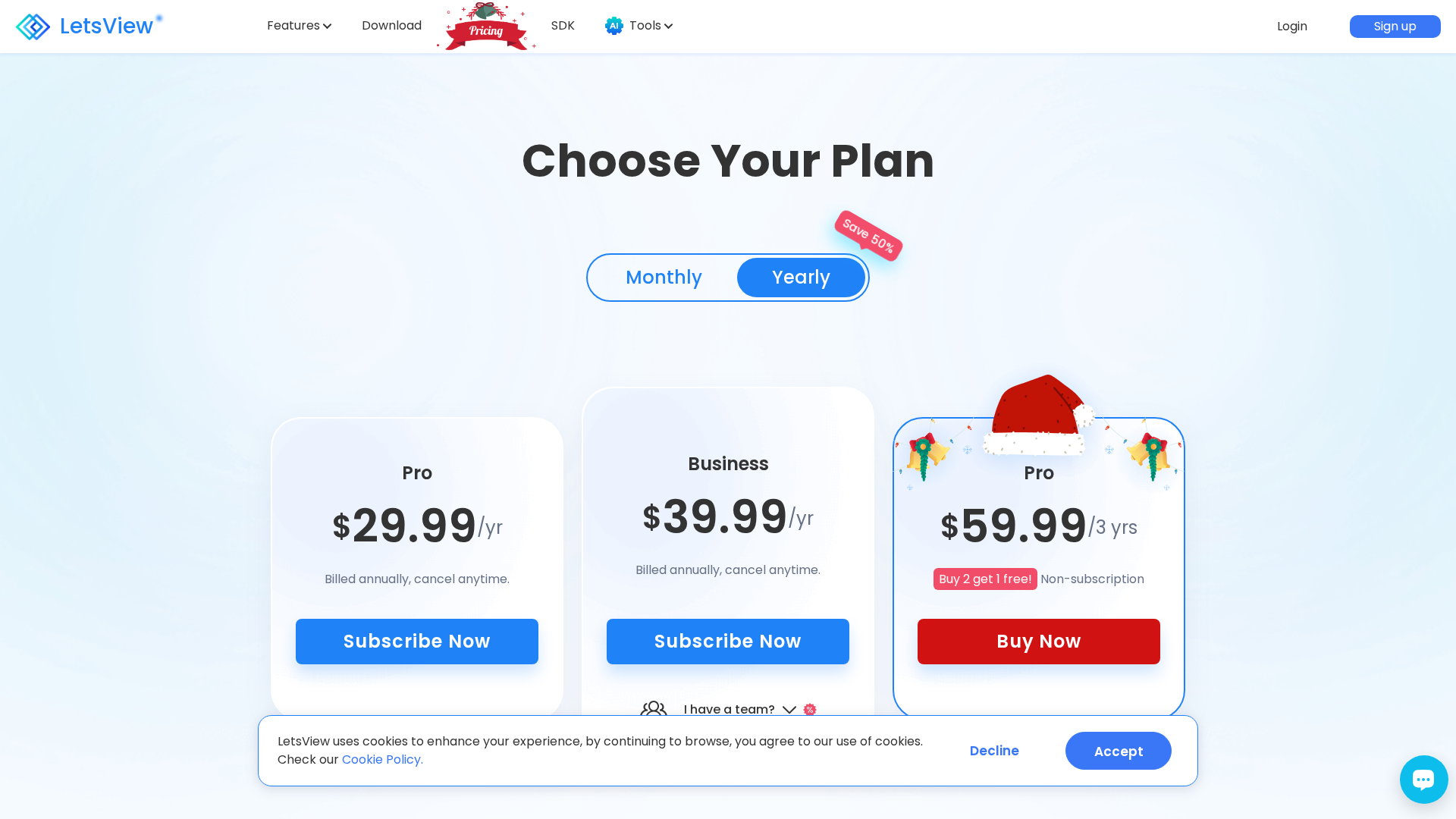
Free 10-session trial before purchase; no pricing listed on chatbot page.
- ✓10 free trial sessions
- ✓Access to chat-based guidance
No explicit chatbot pricing on the chatbot page; broader LetsView site lists product pricing.
- ✓Paid access subject to LetsView site pricing
- ✓Refunds handled per LetsView refund policy
Pros & Cons
✓ Pros
- ✓Provides tailored, context-aware troubleshooting and guidance
- ✓Multiplatform access within LetsView apps (Windows, macOS, iOS, Android)
- ✓Step-by-step instructions and practical tips for common mirroring issues
- ✓Free trial (10 sessions) available before purchase
✗ Cons
- ✗No explicit pricing listed on the chatbot page itself
- ✗Conversations may be stored (with consent); users advised not to share highly sensitive data
- ✗Framed as informational and not a replacement for professional hardware support
Compare with Alternatives
| Feature | LetsView Chat | Neuron7.ai | My AskAI |
|---|---|---|---|
| Pricing | N/A | N/A | $13.30/month |
| Rating | 8.0/10 | 8.2/10 | 8.1/10 |
| Troubleshooting Depth | Basic troubleshooting | Advanced complex troubleshooting | Moderate guided troubleshooting |
| Guided Repair Flow | Yes | Yes | Partial |
| Live Interaction | Yes | Partial | Yes |
| Device Integration | Yes | Yes | No |
| Knowledge Connectivity | App-specific context only | Knowledge capture and retrieval | Broad content connections |
| Proactive Diagnostics | No | Yes | No |
| Enterprise Governance | No | Yes | Yes |
Related Articles (7)
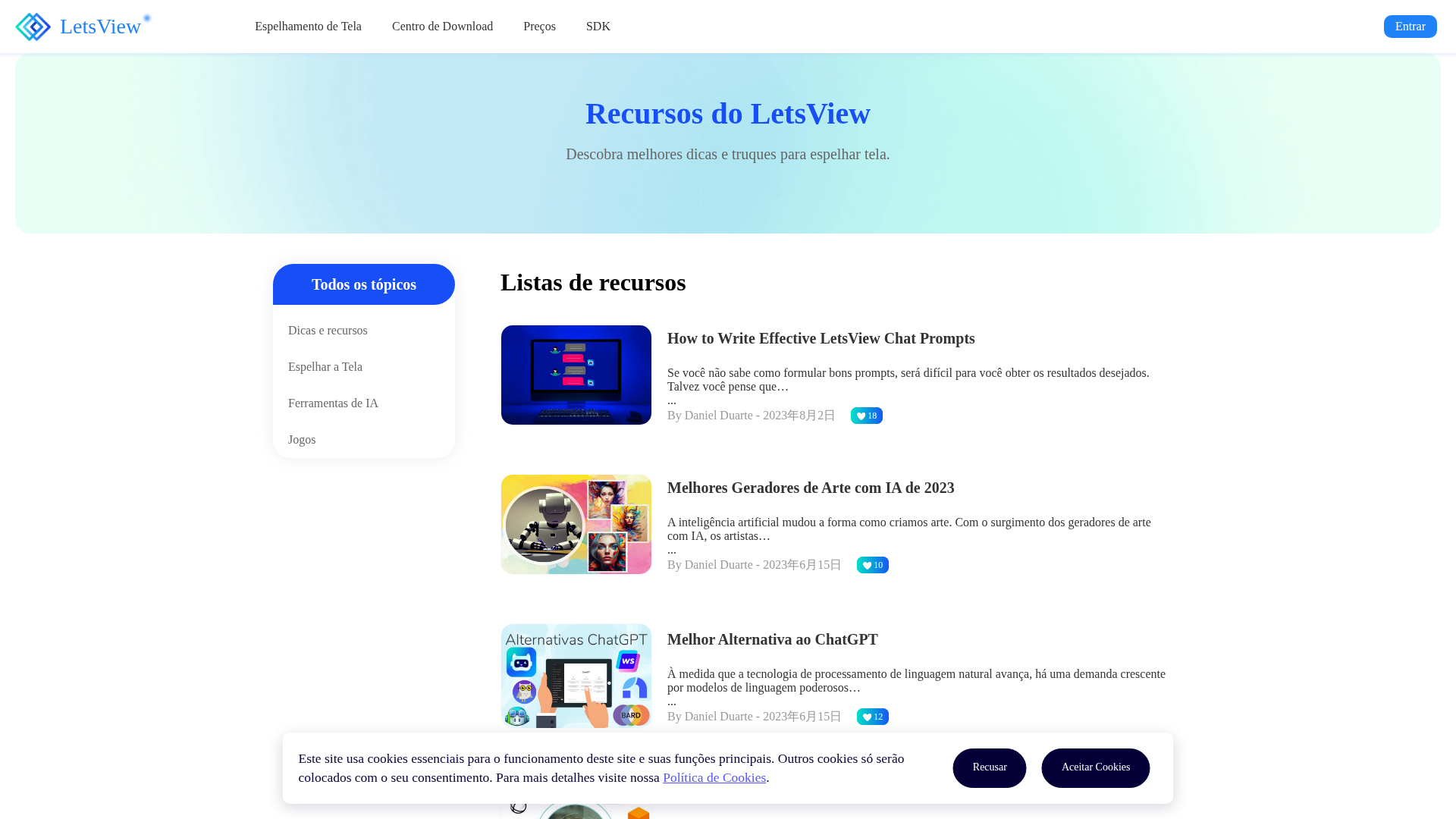
Guia rápido de dicas para espelhar a tela com LetsView e recursos tecnológicos relacionados.
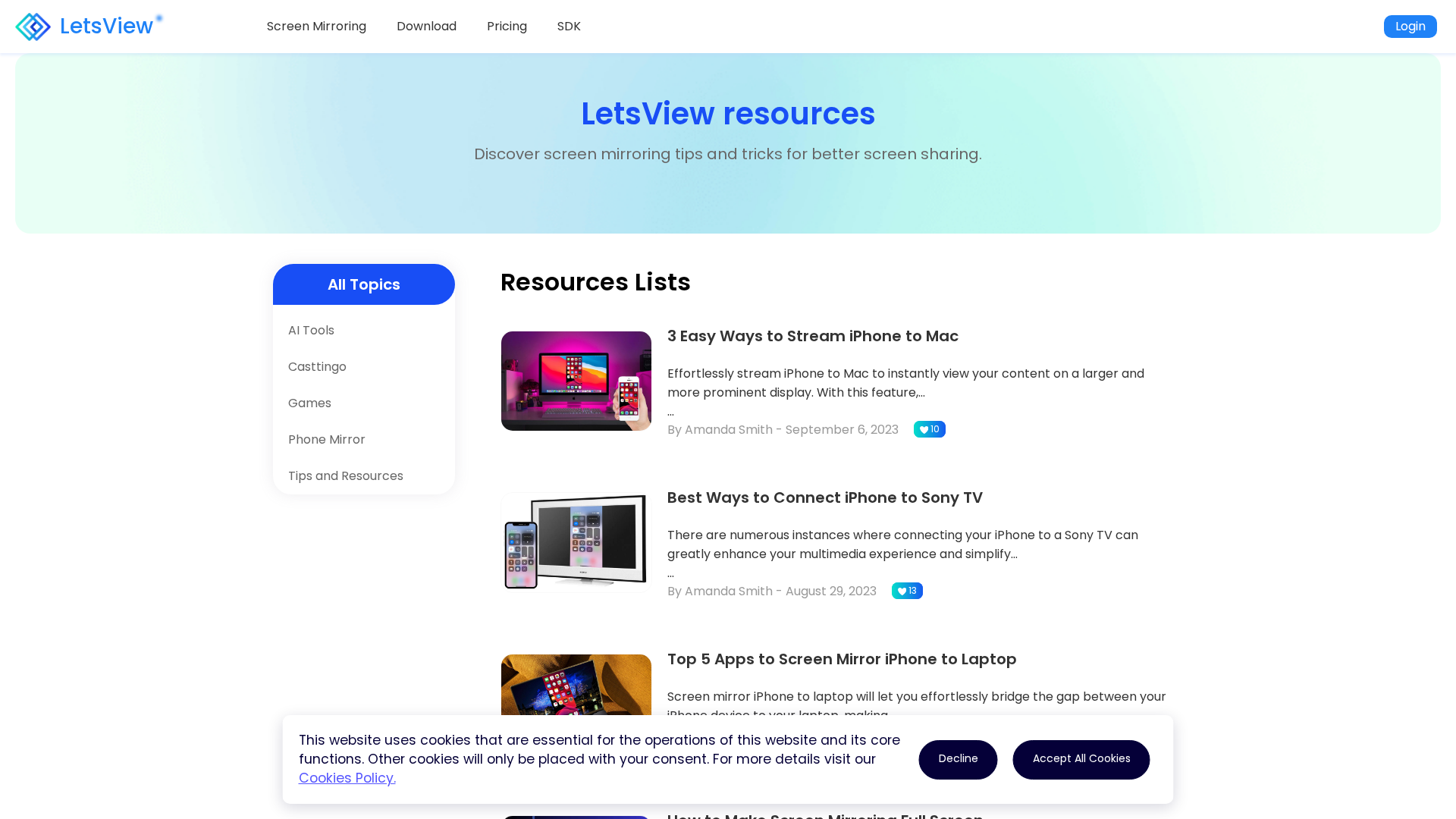
A LetsView resources hub offering practical tips for screen mirroring across iPhone, Mac, TV, and laptops.
LetsViewリソース集で、画面ミラーリングの小技と実用ガイドを総覧します。
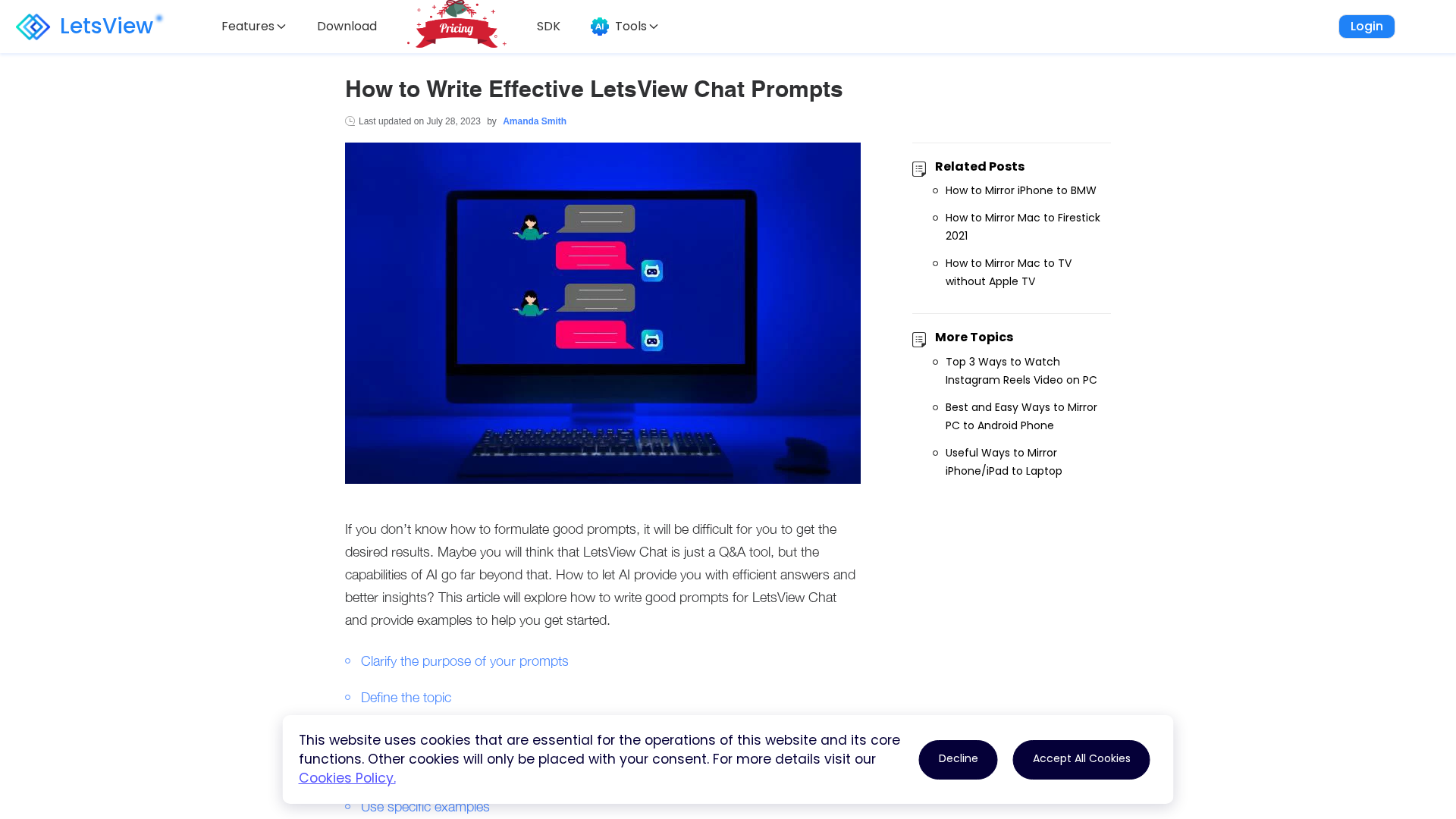
A practical guide to crafting effective LetsView Chat prompts for precise, insightful responses.
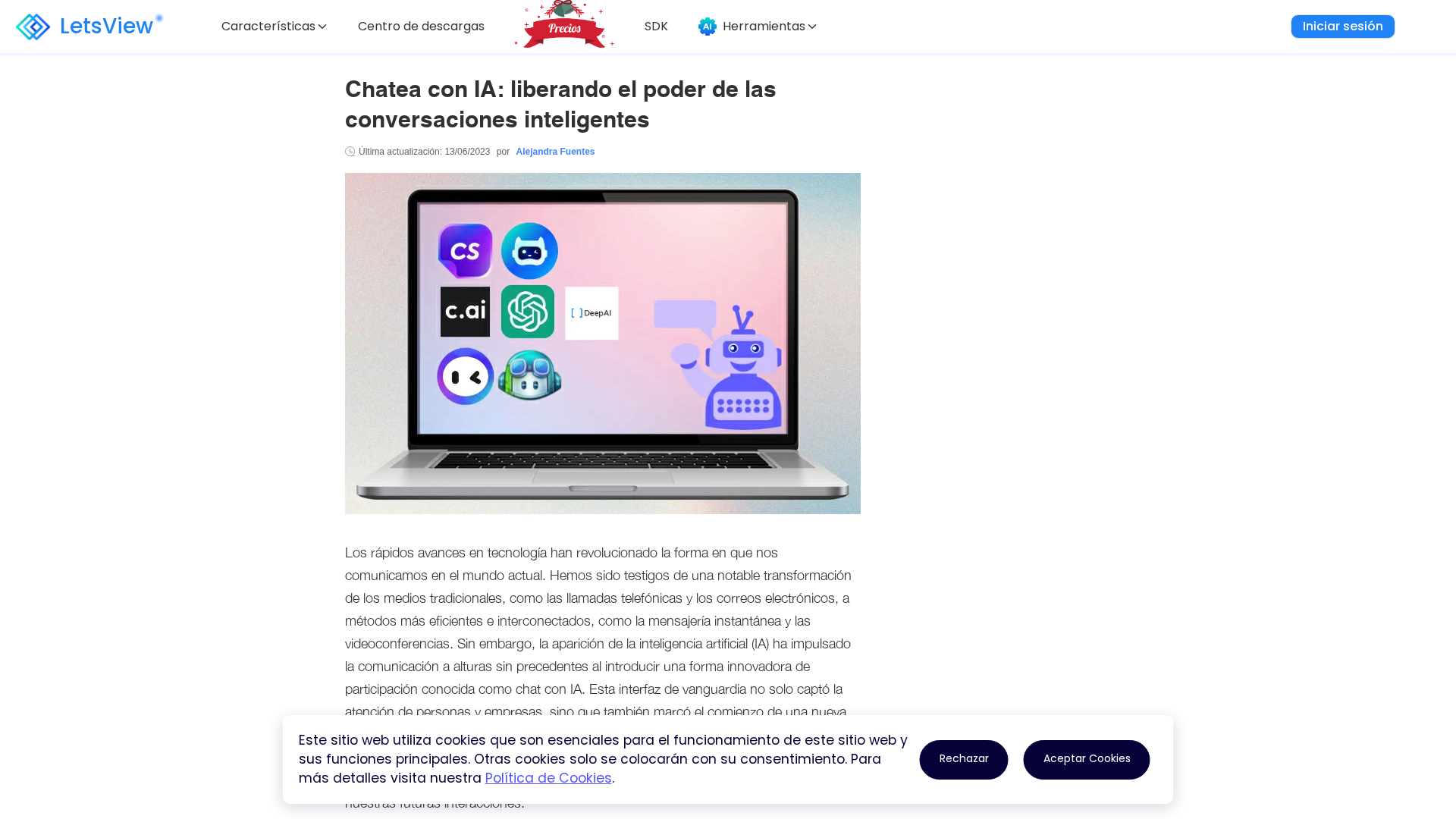
Guía de las 7 mejores apps de chat con IA y sus funciones clave.