
Overview
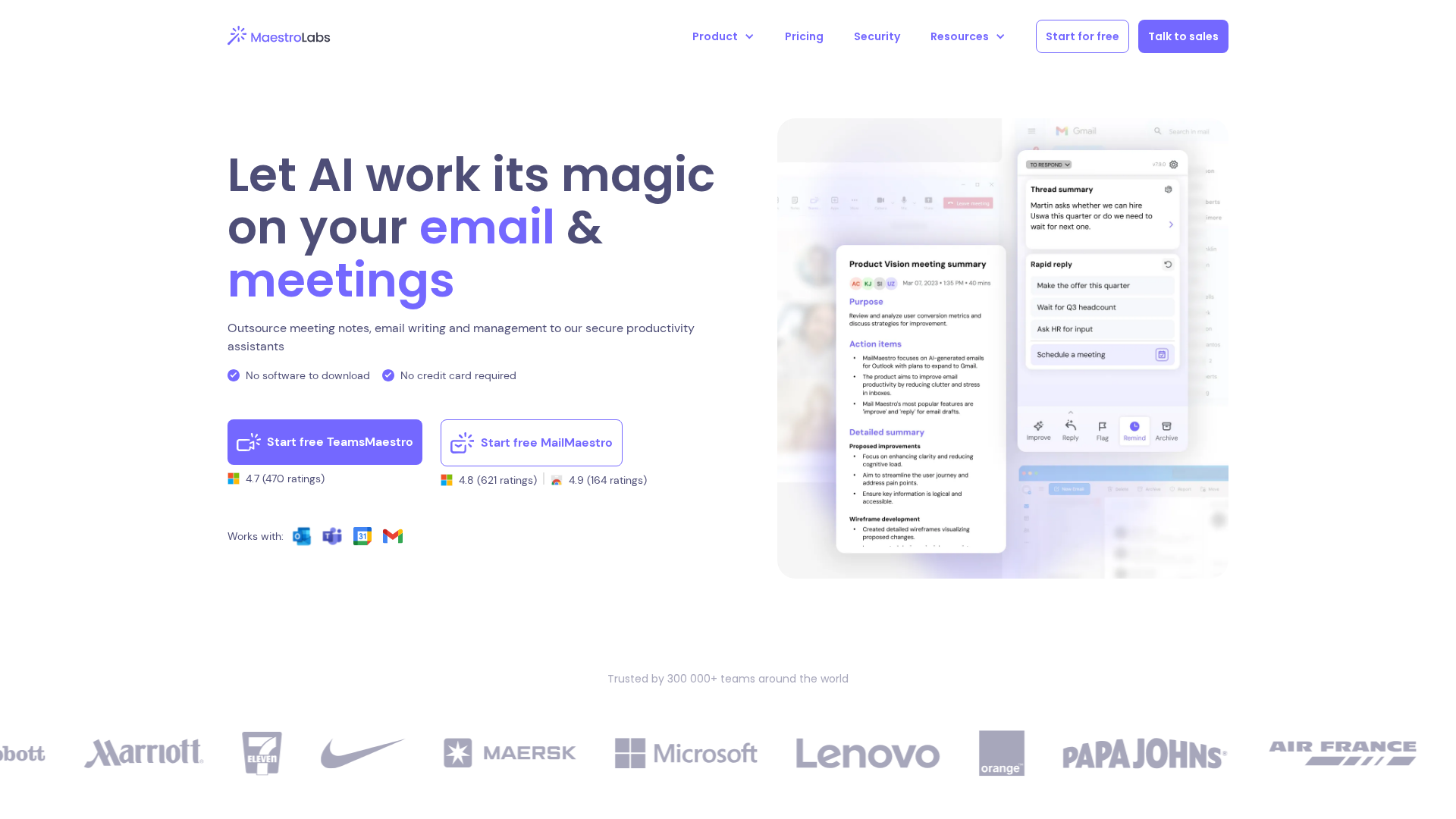
Maestro Labs offers a product family including MailMaestro (an AI email assistant) and TeamsMaestro (an AI meeting notetaker). These AI productivity tools help users compose, reply to, and improve email drafts (generating multiple draft options), summarize long threads and attachments, triage inboxes, and capture/transcribe meetings with action items and summaries. Key claims across the site include multilingual support (20+ languages), a free plan and a 14-day full-feature trial (no credit card required in some places), enterprise-grade security and compliance (SOC 2 Type II, GDPR-aligned practices), and integrations with Outlook (web & desktop) and Gmail (Chrome extension). MailMaestro core features include AI-driven composition, reply and improvement workflows, thread and attachment summarization, tone/length/language controls, templates and keyword shortcuts, inbox prioritization/triage, Outlook and Gmail integrations (Compose button, sidebar, Chrome extension), and adjustable personalization/AI personality to match a user's writing style. TeamsMaestro joins Microsoft Teams meetings (auto-join), records and transcribes live calls, and produces concise digests, action points and summaries; it supports transcription and summaries in 20+ languages, calendar sync and auto-join, and works across Desktop, Web, and MS365 apps. MaestroDuo is offered as a bundled plan combining MailMaestro and TeamsMaestro features. Pricing on the site describes Free, Professional/Individual, Team/Professional, MaestroDuo bundle and Enterprise tiers. Observed listed monthly prices (as presented on site pages visited) include MailMaestro Professional at $12/month, TeamsMaestro Professional/Team at $17/month, and MaestroDuo bundle at $25/month. Enterprise pricing is custom and available via contact. The site also references seat-based tiers and enterprise quotes via sales contact. The Trust Center / security pages detail encryption in transit and at rest, role-based access controls, MFA, least-privilege principles, SOC 2 Type II and GDPR-aligned practices, data-use commitments (customer data not used to train models, data minimization, sub-processor controls), retention options including enterprise retention controls, PII obfuscation options, penetration testing, and incident response procedures. Support and contact avenues include a contact form and a Trust Center support email ([email protected]).
Key Features
AI compose, reply, and improve
Generates multiple draft options for composing, replying to, and improving email drafts; adjustable tone, length and language controls.
Thread and attachment summarization
Auto-summarizes long email threads and attachments to produce concise summaries.
Templates and shortcuts
Magic templates, keyword shortcuts, and adjustable AI personality to create personalized drafts that reflect writing style.
Inbox triage and prioritization
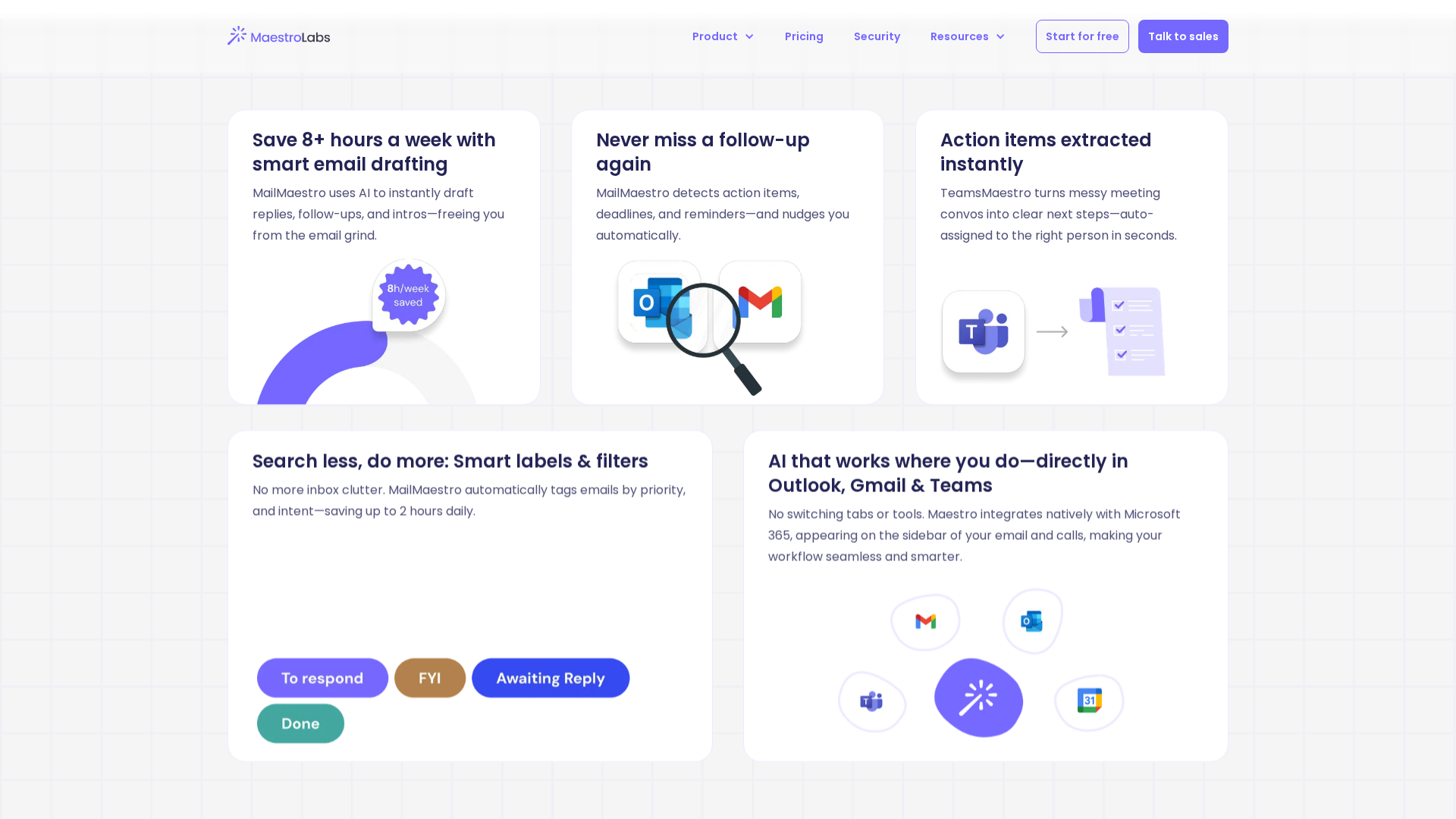
AI-driven inbox prioritization/triage to surface important messages and streamline workflows.
Gmail and Outlook integrations
Integrates with Gmail via a Chrome extension and with Outlook (web & desktop), including sidebar and Compose button UX.
TeamsMaestro meeting capture
Auto-joins Microsoft Teams meetings, records/transcribes live calls, and produces digests, action points, and summaries.
Who Can Use This Tool?
- individuals:Use MailMaestro to write, reply and improve emails and summarize threads for individual productivity.
- teams:Use TeamsMaestro and MailMaestro for team-level meeting capture, transcription, and collaborative email workflows; MaestroDuo bundle for combined needs.
- enterprises:Enterprise deployments for SSO, custom retention, prioritized support, Infosec engagement and contracts; pricing and contracts via sales contact.
Pricing Plans
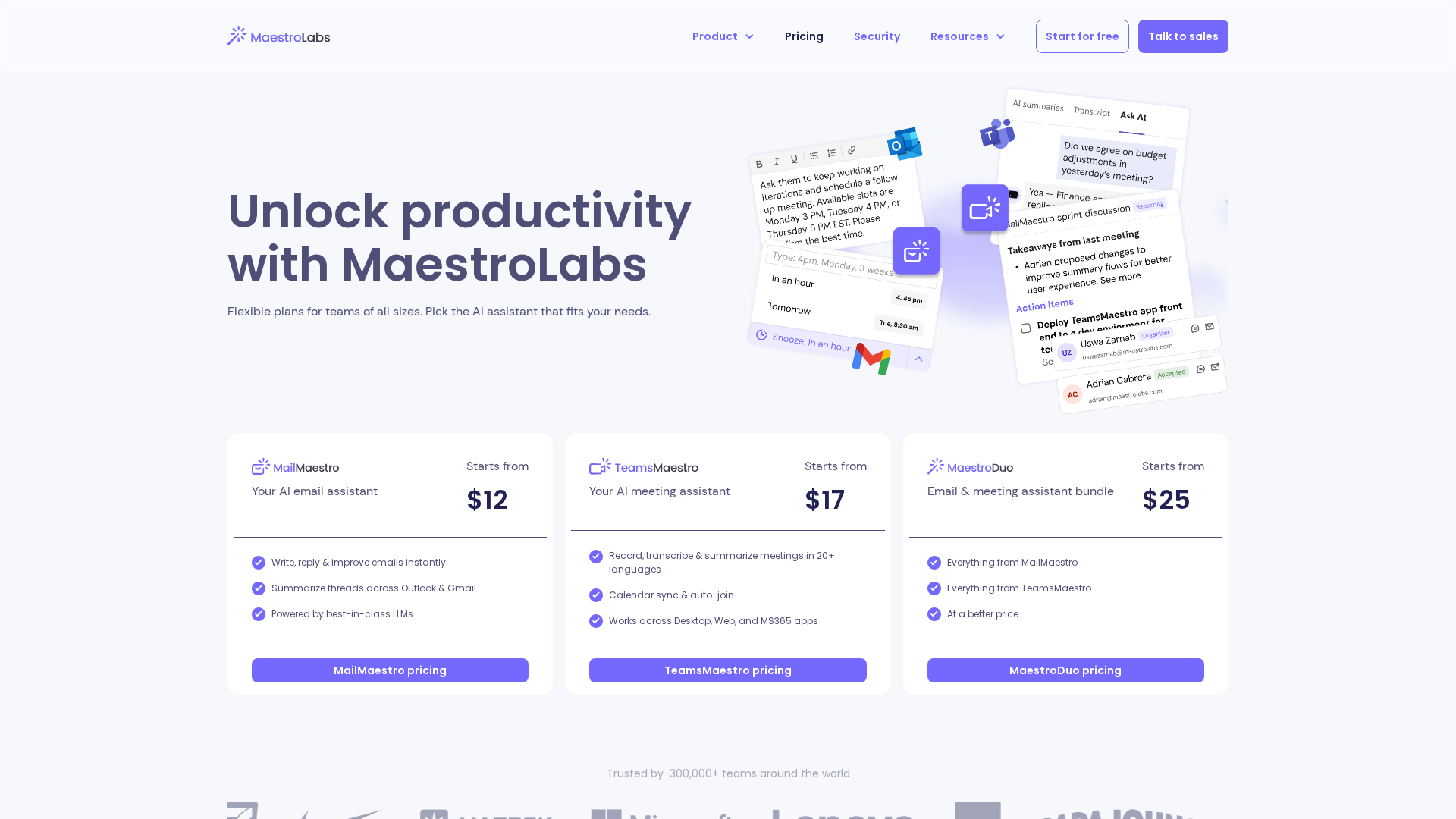
Free tier for trial/evaluation with limited core email actions and limited meeting notes; site references a 14-day full-feature trial and 'no credit card required' in some places.
- ✓Limited Compose/Reply/Improve actions
- ✓Limited meeting notes allowance (site references '10 meeting notes per month')
- ✓Access to core MailMaestro and limited TeamsMaestro features for evaluation
MailMaestro Professional/Individual level as observed on pricing pages; listed at $12 per month in collected notes.
- ✓Full MailMaestro compose/reply/improve capabilities
- ✓Thread and attachment summarization
- ✓Tone, language and length controls
- ✓Templates and personalization
TeamsMaestro Professional / Team level as observed on pricing pages; listed at $17 per month in collected notes.
- ✓Live meeting recording and transcription
- ✓Concise digests, action points and summaries
- ✓Calendar sync and auto-join
Bundled plan combining MailMaestro and TeamsMaestro features; observed listed price of $25 per month in collected notes.
- ✓Combined MailMaestro and TeamsMaestro feature set
- ✓Marketed as a cost-saving bundle versus buying both separately
Custom enterprise pricing available via contact; includes SSO, custom retention, onboarding, prioritized support, custom integrations, Infosec engagement and contracts.
- ✓SSO and enterprise onboarding
- ✓Custom retention and zero-day retention options
- ✓Prioritized support and Infosec engagement
Pros & Cons
✓ Pros
- ✓Comprehensive email assistance features: compose, reply, improve, templates, personalization.
- ✓Meeting capture and transcription with summaries and action items via TeamsMaestro.
- ✓Multilingual support (20+ languages) across composition and transcription.
- ✓Enterprise-grade security and compliance posture described (SOC 2 Type II, GDPR-aligned).
- ✓Free tier and a reported 14-day full-feature trial (no credit card required in some copy).
- ✓Integrations with Outlook (web & desktop) and Gmail via Chrome extension.
✗ Cons
- ✗Exact seat-based pricing, annual discounts, and some price details require verification via contact; enterprise pricing is custom.
- ✗Some claims (e.g., 'no credit card required' for trial, exact free meeting note allowance of '10 per month') appear in site copy but should be verified during sign-up as they are presented in multiple places.
- ✗Limited public detail for some enterprise controls (full SOC 2 report, DPA, exact zero-day retention options) and require contacting sales/support to obtain artifacts.
Compare with Alternatives
| Feature | MailMaestro (Maestro Labs) | Circleback.ai | Scribbly |
|---|---|---|---|
| Pricing | $12/month | $20.83/month | $9.90/month |
| Rating | 8.1/10 | 8.2/10 | 8.3/10 |
| Email Compose Depth | Advanced generative compose and reply | Not focused on email | N/A |
| Thread Summarization | Yes | No | N/A |
| Meeting Capture Quality | Integrated Teams capture and notes | Robust transcription and action item extraction | N/A |
| Integrations Coverage | Gmail, Outlook, Teams integrations | API, workflow integrations, meeting tools | N/A |
| Templates & Shortcuts | Yes | No | N/A |
| Collaboration & Sharing | Partial | Yes | N/A |
| Security & Compliance | Yes'} | Yes},{ | N/A |
Related Articles (9)
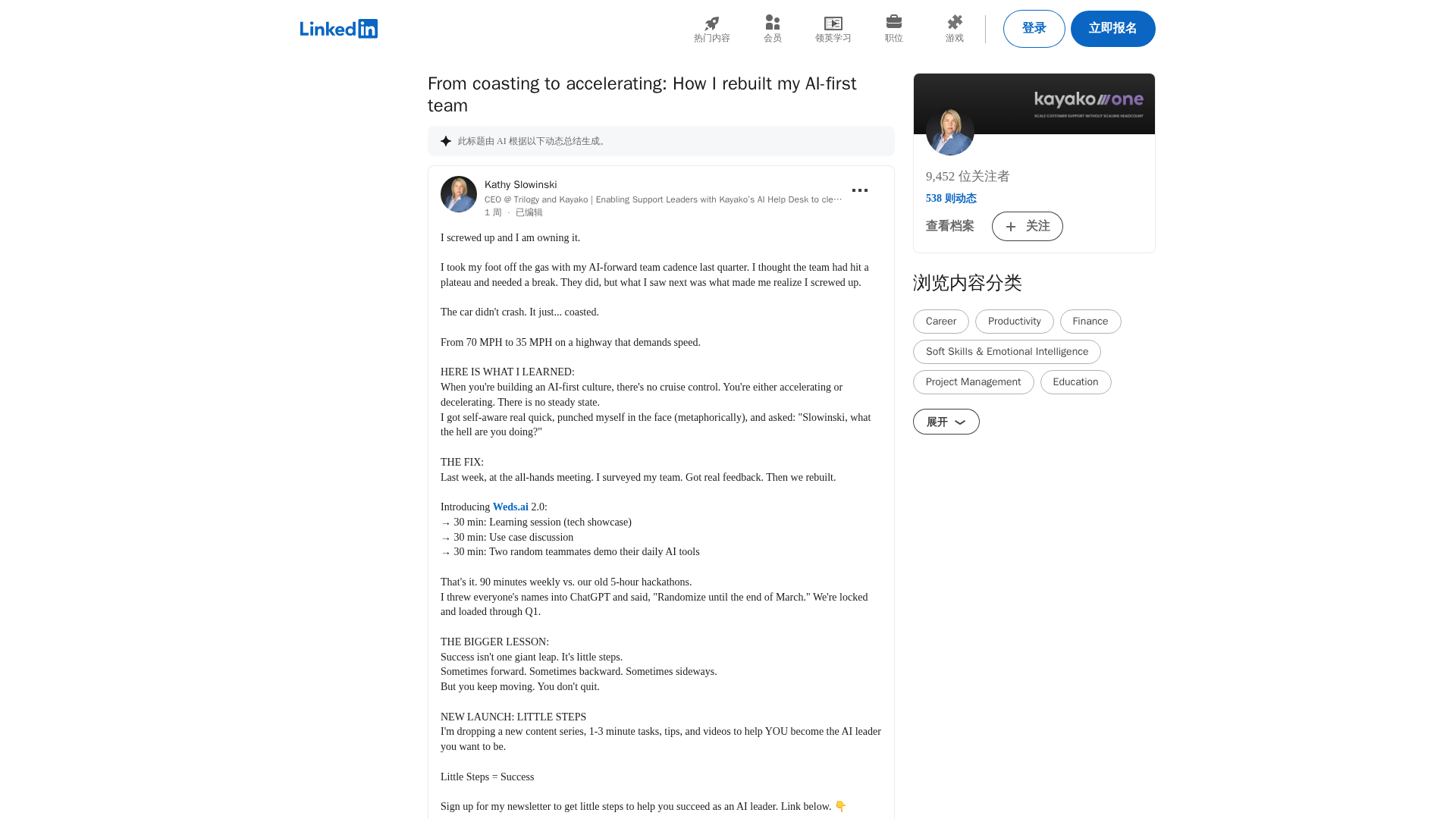
A candid account of rebooting an AI-first team with a 90-minute weekly cadence and a focus on small, steady steps.
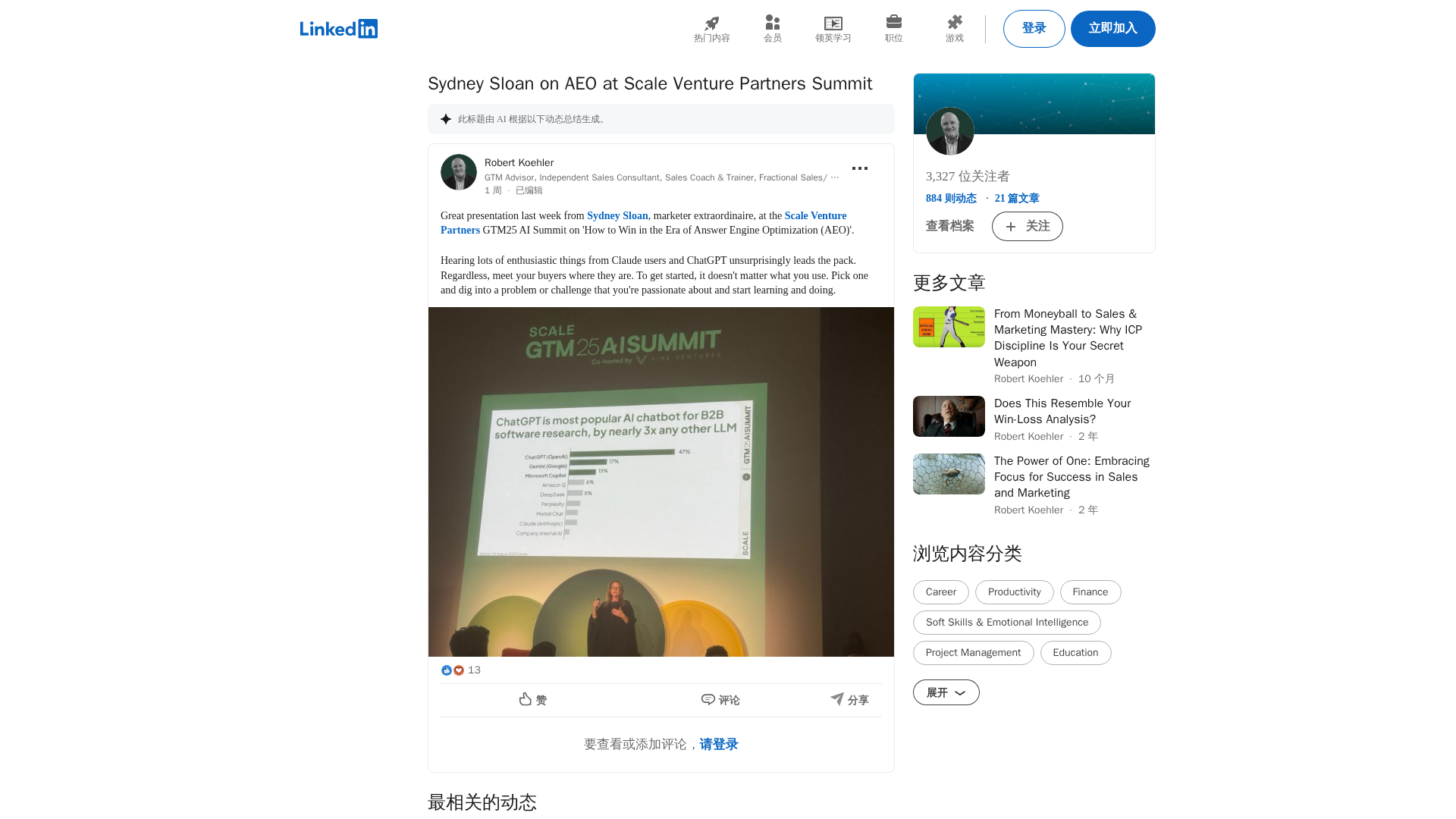
Recap of Sydney Sloan’s AEO talk and a snapshot of AI-driven trends shaping search, startup work culture, and product updates.
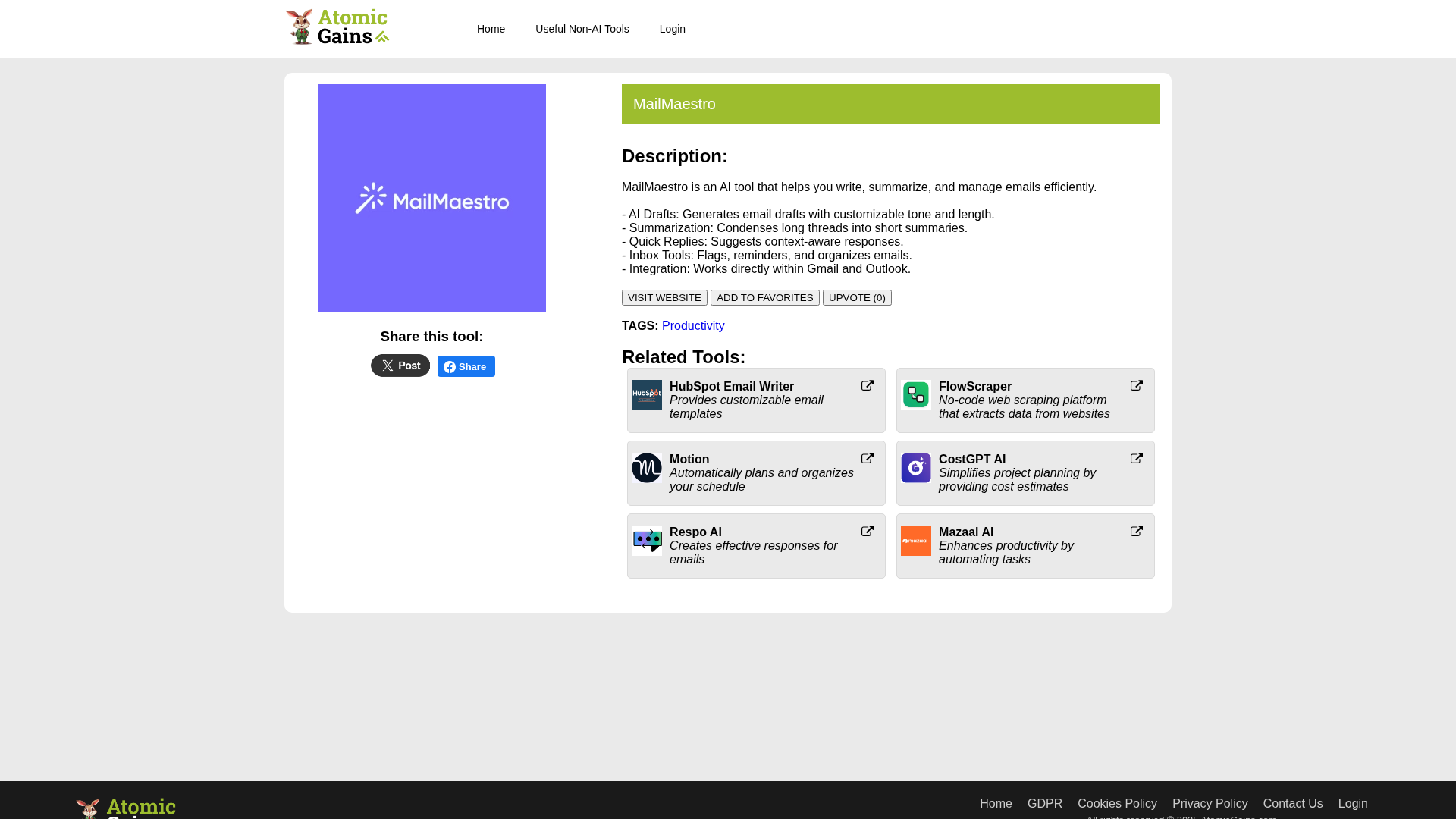
AI-powered email assistant that drafts, summarizes, and manages emails directly in Gmail and Outlook.
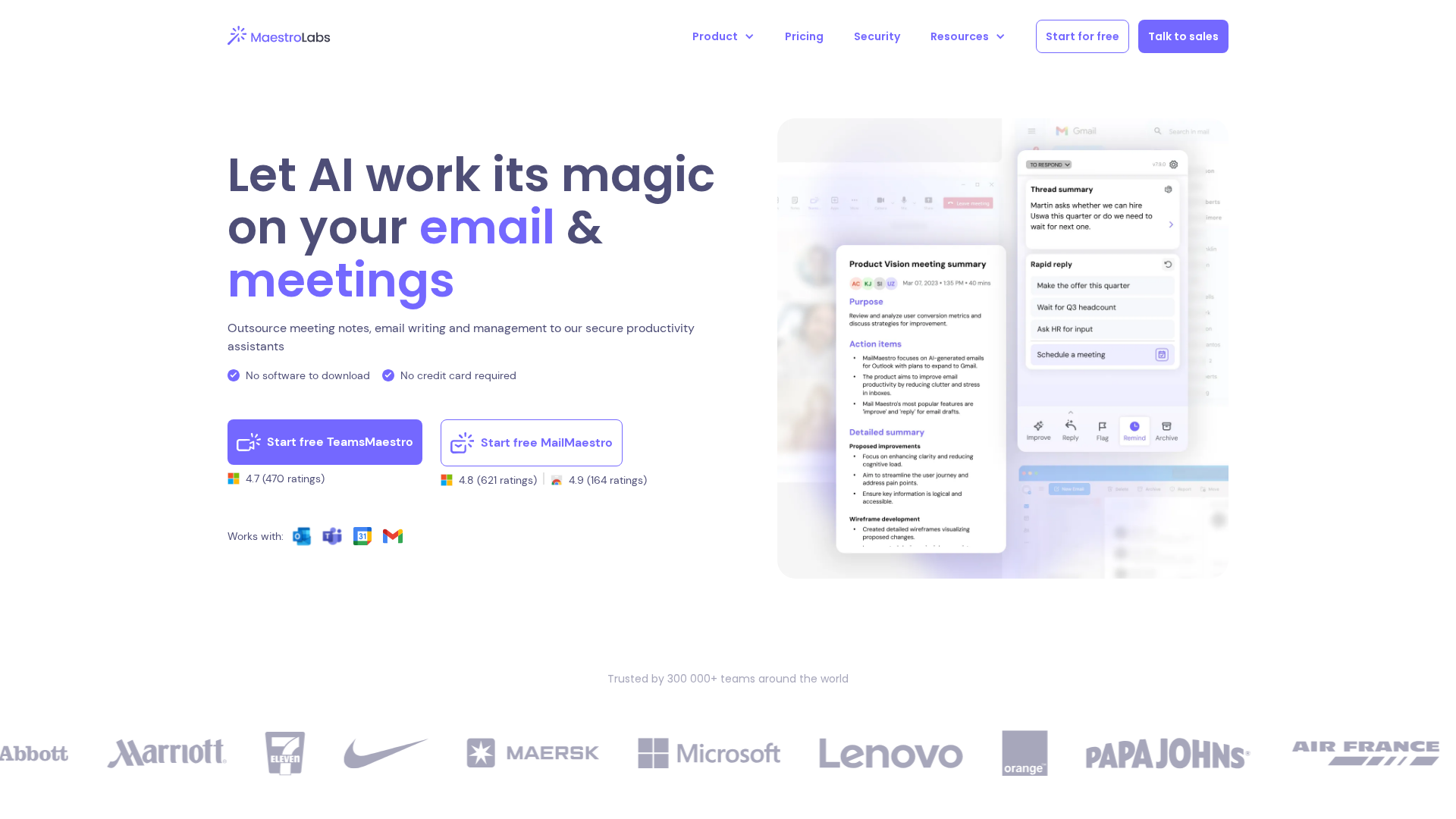
Promotional overview of MailMaestro and TeamsMaestro—a magical AI email writer, summarizer, and meeting notetaker.
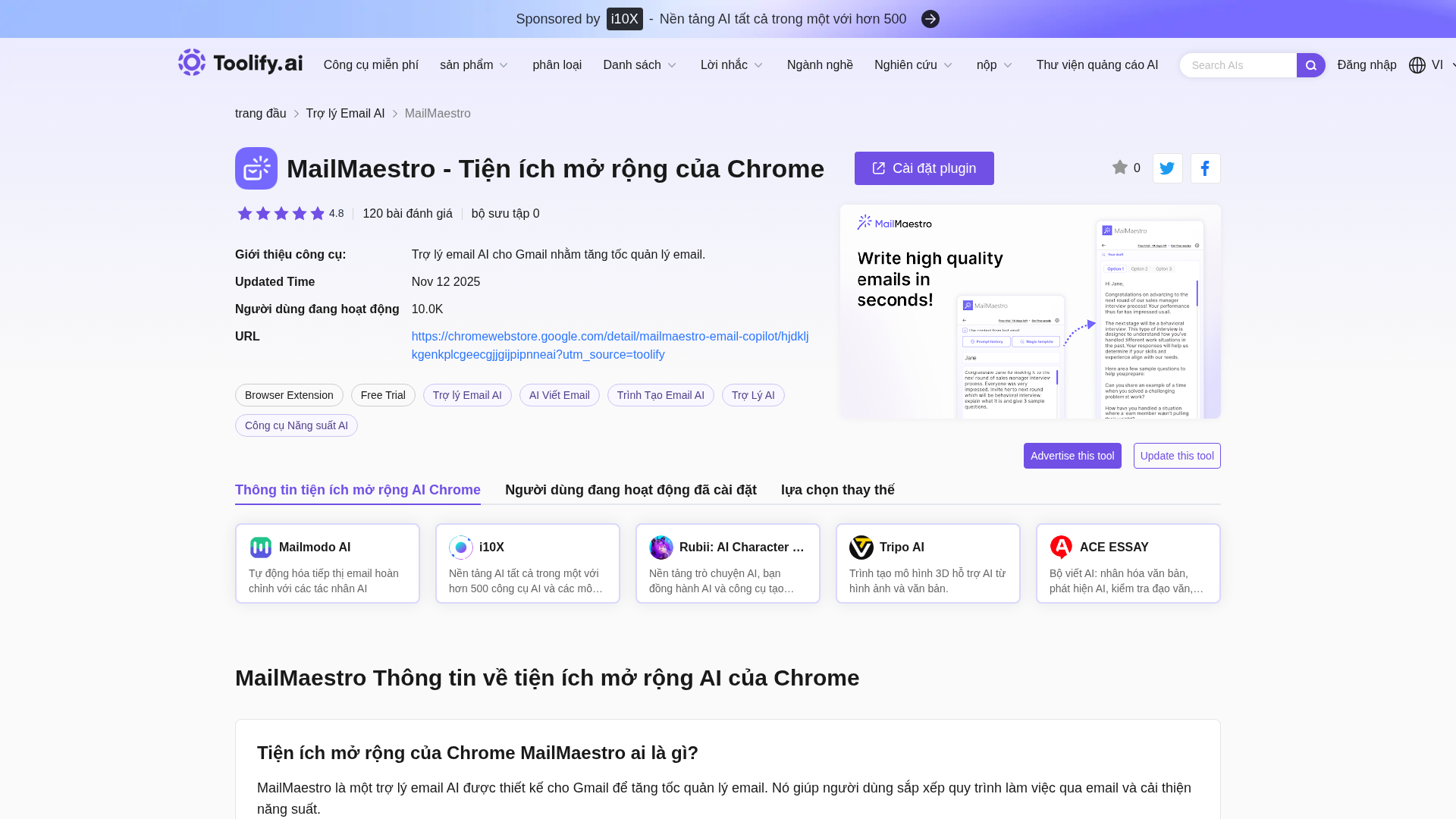
Trợ lý email AI cho Gmail, MailMaestro, giúp tăng tốc và tối ưu quản lý email.