Overview
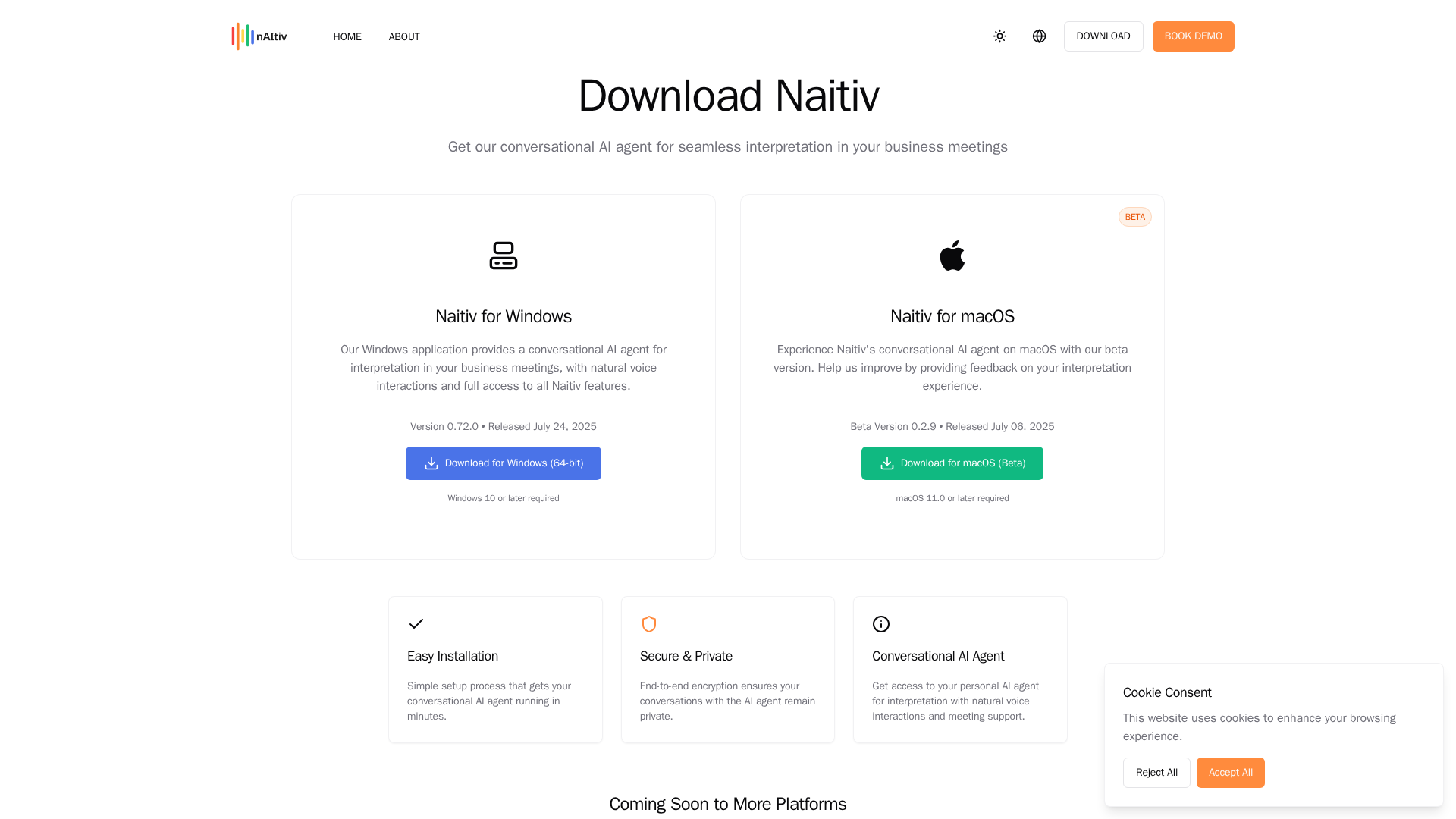
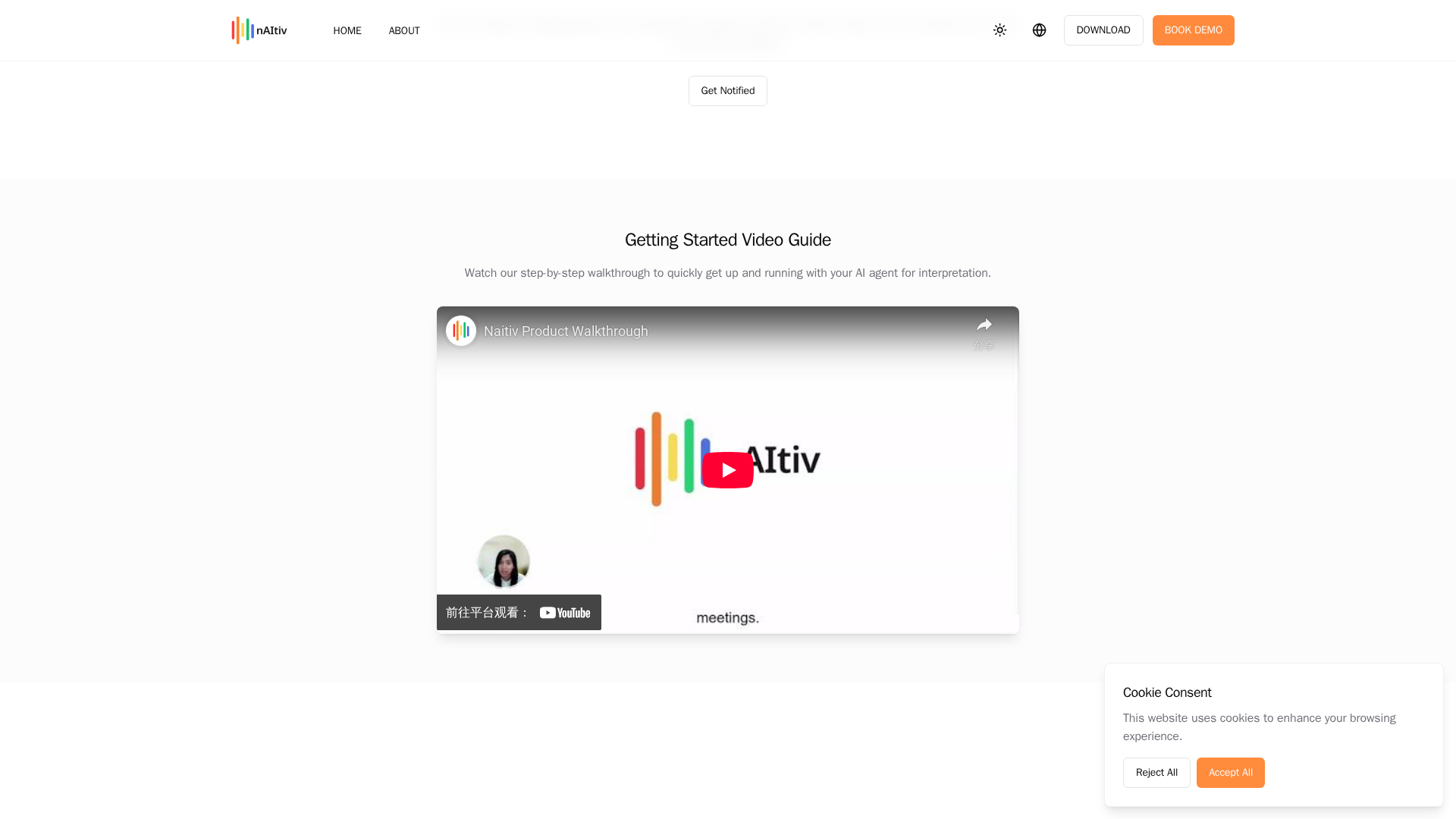
Overview: The download page highlights Naitiv as a desktop app for real-time translation and meeting transcripts. Windows is listed with a full feature set, while macOS is shown as beta/coming soon with an invitation for feedback. Core features include real-time translation during meetings, meeting transcripts, integrated access to Naitiv features, easy/simple installation, and a Getting Started video guide. Security emphasis includes end-to-end encryption and privacy protections in line with the site’s Privacy Policy. CTAs on the site include Windows download and options to book a demo or request macOS beta. Pricing and trials: The download page does not list pricing plans or a free-trial. The Terms indicate that some features may require a subscription and that fees can change, implying paid tiers may exist, but no concrete plans/prices are published on the download page. Privacy details: The Privacy page notes transcripts stored locally on the user’s device, no use of customer conversations to train models, anonymized analytics, passwordless OTP login, mandatory MFA for employees, plans for SOC 2, and provides a privacy contact. Recommendations: download the Windows app if on Windows, watch the Getting Started video, and contact [email protected] or book a demo to obtain pricing, trial access, or macOS beta enrollment.
Key Features
Real-time translation during meetings
Provides live translation to facilitate multilingual discussions.
Meeting transcripts
Generates transcripts of meetings for reference.
Integrated access to Naitiv features
Seamless access to core Naitiv features from the desktop app.
Easy/simple installation
Simple setup process for Windows.
Getting Started video guide
Includes a Getting Started video to help onboarding.
End-to-end encryption and privacy protections
Security emphasis with privacy protections per Privacy Policy.
Pricing Plans
Pricing information is not available yet.
Pros & Cons
✓ Pros
- ✓Windows desktop app with full feature set
- ✓macOS beta/coming soon with feedback invited
- ✓Strong privacy emphasis (end-to-end encryption, local transcripts)
- ✓Getting Started video guide
- ✓Clear CTAs for download and demos
✗ Cons
- ✗macOS is in beta/coming soon
- ✗Pricing or free-trial details are not listed on the download page
- ✗No concrete pricing information published on the download page
Related Articles (3)
Redirects to the Naitiv AI download page for software installation.
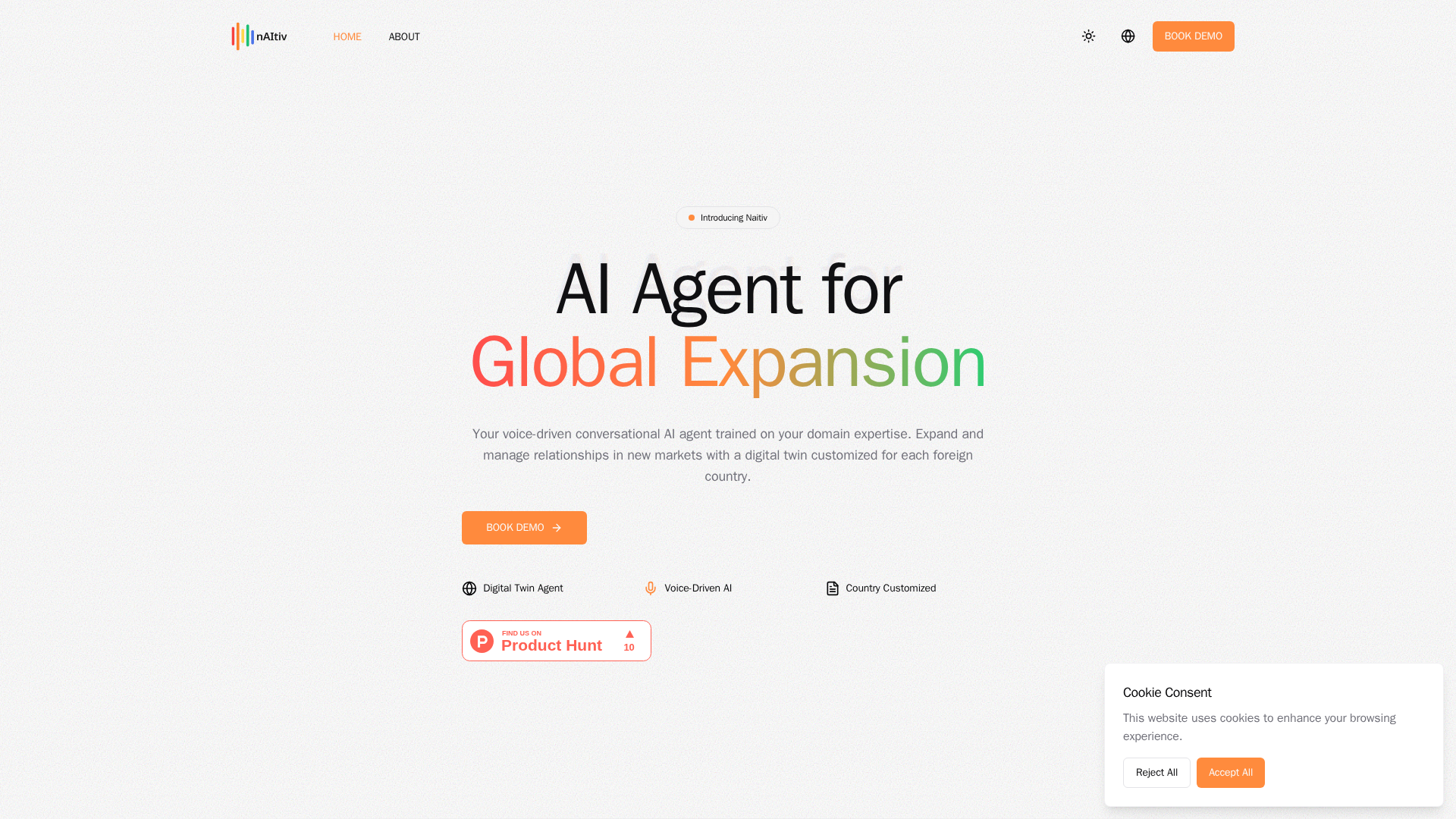
Create voice-enabled AI digital twins trained on your domain to expand and manage global market relationships.
Naitiv builds country-aware AI sales agents that expand globally while preserving authentic relationships and direct control.