Overview
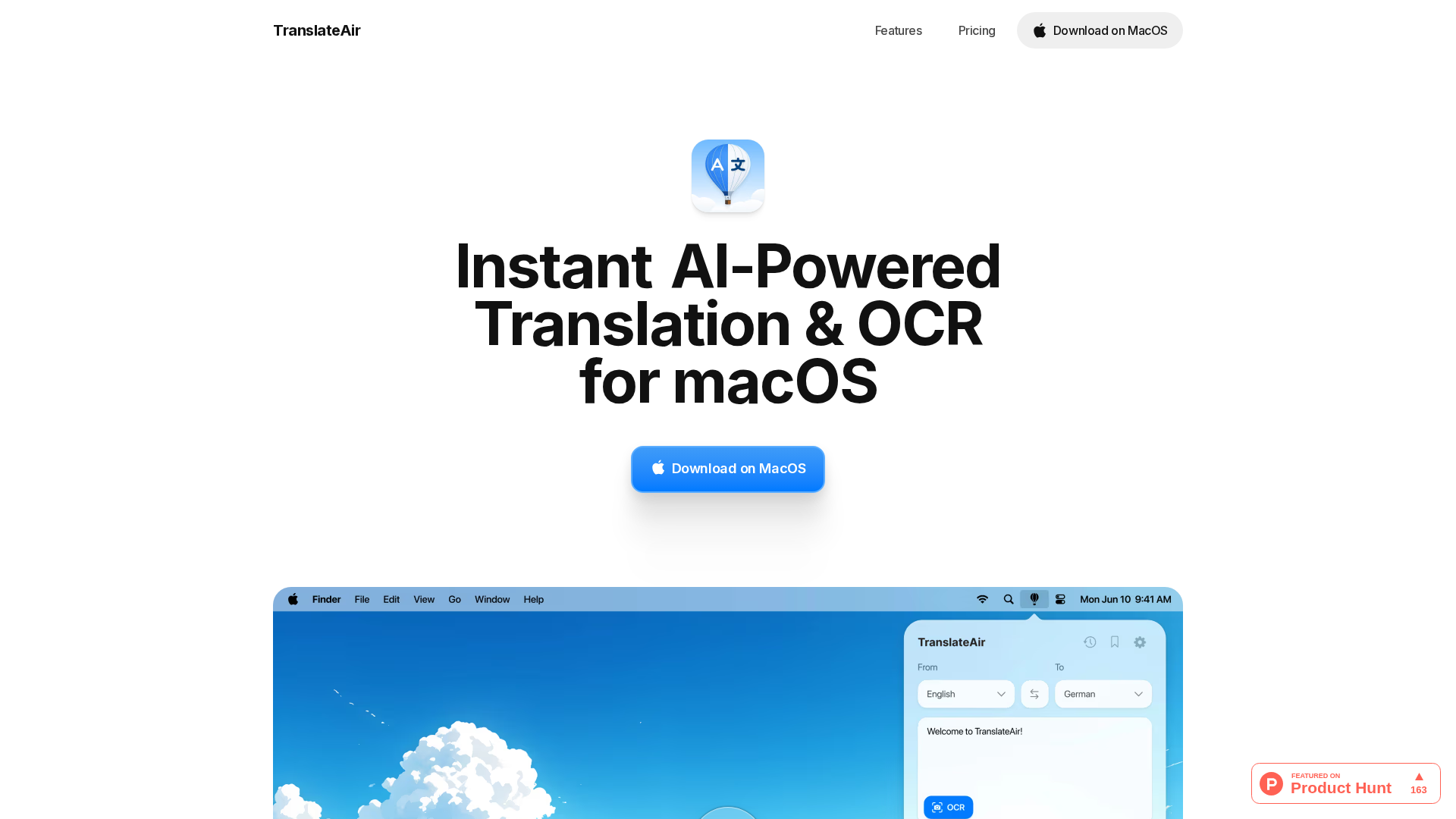
TranslateAir is a macOS application that brings AI-powered translation and OCR directly into your workflow. It offers system-wide integration (menu bar and a floating bar) to translate selected text from any app, while also extracting text from images, videos, PDFs, designs, and even source code via OCR. After translation, you can use the One-Click Polish feature to rewrite the text to be friendlier, more professional, shorter, or more detailed, all within the same workflow. The app supports multiple translation engines (with the ability to switch between them) to balance speed and accuracy. Keyboard shortcuts are customizable for translations, OCR, and the floating bar, and the product claims compatibility with 1000+ Mac apps. Language coverage exceeds 100 languages for both translation and OCR. An offline mode is not available today, but offline support is listed on the roadmap. The pricing model includes a free plan (trial) providing a pool of translations and a yearly subscription plan that totals $29.99/year (expressed as $2.50/month billed annually), with the option to manage subscriptions inside the app. Privacy and data handling emphasize transient processing of translation content and third-party APIs (OpenAI, Google Translate, DeepL, Gemini) with encryption in transit.
Key Features
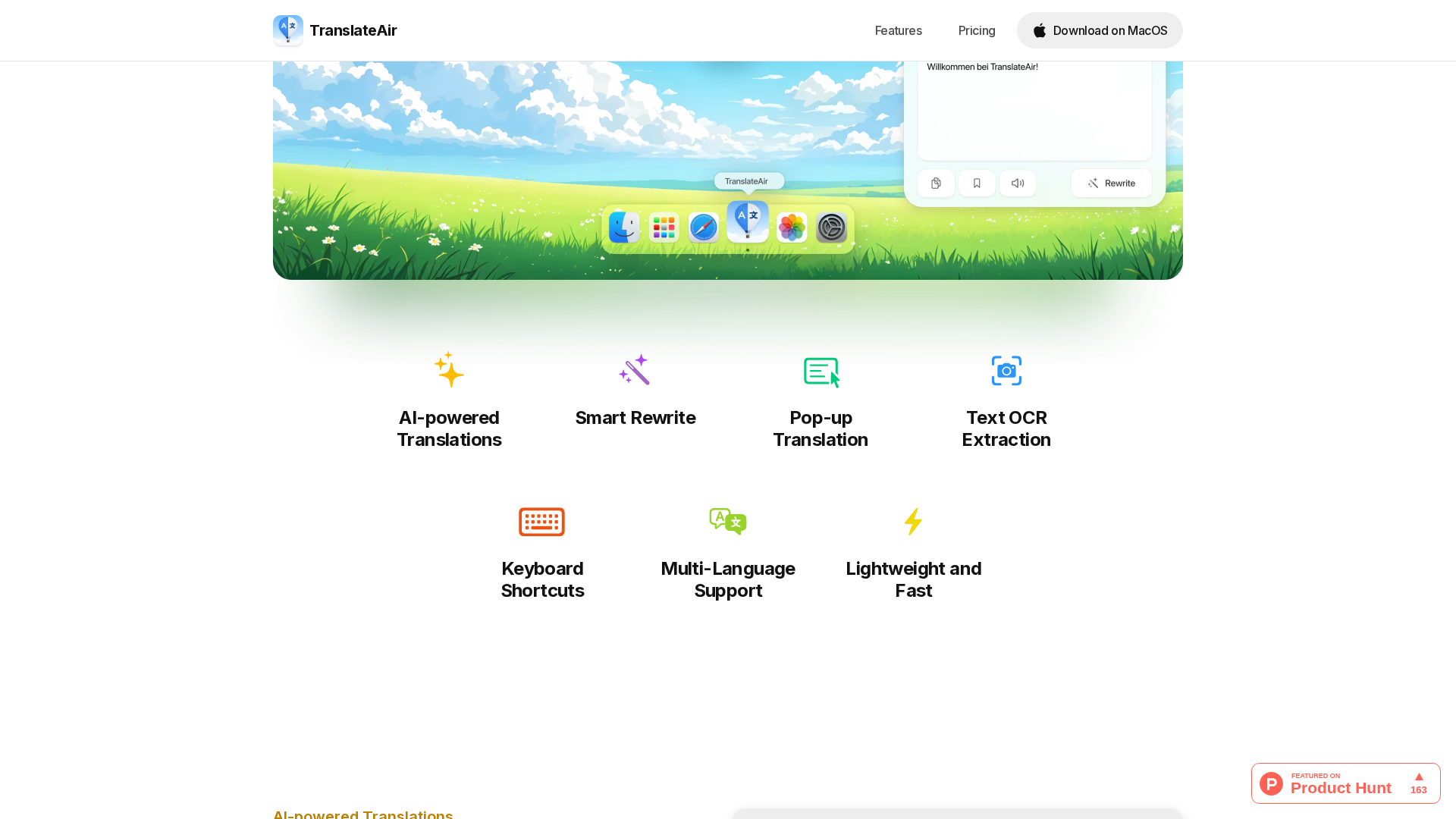
Floating Bar
Contextual popup that appears next to selected text in any app and can be summoned via a shortcut.
System-wide capture
Translates selections from any app; OCR extracts text from screenshots, designs, videos, PDFs, and source code.
One-Click Polish
After translation, rewrite text within the same workflow to be friendlier, more professional, or more detailed.
Multiple translation engines
Users can switch between top engines for speed and accuracy.
Keyboard shortcuts
Customizable shortcuts for translations, OCR, and the floating bar.
Broad compatibility
Claims to work across 1000+ Mac apps.
Who Can Use This Tool?
- macOS users:System-wide translation and OCR across apps with in-context translations and text polishing.
Pricing Plans
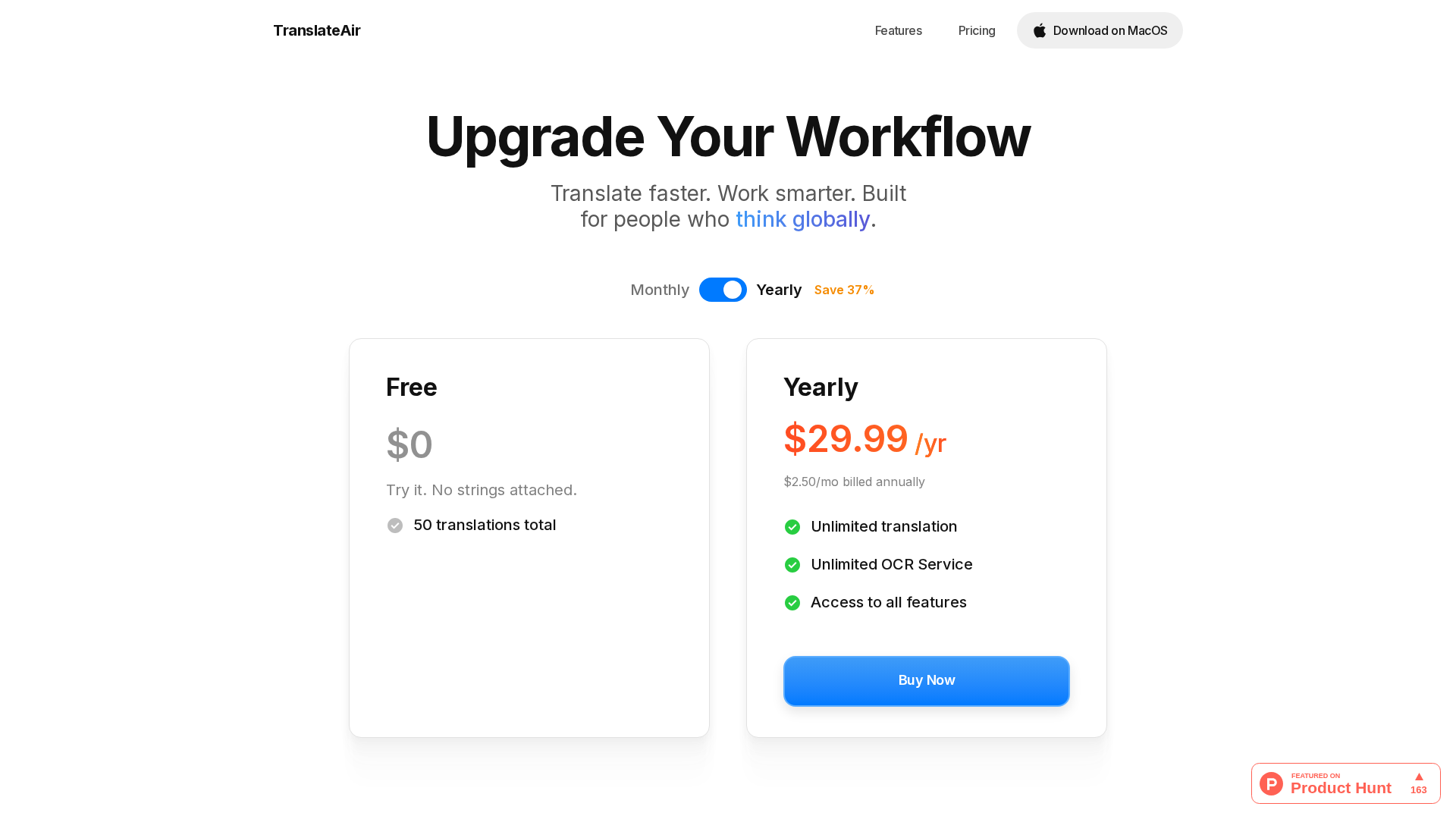
Free plan (trial): One-time pool of 50 translations (no resets/renewals).
- ✓One-time pool of 50 translations
- ✓No resets/renewals
- ✓Try-before-you-buy access
Paid plan (Yearly subscription): $2.50 per month billed annually, shown as $29.99/year. Unlocks unlimited translations, unlimited OCR, and access to all app features.
- ✓Unlimited translations
- ✓Unlimited OCR
- ✓Access to all app features
Pros & Cons
✓ Pros
- ✓AI-powered translation + OCR
- ✓System-wide macOS integration (menu bar + floating bar)
- ✓100+ languages supported for translation and OCR
- ✓One-click Polish within the workflow
- ✓Multiple translation engines available
- ✓Customizable keyboard shortcuts
- ✓Claims compatibility with 1000+ Mac apps
✗ Cons
- ✗Offline support not available today (on roadmap)
- ✗Requires internet connection for translations and OCR today
- ✗Feature page sometimes returns 404 (noted in verification)
- ✗Reliance on third-party APIs may affect privacy/latency
Related Articles (2)
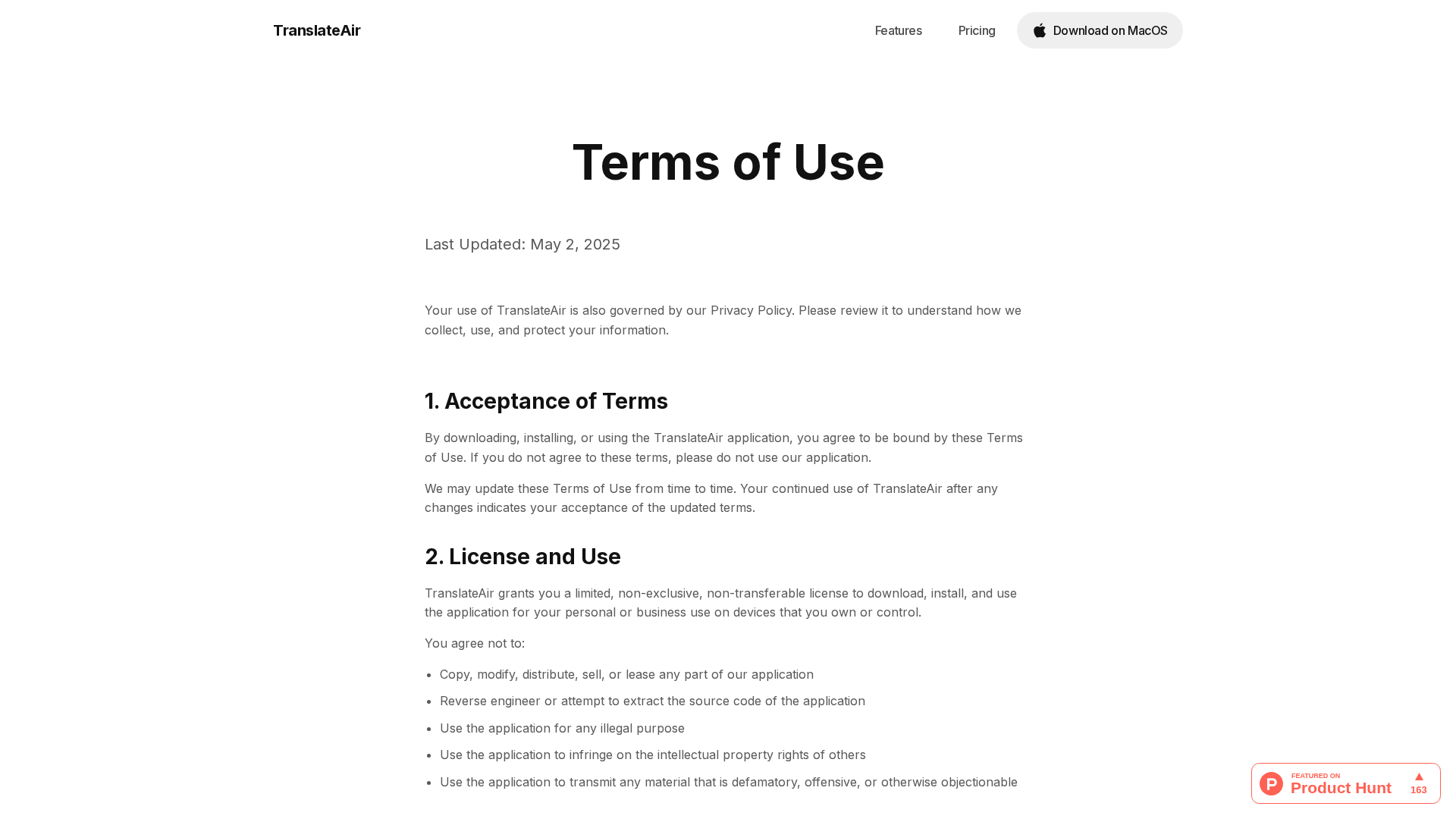
Overview of TranslateAir's Terms of Use: licensing, pricing, IP, liability, updates, and Turkish governing law.
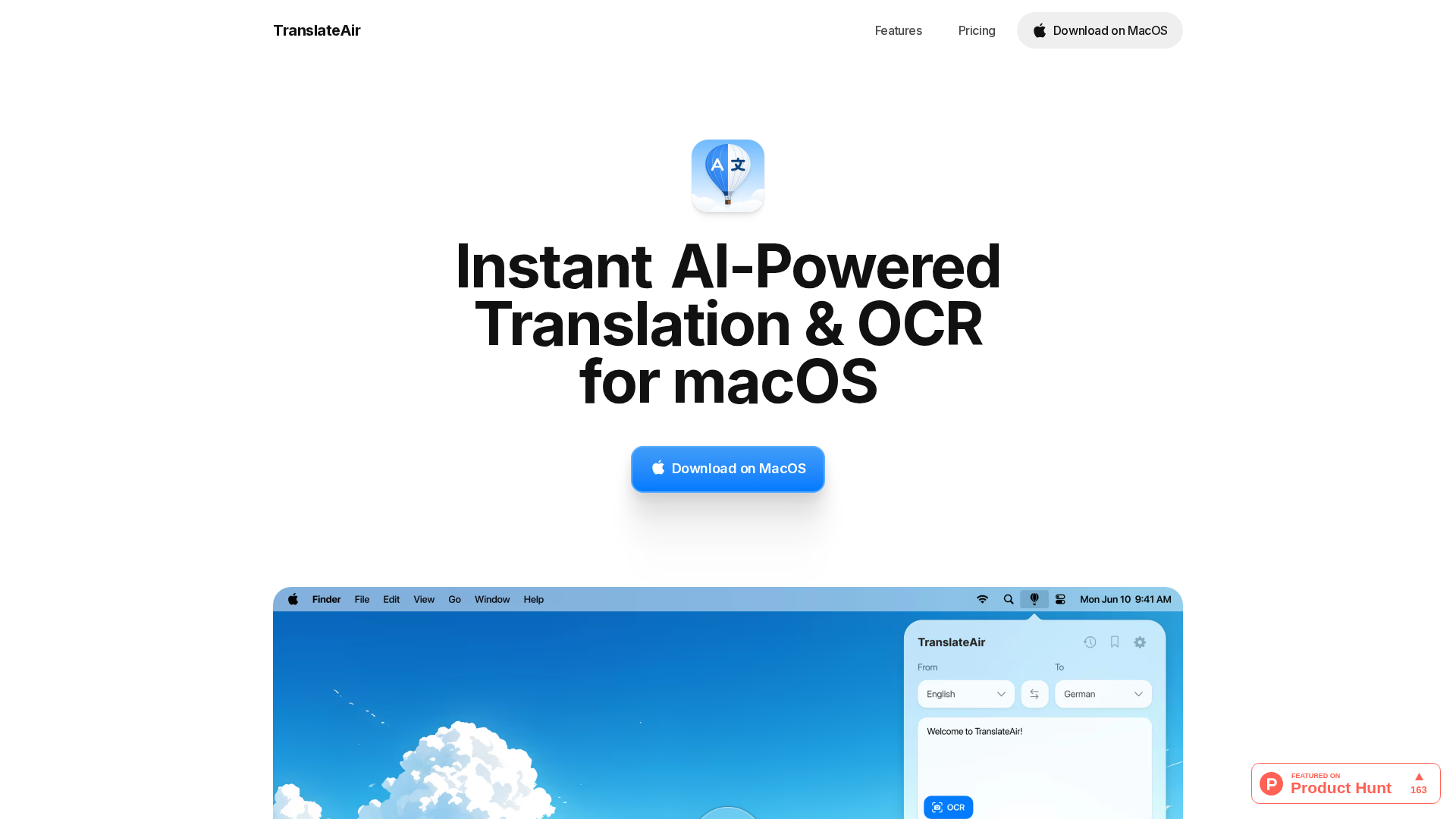
AI-powered macOS tool delivering instant translations and OCR across 100+ languages with a floating bar and customizable shortcuts.