
Overview
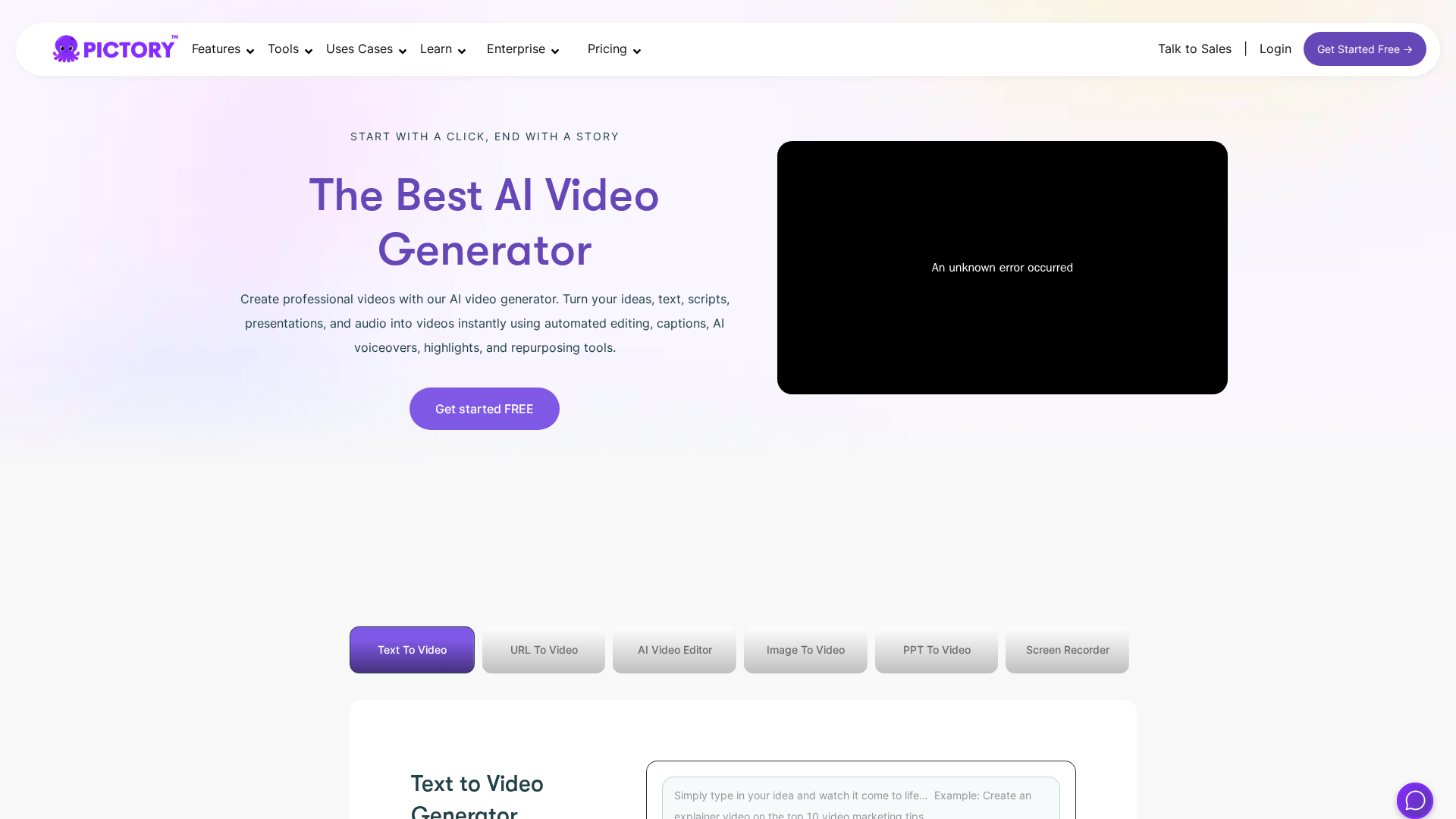
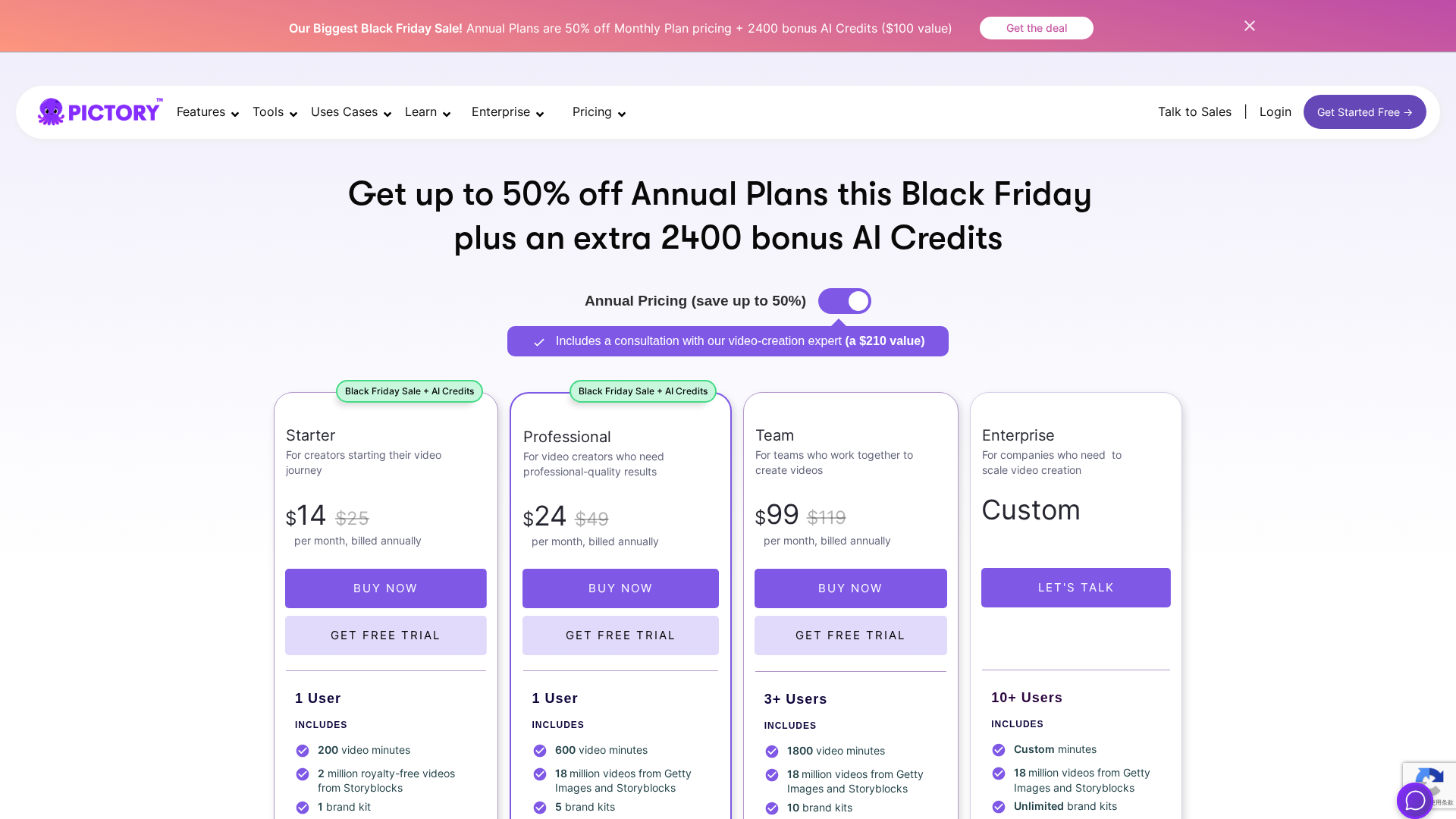
Pictory.ai is a browser-based AI video generator and editor that turns text, URLs (e.g., blog/product pages), PowerPoint slides and long-form content into short branded videos in minutes. Key capabilities include text→video, URL→video, PPT→video, automatic captions and transcripts, text-based video editing, AI voiceovers (including higher-quality ElevenLabs voices on higher plans), stock media access, social resizing up to 1080p, brand kits, and team collaboration. Pictory provides an API and integration options for automating video creation and integrating into workflows. The platform uses a "video-minutes" consumption model rather than a per-video quota; typical monthly quotas (as listed on the pricing page) are Free 15 min, Starter 200 min, Professional 600 min, Team 1800 min, with Enterprise configurable. The site listed a promotional Black Friday offer (up to 50% off annual plans + 2400 bonus AI credits) at the time of collection. A 14-day trial is mentioned; paid subscriptions are non-refundable (cancel anytime to stop renewal). Payments are processed via Stripe and PayPal. Documentation, API details, pricing and help articles were referenced from the vendor's public pages (see external links).
Key Features
Multiple input types
Create videos from plain text, URLs (blogs/product pages), and PowerPoint slides.
Text-based editing
Edit video content using text transcripts; trim, reorder and modify via text.
Automatic captions & transcripts
Generates captions and transcripts automatically for videos.
AI voiceovers
Built-in AI voiceovers with higher-quality voices (e.g., ElevenLabs) available on higher plans.
Stock media & resizing
Access to stock imagery/video assets and social-media resizing up to 1080p.
Brand kits & collaboration
Brand kit features and team collaboration tools for consistent outputs and multi-user workflows.
Who Can Use This Tool?
- Marketers:Create short branded social and promotional videos quickly from blog or script content.
- Educators:Produce lecture highlights, explainer videos and captioned learning clips from slides or notes.
- Creators:Turn long-form content, articles or scripts into shareable short-form videos with captions.
- Enterprises:Scale video production with custom quotas, SSO, integrations and dedicated support.
Pricing Plans
Basic free tier with limited monthly video-minutes and watermark/branding on outputs.
- ✓Monthly video-minute quota (15 minutes listed)
- ✓Basic access to core AI features
- ✓Watermark/branding present on outputs
- ✓Limited stock assets and voice options
- ✓Access to editor and automatic captions
Entry paid tier providing increased video-minutes and basic branding controls.
- ✓Monthly video-minute quota (200 minutes listed as annual-billing equivalent)
- ✓Basic branding options
- ✓Core AI features (text→video, auto captions)
- ✓Limited stock assets
- ✓Longer max video length compared to Free
Higher quota tier with more assets, voice options, and brand kit capabilities.
- ✓Monthly video-minute quota (600 minutes listed)
- ✓Longer maximum individual video lengths
- ✓Expanded stock asset access
- ✓Additional/higher-quality voiceover options
- ✓Brand kit and team seat(s) depending on plan
Team-focused tier with collaboration, premium stock libraries, and higher quotas.
- ✓Monthly video-minute quota (1800 minutes listed)
- ✓Team collaboration and multi-seat features
- ✓Access to premium stock libraries (Storyblocks/Getty on higher tiers)
- ✓Advanced brand controls
- ✓Priority support
Custom enterprise plans with dedicated support, custom quotas and integrations.
- ✓Custom monthly video-minute quotas
- ✓Dedicated success manager and higher-touch support
- ✓Custom integrations, SSO and compliance options
- ✓Possible managed services / done-for-you video creation
- ✓On-prem or other enterprise deployment options (as offered)
Self-serve API tier for automation and integrations (price shown as $79/mo billed annually).
- ✓API access for automating video creation
- ✓Pricing shown on API pricing page (self-serve tier listed as $79/mo billed annually)
- ✓Suitable for integrations and workflow automation
- ✓Separate from main product subscription quotas
Pros & Cons
✓ Pros
- ✓Browser-based editor enabling fast turnarounds from text/URLs/slides to videos
- ✓Multiple input types (text, URL, PPT) and text-based video editing
- ✓Automatic captions and transcripts
- ✓AI voiceovers with higher-quality voices available on higher plans (e.g., ElevenLabs)
- ✓Stock media access and social-media resizing up to 1080p
- ✓Brand kits, team collaboration and API/integration options
- ✓Usage measured in video-minutes, giving a single consumption metric
✗ Cons
- ✗Free tier outputs include watermark/branding
- ✗Lower tiers have limited video-minute quotas and feature limits
- ✗Paid subscriptions are non-refundable (cancel anytime to stop renewal)
- ✗Promotions and exact prices can change frequently (verify live pricing)
- ✗Language and voiceover availability varies by plan (details in FAQ)
Compare with Alternatives
| Feature | Pictory.ai | Videomagic | Fliki |
|---|---|---|---|
| Pricing | $14/month | $49/month | N/A |
| Rating | 8.6/10 | 8.0/10 | 8.4/10 |
| Input Versatility | Yes | Yes | Partial |
| Text-Based Editing | Yes | Partial | Yes |
| Voice & TTS | Yes | Yes | Yes |
| Template Storyboarding | No | Yes | Partial |
| Stock Media Depth | Stock media with auto-resize | Extensive stock and template marketplace | Robust stock and asset library |
| Brand & Collaboration | Yes | Yes | Yes |
| API & Exports | Yes | Yes | Yes |
Related Articles (2)
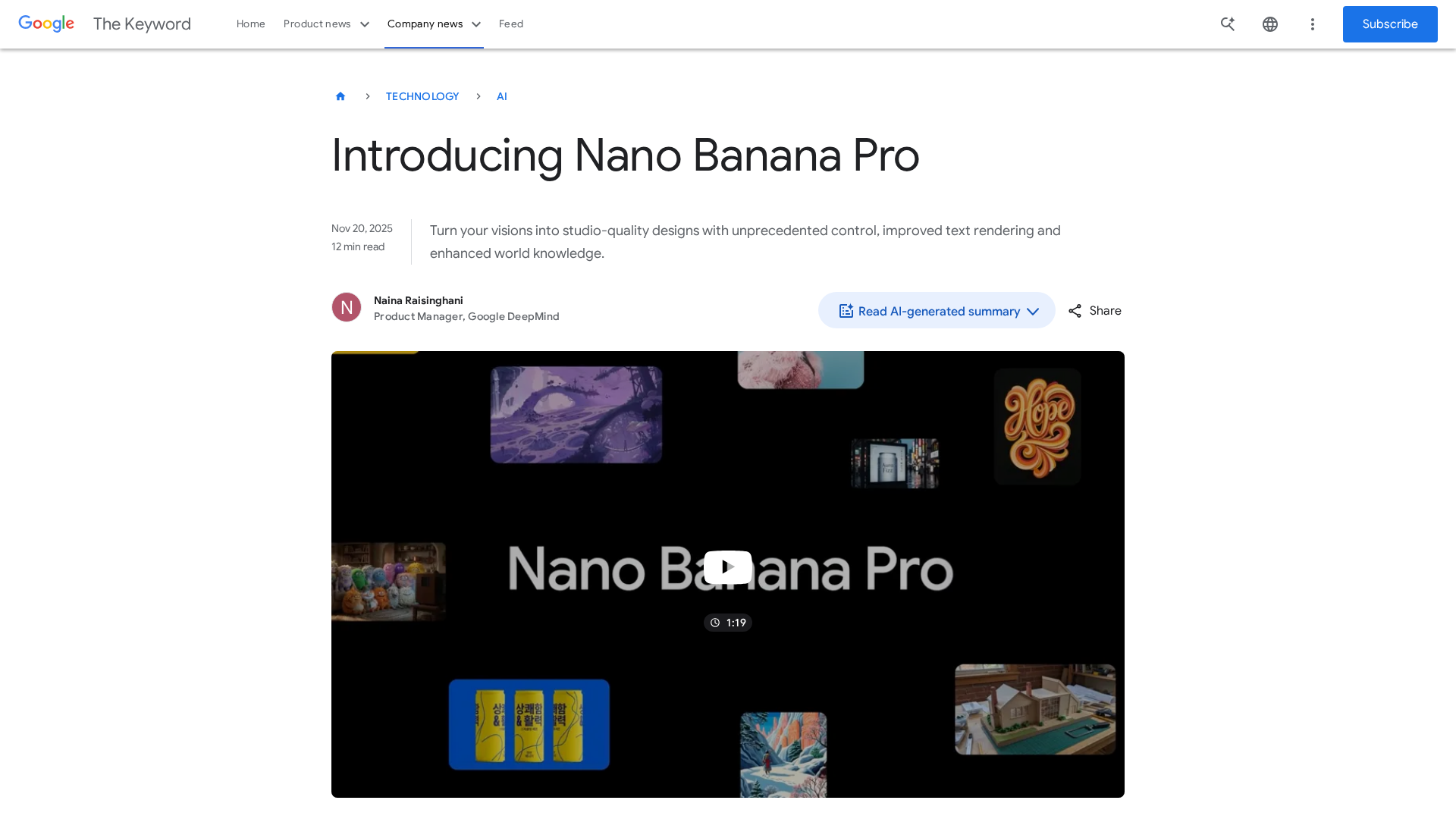
Google unveils Nano Banana Pro, a Gemini 3 Pro-powered image generator/editor with real-time data, multilingual text, and advanced editing features.
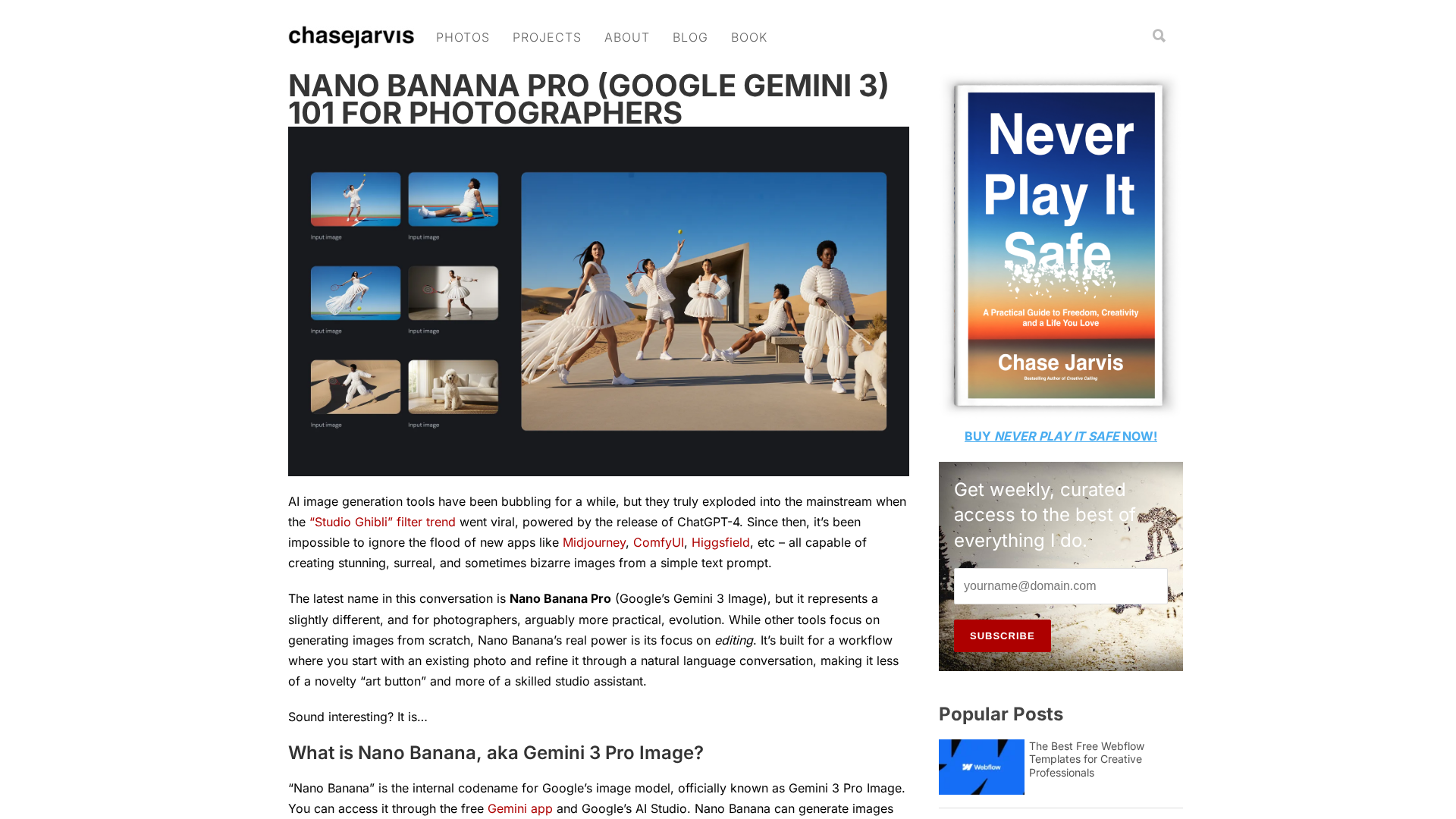
A photographer‑oriented guide to Nano Banana Pro (Gemini 3) for conversational editing and workflow integration.

