
Overview
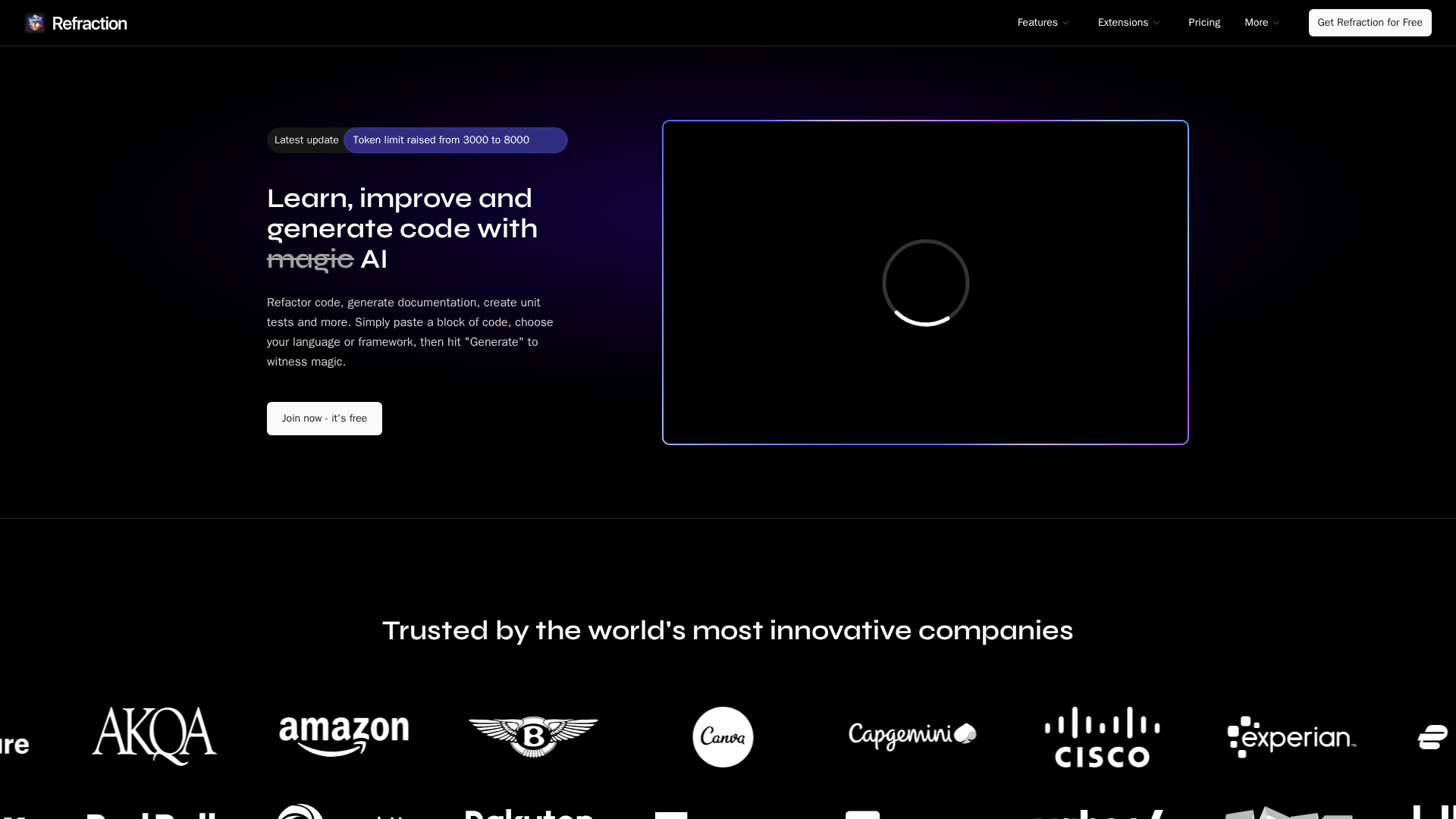
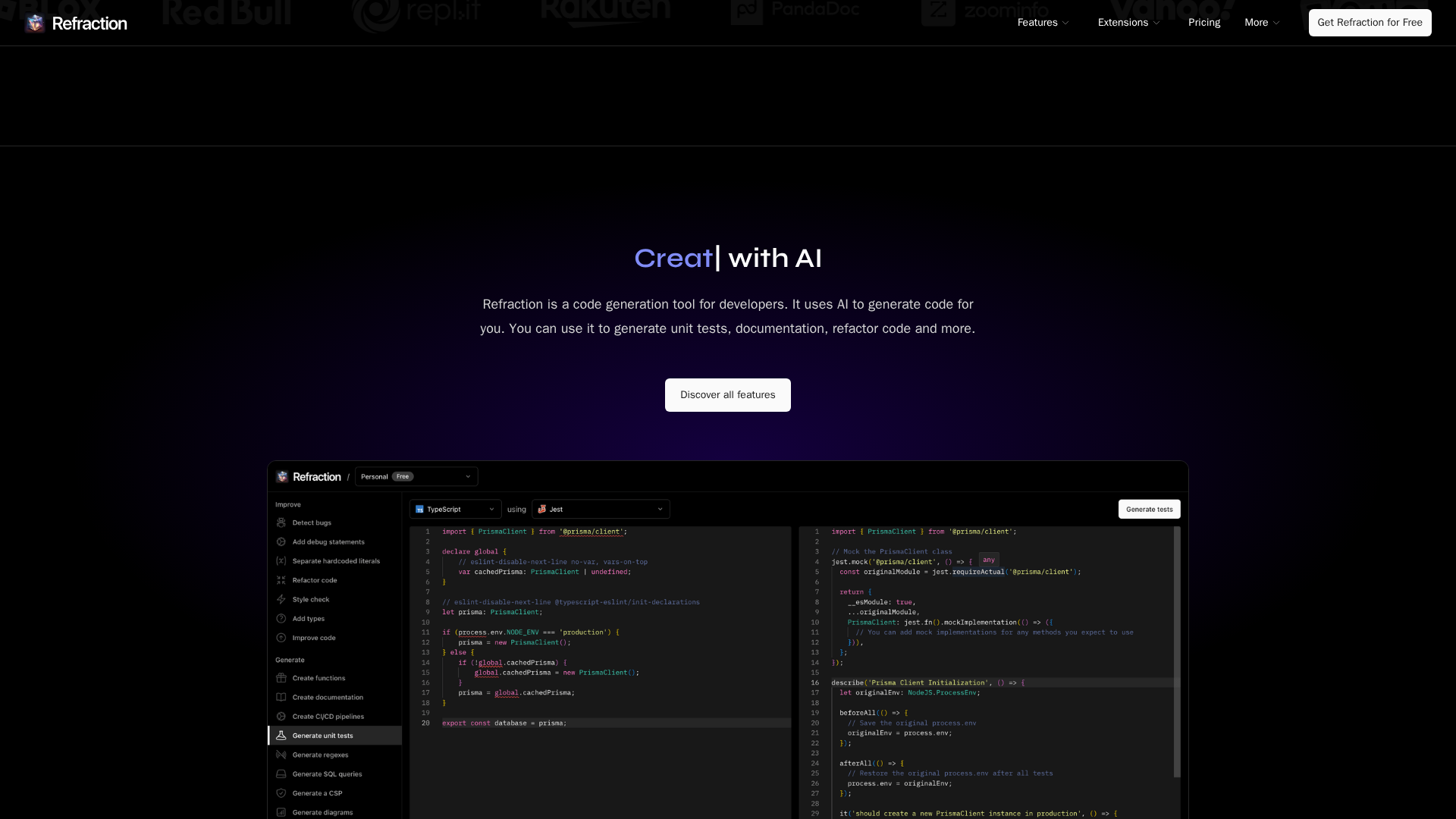
Refraction is an AI-driven developer productivity tool that automates repetitive engineering tasks including code generation, unit tests, documentation, refactors, style fixes, regexes, SQL, and CI/CD snippets. The site highlights adoption metrics (~13.7k developers, ~65.1k code generations, >2.9M lines of code generated). Core capabilities include generating or improving unit tests and inline documentation, performing code transformations (language translation, modernizing patterns, extracting literals), adding debug statements, explaining code and concepts, generating Mermaid diagrams, regexes, SQL, and CI/CD pipelines, and producing security/policy-like artifacts. Integrations include editor extensions (VS Code, JetBrains, Sublime), a terminal/CLI workflow, and GitHub PR autoreview. Pricing tiers listed are Hobby (Free), Pro ($8/month or $80/year), Team ($14/user/month or $140/user/year), and Enterprise (contact sales). The site mentions a trial in the header (“Free 7‑day trial”) while the FAQ references “free for 10 uses,” an inconsistency to note when signing up. Code and AI responses are stored in account history; the site indicates code and responses are not analyzed or shared with third parties and access is limited per the privacy policy. Key resource pages: homepage, features, extensions index and specific extension pages, pricing, legal/privacy, blog, and changelog.
Key Features
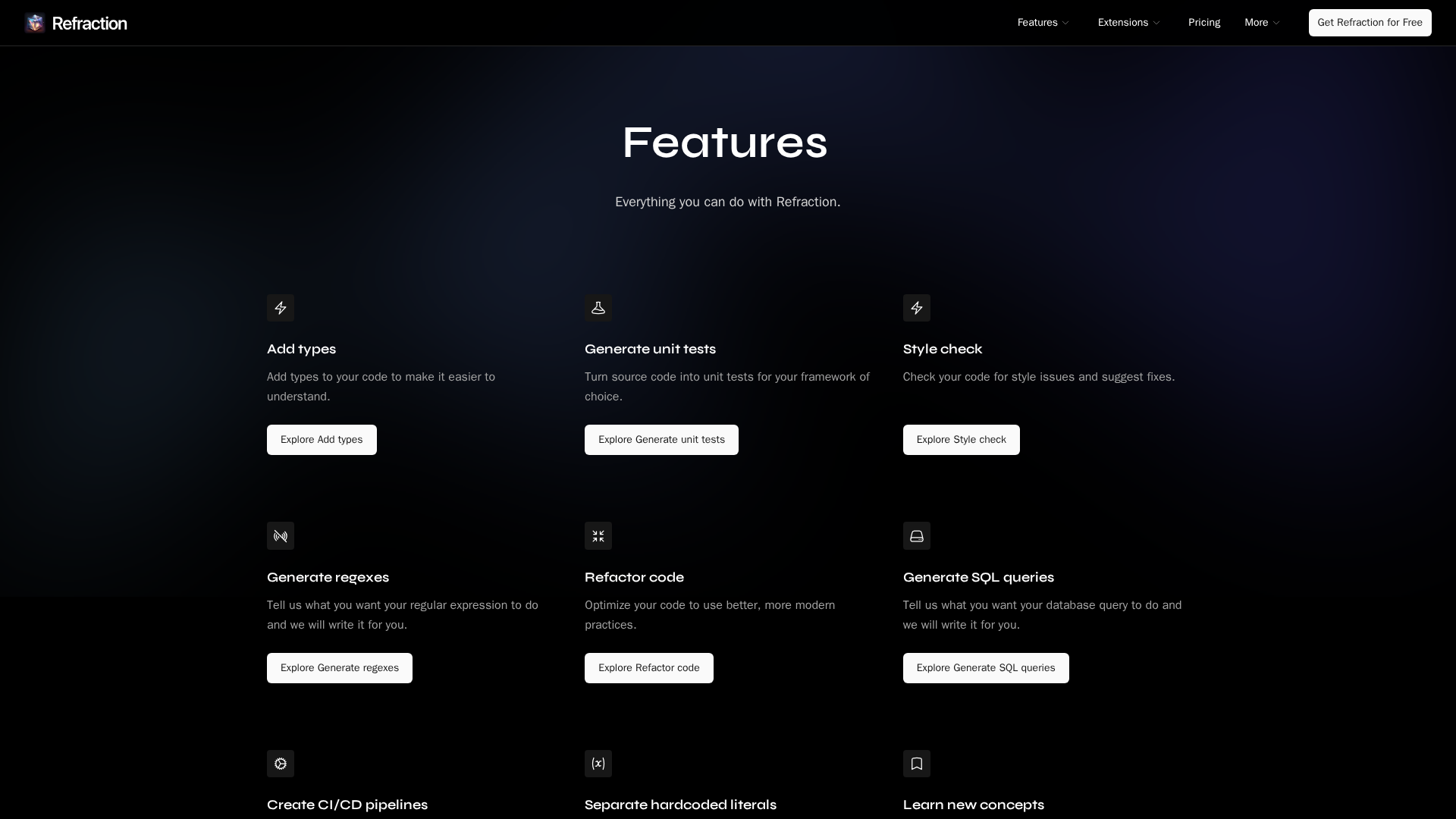
Generate or improve code artifacts
Create or enhance unit tests, inline documentation, refactors, type additions, and style fixes.
Code transformations
Language translation, modernize patterns, and extract hardcoded literals to variables.
Helpers and explanations
Add debug statements, explain code or programming concepts, and generate Mermaid diagrams.
Regex, SQL, and CI/CD generation
Generate regular expressions, SQL queries, and CI/CD pipeline snippets.
Security / policy outputs
Can generate Content Security Policy–like artifacts and related security/policy outputs.
Integrations & tooling
Editor extensions (VS Code, JetBrains, Sublime), terminal/CLI support, and GitHub PR autoreview.
Who Can Use This Tool?
- individual:Individual developers wanting to automate tests, docs, refactors and speed up repetitive coding tasks.
- team:Small and mid-size teams evaluating per-user pricing, shared history, editor extensions, and GitHub PR autoreview.
- enterprise:Organizations requiring enterprise controls like SSO/SCIM, audit logs, dedicated support, and custom billing.
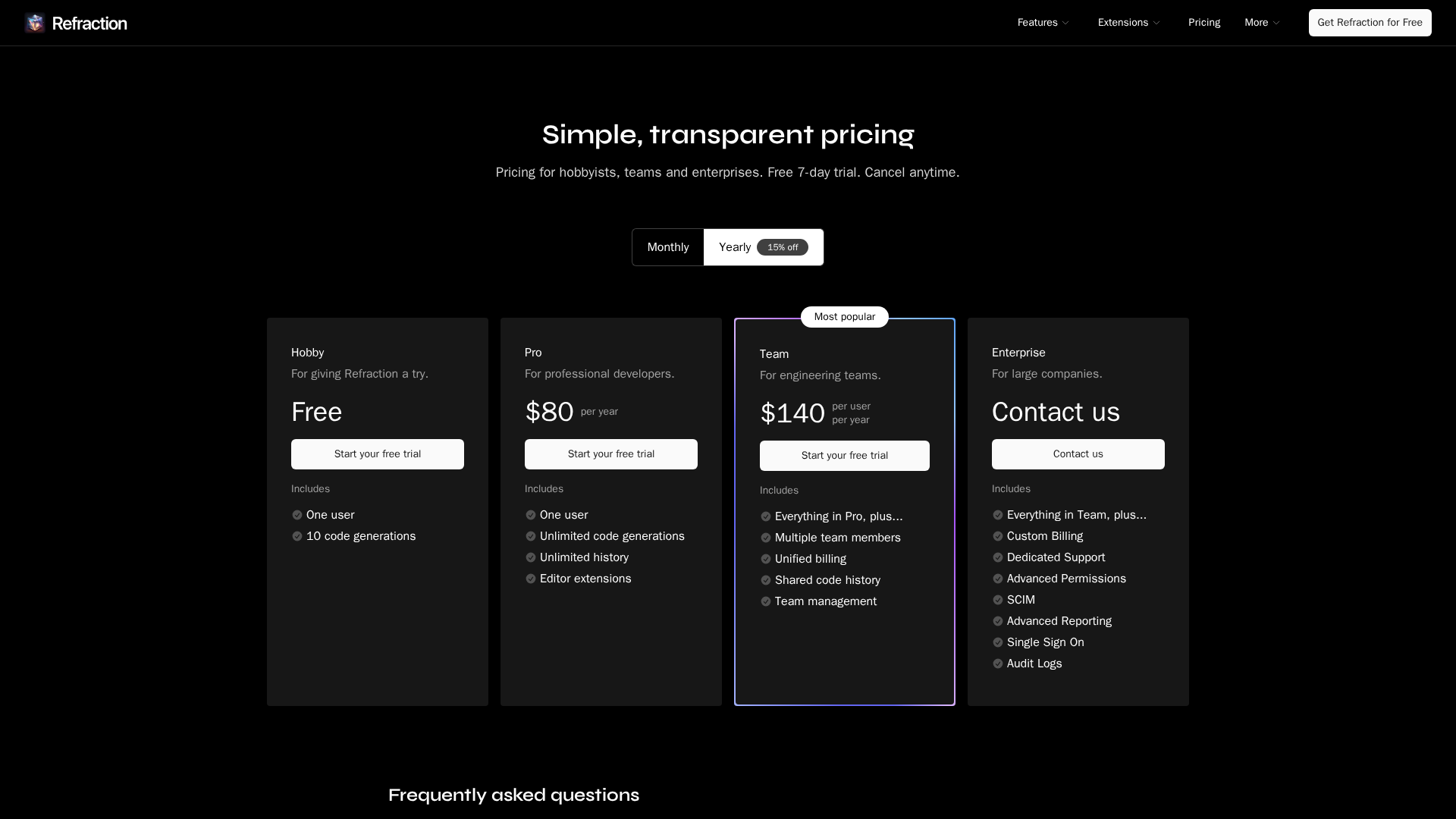
Pricing Plans
Free tier for trying the product with limited usages.
- ✓Free tier
- ✓Listed as 1 user
- ✓Approximately 10 code generations (per site listing)
- ✓Access to try editor extensions
Personal paid plan with unlimited generations and editor extensions.
- ✓1 user
- ✓Unlimited code generations
- ✓Unlimited history
- ✓Editor extensions
Per-user team plan with shared history and team management features.
- ✓Per-user pricing
- ✓Unified billing
- ✓Shared history
- ✓Team management features
Enterprise plan; contact sales for custom pricing and controls.
- ✓Custom billing
- ✓Dedicated support
- ✓Advanced permissions
- ✓SCIM and SSO
- ✓Audit logs and advanced reporting
Pros & Cons
✓ Pros
- ✓Automates many repetitive developer tasks (tests, docs, refactors, style fixes, regexes, SQL, CI/CD snippets).
- ✓Supports 56 languages (as stated in product tagline).
- ✓Provides editor extensions and CLI for flexible integration into developer workflows.
- ✓Public adoption metrics shown (~13.7k developers, ~65.1k code generations, >2.9M lines of code generated).
✗ Cons
- ✗Inconsistency between site header (Free 7‑day trial) and FAQ (free for 10 uses) about trial/initial usage limits.
- ✗Enterprise features and pricing require contacting sales for confirmation (no public per-account enterprise pricing).
- ✗FAQ states no refunds, though you can cancel anytime.
Compare with Alternatives
| Feature | Refraction | GitHub Copilot | Qodo (formerly Codium) |
|---|---|---|---|
| Pricing | $8/month | $10/month | N/A |
| Rating | 8.4/10 | 9.0/10 | 8.5/10 |
| Artifact Breadth | 56 languages, tests, docs, CI templates | Strong inline and whole-function code completions | Automated tests and multi-repo code review |
| Transformation Depth | Code transformations and refactors | Primarily completions, limited deep transformations | Context-aware code changes and automated resolutions |
| Test Generation | Yes | Partial | Yes |
| Refactor Automation | Yes | Partial | Yes |
| Explanations & Docs | Helpers and generated documentation | Chat, code explanations and PR summaries | Automated explanations and test rationales |
| Integrations & Reach | Web, desktop, CLI, editor, GitHub | Editor, web, desktop, mobile, terminal | IDE, CLI, API, web, on-prem |
| Privacy & Governance | Partial | Partial | Yes |
Related Articles (4)
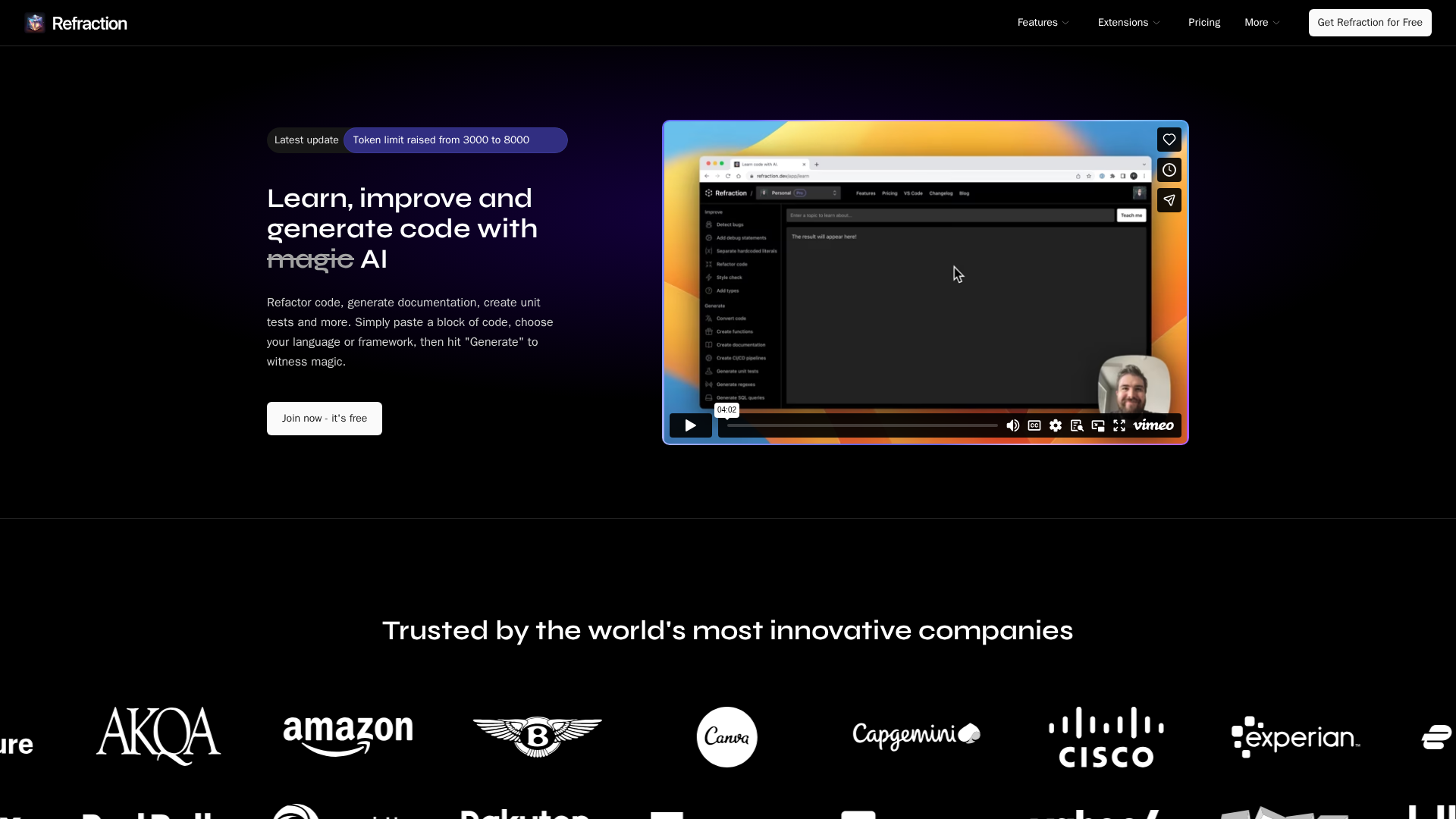
AI-powered code generation for tests, docs, and refactoring across 56 languages.

A comprehensive look at unit testing, CI/CD, refactoring, and AI-driven trends shaping modern software development.
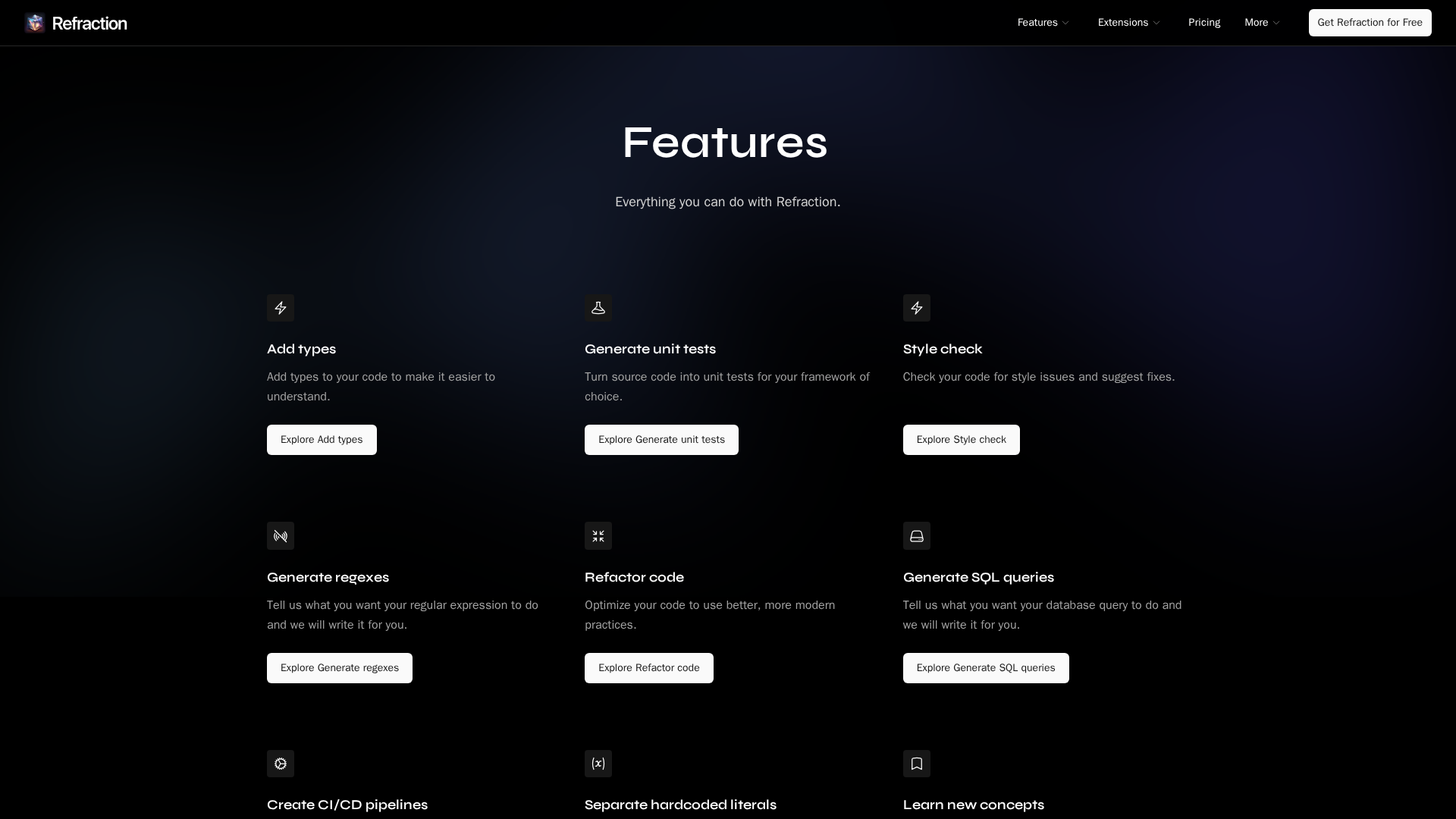
A comprehensive look at Refraction's features, from code quality and testing to AI-powered automation and cross-language tooling.
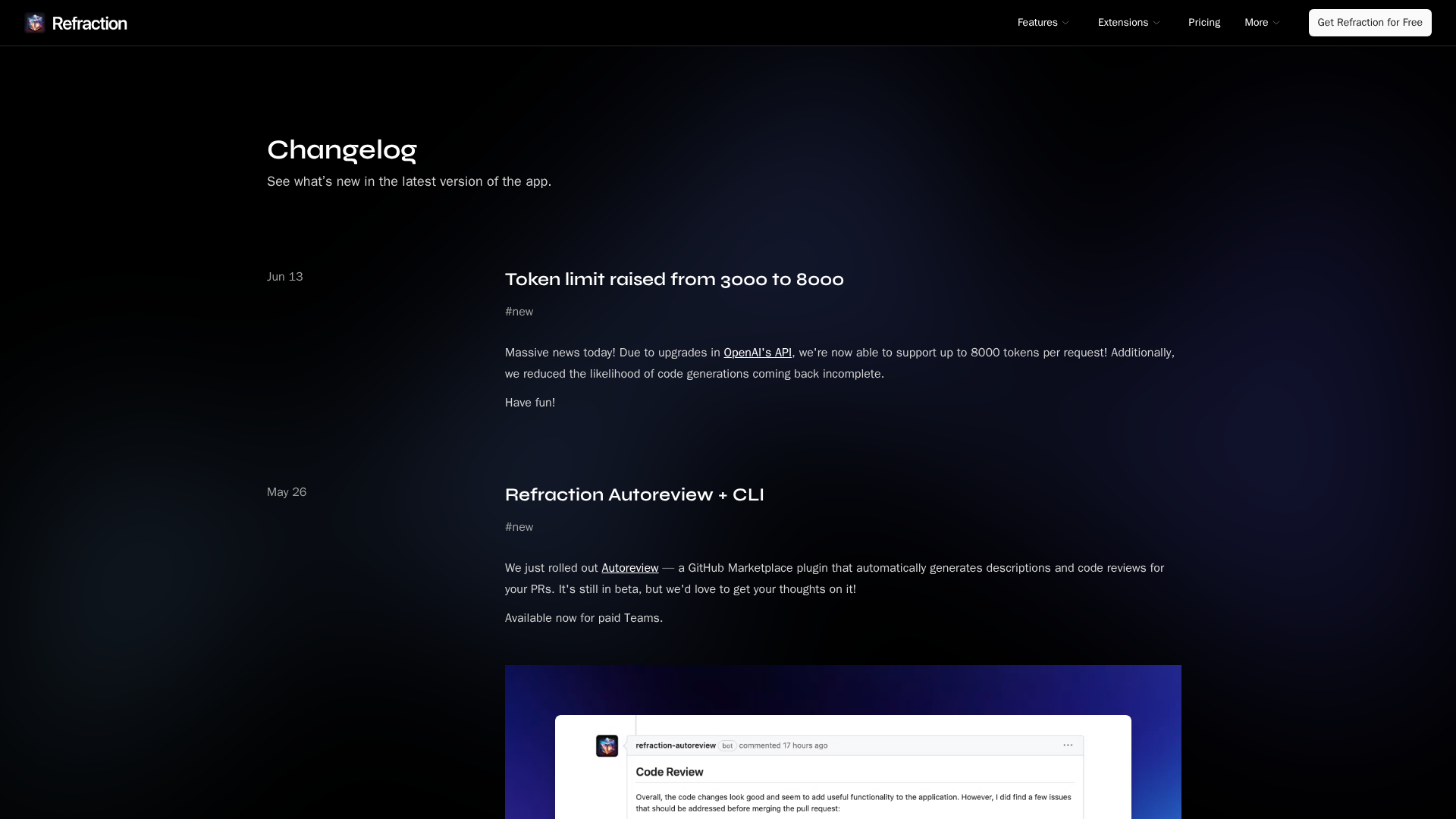
A roundup of Refraction's latest updates: 8000-token requests, Autoreview, analytics, and expanded IDE and language support.
