Overview
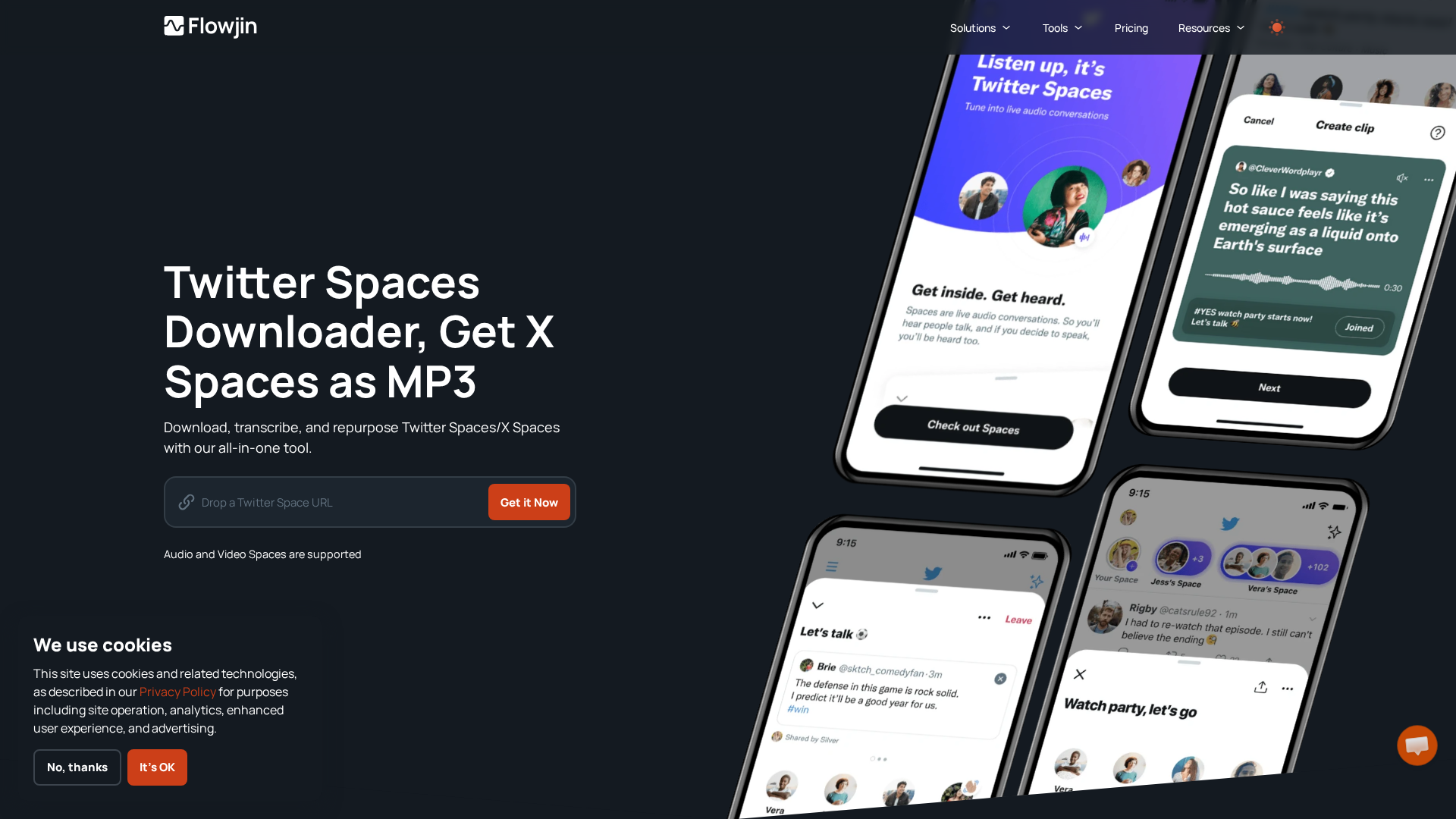
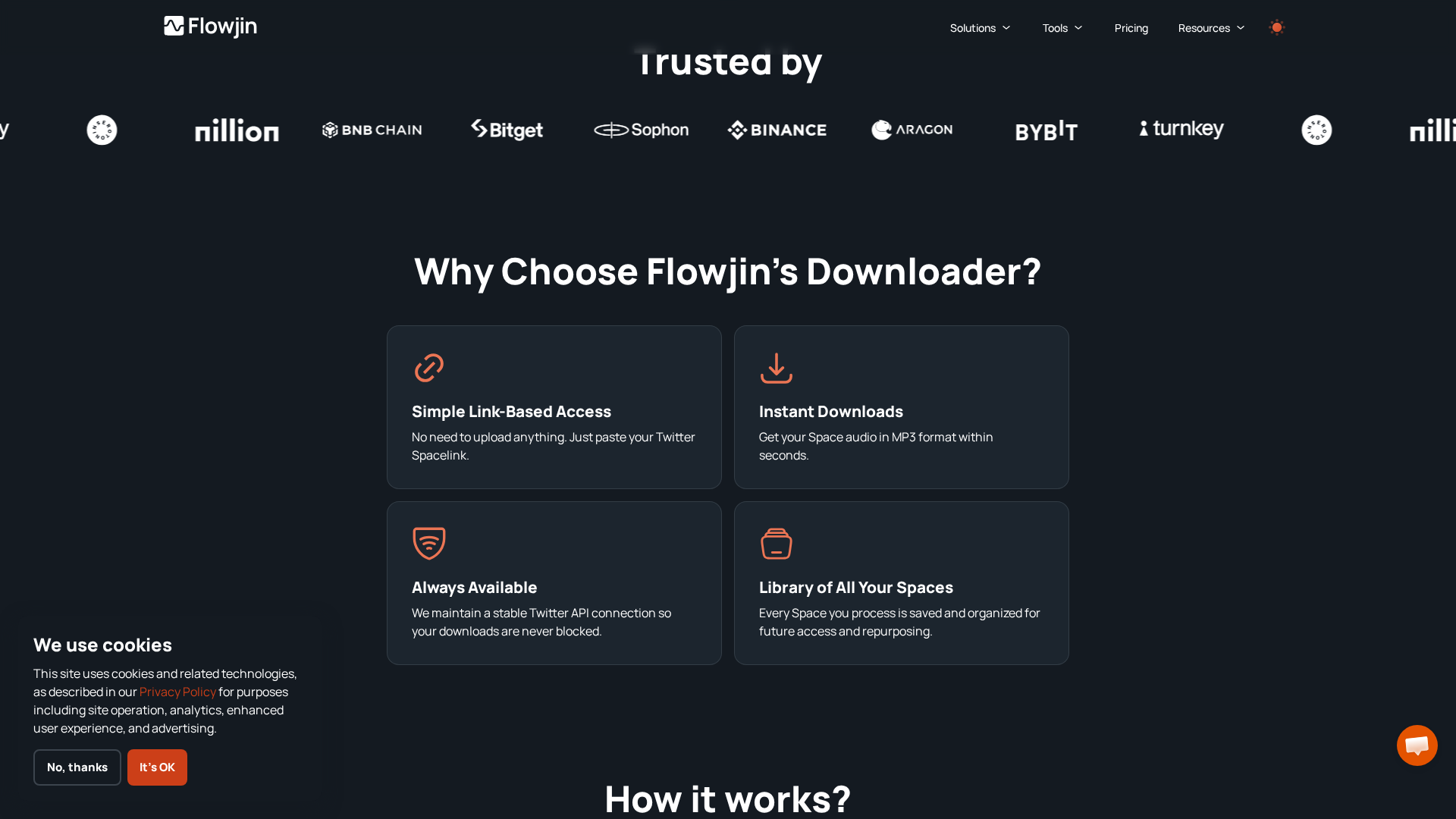
Flowjin’s Twitter Spaces Downloader is a web-based feature that fetches recordings of Twitter (X) Spaces via a simple link-based workflow, producing instant MP3 downloads, speaker-labeled transcriptions, and AI-generated summaries and clip-ready content. Users paste the Space URL, Flowjin connects (via Twitter’s API) to retrieve the audio/video recording, stores it in a personal Flowjin library, and provides tools to transcribe (multi-language), summarize, create social posts (tweets), and generate short clips for distribution. It’s positioned for creators and marketers who want to repurpose long-form audio into bite-sized, shareable content quickly — reducing post-production time and enabling ongoing content workflows with an archival library of processed Spaces.
Key Features
Instant MP3 Export
Converts fetched Twitter Space recordings to MP3s for immediate download and offline use.
Speaker-labeled Transcription
Generates transcriptions that identify and label individual speakers in the Space.
AI Summaries & Clip Suggestions
Produces short AI-generated summaries and recommends clipable moments for social sharing.
Multi-language Transcription
Supports transcription in multiple languages (site claims support for dozens of languages; some pages list up to 36).
Saved Library of Processed Spaces
Automatically archives processed Spaces in a user library for future access and repurposing.
Social Post/Tweet Creation
Generates tweet copy and short social post text to help repurpose audio into social posts.
Who Can Use This Tool?
- Content Creators:Turn long Spaces into short clips, tweets, and social posts quickly.
- Social Media Managers:Repurpose Spaces for platform-specific posts and schedule content.
- Podcasters:Archive live audio, get speaker-labeled transcriptions and create highlights.
- Marketing Agencies:Generate multiple social assets from a single live audio recording for clients.
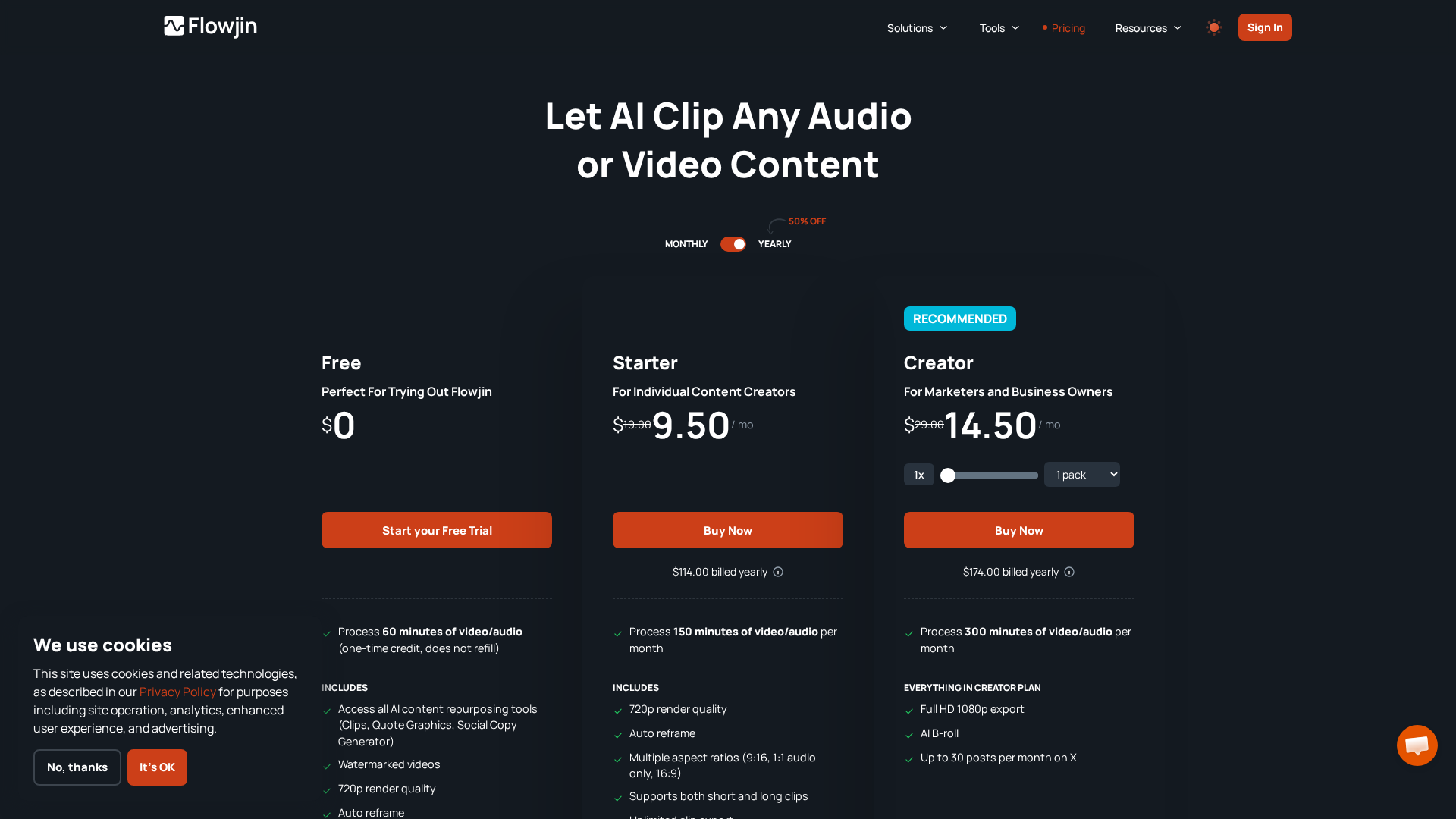
Pricing Plans
Lifetime access bundle unlocking unlimited downloads, transcriptions, and AI summaries for Spaces.
- ✓Unlimited AI Summaries
- ✓Unlimited Speaker-Labeled Transcriptions
- ✓Unlimited Tweet Creation
- ✓Saved library of all processed Spaces
- ✓Bonus: Can stack with AI Clipping Subscription for video clips
Pros & Cons
✓ Pros
- ✓Fast, link-based workflow: paste Space URL → fetch → download.
- ✓Unlimited lifetime downloads/transcriptions when purchasing the lifetime plan.
- ✓Speaker-labeled, multi-language transcriptions (up to ~36 languages claimed on tool page).
- ✓Built-in AI summaries and clipping tools to create social-ready assets.
- ✓Saved personal library for processed Spaces, easing re-use.
✗ Cons
- ✗Lifetime one-time price may be expensive for some users compared to monthly subscriptions.
- ✗No free trial offered specifically for the Spaces Downloader lifetime bundle.
- ✗The site shows some inconsistencies across pages (pricing figures and copy formatting).
- ✗Limited publicly-available independent reviews or detailed third-party benchmarks (harder to verify claims).
- ✗Sales-final / no-refund policy noted on site (pricing page highlights “no refunds”).