Topic Overview
The best image generators in 2026 are judged not only by visual quality but by how well they fit into real-world workflows and compliance regimes. This topic covers generative-image tools that deliver photoreal and stylized outputs, specialized utilities for editing and upscaling, and the governance and low-code platforms that make those tools practical and defensible for teams. Photorealism and fidelity are now table stakes for many creators: suites like Adobe Firefly bring model-driven image, vector and media generation directly into Creative Cloud apps; Canva Magic Design focuses on on‑brand, editable multi-format outputs for social and marketing. Utility-focused tools such as Clipdrop and image-upscaling.net provide background removal, relighting, uncropping and high-quality upscaling for production-ready assets. Lightweight, single-purpose services—PFPMaker for profile-picture variants and KDP Book Covers for quick, formatted cover concepts—illustrate how narrow generators speed specific tasks. Photopea stands out for privacy-minded, browser-based editing that keeps files local. Relevance in 2026 stems from two linked pressures: higher expectations for image realism across advertising, publishing and web, and stronger legal/regulatory attention to provenance, copyright, and data privacy. Organizations are increasingly pairing generators with low-code workflow platforms and AI governance/compliance tools to enforce licensing checks, content filters, audit logs and approval gates. API-first tools and modular editors make it easier to embed generation into content pipelines while preserving human review and traceability. Choosing the right generator today means matching output quality to use case, confirming licensing and privacy behavior, and planning for integration—whether through Creative Cloud plugins, low-code orchestration or governance layers that document decisions and reduce legal exposure.
Tool Rankings – Top 6
A generative-AI suite by Adobe for creators producing images, vectors, text effects, audio and video, integrated with CC
Canva’s AI-powered design generator that creates editable, on-brand designs from prompts and uploaded media.
A multi-tool AI image studio for background edits, upscaling, uncropping, and API integration.
Freemium AI profile-picture studio that turns a single selfie into dozens of polished, stylized profile pictures and and

Instant AI Generated Book Covers for Self-Published Authors

Free, browser-based photo and graphics editor that runs in your browser; files stay local by default.
Latest Articles (33)
Access to the article content is blocked by a protection page, preventing full analysis.
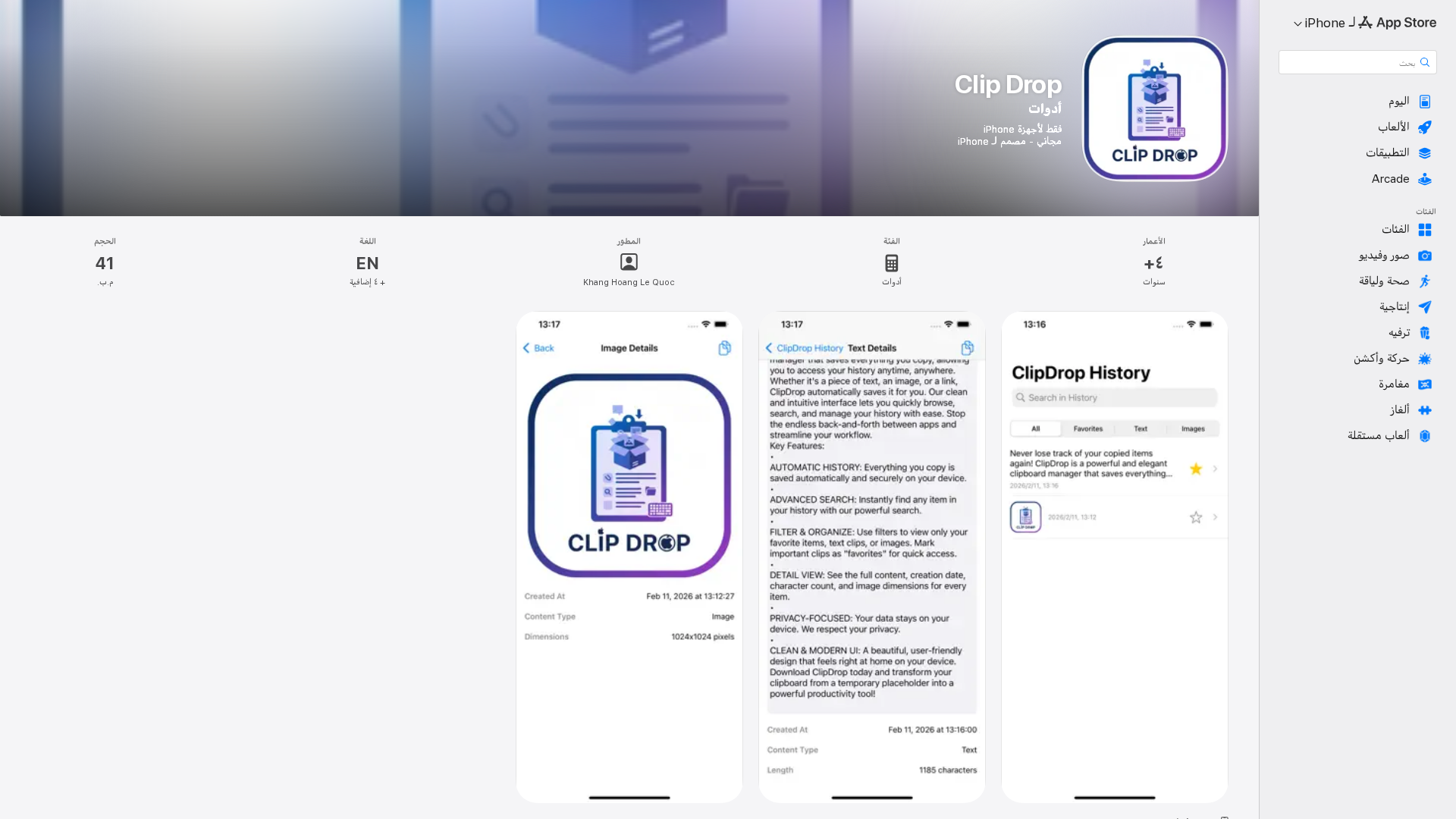
ClipDrop يحفظ تلقائياً ما تقصه، ويوفّر بحثاً وتنظيمًا سريعاً لحافظة iPhone مع حماية الخصوصية.
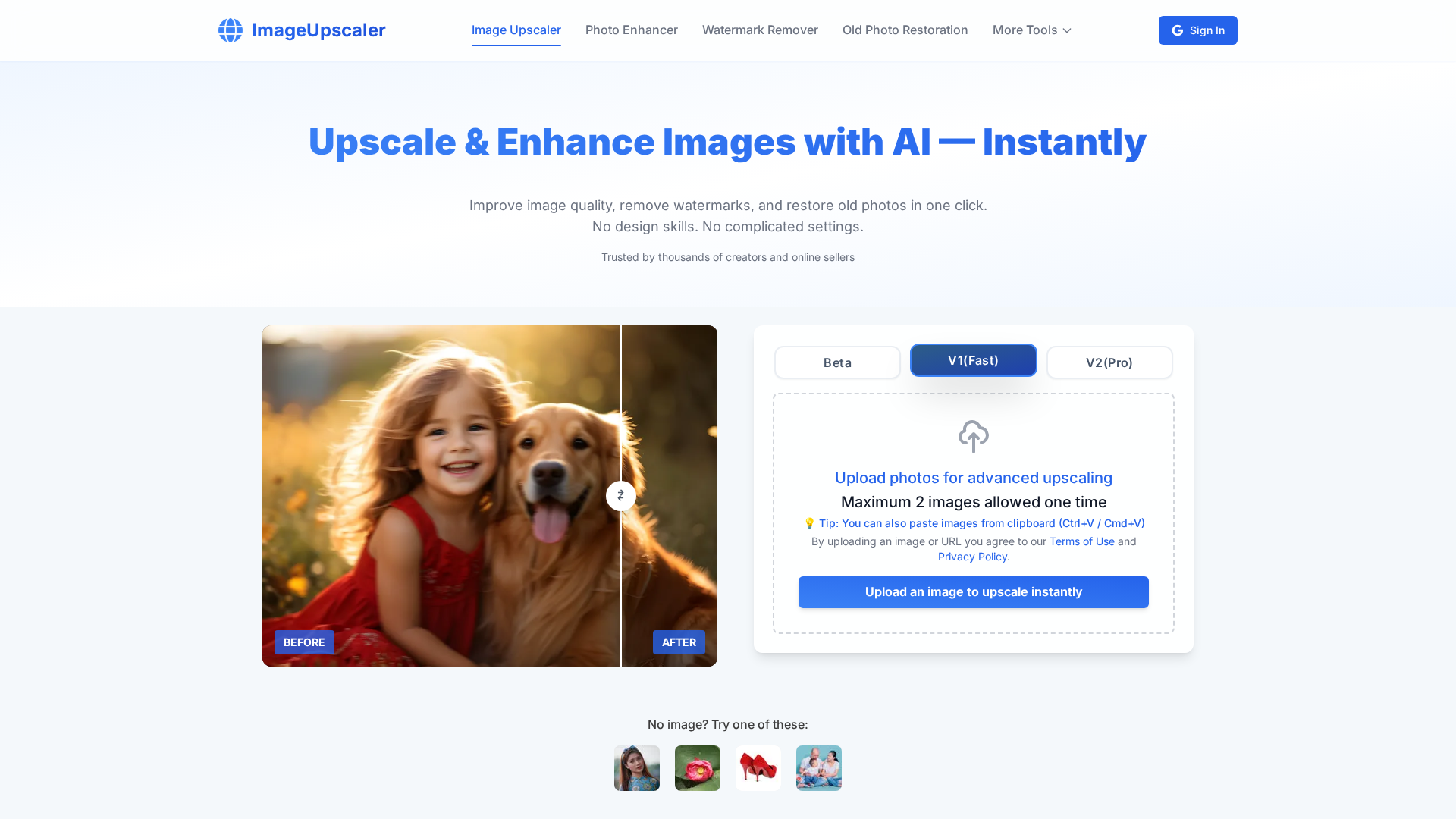
AI-powered image upscaling to 16K—no sign-up, instant results, and batch processing.
Learn how Canva’s AI Image Upscaler sharpens and enlarges images with a simple, preview-enabled workflow.
Free, browser-based photo editor with PSD support, layers, and 40+ formats.