Topic Overview
This topic covers the leading image and multimodal generative-AI tools used to accelerate creative workflows—how they generate, edit, scale and integrate visual and video assets within teams and pipelines. Drawing on the provided tool descriptions and industry trends through early 2026, it explains the roles these tools play, current integration patterns, and practical tradeoffs for creators. Generative image and video capabilities are now embedded across categories: AI Image Generators (creative concepting and high‑quality renders), Generative Video Tools and Video Creation Tools (clip generation, scene editing and synthesis), and AI Image Editing (background removal, upscaling, relighting and nondestructive corrections). Key tools include Adobe Firefly (prompt-based image, vector, text and video generation integrated into Creative Cloud), Runway (node-based, chainable multimodal workflows with developer APIs), Clipdrop (background edits, uncropping, upscaling and relighting), Canva Magic Design (prompted, editable on‑brand designs), and Stability AI (enterprise multimodal models and DreamStudio endpoints). Utility tools such as Figma and Photopea remain central for collaborative design and browser-local editing; specialist services like image-upscaling.net and KDP Book Covers target high-resolution outputs and fast, format-specific production. AskTube.Ai illustrates adjacent multimodal workflows—structuring video content into searchable assets. Current trends: tighter integration into existing design apps, emphasis on APIs and node-based automation for repeatable pipelines, privacy/local-processing options, and a shift from single-image generation to end‑to‑end multimodal production (assets, templates and edits). When choosing tools, teams should weigh integration, export formats, upscaling/quality, automation, and data‑usage policies to align capabilities with production scale and brand requirements.
Tool Rankings – Top 6
A generative-AI suite by Adobe for creators producing images, vectors, text effects, audio and video, integrated with CC

AI-first creative platform for generating and editing images and video with apps, node-based workflows, and developer AP
A multi-tool AI image studio for background edits, upscaling, uncropping, and API integration.
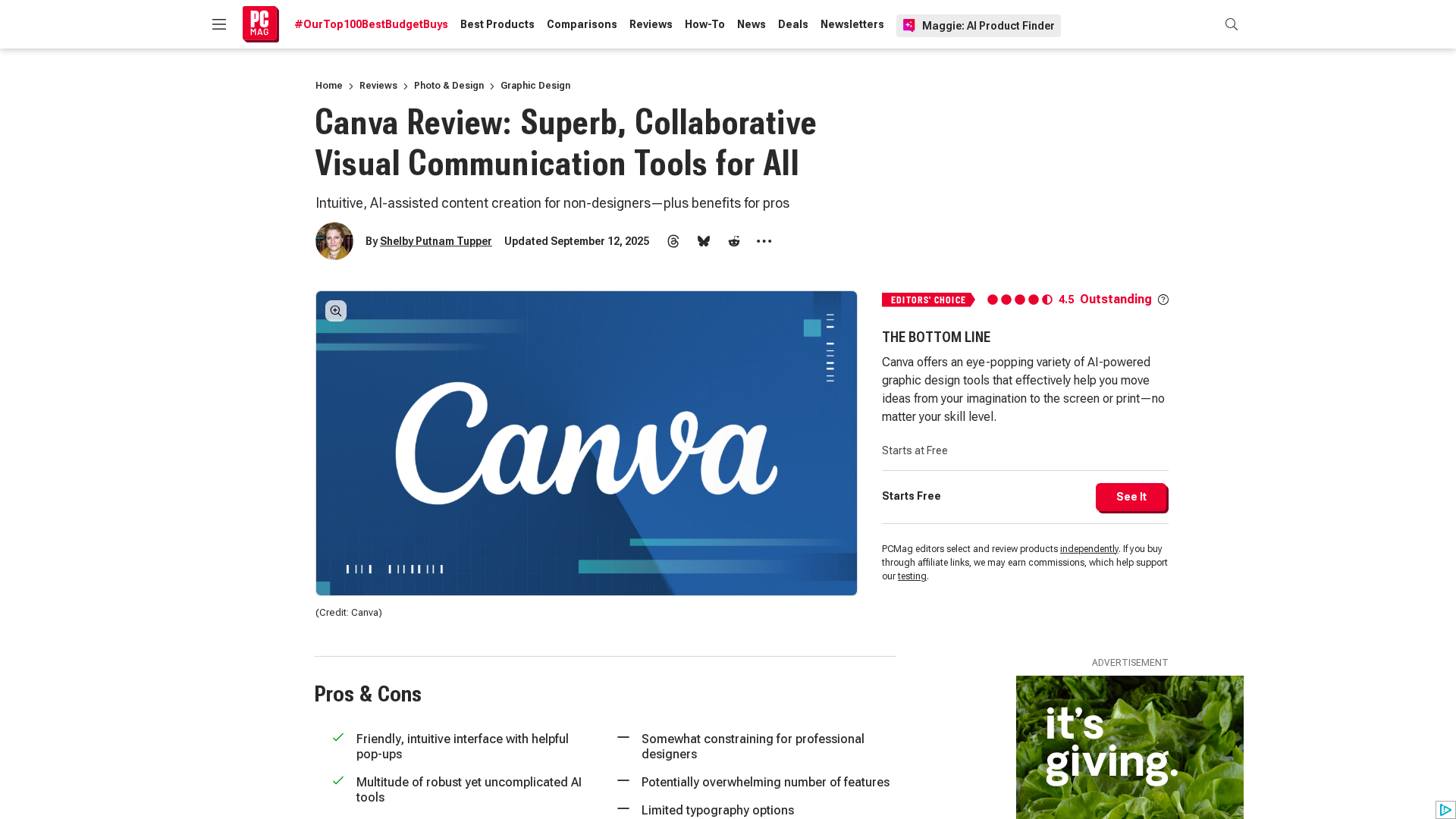
Canva’s AI-powered design generator that creates editable, on-brand designs from prompts and uploaded media.

A collaborative, web-first design platform for teams to design, prototype, and ship products.

Free, browser-based photo and graphics editor that runs in your browser; files stay local by default.
Latest Articles (51)
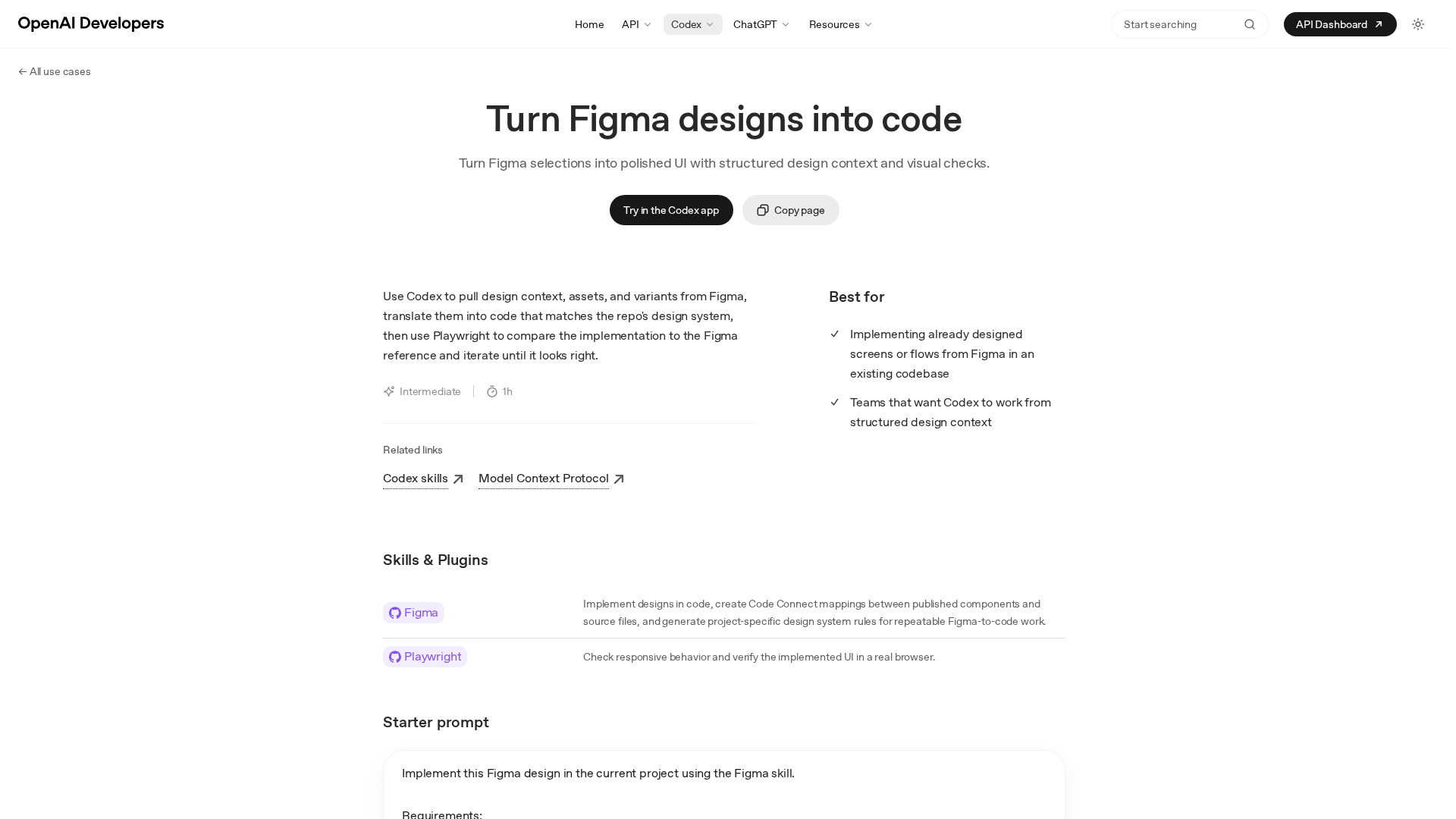
Turn precise Figma designs into production-ready UI by Codex, with design-context, assets, and automated visual checks.
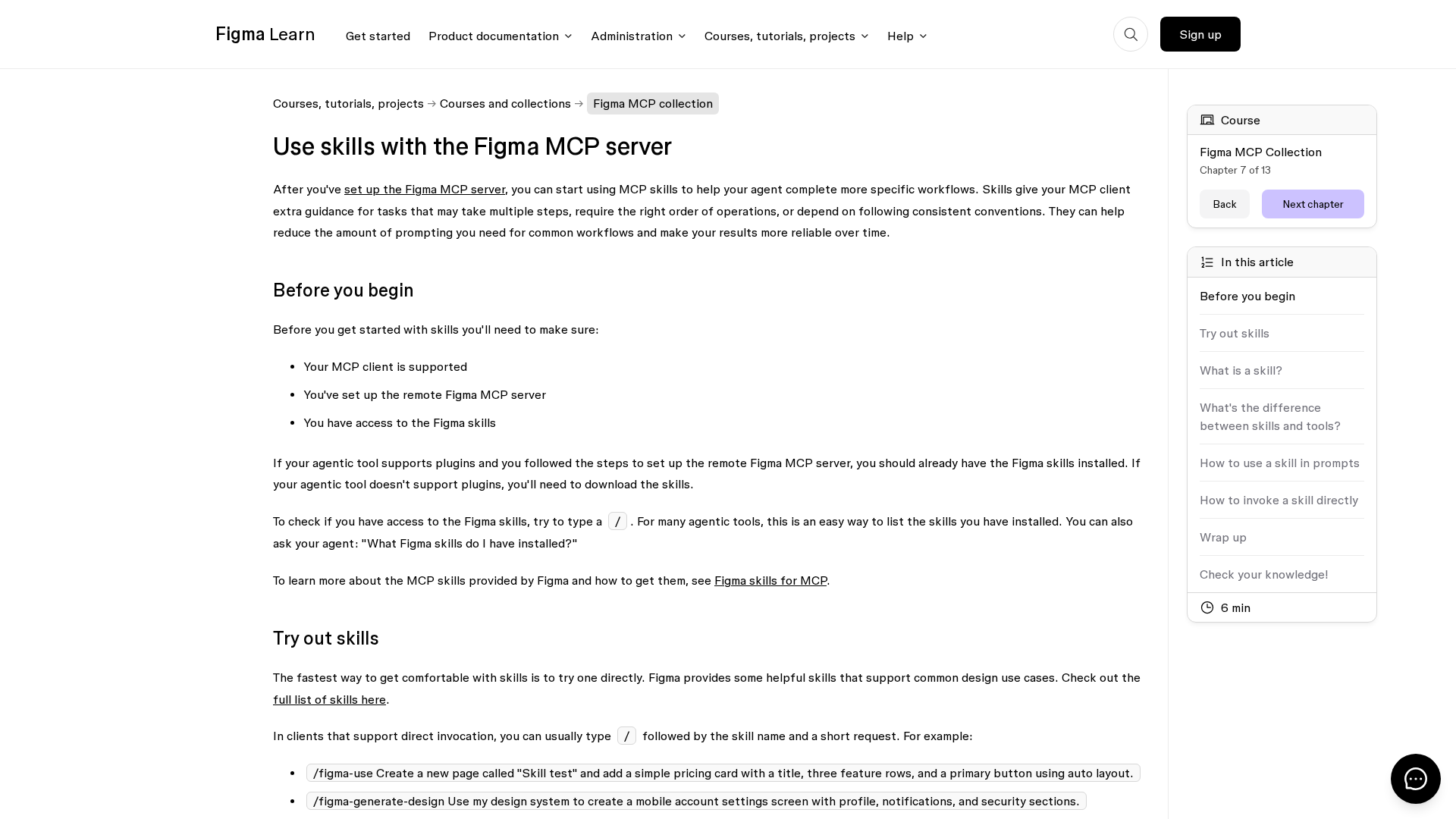
Learn how Figma MCP skills guide your agent through multi-step design workflows with the MCP server.

Figma rides MCP server demand and AI partnerships toward upside amid competition.
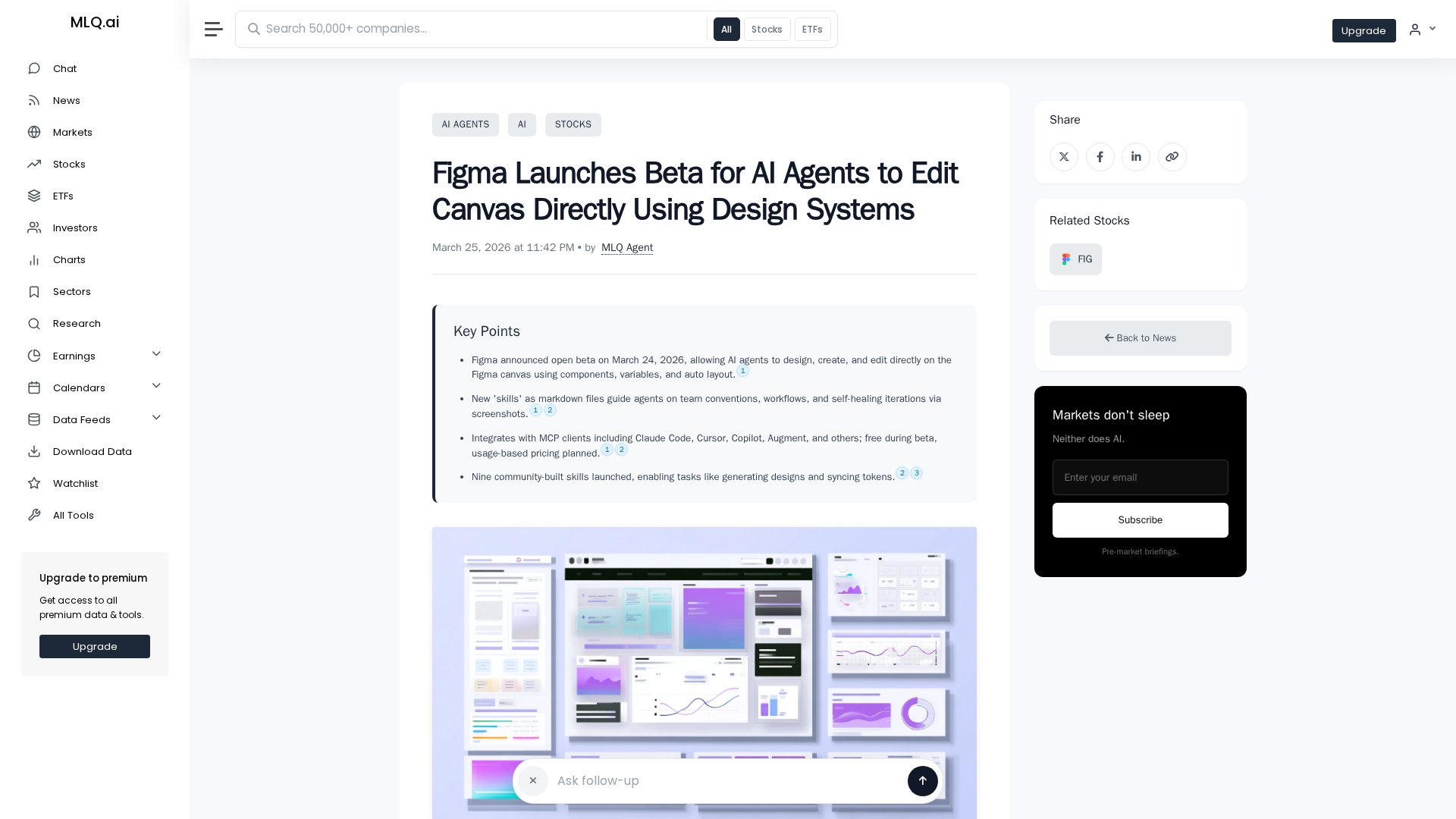
Figma opens an open beta letting AI agents design and edit on the canvas using design system components.
Access to the article content is blocked by a protection page, preventing full analysis.