Overview
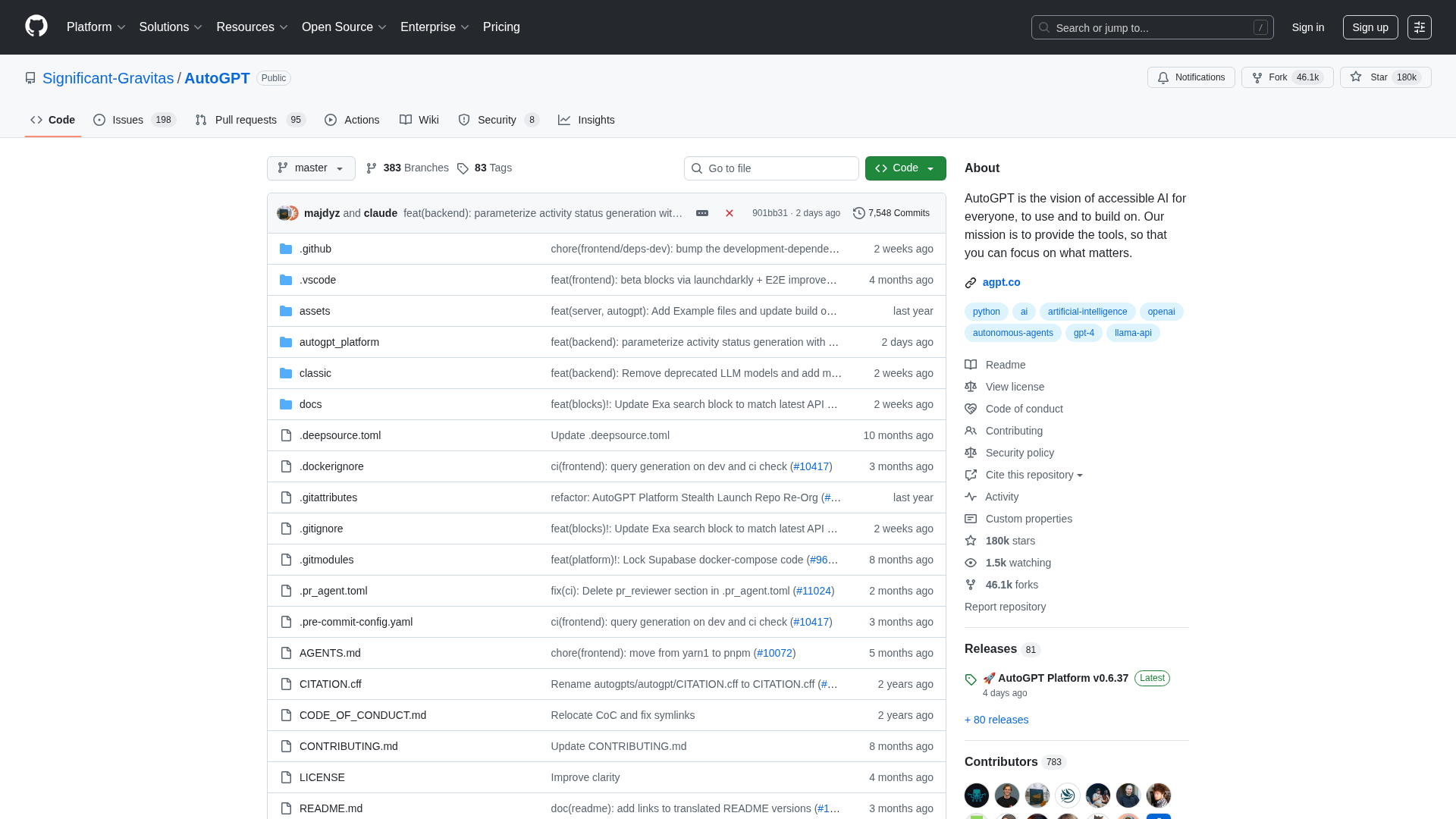
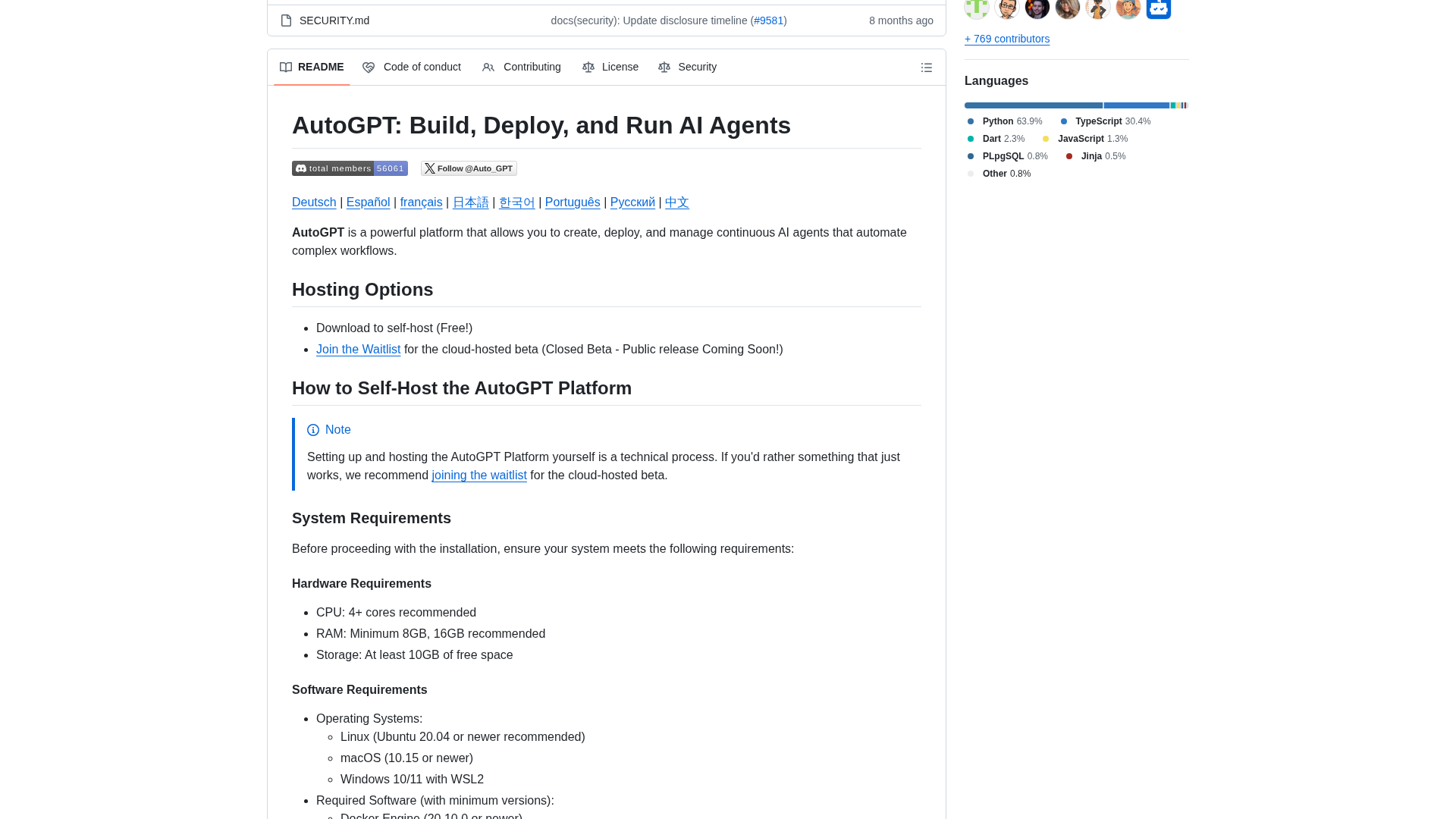
Summary compiled from the Significant-Gravitas/AutoGPT repository mirror, maintained documentation sites, and public guides/issues after encountering an automated "abuse-detection" block when retrieving the Torantulino/Auto-GPT README via web UI. AutoGPT is a project that provides a frontend and runtime/server for constructing, deploying, and operating autonomous AI agents and automation workflows. The frontend includes a low-code agent builder, workflow blocks, deployment controls, and monitoring/analytics; the server/runtime executes agents, supports long-running agents, and integrates memory backends (Redis via Docker or local JSON cache). The repository includes auxiliary toolkits such as Forge (starter toolkit) and agbenchmark (benchmarking framework) and offers a CLI for running agents, tests, and setup tasks. Primary documentation sites referenced: https://docs.agpt.co/ (canonical documentation) and https://autogptdocs.com/ (community-maintained guides including setup, memory, and config). Because of the web blockage on the Torantulino mirror, information was completed using the Significant-Gravitas/AutoGPT mirror, maintained docs, and public issue reports. Quick-start and setup notes collected: one-line automatic setup scripts exist for macOS/Linux and Windows to install dependencies, configure Docker, and launch a local instance. Docker Compose is the recommended local deployment path. Typical system requirements are multi-core CPU (4+ cores recommended), 8–16 GB RAM recommended, ~10 GB free disk, and supported OSes include Linux (Ubuntu 20.04+), macOS 10.15+, and Windows 10/11 (WSL2 recommended). A stable internet connection with outbound HTTPS is required for many integrations. Typical required software: Docker Engine 20.10+ and Docker Compose 2.0+, Git 2.30+, Node.js 16+ and npm 8+ (frontend tooling), and an editor such as VS Code is recommended. Licensing: parts of the repository (the autogpt_platform folder) are governed by the Polyform Shield License (which places restrictions on certain production/commercial uses); much of the rest of the repository (Forge, agbenchmark, classic GUI, etc.) is MIT-licensed. Common issues reported in public issues include OpenAI API key errors (invalid/missing billing), rate limiting from OpenAI (program waits and retries), external integration errors (Pinecone, Redis) requiring appropriate credentials/config, and Windows-specific file-encoding/OS path issues (Docker recommended to reduce friction). Actionable commands and next steps included in the source notes: cloning the maintained repo (git clone https://github.com/Significant-Gravitas/AutoGPT.git), optionally cloning the Torantulino mirror (git clone https://github.com/Torantulino/Auto-GPT.git — note web README access was blocked but git clone may still succeed), inspecting README/LICENSE locally (cd AutoGPT; less README.md; less LICENSE), and following the docs at https://docs.agpt.co/ or https://autogptdocs.com/setup for step-by-step setup. Additional offered follow-ups: retry fetching the Torantulino README later, perform a clone+file-extract from the Significant-Gravitas mirror and provide a file-by-file summary, fetch specific files from the mirror (README, Docker Compose, requirements, LICENSE, specific scripts) and summarize them, or walk through step-by-step local setup for Docker or native Python on a specified OS with exact commands and environment variables (OpenAI key, memory backend config, ports).
Key Features
Platform overview
Frontend (agent builder, workflow management, deployment/monitoring) plus server/runtime for executing autonomous agents and workflows.
Quick start & setup
One-line automatic setup scripts for macOS/Linux and Windows; Docker Compose recommended for local hosting.
System requirements
Typical recommendations: 4+ CPU cores, 8–16 GB RAM, ~10 GB disk, Linux/macOS/Windows (WSL2), stable internet with outbound HTTPS.
Required software
Common dependencies: Docker Engine 20.10+, Docker Compose 2.0+, Git 2.30+, Node.js 16+ and npm 8+ for frontend tooling.
Architecture & key components
AutoGPT Frontend, AutoGPT Server/runtime, Forge (starter toolkit), agbenchmark (benchmarking), and a CLI for running agents and tasks.
Example use-cases
Orchestrations such as auto-generating short viral videos from trending sources, transcribing YouTube videos to extract quotes and auto-publish social posts.
Who Can Use This Tool?
- Developers:Build, deploy, and run autonomous AI agents and automation workflows locally or in the cloud.
- Operators:Deploy and monitor agents using Docker Compose and server/runtime components; troubleshoot integrations.
Pricing Plans
Pricing information is not available yet.
Pros & Cons
✓ Pros
- ✓Provides a combined frontend and runtime for building and running autonomous agents.
- ✓Docker Compose recommended for simple local deployment and reduced OS-specific issues.
- ✓Includes starter toolkit (Forge) and benchmarking framework (agbenchmark).
- ✓Maintained documentation site and community guides are available for setup and configuration.
✗ Cons
- ✗autogpt_platform folder is governed by the Polyform Shield License, which restricts some production/commercial uses.
- ✗Web UI access to some GitHub mirrors (Torantulino) may be blocked by automated abuse-detection; cloning over git may still work.
- ✗Common integration and operational issues reported: OpenAI API key errors, rate limiting, external integration (Pinecone, Redis) failures.
- ✗Windows users may encounter file-encoding and path issues; Docker is recommended to mitigate these problems.
Compare with Alternatives
Related Articles (7)
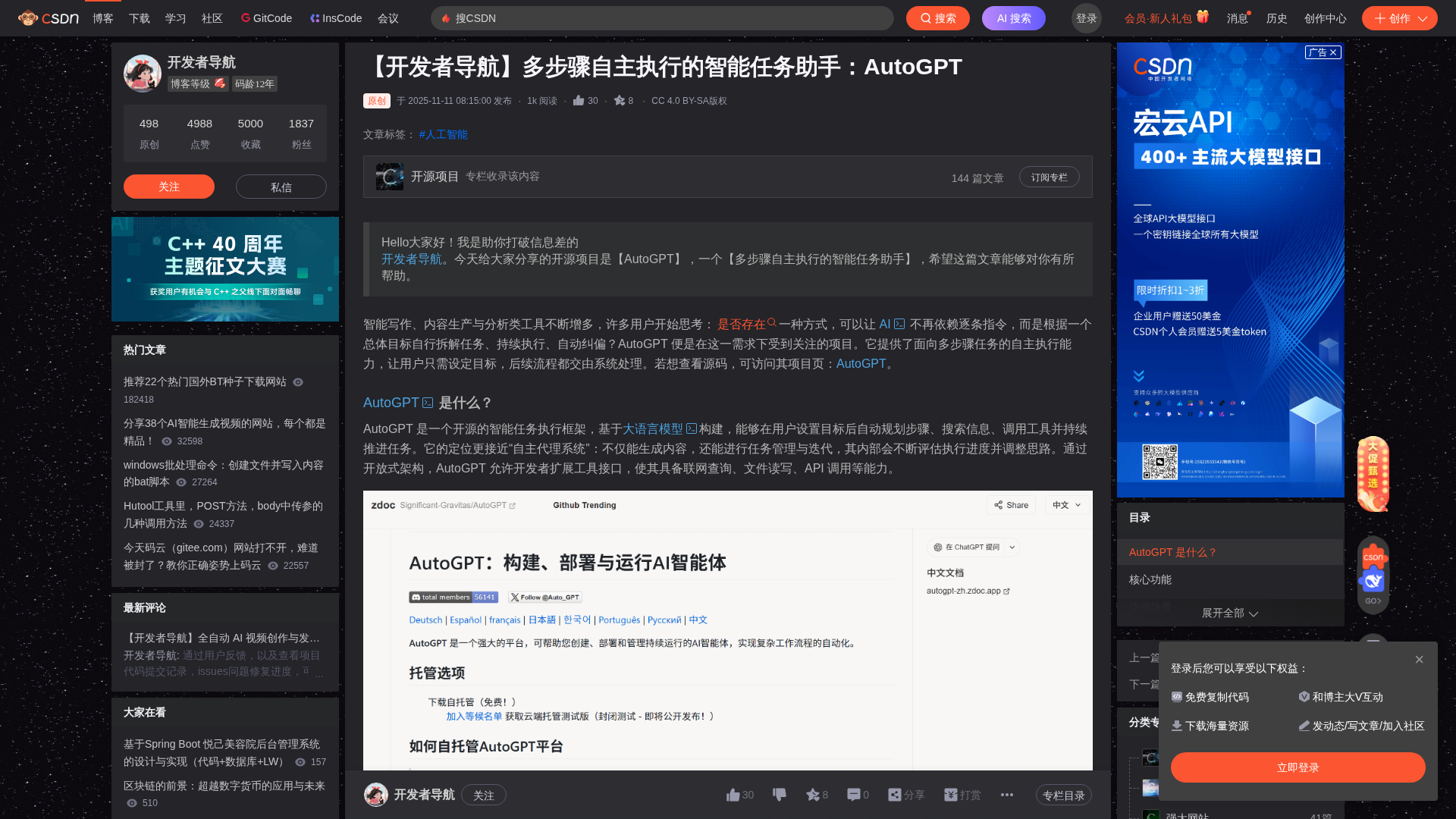
开源的多步骤自主执行框架,自动拆解目标、检索信息、调用工具并持续推进长任务。
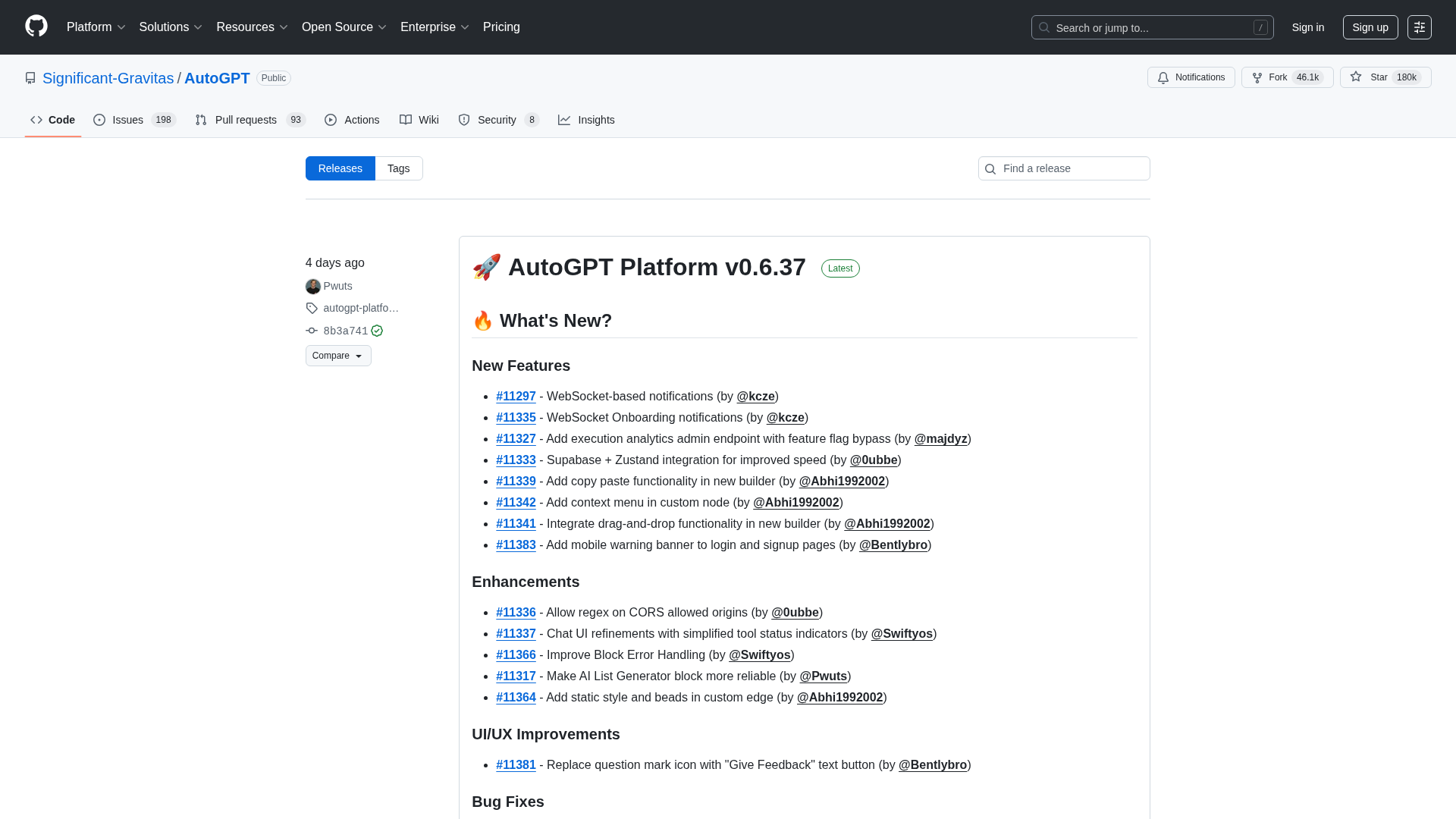
Major chat backend/UI, authentication controls, and builder enhancements for AutoGPT Platform Beta v0.6.36.
OpenAI signs a $38B AWS deal to lock in scalable, multi-cloud AI infrastructure for rapid model training and deployment.
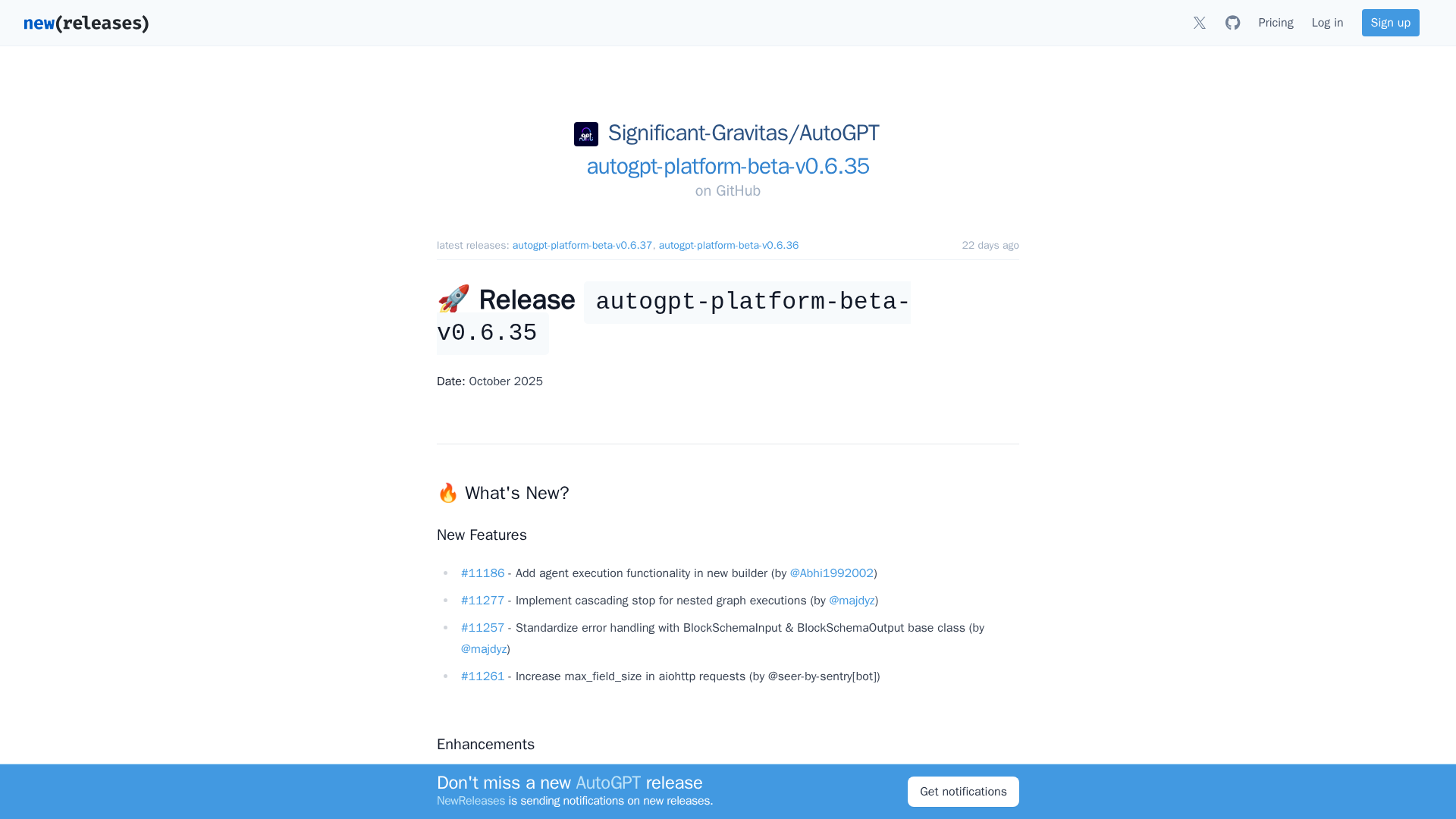
Release notes for AutoGPT Platform Beta v0.6.35 highlighting agent execution, error handling upgrades, and widespread fixes.
A practical, five-layer defense guide to securing production AI agents with Model Armor, sandboxing, network controls, logging, and ADK safeguards.